Luca Bramè
24 piecesBy this author
pagesWhat if your laptop had a FOSS firmware?
Hardware · 7 min · p. —
Actually, what is a Freedesktop Portal?
Desktops · 7 min · p. —
Ghostty in review: how's the new terminal emulator?
Desktops · 8 min · p. —
Flatpak is not perfect, but it's getting better
10 min · p. —Opinion: Is the Linux community really elitist?
The Linux community is an interesting place. There is really no single way to define it, really: everybody has a different opinion on how things work.
Foremost, the Linux community is awesome. It has its faults but, among all the communities I have participated in, the Linux community has consistently been the best one, with the most occasions to learn, and some of the most committed people. The Linux community feels like home at this point, and I interact with it almost every day.
However, the reputation the Linux community gets is mixed. Specifically, a lot of folks find the Linux community too elitist, too prone to turn away or exclude beginners from joining their ranks, and practicing toxic gatekeeping. But are these claims really substantiated in 2025?
Learning how to learn
A famous quote with a fairly contested origin says:
Give a man a fish, and you feed him for a day. Teach a man to fish, and you feed him for a lifetime.
If I had to describe what I love about the Linux community in a single sentence, this would be it.
The Linux community has the rather rare attribute of being filled with passionate people who really care. This is why, when you ask for help on anything, you will likely find people who are invested in really helping you.
The best way to help someone out with a technical problem is never to feed them the solution as it is but, way more often, it is to teach them how to solve it themselves. This happens a lot in the Linux community, too. While your issue can probably be solved with a single command to run be done with, you are going to find a lot of people who are going to try to help you reach that solution yourself. They are going to give you practical tips, they are going to give you leads. You will be pointed in the right direction, linked to documentation to read, but you will typically not be given the readily baked solution immediately.
For a beginner, this might be seen as annoying, or paternalistic. I am not going to lie: when I was a new leaf in the community, this behavior really annoyed me as well! As time went on, though, I realized just how important it is, for several reasons.
Firstly, contrarily to what a lot of people argue, helping a person this way is not as cop out, or a way to avoid making effort. Quite the opposite, in fact: providing the solution outright with no context or explanation is trivially easy to do, and it only takes a few seconds of your life. Helping you learn takes way more effort. A person whom you gave some leads to solve a problem is not going to stop there: they are going to go back to double-check their progress with you, and expect more guidance and pointers. Helping a person like this is a way higher commitment of time and energy than just giving them a command to paste and run.
The same happens when someone asks for help on something really specific and, rather than just being given the solution, they get asked for broader context. A lot of people usually get irritated at this step, because they feel as though their needs are not being listened to. Frankly, it is easy to empathize. People often leave these conversations being told what they are trying to do doesn't make sense, and that they should do something completely different. Initially, this behavior could make you feel unheard, or treated poorly. I certainly felt like this at the beginning. However, once you get more mileage with Linux, you will eventually start to get it. For any given problem, there is such a thing as a good or a bad solution. Frequently, the hard part is not the execution — say, coding a simple bash script that solves your problem — rather, it is the idea. The hard part is taking a broader problem and successfully narrowing it down to a solution that makes sense given a certain context. At the beginning, you will not have this skill, and you will chase a lot of dead-ends. While it can feel frustrating to be treated this way, your fellow community members are merely trying to pull you out of a rut, suggest you a cleaner solution, and giving you pointers in how to go about it. Those who do not let the irk and the annoyance get the best of them tend to learn a lot from these troubleshooting sessions.
Helping people learn properly is a lot of work, but it ultimately pays off. The open source community has been surviving through several generations thanks to a principle known as transfer of knowledge.
A community, like the Linux community, should not be perceived as a product of some sort. It is not a company that provides consultancy and professional services for a fee, it is not a vendor whom you contact to get support on a product you bought. It is a community of people who are united by the love for Linux and the ethical principles that stand behind it, and have a culture of helping each other. Every person is, simultaneously, expected to help and be helped. It is natural that, as you go on with your life, you might shift more towards one specific area of expertise: you can never know everything about everything. It is just not feasible.
Simply put, what often ends up happening is that, among all the people you transfer some of your knowledge to, some of them will stick around in the community long-term and keep interacting. Well — before they even know it, one day, they will spontaneously find themselves on the other side, transferring their knowledge by mentoring beginners, and helping them get past the same hurdles that once plagued them, too.
When you truly, intimately learn about Linux and related FOSS technologies, you will typically contribute back. Not only to fellow community members, but to the world in general. You will feel compelled to teach your friends about Linux, you will solve problems in your organization, you will use those skills in positive ways.
In a lot of other communities, this simply does not exist: when you ask for help, you will get spoon-fed a solution, but you will know nothing about how, or why, that works. Have you ever tried to diagnose a problem on a Windows computer? If you did, you will get what I mean. You will be given an extremely operative and to the point solution, but you will not know why it works. You might be given a .reg file to import to your Windows Registry, but you will not be told what it touched, why, and why it works. Likewise, you might be given a cmd command, or a series of clicks you must do in a graphical interface, but it will not teach you anything.
The best definition of what gatekeeping is, and when it is good or bad, is soatok's article “No Gates, No Keepers”, which I highly recommend you give a read. I have been unable to find any resource that explains it better. Going by soatok's definition, I can confidently say what the community is doing here does not count as toxic gatekeeping, because they are not trying to limit a newcomer's access to information, knowledge, or even acceptance in the community. If anything, they might be trying to gatekeep poor solutions that you should not attempt due to them being terrible ideas. But is that wrong? A good mentor should not only be teaching you what to do, they should be clearly teaching you what to avoid, as well. When you are a beginner in any skillset — programming, Linux, DevOps, writing, making music, whatever you want — the best thing you can do for yourself is to swallow your pride and learn from people who have already honed that craft for a while.
What about distro tribalism?
While what I have said above is still true, the old saying is still true.
“The truth is rarely pure and never simple.”
- Oscar Wilde
Along your journey in the Linux community, there is a non-zero chance that you will encounter folks who have really strong opinions on certain pieces of software. These opinions can be very absolute, rather than relative: you are not going to be recommended against a specific tool that might be unfit for the specific job you are trying to achieve; rather, you might be told that tool is bad, and you shouldn't use it.
The typical targets are Linux distributions and desktop environments that are really mainstream, easy to get going with, and widely used, like the Ubuntu Linux distribution, or the GNOME desktop environment. As a beginner, these statements might be disorientating to hear: imagine you have just began trying out Linux for yourself, by installing a copy of Ubuntu alongside your existing copy of Windows, and you are still learning to get the hang of Ubuntu. Everything is going well enough, until you meet that guy who tells you that you made a horrible choice, and everything you use sucks. Reacting with annoyance or frustration is not only understandable, it is the humanly natural response. It might even halt your progress there: I know that, for some people, it did. If every single distro and DE is hated for different reasons, it is surprisingly easy to enter “analysis paralysis” and choose none.
This is a complex phenomenon. Hatred towards certain components of the Linux desktop usually derives from frustration, or disagreement with the project direction. Even when it can be partially justified and understood, though, this behavior is not only not cool, but it is often perpetrated by people who do not have a lot of experience. With only a broad understanding of a topic, especially when the Internet exists and acts as an influence, people who do not have a ton of experience on it tend to have an overly simplified view of the world. In turn, this can lead them to think that something must be part of a binary category — it must be either good or bad. Right or wrong.
You should probably not listen to people who engage in this behavior: it is a telltale sign they really do not know much more than you do, after all, and you are better off learning from more experienced people.
Thankfully, though, every year that passes, I see less and less of this behavior. While this kind of tribalism used to be acceptable, engaging in it is mostly frowned upon nowadays. Yes, there are still spaces where this behavior is condoned or encouraged, but you should probably not hang around there too much.
While this problem will not concern you in the more popular and vetted Linux spaces, the community is big and varied. You should be cautioned that there are indeed spaces inside the community that are problematic, for several reasons, but you do not have to hang out there. On the contrary, you should probably leave those spaces as soon as you notice the red flags.
Speaking of spaces in the community that you should hang around, you are currently in one. Welcome! If you haven't done so already, you should really join our newsletter. It's completely free, and you will get the most important stories on Linux and FOSS right in your inbox, made with love, with no clickbait titles or sensationalized content, and informative excerpts that tell you exactly what you will find inside. If you are reading from Libre News, you will find the form just below!
The Linux community is waiting for you!
If you have not been interacting with the community out of fear of being mistreated, fear not. A lot of the concerns and stereotypes you have heard about the community come from years past. At this point, so long as you stick to the most popular spaces, you should be fine: most relevant projects enforce a Code of Conduct, and being accepted as a person is really not a problem. The Linux community absolutely thrives on diversity, and there is a spot for you, no matter who you are. This diversity is one of this community's greatest assets, too: people from different backgrounds and walk of life often have different approaches and perspective to bring, and that is key to a good, productive community.
All you need to do is be mindful where you hang out. While there are some fringe groups in the community who are elitist, practice toxic gatekeeping or are not really inclusive, basing their politics from reactionary and conservatice politics, those communities are typically small and few and far between. It is highly unlikely you will ever encounter one. If you do, stop hanging out there, and keep looking. Believe me — the community is diverse and it is made up of many little pieces. No matter who you are, your identity or your proficiency with Linux, this community is ready to accept you, and help you get comfortable. Hopefully, one day, you will be on the other side, teaching the next generation of Linux users everything you know.
I think that's fascinating, and, quite frankly, the direct opposite of gatekeeping.
Fedora is aiming for fully reproducible builds

“Unlike Windows computers, Linux is not vulnerable to malware!”.
How often have you heard this sentence? I am willing to bet, plenty. One of the most widespread myths about Linux is that Linux users are inherently more secure than Windows users, because “Linux can't catch malware”.
This is obviously a falsehood, as anyone with even some basic computer science understanding can guess: there is no reason why a Linux computer would not be able to run malicious code. Digging deeper into this myth, though, it is easier to see where the people who claim this fact come from: since Windows holds the majority of the desktop market share, most cyberattacks, in the form of malicious ads or phishing e-mail, are going to target Windows computers.
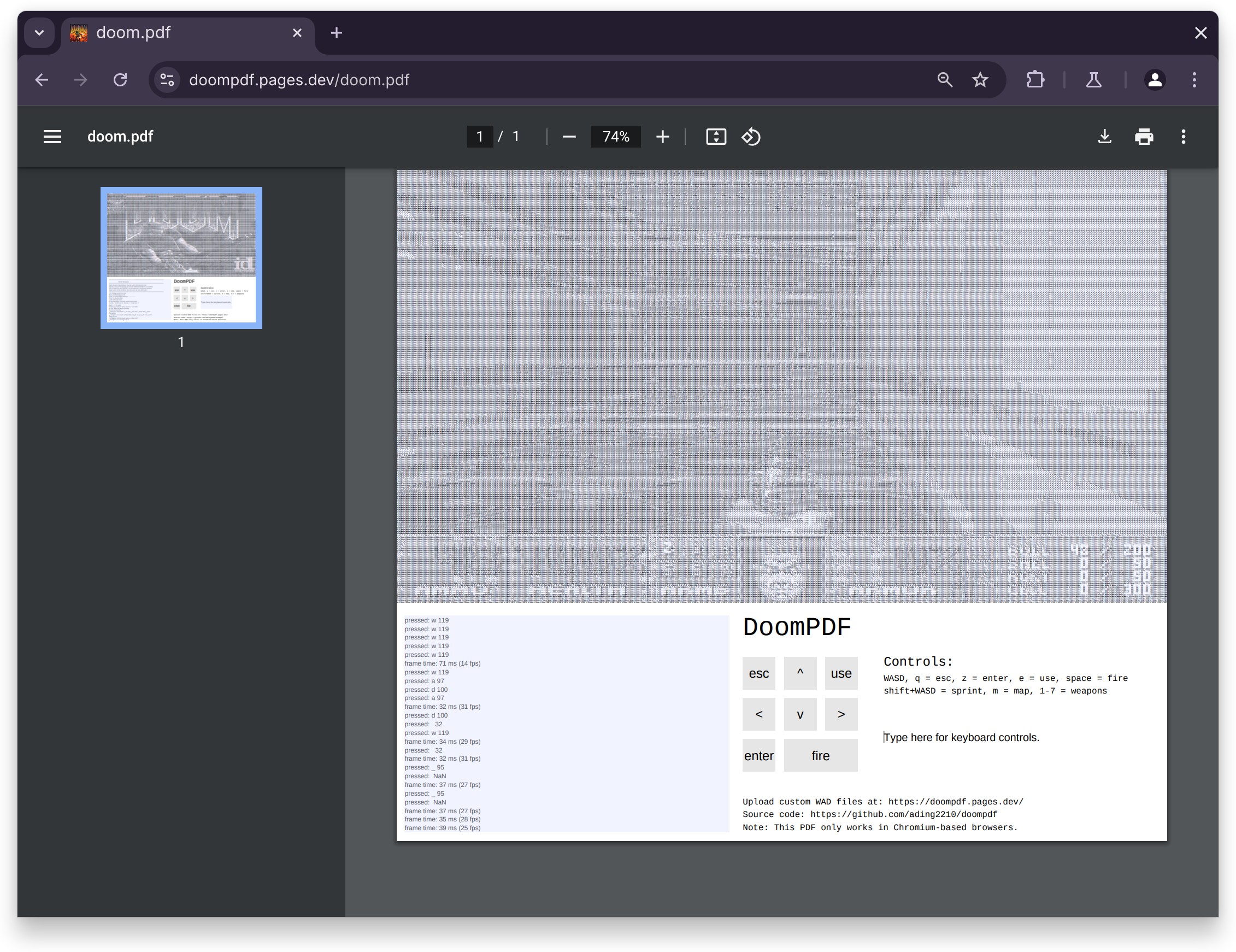
However, this overly basic understanding of cybersecurity and malware is far disconnected from reality. Even if clicking on a malicious attachment was the only way one could get infected, malicious code can run on more platforms than one might think of: if Doom can run in a PDF file on the Chromium PDF editor on any operating system, why would your Linux system be inherently any safer?
But we are not here to discuss this. In 2025, most people know better than to download and open a file of questionable origins. The good cyberattacks are actually a lot more complex than that. In the past, there have been several cases when an attacker managed to hijack the small, independently maintained website that a developer used to distribute binaries for their program, and leverage that to distribute an infected payload to end users. There are ways to counter this, for example, by checking the hash of the file you downloaded. But does it mean much, if the origin hash you are comparing it against is from a webpage that has been modified?
You might be tempted to write this off as something that only affects Windows and Mac users. After all, in Linux land, the standard way to install a piece of software is to use your distro's package manager to obtain the package from a centralized, trustworthy source. This already improves the security of installing a piece of software remarkably better: your distro's infrastructure is properly safeguarded, and it is likely more secure than the homebrew home server some random independent developer is hosting. But is it perfect?
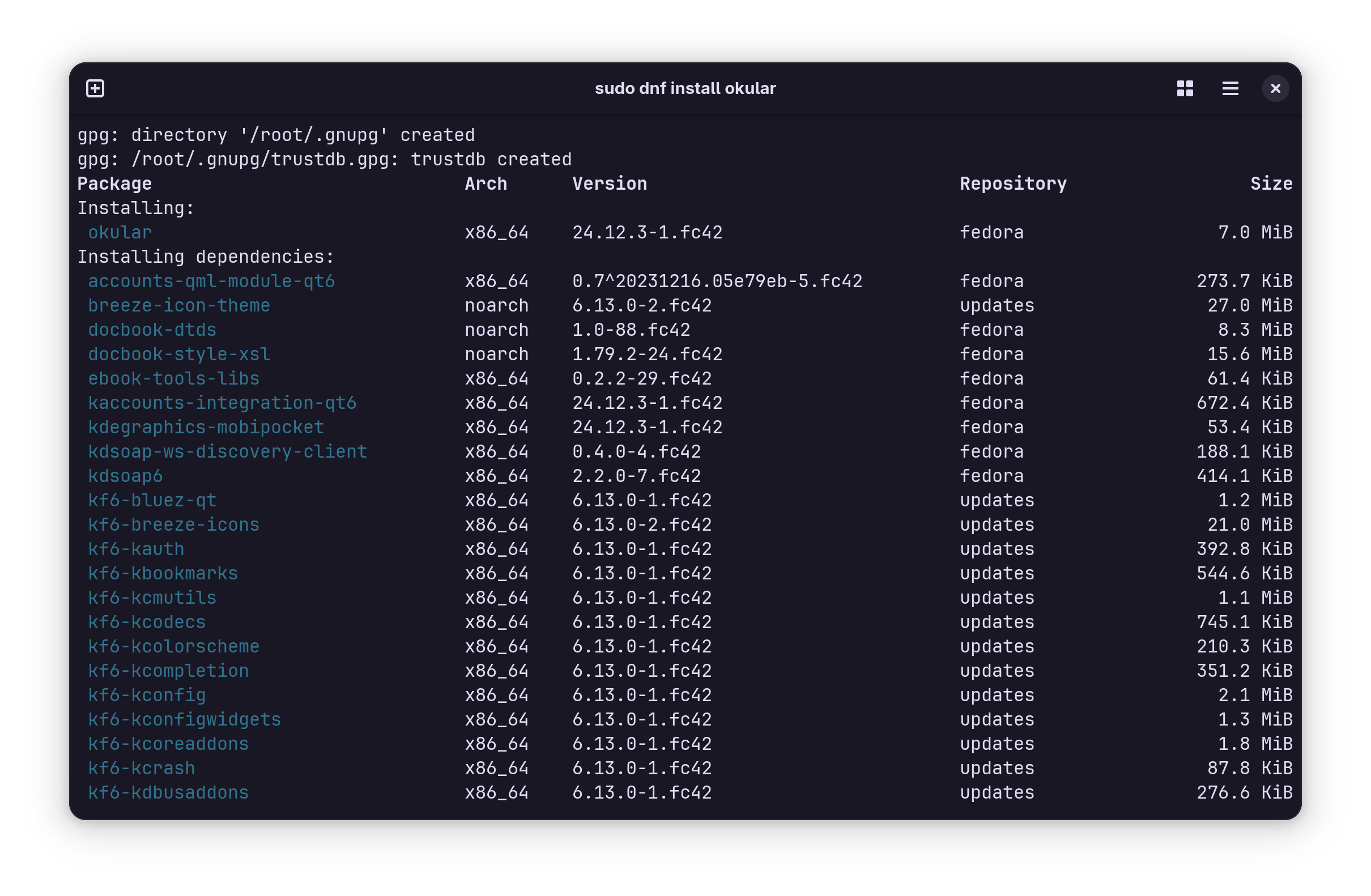
Imagine if an attacker was able to carry out a sophisticated enough attack that they were able to get the infected version of a certain package — perhaps something critical, like a library that a lot of other applications you may have installed depend on, or the Linux kernel itself — directly in your distro's repositories. And imagine nobody ever finds out.
You don't have to imagine. This is called a supply-chain attack, and it is one of the attacks that you, the end user, cannot do a lot to avoid. This is what happened to compression library xz. I am going to be short here, because this would deserve an entire dedicated article to itself, but the entire xz project was compromised by a malicious maintainer, going under the name of "Jia Tan". Jia Tan spent several years building a reputation as a core contributor to the project, only to then abuse the trust they had built to include a backdoor in one of the tarball source code releases. Linux distros typically build their packages from those releases. Eventually, the malicious code had found its way into a gigantic number of Linux systems. Thankfully, the malicious payload was discovered early enough that only users who had very recently upgraded their systems were affected, but it could have been a disaster.
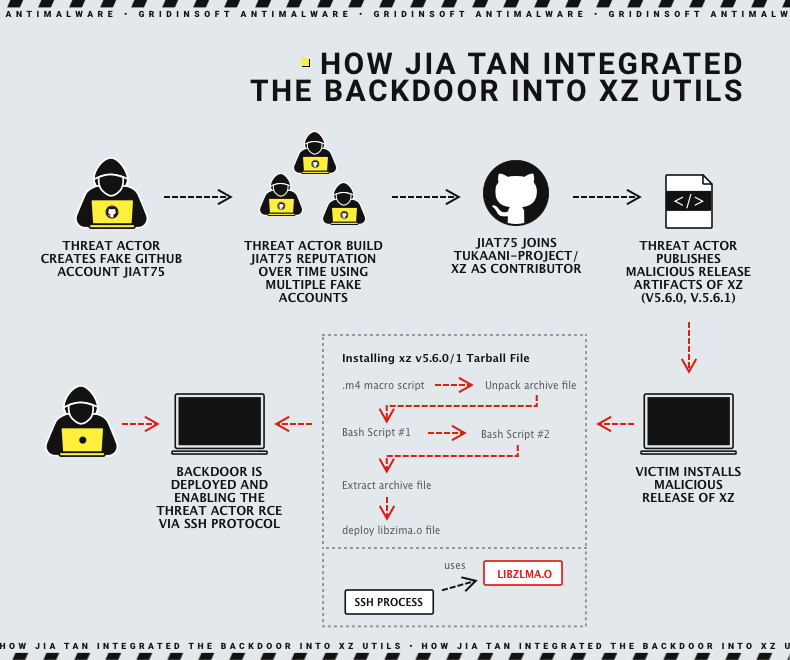
This is bad. Forget about obviously suspicious email attachments from shady senders — this kind of attack does not spare anybody.
How do we solve this?
While there is not much that can be done, at the distro level, to prevent future situations like this, Linux distributions can still take steps to ensure their own packages they build and distribute through their infrastructure are exactly as you would expect them to be.
What if there was a way to ensure that the binaries that were produced from a compilation and a package build of a piece of software perfectly matched the source code, and there is nothing that slipped through the cracks? Good news, it exists. It's called reproducible builds.
What are reproducible builds?
Quoting the official definition from the Reproducible Builds initiative directly,
Reproducible builds are a set of software development practices that create an independently-verifiable path from source to binary code.
A build environment produces reproducible builds when it is deterministic: with the same inputs, the same outputs are built. If, building the same source code, on the same operating system, using the same compiler and build instructions, anybody is able to reproduce a bit-by-bit identical copy of an artifact, then it means that the builds are reproducible.
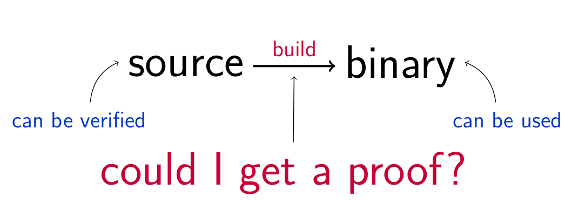
If you were able to prove that a finished package build you get is perfectly equivalent to what you were expecting to get, it would be trivially easy to avoid a host of issues: an attacker would have no business trying to ship malware by compromising your package repos. A hardware defect, such as a bit flip in memory on a compile server, would not cause a broken package build that would break in subtle ways on people's computers. All in all, users would be running systems that are more secure and more reliable, eliminating an entire class of possible bugs.
An unsung benefit of this situation is that this really aids the debugability of artifacts: if the build output is provable to be 1:1 derivate from the source code, then it is also easier to debug unexpected behaviors. It can be taken for granted that the malfunction is indeed due to a bug in the source code, rather than to a side effect caused by some bit-flip that happened in non-ECC memory at compile time.
Debian's journey with reproducible builds
While the topic of reproducible builds in Linux distributions is a hot one, it is not a new practice. The GNU project has been involved with reproducible builds since 1990, when they were making active efforts to make the builds for their GNU coreutils bit-for-bit reproducible.
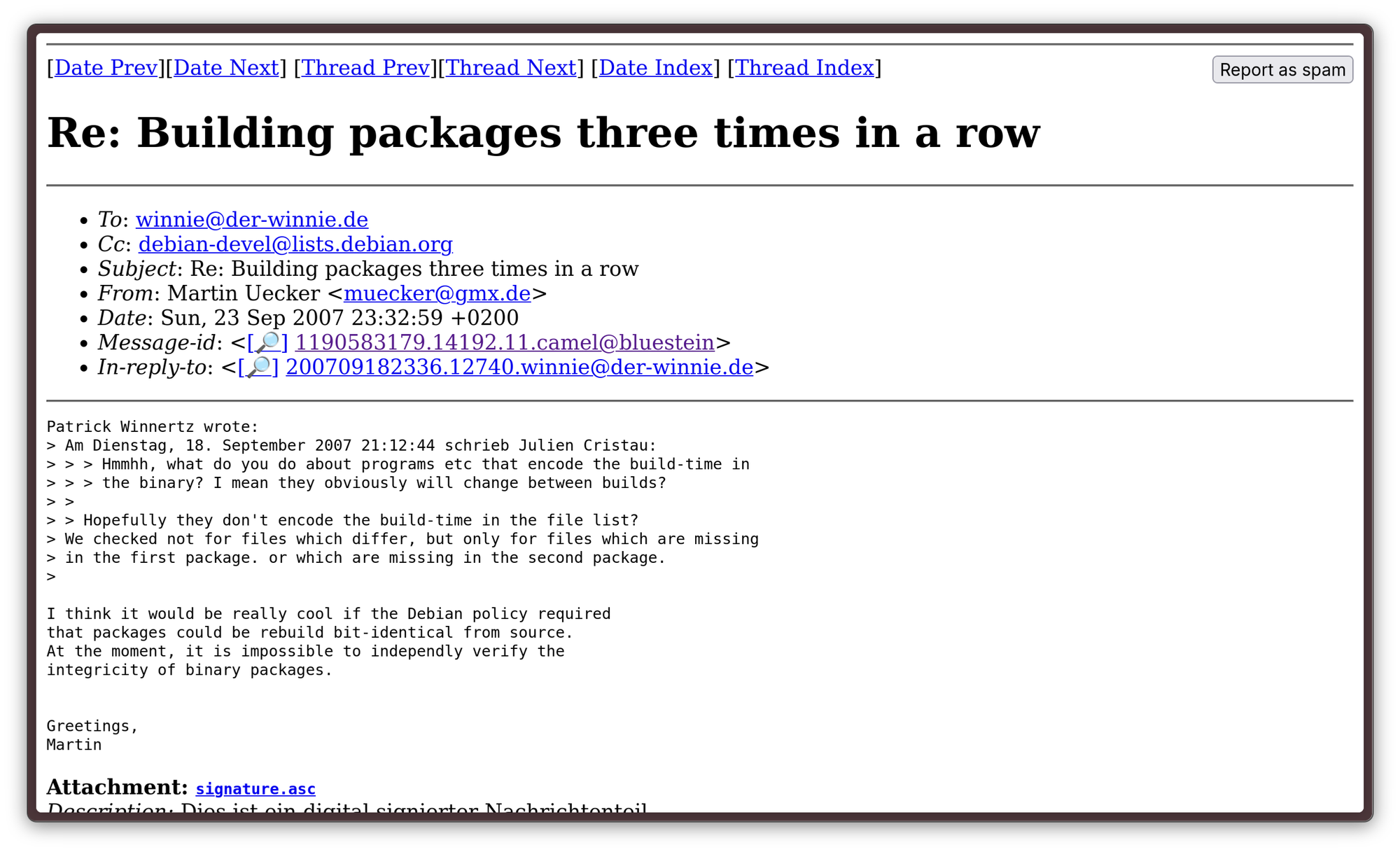
Not much later, people started talking about integrating reproducible builds in the Debian project. The topic was mentioned at first in 2000, and then more explicitly in 2007, when Martin Uecker mentioned the possibility of implementing reproducible builds in the debian-devel mailing list:
“I think it would be really cool if the Debian policy required that packages could be rebuild bit-identical from source.”
- Martin Uecker, 2007
After that, interest in reproducible builds grew slowly through the years: first due to the Bitcoin project implementing them, then, due to the disclosured on global surveillance in 2013. In light of those findings, Mike Perry began working to make Tor Browser builds reproducible, in order to stop a third party from attacking the infrastructure directly to compromise the browser:
“malware that attacks the software development and build processes themselves to distribute copies of itself to tens or even hundreds of millions of machines in a single, officially signed, instantaneous update”
- Mike Perry, Tor Project, 2013
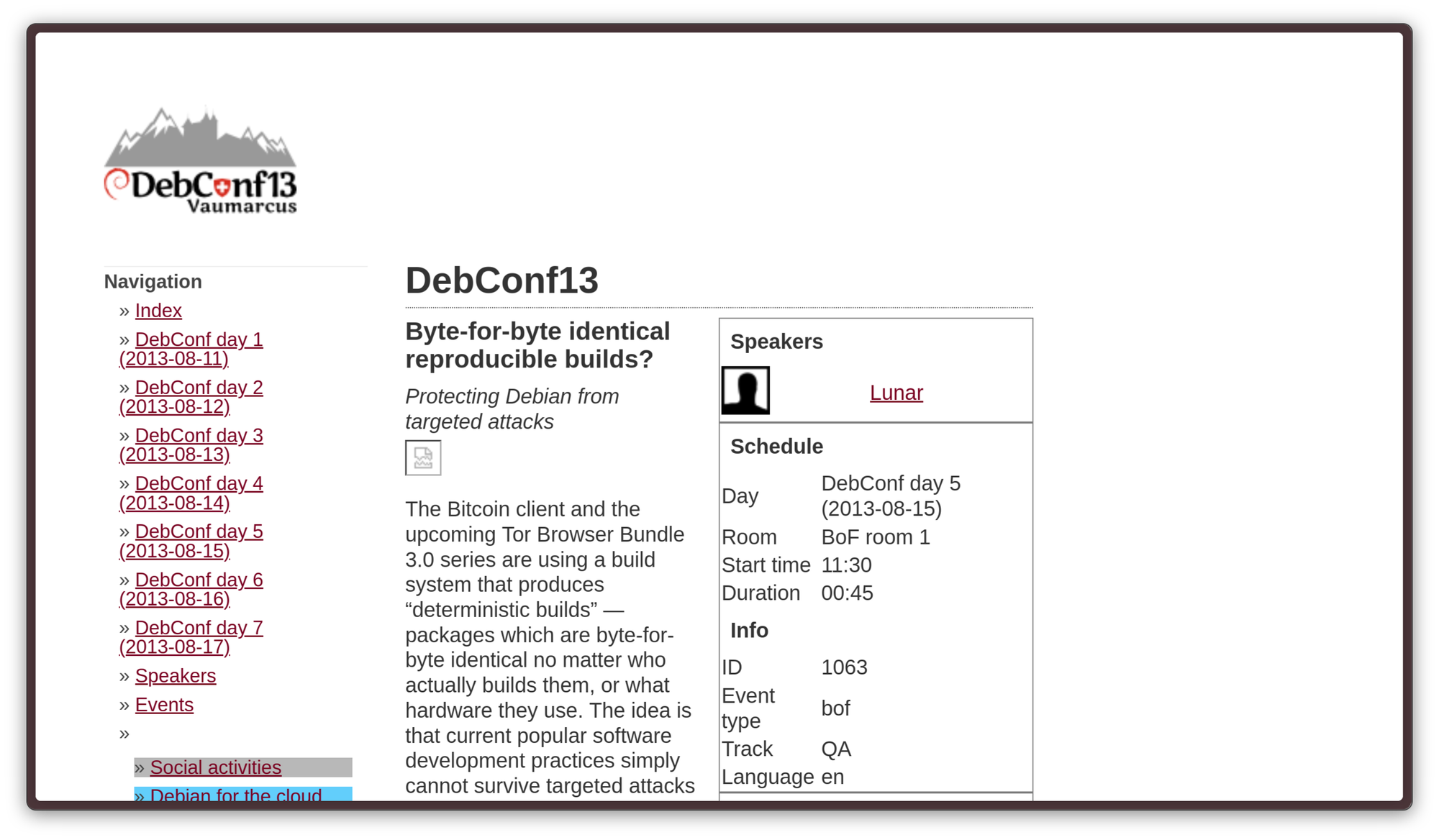
The Debian project finally started working on reproducible builds for their own infrastructure in 2013, after considering the idea at a discussion held in July in DebConf13. The discussion had been organized last-minute, and it only had 30 attendees, including the technical committee and other core teams.
The change was introduced via a discussion held in DebConf13, where other projects that had been implementing that technology — such as the Bitcoin currency — were brought as a demonstration of the possibility and the advantages of implementing such a system.
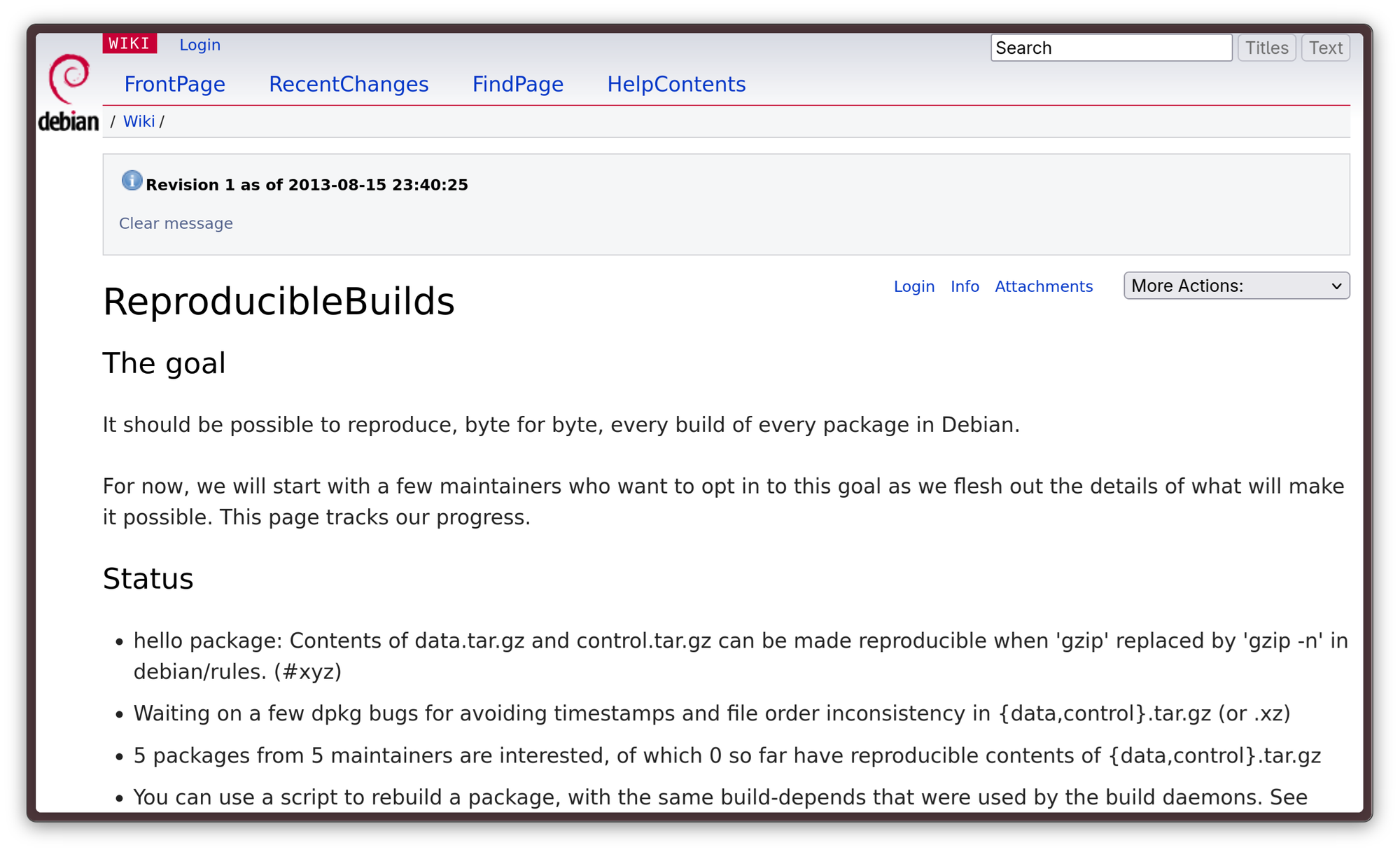
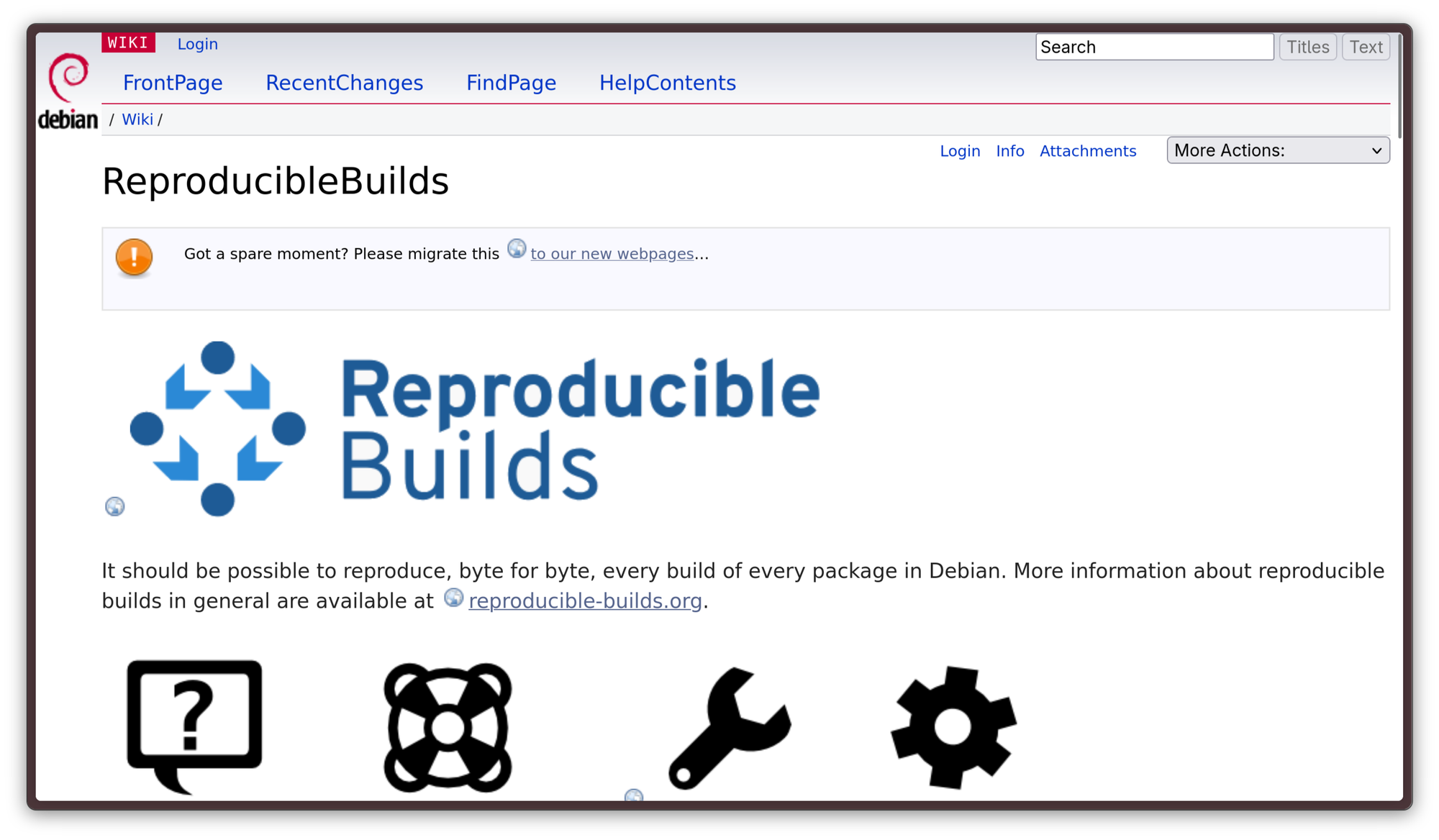
The Debian community was so interested in what had been the output of that discussion that a wiki page about reproducible builds was created, with the idea to get five packages to build reproducibly as a proof-of-concept. Getting that PoC ready unveiled several critical areas in the toolchain that would have needed to be addressed to make even one single package build reproducible, and this is where the bulk of the work began. That work proceeded very quickly, too: after some infrastructural modifications and two mass rebuilds, 67% of packages already supported reproducible builds by August 2014, in time for DebConf14.
The fruits of Debian's labor were fruitful: by July 2017, 90% of the packages distributed by the Debian project were reproducible and, today, all of them should support reproducible builds.
What Fedora is doing in this direction
While Debian is a virtuous example in adoption of this technology, Fedora is not quite there yet. For the longest time, the need for implementing reproducible builds was not evident within the project: all RPMs are built in a centralized, strongly protected environment. All packages are built from a dist-git, a git repository that contains the build instructions and a cryptographic hash of the package sources. This system allows to easily verify what changed between package builds, with what inputs they were built, and what changed in the build environment. Because of this very strong and vertical control on the entire build process, for the longest time, reproducible builds have not been considered a priority in the Fedora project.
There are also some caveats to implementing reproducible builds in the same way Debian has in Fedora: because rpm packages are distributed after signing, with the signature embedded in the RPM itself, it is impossible to achieve fully identical results. Another obstacle is that rpm builds inject some information about build time into the headers, which is mutable by definition. However, there is ongoing discussion about this issue.
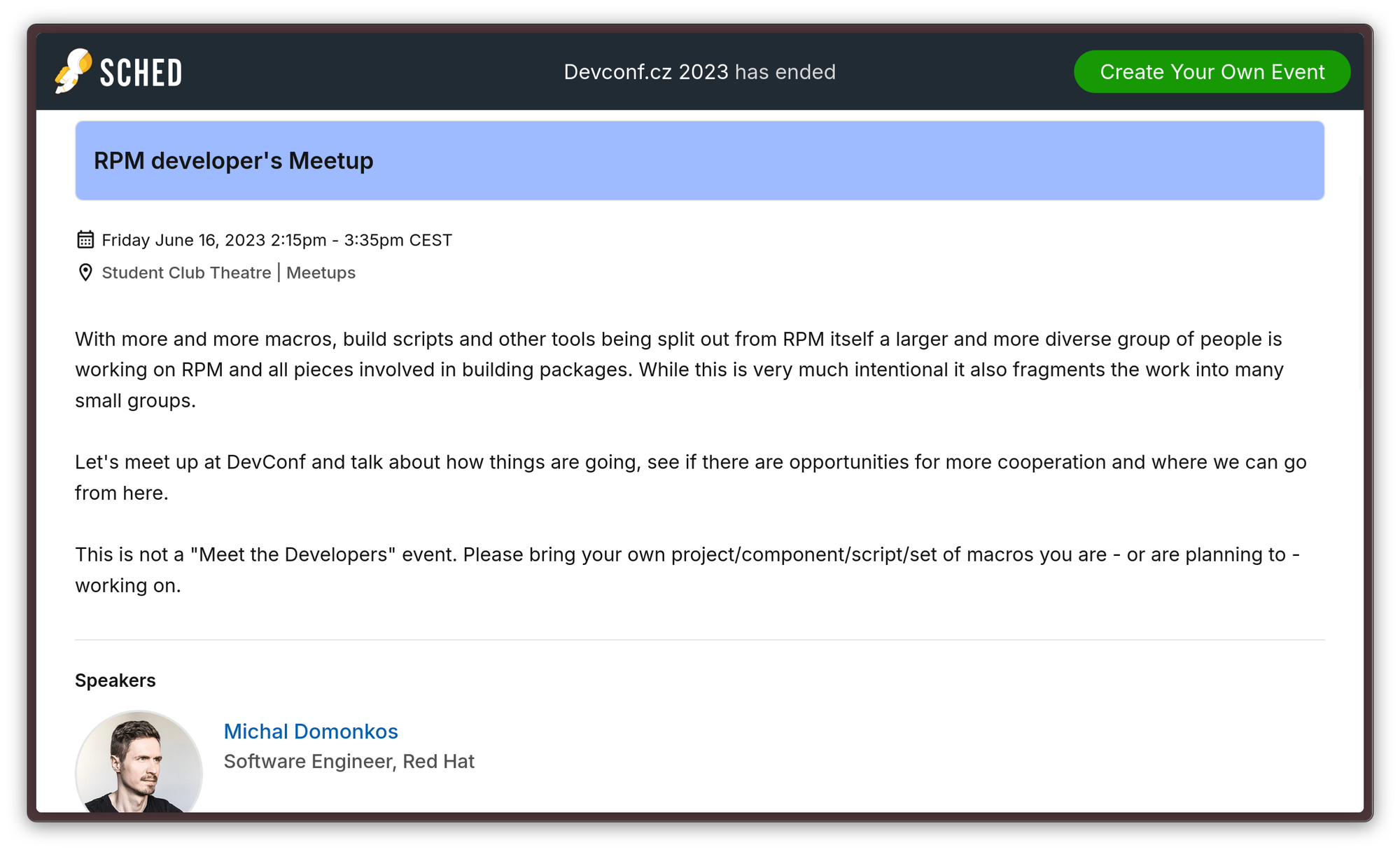
That, however, does not mean the Fedora project is not taking steps to make their builds at least way more reproducible than they currently are. The work has kicked off after a discussion at the RPM Developer's Meetup at DevConf.CZ 2023, a recurring event where RPM developers catch up on the status of RPM packaging.
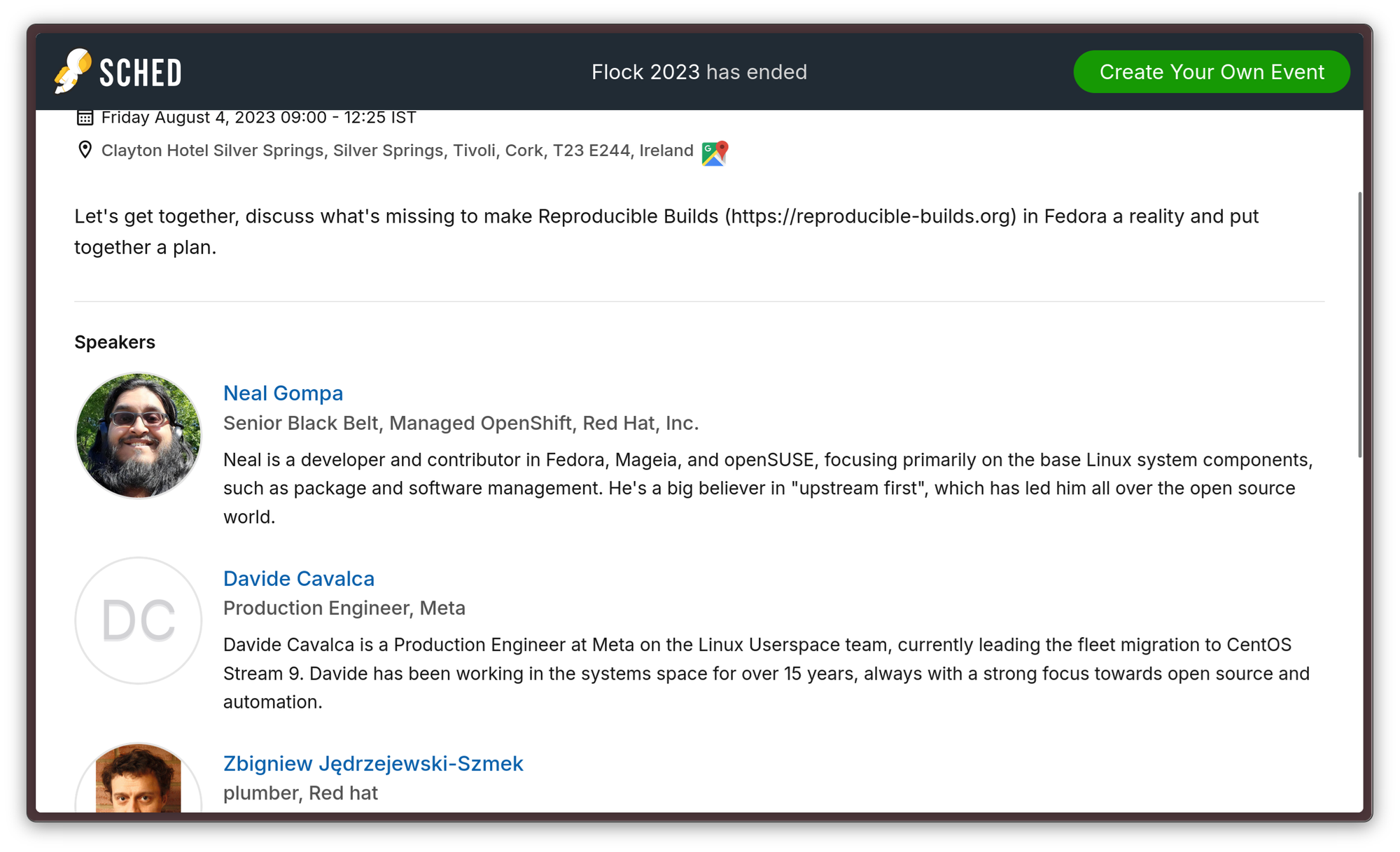
From there, a hackfest was organized during Flock 2023, that year's edition of Fedora Project's conference, where the work was given more structure: goals were formalized, an approach was defined, and documentation work on the known issues started.
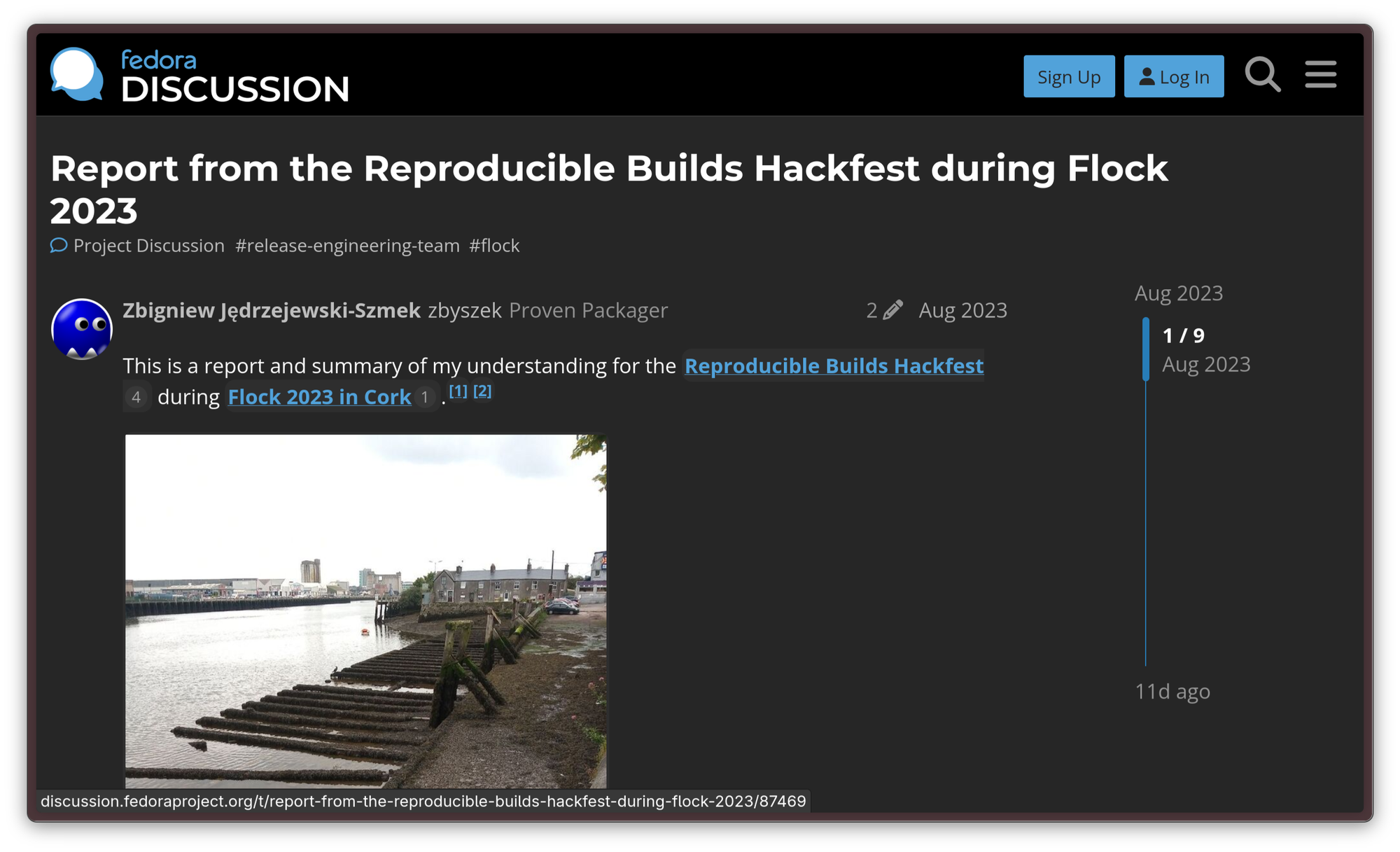
A recap on the hackfest is available on Discourse, for those who might be interested.
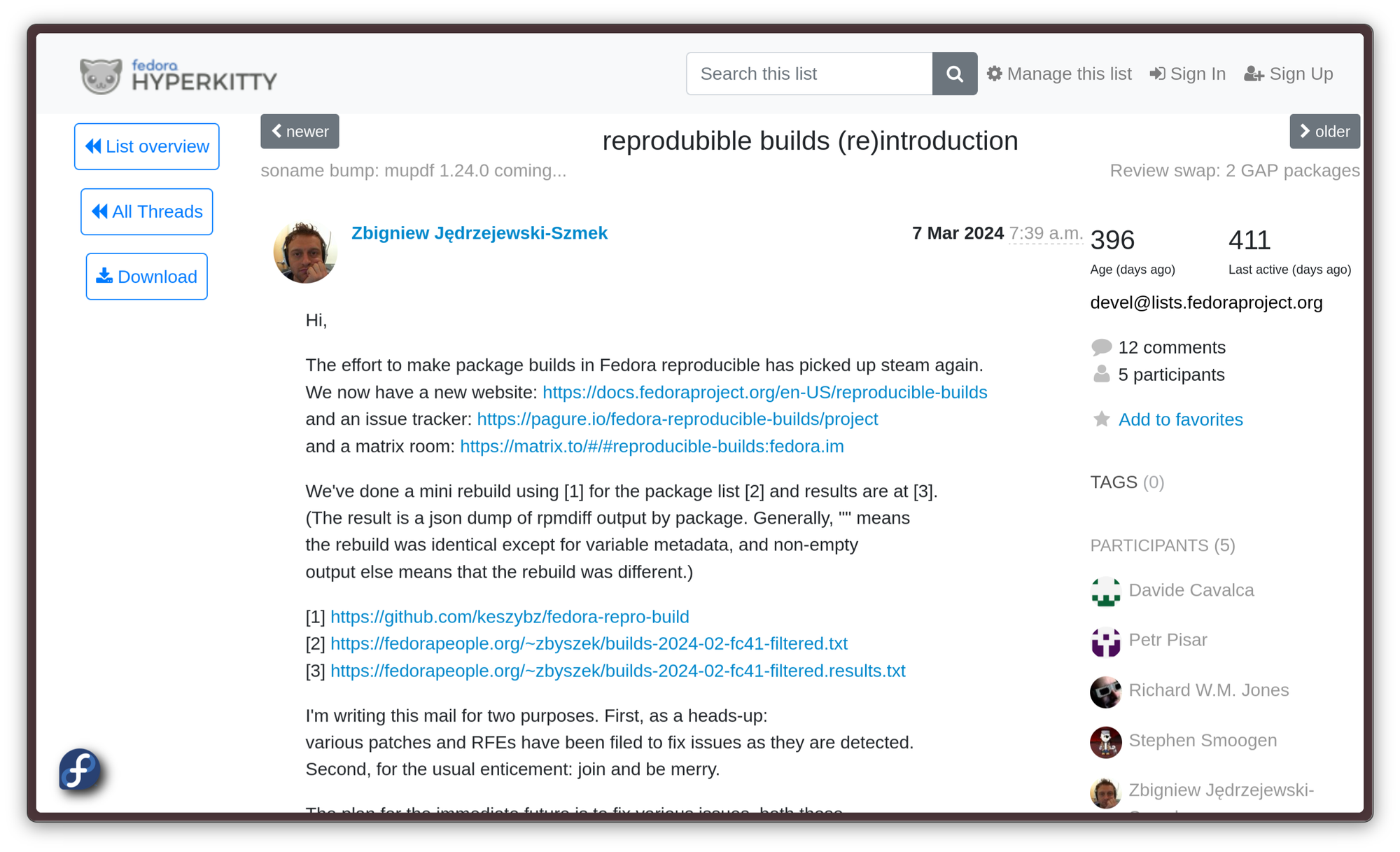
At last, the project gets announced on the Devel list in March 2024, kicking off the real work on reproducible builds for good. Now, it remains to be seen what progress will be made in the following months!
Flock 2025 will be held in early June this year. Sadly, odds are I will not be able to physically be there, but it's an event worth staying tuned for: hopefully, we will know more by then. There is an interesting talk on a "better dist-git ci" in the schedule already, among several others that seem related, so I have little doubt we will know more very soon.

New Fedora and Ubuntu updates dropped, and they're amazing.
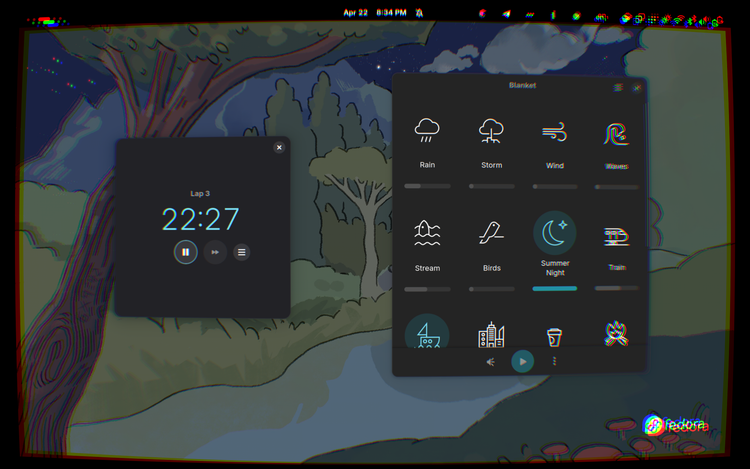
Ah, yes! It's that time of the year again! It's time for both a new Fedora and a new Ubuntu release, both with their own fair of changes. And this time, it's important ones. Let's get right into it.
GNOME 48 comes with a healthy performance boost
GNOME 48 has finally shipped in both of these releases. I invite you to read my previous article about it to find out about all the changes. Since the article was written, things have largely stayed stable: the most important change is that you get a really healthy performance boost thanks to Triple-Buffering support in Mutter, and the new Digital Wellbeing functionality is now complete. One thing that changed is that, on Fedora 42, GNOME's new Adwaita Fonts are finally live — and they look stunning.aa
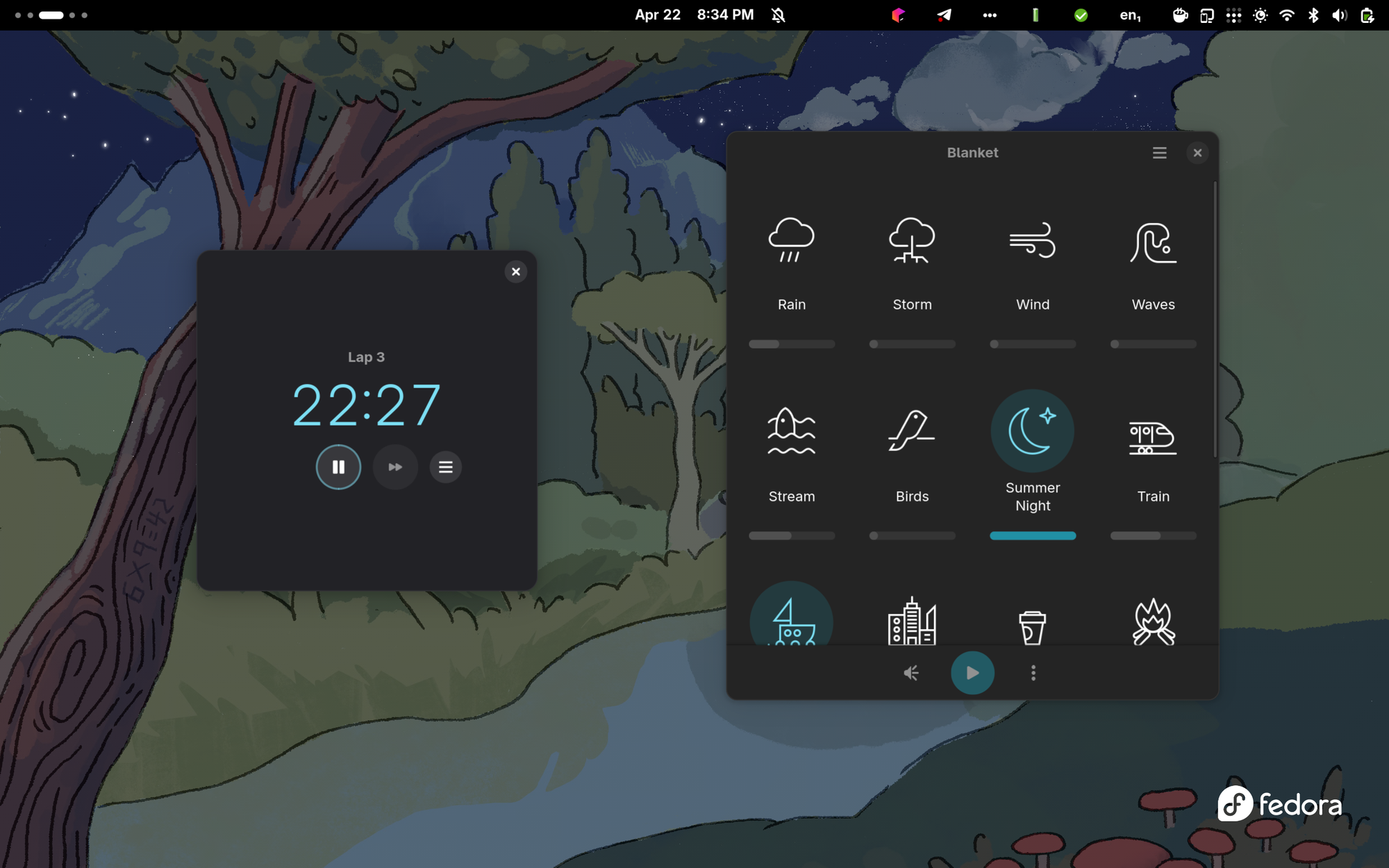
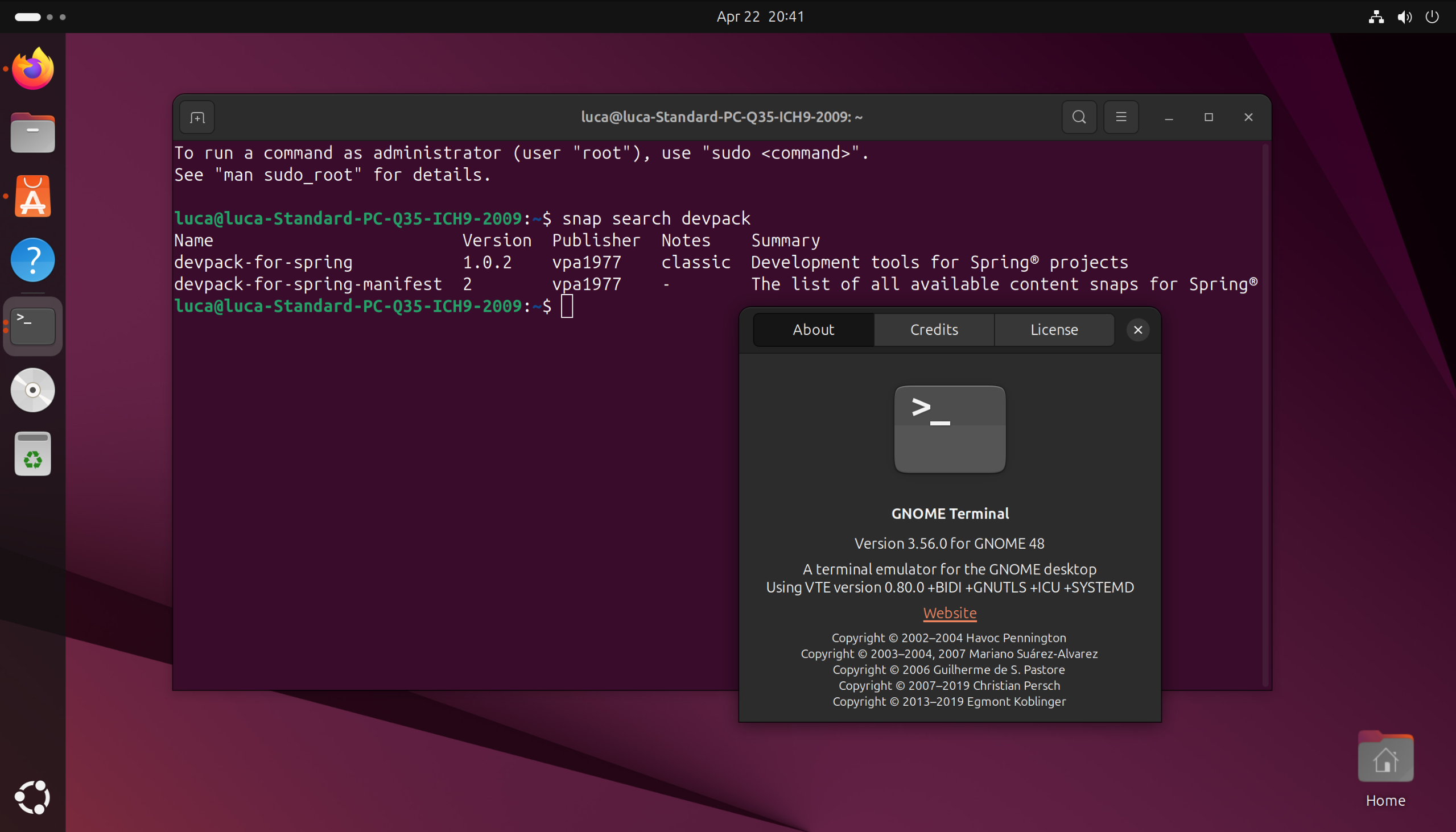
On the other hand, Ubuntu 25.04 keeps the usual Canonical branding with the iconic Ubuntu font. The terminal also stays unchanged: Ubuntu still uses the GNOME Terminal, while Fedora has since moved on to Ptyxis, GNOME's new container-friendly terminal based on GTK4 and libadwaita.
Linux 6.14: Finally, sched-ext is here!
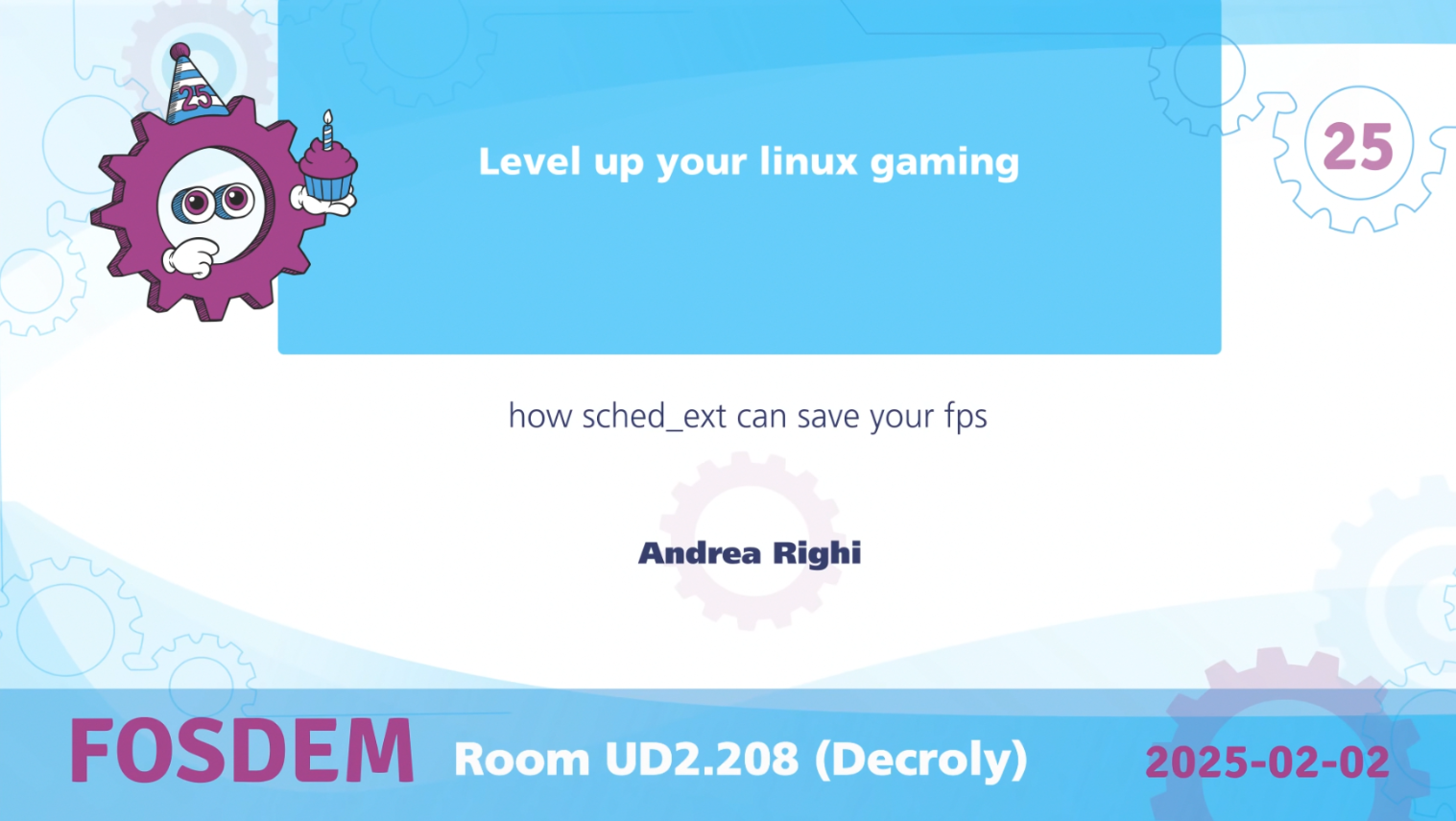
One of the biggest changes to be seen is that both distros got upped to Linux kernel version 6.14. This version delivers a host of improvements but, honestly, the one I am excited for the most is support for sched-ext, a new kernel feature that allows people to implement kernel thread schedulers with the eBPF backend. This i9s a big innovation on the scheduling space that opens for some very interesting opportunities: being able to use thread-safe schedulers defined at kernel runtime is a big deal for many performance-critical applications, like gaming.
Nvidia engineer Andrea Righi made a very nice talk about it at FOSDEM 2025. Go watch it after you're done here, I found it to be great content.
sched-extFedora 42: New installer, KDE ISO joins the cool kids club
Fedora 42 has been one eventful release. Right off the bat, we get two massive changes: at long last, the old Anaconda installer has been replaced by the newer Anaconda Web Installer; and the former KDE Desktop Spin has finally become part of the cool kids club, turning into an official Edition! The wallpaper is also beautiful, following the same style as the Fedora 40 one, which is still, to this date, my favorite desktop wallpaper in general.
Fedora's new installer is easier to use and more comfortable
Fedora finally got the highly-anticipated Anaconda web-based installer. If you have sour memories from Fedora's old installer, fear not: the new one is much better. The installation process is very streamlined, as it takes you from live disk to a working installation configured with full-disk encryption within mere seconds of setup.
Fedora's new installer is pretty good
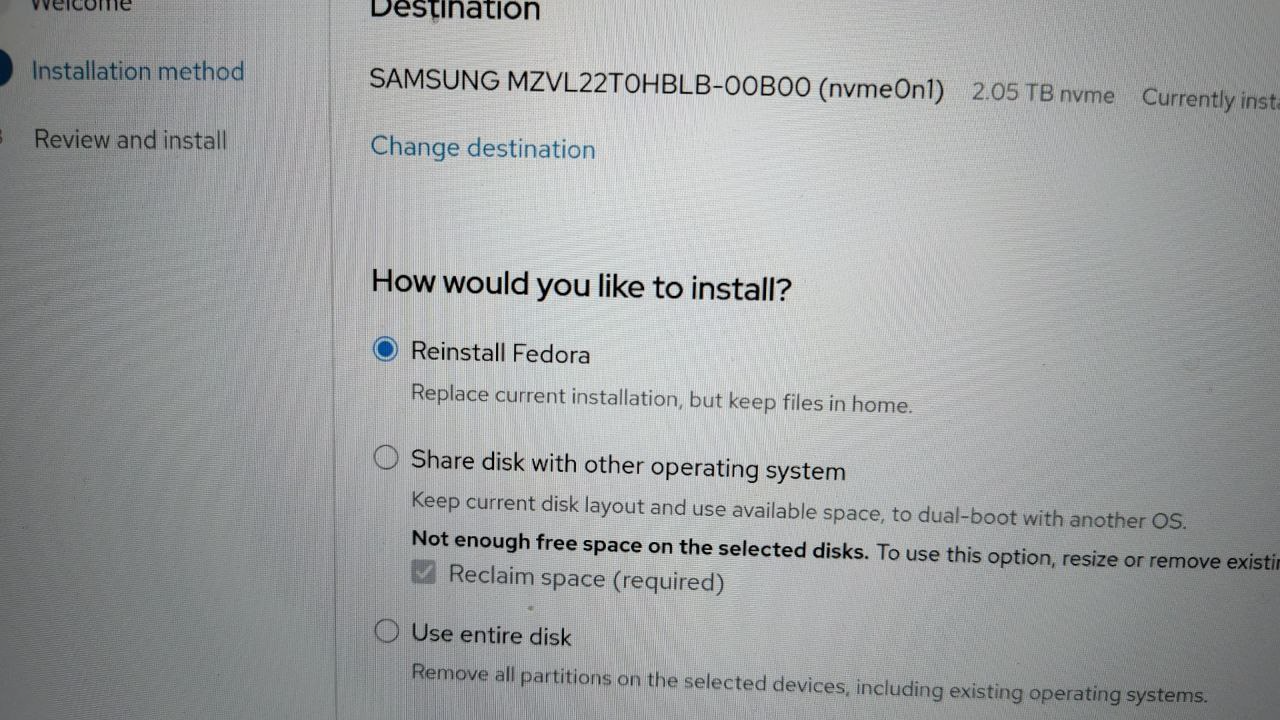
Additionally, the new installer provides much better support for dual booting. If you still have Windows on your laptop, and you need to keep it, it is now much less scary and confusing than it used to be to set up a dual boot with Fedora.
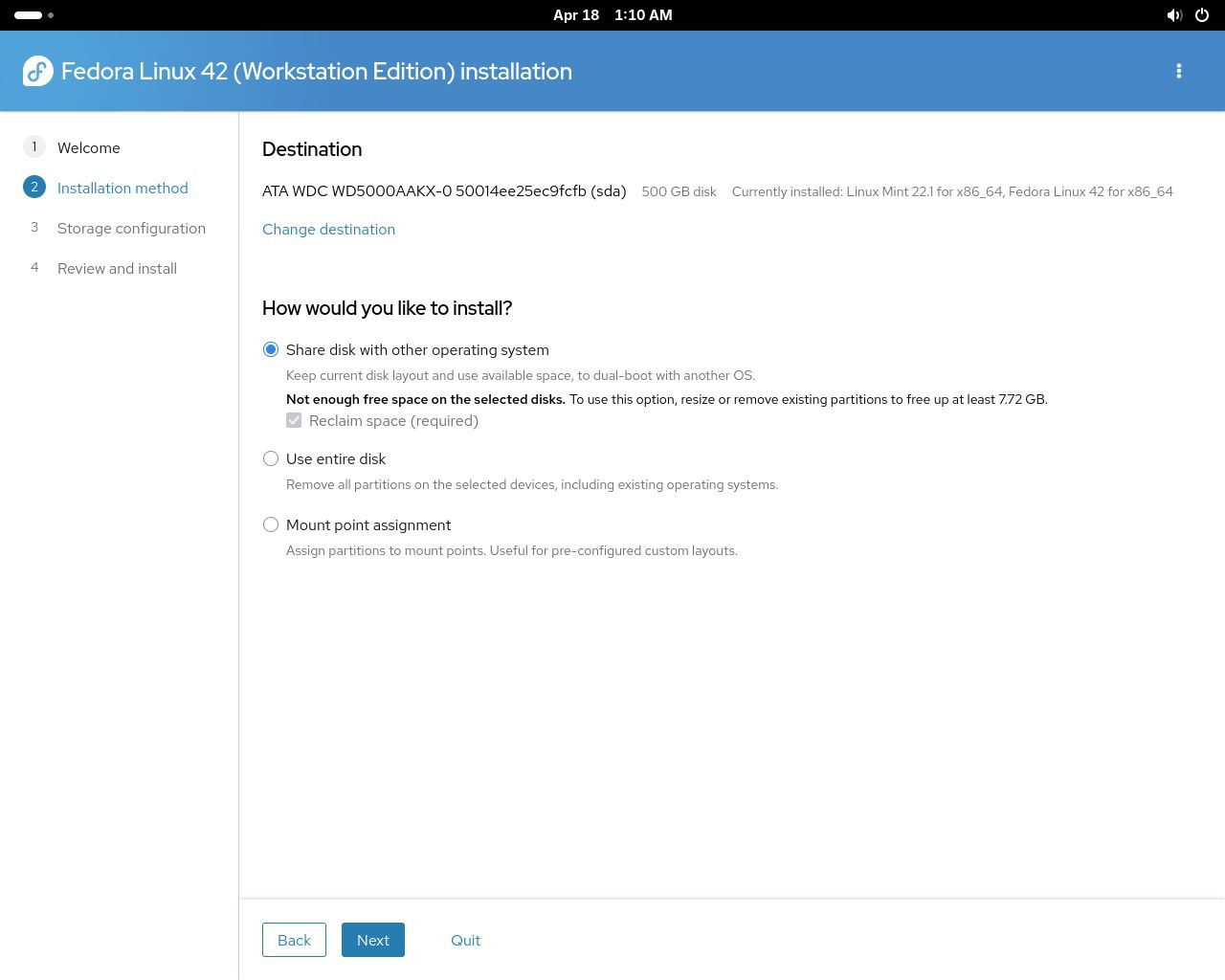
Another very useful feature in the new installer is the option to make an in-place reinstall of Fedora. Finally replicating one of the cooler things left about Windows, the installer now lets you make a clean reinstallation of your system, while keeping all your files intact. This is super useful: while a well-maintained Linux installation can go on for decades, stuff happens. Package rot is a thing, and the dependency hell can cause leftover packages to be stuck in a limbo every so often. Across several upgrades, unless you are careful to manually remove the older applications, older versions of apps stay there even as they are superseded, not to break users' workflows. Or, perhaps, you have installed packages recklessly through the years, and now your system's a mess, and you don't even want to get into the spring-cleaning. In short… Sometimes, it can be nice to just have the opportunity to nuke it all and start over. Also, updates get corrupted! It's rare, but it happens. That's why the Fedora updater tells you to make a backup. The most annoying part is usually the big backup, grabbing an external hard drive, quadruple-checking everything important is off the disk, and then copying everything back afterward. It doesn't have to be this way, though: with this option, you can just reinstall the base system, leaving your files and configurations where they are. In no time, you will have a clean, fresh, minimal installation to build back as you wish.
KDE ISO joins the cool kids club
For the longest time, Fedora has been going for being very GNOME-centric. I am unsure how deserved this claim was: their KDE image has always been one of the best KDE experiences one could get out of the box.
Spins, however, in Fedora's hierarchy, are considered more secondary options, so, it was technically below Workstation, the GNOME build, which used to be considered the de-facto default. If you take a look at Fedora's new landing page, however, you will quickly notice this is not the case anymore: the KDE version is now an official Edition, sitting right beside Workstation!
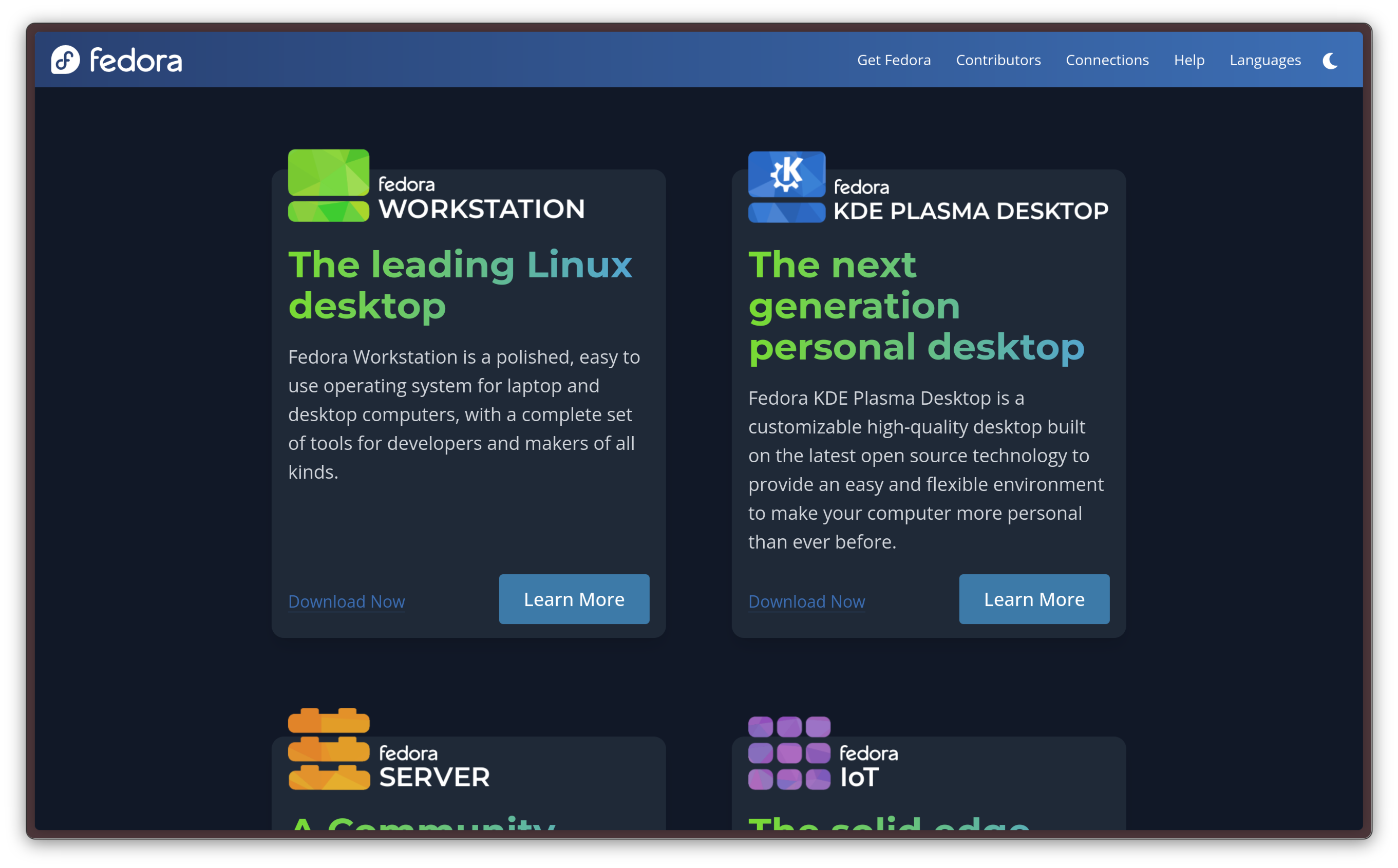
On top of a much more polished landing page, the KDE version is no longer a secondary option, it has the same level of priority as the “cool kids”, Fedora Workstation, Server, IoT, CoreOS, etc. This is great news for KDE Plasma fans, as we can probably expect more focus to be put on the KDE version in the future. Immediately, though, even the onboarding experience feels much more Fedora-like: not having to dig through sub-pages to find the ISO download link on a much less impressive landing page just makes Fedora KDE feel way more legit.
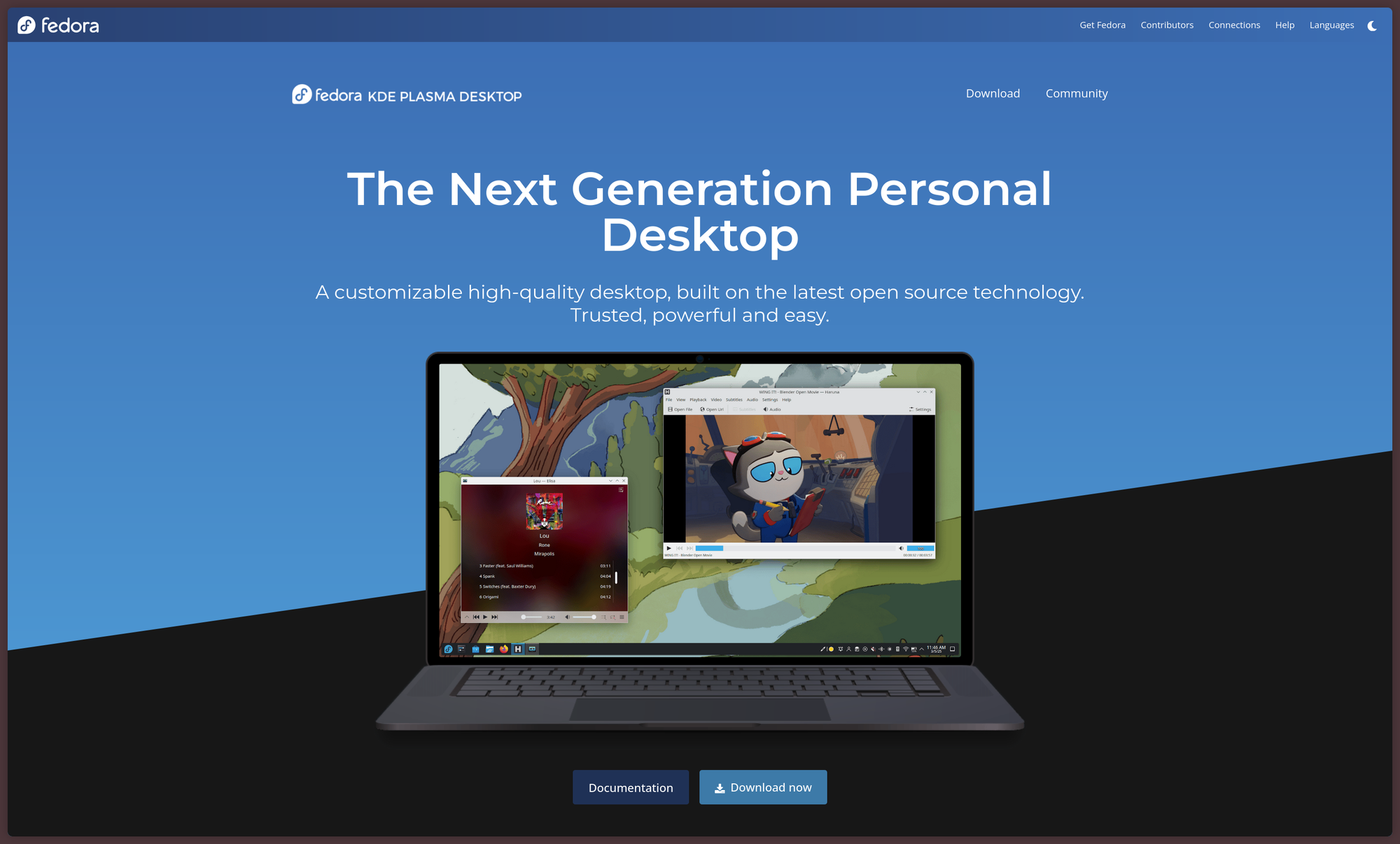
It was about time. The days when the KDE Plasma desktop would lag behind GNOME in polish and UX are long past us and, nowadays, both desktops deserve equal credit and recognition for how far they have come. Bravo, KDE and Fedora!
Fedora now supports the WSL
Just like many others, I, too, have to use a Windows machine at work (:c) for now, due to corporate policies. Software development on Windows is, notoriously, a pain; so I have mostly resorted to doing as much as I can within the confines of the Ubuntu WSL image. It was okay, it certainly beat the likes of MinGW and Msys2, but I had some issues with GUI applications.
You can imagine the joy I felt when I read Fedora 42 can now be installed as a WSL 2 distribution. Presto, the wsl.exe --install Fedora command had already been run from an elevated PowerShell shell on my company laptop, and the Fedora VM set up the way I like it. I was honestly left thoroughly impressed: this is easily the smoothest and best WSL experience I have ever had thus far, especially regarding running GUI applications through WSLg. This release appears to be shipping the entire GNOME desktop, which is… good. My usual companions, like ghostty, Kate and Text Pieces finally render correctly on Windows, and work smoothly with full GPU acceleration.
Of course, this is nothing like real Fedora. But, if running it is not an option, this is is way better than nothing.
Ubuntu 25.04: Plucky Puffin on a box near you
This time, the slightly more eventful release is the new Ubuntu. So, I shall start from that.
Ubuntu's installer gets upgraded
Traditionally, up to Ubuntu 22.04 LTS, the Ubuntu installation images have bundled the Ubiquity installer. Ubiquity has served us fine, but the new installer, based on Flutter, has been here from 24.04 onwards. In this release, the installer gets better support for dual-boot configurations alongside Windows and other operating systems. It gains advanced partitioning and encryption options, and it now cooperates better with existing Windows installations encrypted with Bitlocker. This clears one of the main sticking points with the Ubuntu installer, where dual booting was known to be quite finicky.
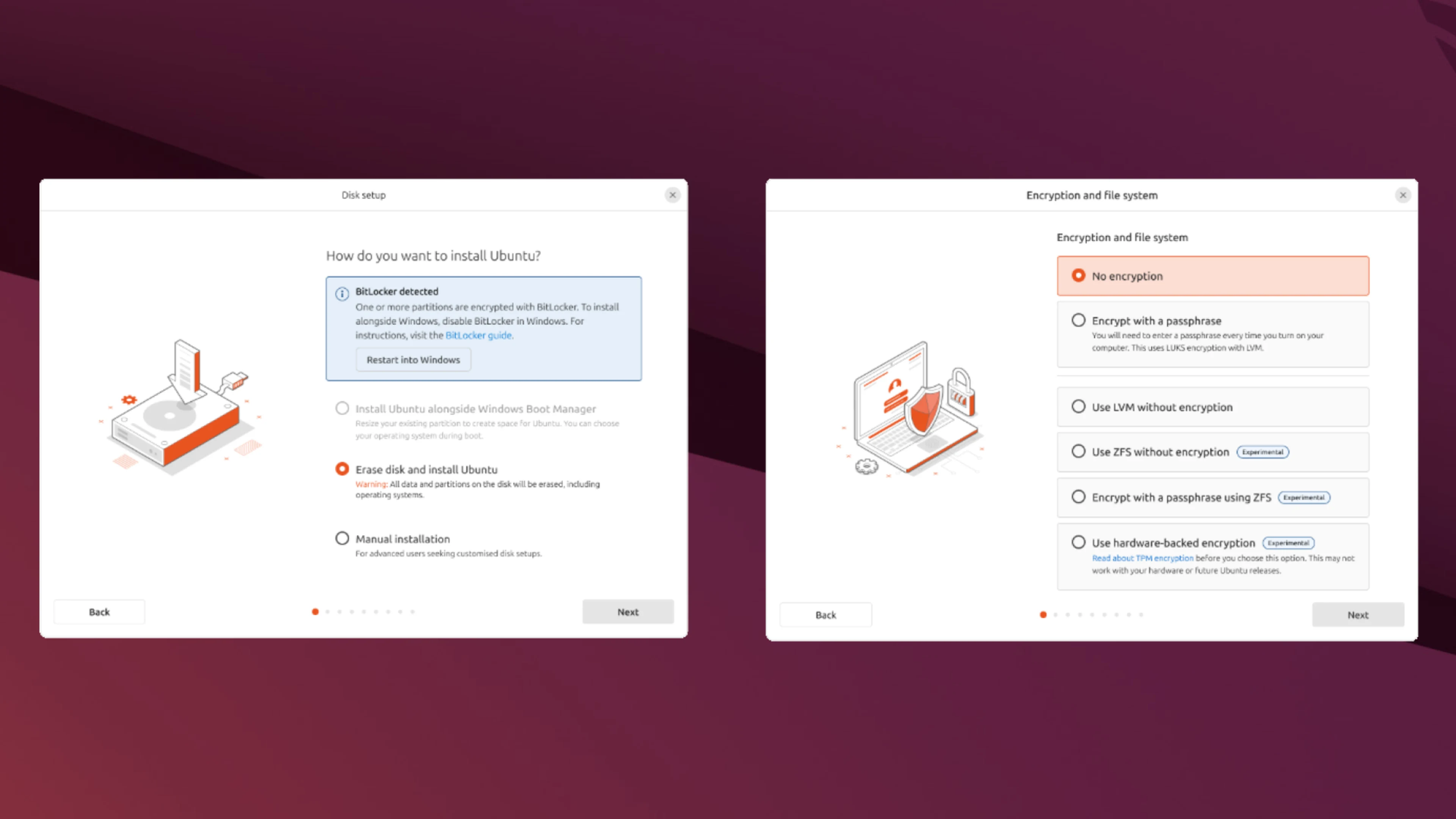
Ubuntu's new installer has been getting really quite good. I appreciate the inclusion of the Accessibility options immediately, and just all the attention to detail that has been put into it. It also makes it super easy to enroll a computer in a Microsoft Active Directory domain, which should hopefully encourage more companies to integrate Linux in their fleets.
Ubuntu's new installation process
Developer experience upgrades
Ubuntu 25.05 ships the current toolchains for Python, Golang, Rust, .NET (yes, it runs on Linux nowadays — and well, at that), LLVM, OpenJDK and GCC but, this time, they went one step forward: a devpack for Spring!
This release introduces the idea of devpacks, all-inclusive packages that leverage the Snap package manager to install an entire development environment in one go. Canonical says they want to expand to more popular frameworks going forward, but they are starting from Spring Boot, Java's most popular web development framework. Installing it was pretty easy, just read the documentation beforehand.
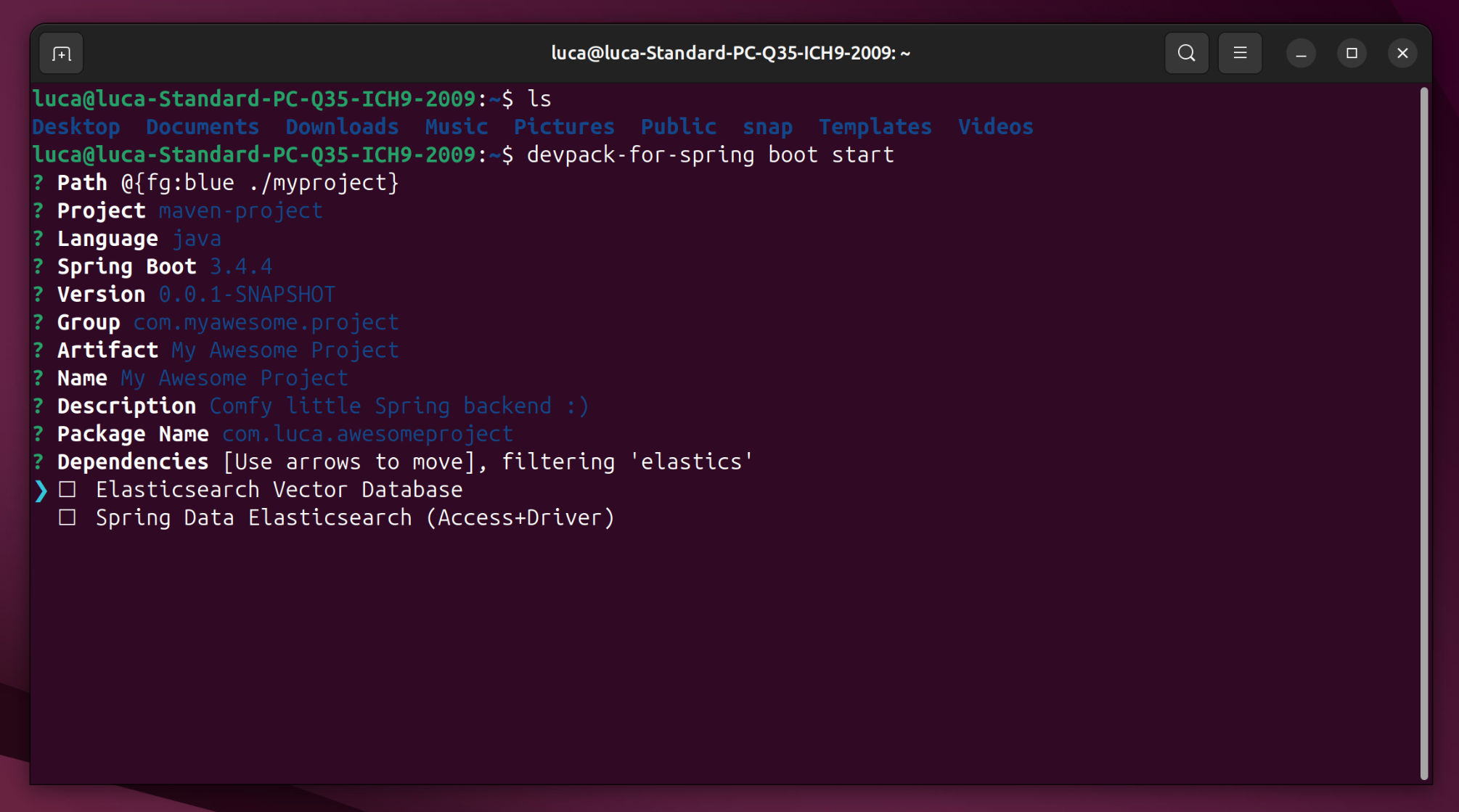
In just a couple commands, it is trivially easy to get going with Spring development: the first installs the toolchain, the second guides you through an interactive tutorial.
For those of you who are unfamiliar with backend development, this is a handy CLI version of the Spring Initializr, a handy utility that lets you generate a new Spring Boot project easily. It lets you pick the language you want to use, metadata and more with just a few clicks. With the devpack, it's just even better!
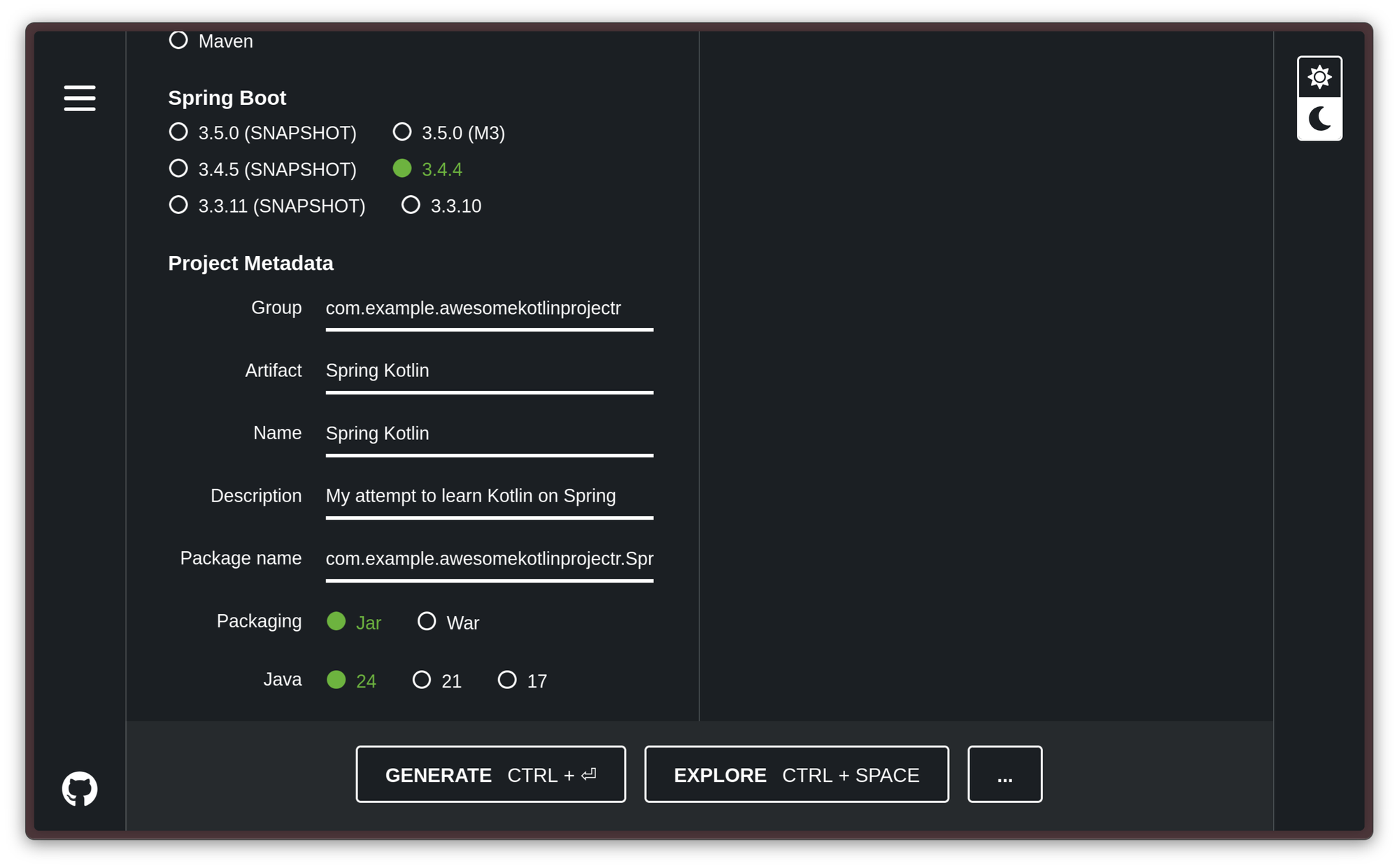
And, in just a few seconds… just how I wanted it. A Java 24 Spring project with Maven.
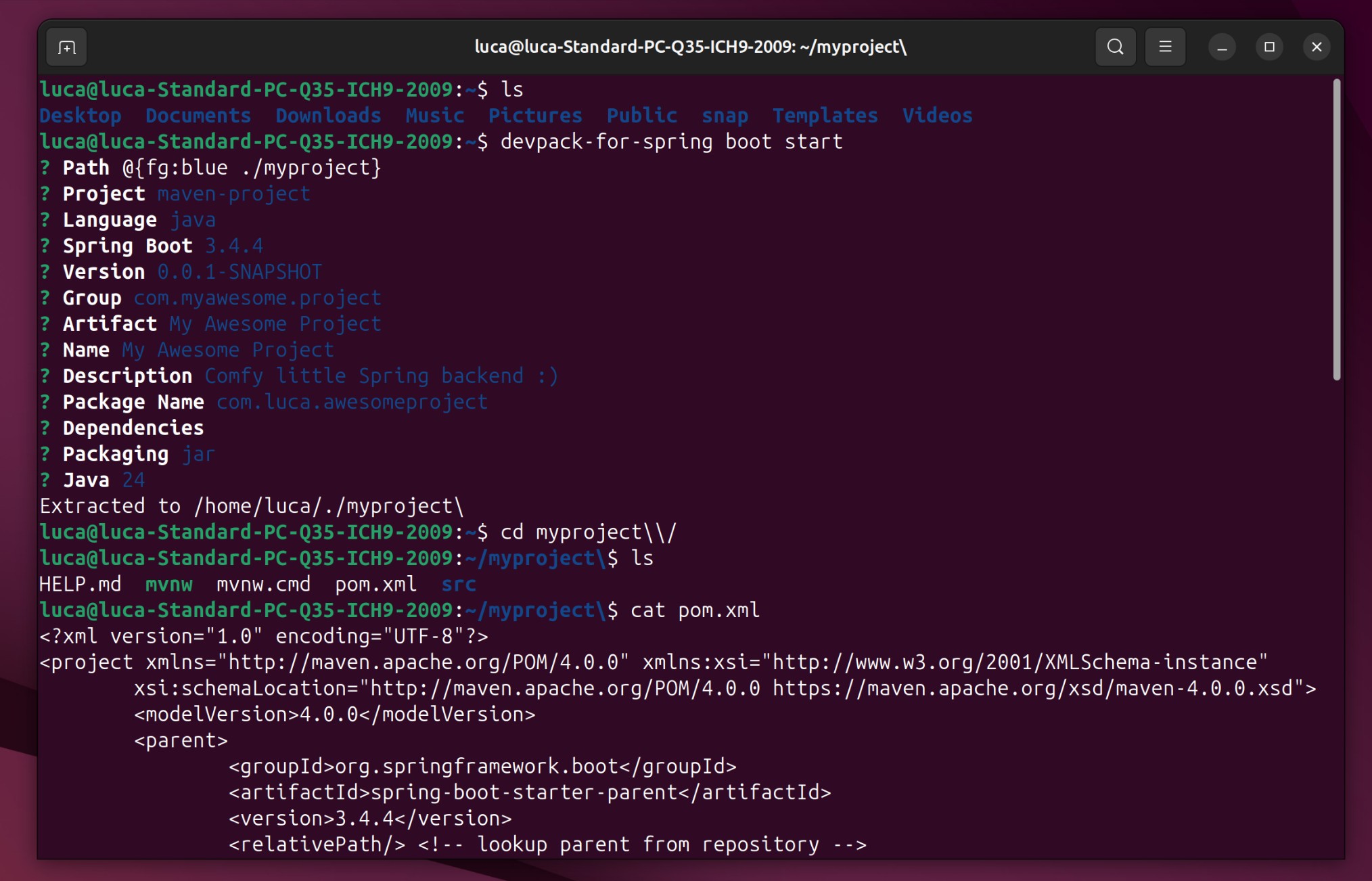
Honestly, this is impressive. I have been thinking for quite a while that the hate on Snap is getting a bit unjustified, since Snaps are able to do some pretty cool stuff. This is just… wow. I really hope this functionality will soon get expanded to Quarkus Framework, my darling, and my beloved. It might also be interesting to see “fatter” devpacks, ones that, for example, also include a graphical IDE, like IntelliJ IDEA CE or Eclipse, and directly run it in the target directory. One day!
Two great releases
This news piece is over, you're released. Go update your systems, now! You won't regret it.
The wonderful world of Linux package managers
One of the strong points of Linux has always been how solid the experience of installing and managing software is. Contrarily to what happens in the Windows and macOS world, software on Linux is obtained through something called a package manager, a piece of software that manages any piece of software the user installs, as well as its dependencies, automatically.
Windows and macOS: life without good package managers
On commercial operating systems like Windows and macOS, the traditional way to obtain a piece of software is to use a web browser to navigate to some webpage to download and run an “installer”. The installer is an executable that runs a series of scripts to fundamentally extract a zip in some system folders somewhere, add a few environment variables, add registry keys and who knows what else to make the software work.
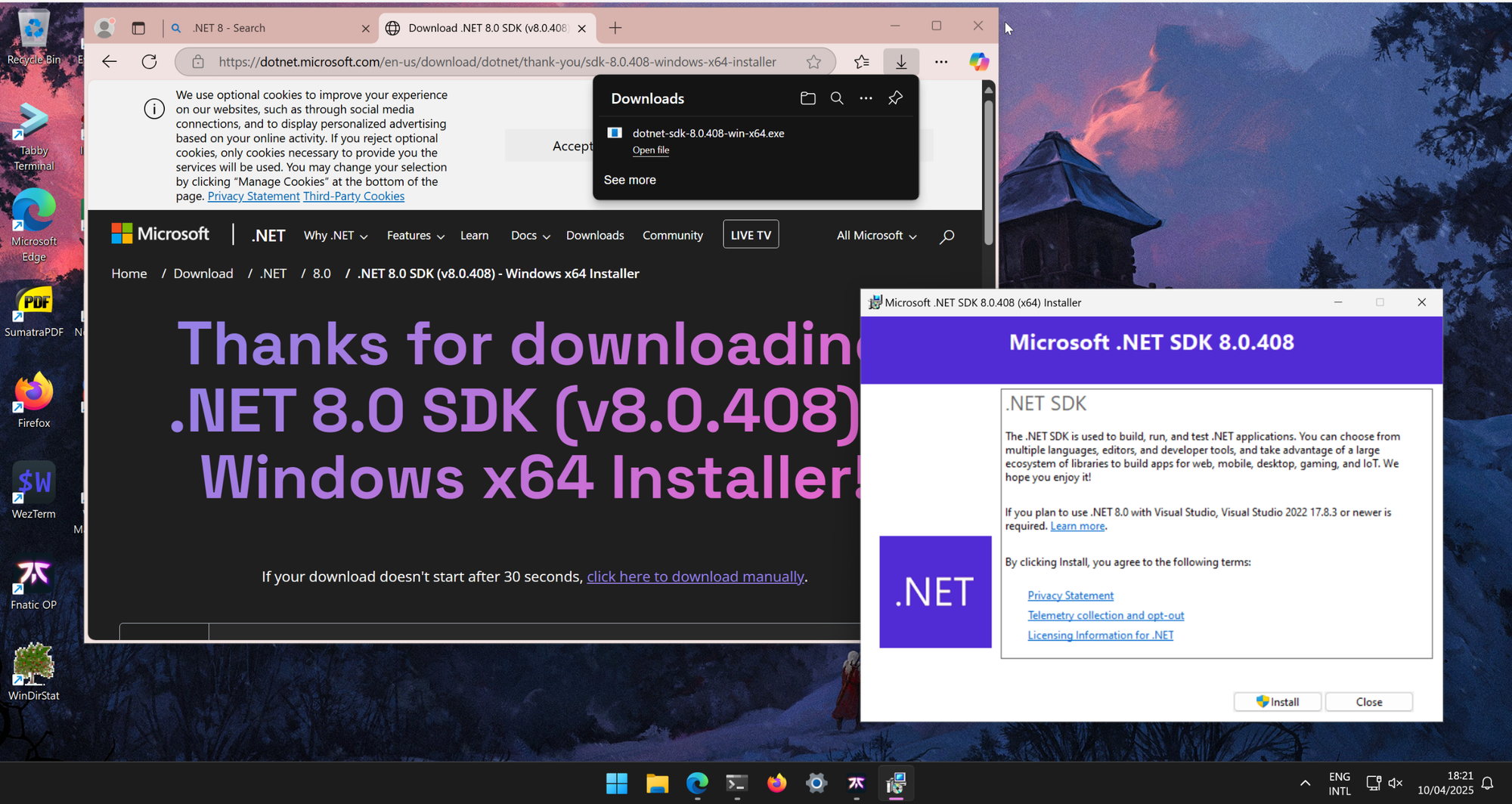
This way of doing things is archaic and, frankly, painful. Imagine if you were to set up a brand-new machine, and you had to install every piece of software you use this way: it would probably take you a few days of work just to get everything ready. Just imagine setting up an entire development environment like this!
In addition to these faults, it is not a good idea to install anything this way. Firstly, you make yourself vulnerable to various kinds of attacks, like man-in-the-middle attacks, or a malicious actor managing to replace the executable the website serves with a version that was patched with a malicious payload. Software updates are also problematic: they need to be handled by the program itself, which often leaves your computer full of background processes that only exist to routinely check for updates to a lot of programs in the background.
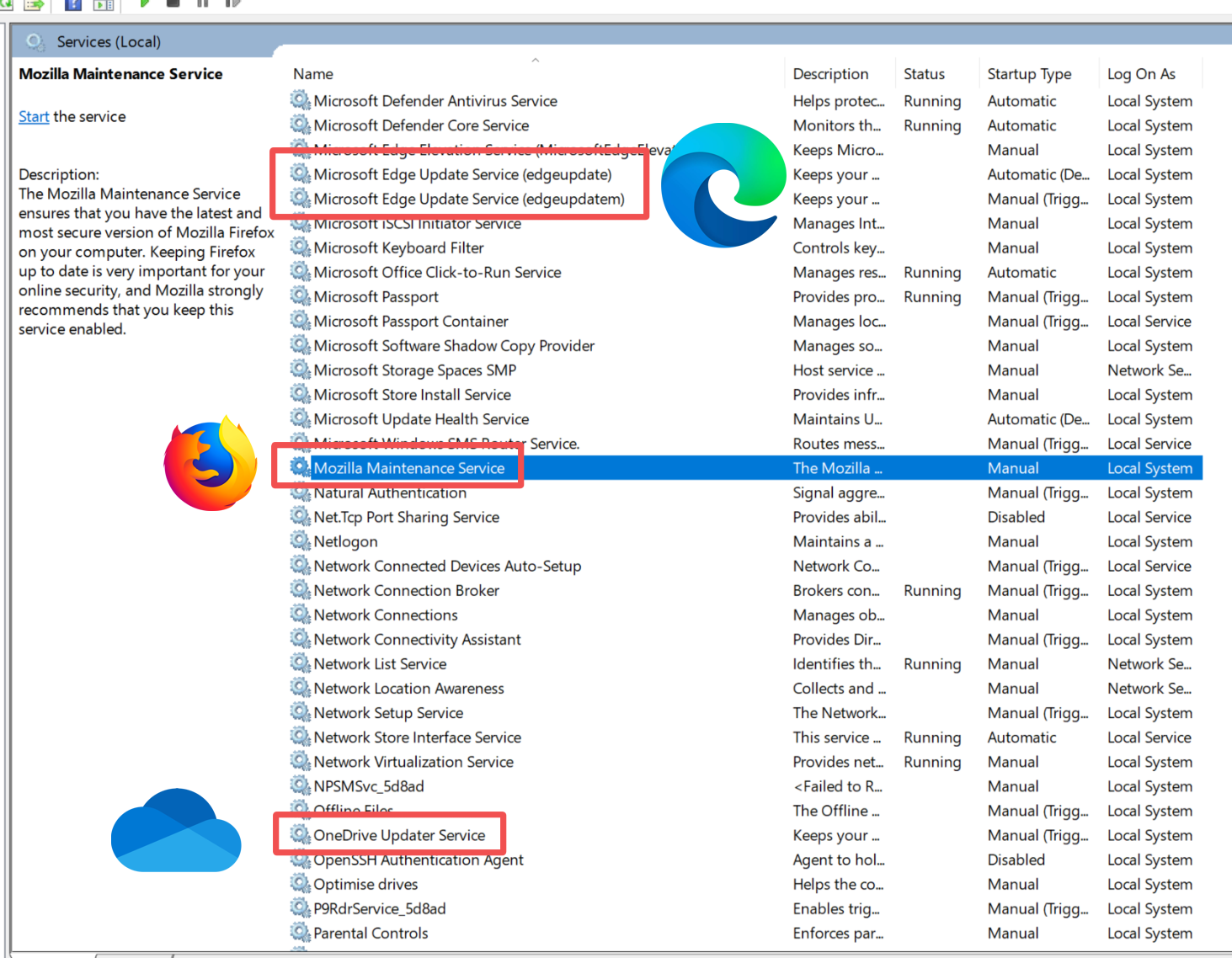
If a program does not register a background helper service just to be able to update itself, it needs to check for updates after it has started up, leaving you with the task of accepting the update and… busy waiting. It's probably a good time for a coffee break.
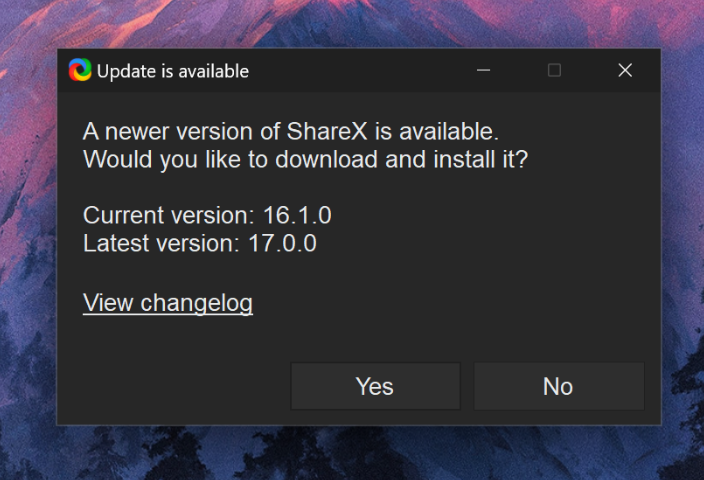
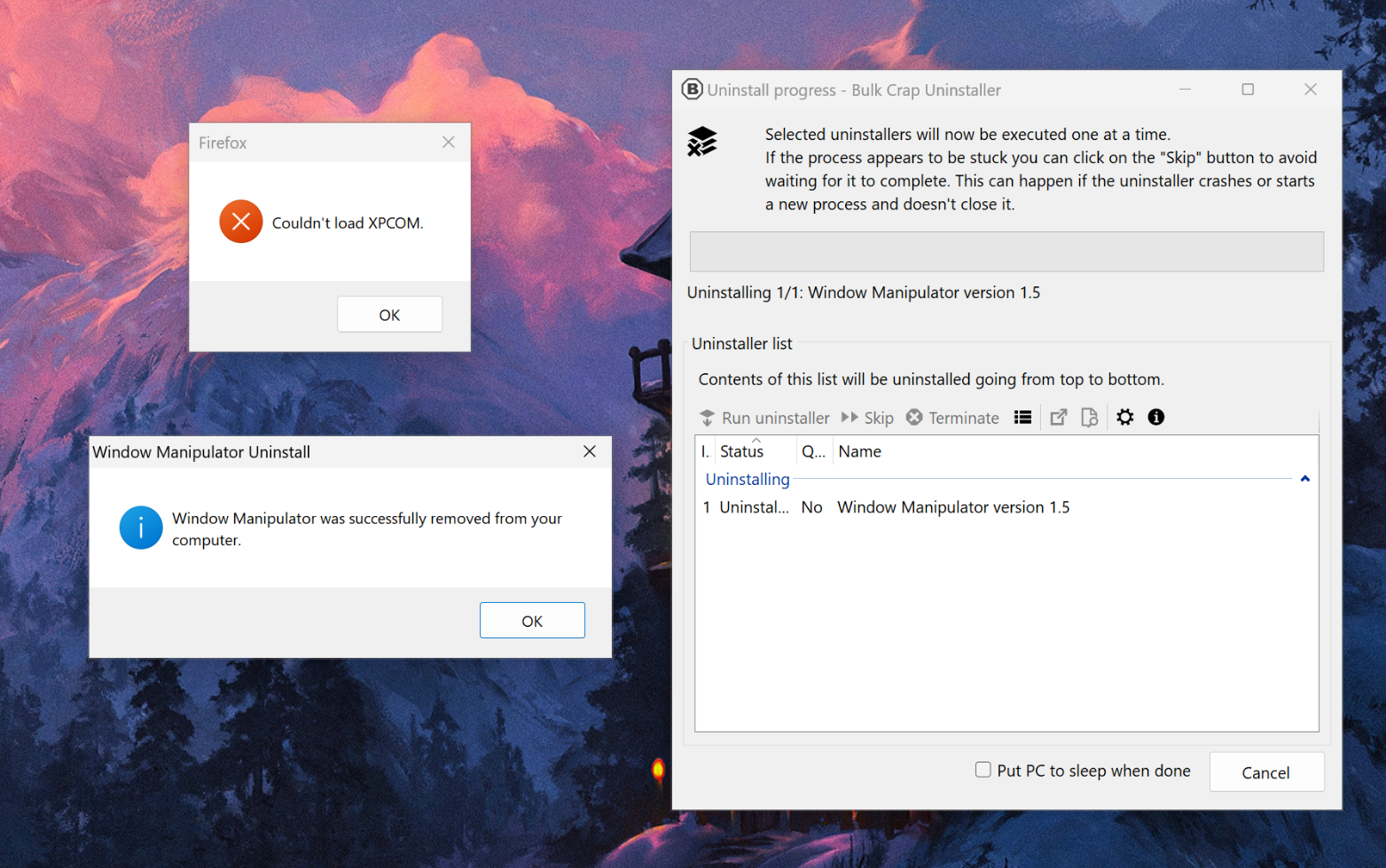
Not only does this situation make it so that every single application you add to your machine adds mental load, but, in most cases, it also adds resource load, and it is not trivial to completely remove from your machine. Installer and uninstaller scripts bundled inside of applications are private, and they are not managed by the OS. The cases where a developer took care of doing proper cleanup in their uninstaller script are pretty rare: often, there is no real way to ensure an application you had installed in the past is fully gone from your computer, leaving all kinds of traces behind, like non-working context menu items. These unclean removals cannot be fixed by anyone without a Windows system administration background. It's that hard. This is why, in Windows land, third-party uninstallers that try to look for leftovers, or download and run community-made uninstall scripts to get a bunch of programs to uninstall correctly, like Bulk Crap Uninstaller, are popular. This piece of software is a life-saver on Windows, but it, quite frankly, should not exist.
Microsoft has attempted to solve this problem with winget, an attempt at a “package manager” for Windows. On the surface, this looks good: you can open the CLI and install a program with winget install x, remove it with winget remove x, and keep everything up to date with winget update. Right… Right?
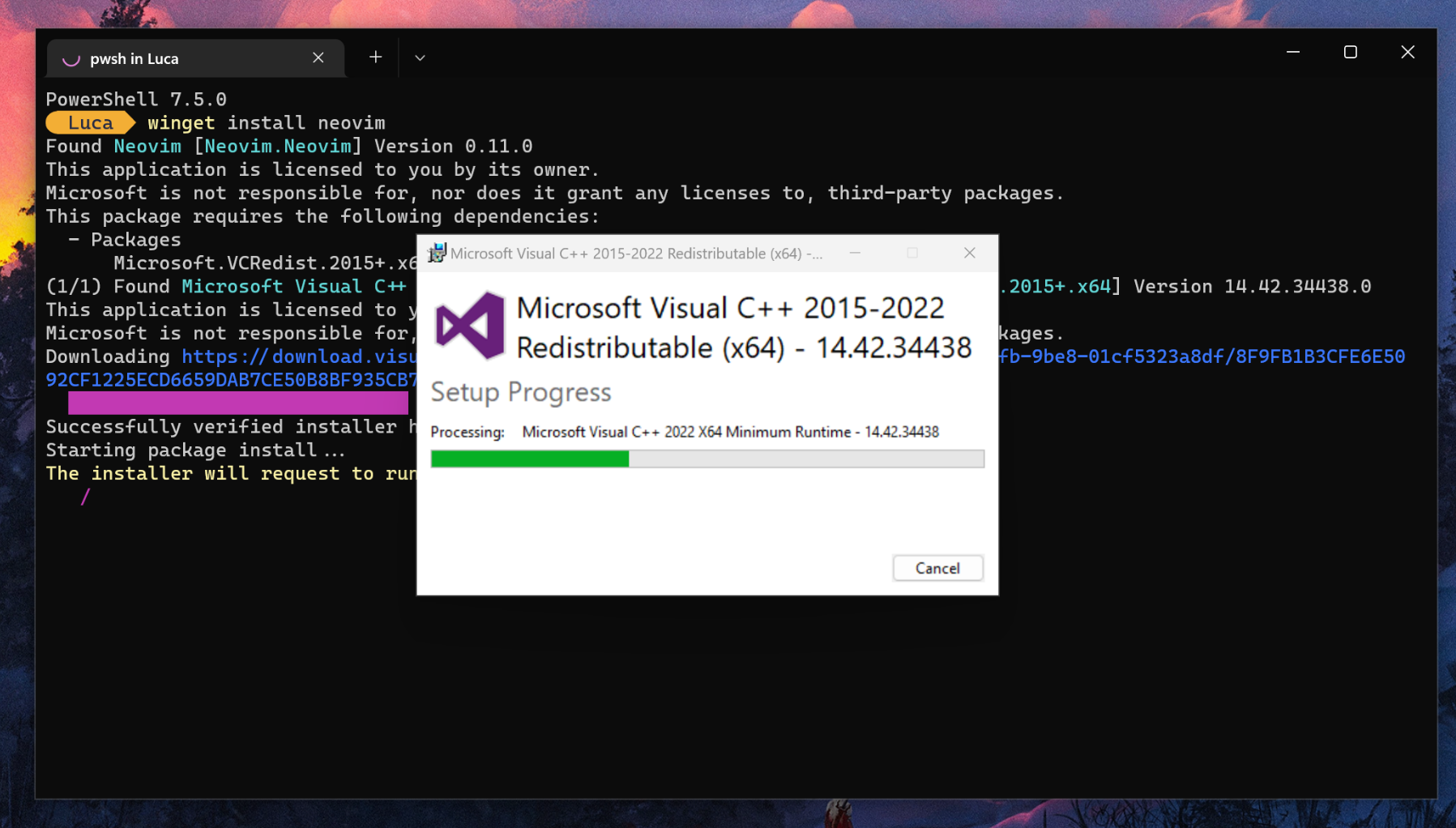
No, that couldn't be further from the truth. Despite what it claims to be, winget is not a package manager, it is merely a thin wrapper that downloads and runs the same installer and uninstaller scripts that you can download from a web browser. It comes with the same pitfalls, and I honestly can't say it works properly. As a test, I tried to use winget to install my favorite text editor, Neovim, and then run it. The fact that there is no package to manage, and the OS is not handling the installation of this program, is painfully evident by the output of the command: winget goes on to download and run the installers for a bunch of dependencies, running the installation scripts in unattended mode. However, the graphical windows for the various installed dependencies still show up, making it obvious that all winget is doing is run the regular setup scripts under the hood.
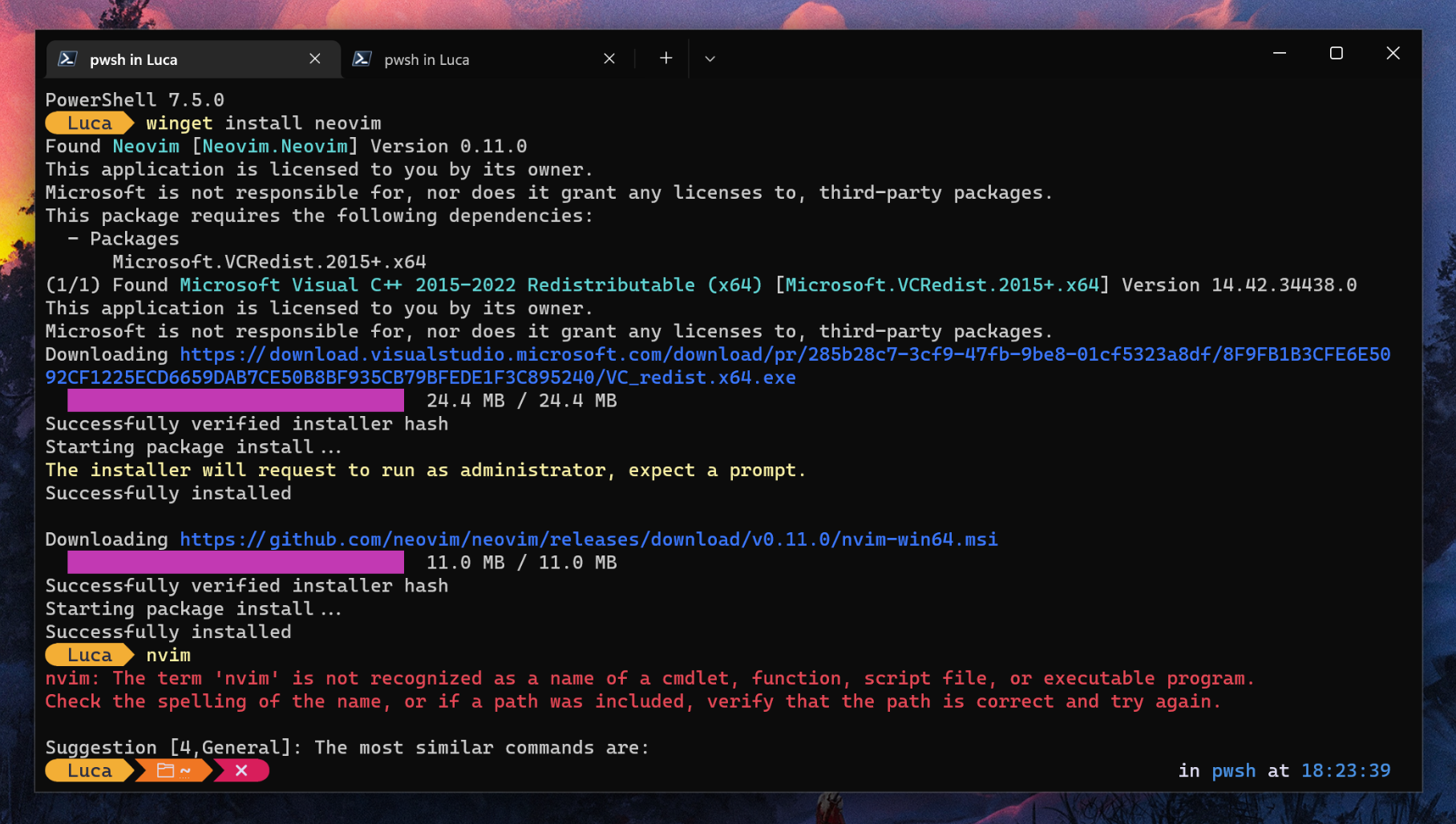
It does not solve anything, really: it adds some convenience, but it is merely an illusion. As a matter of fact, after installing Neovim, there was actually no way to run it! Nothing worked, not even spawning another terminal to reload the shell. On a proper package manager, this should never happen.
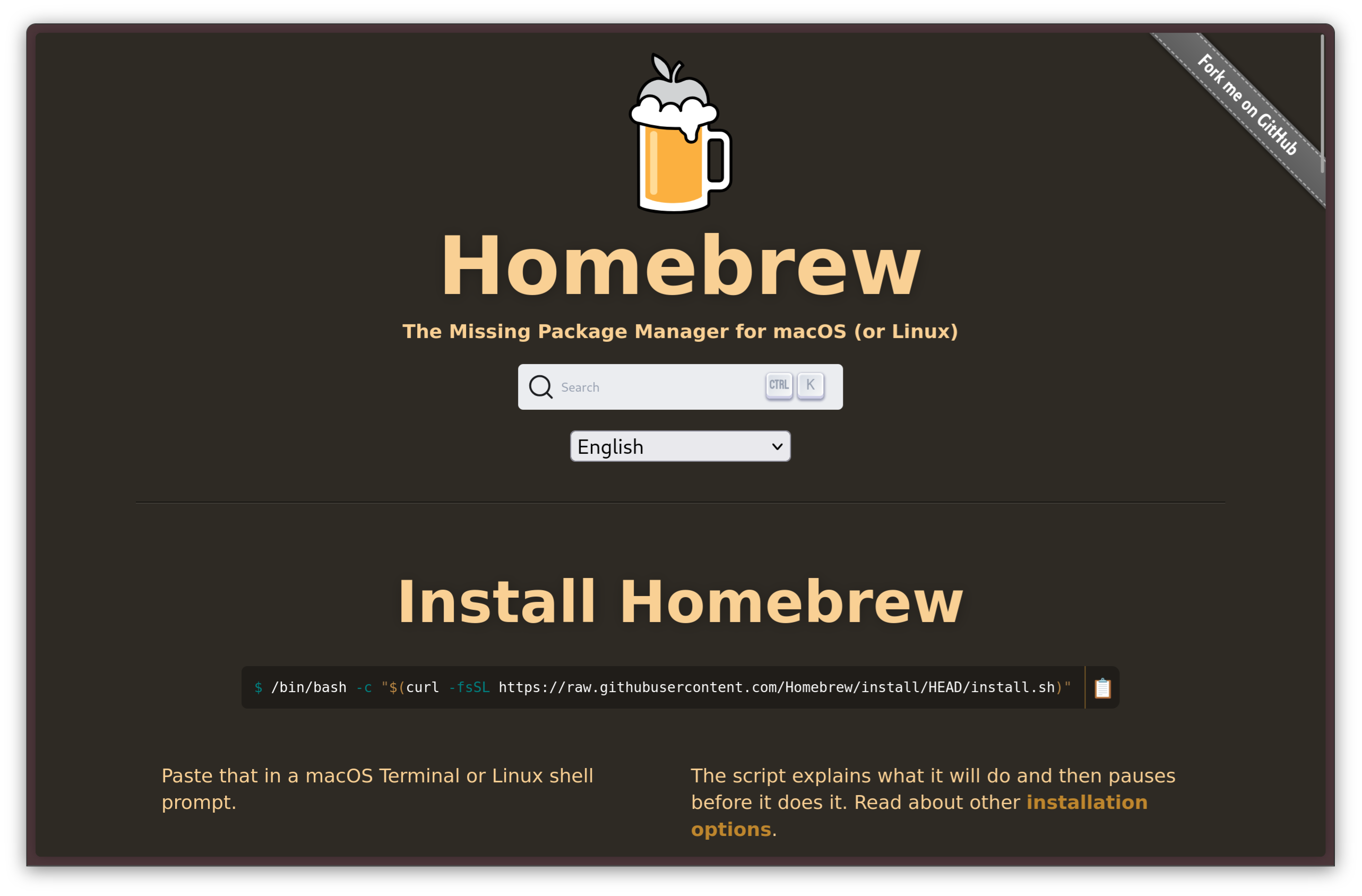
PATH manually?!The situation is a little better on macOS. You can install Homebrew, a package manager that allows you to much more easily manage a development environment. Sadly, though, Homebrew has its limits: it cannot, and it will not, update system components, and it does not contain every program under the sun. It is mostly useful for the purpose of setting up a development or DevOps environment, but it still does not free you from having to install most software manually.
Linux: life is easier with a proper package manager
On Linux, things are radically different. Indeed, on most Linux distros, every single component that makes up the operating system is part of a package management system. In some cases, the package manager itself is the component that bootstraps the installation!
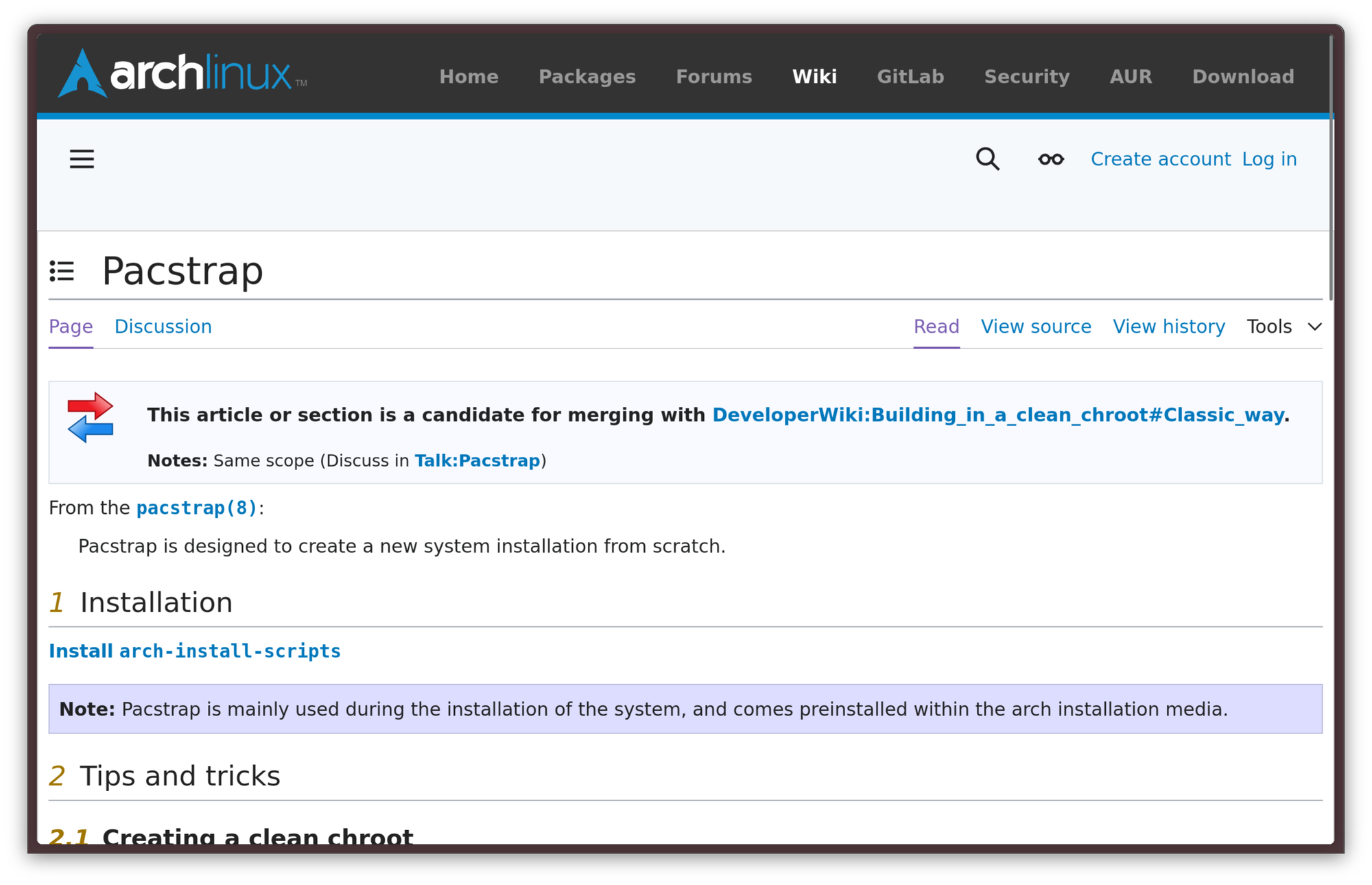
The beauty of Linux distros is that pretty much every piece of software you will use is provisioned by a package manager, from the Linux kernel to high-level applications. Obtaining new software is, in turn, very straightforward: in most cases, software gets obtained by one single centralized repository, maintained by a trusted entity. There is no need to browse the web to find an executable: you can just use your package manager to search for any piece of software you need and, finally, install it!
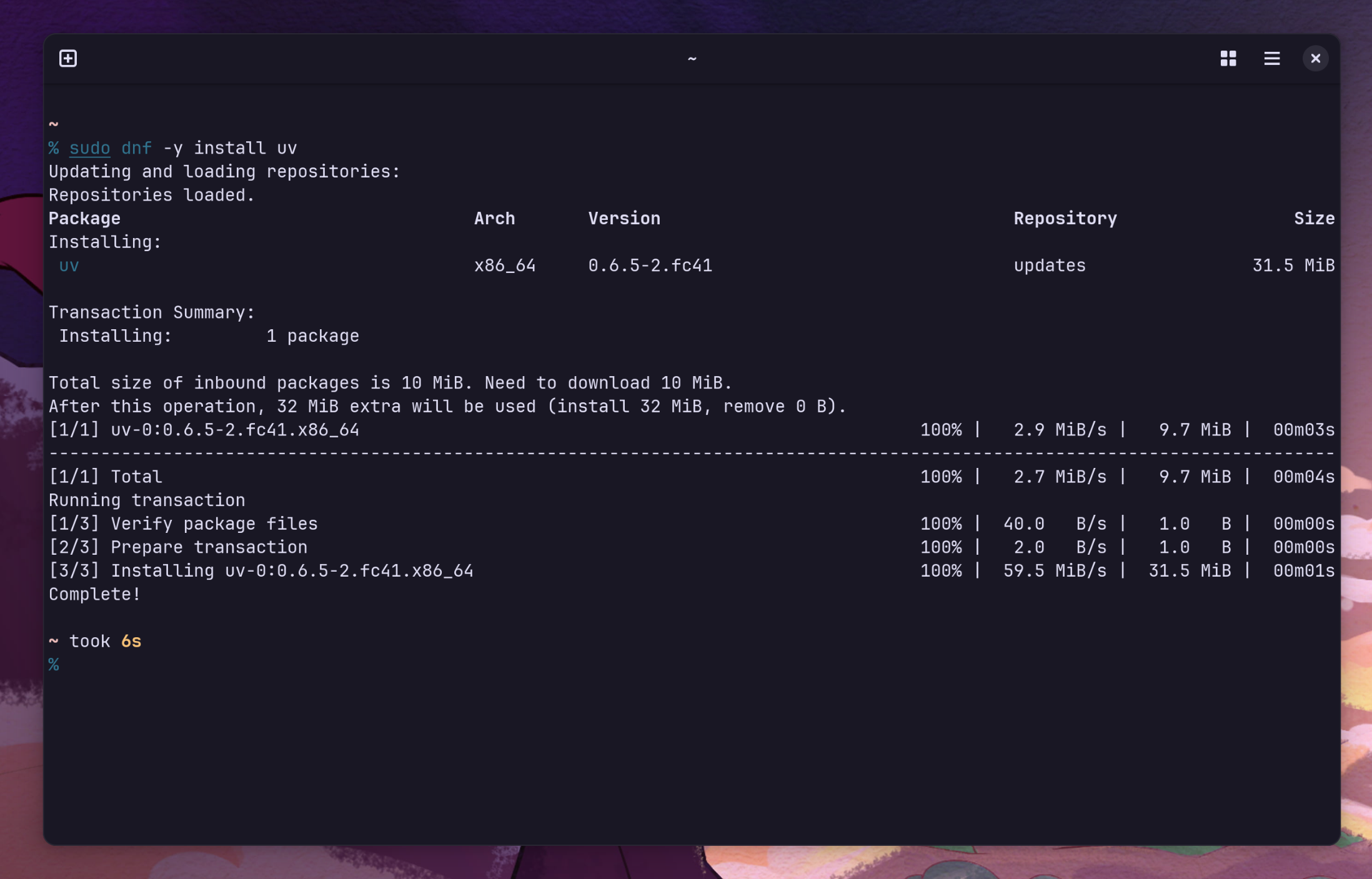
dnf package manager on FedoraContrarily to other package managers that are widely used on other operating systems, though, the package manager does not stop at installing the packages, but it actually does what it says on the tin: it can properly manage all the installed packages. Uninstalling a package completely is easy, and, aside from the files the program itself may have created in the user's home directory, it completely removes all traces of a program. There is no mess to clean up: when a package gets deleted, it's gone for good.
Rather than just running installer scripts, package managers handle packages. A package is an archive that contains all the files that a component, such as a piece of software or a font, is made of, as well as other identification files to go with it. Packages are built from a specification file that acts as a blueprint and contains instructions on how to build the package, allowing even complex deployments to be automated. Additionally, the package manager has a data store where information about packages are kept. It knows where all the files that make up a package are, so, it also knows what to remove.
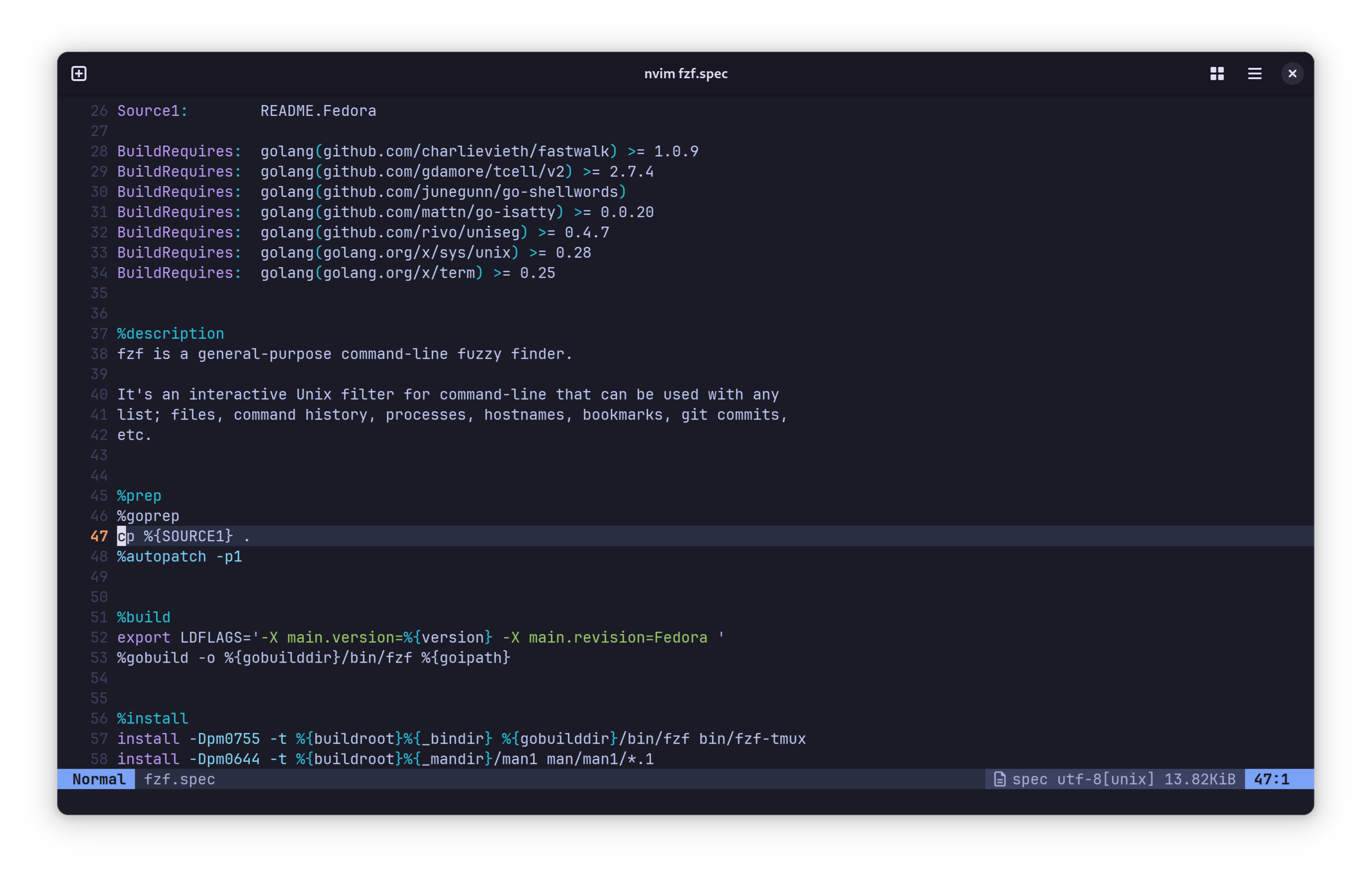
spec file looks like. This is, specifically, the spec file for fzf on Fedora.Much in the same way, package managers provide a central place to upgrade every single piece of software on the system, from the base operating system components to your web browser. A command is all it takes, and your system is completely current. The system is also far more lightweight as a result: there is no need to run heavyweight daemons just to keep software up to date, nor do developers need to implement their own separate update logic. The package manager takes care of it all.
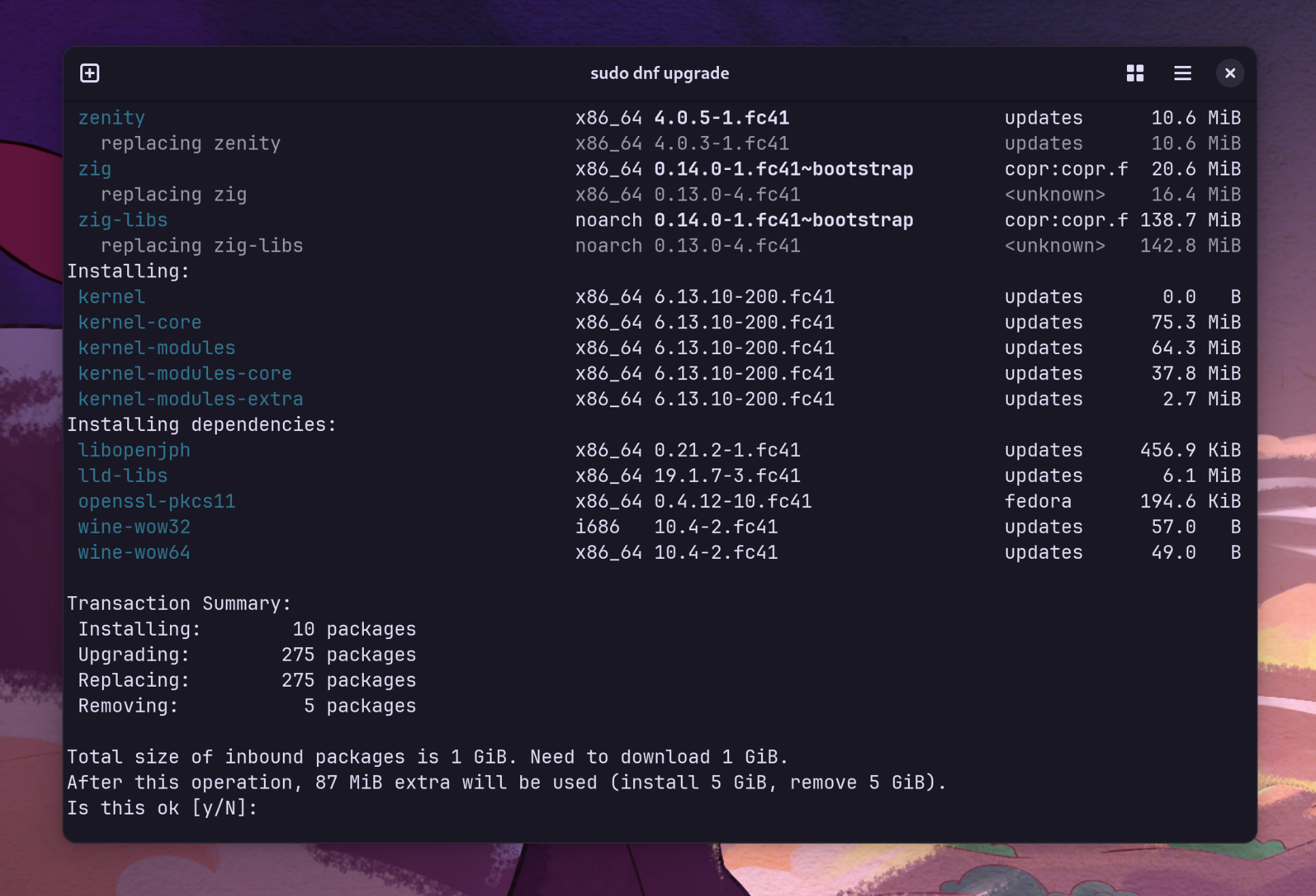
dnf upgradeTypically, every Linux distro (or, often, families of Linux distros) has their own dedicated package manager. Arguably, the most popular package manager that comes to mind is apt, which ships with Debian and Ubuntu systems. Fedora-like systems, such as RHEL and AlmaLinux, use the dnf package manager. openSUSE and SLES use zypper, while Arch Linux uses the simpler pacman. All of these package managers have slightly different sets of features, and they may have different design philosophies, but the core principle is the same: manage the Linux filesystem as a set of organized components.
It does not stop there, though. In the modern Linux ecosystems, these classical package managers are only one of the many kinds of package management solutions that exist.
The problem with traditional package managers
Traditional packages are great, but they have several limitations. One of them is that they are tied to a specific distro version: since packages depend on each other in a graph structure, it can be pretty challenging to distribute a package for various distributions. While package managers typically support adding third-party sources, called repositories, keeping these packages up to date for multiple versions of multiple distributions requires a lot of time and effort. This makes targeting Linux systems pretty hard. In the past, this created a situation where not every distro had access to pre-packaged versions of every packaged piece of software. Linus Torvalds made some great points on this back in 2014, at DebConf 14, stating this situation as why Linux was struggling to break through the desktop market share, and why he thought Google's chromeOS would have a better shot.

With this model, the software that enjoys wide adoption on the Linux desktop is limited to the programs that get packaged officially by distribution package maintainers, making it to the official repos. From a developer's standpoint, this is a hard gate to get through. From a package maintainer's perspective, every new package adds to the workload. Since package maintainers mostly work on a voluntary basis, it is often not practical to add a lot of packages to the mix.
Developers worked around this in various ways. A popular way was shipping a "portable" installation through a .tar.gz package, but it often didn't work properly. The program was dynamically linked, and the .so libraries were shipped in a subdirectory. This, however, was not enough to guarantee true cross-distro compatibility: it was not feasible to include every library under the sun, and this did not protect you from behavioural changes from libc version differences. Another popular option was shipping a statically linked binary, which means that the linking with any external library is done at compile time, rather than loading the libraries from the system. Even this is not a silver bullet though, and it has its problems. One particular implication that is shared across both approaches is that, if you want to make a piece of software distributed this way truly cross-compatible, you need to include everything it may possibly depend on in your build, including a libc implementation. At that point, it even starts to make little sense to use dynamic linking: no system libraries are safe to fall back to, and you have to ship everything your program needs to use anyway. This creates software releases that are hard to package and extremely heavyweight, as each of them must ship a good subset of your currently installed Linux userspace to truly work everywhere. Developers have to pick their davourite compromise between package size and likelihood their deliverable will be executable on a random system, which seldom works out.
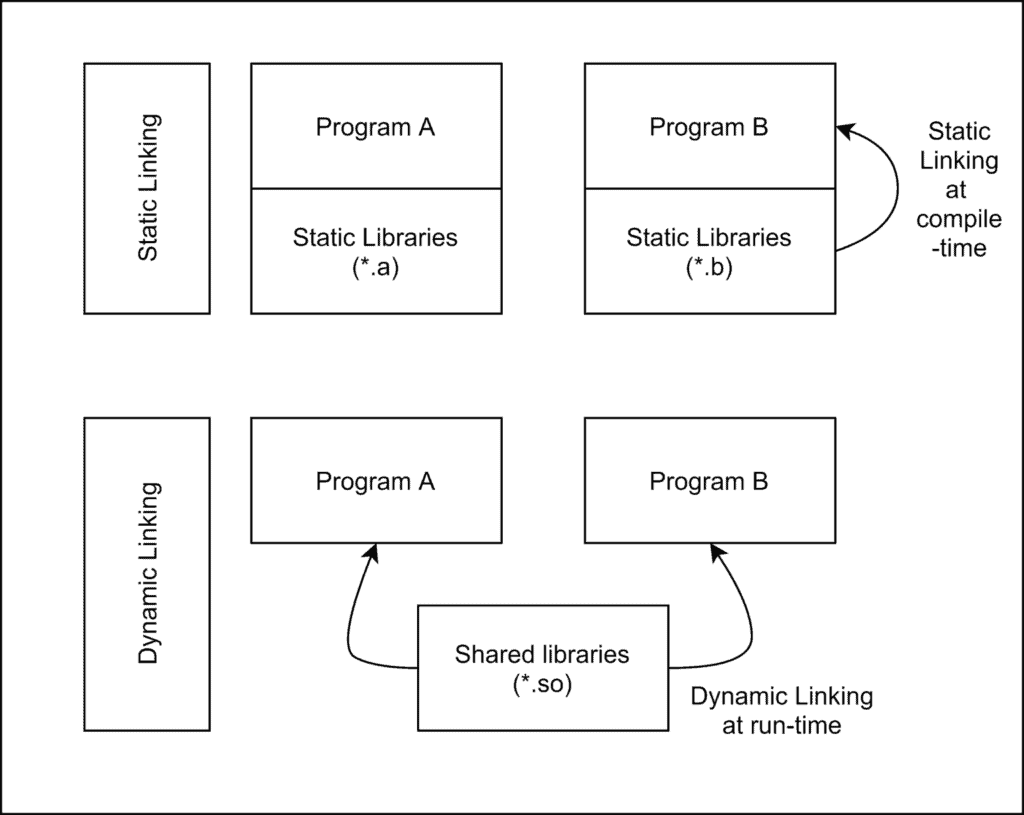
The rise of universal package managers
This is why container-based package management solutions exist.
Flatpak came up under the name of xdg-app in 2015. The core idea of Flatpak is simple: create a common runtime that applications can run on, irrespectively of the Linux distro they are running on. This is sort of similar to the idea of Java and the JVM: "Write once, run everywhere". Differences between different environments get abstracted by only having to package the runtime itself for each specific distribution, and then just run applications on top of that shared runtime.
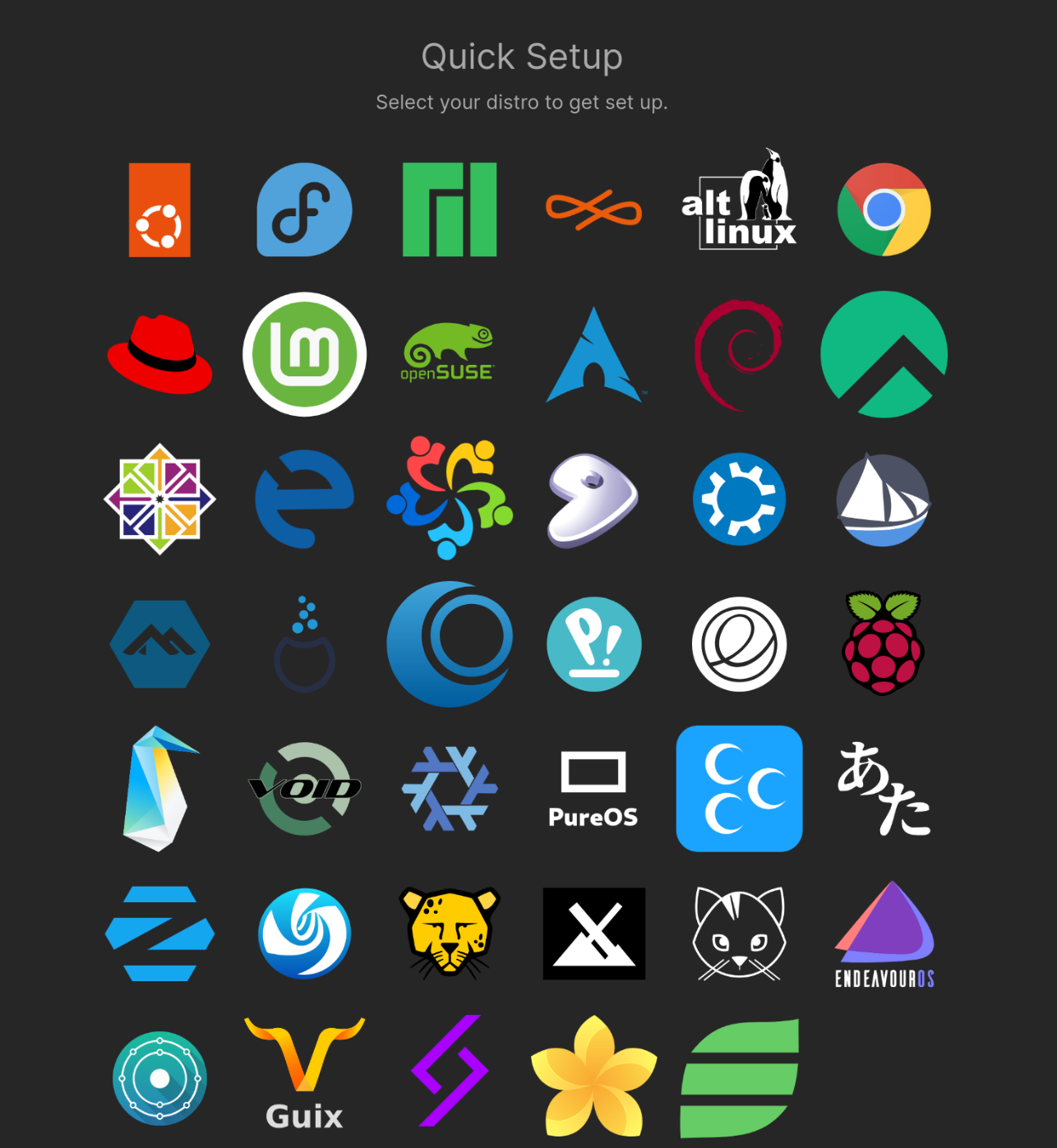
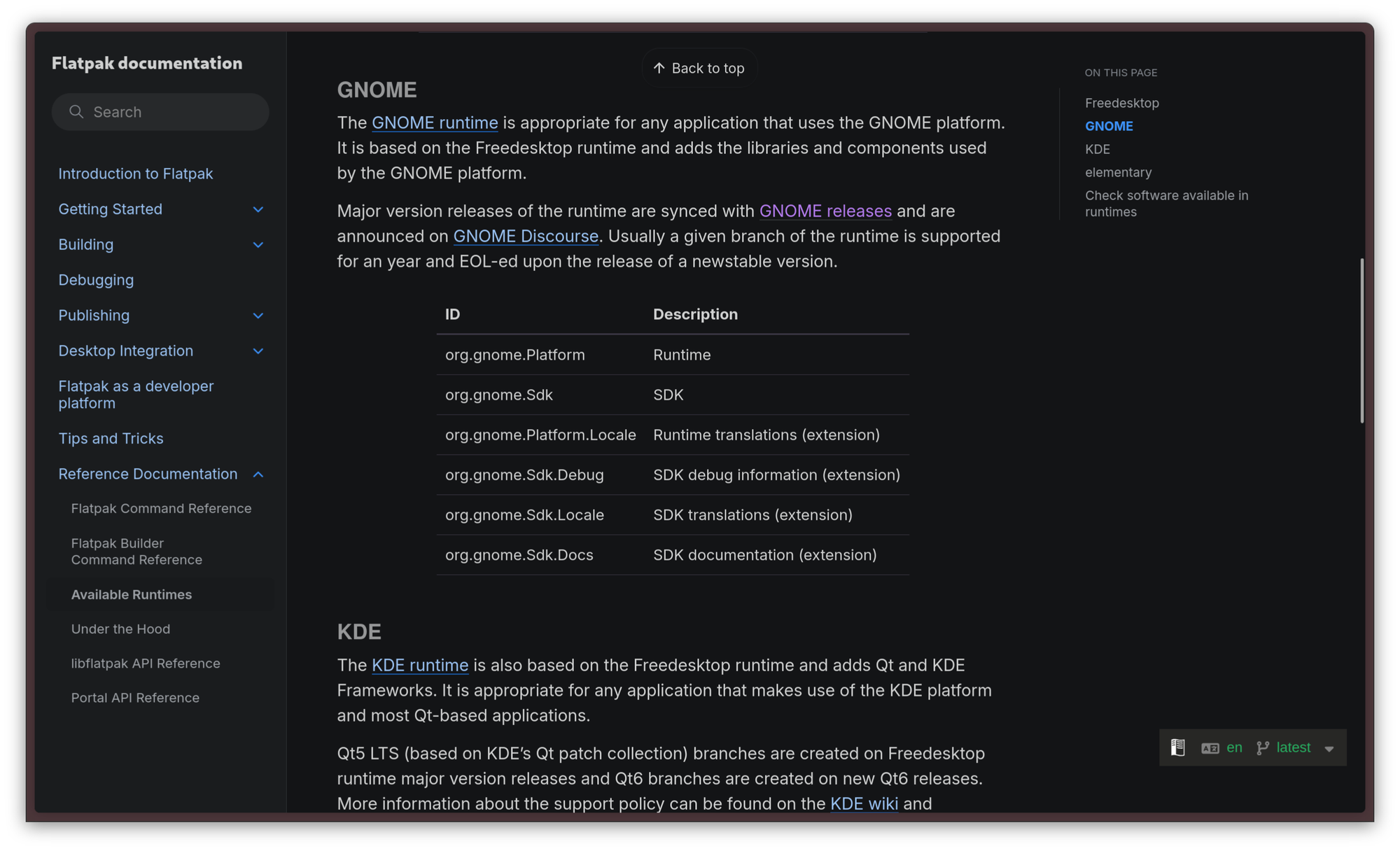
The use of shared runtimes fixes the problems with big Tar archives and statically-linked binaries: a package mainainer does not necessarily need to provide every single library themselves, but they can bind their package to a Freedesktop Runtime. A Runtime is a set of libraries and dependencies that are pinned to a specific version. To upgrade these dependencies, the package needs to upgrade to a future version of this runtime. Due to this, dynamic linking can be used safely, as a packager can expect a whole set of libraries will be available in the runtime they choose, and they will be binary equal on every target system, no matter the Linux distro. Several runtimes are available. Typically, a package can target a runtime from a desktop environment - specific "world", picking between GNOME, KDE, Elementary and more. For example, an application built with GTK will use the GNOME runtime, while an application built with Qt will use the KDE runtime.
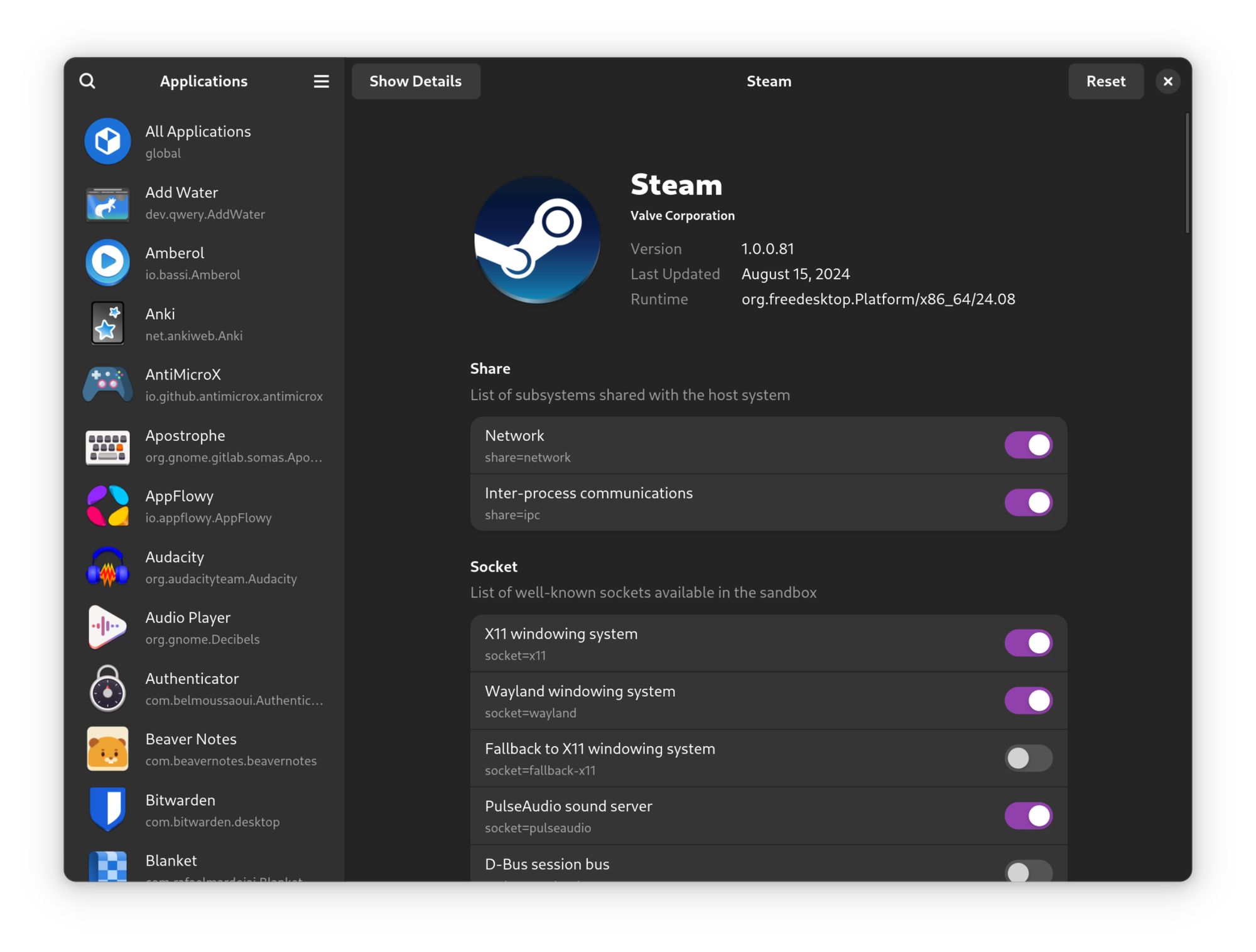
Flatpaks are also much better for security. Not only do they abstract the underlying system libraries through runtimes, they also provide a layer of isolation and sandboxing through bubblewrap. This gives applications a permission model. This is great for proprietary software in particular: since you cannot trust any piece of non-free software that you cannot audit, you can limit what it can do on your system. For example, by default, the Steam package on Flatpak does not allow Steam to access all your files, but only a subset to allow things like custom banners and the built-in music player to work. The permission model is quite thorough, so it is possible to configure the sandbox rather well. The initial configuration is made by the packager, but the user can refine it with local configurations. Flatseal is a very popular graphical applications that can be used to configure these permissions.
Flatpak supports multiple repositories, but the most popular one that everyone uses is Flathub. Nowadays, pretty much every single application under the sun can be found on Flathub, and they also have a very appealing home page!
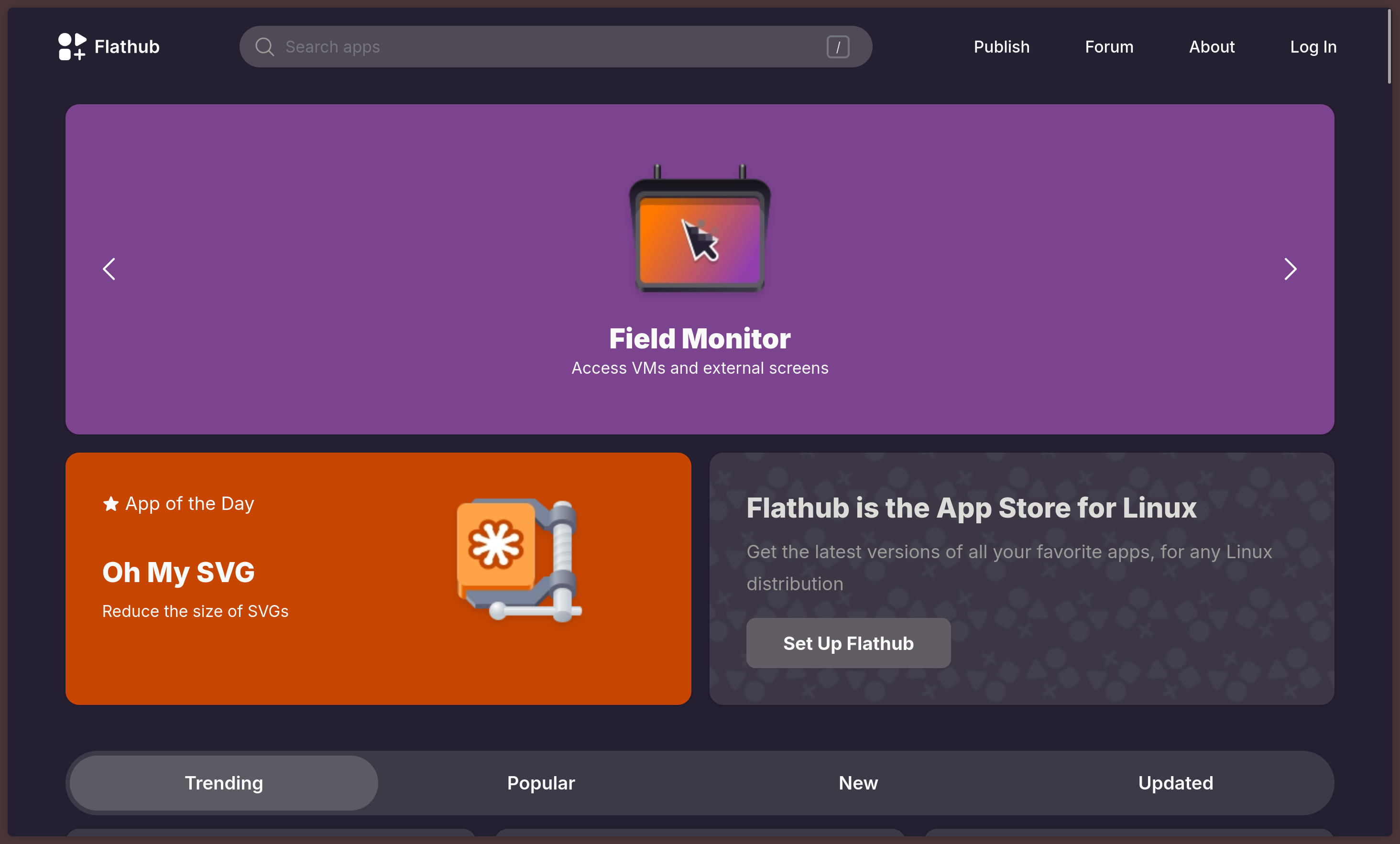
Flatpak is part of the GNOME project. Its adoption started in the Fedora ecosystem, but it has since become an industry standard across most distributions. It is preinstalled on most Linux distros and, when it is not, it can typically be installed from the default repos.
In Ubuntu land, however, the industry standard is Snap. Born from the ashes of mobile operating system Ubuntu Touch, Snap is Canonical's take on a similar solution. The way it works is somewhat similar to Flatpak, although the implementation is very different under the hood. The first difference, and the source of most on the criticism of Snap, is the fact that it is limited to Caonincal's Snapcraft repository, and it does not support multiple repos, like another package manager would. The different implementation also makes the Snap binary, snapd, depend on systemd for basic functionality and AppArmor for full isolation support, which is a barrier to getting Snap working on some Linux distributions, although basic support is possible for every Linux distro that uses systemd as init.
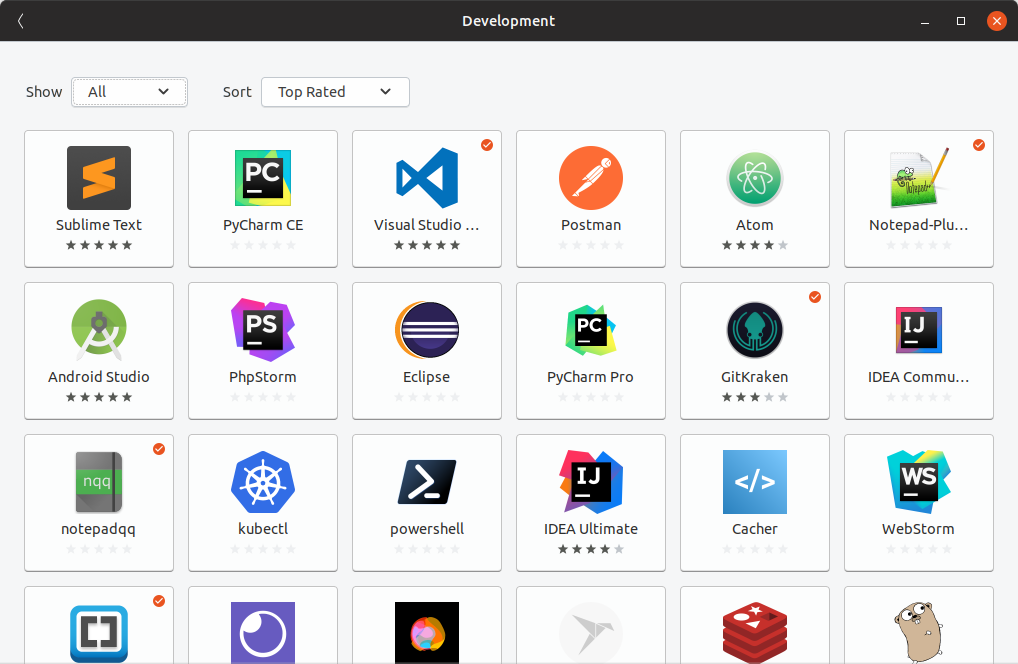
Ubuntu is one of those cases where the appeal of having a way to distribute software other than through the same repositories that base system components are pulled from is immediately visibile. Ubuntu LTS is one of the most widely used solutions on the desktop, especially in corporate environments, because it is ideal for use cases where one does not necessarily want to access the shiny new things immediately, but they prefer a stabler base, with fewer surprises, that can be used without dangerous major version bumps to major system components for several years. One of the main problems with Ubuntu LTS in the distant past had been that, since the libraries that ship in the repos are tied to what the older LTS system components require, user will only have access to increasingly outdated major versions of several applications. Snap solves that: you can keep a stable, predictable Ubuntu LTS base, taking advantage of its predictability for software where you expect not to be rug-pulled, like compilers, while all the applications that you want to use the latest versions of are installed through Snap, isolated from the base system.
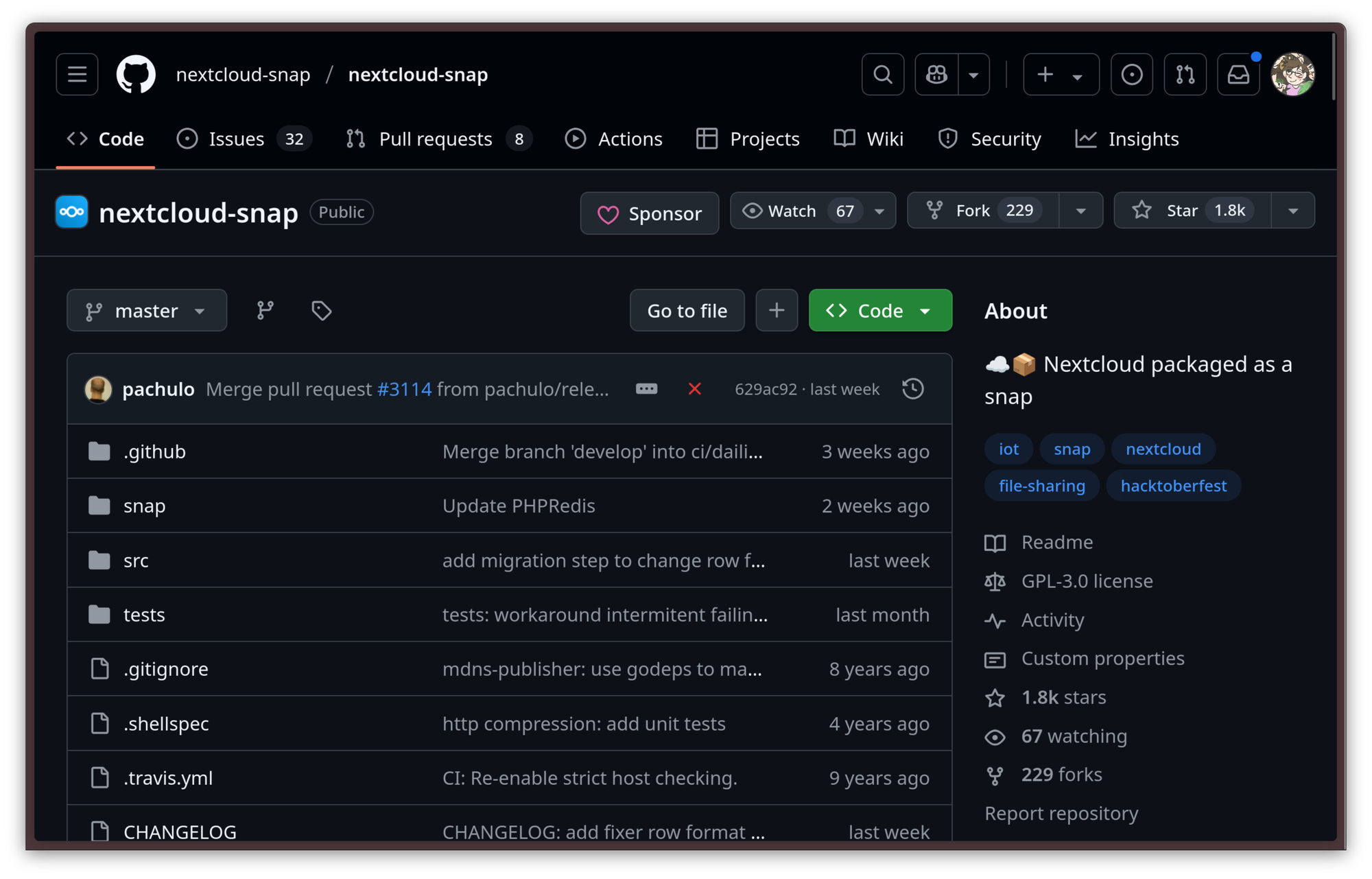
Although it is often subject of criticism, Snap is not worse than Flatpak, it is actually much different. Rather than focusing on just targeting graphical desktop applications, Snap is significantly more versatile: any choice in software comes with a trade-off, at the end of the day. Unlike Flatpak, Snap is also suitable for the installation of CLI applications and the deployment of cloud services. For any service that is available on the Snap Store, snap lowers the barrier to self-hosting an instance of it on a server in important ways: anecdotally, the absolutely easiest and most straightforward way to get started with Google Drive and Suite alternative Nextcloud on your own server is to choose Ubuntu Server and install the service from Snap with one single command.
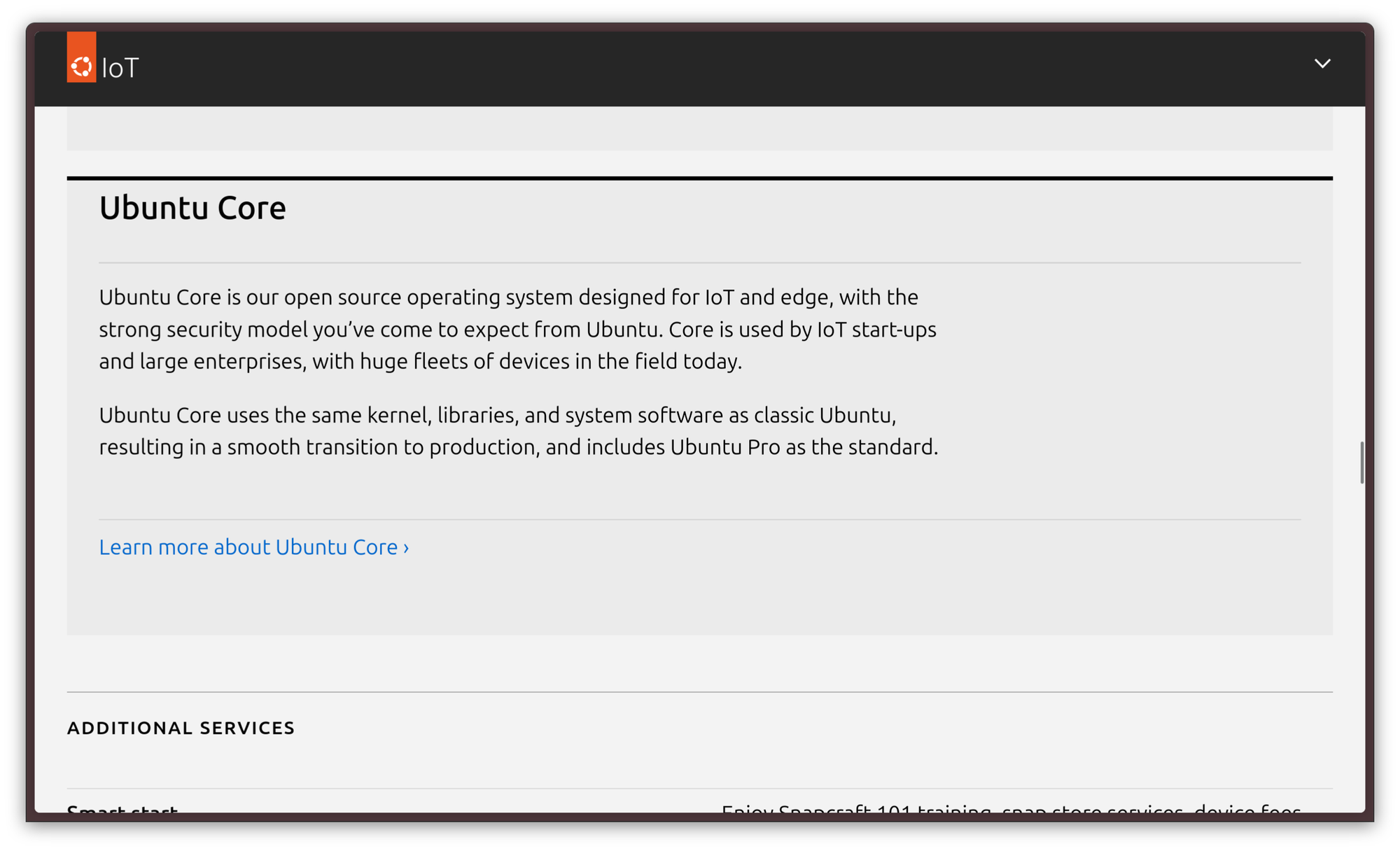
It gets crazier, though. Thanks to Ubuntu Core, a minimal and immutable version of Ubuntu built on top of Snaps, snapd can directly target entire embedded / IoT devices. For this use case, one very important feature of Snap is its ability to perform automatic updates and perform them atomically: either the system update gets applied successfully, or it does not get applied at all. This is a very comfortable solution to provision a fleet of embedded devices in a production chain or even on the end-user market: you can rest assured that you can keep those devices up to date safely, reducing the amount of issues and customer claims to just a few edge cases, at worst.
It doesn't matter though. The gist of it is that most Linux distributions you install will ship with some kind of universal, container-based package management solution that you can use immediately. There is clearly a big shift in this direction, as more and more users are adopting this paradigm.
However, that doesn't mean container-based package managers are the end-all-be-all. Several other alternative solutions exist.
Nix doing things its way
One of them is Nix. Nix is a very innovative package manager that works very differently than other package managers and it brings a lot to the table. It is so different to other approaches that none of the skills from traditional package management are transferrable, but the reward for learning it is very appealing.
The main difference is that, while most other package managers are imperative, Nix is declarative.
An imperative package manager mostly runs commands. To install Neovim on apt, you would open a shell and run sudo apt install neovim. To remove it, once again, you open a shell and run sudo apt purge neovim. The way you interact with the package manager is by telling it what to do action by action.
Nix is declarative. With Nix, you don't have to install every package manually. What you do is provide a file, that Nix reads, where you declare all your installed packages, and how they are installed. When you sync Nix with your configuration file, Nix puts the system in the state that is described in the configuration file. This is further extended if you use NixOS, a Linux distro that is deeply integrated with the Nix package manager, to the point of letting it configure system components like the bootloader as well.
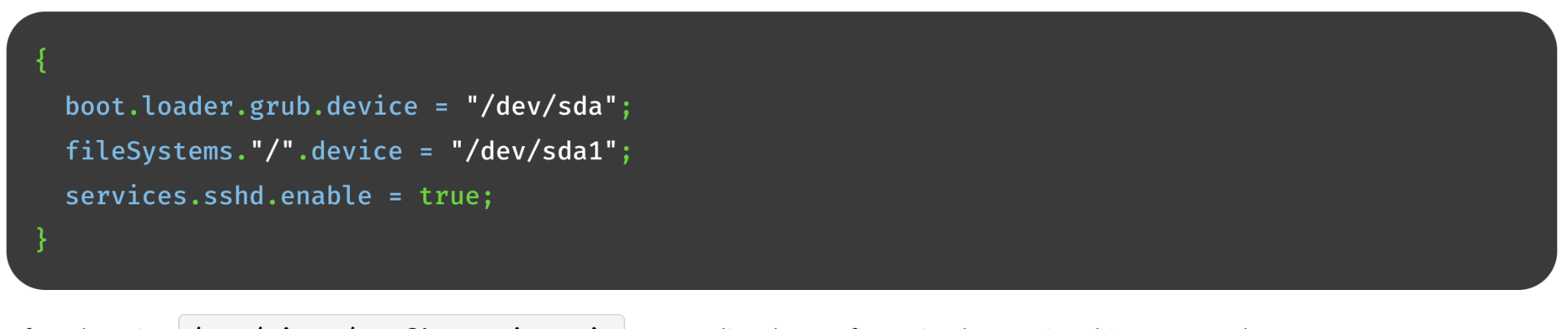
configuration.nix exampleNix can also install and provide multiple versions of packages, do atomic installs and removals like Flatpak and Snap, and it allows users to reliably reproduce the same state coming from any other state, which is also used for safe rollbacks. Nix allows users to define different environments, with different pinned versions of packages, which makes it particularly useful for software development: let's say you are working on two projects that require two different versions of gcc and other tools to compile and work. Nix would solve this problem in an elegant way. And, most importantly, it would do this without containers. If you are interested in learning more about it, I'll leave you with Nix: How it works.
Package management on Linux is great
Package management on Linux is great and varied. In fact, it is so varied that I had to cherry pick just a few notable examples, because there are many more incredibly interesting and clever package management solutions that I did not even mention. This is a good thing, though: there is no shortage of good package managers on Linux, and development around them is progressing steadily.
Even if commercial operating systems are finally beginning to get a taste of how using a package manager can positively impact user experience, the quality and the usefulness of those package managers is still one of the things that still make Linux clearly shine as a computing platform over almost every other alternative.
Wayland has a bright future ahead
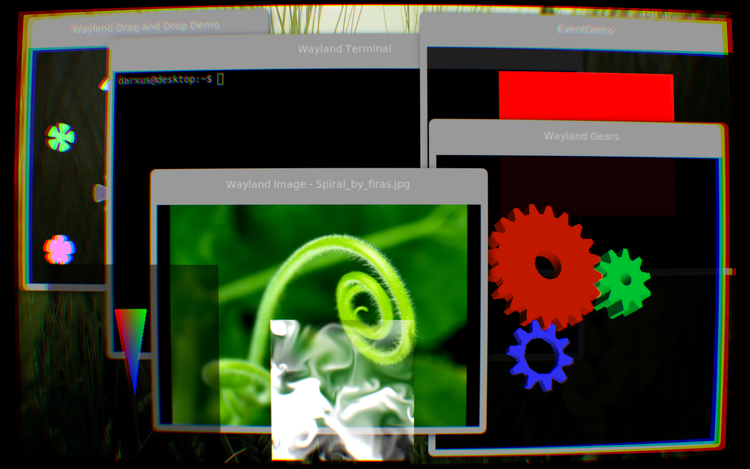
In the big year of 2025, more and more of the Linux world has finally moved on to using a Wayland graphical session on their desktops, rather than a classical X11 server. The transition has been proceeding quickly as of late, though that was not always the case: for a much longer time, several people simply couldn't leave X11 behind, because no Wayland compositor out there had quite reached feature parity with the X server yet.
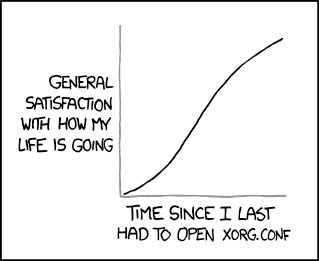
Let us take a step back, though. What is Wayland, and what is this X Server that came before it?
The Early Days: X.Org
For the more seasoned of our readers, X.Org is already a familiar name.
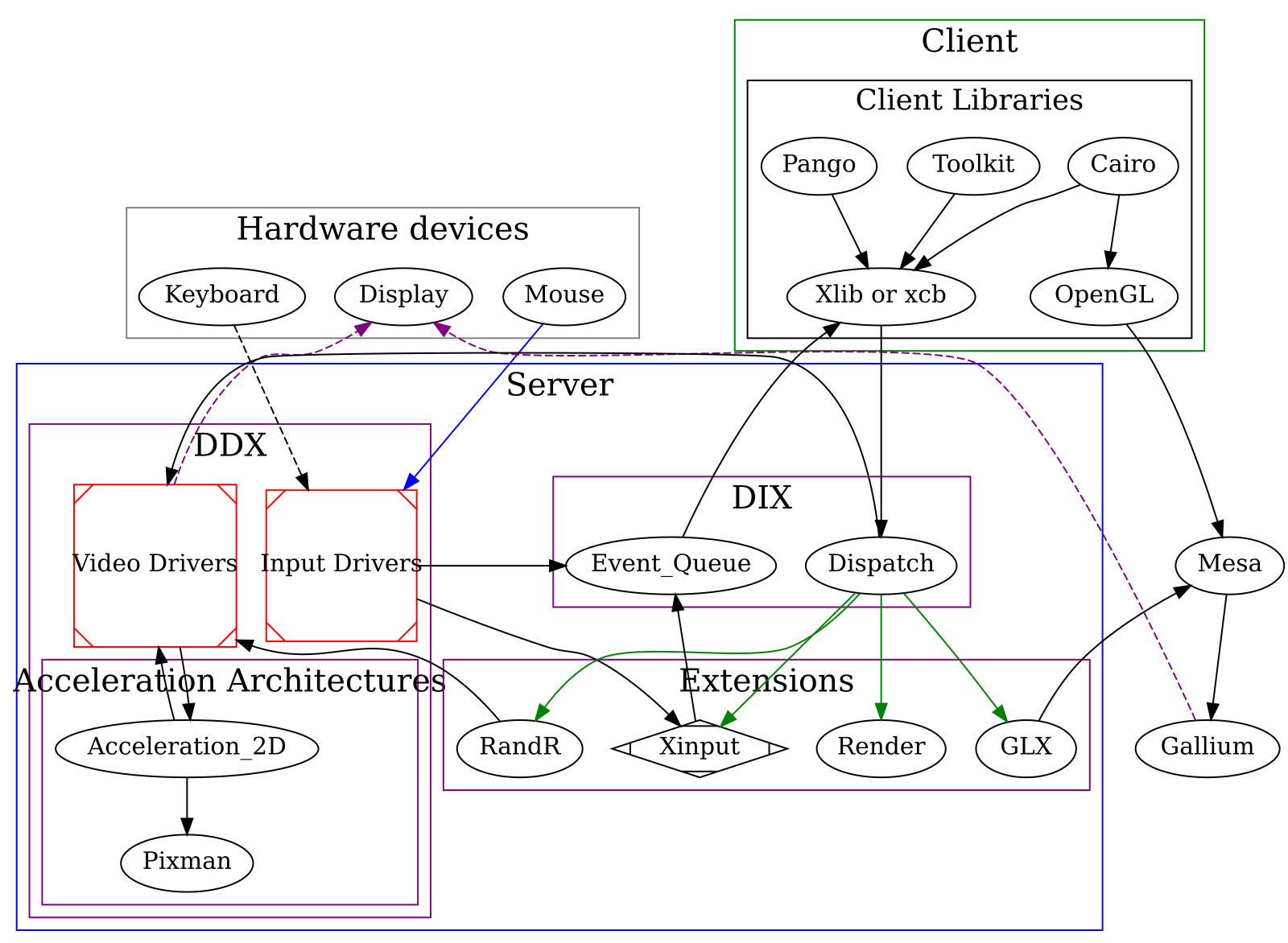
X.Org is a FOSS implementation of the X Window System — also known as X11. X11 was the windowing system that had been used both in UNIX systems and in the Linux userspace as a display server — the piece of software that is used to manage windows, talk with the Kernel Modesetting to create frames to push to the GPU, and take inputs from the various input devices, such as mice and keyboards. There were many implementations of this standard across several operating systems, including some commercial ones. Linux chose to adopt the Xorg server, a completely free and open source implementation.
Due to how computing used to work back then, the X window system had a client-server architecture. What this means is one process — xfree86 — was instantiated as the server, and applications, the clients, and the various input/output peripherals — keyboards, mice, monitors — would connect to the server over a networking protocol.
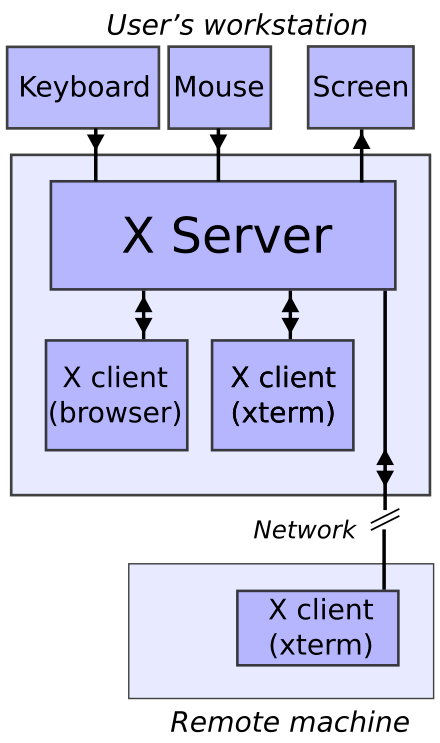

Back in the day, it used to make sense. The concept of personal computing was not as widespread as it is today, and, in most organizations, all actual computing happened on remote servers, while users used thin-client machines that would remotely connect to the server. It was critical that X windows could be streamed over a network protocol.
Limitations of the X window protocol
Over time, however, while computing changed profoundly, the X window system did not. As the days went by, Xorg was more and more unfit for modern computing needs, as the limitations due to its decades-old design began to be increasingly harder to ignore.
Firstly, its chatty networked architecture was introducing too much performance overhead just to support a use case that is mostly superseded at this point. This also caused several users to perceive latency — especially in cases where a compositor was running on top of the session — which created its own fair share of issues with tasks that require low latency, such as gaming.
Secondly, the way Xorg works internally would cause screen tearing artifacts, cases where information from multiple frames were pushed to the display at the same time, creating a “disconnect” between various parts of the screen. For a very long time, the main way to mitigate this artifact was running an X session with a graphical compositor on top. This would mitigate this issue and allow nicer eye-candy effects, with the side effect of adding a fair bit of latency.

.jpg)
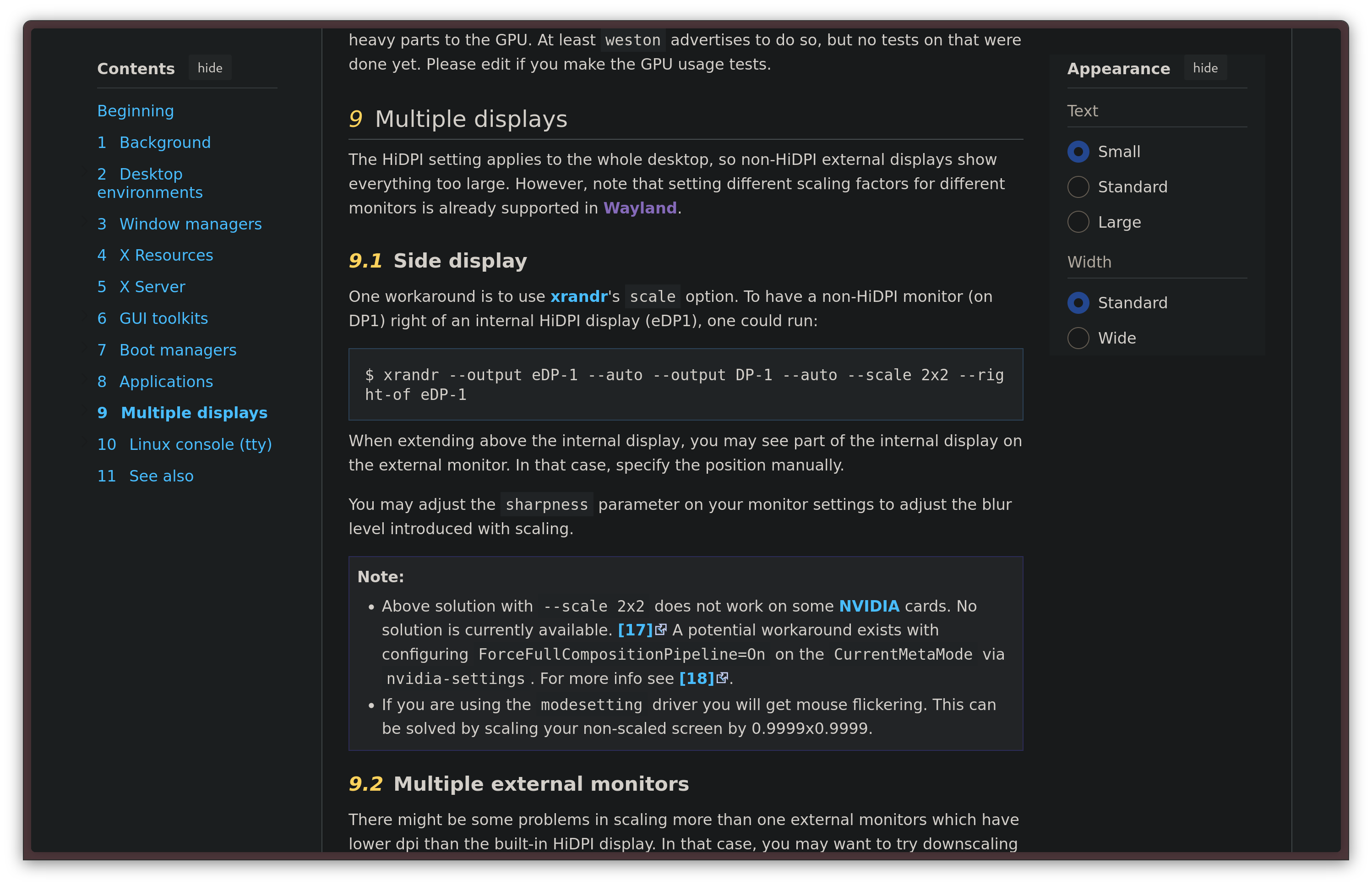
Among its various issues, one notable fault of Xorg is in the HiDPI design, or lack thereof. As the years went by, HiDPI displays — monitors with a very high resolution in a rather small physical size — got more and more common. Any use case related to HiDPI on Xorg is known to be painful, but where it fails completely is in mixed dpi use cases — which means, whenever multiple monitors with different levels of scaling are needed. Xorg treats all connected displays as a single surface, making per-monitor adjustments impossible. The same is also true for refresh rate differences: if you have a 60 Hz and a 144 Hz monitor connected in your setup, dragons lie ahead.
Another area where Xorg was lackluster is security. The X server has absolutely no concept of security: clients have visibility on anything that happens in the server, not only the information they should care about. A window could completely stall the entire X server, record the screen or take screenshots, take exclusive control of the keyboard or silently act as a keylogger.
Finally, Xorg is extremely hard to maintain, which has made adding features to it, or even just performing basic maintenance tasks, unsustainable in the long run. As the years went by, the Linux desktop kept falling behind Windows and macOS for anything related to HiDPI, touch screen support, smooth touchpad gestures, and anything touched by the limitations of Xorg. The writing was on the world: in order to have any hope of ever bringing the video presentation stack of the Linux desktop on par with better-funded commercial solutions, it was high time for a good old rewrite.
The new era: Wayland
This is why, back in 2008, work on Wayland had started. Wayland is a presentation protocol that seeks to replace X11, reinventing the solution with a completely different design, seeking to never repeat the mistakes that were made in X11.
From the start, the architecture is fundamentally different. Unlike the X Window System, Wayland no longer uses a client-server architecture: it is, rather, a protocol that specifies how a Wayland compositor and the windows that will be drawn inside it — the Wayland clients — should communicate.
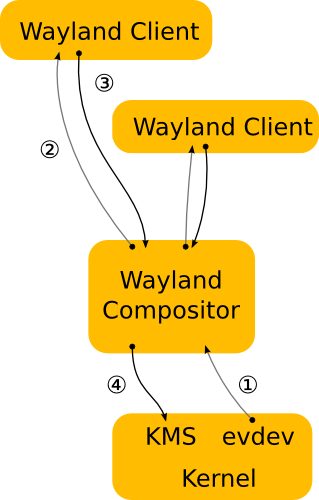
The main new concept in Wayland is the fact that there is no longer a separation between the Display Server, the Window Manager and the Compositor: all of those components are now fused in one single monolith, the Wayland Compositor. The compositor will take on the task of communicating directly with graphical kernel interfaces such as the Kernel Mode Setting itself, without a middle man.
Things also change from the perspective of the windows. Wayland clients are much more restricted, and all they know is what the Wayland compositor tells them. The main philosophy behind this design decision is the wish to never again force a client to make assumptions on the environment it was running inside to work properly — something that did happen all the time with the X Window System, causing a lot of mishaps. A permission system has also been implemented, like the one you have on your phone, making it so that a client has to ask before doing things like recording your screen.
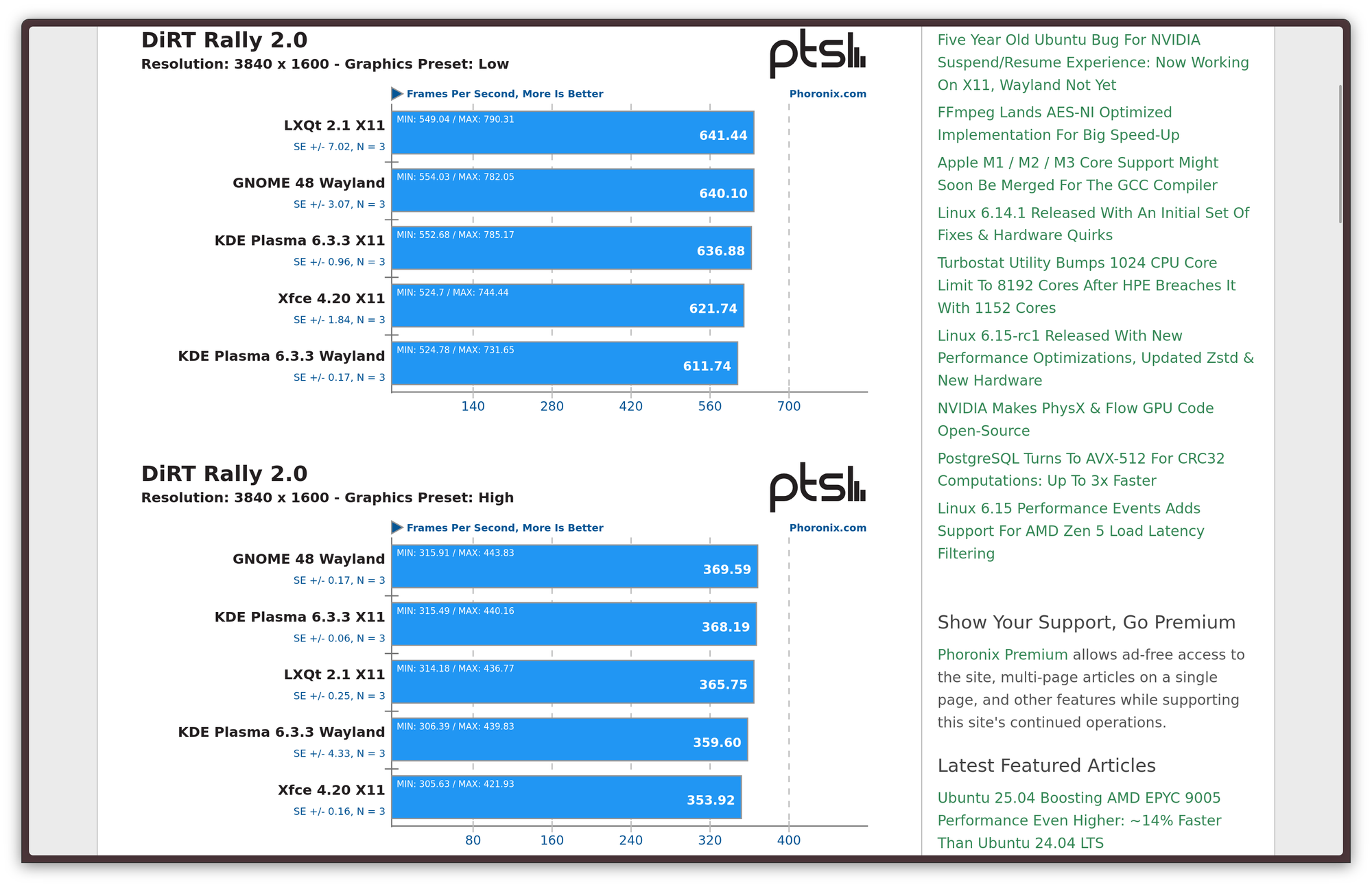
This approach has both advantages and drawbacks. The gains are pretty obvious. First off, there is a clear performance advancement to be gained: it's the oldest concept in low-level software design — modular architectures have neat logical separation, but monoliths tend to be faster. Much faster: this is the same reason why the Linux kernel is monolithic, and why the Windows/NT kernel also became much more monolithic as time went on. In the specific case of X11, though, the main bottleneck was the fact that communications between components were running through a network protocol — even if it was running locally — and that it was very chatty. By eliminating this communication and cutting out the middle man, there is a potential to improve performance and latency greatly. We also get advantages in security: since a window is now running in a more confined environment, privacy is now better safeguarded.
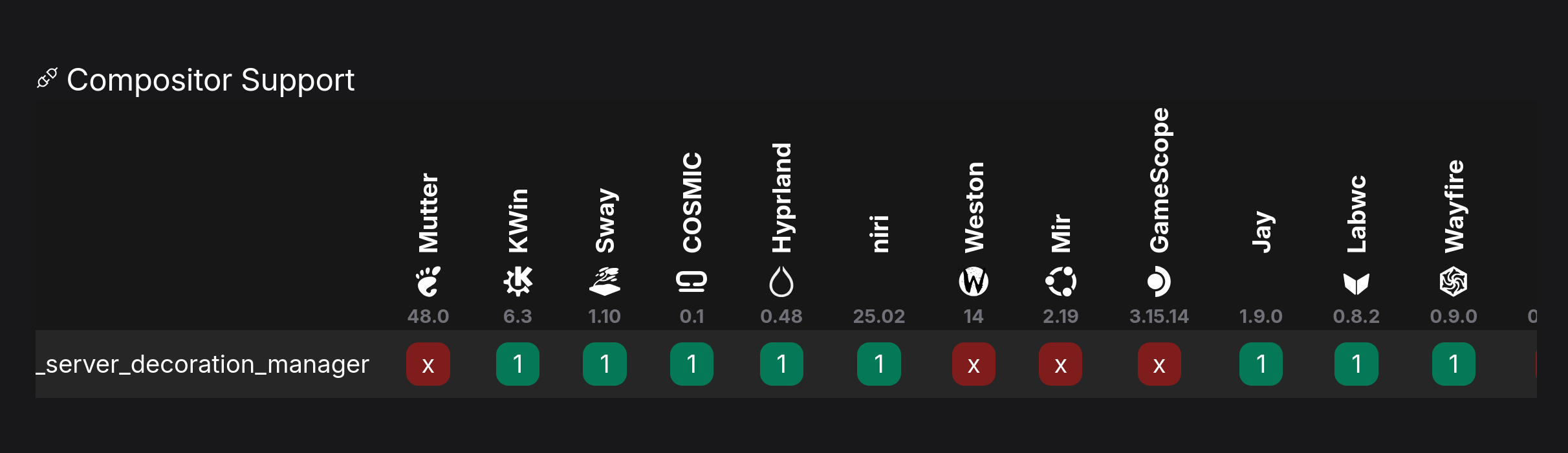
To balance out these advancements, we also get some drawbacks. For starters, since each compositor is a monolith, different desktop environments have to work on their own compositors from scratch, replicating a lot of effort several times. This also creates a huge issue with fragmentation: while the Wayland spec includes many protocols, not all of them are implemented by all Wayland compositors under the sun, or even by the most relevant ones. Sometimes, this is due to the fact that a protocol that is challenging to implement does not yet have a finished implementation ready for one compositor or another. Sometimes, it is due to divergences in philosophy and opinion between projects, which leave them the freedom to not implement a protocol at all, so long as it's an optional one. Weston itself, the reference Wayland compositor, only supports a pretty minimal set of protocols, creating a situation where the consensus on whether a feature or another should be implemented by everyone unclear.
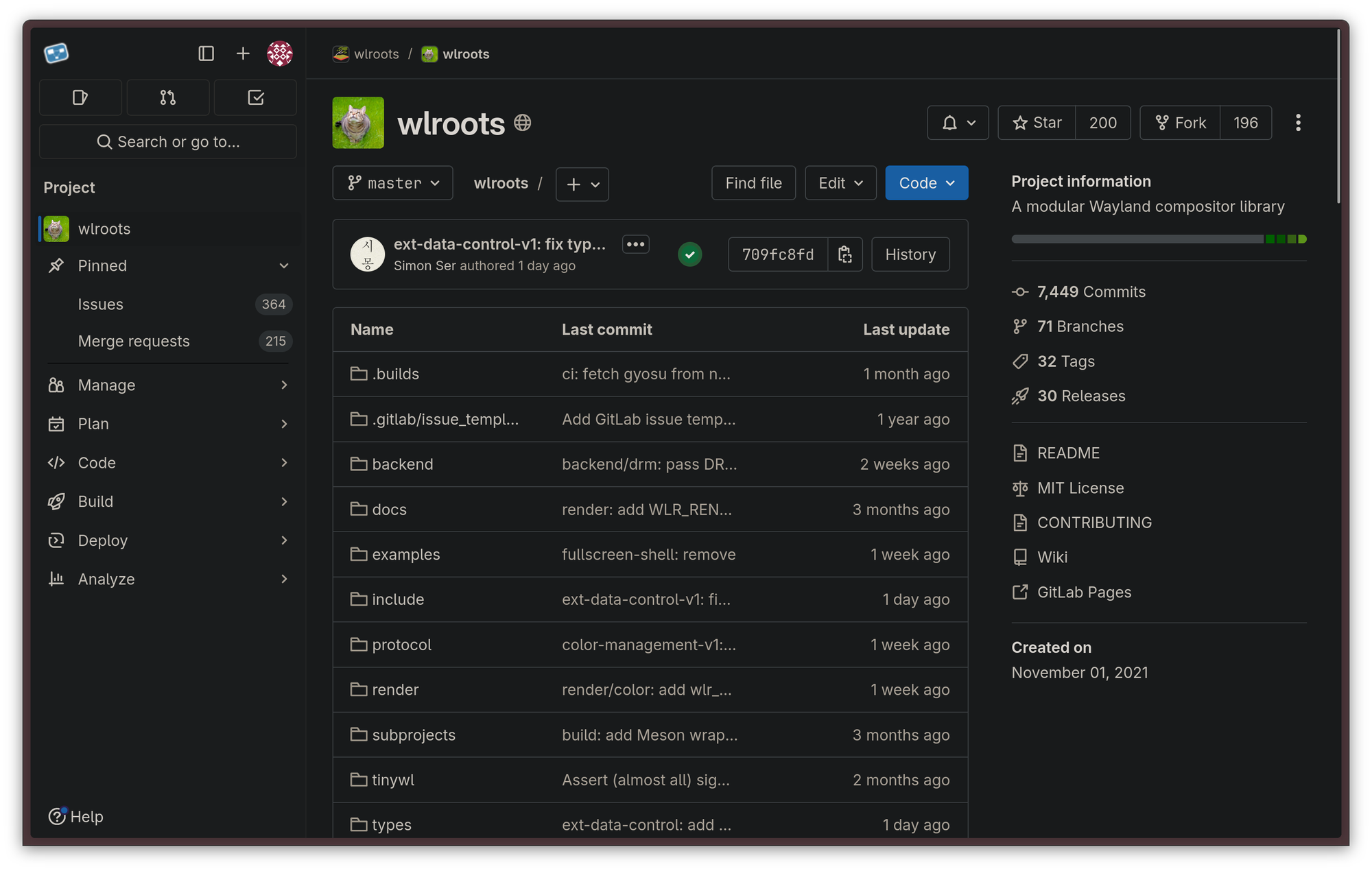
It also used to be harder for a smaller indie to get going with their own Wayland compositor. However, this has been greatly alleviated by projects like Drew Devault's wlroots, a library that allows anybody to build their own Wayland compositor on top of it. Notably, wlroots has been the base for other well-known projects, like Valve's gamescope compositor which is used for the Steam Deck gaming mode among other things, Drew's own sway compositor, a dwm port called dwl, or niri, a sway alternative that a lot of people love.
For a long time, Wayland had significant problems that stopped a lot of people from using it: from slowdown in video games due to its default vertical sync, to broken Wacom tablet input, to problematic screen sharing, to the security model sometimes getting in the way of some quality-of-life feature that used to exist on X11. However, during the past few years, development around Wayland has skyrocketed, steadily killing more and more of these limitations, while improving over the original X11 implementation in the process. Development is still going great, and there are a lot of exciting things coming to the Wayland ecosystem planned for the short to medium term.
Wayland's innovations
The swift boost in adoption of Wayland compositors as of late does not come in a vacuum. It mostly owes its success to the fact that new Wayland protocols have become part of the standard, closing gaps with X11 that prevented users to switch over. Let us now take a look at some of the main innovations Wayland is going through now. We will see some protocols which are now part of the standard, and that are either in the process of getting supported by clients, or there is development around them still. For this, I would like to thank Phoronix, which has put out a nice roundup of everything that has been going on in Wayland for the past few months, and some of the advancements discussed below were found there.
Better fractional scaling with fractional-scale-v1
One of the main problems in Wayland sessions was that, since Wayland primarily deals with integer numbers, there was no way to get a window to define its own scaling level. The way Wayland compositors would work around this was render the window at integer scaling at a larger resolution and then downscaling it back to the native resolution. However, this hack was very computationally expensive, while creating visual artifacts and making everything slightly soft and blurry.
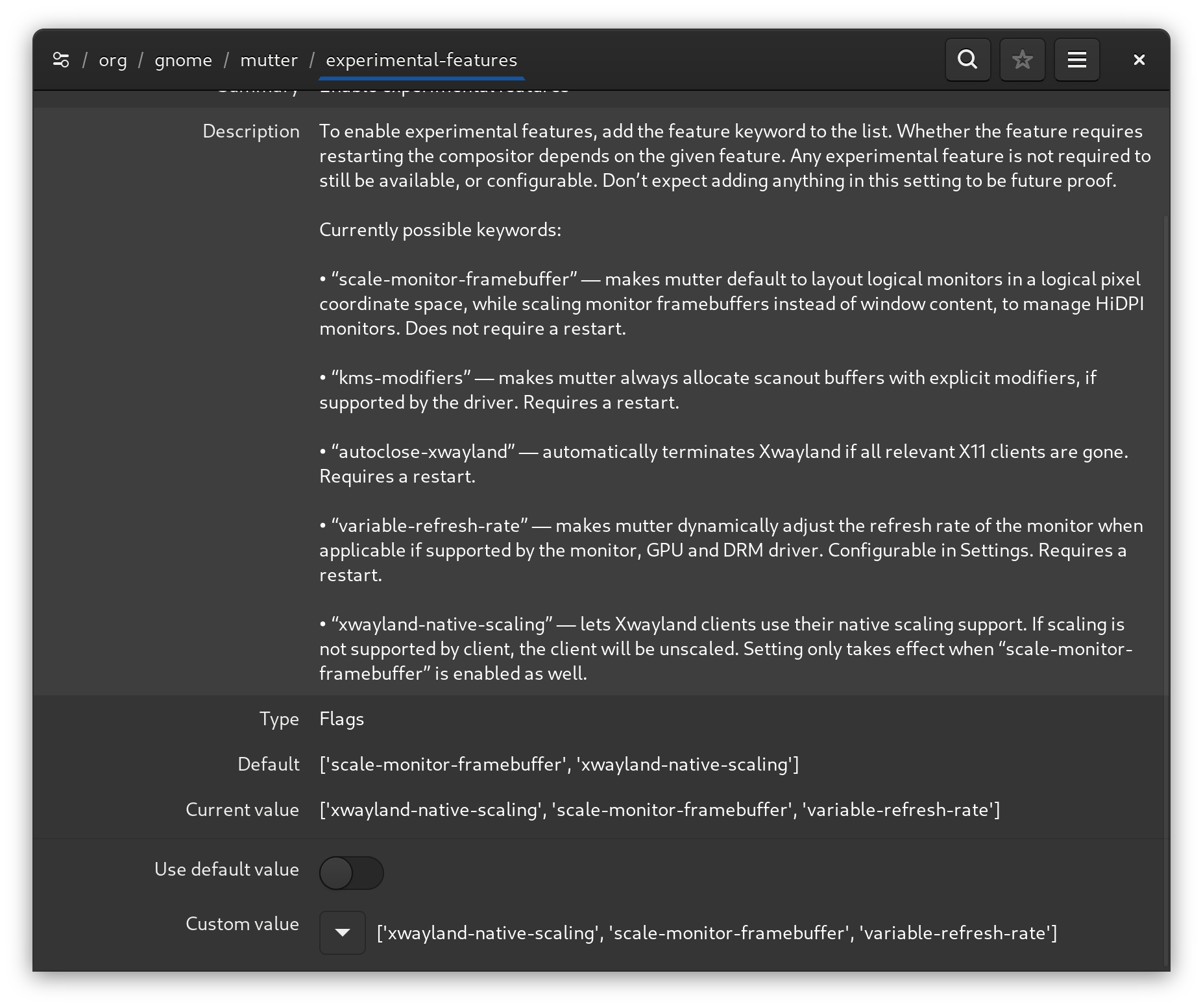
This was solved by the fractional-scale-v1 protocol. Now, if a client supports it, the compositor can tell the client what the actual, fractional scale factor is, and allow the client to handle the scaling internally by itself, eliminating both the computational cost and the visual artifacts.
Low-latency competitive gaming thanks to tearing_control_v1
Remember how we said that Wayland has eliminated screen tearing? One of the ways it has done that is by enforcing a policy where every frame is perfect. This means that the entire compositor is forced to wait for vertical synchronization (VSync). Hardcore gamers already know that VSync usually means bad news: the cost of eliminating tearing artifacts is high and, very often, input latency is introduced. Unfortunately, enforcing vertical sync from the compositor side can negatively affect very fast-paced games where every frame matters.
There is ongoing work to fix this situation thanks to the tearing_control_v1 Wayland protocol, currently merged in staging state. This protocol would allow a client that requires it to disable VSync for itself.
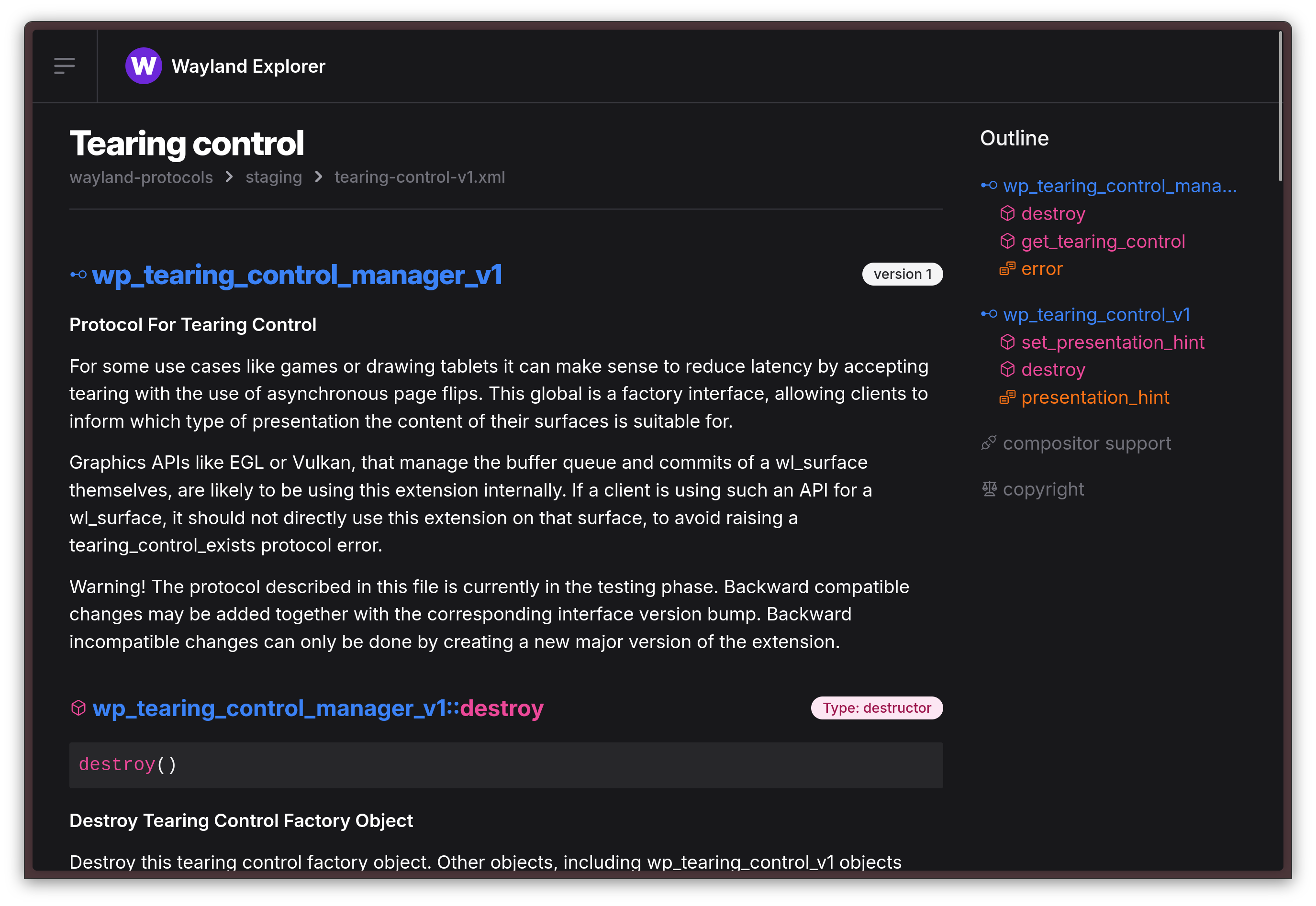
However, not all compositors currently implement this, and it seems like further kernel and compositor patches on compositors that do support it is required to make this feature work properly.
Professional color work and support for an HDR monitor near you with Color Management Protocol
One pretty bad, long-standing limitation of not just Wayland, but the Linux desktop itself, has always been the lack of valid options to do proper color management and drive HDR (High Dynamic Range) displays without resorting to running them in SDR mode - clamping their color gamut to the more limited sRGB color space.
The recently merged Wayland color management protocol, as part of Wayland Protocols 1.41, is an important step in that direction. Like the Tearing protocol, though, this protocol is still a staging protocol: this means it's being tested, and further development is necessary to be able to actually use it.
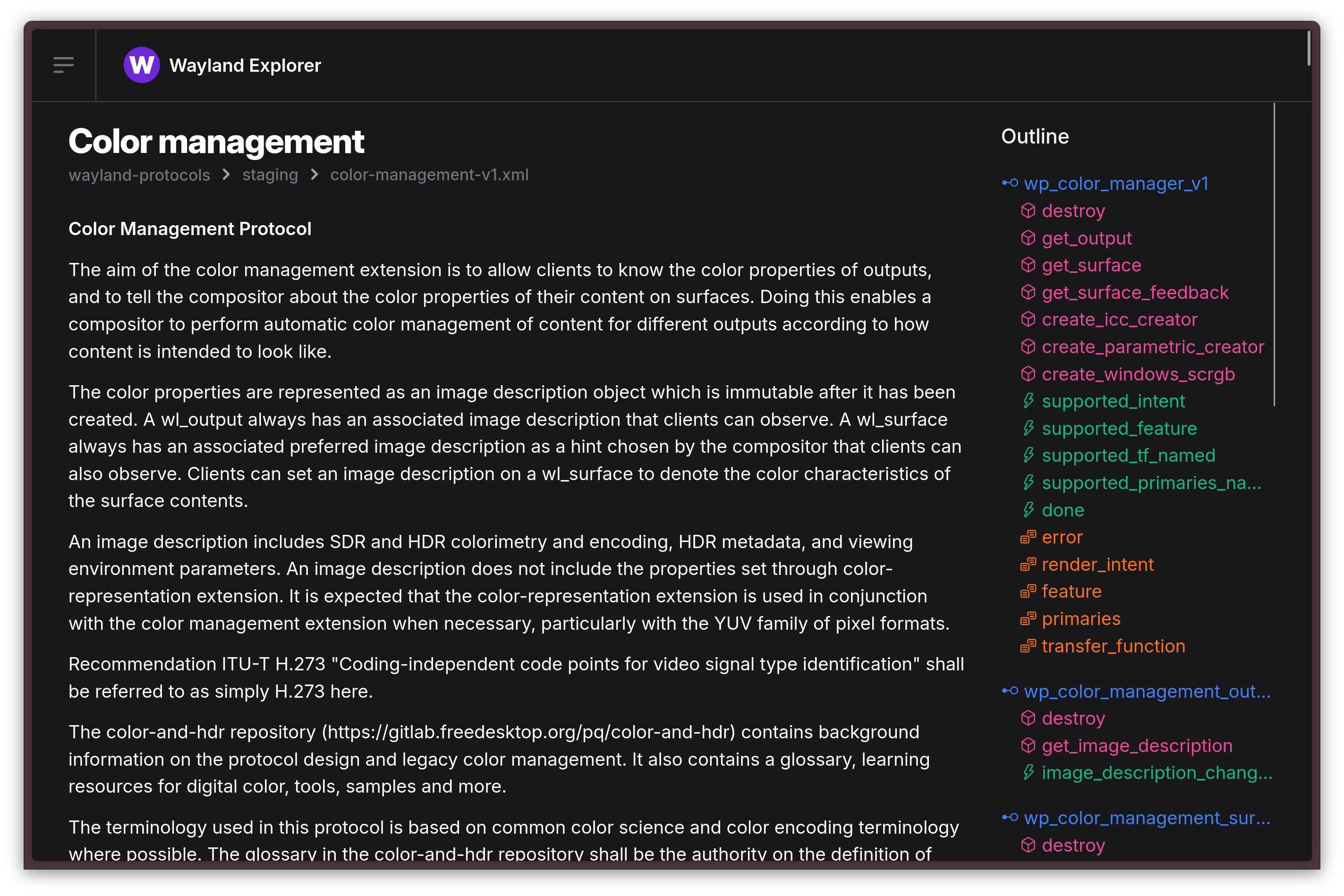
Hopefully, this means that color-critical work will soon be more viable on Linux workstations, and that an HDR monitor or TV near you will be able to be used to its full capabilities when hooked up to your Linux box!
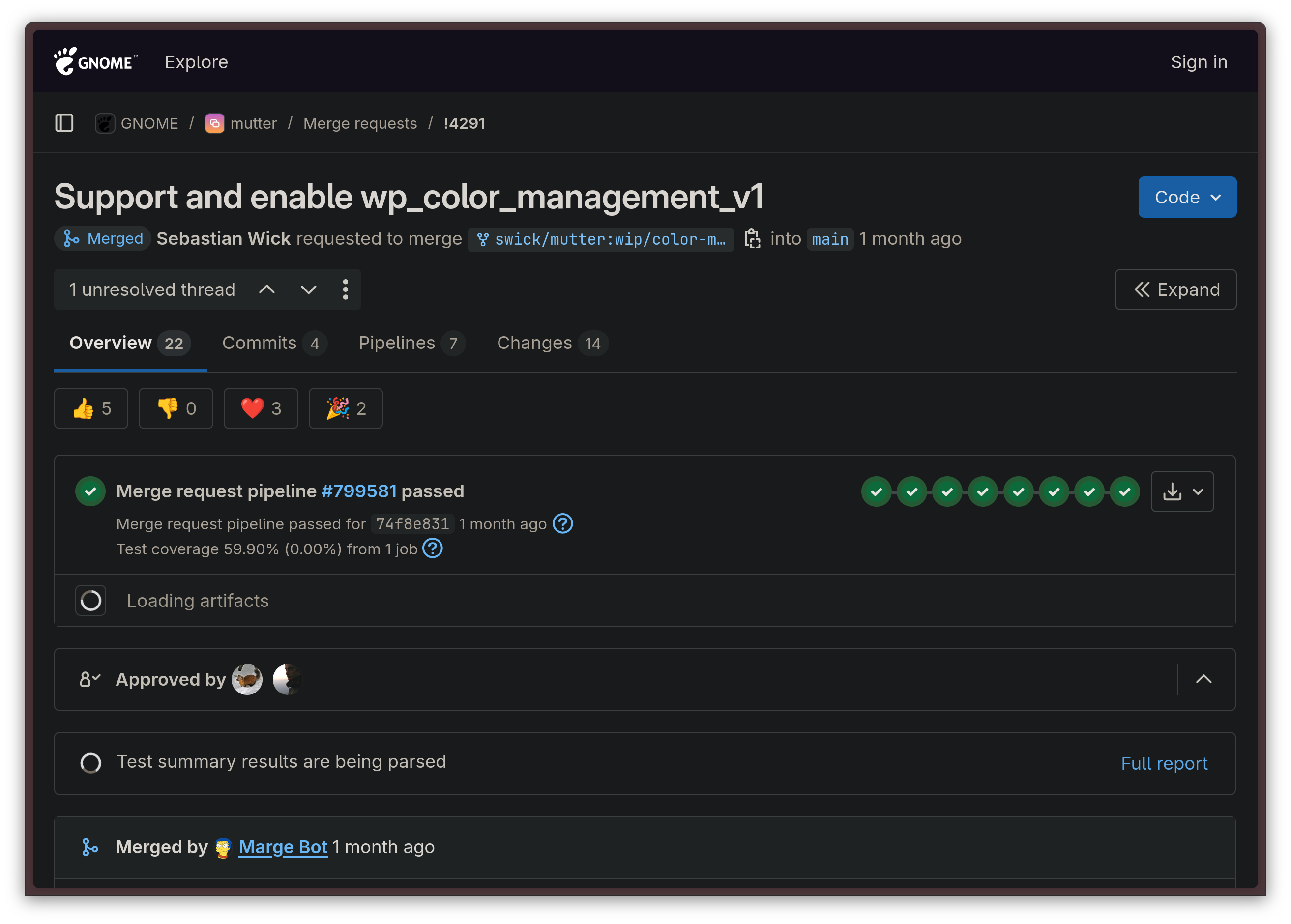
This highly-anticipated protocol is already gaining a lot of interest, but it will be a while until all compositors have implemented it. HDR is an uniquely painful and challenging task, so do expect adoption to be slow. However, support for it is ready and it was recently merged in GNOME's Mutter compositor and Hyprland already, which makes me faithful support for further compositors will follow suit soon.
Adoption for this protocol has already started on the client side, too. Industry-standard video player mpv 0.40.0 has juuust released a couple weeks ago with support for HDR on Linux through this protocol!
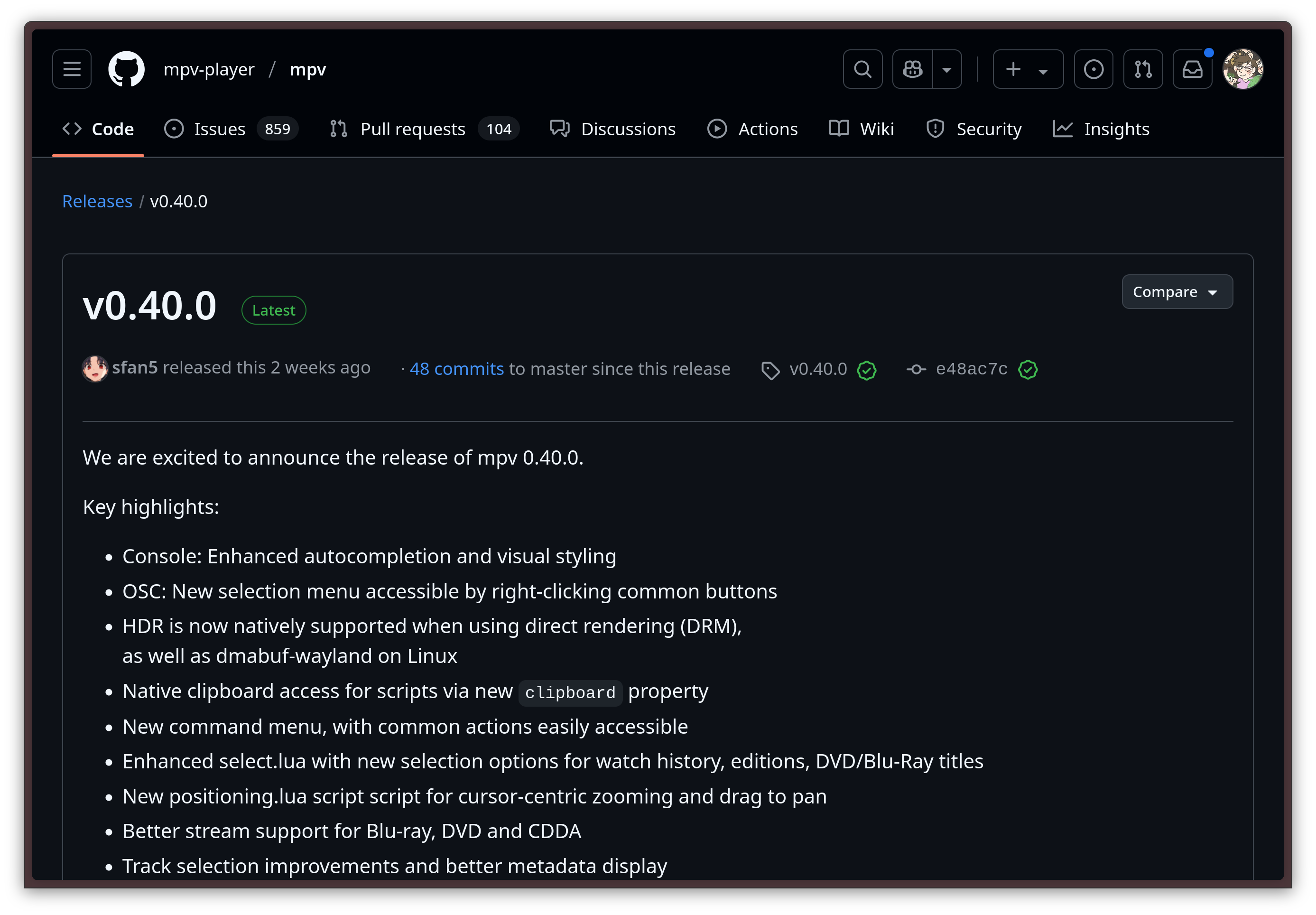
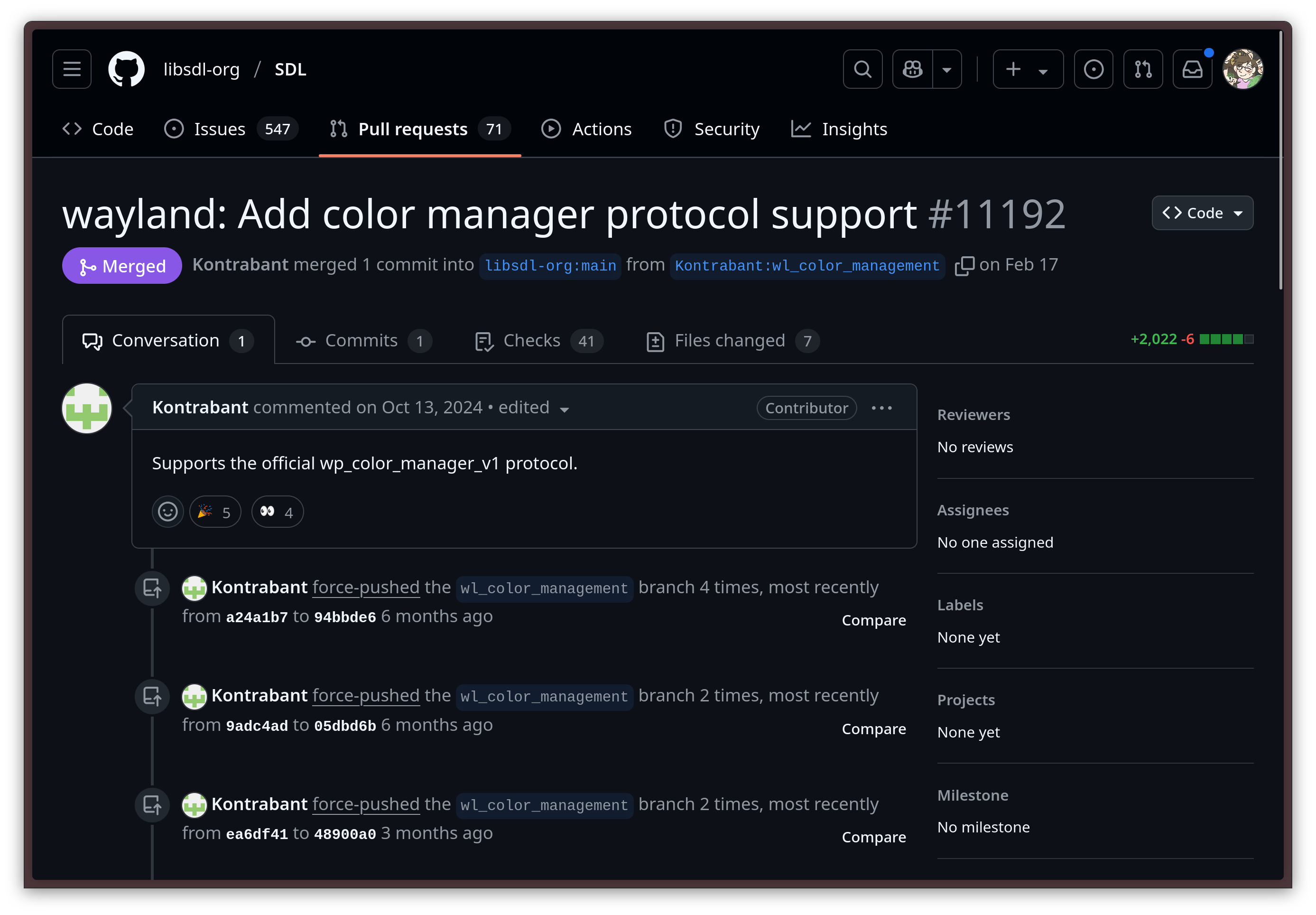
mpv is on board as well!Video rendering library SDL has also committed support for it, which is excellent news, since a plethora of games and graphical applications are based on SDL. This means that the amount of applications that could potentially have HDR support in the very near future might be much higher than we think.
Control AMD Vari-Bright policies right from the DE with power saving vs. power accuracy support
Linux 6.12 has paved the way for graphics drivers development to introduce optional power-saving modes that rely on altering the brightness and contrast of the integrated eDP panel in laptops automatically. So far, the one implementation that is already live for end users is AMD's Adaptive Backlight Management (ABM) functionality, which is the Linux equivalent of the better-known "AMD Vari-Bright" feature from their Windows drivers.
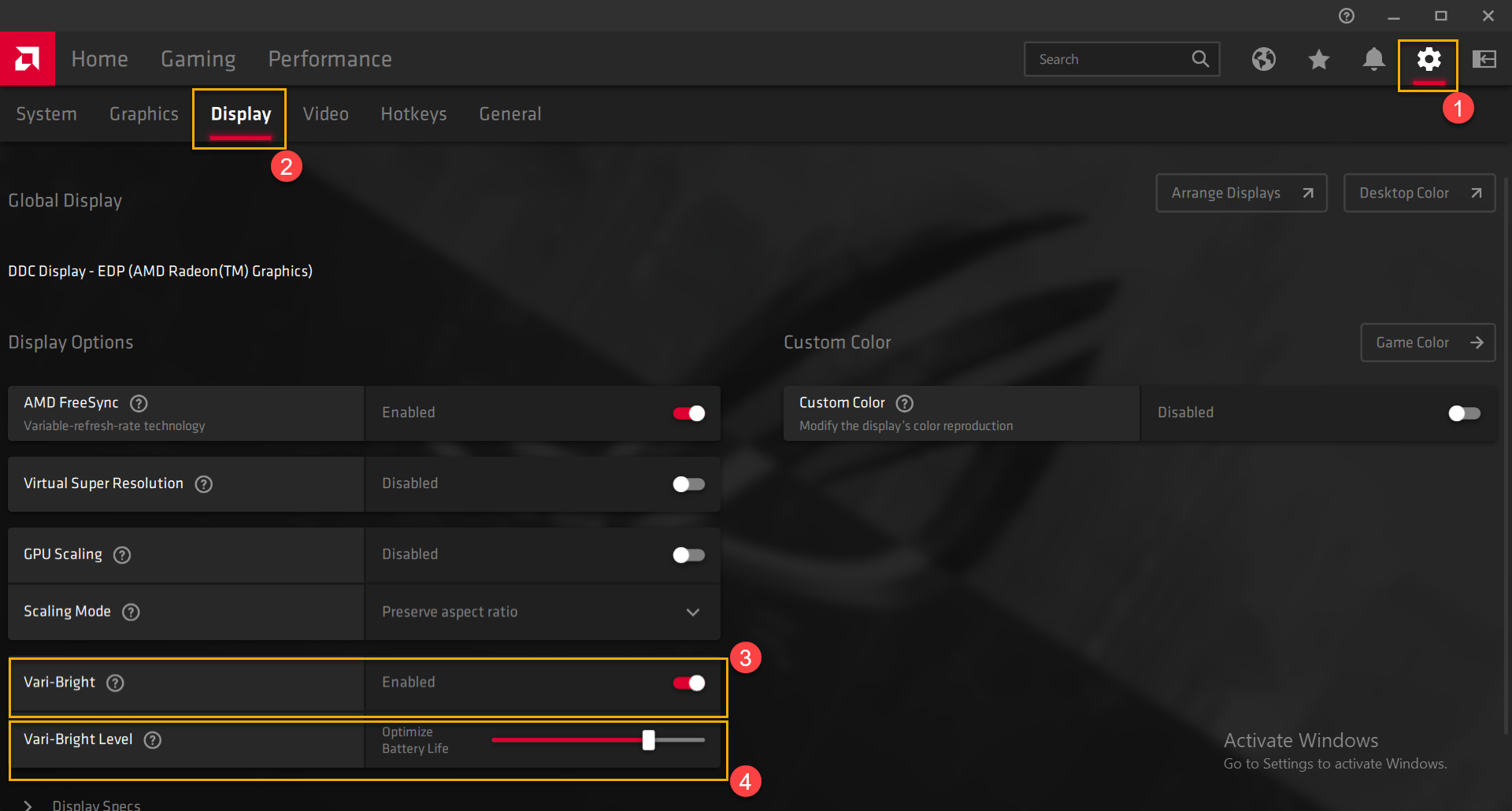
Currently, this feature is on by deafult. Not everybody liked it though - I certainly didn't: when it is on, your laptop's screen becomes very washed out when not plugged in to AC or using the Performance power profile, in an attempt to save battery by dynamically tuning the contrast ratio in a way that makes everything, including darker scenes, more visible on a lower backlight brightness level. There is currently no easy way to disable it: one must either do it through TuneD / PPD, or by passing the kernel cmdline argument amdgpu.abmlevel=0, which fixes the ABM level to the default, accurate one; or amdgpu.abmlevel=-1, which disables the feature altogether.

In the Plasma Wayland Protocols 1.16.0 release, KDE Plasma devs have finally put an end to this, allowing the user to choose their preferred policy - color accuracy or power saving - through the GUI.
Wine 10 releases with Wayland support
This year, the tenth version of Wine finally launched. For those who do not yet know, Wine is a compatibility layer that allows Win32 applications that were written for Windows systems to run on Linux. Wine contributors did indeed leave something special for this iconic release: a Wayland driver!
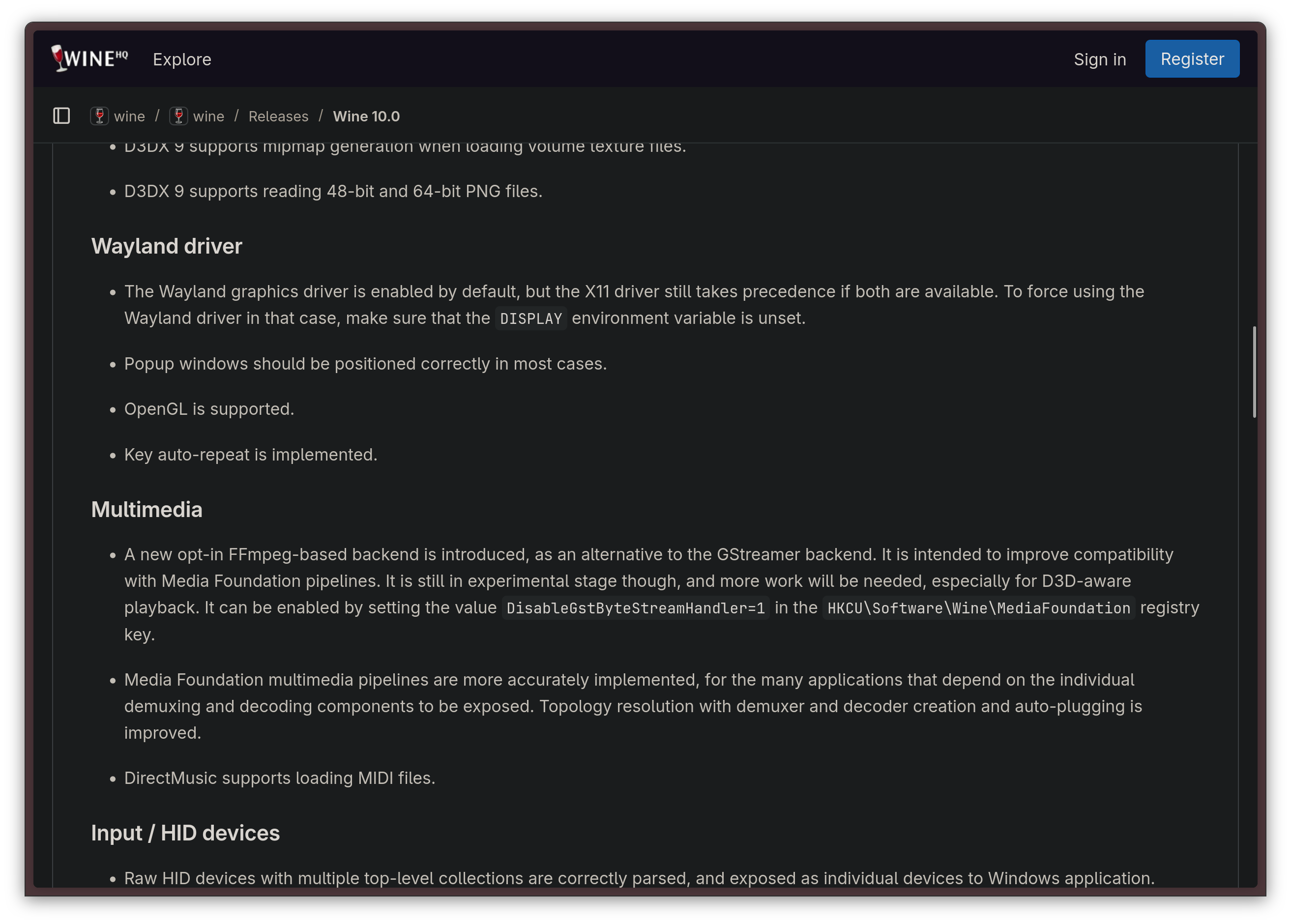
While the feature is still experimental, this change is quite pivotal, since Wine had been one of the only applications that did not support Wayland at all.
We can now look forward to more development on this front, and it might just be huge: since most Steam games run through Proton, a Wine implementation, and pretty much all Steam games that have a Linux version can be made run through Proton instead, this change might mean that, one day, we might be able to get gaming to work fully natively on Wayland, without having to use the XWayland compatibility layer for it.
Wine 10 also comes with better HiDPI support, which should make productivity workloads a little less painful on modern laptops, when you absolutely must use some Windows-only software to carry out a task.
Something's moving for Wayland on CEF!
There is now, at last, initial Wayland support on the Chromium Embedded Framework (CEF). This is a very important advancement, because it is what was holding a lot of important applications, like Spotify and Steam, from moving to a native Wayland session. Right now, Steam works through the XWayland compatibility layer, mostly because it relies on CEF for all the several embedded web views.
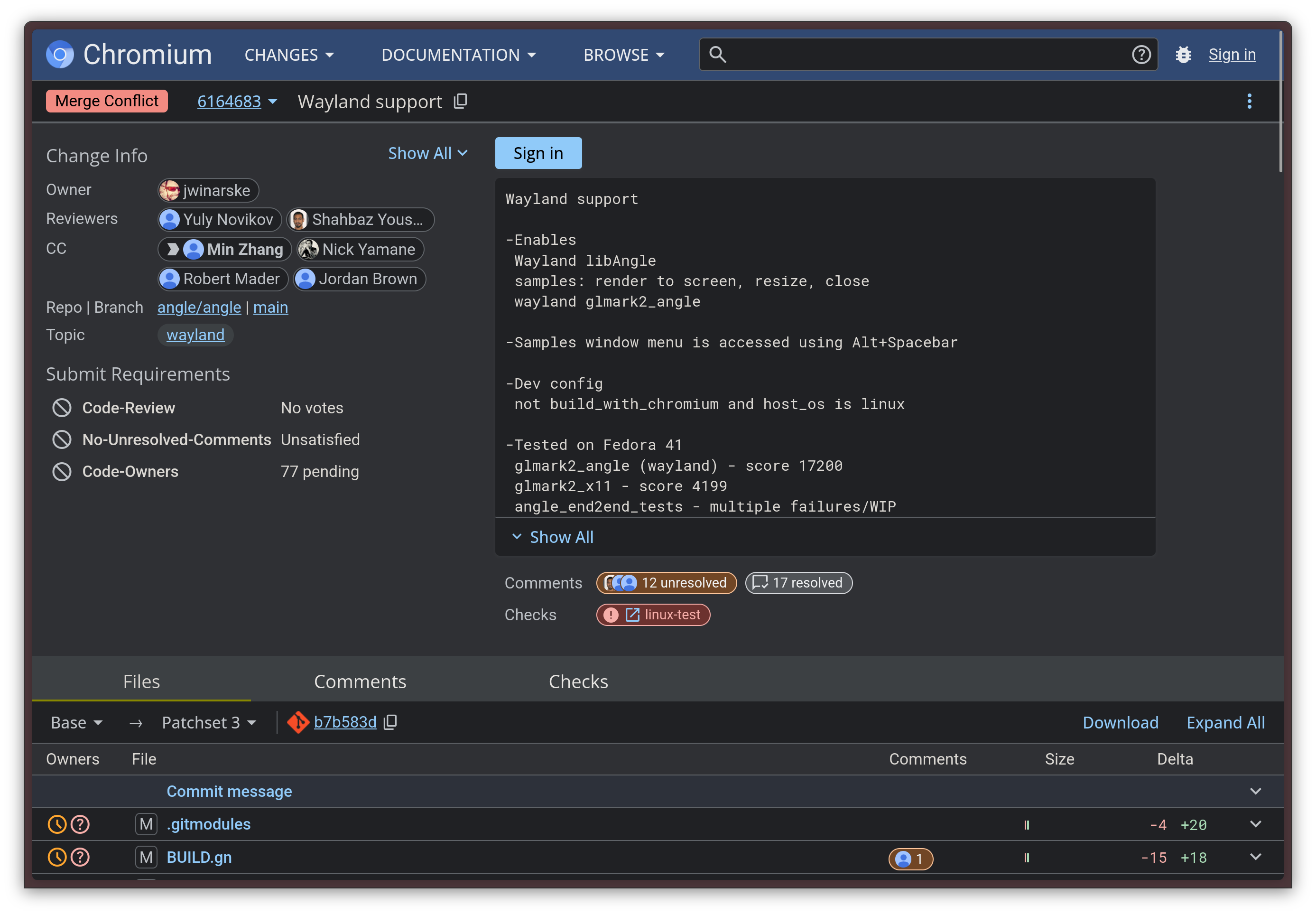
We should be cross even more applications off the XWayland list in the near future.
Wayland-exclusive DEs are finally a reality
You know it's serious when new desktop environments do not even support X11 at all, not even as a fallback option. This has been the case for System76's Cosmic desktop since its inception, but it seems like the trend does not end there.
For example, Budgie, a GNOME fork that is famous for being the default desktop in Solus (ah, the good old days...), has just released its first release where Wayland is the only supported session.
KDE Plasma's Wayland support has also gotten so mature that it is now considered the default. On top of that, the contributors of KWin - Plasma's compositor - have decided to split the codebases of kwin_x11 and kwin_wayland, keeping the latter the main one, and maintaining the former until Plasma 7. This is a powerful signal: it means KDE is serious on Wayland being the default and the preferred session, and they are also slowly preparing to move on. If you need to use X11 still, I wouldn't worry too much: Plasma 7 is likely still very far away, and the X11 session will still be fully supported through the entire Plasma 6 lifecycle. However, you should slowly be preparing to move: support for X11 on most major DE's has its days counted. Just to give a proper idea, even Xfce is preparing a Wayland port.
A bright future
While there is no doubt that the migration to Wayland was a bit of a bloodbath for the early adopters, things are going much smoother now. The Wayland ecosystem also has a healthy timeline ahead, and there is plenty to look out for in the future.
On the history of Valve and Linux
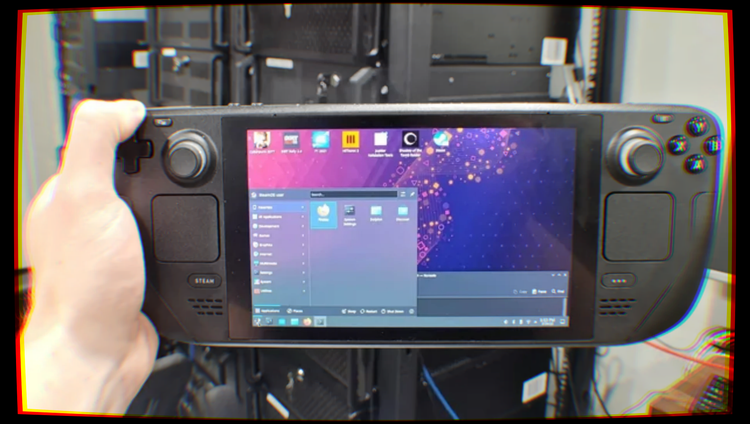
Valve, the company behind Steam and iconic franchises like Portal, Half-Life and Team Fortress, is undoubtedly one of the most important companies for the Linux desktop. They are known for the Steam Deck, a best-selling handheld game console based on Linux, and they have put in a tremendous amount of work to bring AAA gaming to Linux over the years. However, just like Rome was not built in a day, so wasn't this relationship.

So, how did Valve become so acquainted with the Linux ecosystem?
90s and 2000s — Microsoft dominates PC gaming
Released in September 2003, Steam has been the leading online store for PC gaming for quite a long time. However, for the longest time, its main support target has been the Windows operating system. It is not hard to believe why: PC gaming has, historically, been closely tied to the Windows ecosystem.
Apple's Mac platform has never been too interested in supporting gaming as a first-class citizen, focusing primarily on other audiences, but gaming on Microsoft computers was big since the olden days of MS-DOS, Windows's ancestor. It would not be inaccurate to claim that a huge part of PC gaming as a concept took birth on DOS.
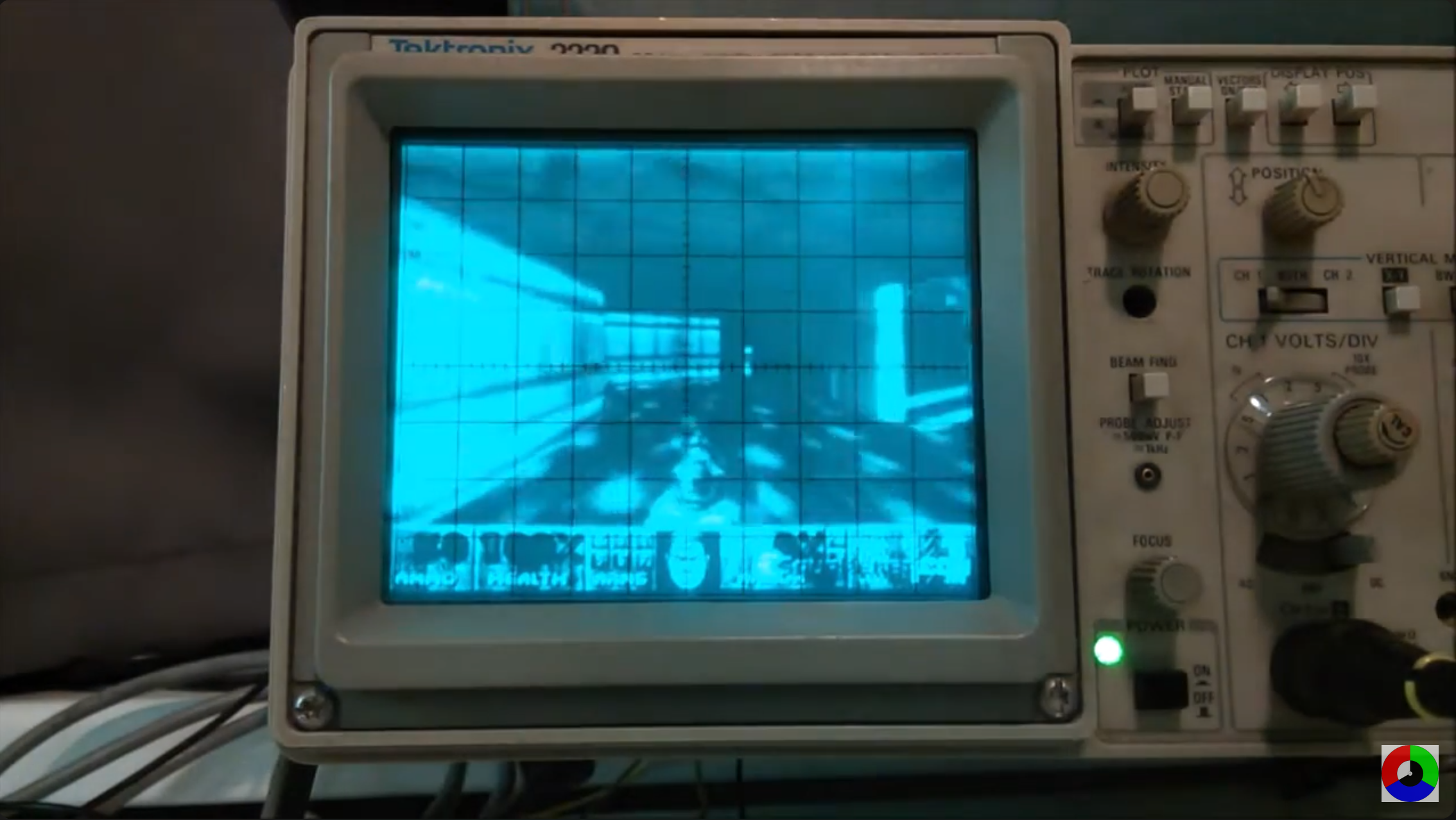
Indeed, many of the most iconic PC games and franchises were born as DOS games. Just think about DOOM: it was released in 1993 for MS-DOS systems, and it has been a true icon ever since. Not only has it shaped the genre of first-person shooters, but it was also the game that gave birth to the speedrunning community, a community of gamers who take it as a personal challenge to beat a video game in the shortest possible amount of time.

It was a commercial hit, and it quickly became so iconic and widespread that it is widely known even today. The internet is doing plenty to keep it alive: for example, it is now a standard that, if a platform that can possibly run code exists, then Doom must be ported onto it. Doom has been ported to embedded devices like industrial machines and medical devices; it has been made to run in Word and PDF documents, and it was even made to run in other video games through mods! Because yes, you absolutely need to have a Doom cabinet in the Stardrop Saloon in Stardew Valley to play after draining whatever was left of your soul with yet another unsuccessful run at Junimo Kart.
However, writing games for DOS was painful. Having to write handwritten Assembly code to get anything resembling smooth gameplay was an absolute necessity, and having to deal with high-resolution displays (for the time) or outputting any kind of sound would make developers want to tear their hair out all the time. As hardware capabilities eventually grew from what most DOS machines were capable of, the new standard became Windows 3.1. However, game developers were not happy: the new operating system didn't run in Real Mode anymore, as it had made the switch to the more modern Protected Mode. This meant DOS game developers were no longer able to abuse BIOS runtimes and direct hardware access for the incredibly hacky implementations DOS games required. Windows 3.1's libraries did not work quite well with game development, leaving game developers in the dark. Microsoft decided it was time to do something after employee Alex St. John had been in contact with various MS-DOS game developers, reporting how, due to these reasons, they were mostly uninterested in porting their DOS games to Windows.
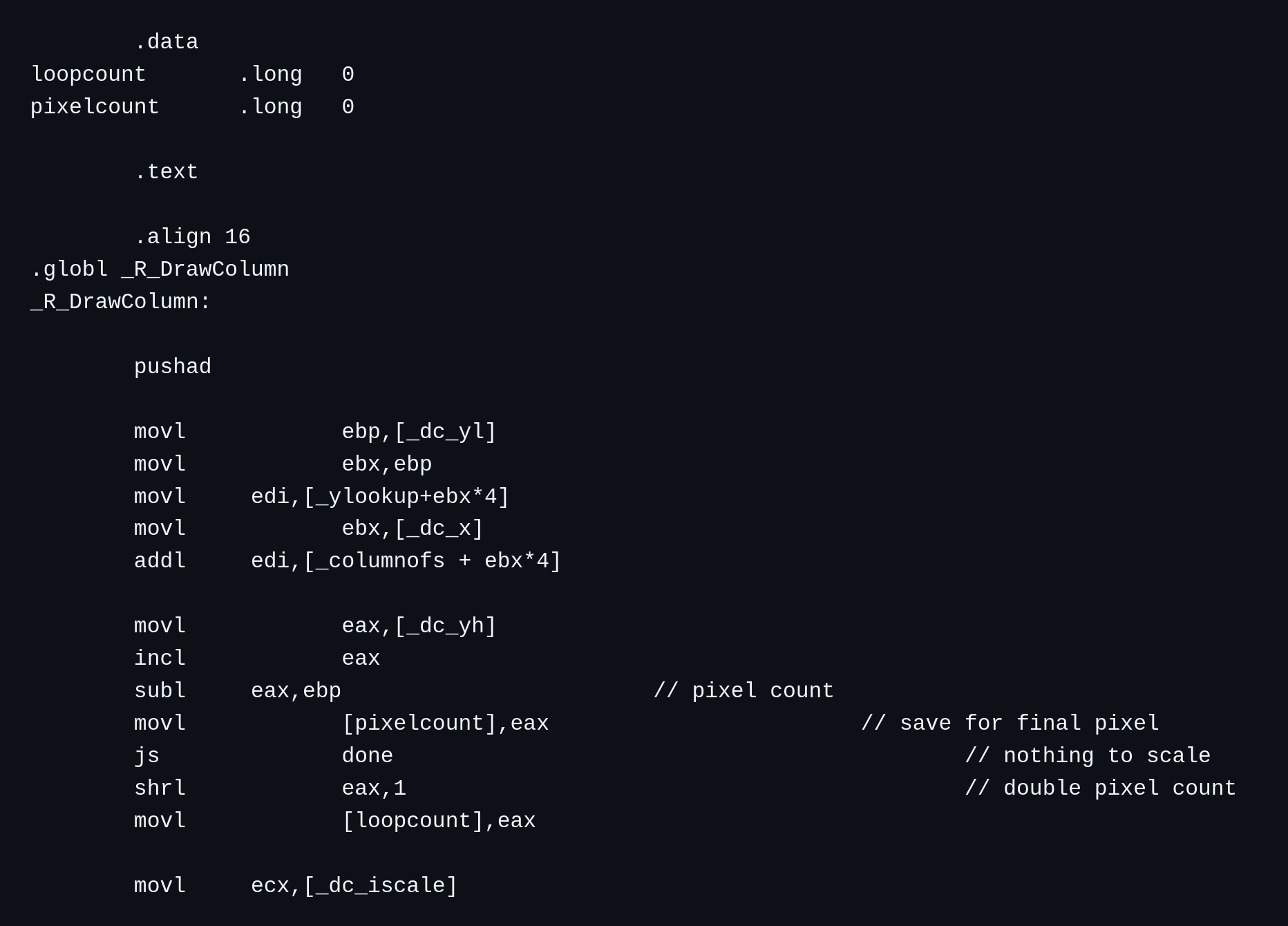
tmap.s — the logic behind texture mapping in DOOM. It was written directly in Assembly for optimization reasons.So, the Manhattan Project started. Manhattan Project was Microsoft's attempt at creating a set of APIs that would make the task of writing games for their platform significantly less painful. The questionable naming decision was, sadly, fully intentional: while Microsoft had most of the PC gaming on its side, the gaming industry as a whole was mostly dominated by game consoles from Japan. Microsoft wanted to directly attack that market with Windows, finally providing a platform that would make it easier to write games for PCs. These efforts materialized in 1995 with the release of DirectX, a set of APIs that abstracted various aspects of what was needed to write games — from presentation to GPU acceleration to audio, to handling inputs, and more — at the Game Developers Conference. In 1996, DirectX became a built-in component of the second service pack of Windows 95 and the business-focused Windows NT 4.0.
Despite the questionable taste in the choice of naming and logo, Microsoft's idea was correct: DirectX was well-received by game developers, and it kickstarted a very healthy ecosystem of great games for Windows, that did, indeed, rival the quality of the games you could find on dedicated game consoles at the time. The use of DirectX libraries was also further commodified with the integration with the .NET Framework, the closed-source predecessor of the now FOSS .NET runtime — which allowed developers to access DirectX APIs from C#, an object-oriented programming language that is very similar to Java and that is easier to use than C and C++. C# has been used as the base for a lot of successful PC games, including the more recent success Stardew Valley, playing a vital role in lowering the barrier of access to writing PC games.
2003 — Steam revolutionizes how PC games are distributed
In September 2003, Valve launched the Steam platform, after teasing it back in the 2002 Game Developer Conference. Initially, Steam was meant to be a software frontend to help users keep Valve games up to date, but it eventually evolved into the PC games store that it is today in 2005.
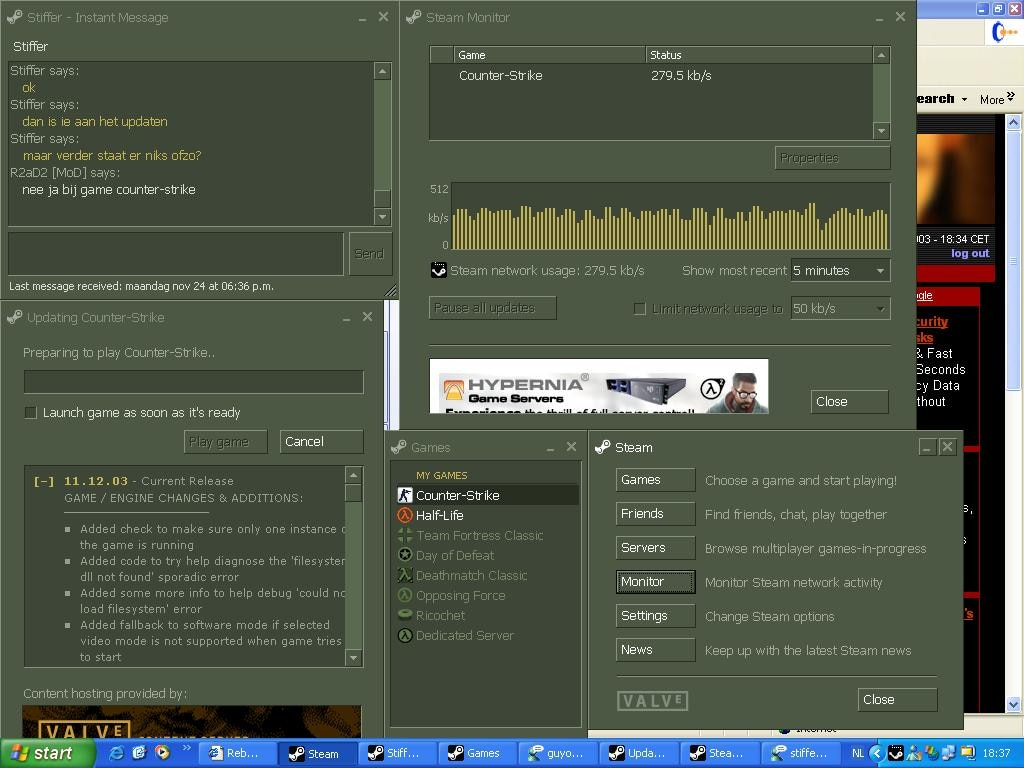
Steam was simply revolutionary: it offered a solid set of quality-of-life features and APIs to game developers and, overall, it made it very convenient to buy and sell computer games from a standardized place. Steam was pretty well-received, gaining endorsement from both major GPU vendors at the time — ATI and NVIDIA — that promoted it with special bundle offers: for example, in 2007, Steam was included in the ATI GPU driver, and free copies of Half-Life 2: Lost Coast and Half-Life 2: Deathmatch were given to owners of their GPUs. NVIDIA did the same in 2008, offering a copy of Portal: The First Slice to owners of their GPU hardware.
The success of Steam was unprecedented, and it showed how important offering a good user experience is for the sale of anything. Steam made legally acquiring games so easy, that overall sales of video games went up, as fewer people felt the need to resort to piracy. The President and Co-Founder of Valve had something to say about this phenomenon:
“We think there is a fundamental misconception about piracy. Piracy is almost always a service problem and not a pricing problem. If a pirate offers a product anywhere in the world, 24 x 7, purchasable from the convenience of your personal computer, and the legal provider says the product is region-locked, will come to your country 3 months after the US release, and can only be purchased at a brick and mortar store, then the pirate’s service is more valuable.”
― Gabe Newell
Of course, Windows has been Steam's main and only target for a very long time, mostly because most computer games only run on Windows. A Mac version of Steam eventually launched in 2010, allowing Apple Mac users to access the Steam storefront as well but, truth be told, it never quite caught on: only a subset of games were available for the Mac, and Apple didn't particularly help its case. Mac hardware was, on average, quite underpowered on the graphical side compared to equivalently priced Windows machines, and Apple just did not seem to care about the gaming experience on Mac. Even today, macOS ships outdated versions of the main graphical APIs — OpenGL and DirectX — primarily supporting their own Metal API, which is not really being adopted by the gaming industry. Still, it was something: even today, Steam is the best way to game on Mac machines, as it runs… whatever games still work after Apple dropped support for 32-bit libraries completely.
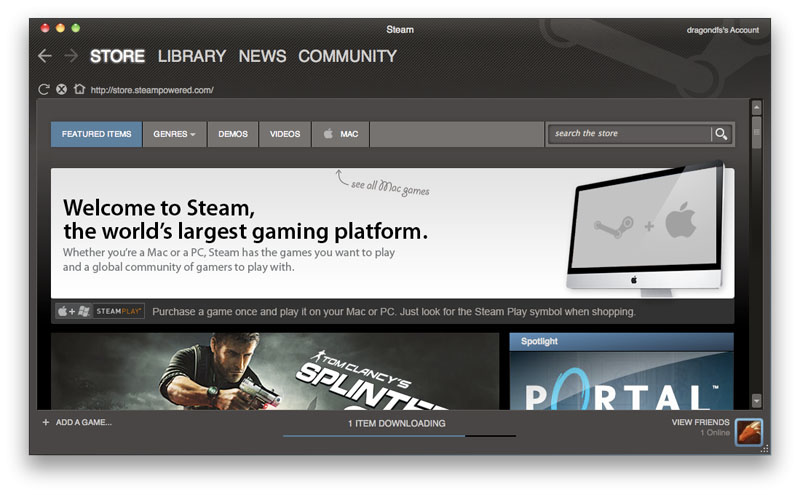
There was something revolutionary about this launch, though. Rather than forcing users to buy separate licenses for Windows and macOS copies of the game, Valve introduced the concept of Steam Play: games that had the “Steam Play” logo supported both Windows and Mac platforms, and the same license was valid across operating systems. This meant that, for example, a Mac user should not be afraid of buying a game for their Mac computer, because the license would have carried over, should they have decided to also purchase a Windows machine for more serious gaming.
Up to this point, things were nice and stable. Valve mostly targeted Windows users, and Windows was a solid platform for their store. Business was good, and the platform was growing.
Until…
2012 — Windows 8 launches, Valve fears for their future and invests in Linux
In 2012, Microsoft launched its most controversial operating system, even to this date: Windows 8. Windows 8 was far from being just an iterative, quality-of-life upgrade over Windows 7, it conceptually reimagined how people would use computers, in a way that was quite disruptive.
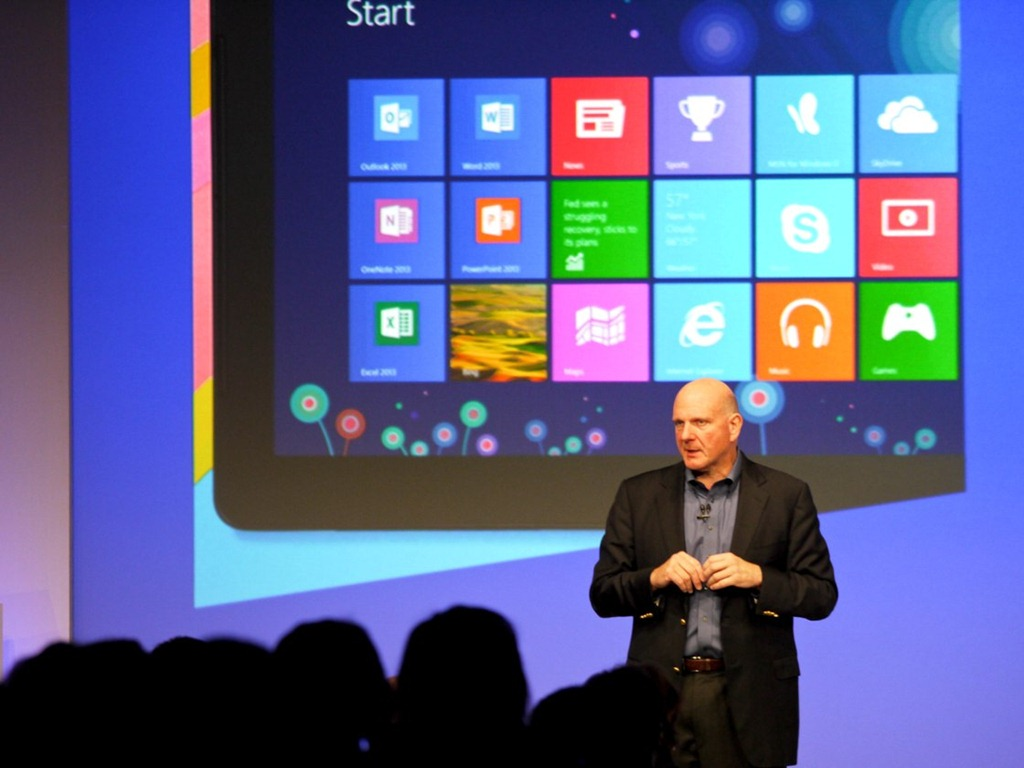
There are a few controversial things about this launch. Starting off, the UI was starkly different from that of Windows 7: it seemed like it was meant more for tablet computers than anything. On the same note, Windows 8 introduced a new type of applications — Universal Windows Platform (UWP) apps — that were meant to slowly replace “legacy” Win32 applications. UWP apps would run in a confined mode very similar to that of desktop apps, and they would be available over a diverse set of devices: full computers based on x86, ARM tablets based on Windows RT, and mobile phones running Windows Phone 8. The part that worried several people was Windows RT, a build of Windows 8 that was meant to run on ARM devices like the Surface RT. What was striking about it was that it was really locked down: users could no longer run standard Win32 applications as .exe files, but they were limited to UWP applications downloaded from the Microsoft Store. This meant that Microsoft was the one and only source of truth, and unapproved applications would not run on it!
On top of Windows RT and the Windows Store, an “App Store” for Windows applications, Microsoft had also launched the Xbox app on Windows 8, preparing the first steps of what has become, today, the full integration between the Windows and the Xbox ecosystems.
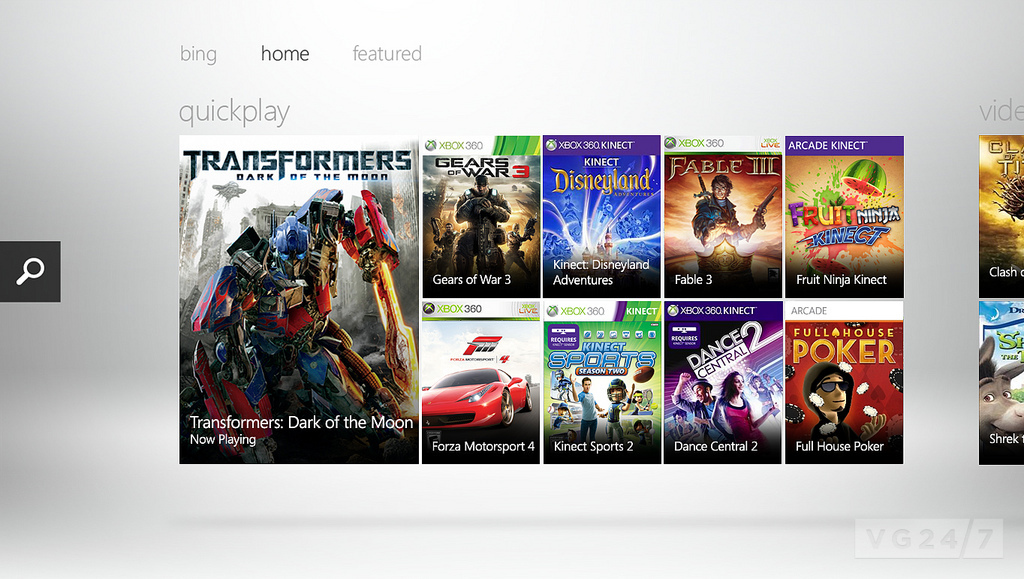
Clearly, Valve was not happy. With this move, Microsoft had all but disturbed the equilibrium that made Steam and Windows coexist happily, as it was not only working on a direct competitor to Steam that was built directly in the operating system — creating a situation where Microsoft could easily use anti-competitive tactics from a position of advantage down the line — but they were also playing around with the idea of completely locking down Windows, using the Surface RT as a test-bed, potentially leaving Steam either unable to distribute to Windows anymore or being forced to operate under restrictions.
This is the situation that made Valve begin to work on a way out, a backup plan to ensure they would remain in business, should Microsoft eventually decide to go forth with the vision they were toying around with, and lock Windows down completely. The first instance of this interest comes from something Gabe Newell said at a sponsored dinner with other industry members:
“We want to make it as easy as possible for the 2,500 games on Steam to run on Linux as well. It’s a hedging strategy. I think Windows 8 is a catastrophe for everyone in the PC space. I think we’ll lose some of the top-tier PC/OEMs, who will exit the market. I think margins will be destroyed for a bunch of people. If that’s true, then it will be good to have alternatives to hedge against that eventuality.”

Reading these words today is... surely something. While Microsoft did not end up closing Windows down eventually — especially after sunsetting Windows S, yet another failed attempt at the same thing Windows RT was trying to do — Newell's vision was spot-on, and he proceeded to do exactly what he had promised.
In retrospect, though, this is not surprising. Before co-founding Valve, Gabe Newell had spent 13 years working at Microsoft on the Windows operating system, being effectively one of the people who helped develop the Windows gaming ecosystem. If a person with that particular background was worried about the steps Microsoft was taking, their intuition was probably good.
The initial version of the Steam client for Linux was launched in a public beta test in late 2012, to be released to the public in February 2013. Much like the macOS version, the client did not support running Windows games — before quite recently people would attempt that, with very low degrees of success, by trying to run the Windows version of Steam on Wine — but, rather, it allowed Linux users to play Linux builds of the games that supported them, without having to buy the license again thanks to Steam Play. The first game to launch on Steam for Linux was Valve's own Left For Dead 2, and the experience was acceptable: it ran at a reasonable frame rate, and its multiplayer mode was compatible across clients. This meant that people could play Left 4 Dead 2 together across all three operating systems easily.
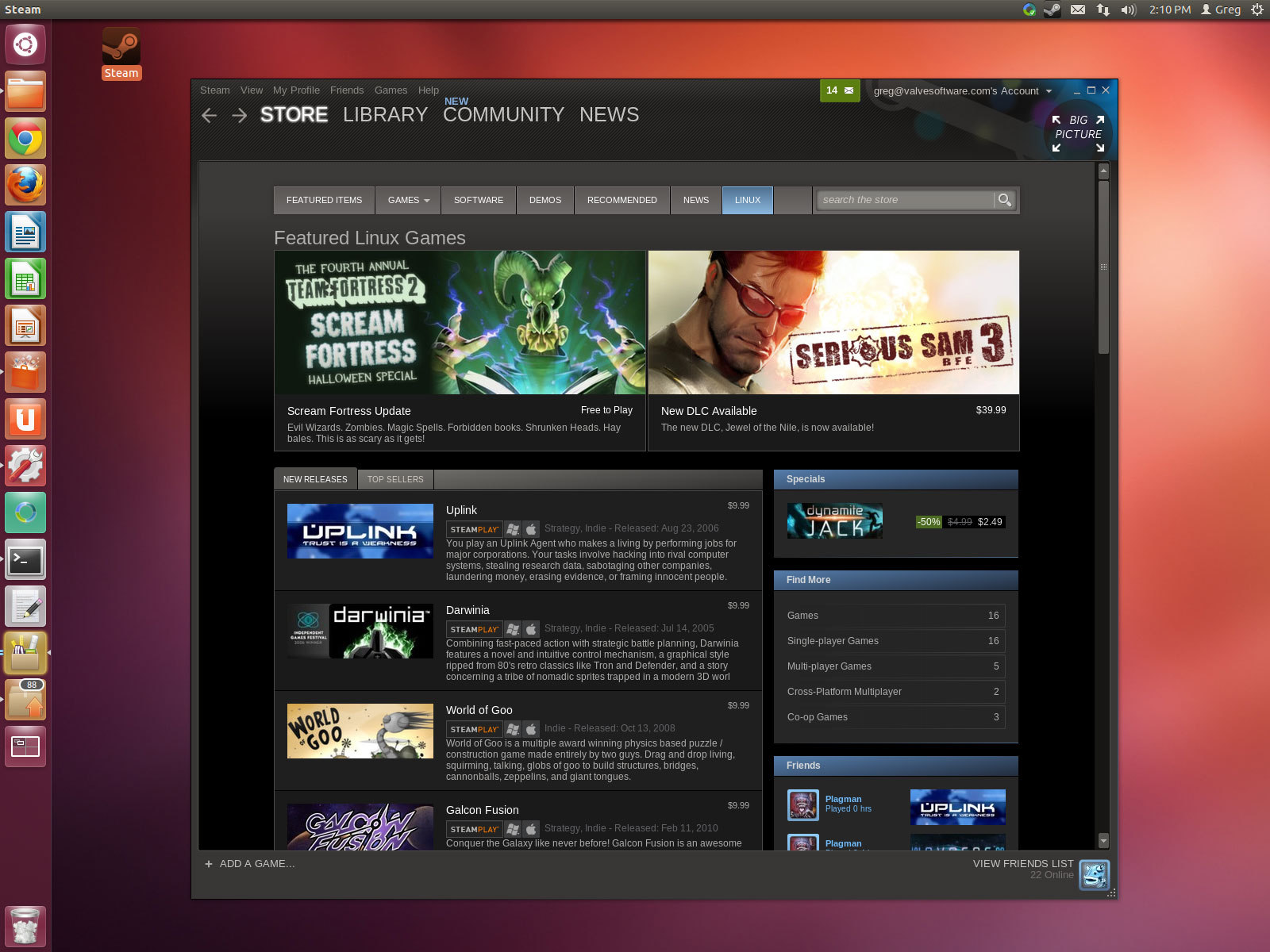
At roughly the same time, Valve introduced a new feature in the Steam client: the Big Picture Mode. This alternative view was designed to be used entirely through a controller, providing an interface that could be comfortable to use from the sofa, similar to that of game consoles like the PlayStation and Xbox.
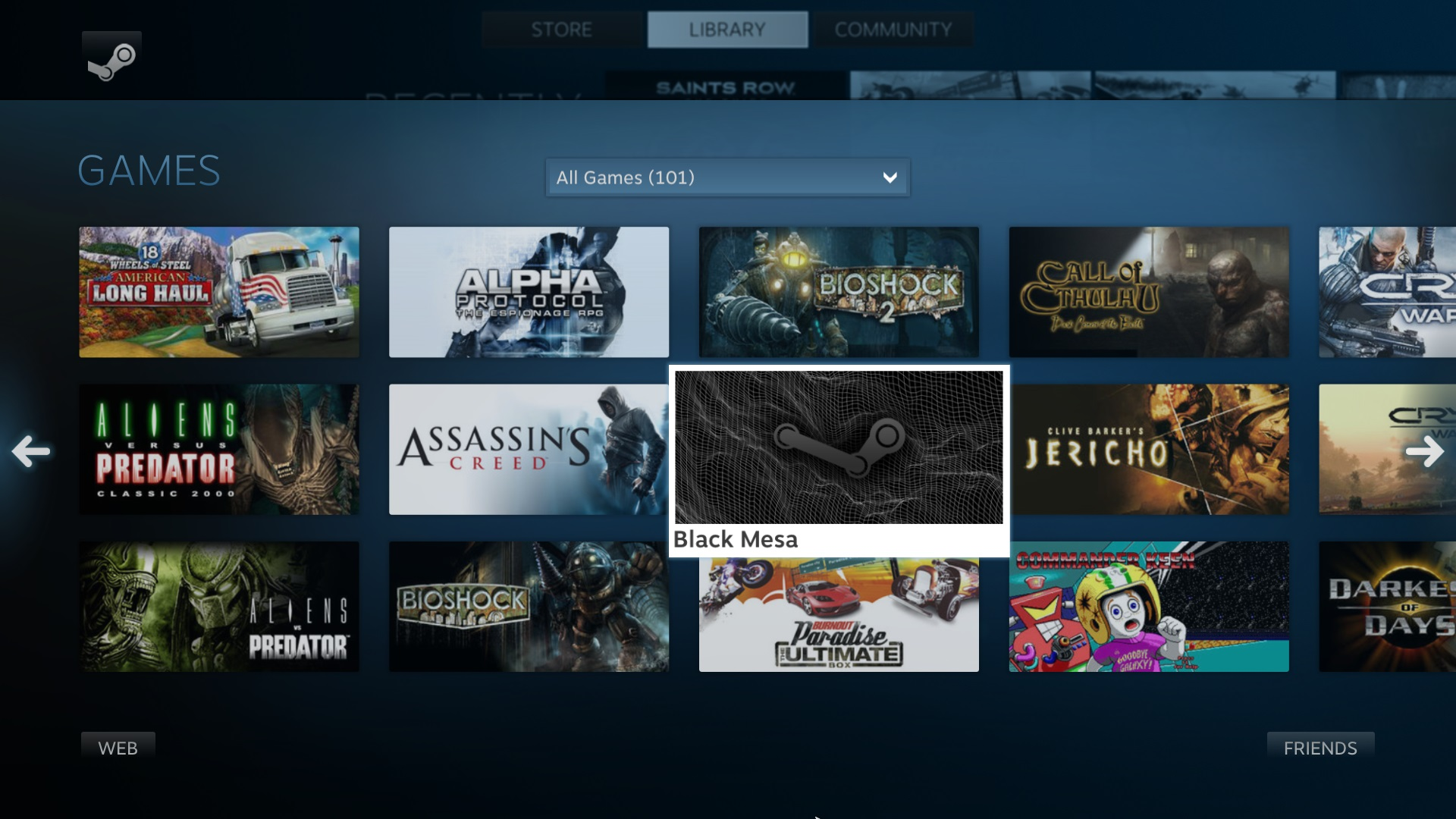
The reason behind this new feature was revealed at the same time by Valve themselves when they announced they were working on a new console, that people began tentatively called the "Steam Box".
2013 — The Rise of the Steam Machine, Valve's first Linux console
Newell was very excited about this new piece of hardware. He stated that the new Steam console, called the Steam Machine, was in the works. The idea was to release a reference model themselves and work with existing hardware manufacturers to release third-party models with different specifications and focuses. The console was set to run a Debian-based Linux distro called SteamOS with the Big Picture Mode enabled by default, to make it comfortable to operate as a living room TV. To go with it, the console would have had its complementary official controllers released alongside it. Valve had big plans and big expectations for the console: not only did they want to merely release a Linux box, but they wanted to use it as a test bed for new and exciting technologies, like kinetic input, or the ability to wirelessly screencast gameplay to any monitor or TV in the house.
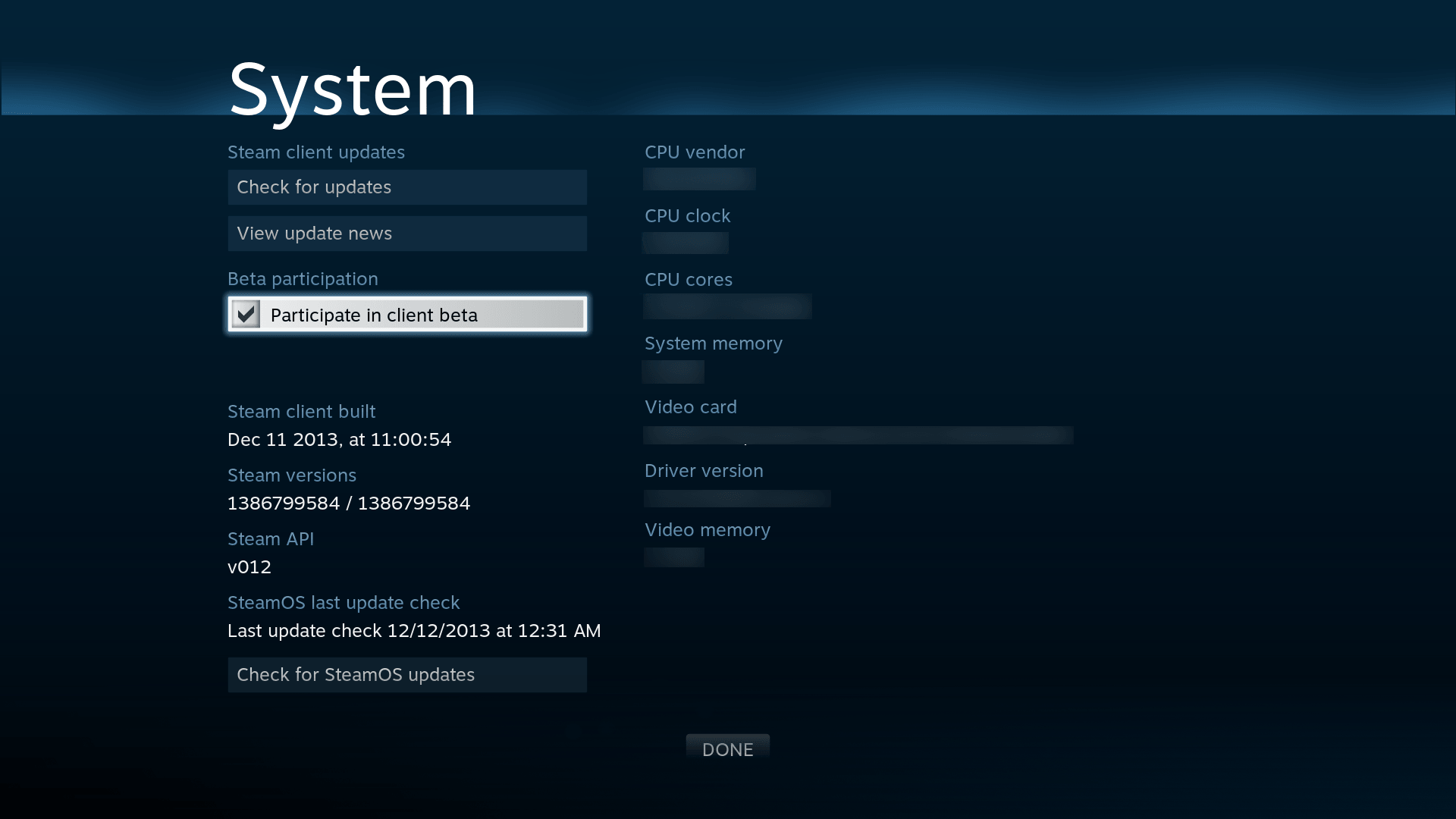
The Steam console was already set to be special. Unlike all existing consoles thus far, the direction Valve was taking is that of openness, the same culture as Steam itself, which has remained an open ecosystem since it initially opened sales for third-party games. Not only were third-party hardware manufacturers actively encouraged to release hardware competitors to Valve's reference implementation and rest assured they would receive full endorsement and support, but they also clearly stated there would be no exclusive titles for SteamOS, actively discouraging third-party developers from releasing any:
“Whenever we talk to third-party partners, we encourage them to put their games in as many places as possible, including not on our platforms," (...) "Because we think that customers are everywhere, and they want to put their games wherever customers are. That would go against our whole philosophy, to launch something that’s exclusive to SteamOS or Steam machines."
- Anna Sweet, Valve
Valve finally released the Steam console and its companion Steam Controller during the last week of 2013, with a release planned for mid 2014, while still shipping out some beta test units in the coming months. They had also released an early image of the SteamOS ISO to the public, mostly to appease Linux aficionados who wanted to beta test.
It was thanks to the testing of those Linux enthusiasts that more bugs were uncovered, forcing Valve to push the release of the Steam machines to November 2015.
It is interesting to take a look at the Piston Xi3, an experimental modular mini-PC that was set to be a prototype for the Steam Box. While the project was unsuccessful, there is now more information out on it, thanks to a Dingus Studios video where he played with this little thing 10 years later. The device was very interesting in its own right, and it even had a peculiar HDMI + DisplayPort combo port that would accept both output standards, which worked very well. It is unclear to me why this particular concept hasn't survived and it is not the current industry standard, it feels like such a missed opportunity. How has nobody even attempted a Framework expansion card that brings this concept back?
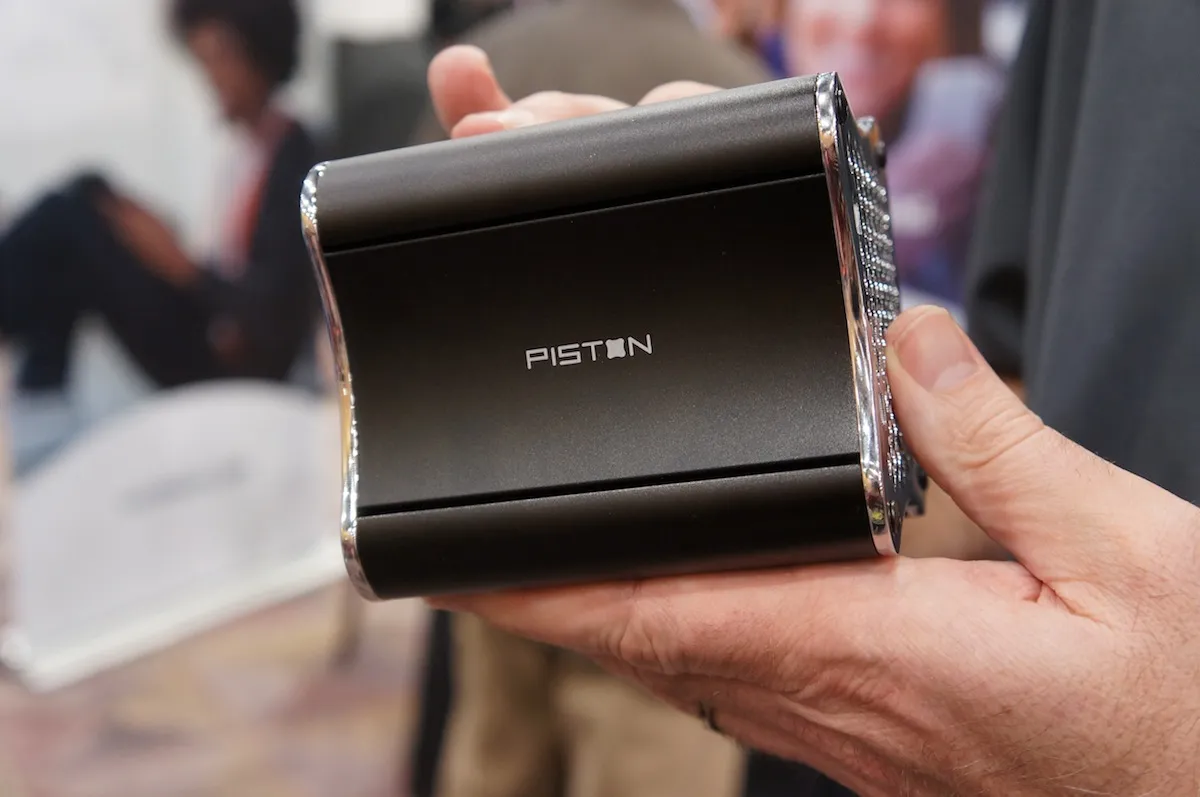
2015 — the Steam Machine releases
Anyway, let's get back to our story. In November of 2025, the first set of Steam devices — Steam machines, controllers and Links — were released to the general public. The Steam Machine was a SteamOS-powered mini-PC, manufactured by gaming PC manufacturer Alienware, and the Steam Controller was an original gamepad to go with it. Frankly, it was a great gamepad. Whoever has managed to snag one before it got discontinued is a lucky person: I am still impatiently waiting for a second iteration of this marvel.
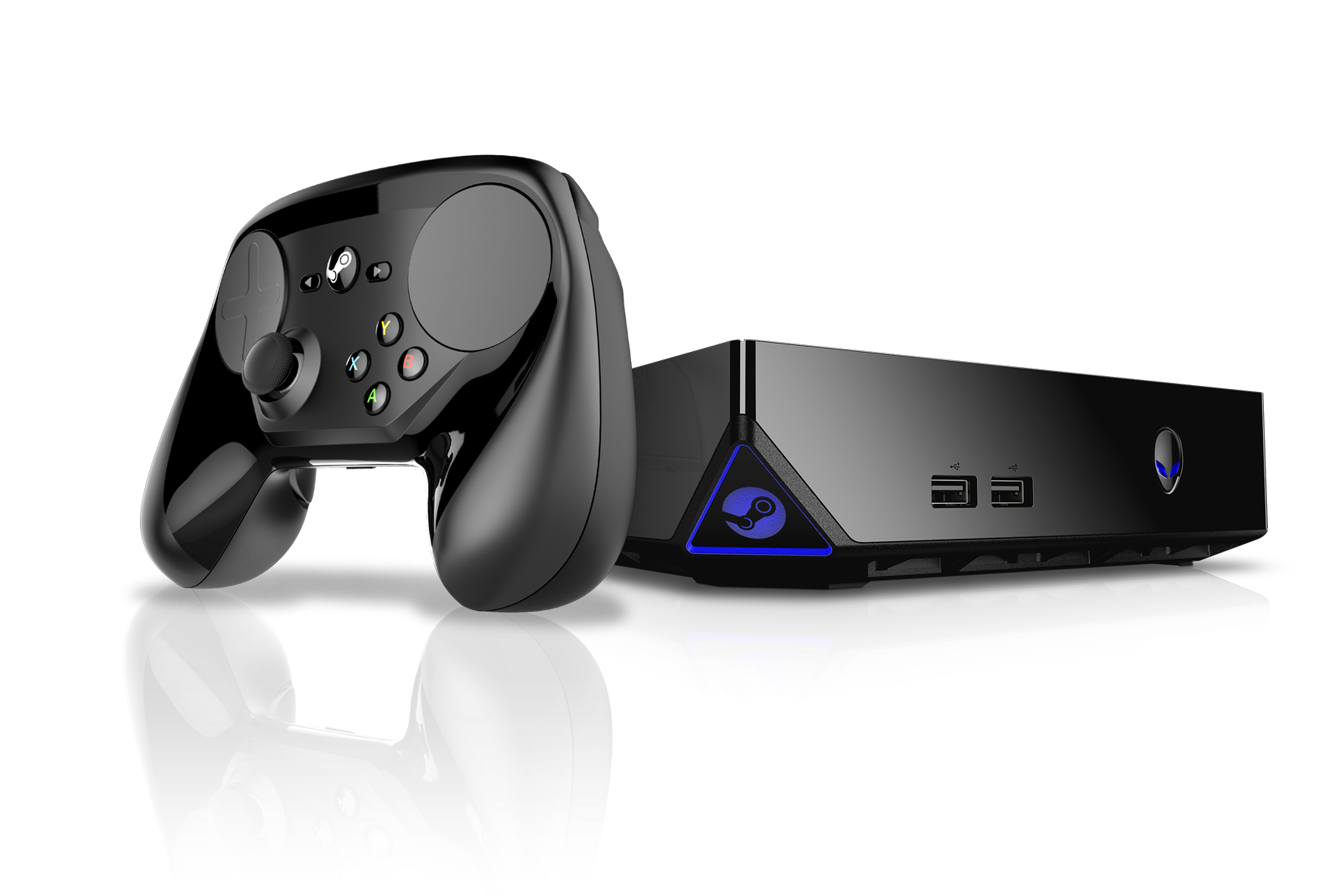
The third device that was released in that event was the Steam Link, a tiny little box that could connect to any monitor or TV. The Steam Link was used to stream games from a computer or a Steam Machine and play them in a different room, with no issue.
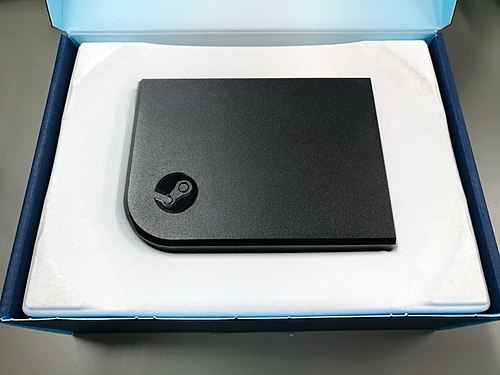
Sadly, Valve's first attempt at a console soon turned out not to be as smooth as expected. Shortly after its launch, Linus Sebastian made a video outlining all the usability issues that were there with the first iteration, and they were not trivial.

Time wasn't prime yet for something like this. The Steam Machine had several drawbacks: not a lot of games were compatible, but the checkout process allowed users to buy incompatible games from the machine itself without warning. Controller support was iffy by default, often requiring users to manually download community presets to get several games working on the sofa. And, lastly, the technology wasn't there yet: the AMD APUs that were used in this machine just weren't powerful enough, even though they were the best bet Valve had.
By April 2018, Valve had completely discontinued the Steam Machine. It was a failed experiment.
But that didn't mean they had given up. Far from it. Shortly after, Valve would go on to double, triple down on their plans for Linux, while reassuring users that their commitment to Linux had not vanished, and development on SteamOS and related technologies would continue.
2018 — The Rise of Proton
On 21 August 2018, Valve unleashed the ultimate weapon, Proton, releasing it as a feature called "Steam Play", mirroring the original concept of "Steam Play" that was introduced back in 2018, with the release of the macOS client, conceptually. Proton is a compatibility layer that allows users to run Steam games that target the Windows platform on Linux.
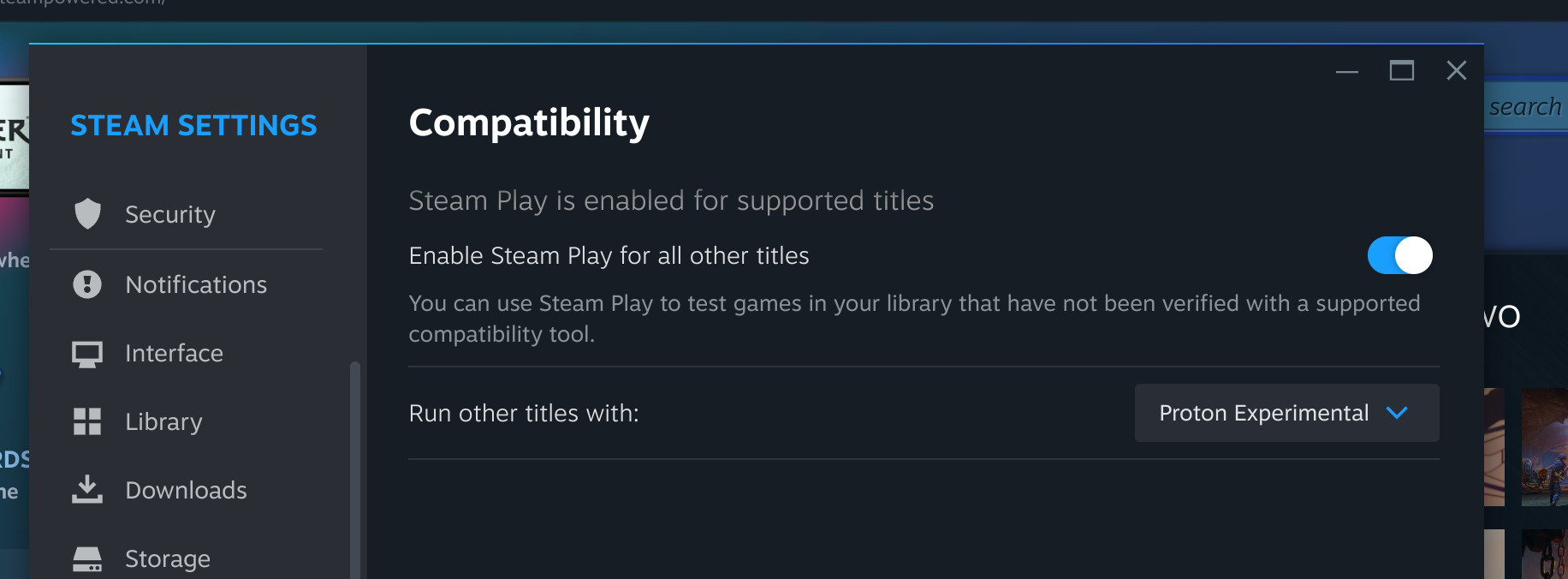
Proton was born as a fork from Wine (WINE Is Not an Emulator), a compatibility layer that allows running applications that target Microsoft Windows on Linux and other POSIX-compliant operating systems, by translating WinAPI calls to POSIX system calls at runtime. What this means is that Wine is not a Windows virtual machine: it is not emulating the hardware or the kernel, it is running Windows applications directly as if they were native Linux applications, by providing a FOSS Win32 implementation that is designed to run on Linux. What it means is that, unlike with a virtual machine, there is close to no performance penalty when a Windows application is executed through Wine.
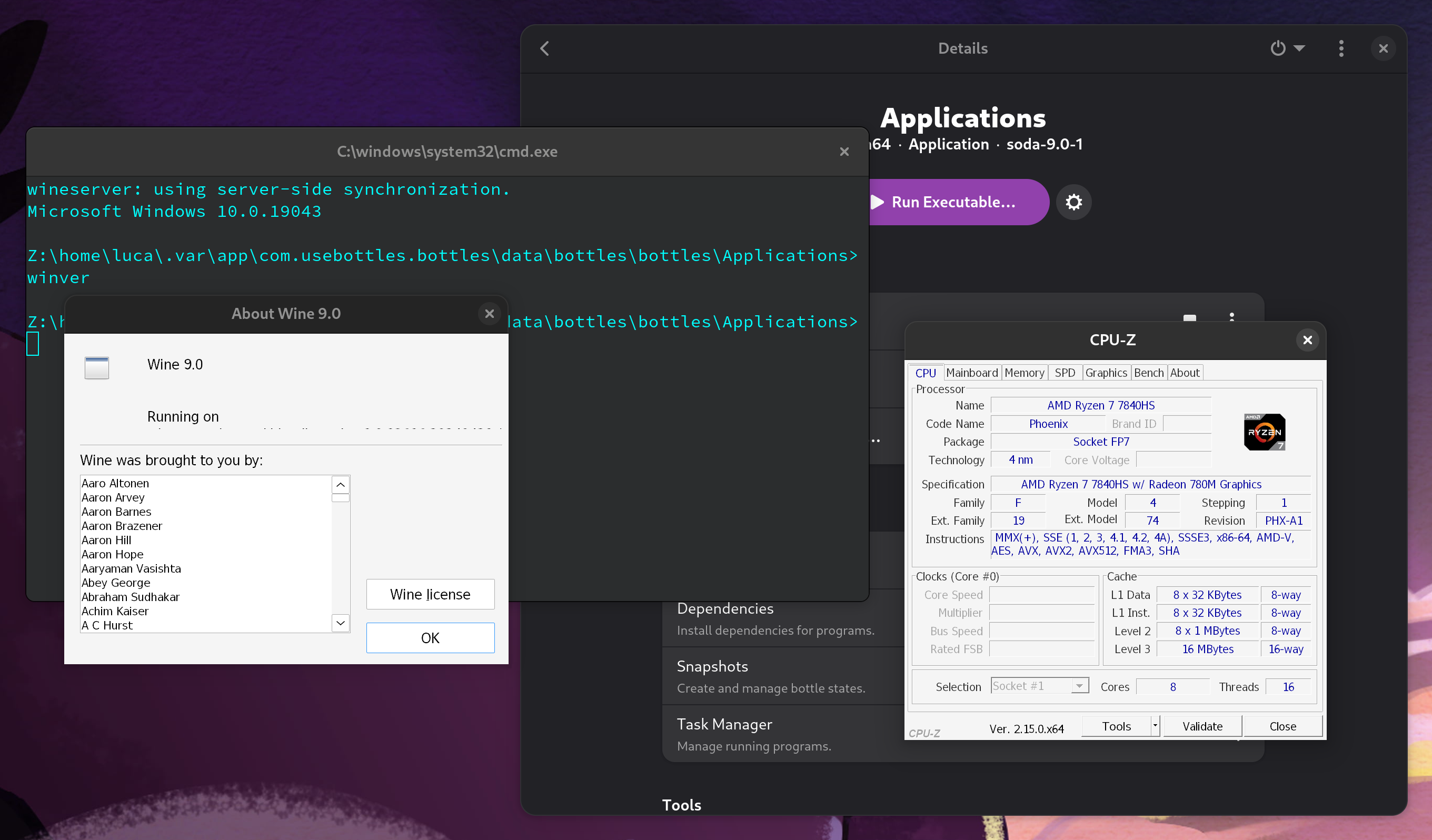
cmd.exe, winver.exe and CPU-Z, noting all details about the CPU, device manufacturer and BIOS are passed over correctly.Of course, Wine is not perfect. It is a "clean room" implementation of the Win32 API, which means that all Wine contributors must never have even so much as taken a glance at Windows's private source code: anyone who has ever worked on Windows at Microsoft, or who has read and studied parts of leaked Windows source code, may not contribute any code to the project, to ensure Microsoft's intellectual property is not violated.
In Proton, the base Wine project was tuned and improved for better video game support (of course, Valve contributes to upstream Wine development a great deal, too), but it was also bundled with other libraries that handle near-native translation of newer DirectX standards. While base Wine can translate old DirectX standards into OpenGL, one of the standardized video APIs that run on Linux, using an extension known as wined3d, it is not able to run even moderately modern versions of the API to satisfaction by itself: either performance is poor, or the graphical context simply does not start. To address this, the community has come up with two very exciting projects, dxvk and vkd3d.
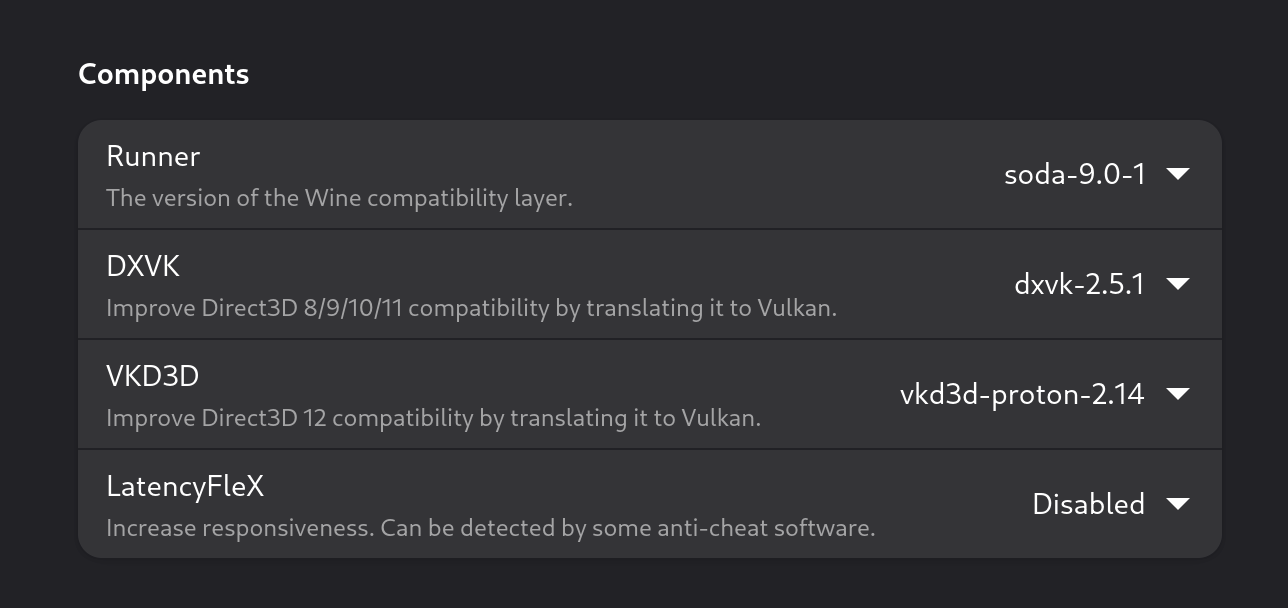
dxvk, which stands for "DirectX to Vulkan", is a library that acts as a translation layer from DirectX calls to Vulkan API calls at runtime. This yields a substantial performance improvement over standard wine3d: as a matter of fact, some games even run smoother on Linux with this translation layer active than directly on Windows! It is distributed as a Windows library (.dll), and it is loaded along with any games on the Wine side. It also works as a Windows library: though they are not the main target, even some Windows users occasionally load dxvk on some of the games they play, because the fact that Vulkan is much more efficient than DirectX 11 at plenty of tasks often offsets the cost of the live translation, providing a free performance boost to many DirectX games.
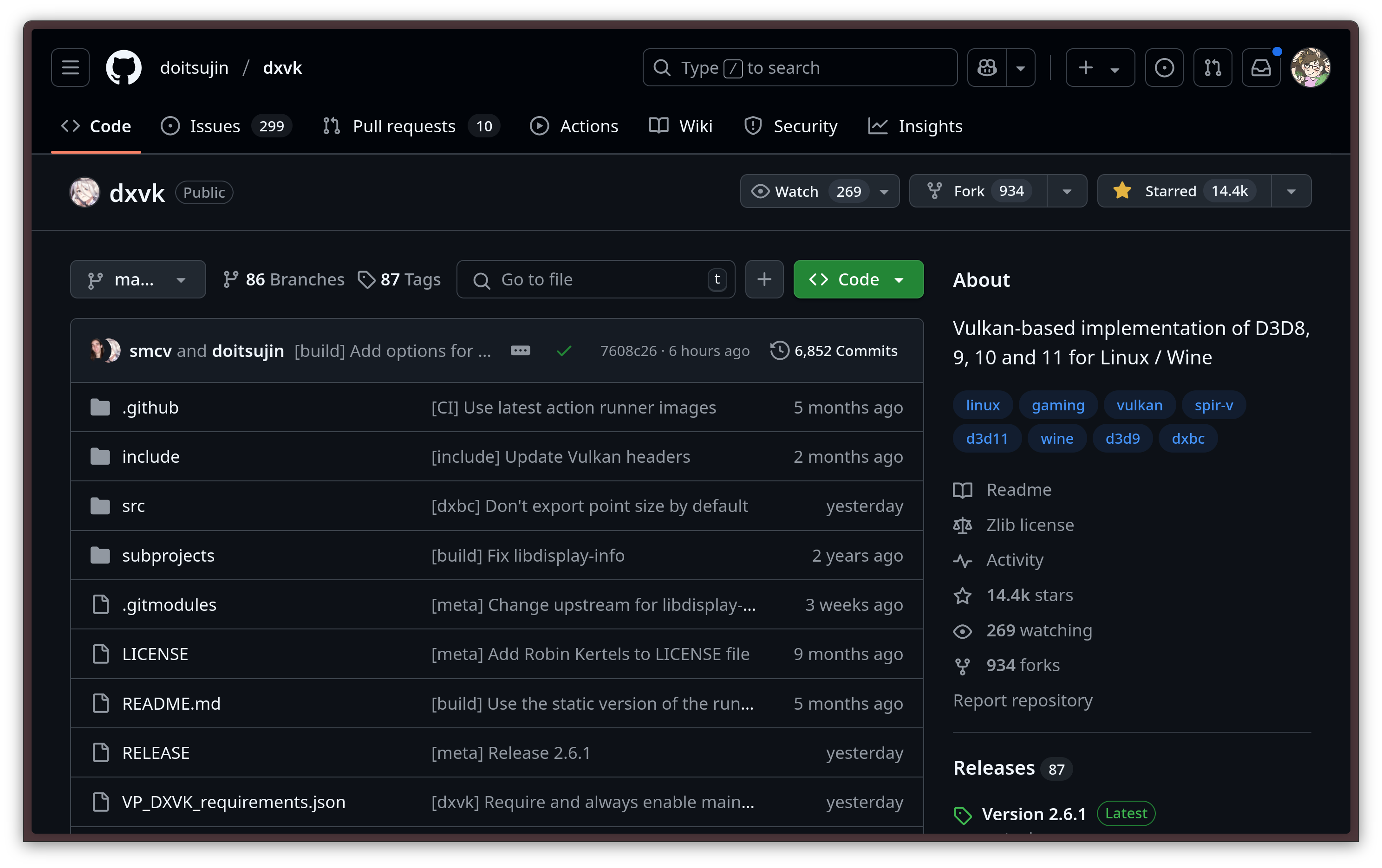
dxvkvkd3d-proton does a similar thing: it gets loaded as a Win3D DLL library as well, and it implements the newest DirectX 12 API on top of Vulkan. Just like DXVK, this library provides a very fast way of running modern DirectX games on Linux.
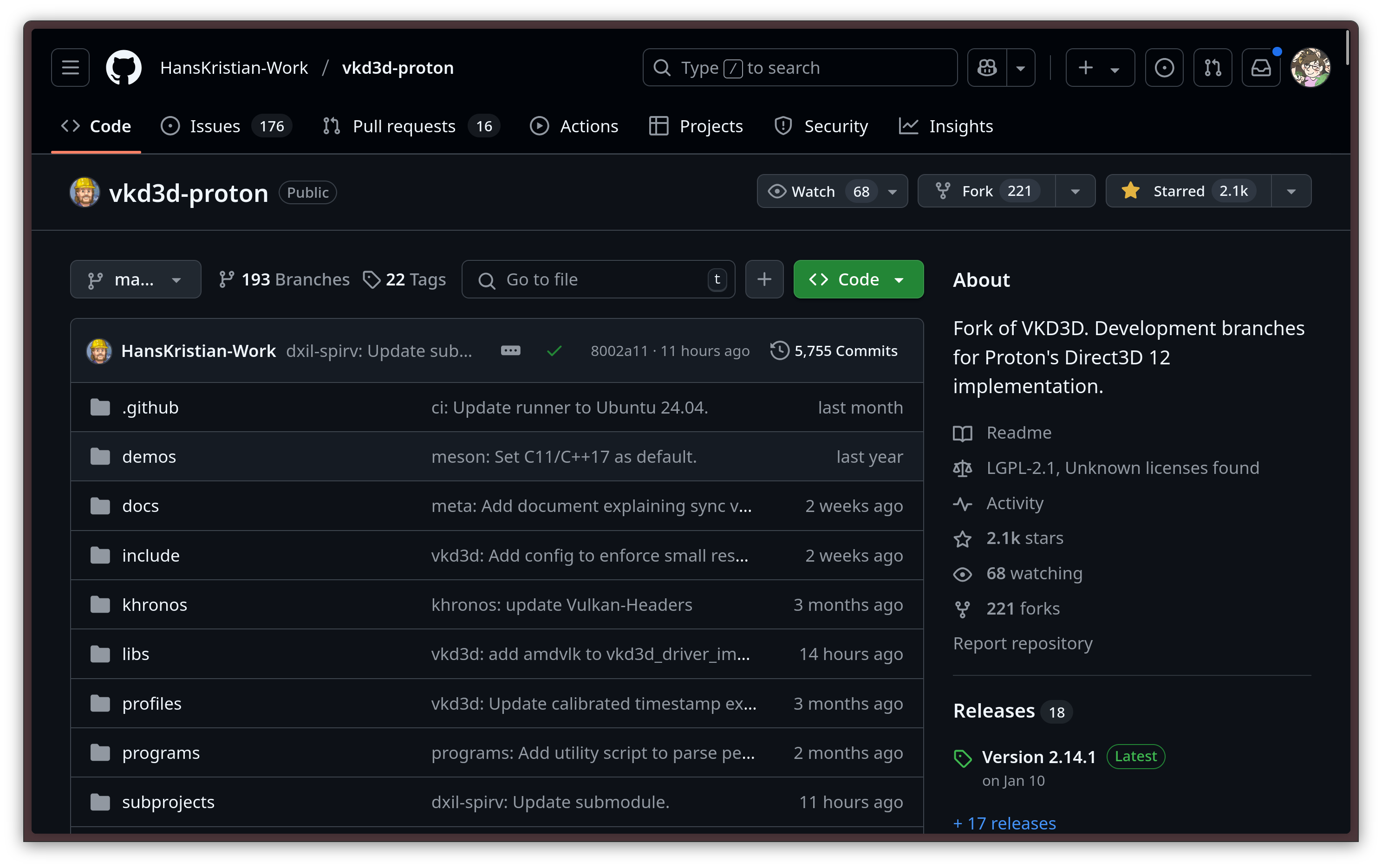
With this stack, and several other pieces like winetricks, a set of scripts that are useful to work around common problems encountered while running Win32 applications on top of Wine, Valve has been able to get more and more games to run flawlessly on Linux. By default, Steam only allows you to run a limited set of Windows games that have been vetted and tested by Valve, but you can — and should — enable a simple compatibility setting to allow you to use Proton on any game. Most of the time, the experience is smooth, even if Valve does not approve of a specific game. You are not alone, either: protondb is a very nice database that includes almost every Windows game on Steam, along with a compatibility report for Proton, and a community section for people to talk about their findings, or workarounds that they found.
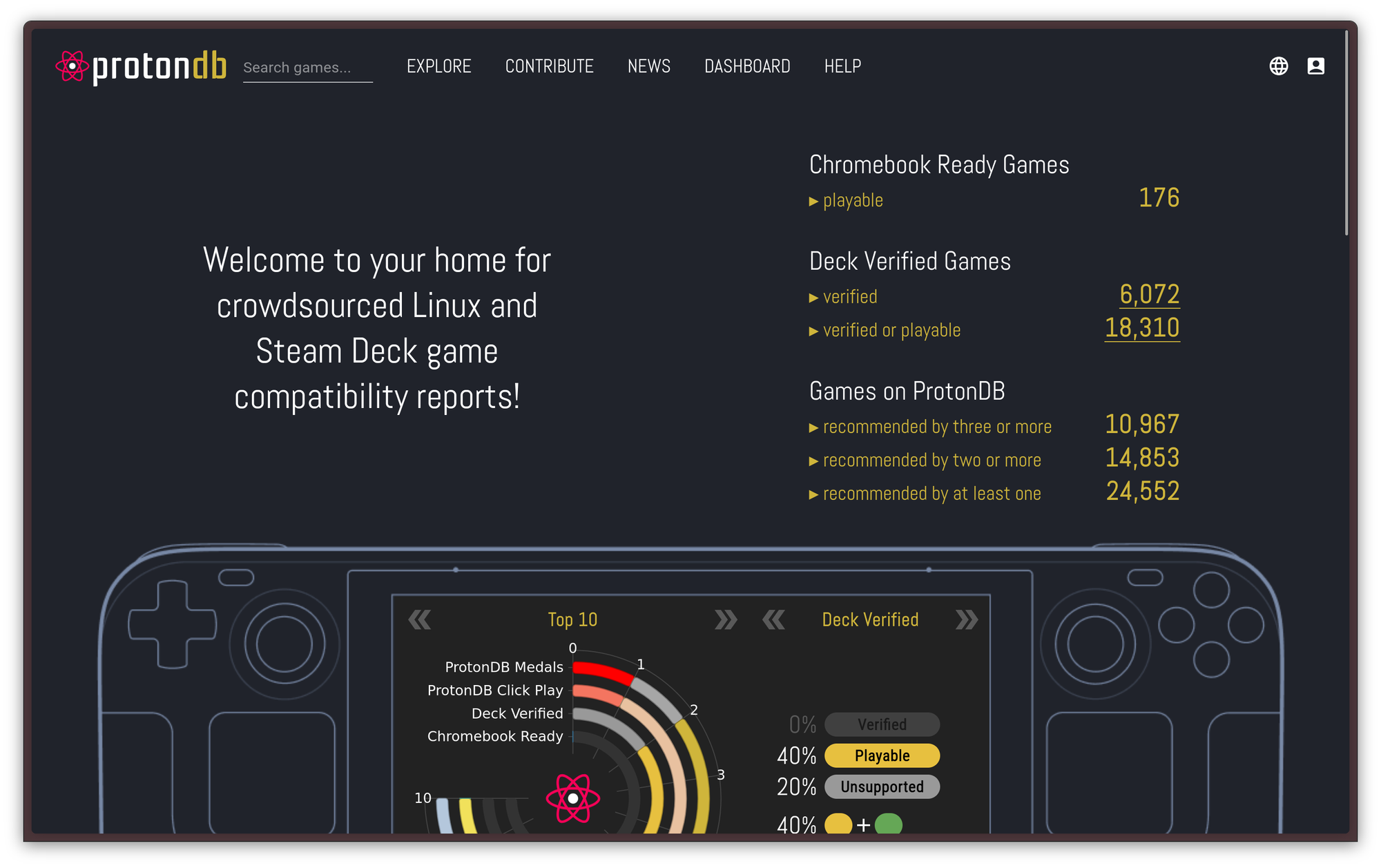
Proton works so well that, in some cases, Proton games even outperform native Linux builds: The DirectX 11 to Vulkan translation is often better than the OpenGL backend that is offered to Linux users unless the game also offers Vulkan natively, and, in general, Proton eliminates all the problems that stem from poor Linux ports, such as not being properly compiled against the Steam Linux Runtime, which causes the game to run worse or not at all on some systems. Personally, configuring Steam to run the Windows version through Proton instead of the native Linux port helped me solve some pretty bad graphical artifacts in Firewatch, and it completely fixed an obscure problem I had with Hollow Knight, that caused some keys of my 8bitdo controller not to be properly registered in the game while the controller was connected through Bluetooth. All the other usual troubleshooting steps before that didn't help!
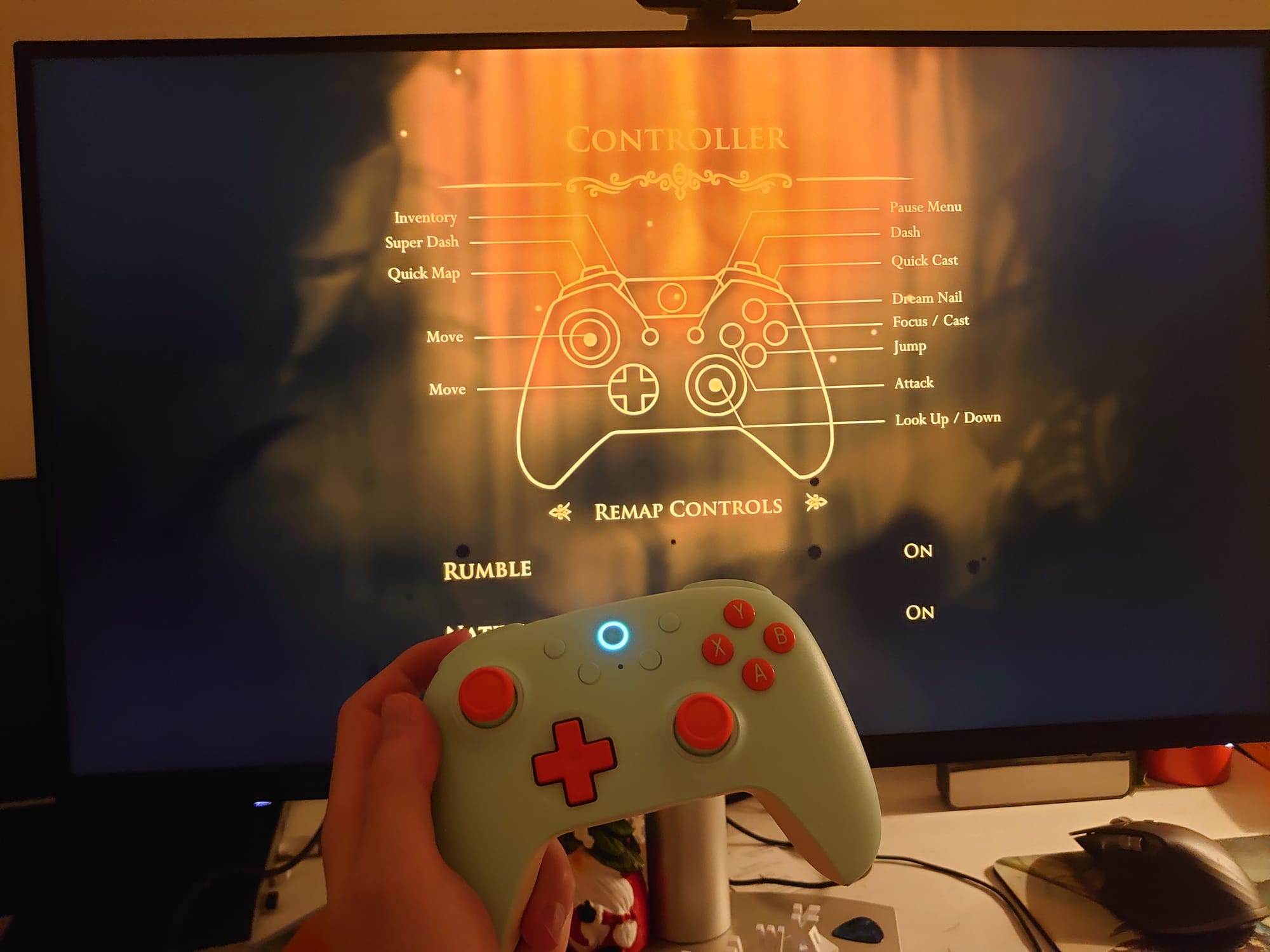
This was pivotal for gaming on the Linux desktop. Thanks to Proton, almost every computer game under the run works on Linux now. Almost. The only exceptions are games that use kernel-level anti-cheat, very invasive software that runs as a Windows driver to detect any game manipulation from the lowest level. However, several security experts warn against running this kind of software at all — even on Windows! — because it is commonly considered to be a huge security flaw, so, perhaps, we should not be too sad about the terrible loss of not getting to run borderline malware on our computers just to be able to play League of Legends.
2021 — The Rise of the Deck
In 2021, Valve finally announced their second attempt at a Linux-based console: the Steam Deck.
Unlike its predecessor, the Steam Deck is a handheld console. It's designed to be used wherever a person wishes, without being tied to the living room. It was finally released to the public in February of 2022.
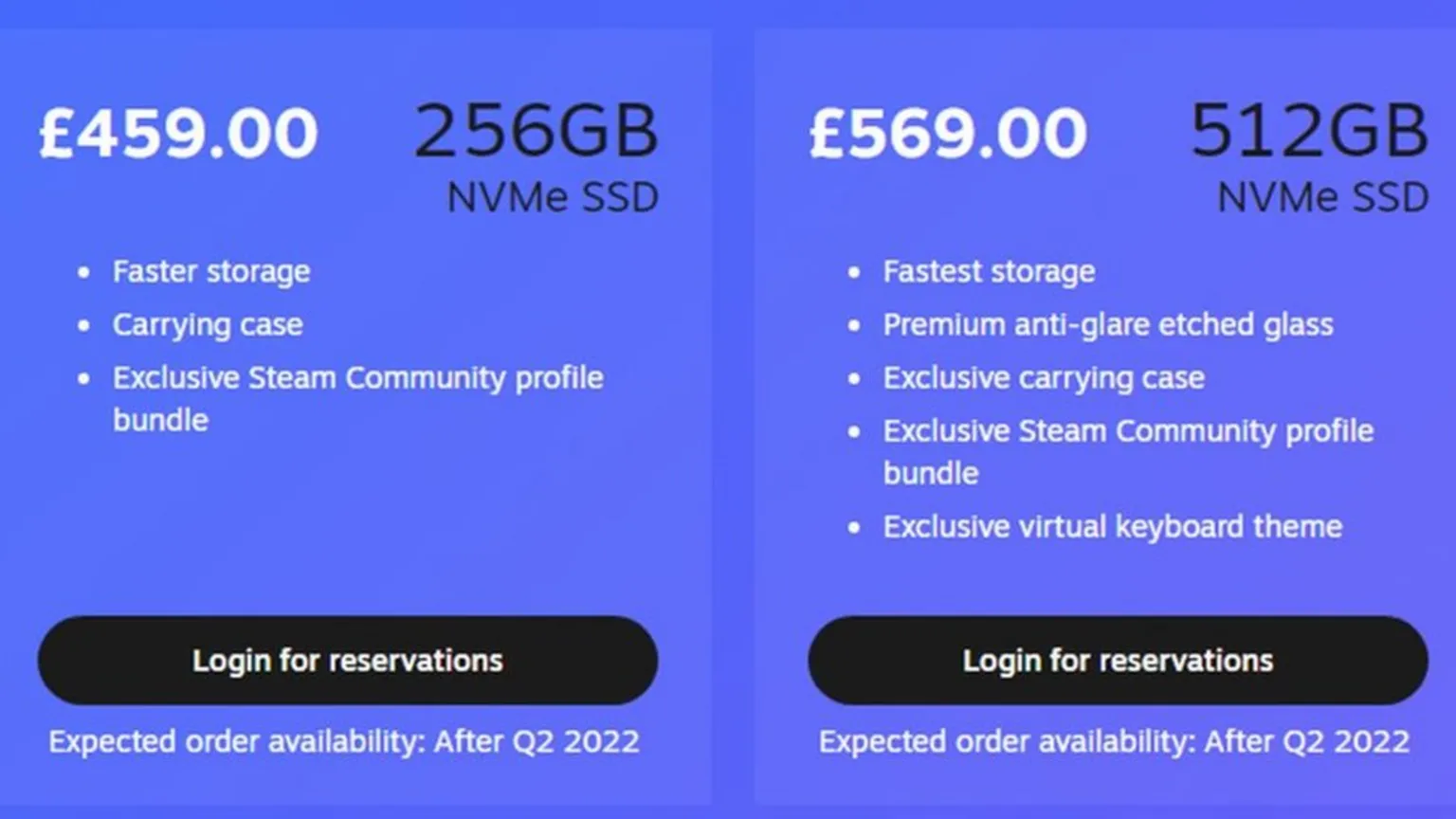
The value on offer for this newer console was more convincing than the original Steam Machine right from the get-go. For starters, it comes with a completely new version of the SteamOS operating system: the newer version is no longer based on Debian but, rather, on a modified version of Arch Linux. The new OS now leverages Proton to support almost every Windows game in the store, rather than just Linux ports, and it works much better than it used to on the old Steam Machines.
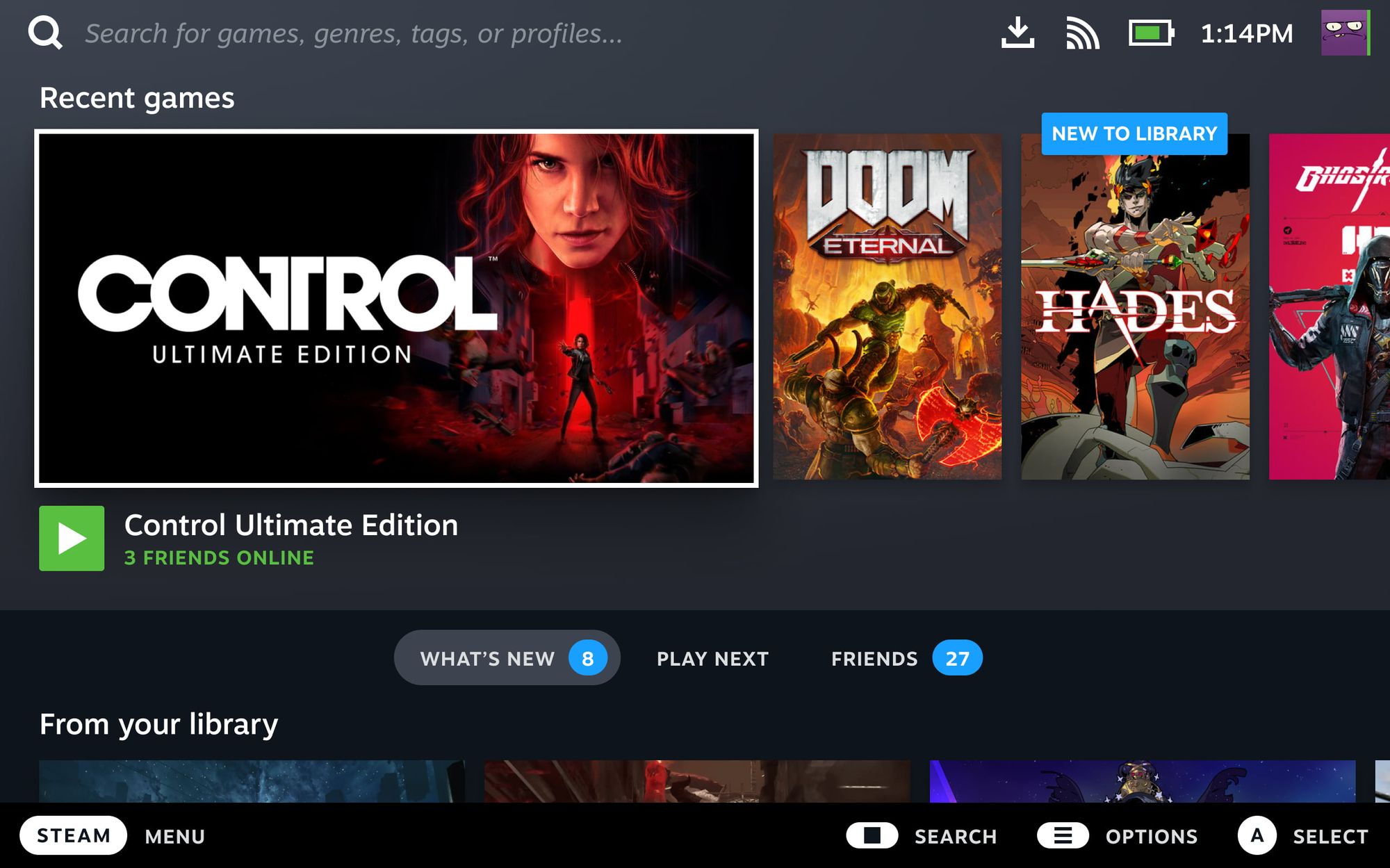
The technology stack used by the modern SteamOS is quite interesting. The system is based on Arch Linux, but it is handled like an image-based distro would be: the root is mounted as read-only, and updates are not delivered by the pacman package manager, but as full image updates where Valve occasionally upgrades various components, preferring stability over staying on the bleeding edge. The system also provides a desktop mode that allows the Steam Deck to be used like a computer, either standalone or docker to external peripherals. The desktop mode uses the KDE Plasma desktop you know and love: you know the deal, it needs no presentations.
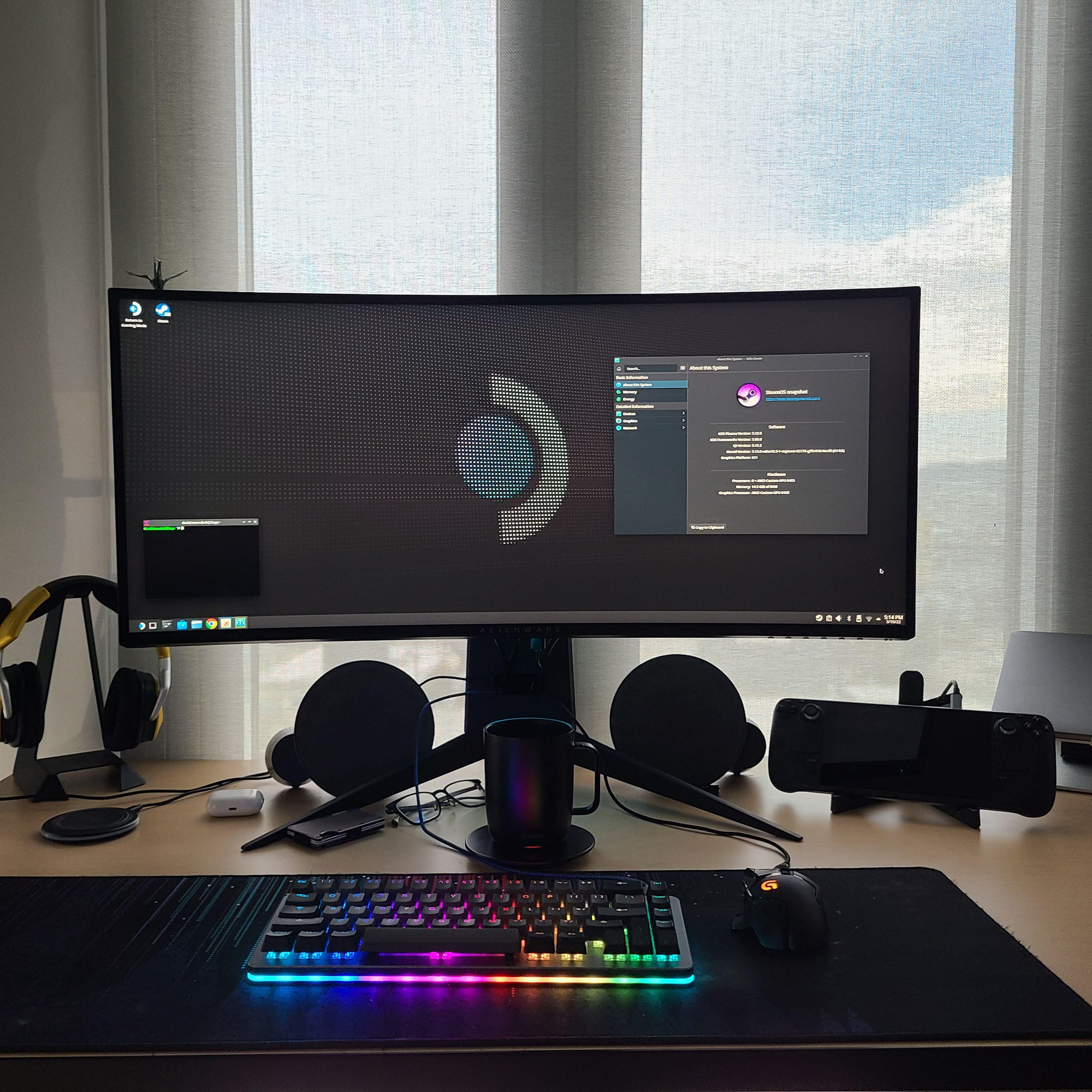

When desktop mode is launched, you are effectively using a Linux computer, and you can do whatever you want with it. It is actually incredibly easy to install third-party software on the Deck: you can use the preloaded Discover app to install any application you may desire, so long as it's available as a Flatpak through Flathub, the central repository for Flatpaks. Failing that, you can even run full containers through distrobox, which is handily preloaded by Valve. This allows you to run containers based on any Linux distro under the sun, effectively making even software development tasks possible on the Deck. Should that not be enough, advanced users can even use the steamos-readonly utility to disable the read-only root mount SteamOS uses to use pacman and install native packages on the host. Be warned, though, as this method does have its drawbacks: namely, every SteamOS software update will overwrite anything you installed this way, so it's better to avoid it.
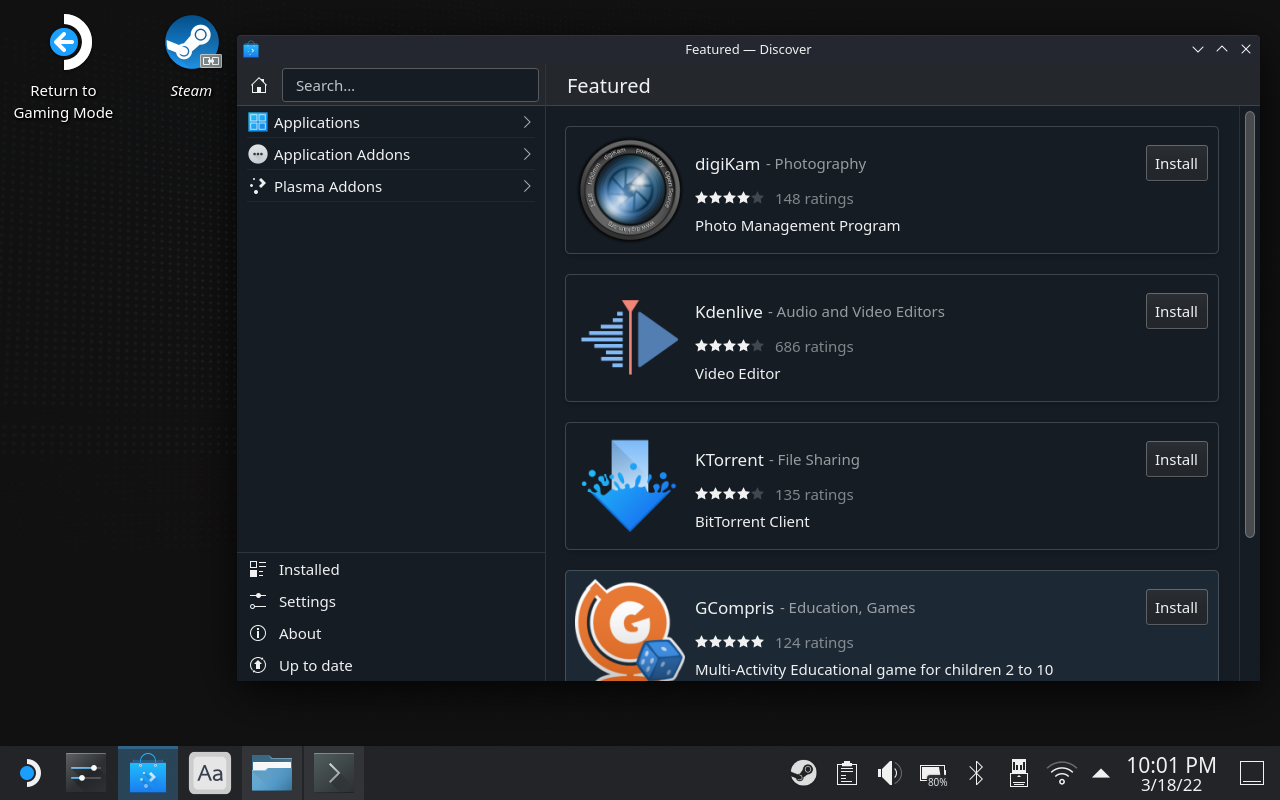
Performance was also much improved compared to the former Steam machines. Through the years, innovation has done its thing, and AMD has been able to come up with some surprisingly strong and power-efficient APUs. Nowadays, you no longer even need a gaming laptop to play: any modern laptop with AMD integrated graphics works well enough for the task. As a matter of fact, I run my laptop without having purchased the dedicated GPU expansion bay for it, and games work fine on the iGPU.
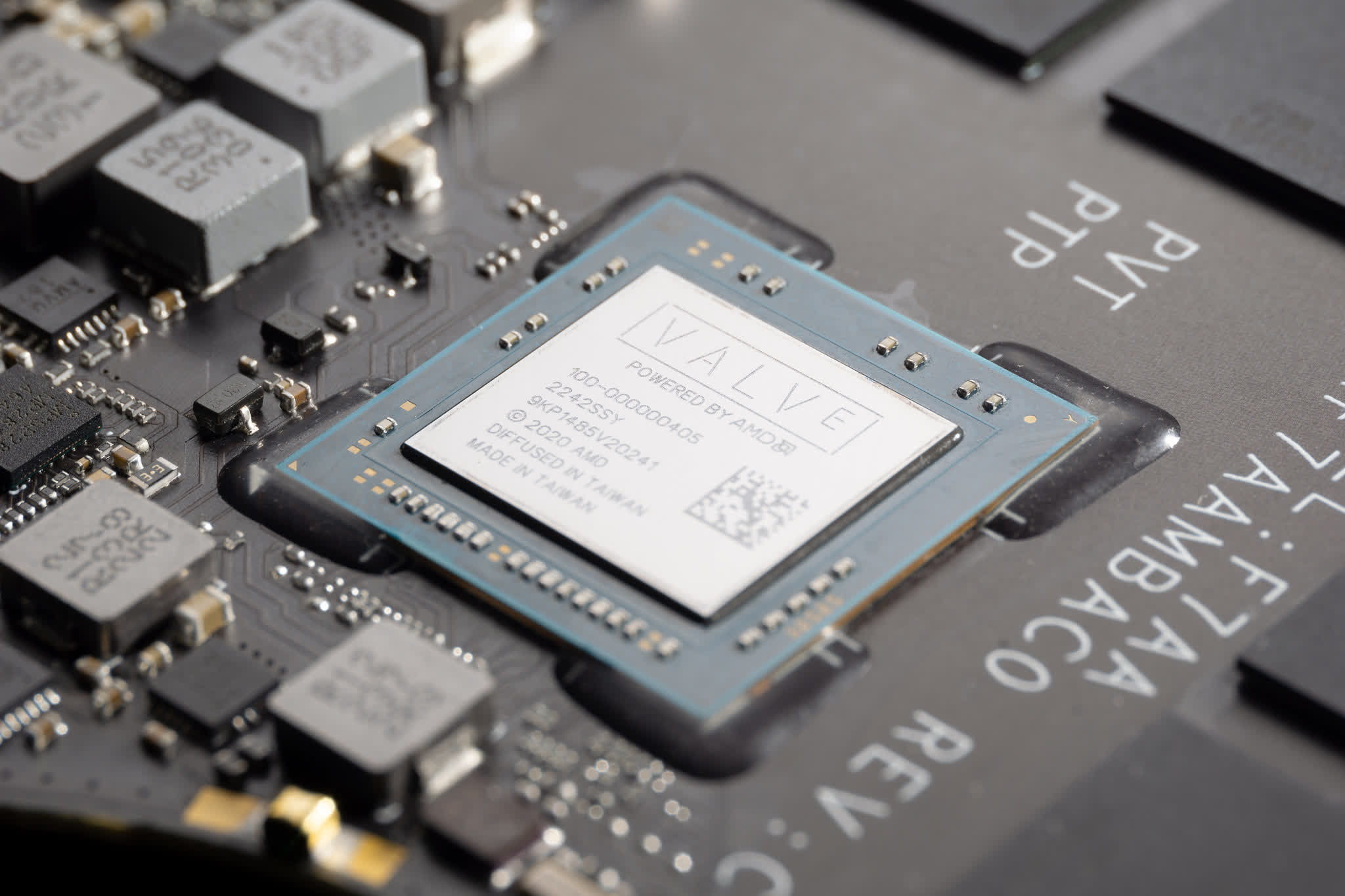
Well, the Steam Deck uses a custom APU produced by AMD just for Valve, which is very similar to their modern laptop APUs, with some differences. This APU uses an interesting blend of 4 hyperthreaded Zen 2 CPU cores paired with 8 RDNA 2 compute units, all with a dynamic TDP between 4 and 15 Watts. It is paired with "just" 16 GB of soldered LPDDR5 memory, initially running at 5500 MT/s on the original model, in a quad-channel configuration. As for storage, an m.2 2230 NVMe interface is used: though it requires some handiwork, it is possible to upgrade the internal storage with an aftermarket NVMe that is larger than the maximum 512 GB storage cut and image it with SteamOS.
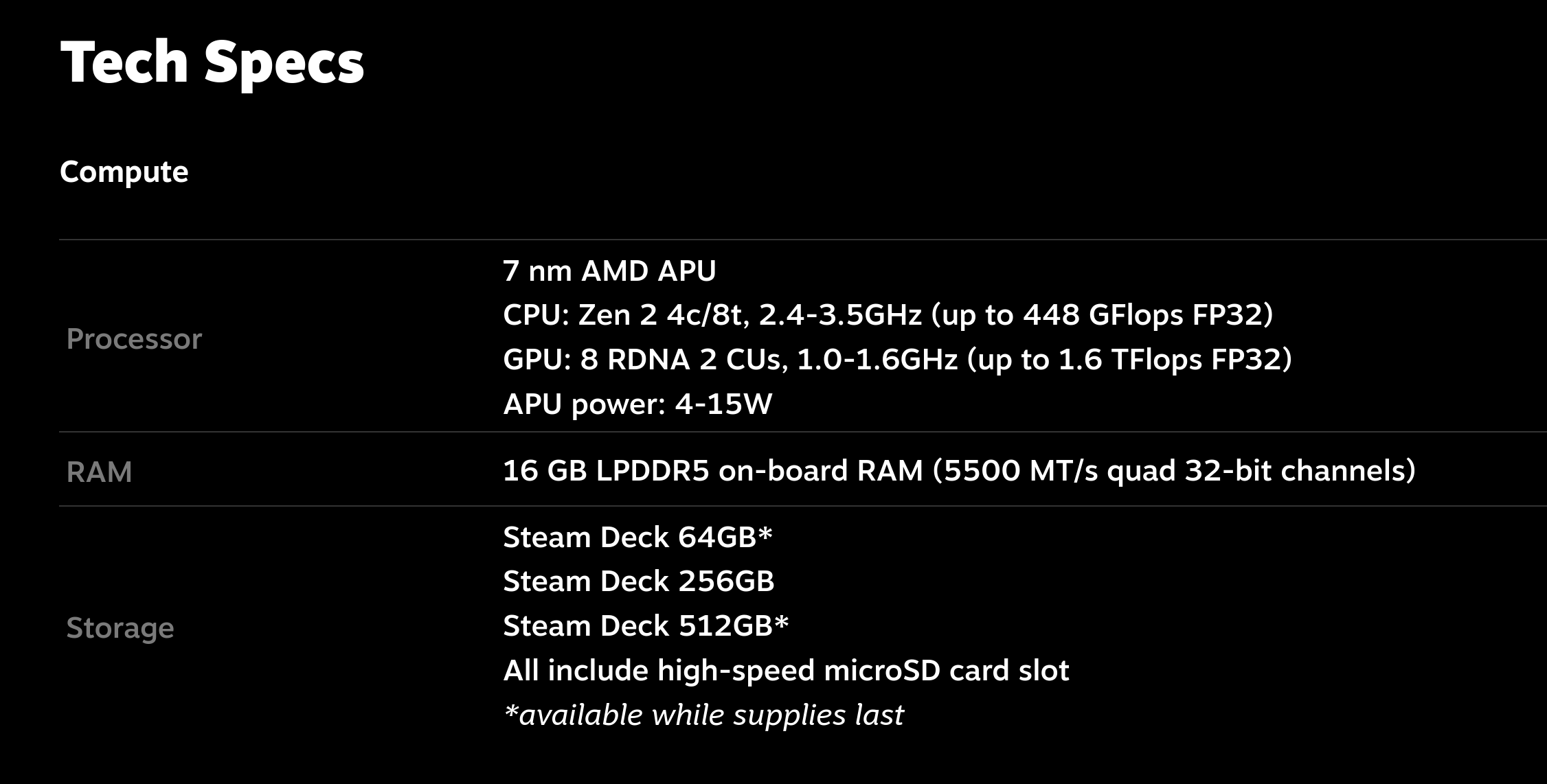
The rest is history. I don't even need to tell you: the Steam Deck sold like hotcakes. People adored it, and it is still selling very well.
It has done wonders for the Linux ecosystem, too: more and more developers have become interested in entering the ecosystem, with all that entails. After so much success, even two very popular anti-cheat solutions, Easy Anti Cheat and BattleEye, suddenly extended support for Linux and Proton to support the Steam Deck. Hooray!
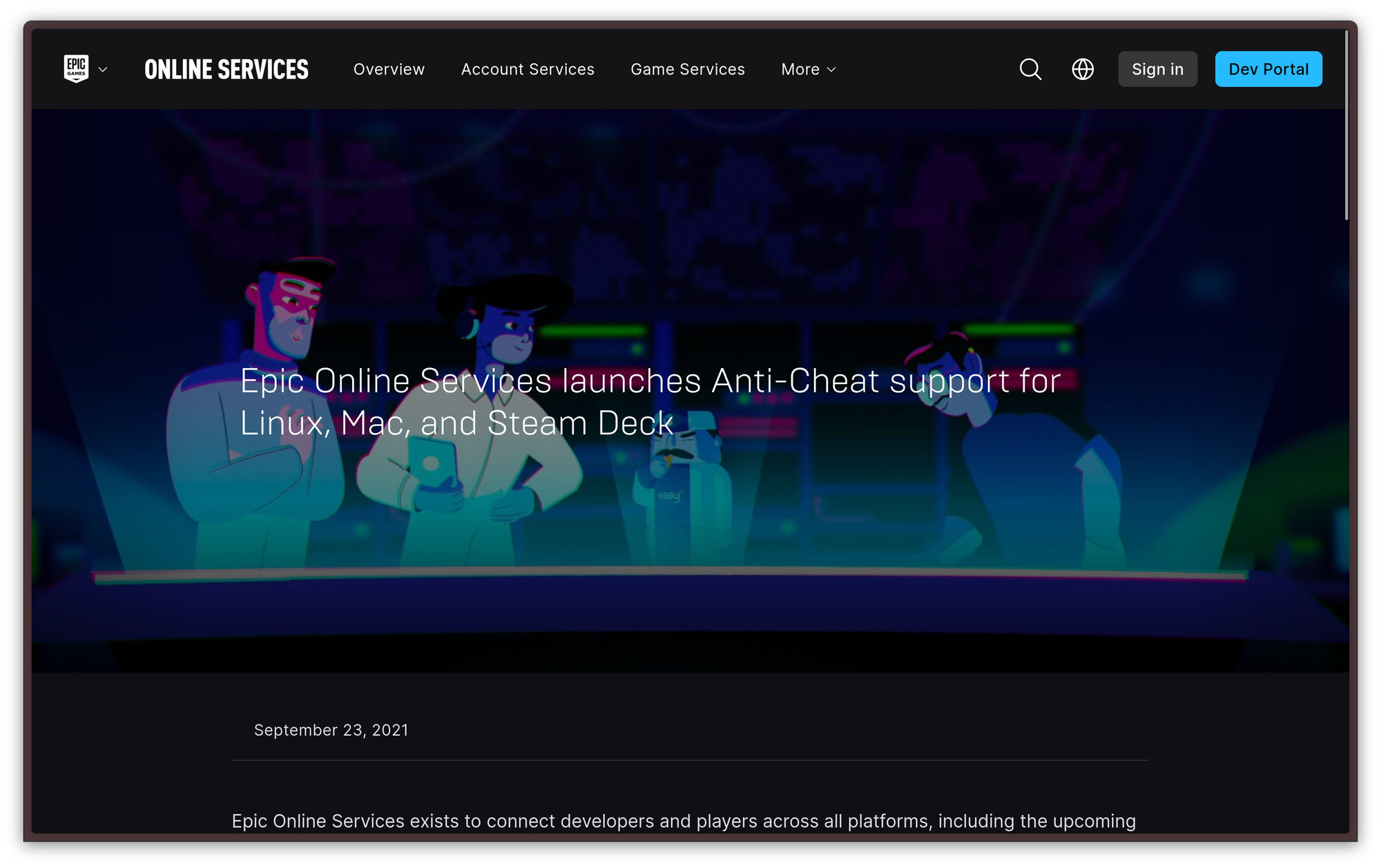
2023 — OLED revision iterates upon greatness
About two years later, in November 2023. the original Steam Deck was still selling very well, and people were still loving it. However, Valve came out with a new, improved version of the console, the Steam Deck OLED.
The Steam Deck OLED does not replace the original Steam Deck, and it does not provide a significant speedup over it: only the RAM throughput has increased, going from 5500 MT/s to 6400 MT/s. However, the design was updated, and the screen was replaced with a larger OLED version with punchier colors and a 90 Hz refresh rate, with battery life improvements coming from the slightly larger battery, and the same APU being switched from a 7 nm to a 6 nm production node. The Wi-Fi card was also bumped from Wi-Fi 5 to Wi-Fi 6e, delivering much better transfer rates compared to the original Deck, for which the soldered-down, on-board WLAN was a weak point.
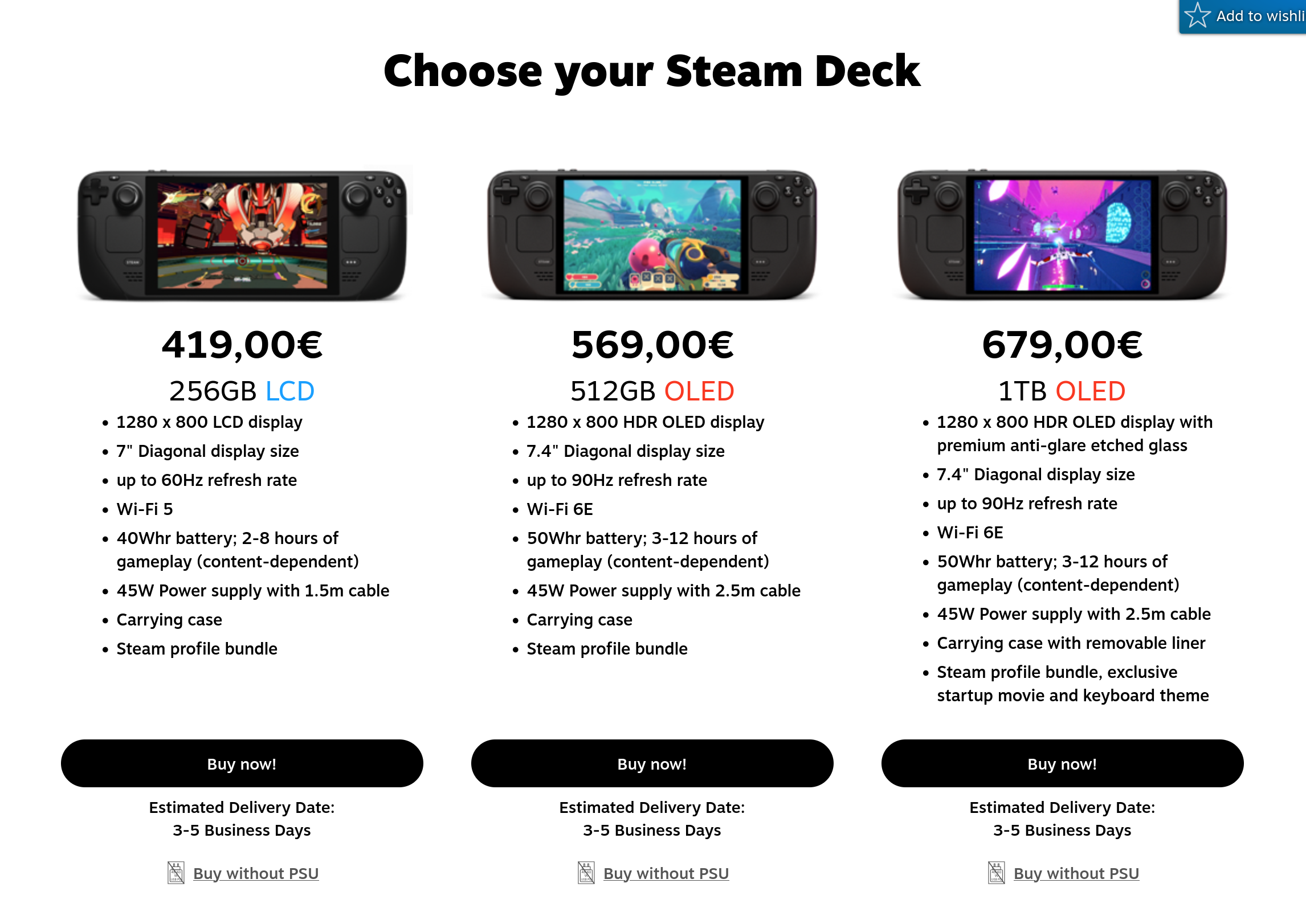
Just like the original version, the OLED version was a success: however, it did not phase out the original model. People are still buying the original version for several reasons: it's much cheaper, and some people genuinely prefer LCD screens for reasons related to eye fatigue caused by the PWM backlighting on most OLED panels.
2025 — SteamOS meets third-party hardware, again.
Although the Deck has been a roaring success, Valve is still a strong believer in open ecosystems. This is demonstrated by the fact that there is a roadmap for the expansion of SteamOS: first, the company intends to support other handheld devices and, at last, the plan is to eventually expand SteamOS support to general hardware and PCs, allowing regular Linux users to install it on their boxes, as they would with a regular distro. The only reason why that hasn't happened yet is more technical than political: Valve claims that, while you can technically install the Steam Deck's recovery image on any hardware, it is still pretty vertically optimized for the Steam Deck and its AMD APU in particular, so, it is not guaranteed to work on other hardware.
The first step of SteamOS's expansion seems to be happening right now. Valve encouraged third-party device manufacturers to adopt SteamOS support on their devices, and it seems like it is beginning to catch up. Lenovo is now collaborating with Valve on a new SteamOS-based handheld, the Lenovo Legion Go S.
The console looks good. It should be more powerful than the Steam Deck, since it ships more recent AMD silicon, but real-world performance remains to be seen. This is part of why this is exciting, though: Valve has no interest in locking you into their hardware, and they seem thrilled for Steam users to have choice. Their reference implementation is likely still going to sell very well, but the real value for Valve is getting more users into their ecosystem thanks to SteamOS. This might just be the first thing that really challenges Windows in the gaming market: if people love SteamOS, and a full ecosystem is emerging around it, why should anyone want to deal with the bulk of Windows 11?

We can, surprisingly, not count HP among those Windows 11 fans. Ever since Valve has opened up its SteamOS ecosystem to third-party handhelds, HP has praised the experience it brings, expressing interest in creating a SteamOS handheld themselves, calling the experience of Windows on a handheld gaming device "a struggle". Yes, it's starting.
The Future — What's Next for Valve and Linux?
Officially, we do not yet know what the future holds for Valve and Linux. We do know there won't be a "Steam Deck 2" for a while, and we know Valve intends to release a generic SteamOS installer for most devices eventually. However, a leak shows that SteamOS seems to be expanding its architectural support to ARM and RISC-V CPUs. What does this mean? We just don't know yet, but it's exciting to see.
After all, Valve is the company that has never stopped experimenting. It's one of the companies that I am genuinely happy exists. I can't wait to see what the future holds for them.
Thunderbird is launching its own mail provider
If you are keen on managing your email locally, you will have certainly used Thunderbird at some point. Thunderbird is a pretty amazing, full-featured mail and calendar client by Mozilla that is available free and open source for every major desktop operating system.
Thunderbird and I actually go way back: I still remember when I was just in the phase of migrating from Windows to Linux as my main operating system, and one of the main challenges I was facing was finding something that could replace Microsoft Outlook. When I came across Thunderbird, I just knew I had found what I was looking for, and I have stuck with it since.
Thunderbird is very popular, for all the right reasons. It is the best tool I know of to manage all of your email addresses, task lists and calendars in one place, comfortably, yet, without missing any feature.
Since I started using it in 2018, though, Thunderbird has changed a lot. It has gone through a major redesign on the desktop side, and Mozilla has even launched a mobile version based on K-9 Mail, allowing fans of the desktop version to take Thunderbird on the go and use it everywhere.
After completely overhauling its design and taking on the mobile space, today, Thunderbird expands into yet another space: it's launching its own full-fledged mail server.
Enter Thundermail
On April 1st — admittedly, quite a dangerous date to launch anything — Mozilla has launched a landing page for a new service called Thundermail. While we do not have a lot of information yet, the first thing we can clearly see is that the project markets itself as part of the “Thunderbird Pro” moniker, a set of optional premium services the Thunderbird team is working on.
In case you are getting apprehensive, don't worry. Your favorite mail client is not going freemium, and it is not going to differentiate between free and paid users. Thundermail, is something completely different: it's a full-on hosted e-mail provider that seeks to compete with major players like Gmail and Outlook.
Mail for the privacy-conscious power user
From the little information we know, it looks like Thunderbird will be an absolute boon to power users. Mozilla teased there will be great attention to user configurability, including the choice of domain. By default, a user will be able to choose between a thundermail.com and a tb.pro domain, as well as, optionally, any custom domain a user might own.
Mozilla developers claim that the main way Thunderbird will distinguish itself from the big players is the privacy aspect. While mail services like Google's Gmail ecosystem constantly scan mail to use it to train AI and help create a profile for the user, Thundermail takes the polar opposite direction. All user data is kept private, without using it for an AI training, tying it with an advertising ID or selling it. The service will also serve no ads — which is something to be expected by a service that is going to be a premium offering.
Getting Thunderbird to the masses
One of the reasons why Mozilla has decided to take this route is to try to target all those users who mainly rely on web-mail and are not keen on using a desktop application to handle their mail locally. Thundermail will, in fact, come with a fully-features web interface, and the Thunderbird client will not be required to operate it.
Not just mail
The Thundermail offering will be coupled with other companion features as part of the Thunderbird Pro moniker.
The first one, Thunderbird Send, will be a rebuild of the old Firefox Send service. Firefox Send was a really useful service that allowed users to securely and quickly exchange files across the world, through temporary shares with an expiration time, and without the need for logging in. Unfortunately, the service was discontinued because it was financially unsustainable, and the GitHub repo containing the source code archived and marked as ready-only since. It is not clear how this feature will be implemented, but I am personally keeping my eyes open: I miss Firefox Send dearly, and I would love to see the GitHub repo spring back to life and development around Send resume once again.
Thunderbird Appointment, which you may sign up for the beta test of, is an organization and time-management tool that promises to merge all your calendars into one, and make it easier to plan an event and manage appointments.
The desktop version of Thunderbird already has perhaps the best Calendar view on Linux, but it still suffers from the limitations of a local calendar: it's great for personal organization, but it can be a hassle to use it in a collaborative setting. This is precisely the problem Thunderbird Appointment wants to solve, by automating event invitations and interactions with other people transparently, as you interact with your calendar.
Last, but not least important, is Thunderbird Assist, is — as you might have guessed — an AI feature to help you to take advantage of generative AI for writing tasks, likely to generate entire e-mails, or manipulate the existing e-mail body in various ways. What sets this apart from the existing implementation on Google's and Microsoft's solutions is, once again, the privacy focus: rather than relying on some remote endpoint and forcing the user to sell their soul to take advantage of it, Assist wins the Large Language Models directly on the user's machine.
To do this, Thunderbird is partnering with flower.ai, an AI platform that is based on Federated Learning. Federated Learning is one of the fields of Artificial Intelligence you should keep under watch if you care about privacy: the entire concept behind Federated Learning is to train a model with heterogeneous data, shared between multiple entitles (“clients”) in a decentralized way. Each client keeps privacy on its own data, and it cannot know about the data held by other clients.
Mozilla says this feature is still experimental — which is believable, considering how ambitious it is.
I am hopeful Thunderbird Assist will develop nicely and turn out to be a success, though. We must face it: AI is here to stay — even if I and many others are still pretty cautious about it — and there are several tasks LLMs perform well at that can be very useful in the context of an e-mail service. As long as all processing can happen locally, respecting the user's privacy, honestly, I am fully on board.
The elephant in the room
While Thundermail sounds like an exciting product worth looking at, it's important to note that it is not the only product that is trying to steal some market share off of Redmond's and Mountain View's solutions. There are various other web-based, user-friendly, privacy-oriented email providers in the market, which you can compare and try independently starting from the relevant page on PrivacyTools. Some of these services are already very strong offerings with established trust and user bases, so Thundermail will need to offer something they don't to stand out.
Regardless, Thundermail still remains a pretty interesting offering, which also represents the next step in Thunderbird's growth.
You can sign up for beta access right now. I did, and I can't wait to check it out for myself. I am already a loyal Thunderbird user, and using Thundermail would also support Mozilla, the company that funds the development of Firefox. This is crucial, since Firefox is the last majdevelopmentor free and open source browser that is not based on Chromium, and it also acts as the base for several other great projects, like my current favourite browser. Let's keep our fingers crossed!
What's up with Linux on Snapdragons?
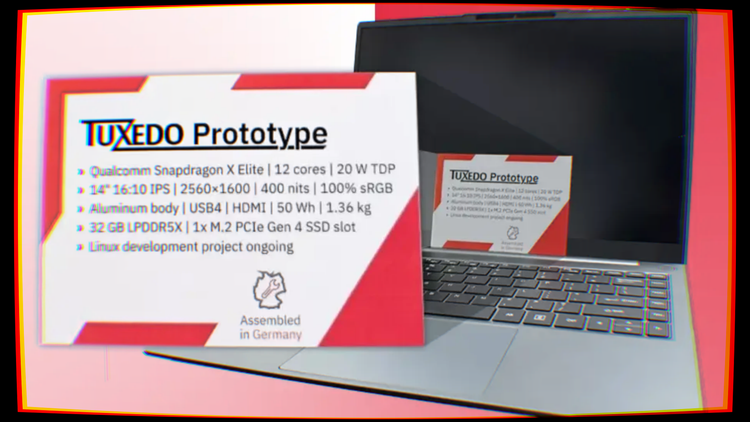
Remember when we talked about the Snapdragon X Elite SoC back in August? A few months have passed, so it's fair to ask how it's going with Snapdragon X Elite Linux support.
After months of little to no news, we finally have some more data, released by Tuxedo. Linux laptop OEM Tuxedo announced that they were working on a Snapdragon-based Linux laptop around the release date of the X Elite, but there has not been a lot of news about it, up until now. This silence has made several people wonder what was going on, making many wonder whether the project was still in development.
Just a few days ago, Tuxedo posted a status update, detailing how far along they are in shipping their ARM laptop. We have both good and bad news.
Let's start with the good news. In short, yes, the laptop is still in active development and, no, it has not been abandoned. The bad news is, that development has been slower than expected, since Qualcomm has not made much progress on the Linux support for the X Elite platform, focusing, instead, on the Windows experience more.
There are several possible reasons for this. The most likely one is that Qualcomm has a contract with Microsoft revolving around helping port Windows on ARM to the X Elite platform, and reception has not been perfect. Users and tech reviewers alike have been praising its efficiency, but are being left disappointed about things like x86 emulation woes, unstable game support, and bad GPU driver performance. Understandably, Qualcomm might have been forced to get all hands on deck to fix their platform to make the large volume of X Elite Windows laptops on the market viable for the average consumer first.
Despite that, it is not all doom and gloom. Just a few weeks ago, Tuxedo employee and kernel maintainer Georg Gottleuber, overseeing the Linux support for Tuxedo's ARM notebook, submitted the initial version of the device's Device Tree to the Linux kernel.
Let's see why this is a big deal.
What is the device tree
According to Linux kernel documentation, the Linux kernel uses a data structure called the “Open Firmware Device Tree”, or “Device Tree” (DT) in short, as a language and data structure for describing hardware configurations. The kernel reads this data structure to get a description of the machine it is running on, without needing to hard-code details about it in a specific kernel build.
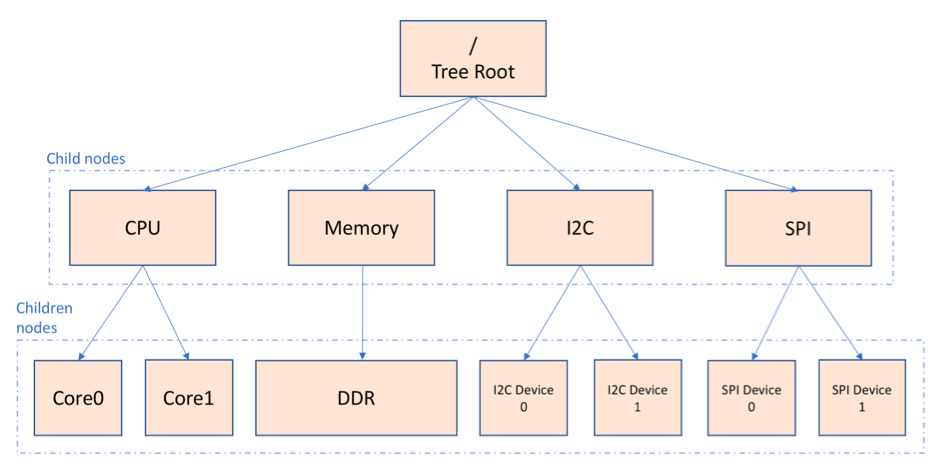
Describing the data structure
The Device Tree is a graph-based data structure.
For those who don't yet know, a graph is described by a finite set of nodes (also called vertices), and a set of edges or arcs, which match unordered pairs of nodes together. Graphically, nodes can be thought of as circles, while arcs can be represented as arrows that connect two nodes. Arcs can have a direction, which can be used by graph traversal algorithms; sequences of actions to completely walk over every node in the graph in order, deciding the path to walk according to different criteria. A graph that consists of directed edges is called a directed graph. Additionally, edges can be augmented with a numeric value called a weight, which encodes information about the cost of traversing from one node to another.
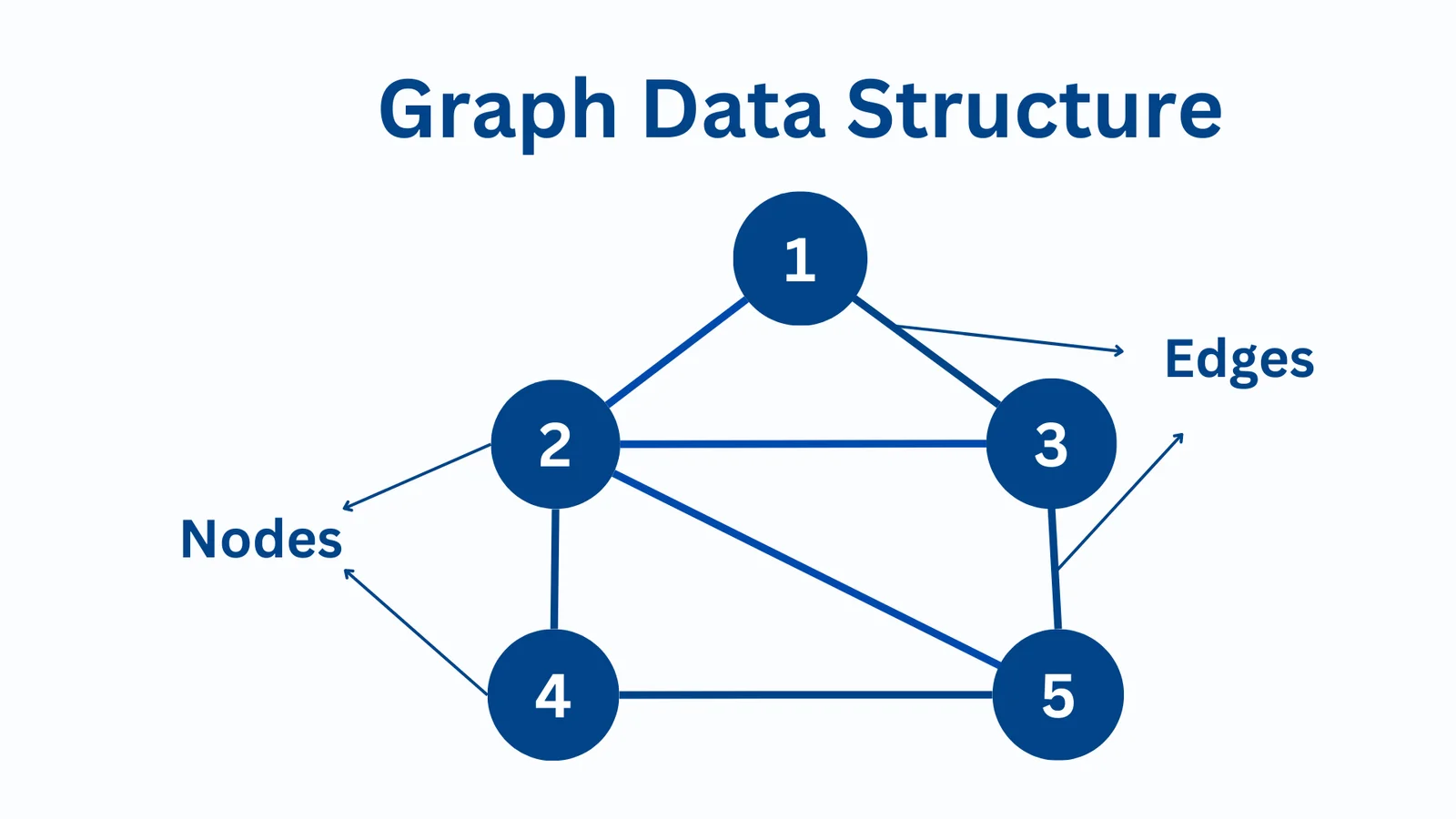
Among other attributes, a directed graph may be either cyclic or acyclic. A graph is cyclic when it contains a cycle — basically, a graph is cyclic when it contains at least one path that includes a node as both its starting and ending point. If you can start from a node, walk through at least two edges from there, and end up on the same node where you started, you are looking at a cyclic graph. Naturally, if you cannot do that, you are looking at an acyclic graph.
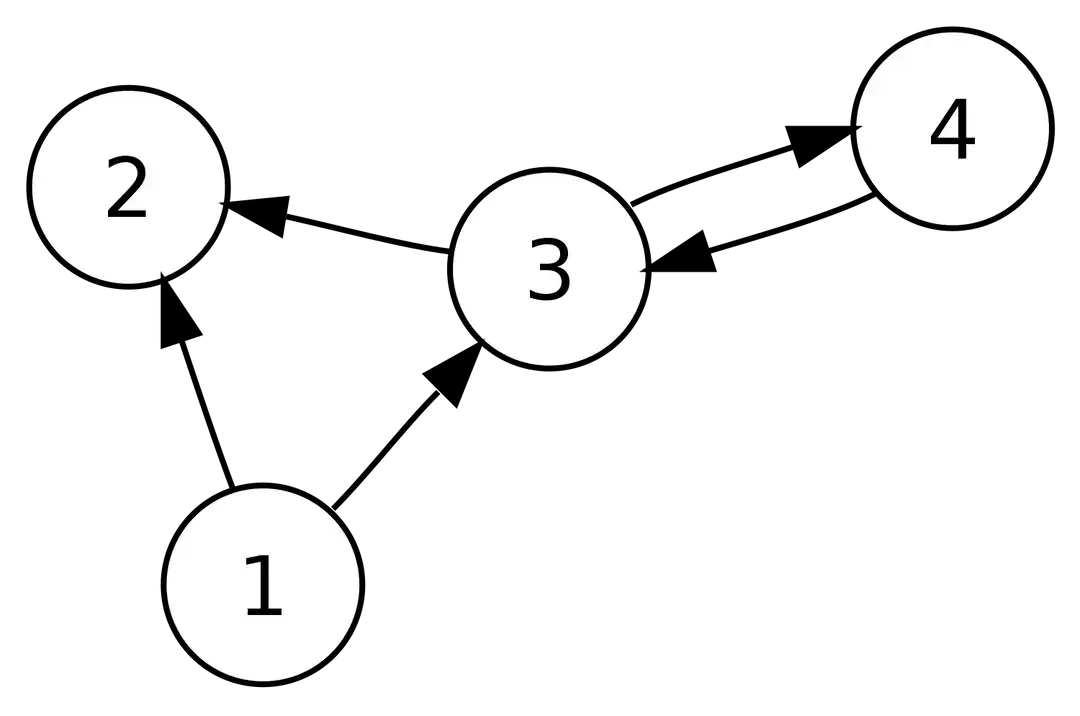
With this in mind, the Device Tree is an acyclic graph, also known as a DAG. The nodes represent various hardware components, while the edges represent relationships and dependencies between components. For example, a USB hub will have several dependent nodes — the USB devices that are connected to it.
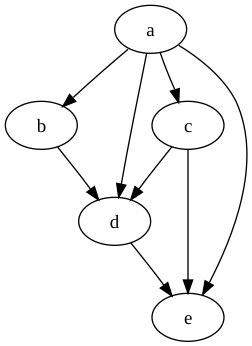

The Device Tree source code is compiled by the Device Tree Compiler (DTC) into a binary format called the Device Tree Blob (DTB). The kernel reads this binary representation at boot, and it uses it to know what devices and chips are present in the system, and where they are. Of course, we are not only talking about detachable physical devices you can see, like a keyboard or a mouse, but also embedded sub-devices that are part of the same component. Take, for example, a WLAN (Wireless Local Area Network) card. The WLAN card is the component that allows your laptop to connect to 802.11 (Wi-Fi) networks, as well as to other devices over the BLE (Bluetooth Low Energy) protocol. While, physically, this card is just a little module inserted into a small slot on your motherboard, it exposes two separate devices that reside in two separate parts of the device tree: a Wi-Fi network interface, exposed over the PCIe (PCI-Express) bus, and a Bluetooth interface, exposed over a USB (Universal Serial Bus) bus.
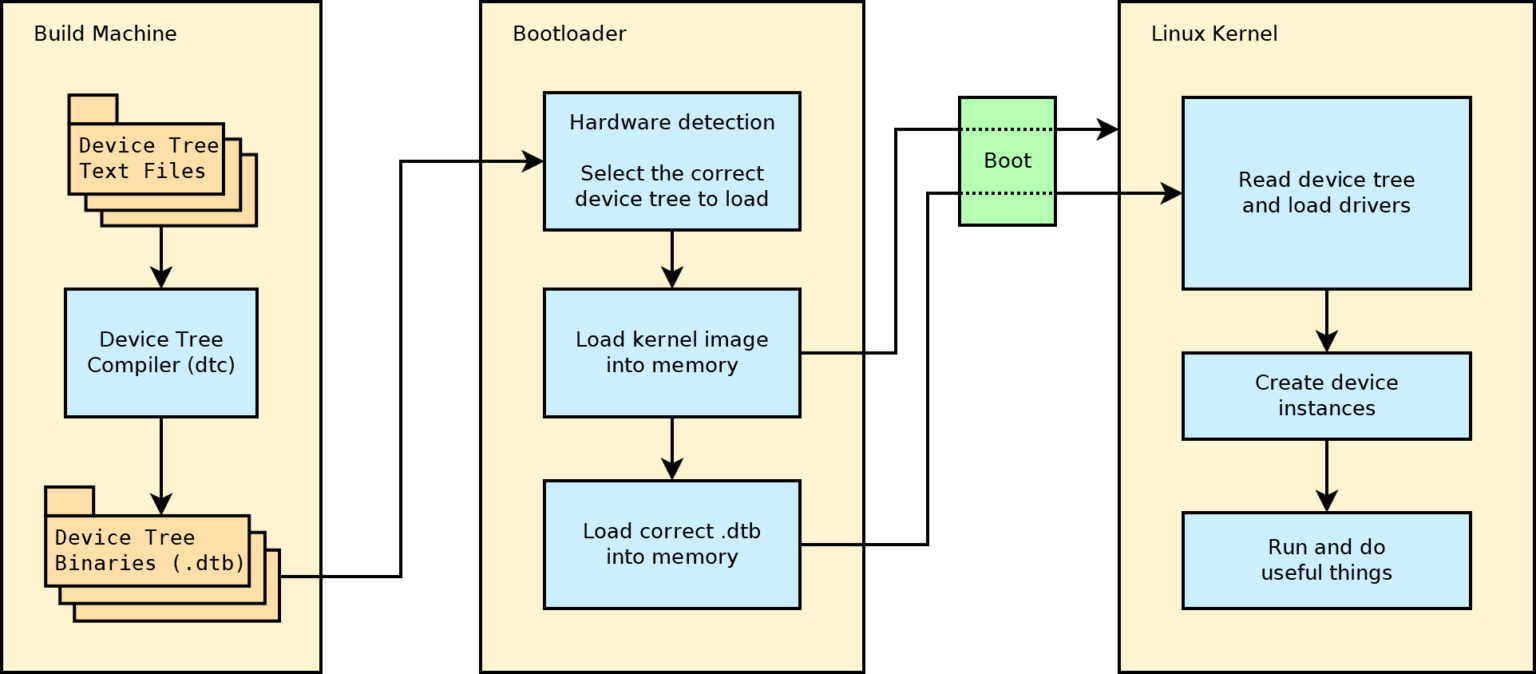
Difference between x86 and ARM
On regular x86 laptops, this mapping is already present in the UEFI firmware, described as ACPI tables. ACPI, which stands for Advanced Configuration and Power Interface, is an open standard that some firmware implementations use to advertise the devices that are part of the system to the operating system through a key-value data structure called “ACPI tables”. At boot, when the operating system detects ACPI tables, it reads them to enumerate the hardware devices and allow the various drivers and kernel modules to interact with all compatible discovered devices.
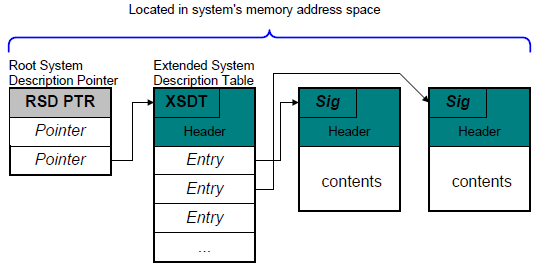
If you have been wondering why Linux seems to run to some degree on pretty much every Intel or AMD laptop you throw at it, this is the reason. Your Intel laptop probably does not have its Device Tree mainlined in the kernel. The kernel does not really "know" that you are using a ThinkPad T14 or a Framework 16 (other than being able to show you the name your OEM exposes), the kernel reads the ACPI tables that were exposed by your UEFI firmware after the kernel was bootstrapped, and it knows all the individual devices you have. It knows you have a motherboard based on the Insyde firmware, a PS/2 or USB keyboard on the relevant bus, a Pixart touchpad, a Realtek sound card, Mediatek Wi-Fi and Bluetooth devices, an AMD CPU and GPU, and so on. This is why Linux boots roughly on any x86 laptop, but it does not necessarily support every component. Often, trying to load Linux on a very recent gaming laptop, before the community has had the opportunity to upstream drivers for all its components, will result in a system with missing functionality. For example, it is possible that you can boot the device and get the CPU, GPU, and keyboard to work; but there is no way to get the speakers, keyboard backlight, or Bluetooth device to work. In x86 land, you do not get "supported laptops" under the hood, you mostly get supported peripherals. A Linux-supported Intel laptop is a sum of supported peripherals certified to pass a test suite and work well together in that exact configuration, slapped into a package the OEM is willing to provide ticketed Linux support over. In the real world, there is such a thing as a Linux-supported laptop; but the kernel does not have that concept.
If you are looking at something like that, you can look at some selected devices from big manufacturers, or pick something from a smaller company instead, like Framework or Tuxedo, the vendor behind this promising ARM laptop. Their laptops are great, and they are also fairly priced for the build quality and specifications. To be clear, this is not a sponsored suggestion; I have had positive personal experiences with current-generation Tuxedo laptops, and I feel comfortable recommending them. Otherwise, I wouldn't bother writing this article.
In ARM land, sadly, things do not quite work this way, though. Most ARM notebooks and embedded devices completely lack an ACPI interface, so, they depend on the kernel to know their Device Tree. In that case, the Device Tree is the only way the kernel can enumerate all the devices that make up a system — basically, Linux needs to know you are using a Tuxedo ARM laptop Gen 1; so that it can load the relevant Device Tree for that specific laptop to work. This is one of the reasons why ARM laptops are so complicated to boot on Linux. While any obscure Intel laptop will probably get at least basic functionality on a Linux boot, an obscure, unsupported ARM laptop may not be able to work at all.
What's next?
While this is a very good step, work is far from over. Now that Linux knows the basic structure Tuxedo's ARM laptop has, support for several components listed in the device tree needs to be implemented.
Again, all the Device Tree does is tell the kernel what's inside a device, but it does not know how to operate that device. That is the task of the associated kernel module, which contains the driver code to work with the device. For every device in the tree, the kernel will pass the device and its address to the competent kernel module, which will take it from there.
Right now, the missing functionality is… quite a lot. Tuxedo claims that all USB functionality, including USB-4, the ability to push a video signal to an external monitor through HDMI, and all audio functionality are still yet to be implemented. All in all, the laptop is still not quite usable yet, not even for basic use. Unfortunately, again, Qualcomm has been dragging its feet on Linux support, and Tuxedo's planned collaboration with them did not materialize.
It's not over, though. It is Linux we are talking about: all drivers are developed in the open, and entities other than the original manufacturer are more than welcome to contribute to the development. That is the case for Linaro, a company that has heavily contributed to the ARM ecosystem since 2010. The company is also involved in the open-source ecosystem, with several open-source contributions under its belt. Tuxedo has started a collaboration with Linaro to complete the development of their ARM laptop and, frankly, knowing Linaro's track record, the project is in good hands.
When will it ship?
Unfortunately, Tuxedo cannot yet estimate when the laptop will be ready, but they have told us that we can look forward to long battery life and excellent performance in a lightweight and quiet device.
Honestly, I'm here for it. Although they have their faults, Snapdragon X Elite Windows laptops are known for being quite efficient, generally having better battery life than their Intel and AMD counterparts.
With that said, I am still really looking forward to further evolution on the RISC-V side of things. RISC-V is another architecture that is quite similar to ARM and that promises similar benefits, while not being controlled by a single company, and having an open source ISA. Don't get me wrong: The Snapdragon X Elite is a great System-on-Chip, but, like most ARM computers, it is still mostly proprietary and locked down. On the other hand, RISC-V might be our best bet for finally having good, modern, well-performing open hardware. It also seems to be in a better state for Linux already: if you are interested, we have already covered DeepComputing's RISC-V mainboard for the Framework 13 not long ago.
Can an Android phone be your next Linux PC?
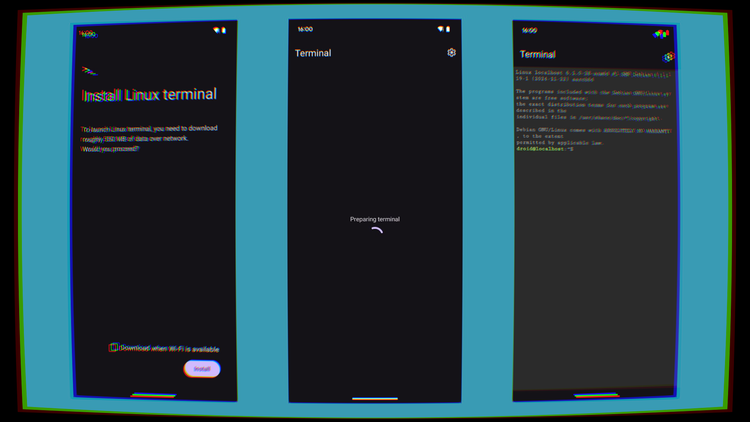
During the last few years, for more and more people, the line between a proper laptop computer and a mobile device, like a smartphone or a tablet, has been getting increasingly blurrier.
For example, we can see this in the web browser market share: as StatCounter reports, as of today, 62.23% of the web market share extracted from browser statistics comes from mobile phones, with only the remainder of that coming from desktops and tablets.
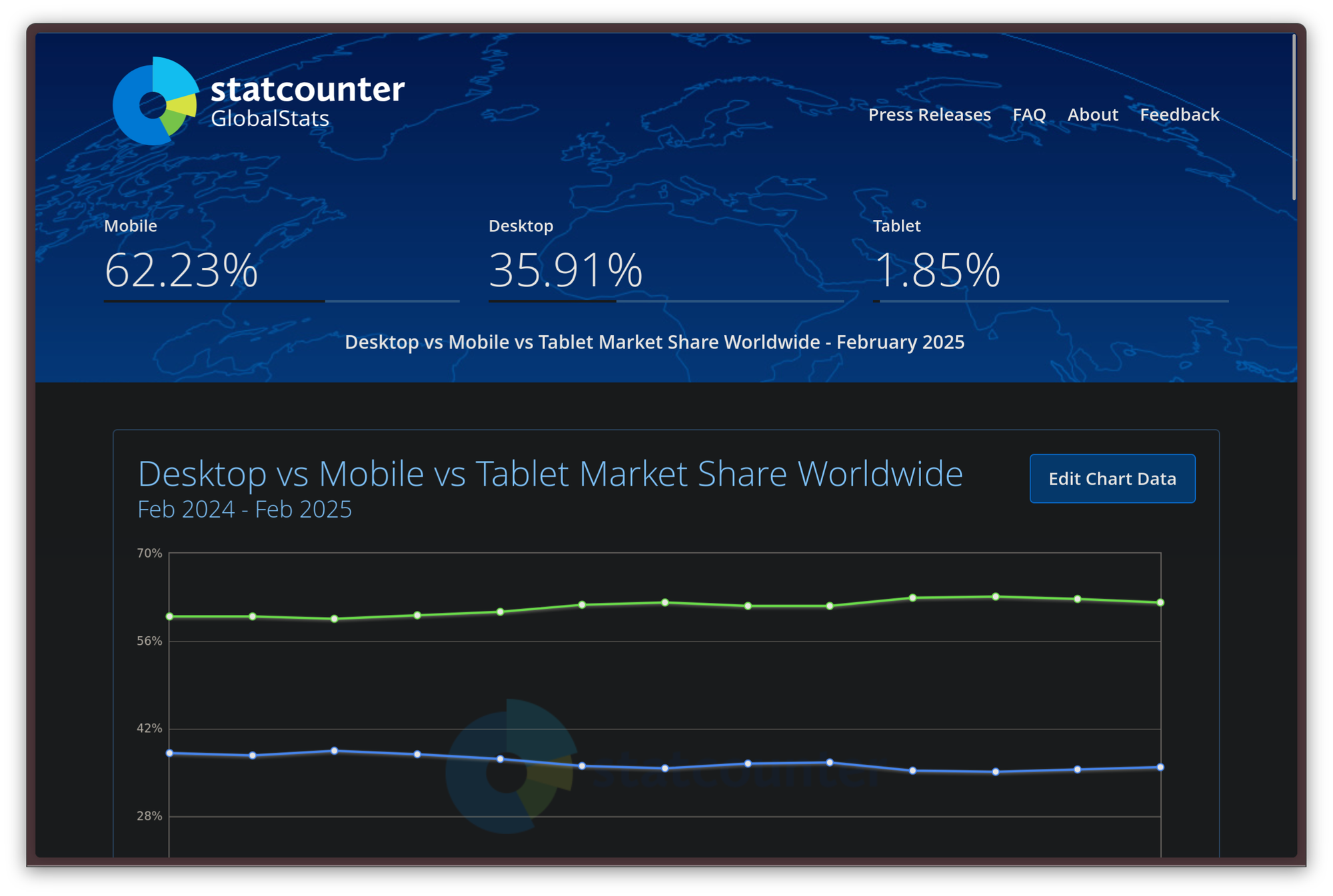
For more and more people, laptops are beginning to be either a thing of the past or something they only use in their office jobs. Mobile manufacturers did not miss this, and several of them have already been playing around with neat software tricks to let their phones behave as complete desktop replacements for users. An example is Samsung's DeX interface, which allows a Samsung tablet, or a Samsung Galaxy smartphone hooked up to an external monitor, keyboard, and mouse, to be usable in a similar manner as a laptop or mini PC would be, with a taskbar that is reminiscent of something we would see on KDE Plasma and free-floating windows for applications that can be freely rearranged. Eventually, this pushed even Google to work on a similar “desktop mode” on stock Android.
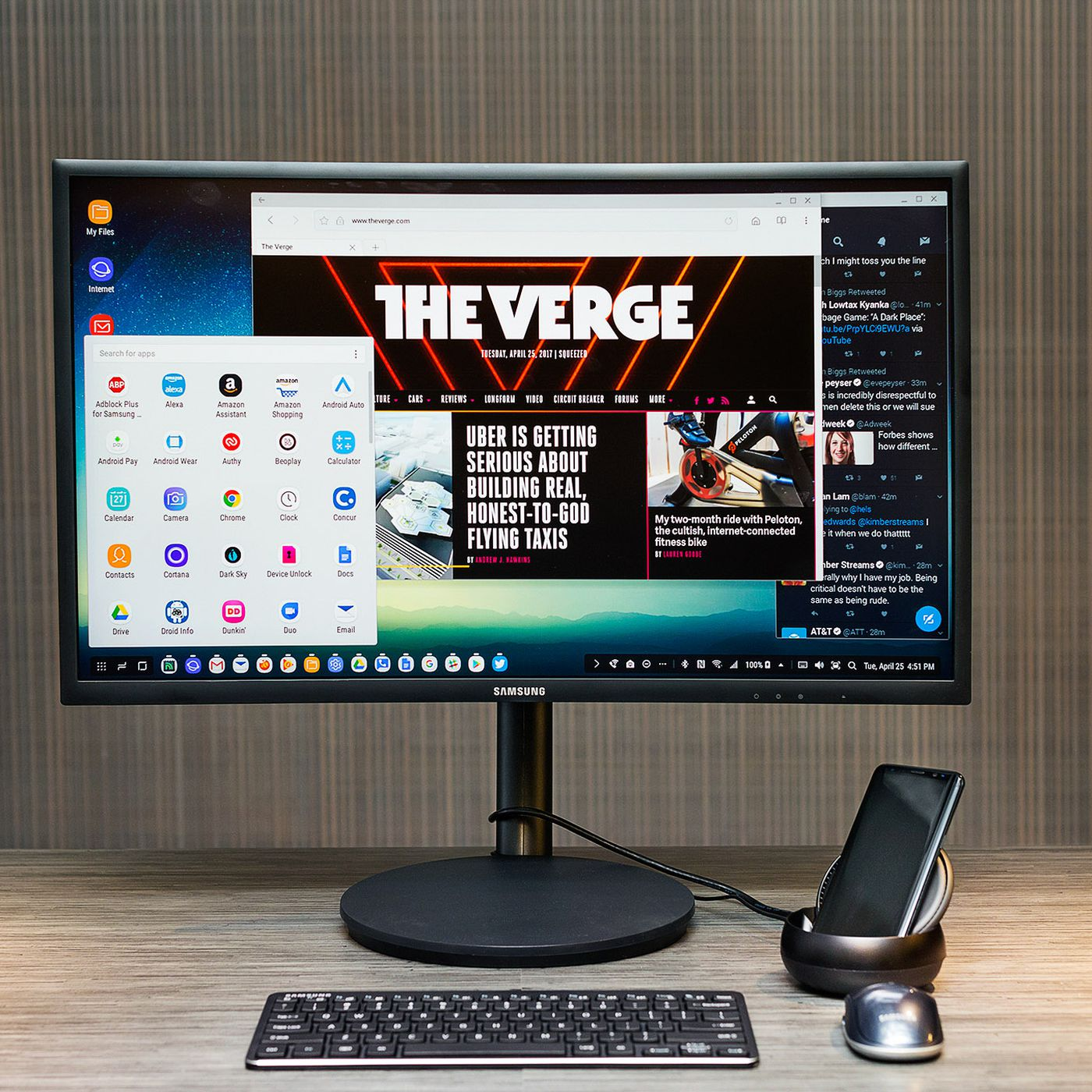
However, between things like the Samsung DeX interface, phones shipping with increasingly larger displays, and more and more neat UX tricks to make tasks that are traditionally carried out on a desktop more pleasant on a smartphone, all of these solutions have one fundamental problem: at the end of the day, they are still nifty tricks to run mobile applications in a non-mobile environment, but they cannot run real desktop applications. The consequence of this is that it has become increasingly unclear whom these tricks are for: something like Samsung DeX is only practical for basic users, who only need to use regular mobile applications; while also being advanced enough to want to run their phones like desktop computers, or buying something like a "lapdock", a laptop chassis that needs a mobile device to run instead of being able to work independently.
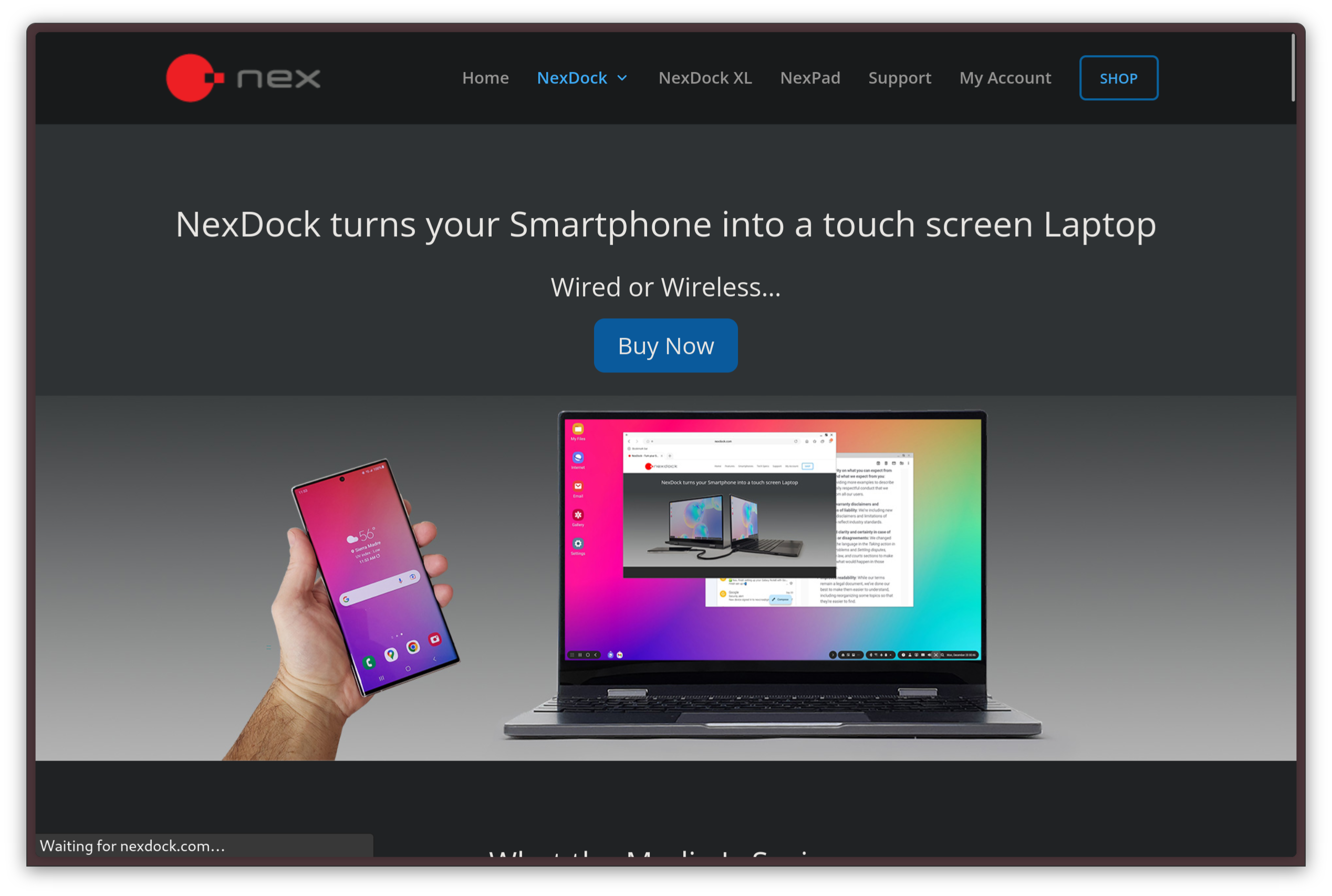
As you would expect, the people who turned out to be most interested in this innovation are advanced users, like developers, sysadmins, and tinkerers. For the longest time, those people have had very little use for such solutions due to the lack of power they entail.
Tinkerers strike back
As we all know, the Linux community is deeply committed to the noble goal of running Linux anywhere they can. It should not come as a surprise that, over the years, there have been successful efforts to get various kinds of Linux environments running on mobile phones — from elementary userland environments to complete GNU/Linux distributions.
Running full Linux on a phone
Let's start from the latter. Everybody's dream is to be able to run a complete Linux distribution on their phones. If this looks like a stretch, or something completely unattainable, consider this: Android, the operating system that powers the vast majority of mobile phones on the market, is powered by a modified version of the Linux kernel.
From Android's documentation, we know that the Android kernel is based on an LTS version of the Linux kernel as upstream, which is then augmented with a set of Android-specific patches called ACKs. In more modern versions of Android, those patches are distributed as “GKI kernels”, which stand for “Generic Kernel Image”. This architecture allows Google to distribute a standard, generic Android kernel, allowing device manufacturers to bundle proprietary drivers as kernel extensions. Perhaps this is not quite the same pure Linux you are running on your laptop — save for some GPU or network card drivers, which are distributed as external programs, even on desktop PCs — but the potential is there.
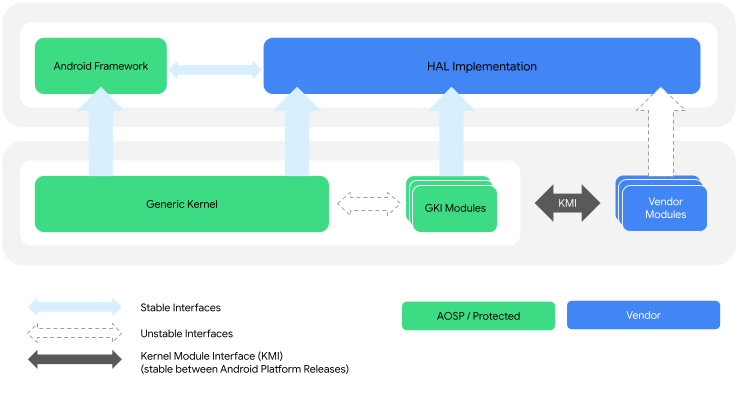
It should be noted that the Android kernel used to diverge from the Linux kernel much more. During the latest years, Google has been embracing upstream Linux more and more in its development philosophy, greatly reducing the distance from upstream. Over time, the effort has been, more and more, to separate the Linux kernel from Android's extensions, distributing them as separate modules, typically distributed through the Play Store, independently of the kernel. More specifically, this change was introduced in Android 14 as Project Mainline. This is the way to go now: back in the early days of Android there were some very good reasons to diverge greatly from upstream Linux — for example, concerns related to power efficiency — but, nowadays, that divergence has proven to cause more problems than it solves.
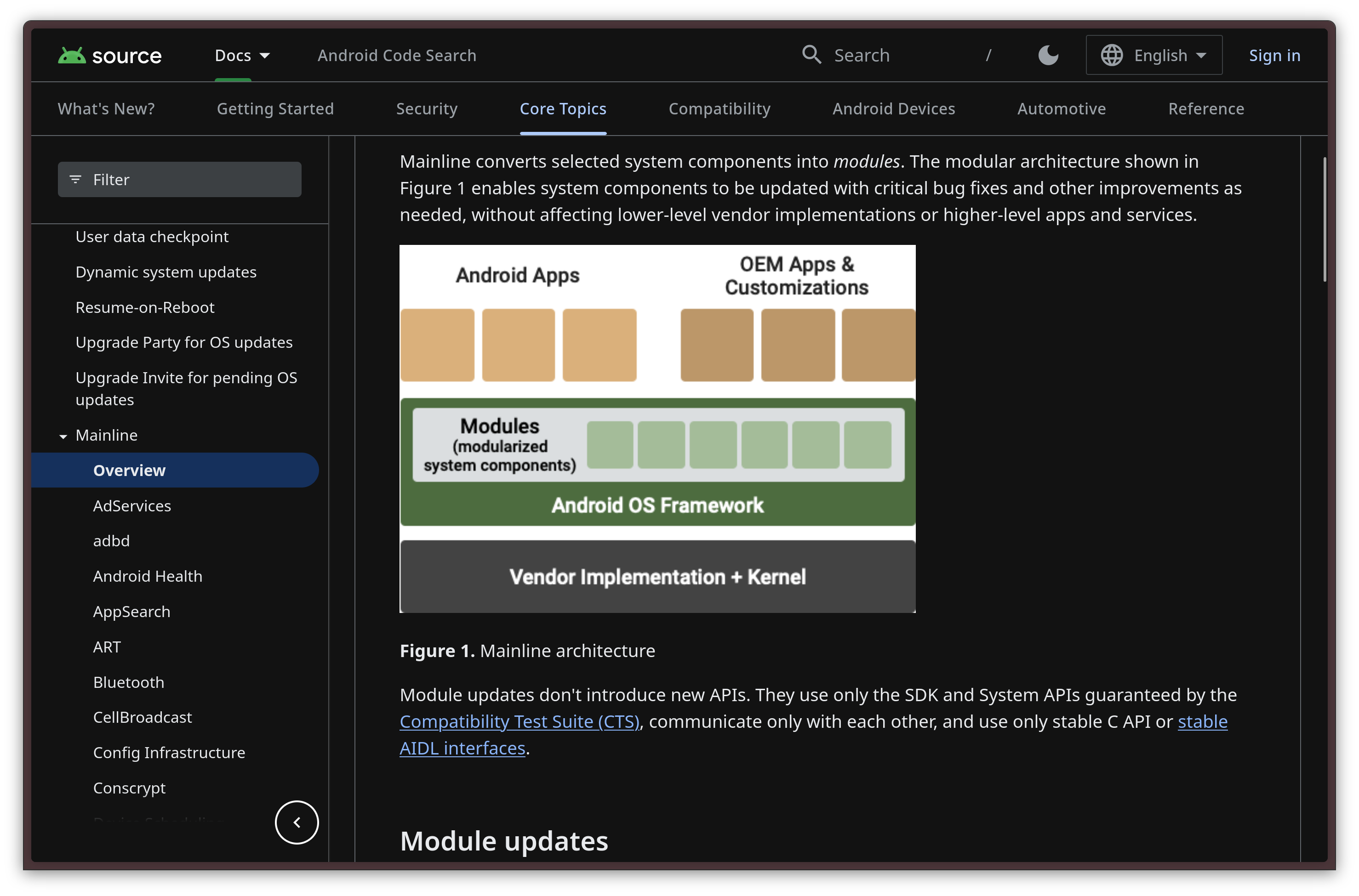
Manufacturers soon embraced this change, due to the several benefits from decoupling Android-specific patch sets and proprietary OEM customization from the monolith. Various manufacturers, like Google and Sony, also opened up the mainline kernel ecosystem for their phones, allowing people to develop, install, and distribute their alternate operating systems on their phones.
As the distance between the Android and Linux kernels has been shrinking for a few years, new opportunities came about. For example, the amount of devices where it is likely going to be possible to run pure, mainline Linux in the not-so-far future has grown.
The biggest testament that we have to that is postmarketOS, a Linux distribution that targets various mobile ARM devices like smartphones, tablets, and Chromebooks and allows users to have a complete Linux experience on them. Of course, the distribution also offers the mobile versions of the KDE and GNOME desktop environments (and more), which are coming along quite nicely.
Sadly, however, while the postmarketOS project is nothing short of fascinating, adopting it as a daily driver in your everyday life is going to be a challenge. The first limitation you will encounter, just to begin, is the fact that it's statistically very unlikely that your smartphone is supported: only a bunch of phones are supported, and some of them are pretty old or obscure!
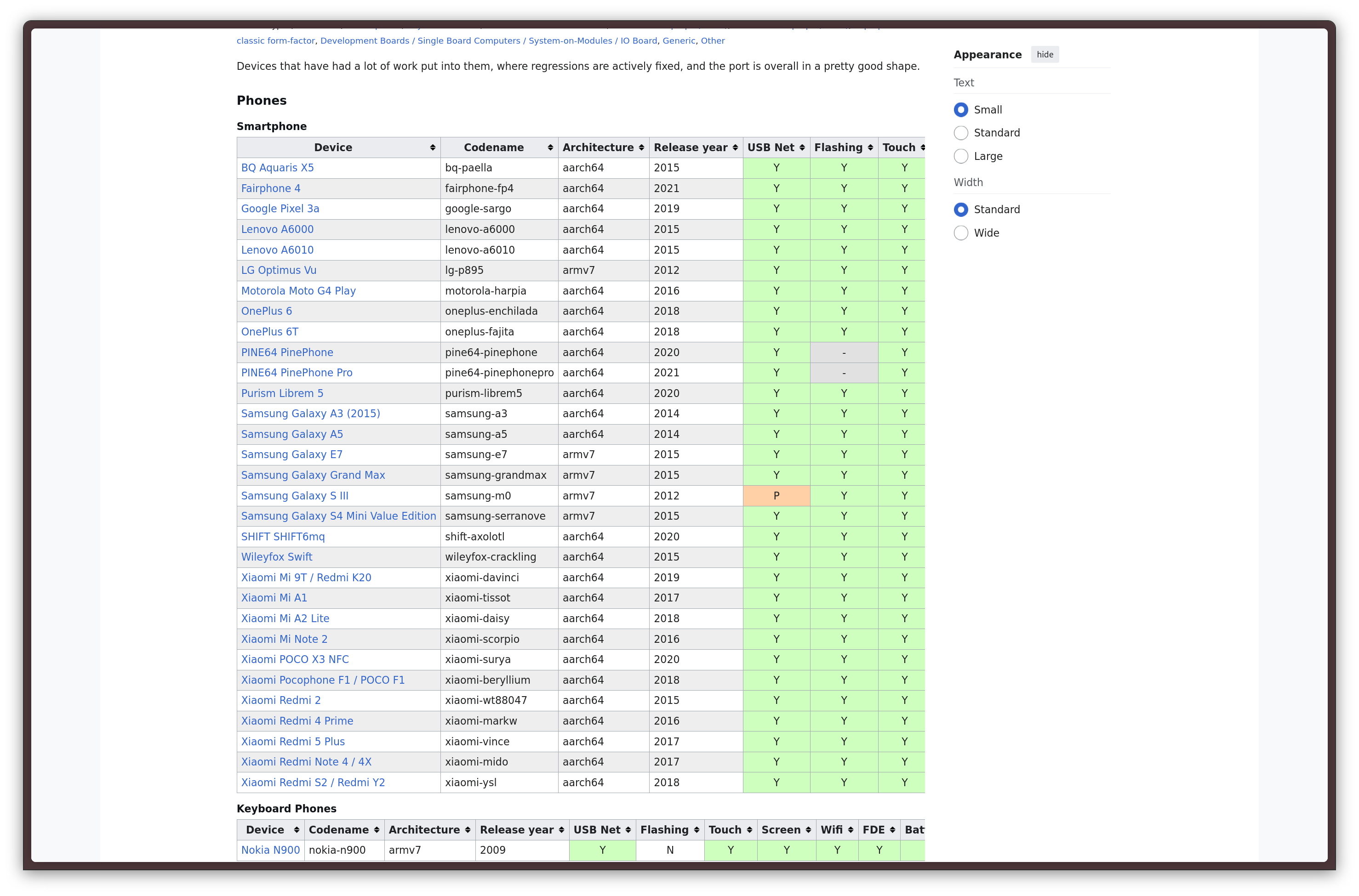
The second and final limitation you will encounter with this approach is the fact that completely forgoing Android for a pure Linux distribution on your phone, as cool as it is, implies several sacrifices. Indeed, while Android mostly shares the same kernel as regular Linux distributions right now, it certainly does not share the same userspace. This means that the Android applications you are used to will not be immediately supported by a Linux distribution, on which you will need to pivot to native Linux applications for the best experience. And, while there is absolutely a promising and rapidly growing ecosystem of mobile Linux applications that you can peruse, most people will still likely be unable to make do without a lot of specific applications that require Android to run. Think of banking applications, full-fledged maps and navigation apps, or digital identity apps to access government services, just for a start.
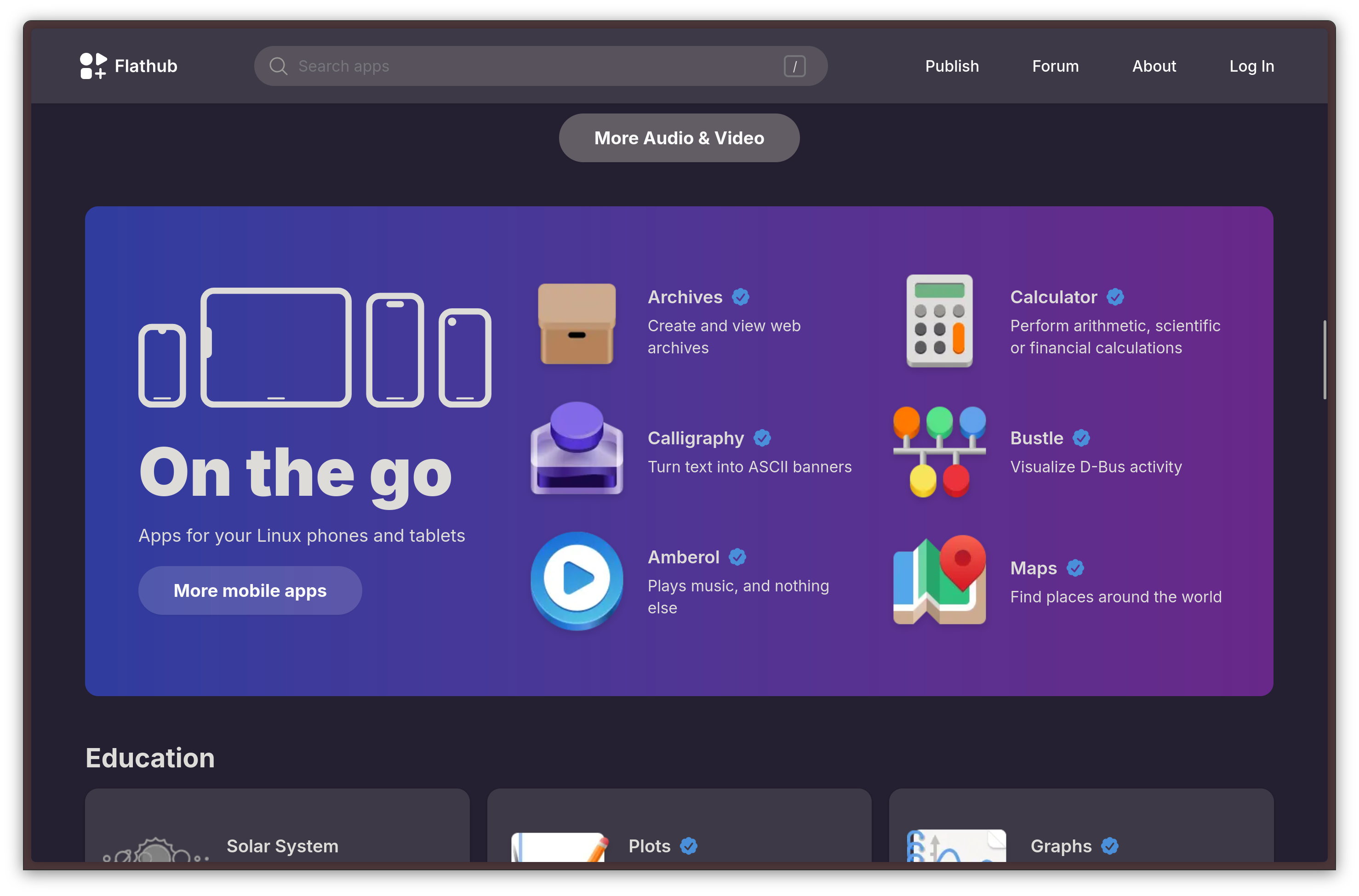
For now, the only realistic option to run Android applications on Linux desktops is to use one of the various compatibility layers, like Waydroid, a piece of software that allows you to run the Android userspace in a container. These multiple solutions are, however, under heavy development, and they are not ready for prime time yet, for most use cases.
Linux smartphones are the future, but they are not viable for most users right now. Instead, what if we tried running Linux applications on Android for the time being, allowing us to keep using our existing applications and run native Linux programs as well? Well — enter the exciting world of compatibility layers.
Running a Linux userspace on Android
Back in 2015, the Termux project saw its initial release. Termux is a terminal emulator that bundles an entire Linux-like userspace, and it was revolutionary because it finally allowed users to easily run a lot of native Linux and UNIX tools on their phones.
Opening up Termux for the first time feels like a breath of fresh air: it truly, finally, feels like home. You are greeted by your beloved bash shell, and you can use the pkg command (which uses the apt package manager under the hood) to install several packages. Up to now, my main use case for Termux has been the ability to install OpenSSH on it and log into my Fedora Server to perform quick maintenance on it from wherever. I have spun up containers, initiated software upgrades, and more, from crazy places, just because I could. It is, of course, more powerful than that, as it supports running text editors like neovim, as well as compilers and interpreters like clang, and python. There is a plethora of packages available, and there is a nice surrounding ecosystem. It's not quite my workhorse Ghostty setup on my laptop, but it gets me by in a pinch.
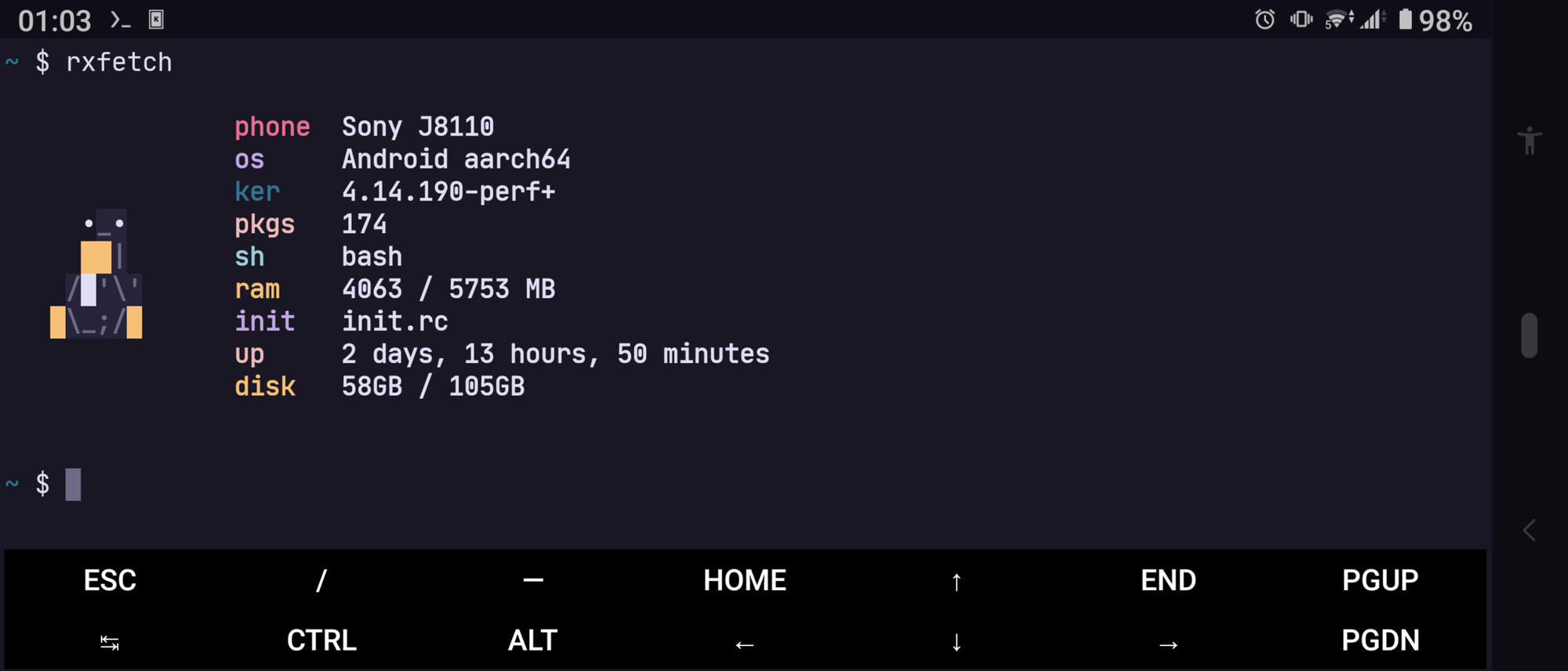
Termux was a pivotal evolution to the Android ecosystem, and this application alone pulled its weight as the primary reason why I have stuck with Android phones exclusively over the past ten years — it is that good. Sadly, however, it does suffer from some intrinsic limitations that are pretty much impossible or very hard to fix. It is not a virtual machine, it is merely a containerized userland running in a highly sandboxed environment that is explicitly designed to be impossible to break out of. Anything that relies on something like root access, kernel components like namespaces or cgroups such as Podman, or any sort of hardware-accelerated GPU interaction is simply impossible, heavily limiting what you can do with it. This makes Termux a handy tool for sure, but never a true replacement for a Linux machine, even for simple tasks.
This is the situation we were stuck in until, in a very unexpected move, Google released a beta build of Android with nothing short of a full-fledged Linux terminal baked in.
Official Linux Terminal support on Android!
In a pretty unpredictable move, circa towards the end of 2024, Google announced they wanted to integrate a native Linux terminal in Android phones. In the latest Android 15 feature drop on Pixel phones, the Linux Terminal is finally here, in all its glory, as an experimental feature.
Differently from the Termux approach, this native Android terminal does not just run a GNU userspace on top of Android — rather, it runs a full-fledged Linux virtual machine based on the Debian distribution.
This solves the main problems we had with Termux. Since this is a full Linux VM, we now get access to every Linux program under the sun, including immediate access to the very vast Debian repos. What's more, we also get support for GPU acceleration, which not only allows us to run console applications on the CLI but also run desktop environments and Linux desktop applications without a problem. Debian is also an excellent choice for something like this: it supports almost every architecture under the sun, it has very vast repos, on top of every Stable release being supported for a very long time, even by third-party vendors, due to being an industry standard.
So far, there is only one serious drawback by design: unlike Termux, the Linux terminal is not able to access the full smartphone storage, but only the Downloads folder, likely for security reasons. While it is still entirely possible to create a “Linux” folder within the /sdcard/Downloads to exchange files between the host Android system and the guest Linux VM, being limited to just a shared directory puts some serious limits on what you can do with the virtual machine. Here is to hoping Google will eventually change their mind on this one, and allow the user to manually allow further permissions to the VM.
How does the Android VM work?
Still, let's not let that ruin the party, and let's see in further detail how this all works.
This Android VM relies on a feature called AVF, which stands for Android Virtualization Framework. The AVF is meant to provide secure execution environments to safely run code in virtualized environments, providing even stronger isolation than the one provided by the usual sandbox Android apps run within. This can be very appealing for use cases where security is critical, such as mobile devices used within a state government, or corporate devices holding confidential and proprietary data.
The entire architecture of the AVF is based on pKVM hypervisor. The name “pKVM” stands for “Protected KVM”. As the name implies, this hypervisor is based on a similar idea as the Linux Kernel-Based Virtual Machine (KVM), but it has a strong architectural focus on privacy and security. The main point of pKVM is that it must maintain the integrity of the executed code and everything inside the virtual machine secure and confidential, even if the host Android system, or another virtual machine, is compromised. As an added functional requirement, pKVM must also be fast to start up, while also undergoing a pretty strict boot process to ensure the best security practices available are followed.
As opposed to regular KVM, pKVM is a lot more atomic. The hypervisor and the kernel go from being two separate entities to being in the same image, and the entire monolith gets updated in an atomic way — so, the update process either completely succeeds, or it gets completely reverted, but it never gets stuck into a weird, inconsistent state.
The architecture of this virtualization infrastructure not only is incredibly cool, but it should make you rest easy: your data is not going anywhere, and, since the Linux environment is so well-isolated, there is no risk of breaking anything by enabling it. The host Android and the guest Linux system will stay two very separate domains, to the point where what you do in the Linux VM will not be accessible by the Android OS itself!
Networking in the Linux VM
Medium author Cedric Ferry has demonstrated that the virtual machine's networking implementation is pretty good. Interacting with iptables to manage ports from the Debian side of things works — the Terminal application will just ask you to accept or deny the change, to make sure you know what you are doing and to minimize the damage that would occur by running a rogue script that is trying to poke holes in your firewall configuration.
After a port is open, it is shared between the VM and the host system: it is then possible to spawn a web server on that port from the VM, and access it from a browser on the host. Hooray! This makes web development tasks finally possible on an Android device, on top of allowing us to run client-server applications locally on our phones, as well.
Those of you with a Pixel phone upgraded to the latest software build can now begin giving this feature a shot following the steps outlined in this clip.
Linux terminal activation process
Overall, while in its early stages, this feature is seriously cool, and it opens up new possibilities for what you can do with an Android device. Who knows: maybe, if it gets developed further, more and more people will truly be able to get away with using their Android phone with a docking station as their only computer if their use case does not require them to run tasks that are not too taxing on the hardware. Regardless of that outcome, though, this marks a new direction for Android, which has suddenly become much more powerful.
Why I recommend against Brave
If you are keen on personal privacy, you might have come across Brave Browser. Brave is a Chromium-based browser that promises to deliver privacy with built-in ad-blocking and content-blocking protection. It also offers several quality-of-life features and services, like a VPN and Tor access. I mean, it's even listed on the reputable PrivacyTools website. Why am I telling you to steer clear of this browser, then?
Let us take a step back.
Where did Brave Browser come from?
Brave Browser was founded in 2015 by its current CEO, Brendan Eich. If this name rings a bell to you, there may be multiple reasons for it. Brendan Eich is most famously known as the creator of the JavaScript programming language — the language your browser can interpret and run — back during his days at Netscape Communication Corporation, the company behind the historical Netscape Navigator web browser.

Furthermore, he wrote the original version of SpiderMonkey, the JavaScript interpreter that Firefox uses to this day. Eich continued to oversee the development of Spidermonkey under Mozilla, from 1998 onwards, after Mozilla had inherited the Netscape code.

In fact, Mozilla was founded by Eich and others as a FOSS project around the same time frame. The Mozilla project was meant to be a wrapper for the open-source contributions to the Netscape browser.

Eich grew his career inside the Mozilla organization, becoming appointed CTO in August 2005, and continued to develop Spidermonkey until 2011, when he ceded its development to Dave Mandelin.
His career at Mozilla started to decline when, after being appointed CEO of Mozilla Corporation on March 24, 2014, several Mozilla employees called on him to resign.
Brendan Eich's anti-LGBTQ+ political involvement
This happened because Brendan Eich had been donating small sums of money to very problematic, anti-LGBTQ political organizations, which — rightfully — caused Mozilla employees who were part of the LGBTQ community to feel uneasy and in danger under the new leadership.
Over the years, Eich has donated money to incredibly problematic political initiatives and organizations, such as California Proposition 8 - a movement that sought to ban same-sex marriage in the state of California back in 2008 — on top of some even more generous donations to Tom McClintock, a Republican politician who supported Proposition 8.

This scandal caused a chain reaction that led half of Mozilla's board to step down.
Ultimately, this backslash forced the CEO to “express sorrow for causing pain” and promise he would “work with LGBT communities and allies”, statements that were in all likelihood more motivated by the necessity of saving face and running a PR campaign to cleanse his image and avoid stepping down as CEO rather than by genuine regret.
Predictably, these empty excuses were not enough to soften the blow, as some activists created an online campaign against Eich, to pressure him to step down as CEO. One of the hardest blows was caused by the dating website OKCupid, which began displaying a message warning the users about Eich's actions and strongly encouraging them not to access their website using Firefox or other Mozilla products as a form of boycott when a user was using a Firefox user agent.
Shortly after, on April 3, 2014, Brendan Eich finally agreed to step down as Mozilla CEO and decided to leave Mozilla as a whole.
After a two-year hiatus, Eich finally came back and launched a new browser, Brave Software, with its development version getting released in January 2016, after obtaining 2.5 million dollars in funding in late 2015, shortly followed by another 4.5 million dollar funding round in 2016. As we are about to see, however, the story far from ends here, as even this new venture will quickly prove to be, at the very least, ethically questionable.
With this out of the way, let's keep going.
2016 — Brave Browser promises to replace webpage ads
Although the browser had just been released, the first controversy around it did not take long to surface. In 2016, Brave Browser shared a plan to launch a feature called Brave Ad Replacement. That feature planned to do pretty much what it says on the tin: it would block existing advertisements online and replace them with “privacy-friendly” ads that Brave itself would inject.
According to Brave's marketing, these new “Brave Ads” would also paid publishers, which would have made them sustainable; however, it would've done so in a volatile cryptocurrency, instead cutting down their reliable fiat income stream, and they would pay them half compared to before. And, of course, they would also take a 15% cut for themselves.
This idea was about as bad as it would look to any reasonable person, and it never really came to life. Soon enough, the Newspaper Association of America reacted by issuing Brave a cease-and-desist letter, calling out what Brave was doing as “blatantly illegal”.
If you think this is bad enough, though, I recommend you mentally prepare for what's to come. 2016 was nine years ago already — yes, time absolutely flew by — which means we still have just short of an entire decade of screwups to cover.
2018 — Brave runs a questionable donation campaign
In 2018, Tom Scott, a content creator famous for creating incredibly entertaining videos where he creates unusual stuff, tweeted a warning to their followers to not send donations to anyone asking for any in his name, as he was not taking donations. He said that Brave was using "his name and photo without his consent".

What was happening? Well, Brave was collecting donations in their cryptocurrency from its users to creators to website owners, offering to pay them out when it reached a minimum value of 100$. This program was open to any website owner, regardless of whether they had a Brave Rewards account or not; thus, Tom Scott one day noticed that Brave was accepting donations "on his behalf", thought to himself, oh, I never set that up, and believed he was being impersonificated. He wasn't, but I can see why he would think that.
Naturally, Tom reached out to Brave, demanding to opt out of this campaign. Quoting him verbatim, the company responded that “we'll see what we can do” and that “refunds are impossible”. The latter is true since, well, these crypto donations were anonymous and thus impossible to refund. But this only added to the idea of Brave being some scummy impersonator.
For what it's worth, Brave quickly rolled out an improved infographic that made it a bit clearer that they were not affiliated with the creators you could donate to, and Tom deleted the tweets since.
2020 — Brave injects referral links when visiting crypto wallets
In 2020, it was found that the Brave Browser injected referral links into URLs of crypto wallets and exchange websites like Coinbase.
Referral links are a common marketing campaign used by several services, to encourage onboarding of new users. How they typically work is that a user of a service may advertise the platform to new users and encourage them to join with a referral link, used to validate the identity of the person or entity who invited them. The more new users a person helps sign up through their referral links, the more they are rewarded by the service. A typical reward is a small share of the royalties from a purchase a user makes, a discount on paid-tier features, or other benefits that have a monetary value.

The person who initially sounded the alarm was Twitter user @cryptonator1337, who, having a good level of involvement with the cryptocurrency and blockchain community, noticed something fishy going on. When he used Brave Browser to log in to Binance, his crypto exchange of choice, the browser would silently add a query string containing Brave's affiliate code.
Yes. Without ever informing the user, let alone asking for permission, Brave would inject its referral ID to URLs that contained a domain related to a crypto wallet of some kind, just to make a quick buck. Users would sign up for those services using Brave's referral, unbeknownst to them, involuntarily giving Brave money.
Now, yes, the CEO apologized and said that they "are not perfect", but they "course correct quickly", disabling this feature entirely. It's nonetheless extremely worrying that they thought this was acceptable in the first place – this is the same exact behavior that got Honey to be marked as a terrible scam nowadays.

2020 — Brave puts ads in user's home screens
What is the absolute funniest thing a browser whose main selling point is having a strong built-in adblocker could do? If you thought "serving ads right in its UI" would be up there, you thought well.
In January 2020, Brave officially introduced the Sponsored Image program, directing its presentation to partner businesses and advertisers. By default, Brave Browser would start to display sponsored images as the background for the home and new tab pages.
It all started with an innocent feature. Brave would already rotate several pictures on its new page, a feature that users liked. Things took a turn for the worse when a Twitter user randomly suggested Brave would add pictures from a SpaceX rocket launch to the rotation since SpaceX had released and licensed those pictures under a Creative Commons license.
This addition prompted users to wonder whether SpaceX was paying for those pictures being added to the rotation. They were not, but this conversation caused Brave to have yet another bright idea: what if we charged advertisers to push their own ads right to our users' new tab pages? So, that was that.
Naturally, people didn't like that. They felt it was a bad first impression that a browser whose main selling point was built-in ad-blocking would serve ads by default right inside its UI and, furthermore, they found the nature of the ads pretty suspicious, since a lot of them were related to cryptocurrencies.
Not only was this decision not reversed, but one of Brave's contributors considered the idea of adding friction to the opt-out process 2 years later. Thankfully that suggestion has not been implemented, but it speaks volumes about the mission Brave is trying to go for: the point has never been putting users in control, the point has always been to lure privacy-conscious users to use a product that was meant to be nothing but a cash cow with the primary goal of extracting every single cent of profit that can be extracted in any way - ethical or not.
2021 - Brave ships an insecure Tor feature
In 2021, Brave shipped a Tor functionality that leaked onion addresses as part of the DNS traffic, exposing users using Tor for anonymity to a really bad security issue.
Tor, which stands for The Onion Router, is a protocol and an overlay network that allows people to access the web in a completely anonymous form, by routing the user's traffic through a random path of decentralized nodes, passing the data between them in such a way that the negative impact a malicious node would make is limited. Furthermore, users who are connected to the Tor network may visit .onion domains - special websites that are inaccessible from the regular www protocol and that are typically used to guarantee complete anonymity.
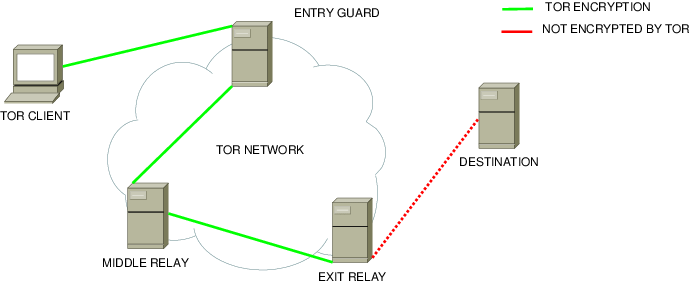
The main use case of Tor is providing users with complete anonymity in cases where it is crucial to have it. Tor is widely used by investigative journalists, political opponents, activists, and other categories of people who are highly likely to be targeted or watched by an entity that seeks to harm them. The project gets regularly used for use cases where any privacy leak would result in significant personal repercussions for the user in question. Above all things, the main thing that must not happen is leaking data to the user's ISP, which knows all about their real identity, and who must comply with federal laws.
The latter is actually what happened. For a while, Brave Browser had been exposing the .onion domains people visited as part of the DNS traffic, hence, completely breaking one of the main points of using Tor: keeping your activity on The Onion Network from your ISP. The damage of this could somehow be mitigated in case the user had manually changed the DNS provider the system is configured to use from the default values to something like Quad9, a DNS provider that has a good track record for caring about privacy, but not only is that not optimal, it is also the unlikely scenario since the default case is using your ISP's DNS server. What it means is that it is entirely possible that users who used Brave's Tor feature for carrying out tasks that required complete anonymity had been telling their service provider what websites they had been visiting the entire time, potentially putting them in great danger.
2023 - Brave hides their crawlers to websites
In 2023, Brave announced that they'd be selling their search data to AI companies for inference. (According to stackdiary.com/, it also included AI training, though I was not able to confirm this). This caused some pushback, especially since Brave Search snippets of webpages are particularly lengthy and contain a good slice of the webpage.

Some websites, as a result, wanted to opt out of this, which means blocking the Brave crawler. However, the Brave Search scraper does not have any identifiable information that would allow us to block it specifically, differently from other crawlers (who usually put the company name in the user agent).
Here's Bing, as an example, openly disclosing the user agent, which includes "bingbot".
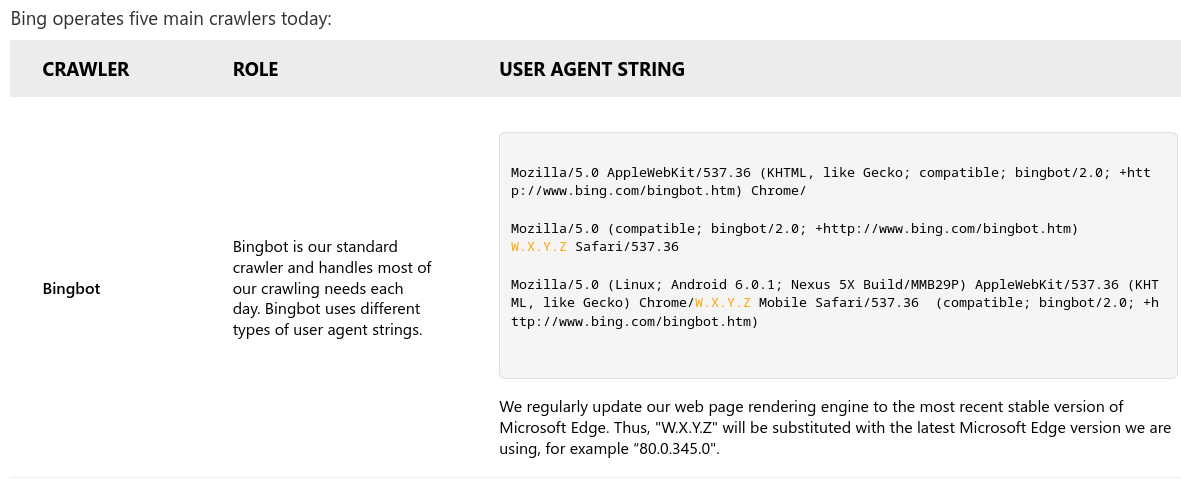
Well, why is Brave hiding itself? According to their own - quite angry - email to the author of the blog post I've shown you, they just don't have the resources to "contact all domain owners who, rightfully or not, discriminate against anyone but Google".
What they are saying is: well, a lot of websites intentionally ask not to be scraped by other search engines, or by Brave specifically, and we don't have the resources to complain about this to them. Thus, we will do it secretly so that you cannot block us unless you also block Google.
2024 - So-called "privacy browser" deprecated advanced fingerprinting protection
What is one of the funniest things a so-called privacy-oriented browser could do? If you guessed "taking away privacy features that were previously implemented", you got it right again.
In 2024, Brave decided to deprecate the option for Strict fingerprinting protection. This feature is useful to try and stop websites from following users around the web and uniquely identifying them creating a "personal fingerprint" of them, composed of a set of little details, such as whether they use a dark mode or what operating system they are on.
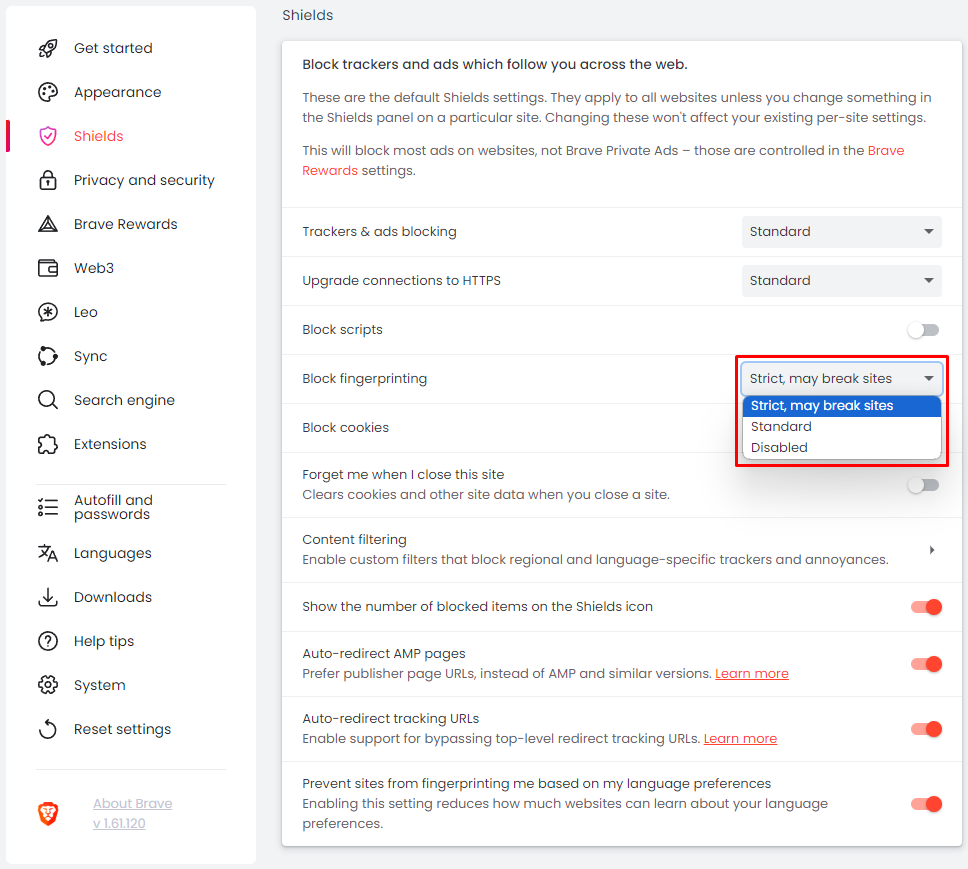
The reason for removing the feature was that, when set to Strict mode, fingerprinting protection caused several sites to break. While this may be true, however, there is little point in not giving the users the chance to choose for themselves - something that one would take for granted from a browser that is supposed to be all about privacy and putting the user first.
And More!
There's a few other minor things that still bug me. Like, Brave decided to pay for advertisement whenever users searched for "Firefox" in the Play Store, displaying "Forget the Fox" in the title of the application. Many users thought this was unprofessional (and I agree, to some extent) but sure, it's not a big deal.
That said, the VP of Brave decided to go on twitter and claim that it was photoshopped. Even thought multiple independent people were claiming it was true, and posting screenshots about it. Did he… not know about his ad campaign? Was he lying? I'm deeply confused.
And, just going through his Twitter feed - and, again, this is the VP of Brave - gives me negative confidence in his product. He's 100% into all things Crypto, from NFT to FTX (when it existed), uses AI-generated images to promote them, retweets right-wing activists… nothing of this is necessarily bad per see, but it certainly does not inspire me confidence in his product. You do you, though.

Similarly enough, Brendan Eich's feed also contains some worrying content, in my opinion. Ranging from, again, retweeting right-wing activists, to weird Republican propaganda. He claims to be independent and not a Republican, but this does not make me any less worried about the type of ideas he follows.
But yeah, if you are a big fan of AI and crypto, and are okay with having advertisements in the user interface out of the box, are okay with past attempts to steal money from websites and collect donations towards people who wouldn't necessarily even receive it, plus you can put up with occasional privacy mistakes… use Brave!
Credits
This has been a long article to write. This article and video would not be possible without the several amazing resources that I referenced during its creation:
- /u/xusflas's list of Brave fuckups, and serveral articles referenced by it. Thank you, this post is an absolute gold mine, and it must have taken hours and hours of research .
- "Stop Using Brave Browser" on spacebar.news. Corbin's articles never disappoint and this article makes no exception. While it does not contain all of the screwups Brave is involved in, it still manages to make an extremely compelling point for steering clear from this browser.
- Any news article that has been explicitly linked throughout the article
GNOME just got way smoother thanks to Triple Buffering
If you have ever used the GNOME desktop for any length of time on any weak or underpowered laptop, you might have run into some performance issues. The main problem you will have noticed, though, is probably that the animations were not smooth, and there was a lot of noticeable lag in them.
While the GNOME desktop has undergone many performance optimizations during the past few years, the real root cause of the issue was solved just a few days ago with the introduction of the triple buffering functionality in Mutter.
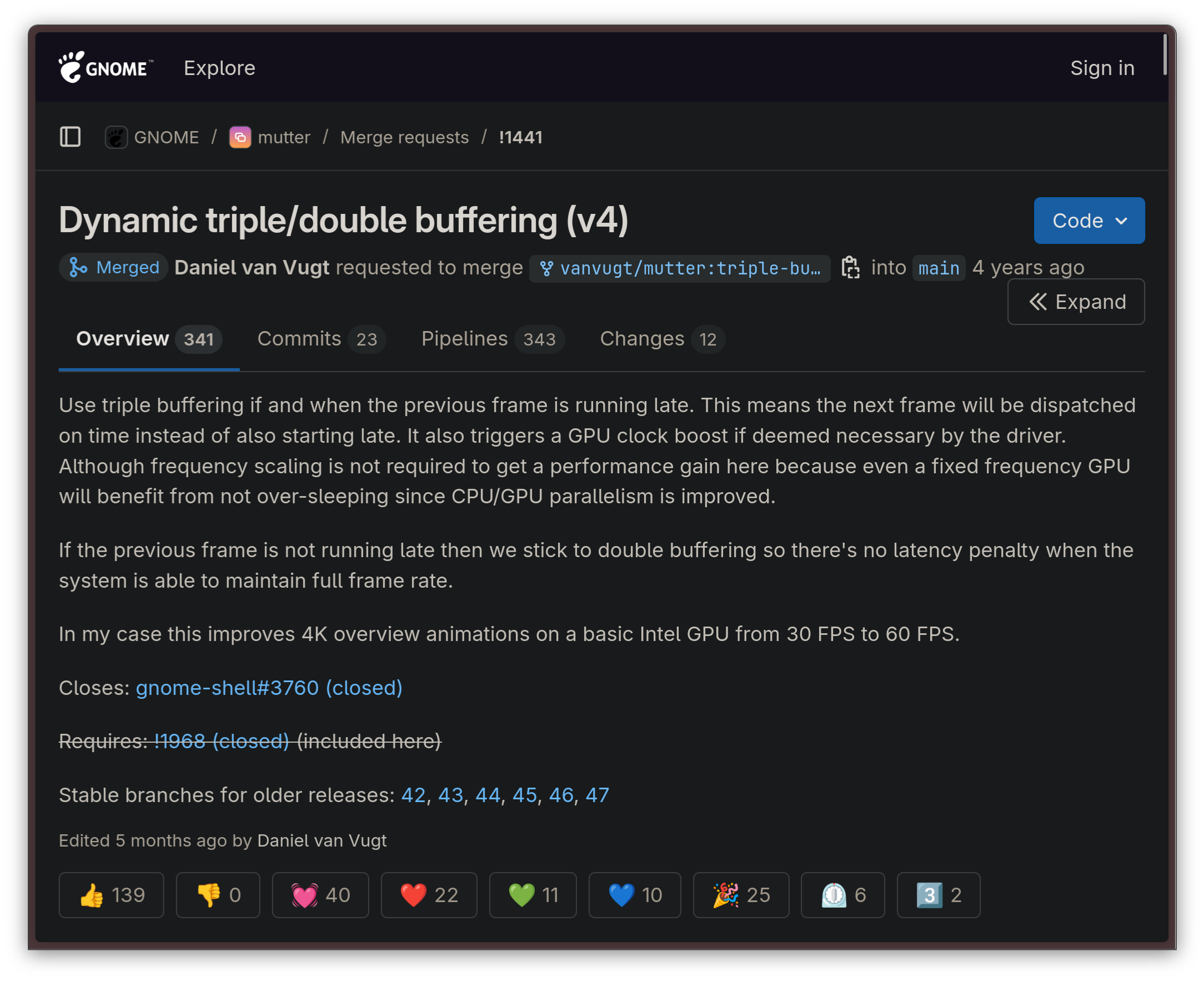
As usual, though, let's take a step back first.
What is triple buffering?
Triple buffering is a common trick in the book of pretty much every OpenGL implementation. When triple buffering is used for graphics rendering, rather than rendering the entire graphical pipeline on one buffer, three buffers are allocated in RAM and used in parallel. These buffers are allocated as follows, according to Intel's documentation:
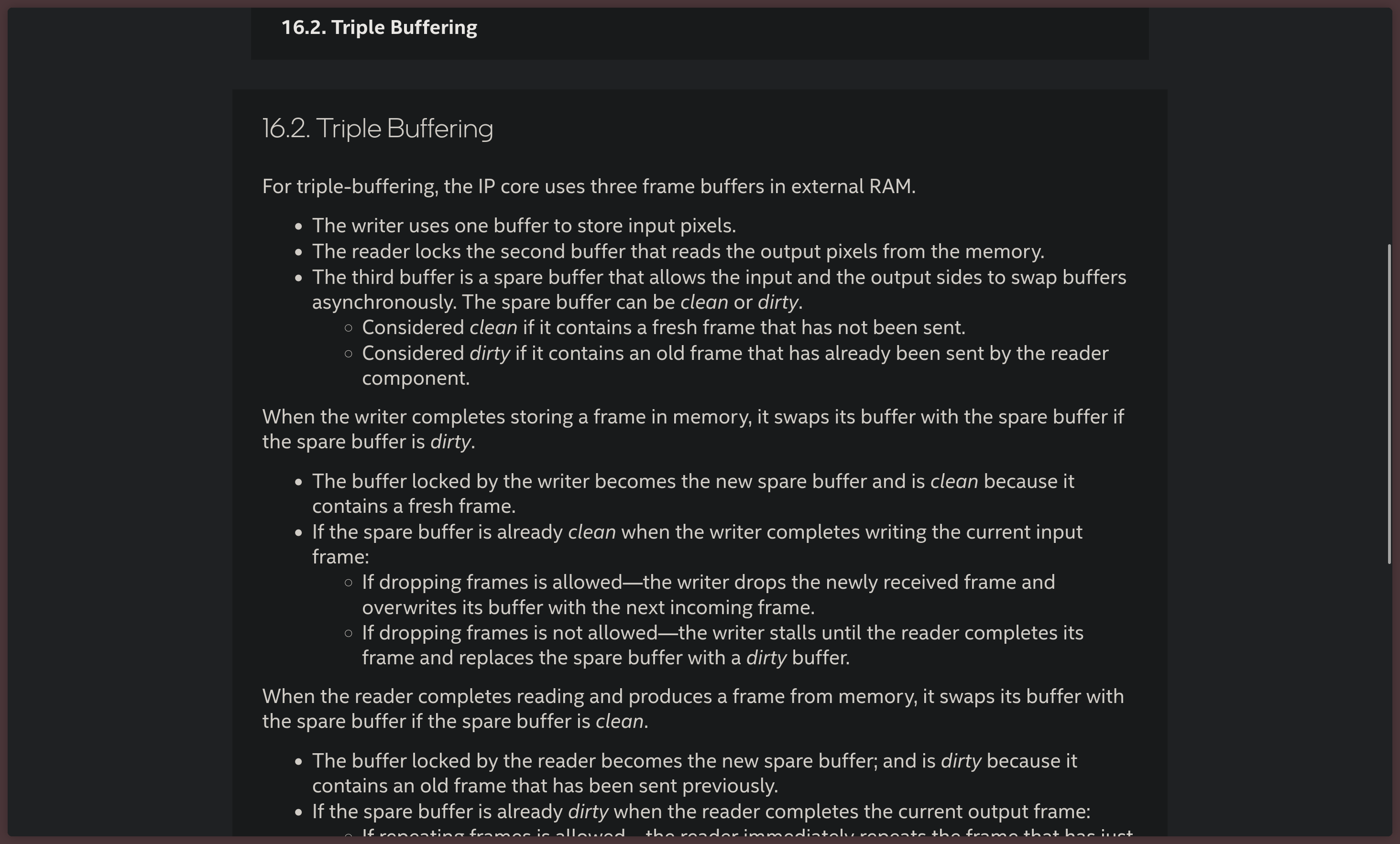
- The writer thread uses one buffer to store the pixels that will be part of the frame as input
- The reader process listens on the second buffer which reads the pixels the frame is made of from the memory
- The third buffer is used as a spare, which allows the input and output threads to swap their buffers asynchronously.
The advantage of this approach is that the graphical output tends to be smoother because the GPU can begin rendering the next frame without necessarily waiting on the two main front and back buffers to be done with the current transaction. The third, spare buffer, can be used to calculate a new frame early. The only real drawback of this approach is that, in some implementations, it causes latency.
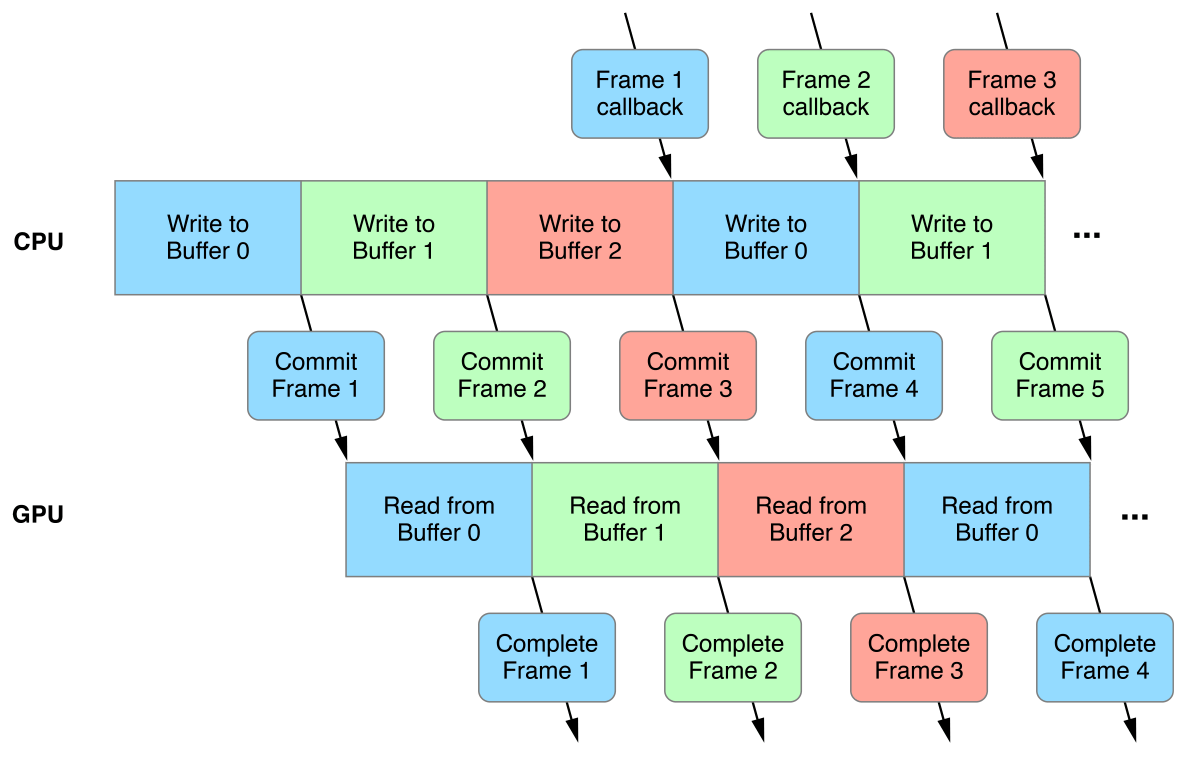
This technique is already widely used in plenty of video games, as it comes free with every modern OpenGL implementation. The only reason why GNOME didn't use it yet lies in some Mutter architectural quirks.
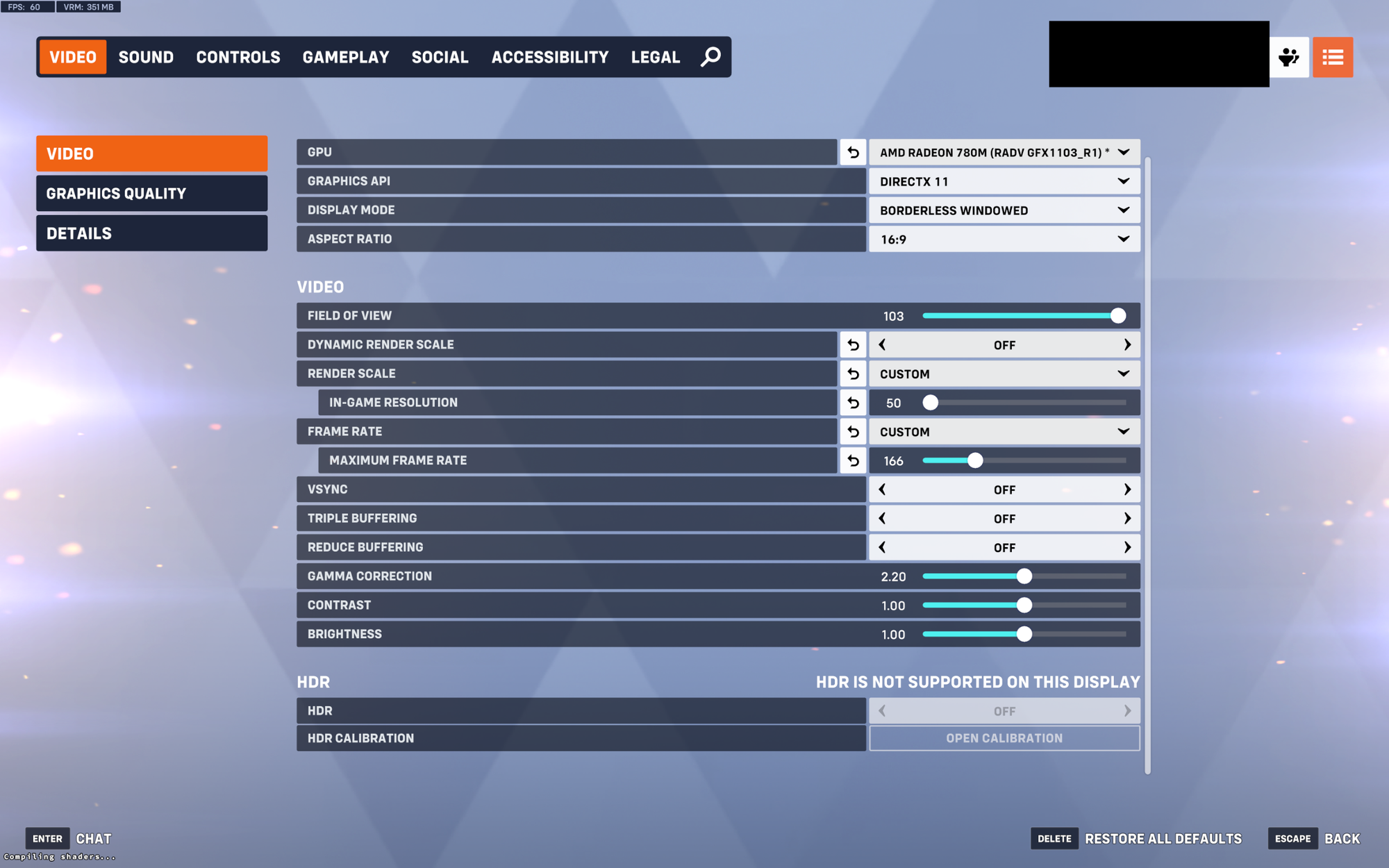
Let us now move on and talk about what happened to GNOME itself.
Triple buffering and GNOME
Going back to GNOME. Remember how we talked about the problem with slow and laggy animations earlier? Well, the entity that led the efforts to find and resolve the root cause that caused this symptom was none other than Canonical, the company behind Ubuntu Desktop.
Canonical contributing heavily to GNOME is nothing new: since the Unity desktop was abandoned in favor of GNOME starting from the release of Ubuntu 17.10, Canonical has become a very important contributor to the GNOME ecosystem, consistently contributing upstream in meaningful ways, and working together with the GNOME team to bring Ubuntu users a Canonical-branded GNOME experience with the Yaru theme in a such a way that existing GTK applications that rely on the Adwaita theme would not break on Yaru.
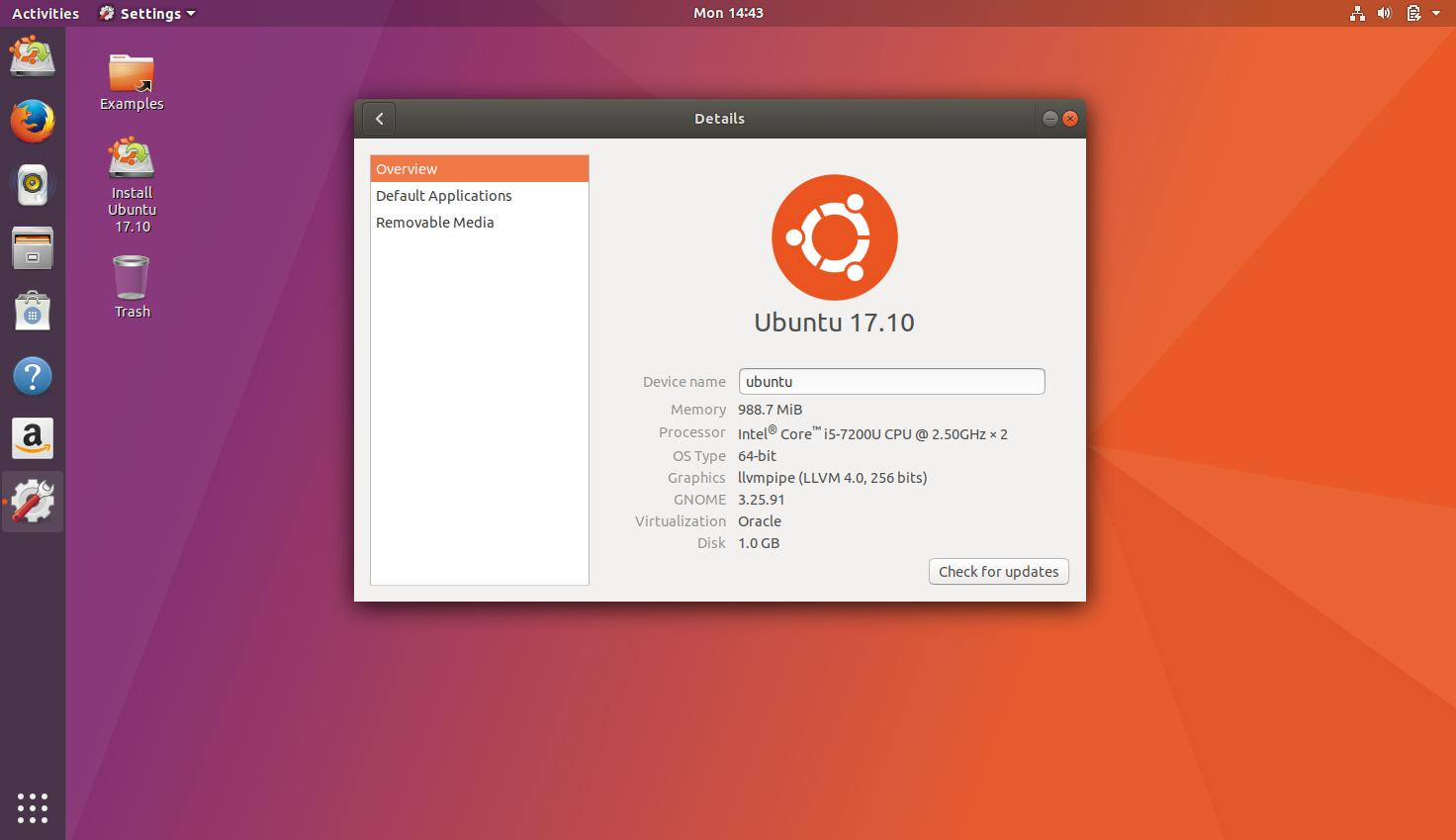
Particularly, Canonical's focus has been on improving the performance of the GNOME interface — so, there is no surprise that the work on triple buffering was led by them. Collaboration wins, at the end of the day, and when multiple distros standardize on the same set of desktop environments, good things come out of it. Just think of all the good that came to KDE Plasma after Valve decided to use it on the Steam Deck: while not directly comparable, this is a similar story.
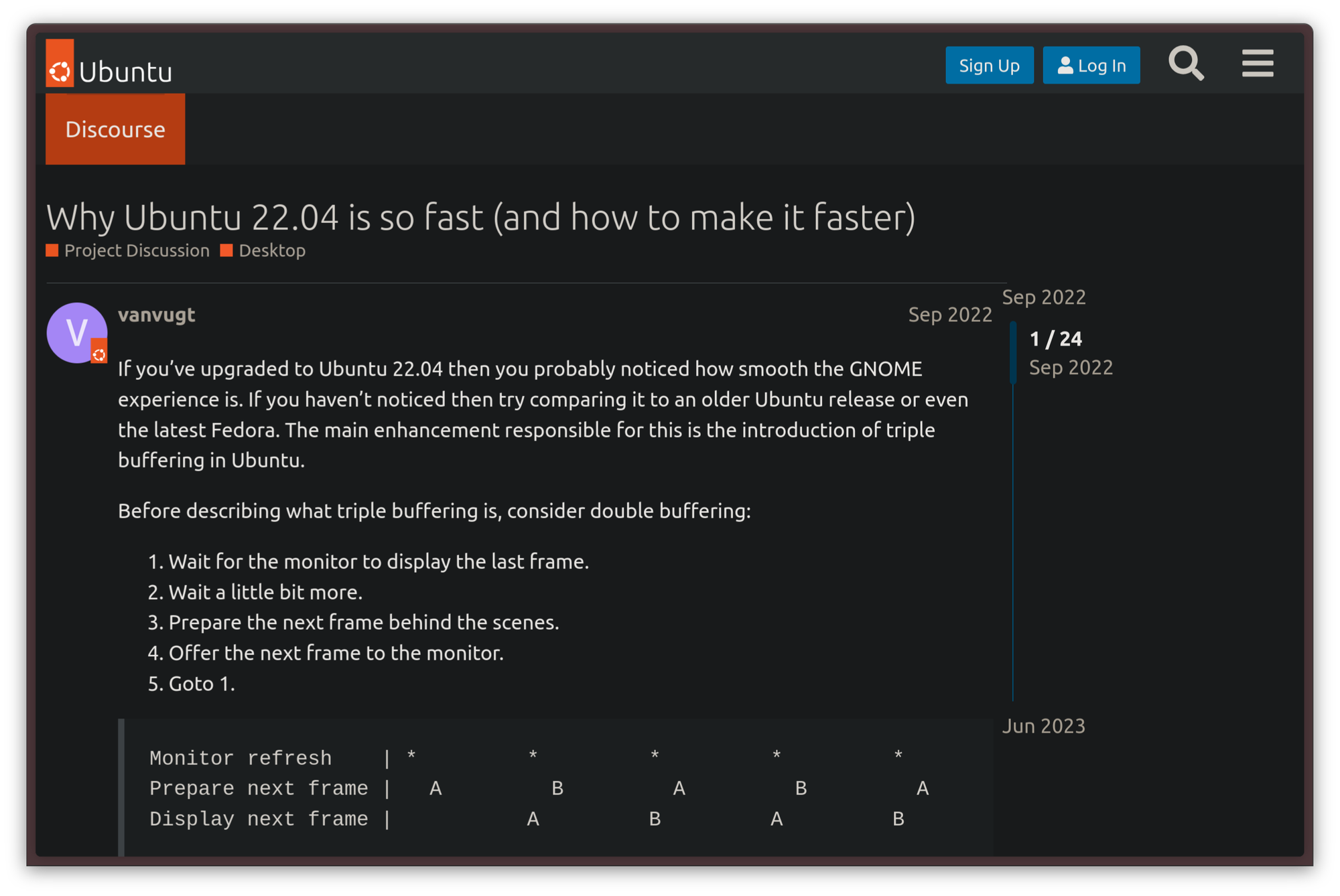
How Canonical found out
While it has been known for a while that the GNOME desktop suffered from some performance issues, the root of the issue was identified in more rigorous tests around 2020. The Ubuntu team was playing around with GNOME, trying to experiment with further eye candy, when they found out that, the more eye candy they added, the more the shell would slow down. What's more puzzling was that the cause of the lag did not appear to be inadequate computational power on the machines where the lag happened — on the contrary, the hardware was perfectly capable, but the GPU was under-utilized while the lag occurred.
The root cause of the problem was identified to be in the way Mutter renders its frames. Rather than using triple-buffering, it runs all the rendering into a single-threaded loop, which, by design, has a very limited throughput. It was apparent from there that this was the limitation to work around to help with the performance concerns.
Initially, work on making the rendering event loop multithreaded with a triple-buffered architecture started with the X11 session and frame clock changes. That initial part of the work was the more manageable part since it came free by relying on GLX — an X11 protocol that bridged the gap between X11 itself and OpenGL graphical APIs — which is also triple-buffered.
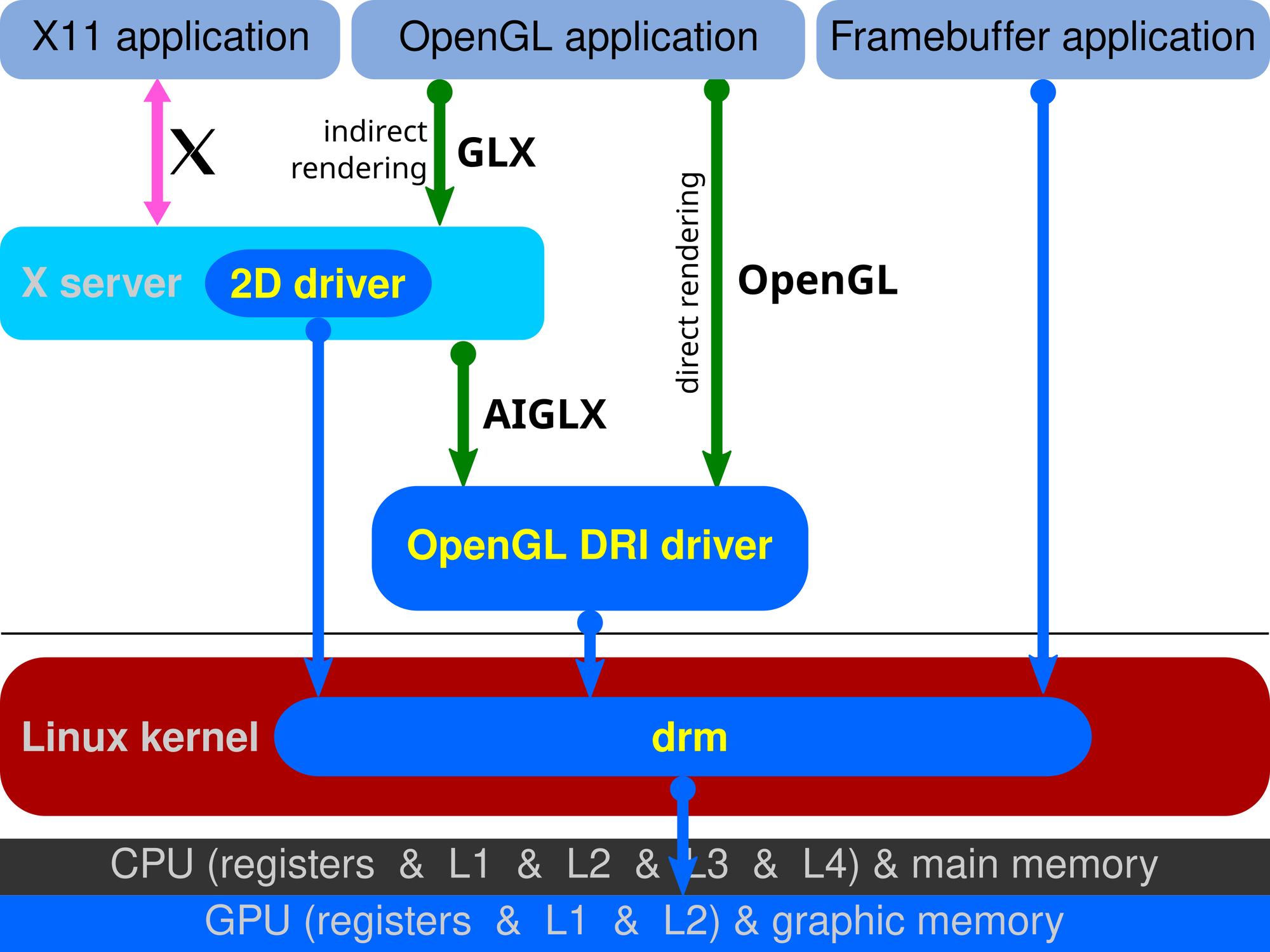
The limitation with that implementation was, of course, the fact that it was limited. GLX is an X11-specific extension: it is, hence, not portable to Wayland. For tasks that used to require GLX, modern Wayland implementations use EGL, a different API, instead. Besides, rather than being based on a client-server architecture like X11, Wayland is just a protocol implemented by compositors, such as GNOME's Mutter. Porting this fix over to Wayland would involve dealing with actual Mutter code, with no shortcuts.
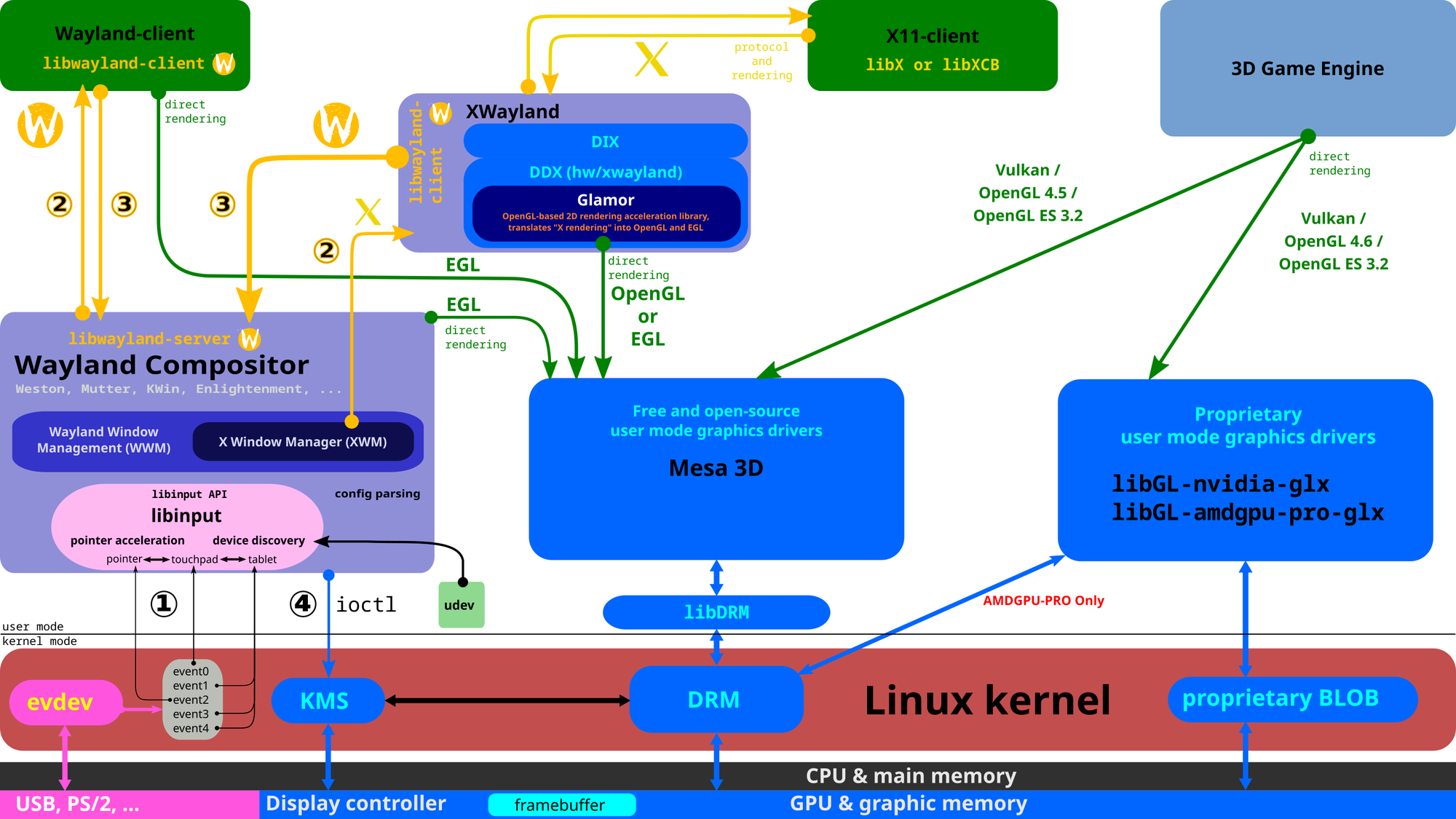
From late 2020 up to early 2022, Canonical worked on implementing triple-buffered rendering on the Wayland backend. A higher-effort rework to Mutter's architecture had to be done to achieve the same result, to make Mutter able to cope with multiple frames in-flight simultaneously. What this means is that, fundamentally, the compositor needs to constantly be one step ahead. Before the GPU is done carrying out the work on rendering the previous frame, the CPU has to already be working on the next one. This works well because the CPU and the GPU are separate entities and, in a standard non-GPGPU architecture, all the GPU does is take orders from the CPU, which acts as the central orchestrator of the entire operation.
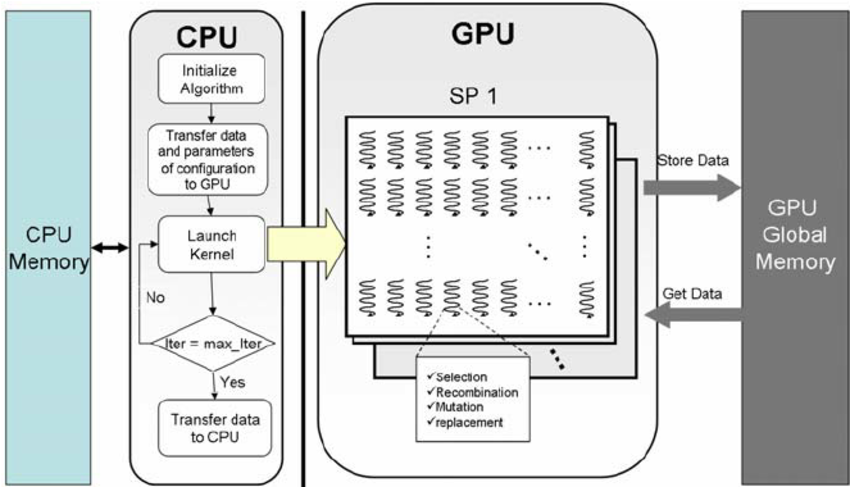
At that point, the work had reached a point where it was stable enough that, while upstream GNOME had not accepted it yet, the result started to be shipped in Canonical's own Ubuntu Desktop 22.04 LTS. You should know that Ubuntu does not ship a copy of GNOME that is exactly, 1 on 1 the same as upstream GNOME, but several downstream patches are applied to it by Canonical and Debian. What this means for those of you who are running Ubuntu is that you have been enjoying the fruit of this labor for the past two or three years - while, by default, that was not true for other distros.
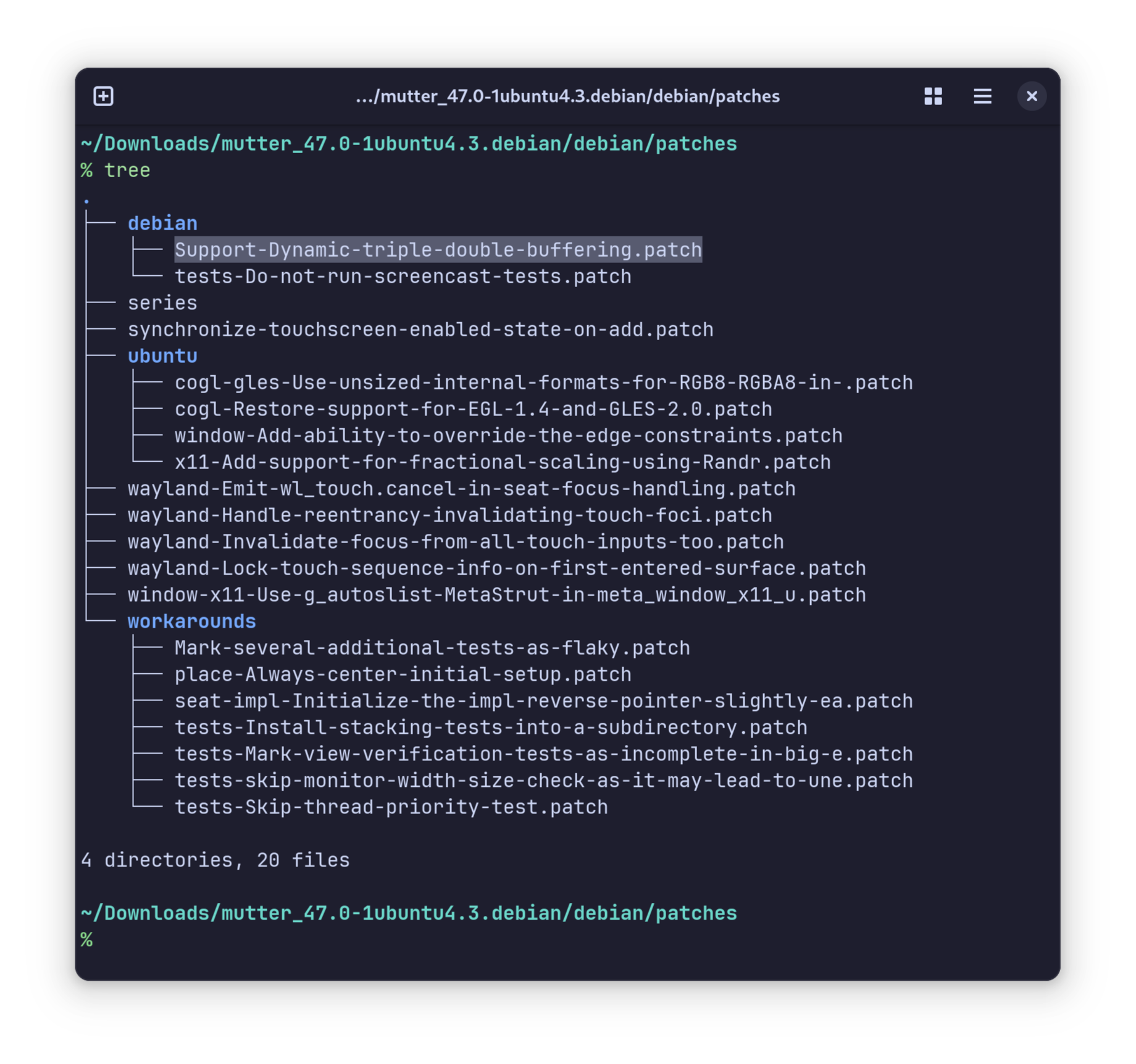
At last, in 2025, here we are. The patch has been accepted by GNOME and it has made it into GNOME 48, where it will bring a fundamental performance improvement to all distros.
It needs to be specified that the extent of the performance improvement varies between various hardware configurations. However, it never makes things worse, and it is only a range between a slight and a noticeable improvement. As usual, by the time GNOME merges a merge request, it manages to be mature enough that no regressions are introduced by adding it.
But what about latency?
Those of you who are more keen on competitive online games will have been asking themselves: “will this not increase the input lag”?
The answer is, in short, no — not in this implementation. Differently from most triple-buffering implementations that are found in games, this one sticks to double buffering in all cases, unless when the system is unable to deliver the expected performance, and then, only then, does the algorithm naturally transition to triple buffering.
Trying to make it simpler - triple buffering is only ever used when it is truly needed. This is a big part of the reason why this implementation does not regress and does not make things worse on existing hardware. If you have been happy with the standard behavior, and your system always renders GNOME animations at your monitor's frame rate, then you don't have to worry about it: odds are, the triple-buffered rendering behavior will never, or very seldom, get triggered on your device. If that is not the case, though, triple buffering will just come in clutch whenever your system cannot keep up — giving you a subjectively smoother experience, all things considered.
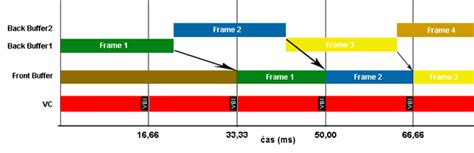
So, are we done?
According to Canonical — no, not really. Implementing triple buffering at the compositor level is a great milestone, but it is not quite the be-all-end-all. Several applications still need to do some work themselves to enable triple buffering and reap the full benefits from it. For example, Canonical notes it seems like Firefox struggles to render the first few frames of the touchpad scrolling physics when flung with a touchpad smoothly, unless the machine is set to performance mode. There is nothing your Wayland compositor can do about this issue — it is wholly Firefox's domain here, and they are expected to come up with a comparable solution to work around this limitation eventually, just like GNOME and Canonical did for Mutter.
So, are there any limitations?
While triple buffering seems to be overwhelmingly good news, yes, there are sadly some limitations to this approach. The main one is that… you guessed it. Come you, you did. If your system is running an NVIDIA GPU, odds are you will not be reaping the full effects of this performance improvement. The reason is that the NVIDIA driver is, as always, very different from standardized mesa implementations, and only supports explicit sync — which is completely synchronous — whereas every other GPU driver also supports implicit sync — which is asynchronous. When implicit sync is supported, you can pass buffers around without waiting until the GPU is done rendering them, which can result in a healthy performance speed-up, and is essential for this patch to work well. Since NVIDIA does not support this, however, you will not be getting the same level of performance on those cards. You should probably read Xaver's article on Explicit Sync to know more.
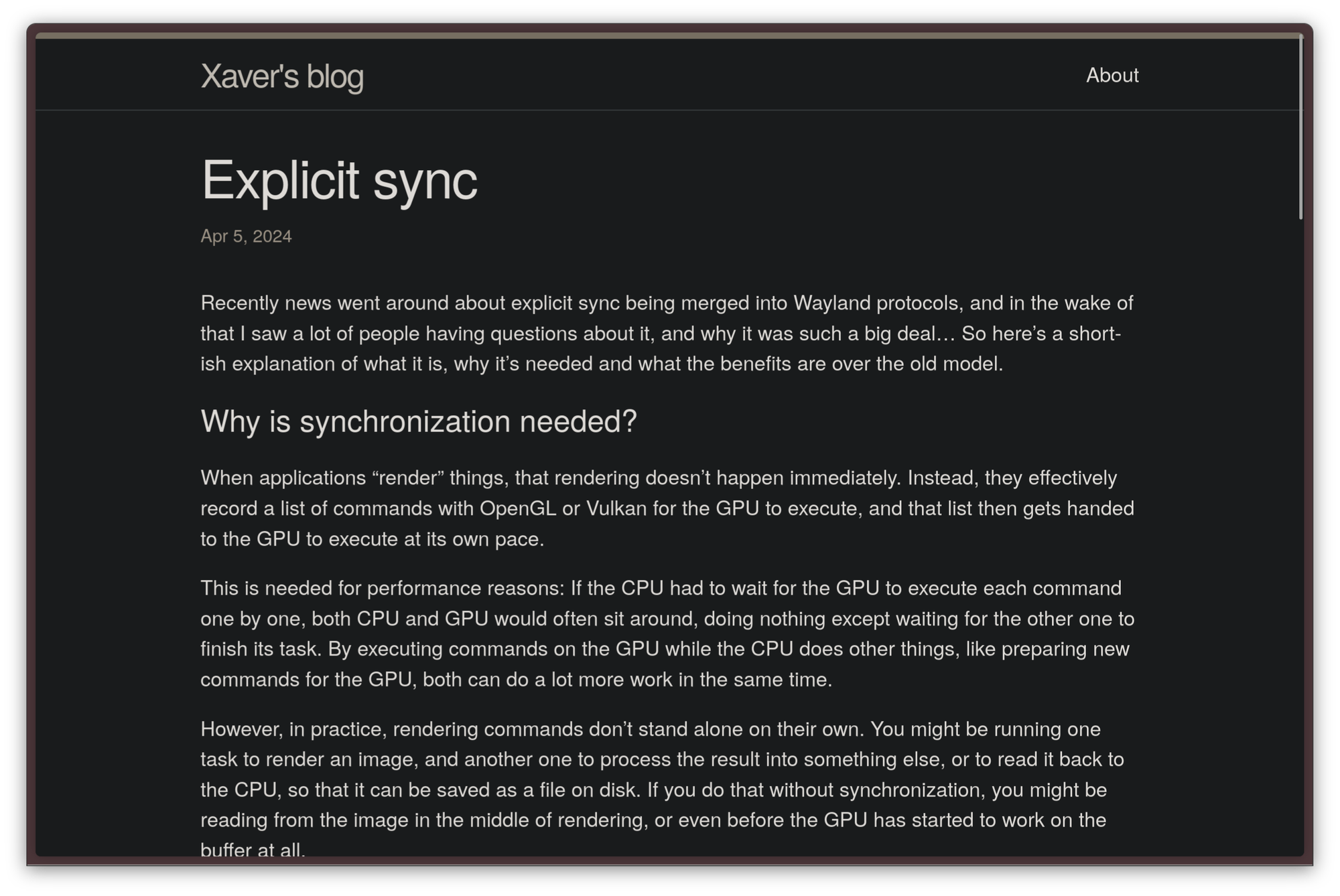
 Xaver Hugl
One rare limitation is that users who run Linux on a virtual what machine with software rendering will only get some benefit from this implementation, but not nearly as much as non-NVIDIA physical GPUs will. Besides, Canonical recommends running desktop environments that do not rely on any graphical APIs like OpenGL at all on sessions without graphical acceleration whatsoever, since it is more expensive for a CPU to emulate a GPU with llvmpipe than it is to run a non-accelerated graphical session.
Roundtable: we love the Frameworks 12 and Desktop
I have a new favorite browser
If I asked you to think about a web browser, how would you visualize it?
For most people, the answer would be simple: you would imagine a window with a stacked layout composed of an array of tabs, a text box to search the web or input a URL, a bookmarks toolbar, and a body. There might be some variation: there may be more or fewer buttons, and maybe there is a menu bar, or maybe not. Perhaps a sidebar to show a tree-style tab view or your bookmarks is present. But, if you think about it, the overall skeleton of the user interface you are picturing is not fundamentally different from anything we had back in the 90s.
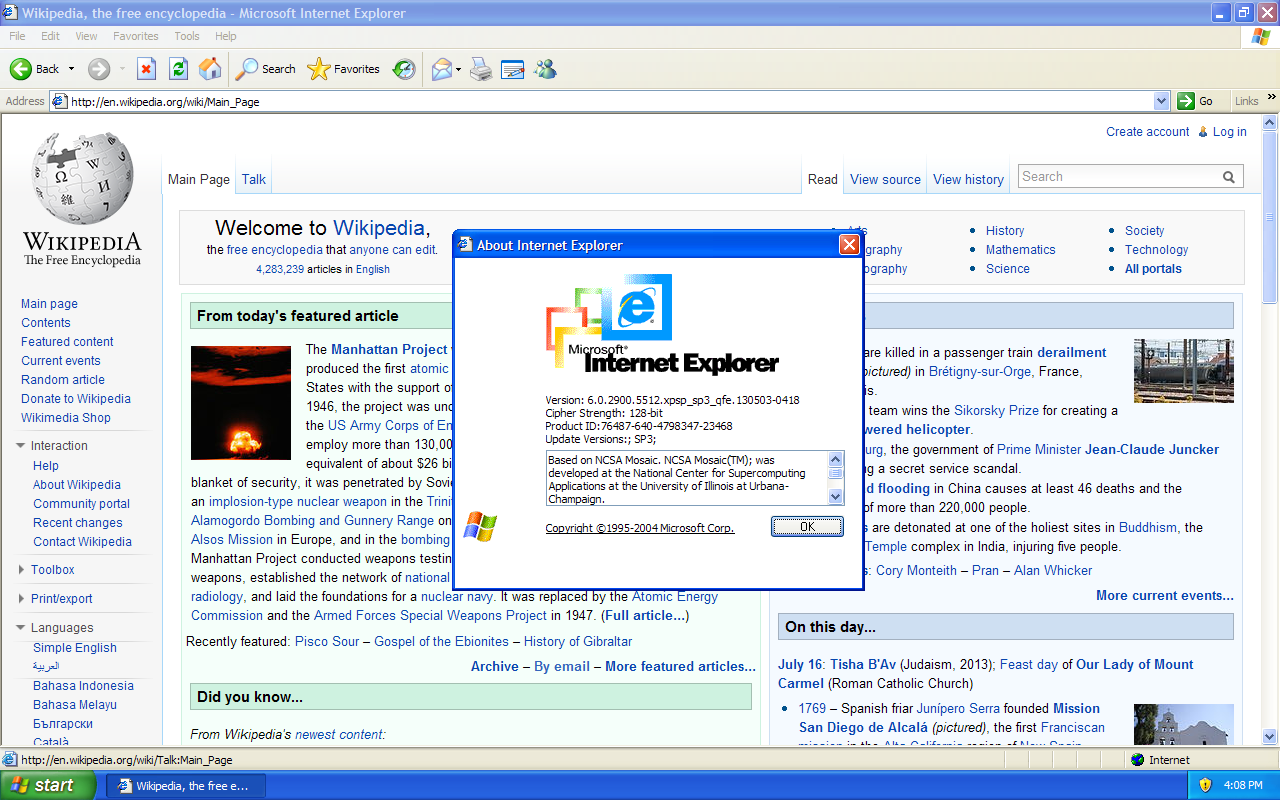
Sure, there have been some iterations. The URL and search bars have been collapsed into one, the menu bar is no longer visible, and tabs exist now. Some browsers have added tab groups, some even allow you to display the contents of some extensions in a sidebar. Fundamentally, though, that does not change the fact that the user interfaces we use in modern web browsers are a minor iteration over what we used 20–30 years ago, and have had very few changes in a decade.
Even though it might seem pointless when something like this happens, I often ask myself: Is it because this design is perfect and flawless, or is it because we have not tried to find a better way to do it? This way of thinking is what got me into GNOME, with its unconventional, controversial but delightfully modern and efficient workflow. The same aptitude got me curious about this new browser, for what it's worth. But, first, before focusing on Zen alone, let's take a more general look at the situation.
Trying to move forward from the traditional browser
While most people are perfectly happy with the conventional browser paradigm, over the years, there has been a niche, but dedicated, community of Firefox tinkerers that did not feel that way. One of the nice things about the Firefox web browser, indeed, is just how customizable it is: while the GUI only exposes regular color themes, there is some manual setup you can do to go above and beyond that. Users may enable an experimental setting that allows them to completely override the look and feel of Firefox by replacing the default CSS stylesheets and UI configuration with custom alternatives. Subreddit /r/FirefoxCSS is a great showcase of what people have achieved with this functionality, and it contains some very interesting takes on the default UI, where several design conventions that have been a staple since the 90s are completely discarded.
However, visual themes can only go so far, and they cannot be considered the most radical philosophical shift that the traditional browser workflow has undergone. That would be the fault of Arc Browser.
The release of the Arc Browser
A little over a year ago, back in 2023, a startup called The Browser Company released Arc, a Chromium fork that completely overhauled the user interface. At first glance, Arc is not remarkably different from a custom Firefox CSS theme, but stopping at that assumption would be wrong. Actually, rather than subtracting something or altering the default Chromium UI, Arc threw the entire paradigm into the trash can and thought it over from the get-go. Not only were numerous UI elements moved around, but the entire UX was redesigned so fundamentally that it required people to learn how to use a browser again. The Browser Company decided to create a browser UX trying to do something new because it works better, not because this is the way things have worked for the longest time.
This shift of mentality certainly paid off for The Browser Company. People loved that. Arc was blessed by media and influencers alike, tons of people tried it, and many liked it so much that they stayed. Tons of students, developers, and professionals alike, reported they were much more productive in their tasks when using Arc, so its popularity quickly skyrocketed.
This was the first time in a long time that a simple browser UI — nothing special, just a different coat of paint — drew so much public attention.
As you might have guessed, though, it was not all sunshine and rainbows. Arc suffers from a few fundamental problems:
- It's proprietary software. That means the code is not available out in the open and the community is not allowed to become part of the project and contribute to it.
- It only runs on macOS and Windows, leaving Linux users with no good way to run it.
- It's based on Chromium, Google's browser backend. This is a problem: the dark times of Internet Explorer 6 have shown the world why it's a terrible idea to hand over the entire web to one single company. Also, it does not support Manifest v2 WebExtensions, meaning content blockers and several other privacy extensions will not be able to work properly on it.
- As of late, it has taken a focus on AI that not all users have liked. Some users report stability and performance have been on a steady decline, as more AI features are being integrated into the browser.
Overall, these concerns have been enough to prevent a lot of users from switching or to make them return to a traditional browser.
This is the situation that Zen Browser seeks to cure.
Welcome to a calmer Internet.
Zen Browser is a new web browser that is heavily inspired by Arc but seeks to correct its mistakes. The improvements it brings are substantial. Firstly, Zen is completely free and open source and developed from within the Linux community, which automatically makes it a browser worth at least taking into consideration. The browser is such an essential part of what you do on your computer, and it needs to handle so much sensitive data, that it makes no sense to opt for a proprietary one. Zen also ditches the Chromium backend, in favor of a Firefox base. This is great: if you already use Firefox, switching to Zen will be pretty smooth. Zen is still Firefox under the hood — it just comes with a more modern UI. It still does everything you expect from Firefox, though: it contrasts the Chromium monopoly, it supports all Firefox extensions and features, and it even still supports all the Mozilla services you are already keen on using — such as Sync, Relay, and the VPN — just as if you were using vanilla Firefox.
These three are, in fact, some external Mozilla services that are well-integrated with Firefox. Firefox Sync, as the name implies, syncs a set of bookmarks, tabs, and other information between browsers. I use it extensively: there is no Zen for phones yet, so I use Firefox on my smartphone. Thanks to Firefox Sync, I can seamlessly switch between the two browsers and pick up where I left off.
Firefox Relay is a useful privacy-focused service that allows you to create "proxy" online identities to hide behind when creating accounts on other websites, while still being able to control all of those identities from a central location. When you use Relay to register to a website, you will not be handing out your personal phone number or email address, but Firefox Relay will take care of - well, relaying - all communications between your actual phone number and email addresses and the fake ones it exposes.
Mozilla VPN is similar - it's fundamentally a wrapper for Mullvad, widely considered the best and most private VPN provider available, with very good Firefox integration.
This is the reason a lot of people do not like Firefox forks: on the contrary, I think this is an advantage. Firefox itself is good, so there is absolutely value in adding some quality of life to it, especially since Mozilla has been dragging its feet on this front for a while. Finishing up with the improvements over Arc, of course, it runs natively on any operating system, and it has no AI anywhere.
My first impression of using Zen is that… I could finally breathe. In its default single-sidebar configuration, browsing the web is incredibly comfortable with it, and it feels like there is a lot less clutter. The focus is the content, not the UI. This paradigm goes very well with GNOME, which I like for the very same reasons.
Setting Zen up
Zen Browser feels different from the initial setup already. The design looks stunning, with polished and smooth animations. After that, the user is dropped right into Zen, with a bunch of open tabs to help get accustomed.
Zen Browser setup
The Zen Experience
Let us now talk in more detail about what the experience of using Zen on the daily looks like.
Horizontal tabs
There are already several differences folks will notice here. The most important one is, tabs are now vertical, rather than horizontal. While this does take some getting used to, it's a great improvement over tradition. As it currently stands, horizontal tabs scale poorly. They work well as soon as there are only a few, and you keep closing the older ones. Many people think this is fine, but I disagree. For many of us, having to keep closing tabs while studying, focusing on a project where we have to look up a ton of documentation, or — psst — writing an article or a script, opening a lot of tabs is necessary. When you do that, though, the previews get so short it's just about impossible to guess what the tab contains, and you need to scroll through them horizontally which is, frankly, just horrible. This is something that I had just sort of lived with for the longest time, but it had always frustrated me.
Over these weeks, I have found vertical tabs to be significantly more useful: knowing what I had open at all times became easier, which not only made me more productive but also greatly helped me get rid of redundant tabs. When you have a ton of horizontal tabs loaded it's easy to get complacent: you do not know what is behind a tab, so you will not want to spend a few seconds to find out just to see if it's safe to delete it. When I used horizontal tabs, I would usually wait until the end of a project to nuke the entire tab group (using the Simple Tab Groups extension) and call it a day.
Workspaces
By default, Zen has support for several workspaces. They are great. You probably use your browser for multiple things at once, and you might have found that keeping all your tabs in the same place is messy, it gets crowded quickly. With Workspaces, every activity you do has its own space and its tabs. For my use case, I use it to separate everything: there is a default workspace that contains a bit of everything, others for media consumption, others for coding projects, one as a space dedicated to writing these articles, one for managing my finances, and one for every University exam I am preparing. You never have to close your tabs when switching contexts - you just switch workspaces, and what you were doing will be waiting for you.
It would be a sin to base your browser on top of Firefox without taking advantage of its most remarkable feature of all, though - c'est-à-dire, the Multi Accounts Containers. This is a Firefox feature that allows you to set up separate spaces for different things you do online. These are not necessarily linked to a workspace because they are a logical separation, not a visual one. A container acts like a separate instance of Firefox, with its separate set of cookies, cache, sessions, and credentials, which allows you to keep a strong separation between multiple domains. This increases security, as well as allowing you to easily have different sessions on different websites.
A great example is the Microsoft Outlook suite: in my case, I have three of them to manage - my personal, company, and academic instances - and containers make it a lot easier to manage that. You do not want to try to log in to Minecraft with your work account or send a work-related mail with your academic one. It's the kind of oversight that gets you in trouble.
Well, on top of supporting opening a tab within a container like regular Firefox, Zen also allows you to easily link a container to a workspace. This makes using containers seamless; it should be useful to those who mean to use containers on Firefox, but constantly forget to.

This is a great example of how well Zen handles its Firefox base. It does not try to hide it, it does not even rely on its existing UI too much, but it augments it, seamlessly integrating the two layers. This results in a very pleasant experience that takes all the good bits of Firefox and iterates on the rest.
Pinned and Essential tabs
Zen allows you to have two types of tabs: pinned and essential tabs.
Pinned tabs are a category of tabs that are, well, pinned to the top of the stack, distinct from regular tabs, and are specific to a workspace. Each workspace has its own pinned tabs. For example, the workspace I use to work on LibreNews has a conveniently pinned Ghost Admin tab, so that I can go from the research I am doing back to the article I am writing easily.
Essential tabs are tabs that are common to your entire session. They reside at the very top of the browser, and they are represented by just icons. You should populate them with things you will want to access all the time, such as your mail, any background music, instant messaging like WhatsApp and Discord, or a LLM.
Pinned and Essential tabs
This distinction does not exist in regular browsers, but it is immensely helpful when you are fundamentally living in your browser and doing a lot of things in it.
Compact mode
The best feature of Zen Browser itself, the one that sold the browser to me, though, was the compact mode. If you would like more space, you can simply press Ctrl + Alt + C, and the whole user interface on the left disappears, leaving you with your content full-screen. Of course, you can still move around with keyboard shortcuts, and the interface pops up again when you reach for it with your cursor. This has obvious benefits, not only in helping you focus but dealing with websites and web applications that also have their sidebar on the left: having two sidebars showing would just waste space. This also makes web applications feel way more native, and it has improved my experience in using them.
Splits
Another useful feature is splits. Just as you may do with your windows in various desktop environments and tiling window managers, you can tile different browser windows seamlessly, which is massively useful, for example, if you are studying or taking notes.
Customization
Zen also offers many customization options. Not only can just about anything be tweaked, but it is also possible to assign a color or a gradient to each workspace. See for yourself here!
To that effect, another special feature of the Zen browser is the Zen Mods - special extensions that allow you to customize the behavior of not only the Zen overlay but also other Firefox features, in a more powerful way than traditional WebExtensions do. This also happens to be one of the several ways where Zen, as a Firefox fork, firmly steps out of its role of simply a good custom CSS: this feature acts as a superset on Firefox and allows customization that was impossible without patching the browser itself first.
In conclusion...
So far, we have only scratched the surface of what Zen can do, but I believe we covered everything important. While I encourage you all to go out and try it, though, it's only fair to warn that Zen Browser is not perfect. While it is not in beta quality anymore, it is still pretty young, and it does have more bugs than Firefox. Ironically, I lost all my non-pinned tabs while writing this article by triggering a nasty, known bug! It happens, though. Simple Tab Groups on Firefox has the same problem, though it's easier to create and restore backups of it without needing to resort to Tab Session Manager, which works on Zen, but does not quite keep the tabs sorted by their workspaces. Still, I think Zen is a promising frontend to Firefox and a great contribution to the FOSS ecosystem!
So, what is open source, really?
Open source is ubiquitous, and it's a fundamental part of our lives. We may use it every single day, but how often do we ask ourselves exactly what it means, and it entails for a piece of software to be open source? I bet, quite rarely. Indeed, defining what open source software is and tracking down where it all comes from is quite tricky, and it may get confusing — especially since we frequently hear about software that we can read the source code of in several terms, like “open source”, “free software” or “source available”. Fear not, though, we are going to clear up some of that confusion right away.
When did "open source" originate?
To make things very simple, the licenses we currently consider to be open source have to respect standards decided by an organization called the OSI, which stands for “Open Source Initiative”. The OSI is a California non-profit, public-benefit corporation, which has a Board of Directors, and which fundamentally holds the soft power and authority on getting to decide what “open source” is or is not.
As far as whether they hold a legal patent or any other exclusivity on the word “open source”, and whether it was deserved, there is a lot of discussion going around. Officially, the “open source” campaign was launched in 1998 by a group of people, including Eric S. Raymond, a name that will sound familiar to many when talking about open source. ESR is the author of the popular essay “The Cathedral and the Bazaar”, a book that, to this day, is considered one of the most influential and defining pieces of literature that has ever been written about open-source software development. Its main topic is comparing the main software development models open source projects might have.
Anyway, this group of people managed to write a document, called “The Open Source Definition” — OSD for short — which serves as a basic standard for what open source should be considered to be. The document was based on the Debian Free Software Guidelines, which existed prior to the OSD. However, they were unable to secure a trademark for the word “open source”, and there is an open debate on whether the concept of open source was already defined prior to 1998.
From then on, though, things were anything but smooth, and the OSI as an institution has faced quite a bit of controversy. The main point of criticism that the OSI has faced, time and time again, is a lack of real commitment to freedom. A recent example of this happened in 2020, when OSI Co-founder Bruce Perens left the organization over their acceptance of a new license, called the Cryptographic Autonomy License, that many believed to violate basic principles of freedom. About at the same time, founding member Eric S. Raymond was completely banished from the organization as a whole — to the point where he was no longer allowed to subscribe to its mailing list.
From time to time, other pieces of drama about the OSI still surface. A very recent example happened just a few days ago, when OSI Board candidate Luke Faraone was denied running for the OSI BoD on the basis of a deadline that had not been revealed prior. This episode generated quite a bit of discussion on the fairness of the election process.
Anyway, aside from the drama - which is likely too complex to cover in one video - let's get back to the original point. Remember the “Open Source Definition” I have talked about just a few paragraphs above? To understand what we are talking about, it would be a good idea to take a look at what's inside. This is the specification upon which a software license has to agree to be considered open-source software, after all — it's quite a big deal.
So, what exactly is open source?
The Open Source Definition deals with defining, in practical and objective terms, what criteria a piece of software needs to satisfy to be called “open source” in the first place. This document consists of ten points, which we will go over:
- Free redistribution — To be considered open source, no restrictions may be put on how or whether the software is distributed. For example, even though you provide a server from which to obtain a copy of the software and its source code, you may not deny users of your software from making copies of it and sharing it through alternative channels.
- Source code — Perhaps the most important part of the definition itself — for software to be open source, the code files from which it was compiled must be available freely and without limitation on the redistribution. Also, the code must be predisposed to being understandable and modifiable — hence, obfuscated code is not allowed. It must also consist of the original source files, before going through any compilation phase.
- Derived works — It must be possible for anybody to take the source code and create something else on top of it. The way that derived word is redistributed respects the terms of the license the original work was under. For example, the GPL license has quite a strict set of rules that a licensed software needs to comply to. When you are making a derived work from one such software — often called a fork, too — you must ensure you are not breaking the boundaries of those rules.
- Integrity of the Author's Source Code — It is also necessary that credit is given to the original author of the source code. There are cases where derived works must change their name and branding, while still giving proper credit to the original authors.
- No Discrimination Against Persons or Groups, which is pretty self-explanatory, actually,
- No Discrimination Against Fields of Endeavor — Perhaps the most important point of the entire document — the software may be allowed to be usable for any and all purposes, with no restrictions. This is a point that has been quite controversial, and that a lot of people wouldn't expect. For example, if you add a non-commercial clause to your project — which means, you dictate that nobody is allowed to make a financial profit from your software. Then technically, your software is not published under an OSI-compliant license, and it must not be considered open source. The same would happen if you added a clause as simple as “this software must be used for good, and not for evil”. While apparently innocuous, a clause like this seeks to limit and dictate what this software can be used for and what not, which can turn into a huge problem when the definition is lax and easily malleable. Technically, a piece of open-source software explicitly needs to be usable for any purpose, whether that purpose is making money using the software, or creating nuclear weapons.
- Distribution of License — The software needs to be distributed with a copy of the license, which people who receive the software need to comply with.
- License Must Not Be Specific to a Product — The software that is licensed must be not forced to be part of any software distribution
- -License Must Not Restrict Other Software — The license has no say on other software that the program interacts with or is distributed with
- License Must Be Technology-Neutral — The license must not depend on any individual technology.
As you can see, this definition is quite strict, and it does a good job of ensuring a license that follows it has pretty much no way of escaping adhering to the overall spirit of open source.
Relationship between open source and free software
At this point, it would be perfectly understandable to ask oneself: “I have heard at length about free software, is it the same thing”? Well, the answer to that question is... yes and no. While all free software licenses are also OSI-compliant, “free software” is not quite the same thing as open-source software, though some differences tend to be a bit more philosophical.
The “Free Software movement” is another take on public-domain software. It was not invented and led by the OSI, though — it has the Free Software Foundation behind it, and it was founded by former MIT professor Richard Stallman.

Contrarily to open-source software, free software as a concept was very much born in Academia. Much before the late 90s, public domain software was a thing, though it was more popular in academic circles. Software that fits the definition of being “open source” and more has been existing since the 50s.
At the beginning of computing, sharing the source code behind distributed products was quite the norm. It was only in the 1970s and 1980s that companies such as Microsoft and IBM started to buck this trend, begin distributing software without the attached source code, and even be openly hostile towards hobbyists who wanted to study their software. This standard quickly took place, naturally, because it allowed software houses to turn in more and more profits.
Things continued to go this way until something that is admittedly quite funny happened in a lab at MIT. Richard Matthew Stallman, a programmer at the Artificial Intelligence Laboratory at MIT, was growing quite frustrated with the new laser printer that had been recently installed in the lab - a Xerox 9700. The older printer that was in use in the lab came with a copy of the source code behind its software, which Stallman had modified to notify users when their jobs were complete and avoid jams. This was very important back in the day: laser printers weren't quite the relatively small Brother desktop units we use today, but they were giant beasts that would stay on another floor in the lab and that were not personal but, rather, shared between several people. The new printer, however, did not come with a copy of the source code, which did not allow Stallman to enhance it with the same modification, hence compromising productivity in the lab. That was the point at which Stallman contacted the manufacturer, explained the issue, and asked for a copy of the source code, which he was denied, because the source code was covered by an NDA and the company was not open to releasing it to its customers.
This was an eye-opening moment for Richard Stallman, who — becoming rightfully very frustrated — began to see what was wrong with the new trend of distributing software, and he wanted to do something about it. Shortly after, he founded the non-profit organization that we still refer to today — the Free Software Foundation.
What initially came out of that organization were two things: first off, the concept of copyleft, a legal mechanism to make sure a piece of software that was released as free software would have to remain free software through all of its iterations and could never turn proprietary, and an initial license to implement this mechanism, called the General Public License — "GPL” for short. Although it has gone through several revisions and the version we use nowadays — the GPL v.3+ License — is not the same as the original iteration, the core concept behind it, and what sets it apart from other licenses is the same: not only do the ten points about open source software that we talked about above hold for it, but it is also a viral license. A regular open source license can — and usually does — allow for anyone to create a derivative work from that project, give credits to the original owners, but release the result without also releasing the source code. The GPL fundamentally changes that: if you make a derivative work from a piece of software that is covered by the GPL, and you decide to release it, not only do you have to credit the original authors, but you are obligated to disclose to them what improvements you applied to their program — which translates into distributing the software along with a copy of the source code. This ensures projects that start on a copyleft license will never turn into copyrighted proprietary programs, because the license simply does not allow that.

As you might have guessed, this is already one of the main things that make free software special. A piece of software that is under a copyleft license, in fact, not only respects all the 10 points that any OSI-compliant license is forced to comply with, but more. Free software is, fundamentally, Open Source software, but even stronger. The FSF, in particular, feels strongly about it, and they strongly maintain that the open-source movement is off-track, and free software should be considered the way to go.
The main difference is that — oversimplifying it a lot for the sake of brevity — while the Open Source movement only tries to focus on a practical and objective point of view, the Free Software movement deeply cares for user freedom, and thought about safeguards to ensure a software that starts off free, stays free.
The Free Software Definition
Much like the OSI has its own document — the Open Source Definition — so the FSF has its own Free Software Definition. Written by Richard Stallman, the Free Software Definition, at first glance, already looks much shorter and more direct than the Open Source Definition. Rather than defining 10 different points it only defines 4, which are thought to be the “Four Freedoms of Free Software" — which were enumerated from 0 to 3, in a way that is reminiscent of how computers actually denote ordinals in memory.
To be considered free software, a piece of software needs to comply with the following four freedoms, which I will cite verbatim below:
The freedom to run the program as you wish, for any purpose (freedom 0).The freedom to study how the program works, and change it so it does your computing as you wish (freedom 1). Access to the source code is a precondition for this.The freedom to redistribute copies so you can help your neighbor (freedom 2).The freedom to distribute copies of your modified versions to others (freedom 3). By doing this you can give the whole community a chance to benefit from your changes. Access to the source code is a precondition for this.
Another thing that is made clear in the document is how the word “free” should be denoted. The community has come out with two ways to define the possible different meanings of it, “free as in beer” and “free as in freedom”.
- A piece of software that is “free as in free beer” is available for free, and it does not require a payment to run, but it is not necessarily free software per se;
- A piece of software that is “free as in freedom”, or “free as in free speech”, respects the freedom defined by the Free Software Definition. No implication is made on the price.
A program may be either, or both, of these things, but it is not necessary. The FSF explicitly says that it is not necessary that a piece of free software must also be gratis — it is very much possible to require money to use it. Moreover, it is not strictly necessary for the developers to share the source code publicly on some online platform like GitHub or Codeberg — according to the GPL, the important thing is that the source code gets distributed together with the software, and those who obtain the software also receive a copy of the source code. In practice, this rarely happens, and most Free Software has its source code available publicly and freely, even in cases where the precompiled binaries are paid for: the benefits of collaboration and contributions that stem from having the code available publicly are too good to pass up.
To summarize — no, free software and open-source software are not quite the same thing, and those movements are driven by different levels of idealism and different political ideals. While their definitions share a significant amount of overlap, they are very much not the same, and a license that is compliant with the OSI definition is not necessarily also compliant with the FSF's. It's a subtle difference, but an important one. The devil is in the details here. Usually, we say that a piece of software is licensed under a license that respects both specifications by calling that piece of software “FOSS”, which stands for “Free and Open Source Software”. That's it, that's what this ubiquitous acronym that you keep hearing about really means!
Those insignificant-looking details are, indeed, more critical than they seem. Not-so-pretty things happen when they are not observed.
What happens when software does not respect the OSD or the FSD?
As of late, there has been a trend of releasing software where the source code is distributed along with the binaries, but that is licensed under a custom license that does not respect either the OSI's or the FSF's specification. Those custom licenses are usually more restrictive, and they give the user hard limits on what can and cannot be done with the software. For example, something that often happens with these is that the user is not allowed to make derivative works from that project, effectively making it proprietary software; putting limits on whether and how the software can be distributed, or making distinctions between personal and professional use.
There are many names for this new trend. The more objective name is “source available software” — a definition that is less strong than “open source”, and simply implies that the source code is readable — and the more opinionated “fauxpen source”. A derogatory name that was given to this kind of software because it is typically believed to disguise itself as free and open-source code.
While there is a worrying trend of companies trying to move from open source to source available software to increase profits, so far, those companies who have tried it have seen some negative repercussions from it. What ends up happening is that, if the software is relevant enough, the community creates a derivative work (a “fork”) from the latest version of the software that is not encumbered by the new effectively closed-source license and continues development there. A lot of people end up migrating to that new open-source fork, especially since major cloud providers, like AWS, will migrate to that.
Leaving open source behind backfires!
For example, DevOps giant Terraform has recently turned their leading IaC software platform “Terraform” into source-available, non-free software; but a lot of its original users have since migrated to OpenTofu, a free software alternative managed by the Linux Foundation that is already adopted by a lot of important companies. Their move has essentially backfired on them: in the attempt to increase profits, HashiCorp ended up losing a lot of users and relevance, especially because OpenTofu is maintained by a committee that has the financial resources and the technical capability to keep it running.
Something similar has happened to Redis, a very popular ORM software — an intermediary software that puts itself between the database and the backend code, allowing the latter to interact with the database through a layer of abstraction that simplifies a lot of queries and operations, while decoupling the backend code from database-specific assumptions, thus allowing easier migrations. It was not a problem though: most companies and people who originally relied on Redis moved on to Valkey, a FOSS fork maintained by the Linux Foundation.

The same thing happened to the ELK stack by Elastic, a very useful software suite that implements an entire logging, visualization, vector database, and semantic search engine solution: after gaining enough adoption it abandoned its original Apache License to pursue its custom license — but everyone, including AWS, quickly migrated their products to FOSS fork OpenSearch, an Apache-licensed fork of the ELK stack. Just a few months ago, Elastic admitted defeat and re-licensed a portion of its code to the free AGPLv3 license. Sadly, that was a case of “too little, too late”. The damage is done, and most people did not move back to Elastic, since the derived fork is as healthy as ever, and it's undergoing active development.
Where this model has been more successful has been in smaller programs that launch with it from the start. An example is GitButler, a popular frontend for Git, which started off with a source-available license and has not been replaced by anything yet.
Conclusion
The world of public domain software can be quite complicated. I hope you have a more complete picture of what is out there now — and you truly understand what Free and Open Source software is, and why it is so important.
Would you pay for Free Software?
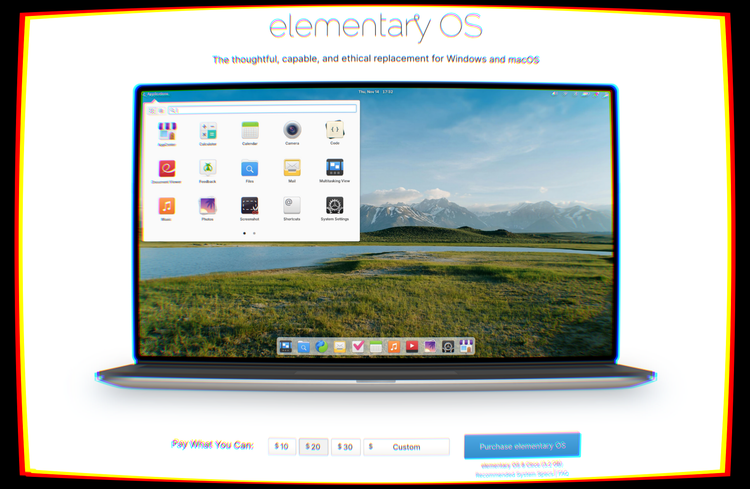
For most of us who used smartphones for any length of time before switching to Linux, learning how to download a lot of graphical applications on a Linux distro was quite a smooth process: just open the app icon that looks like an App Store, and what you see is an "App Store" where everything is free to download. Not only that, but none of the applications had advertisements or in-app purchases in them. It felt refreshing.
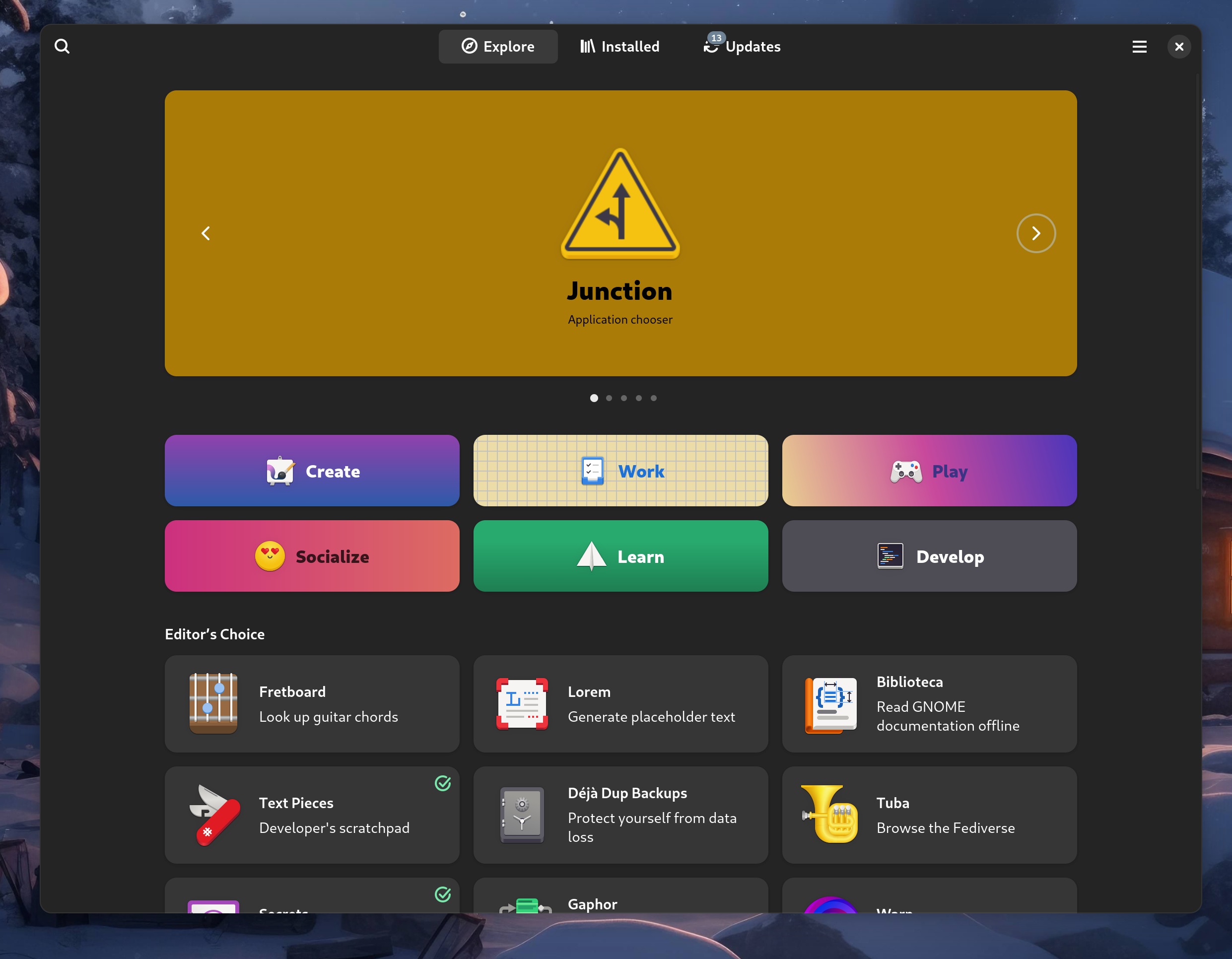
This has been the situation up to now.
However, things are seldom meant to stay the same. In fact, through these years, a topic that has been discussed more and more is the sustainability of most free software projects. It's easy to forget that maintaining FOSS projects has a cost: computing resources, time and energy are only a few of the resources consumed while maintaining a free software product. A lot of the open source applications you love are not developed as a job and they are not meant to make a profit; they are side projects that are mostly maintained by students and by developers who work a regular, corporate software development job as their 9-to-5, but also manage to find the time and energy to spend on the project in the limited amount of free time they have.
So, how do you maintain a FOSS project?
With traditional proprietary applications, a very common way people get motivated to build and maintain those projects is the profit motive - not only do they have fun building something they love, but they also turn it into a revenue stream. Many use the extra money derived by the sale of some software as a side hustle, many more dream of escaping the 9-to-5 schedule to gain more flexibility and work on projects they like better, and launching a successful application is often seen as the way to go. It's still the same dream born in the early 2010's as smartphones began spreading, and the mobile market was seen as a great opportunity to launch a successful product and make a lot of money.
On the other hand, looking at free software projects, things are not quite the same. People typically do not make much money from an open-source application, where donations are the main revenue stream. The motivation to maintain the project even through the most annoying chores and most stressful periods has to come from somewhere else than the profit motive. It is no surprise that most FOSS developers are very passionate about what they do - they do not merely tolerate or not mind the act of building software, they are passionate about something and they want to bring it to light. But passion only gets you so far, and it is often not enough to motivate people past an initial sprint where an initial working version of the project gets released... and then it gets abandoned.
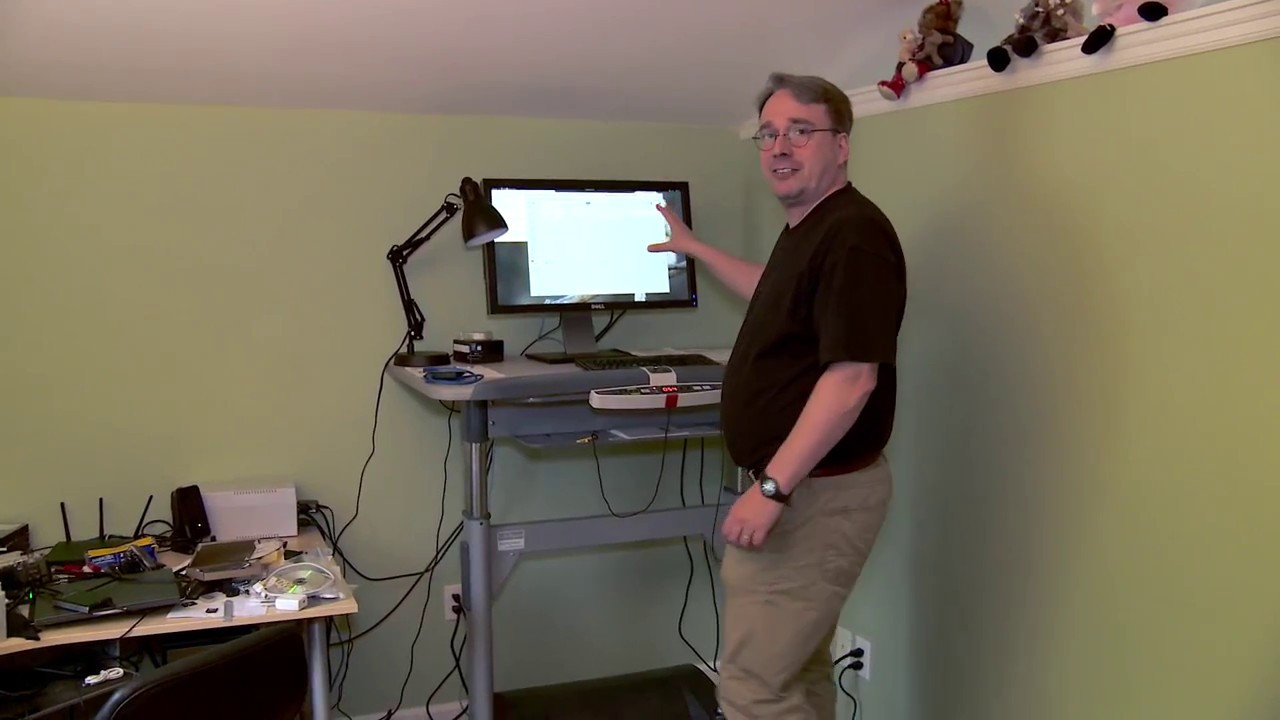
It is very common for free software maintainers to reach a psychological condition called burnout. Burnout is what happens when you overload yourself - either by overworking or by having too much pressure put on yourself in general - to the point where you start losing efficiency and your mental and physical well-being quickly decreases: you start to feel more and more tired, then you start to dread your work, then you start to lose motivation to even pursue hobbies you like, then you begin struggling even to get your basic daily tasks done. When left unchecked for a long time, there is a very real possibility that it could lead to depression. Burnout is a sneaky beast that is sadly infamous in the software community.
Burnout is often the real death of open-source projects. How often have you used an application that had something like -ng or -next in its name? That would be a strong indicator that the application was not being maintained by the people who originally wrote it, but was picked up by someone else. Sadly, lots of smaller projects die this way: the lone maintainer who works on them gets tired and quits. This is made more and more aggravating as a piece of free software starts getting popular, so users begin complaining about bugs / missed features, and some companies who use the software freely without contributing anything back begin pushing for changes and fixes the same way they would for a commercial product they are paying. It's also not only small projects that get affected - people leave big projects due to burnout all the time. In fact, without delving too much into Linux kernel drama, during the past few months, a bunch of Linux kernel maintainers have left their positions, partially or mostly due to burnout.
So, how do you solve burnout?
There are several approaches one can take. However, the most effective remedy is to reduce the amount of time you work. This is why contributing to an open-source project is such a good idea and a fundamental practice: not only you will learn a lot - by working on technologies that your company doesn't use and that you would otherwise never even discover - but you are also helping out the maintainers. Any contribution you make is some load taken off of the maintainers' shoulders, and it will be appreciated.

However, code donations are not the end-all-be-all. Financial donations are also equally important. Money can be a good motivator to keep building the software, and it can even be put back into development in many ways. Maybe a maintainer owns an old, slow computer, and putting some donation money into something more powerful can do wonders to help the development progress. Maybe some bills need to be paid to host APIs somewhere, or - one of the most obvious options - money allows a maintainer to put more hours into their project: when you do have a second income source it's much simpler to reduce your job from a full-time to a part-time, get paid less for it, and use the remainder of the time to maintain your project.
The question is: do donations work? How do you even integrate money into free software?
Donations might not be enough
Donations are nice, for all the reasons we have just stated. They are a great help to a project, and they also allow anybody to make important contributions to a piece of software, even if coding skills, writing skills for documentation or even energy and time are not assets they can contribute. In a lot of cases, it might be easier to contribute to software you know and love, like KDE Plasma, by periodically donating the financial equivalent of one hour of your day job to the project.
The problem with donations is that few people make them. Altruistic folks do exist but, for one reason or another, most people never donate to a free software project.
Some projects have reacted to this in various ways, all of them mostly geared to finding a middle way between the donation-supported model and the proprietary sale-based support models.
So how do you even sell Free Software?
Which raises the question: selling an application? In my "Free Software" community? It's more likely than you think!
While it might seem contradictory, the FSF's official definition of free software explicitly allows selling a piece of FOSS for a price. Even Richard Stallman, founder of GNU, has repeated many times that copyleft software can absolutely be sold.
Several free software projects try to sell their applications in order to gather more donation money to aid development, and they don't have an easy job to do: it's a road full of roadblocks, and it's a hard balance to strike.
There are two approaches here that are being explored: either strongly encourage a donation through a free offer, or sell binaries.
"Pay what you want"
The former approach is taken by elementaryOS, a really pretty Linux distro that focuses on design and providing users with a highly refined UX. If you look at their landing page, at first glance, you will think that it is a paid-for operating system - but it is only when you look closer that you realize you can choose the amount you pay. If you want, you can go to the length of defining a "Custom" amount of €0.00, and still being able to obtain the OS without a payment. They call it the "Pay What You Can" model, and it has its pros. People who can pay for the software are strongly encouraged to do it, while people who might not have the money to spare are not obligated to donate much if anything at all.
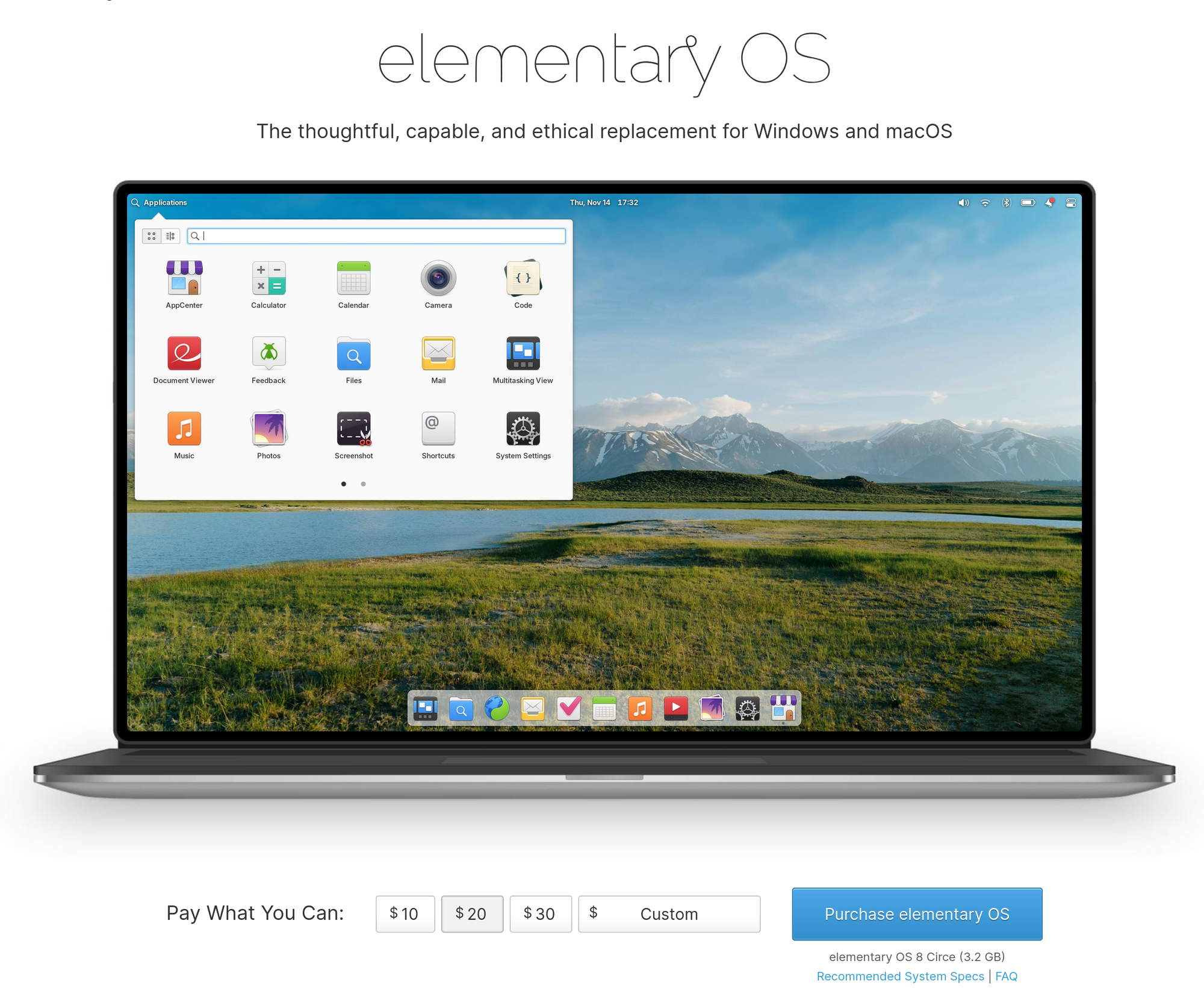
Free code, paid binary!
Another very interesting approach is charging for convenience. Some projects decide to leave the code completely free, but charge for pre-built binaries. This means that, officially, while you are free to clone and compile the software for yourself - which is a longer and more tedious process for a regular user - you will be asked to pay a fee to download a regular binary that you can install and run on your computer. This is the approach taken by Ardour, a free and open-source Digital Audio Workstation software.
You will see it hinted on the initial download page, where you are asked if you want a ready-to-run program or the source code, explaining why the source code might be technically challenging.
From there, it only takes a couple more clicks to be taken to the purchase page. You will be asked to make a payment. You can choose between a subscription model, buying a single version, or also being eligible for updates, depending on the amount of money you pay.
But is this effective?
The answer is - well, it depends.
On Windows and Mac this model might work. On Linux, though, it doesn't. Just as a test, let's see what happens when we look for Ardour through the available distro packages on my machine:
As you might imagine, you will have no trouble finding a free download there. Clearly - this is allowed. It's still free and open-source software, so while the developers themselves might not want to give you a free binary, external maintainers are still allowed to repackage any kind of free software and make it available for free download.
This makes it, sadly, the no-brainer option for Linux users. Not only for the price but because there are several advantages to installing a piece of software from your distro's repositories - among which I am, of course, counting Flathub.
The first and most obvious one is ease of access. It's just a much faster process to install something through your package manager than to go on a website, download the binary, put it in your PATH, or figure out how to manually install the package, cross your fingers and hope it works on your exact setup. You will even get software updates more easily, and you will even get all the cool features of Flatpak, like sandboxing and the permission model!
So, it naturally follows: wouldn't it be cool if, as a developer, you could maintain your own Flatpak package on Flathub, and handle donations or payments through a centralized way, like App Stores, which would allow users to pay for your binary or quickly send you a donation with just a click and a quick scan on their fingerprint reader?
Payments on Flathub
Enter payments on Flathub.
While it is not possible to pay for applications on Flathub yet, the problem has had the idea to eventually implement support for something like this for a long time. However, things are finally beginning to take shape: the GNOME Foundation, in conjunction, with the KDE e.V, has posted a job offer looking for someone who would be qualified to lead the management of a program that would allow payments on Flathub, and finish off the already started work on the payment backend.
So far, one of the people who have replied to this thread is none other than Cassidy James himself, one of the core maintainers of the Elementary project. Paying for Linux applications is already a reality on the Elementary AppCenter, where developers who make Vala apps targeting elementaryOS specifically can decide to make them paid-to-download.
As you can see, the details are still yet to be decided, but things are moving, job positions for this project are opening up, and some of the most competent people in this area of expertise across the Linux community are beginning to show interest.
If it all goes well, what this means is that Flathub will support paid applications as well, like a regular App Store, providing a solid financing option for projects that decide to rely on it.
It is yet to be seen what would happen to third-party packages that are available for free, should the developers take over. But there is little room for speculation when the figure that is being hired is supposed to take care of all these bits and details.
It will be an interesting change of paradigm for sure, where paying for the convenience of having a Flathub package for some of the FOSS you use will be a reality. Whether this will finally help projects ease some financial pressure, or whether this not help, is yet to be seen. We also do not know yet how this will be used: on top of paid apps, direct payments through the store could also serve the goal of making donations easier. Reducing the barrier to donations is often a great way to obtain more, so that would be great progress. Going back to elementary again, their AppCenter has supported donations for a very long time already!
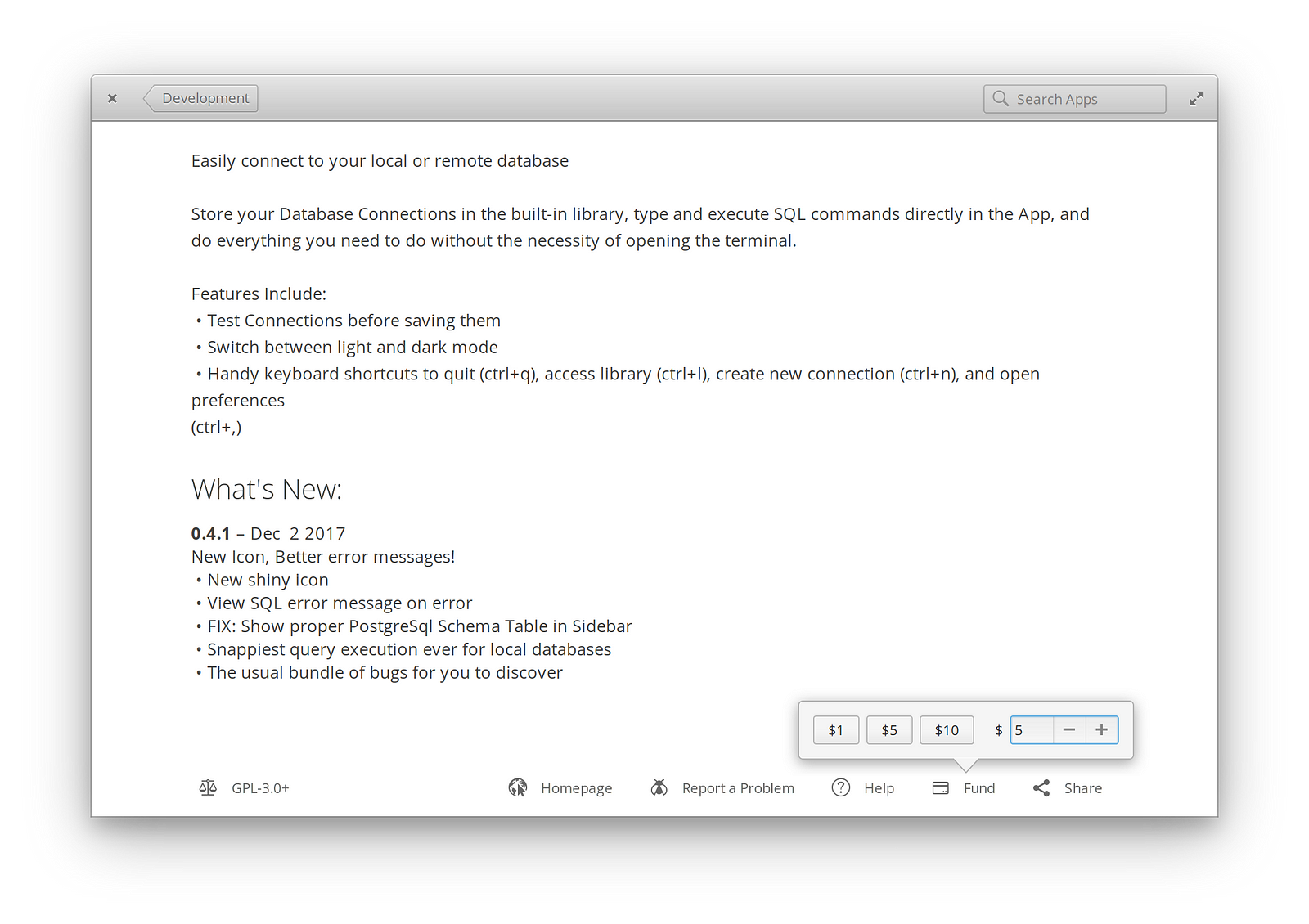
This is also a similar concept to what the success of Steam is built on. While this is talking about piracy, which is a completely different can of worms, the words of Gabe Newell on how comfortable accessibility of a paid-for service helps with its success have been proven right time and time again, so I don't see why applying the same concept to funding free software projects would not work:
“One thing that we have learned is that piracy is not a pricing issue. It’s a service issue (...) The easiest way to stop piracy is not by putting anti-piracy technology to work. It’s by giving those people a service that’s better than what they’re receiving from the pirates.”
For a lot of people, it really is not about the price. It's about how encouraged and accessible a payment is, and what you get in return for going that route. It seems like Flathub is trying to go in the same direction here.
Whatever happens, what I personally hope is that it will be a good step forward in finally addressing FOSS maintainer burnout once and for all.
RISC-V on Framework Laptops, explained
As you might have heard, Framework, the company behind highly-repairable and Linux-compatible laptops, has just made a new motherboard available for its main product, the Framework Laptop 13. Up to now, nothing crazy or out of the ordinary - Framework maintains their laptops well-supported and has a long history of delivering on making CPU platform upgrades over time; but this is something that does not quite pack the same punch for now, but that every Linux and free software enthusiast should definitely be excited about. This new motherboard, in fact, is based on the RISC-V architecture.
What about RISC-V?
Technically speaking, RISC-V itself is not a CPU, but an Instruction Set Architecture - in short, ISA, that also happens to be completely free and open source. To understand what this means properly, though, we'll need to backtrack for a second, and get an idea about how CPUs work. If you already have a basic background in this area, feel free to skip ahead to the next section.
What is an ISA?
As you know, the main component in a computer system can be considered the CPU, the Central Processing Unit, also known as the "Processor". It is easily the most important thing that's on your motherboard, as it is the component that runs instructions and makes arithmetic and logical calculations all the time to make any computer work.
While modern CPU's are pretty complex, and exist within the context of a System-on-Chip (which we will talk about more in detail later), every CPU shares the same fundamental blueprint and components:
- The main part of the CPU is the Arithmetic and Logic Unit, ALU for short. It's the piece of circuitry that actually computes all the mathematical operations that are required for your computer to work.
-
The registers, a memory location that is integrated in the CPU and that can be used to briefly store values, such as the inputs or the result of a mathematical operation executed by the ALU
-
The Control Unit, "CU" for short, which is the component that acts a bit like an Orchestra director for your CPU. It fetches the next instruction to run from memory, it decodes it in order to figure out how it needs to be executed, and then it executes it; for example, feeding the operands for an operation to the ALU, and having it compute the result.
But what about these instructions? What kinds of instructions can a CPU execute? How are they defined? This is where the ISA comes in. The Instruction Set Architecture is a model that defines all aspects of how this works: it enumerates all the instructions that a CPU supports and everything related to them, such as the data types they accept as input and produce as output, the registers that they use and how they use them, and how a lot of other basic functionality like memory handling and I/O works. Unlike all the other components we have previously seen, though, the ISA is not a physical entity that is made of transistors - it is an abstract, theoretical model that defines how a CPU works.
So, what is RISC-V?
With the basic context out of the way, what is RISC-V? RISC-V is an ISA that is completely free and open source. Purely due to this, it fills an important position, as it is one of the very few ISAs that are not proprietary. Unless you are running on a RISC-V computer or something similar, though, you are currently using a CPU that has a closed-source ISA: it should be an Intel or an AMD processor, or some kind of ARM SoC. What this means is that, except for some basic facts about the architecture that have been documented by the chip-maker, you do not know how it really works and you cannot create your own compatible version on the same ISA, since you are not licensed to do that. Even if you could, the specifics on how exactly to achieve that are tied to a trade secret, and are someone else's intellectual property.
This changes with RISC-V. The open ecosystem around it makes it the perfect candidate for completely free hardware that you can use, study, modify and redistribute freely, without fees or restrictions, in the same spirit Linux is distributed under. In fact, the related documents are provided under a Creative Commons License or a BSD license - it's free as in freedom, public domain.
This is a big deal. We have already seen that an ecosystem is worth more than the sum of its parts, and that the collaborative nature of open source ecosystem makes technological process flourish: just look at the Linux ecosystem, perhaps one of the healthiest ecosystems around, and home to the one piece of software that is likely to outlive us all.
In RISC-V land, a hardware manufacturer can start designing IC (Integrated Circuits) that implement the RISC-V ISA specification, and add their own extensions around it - things like PCIe and USB bus connectivity - as well as do their own experimentation on additions to the ISA. Individual players are encouraged to submit proposals for improvements to an official RISC-V board, who helps evaluate the proposals and make the ones who are found to be a good fit with the project direction to be included in future versions of the ISA. This collaborative environment closely mirrors that of the early days of computing: it's exciting, and it fosters growth. One chip manufacturer can find a performance improvement or another enhancement and, if it's a good one, then all the other manufacturers have access to it. This is exactly what helped make the RISC-V Framework Laptop a reality: a company had been building ICs around RISC-V, and they ultimately were able to provide the cores that power the board itself.
This is a great balance: while it's not quite the far west - there is no guarantee that your change will be approved upstream - it is still leaps and bounds better than what happens on ARM land, where the ARM company owns the ISA, and licensed hardware manufacturers have little freedom on what to do with it. This climate is the opposite of collaboration and, rather than fostering growth, it often fosters drama and disagreement. A good example of this is that fact that we are still talking about the rocky relationship between ARM and Qualcomm - two companies within the same ecosystem that are in a weird dynamic where they can't seem to get along, but they are symbiotic to each other's growth. It is also incomparably more open than the reality in x86-land, which is fundamentally a duopoly between Intel and AMD.
Another advantage over ARM is that commercial ARM boards are often very locked down, requiring proprietary drivers to be able to work properly, and very often shipping with locked bootloaders that prevent the installation of other operating systems. Remember when we talked about the Snapdragon X Elite back in August? In retrospect, I might have been a little bit too optimistic: Linux support on that chip is not panning out well to say the least, as Qualcomm has been really dragging their feet on their original Linux support promises, making the Linux experience on the X Elite largely a no-go, several months after release. Never has any Intel or AMD laptop chip been in such a rocky state Linux-support wise after this much time for a very long time. Qualcomm has been facing a lot of challenges on the ARM for Windows side of things - the part of the X Elite project where the money really is, and where there is a binding contract with Microsoft to fulfill - and it seems like Linux has been a second thought since then. Radio silence on Tuxedo's promised ARM-based laptop as well: it's just not panning out. By sheer contrast, Linux support on RISC-V platforms is amazing, and support for those platforms gets upstreamed quickly.
As a consumer, RISC-V means you get more freedom from choice - real choice, without gatekeepers like ARM. As a power user, it means that you are no longer merely an user of your hardware platform, but you are also potentially a developer or a designer: you are free to tinker, research, and contribute your findings back upstream for everybody's benefit, doing science like it was meant to be done. As a Linux user, it means that you will be getting amazing platform support, where Linux is finally the first-class citizen rather than an afterthought that gets some of the features destined to Windows systems much later if ever - something that happens more often on other platforms - resting assured that the upstream kernel will be enough to run your SoC just fine, with no need to fetch a patched kernel, or load proprietary modules.
RISC-V is not only interesting for consumer hardware, though. In fact, its growth is becoming increasingly attractive for the High-Performance Computing field, prompting a slew of research around how RISC-V could fit in performance computing, like this brand new August 2024 paper titled "Evaluating ARM and RISC-V Architectures for High-Performance Computing with Docker and Kubernetes", which explores with great detail just how promising this architecture it for serious workloads, though it still needs some time in the oven.
Meaning of the RISC-V name
But why is RISC-V called RISC-V?
First of all, RISC-V is a Reduced Instruction Set Computer - RISC.
An ISA can either be a Reduced or Complex Instruction Set Architecture.
- The most common home computers, based on the x86 family of processors, of which the most important players are Intel and AMD, have a Complex Instruction Set Architecture, CISC for short. What it means is that their ISA contains a large number of different instructions, each of which can be very powerful and represent the equivalent of running several simpler instructions consecutively. This allows the ISA to be very expressive.
- Imagine we are in the 60's. Still well in the beginning of computation, and we are still mostly figuring out the best way to trick rocks into thinking. There are several limitations to keep into account, such as that computers have very limited amounts of memory, so programs must be very small and simple.
- The advantage to this approach is that the instruction set already directly targets several high-level programming concepts like calls and loops, making writing Assembly code - the code that represents sequences of hardware instructions the CPU must execute in batch - potentially more comfortable, allowing programmers to collapse what would be several lines of code into just one.
- As a result, this approach allowed programmers to create smaller Assembly programs, which used to be a big deal back in the 60's, where computers were much more memory-constrained compared to today.
- If up to this point it looked too good to be true, that's because it was. Later on, it turned out that using complex instructions often didn't translate into the best performance, but it was possible to drastically speed up several programs by ignoring the big, high-level instructions and using batches of small ones instead. This happened for several reasons, one of which being the fact that CPU manufacturers were so obsessed with making Assembly programs shorter that the CPU microcode began to expose instructions that the CPU could not operate efficiently and quickly: programmers didn't know that though, so they would use them anyway, blissfully unaware of how that single advertised processor operation actually costed.
- The RISC approach takes the opposite idea. RISC is what ARM processors, like the one in your phone, use - as well as RISC-V itself.
- We are now more in the 70's and 80's. Some of the shortcomings of CISC have been acknowledged, and we are no longer as memory-constrained as we were a decade back. We can finally afford to run some slightly larger programs.
- The idea behind RISC is to really simplify the ISA. Only basic, primitive operations are included, where each instruction takes a fixed size, and the same thing a line of CISC code achieved required several lines of simpler RISC instructions. RISC operations do not perform more than one thing, and different instructions are separate in scope.
- With this paradigm, performance is great. RISC computers can enjoy few simple addressing modes, all the instructions are of about the same size and length, and they all take roughly the same ballpark of time to complete, making execution times much more predictable, which allows design simplification, which often translate in even better performance in a vicious cycle.
- Many RISC-based computers came and went, but CISC reigned supreme in most home computers and servers for a while, mostly due to compatibility reasons with software previously written for CISC processors, especially on the Windows platform. However, RISC has been making a comeback with ARM, because of its highly performant and power-efficient nature, that makes ideally better than CISC for most use cases, while also making it possible to achieve good performance while running in incredibly constrained environment and embedded devices, like smartphones, still managing to get incredibly good performance, drastically more efficiently, so, with significantly less heat to dissipate, finally allowing for passive cooling to be viable in a lot of situations.
So, there we have it. RISC-V is called like that because it's a RISC ISA. But why V?
Brief history of RISC-V
Towards the 90's, the benefits of RISC-V triggered some academic curiosity, which itself birthed the publication Computer Architecture: A Quantitative Approach, co-authored by David Patterson, who later participated in RISC-V. This publication was a RISC ISA called DLX, which was more of a "toy" architecture meant for educational use.
In 2010, the same David Patterson decided to aid UC Berkeley academic Krste Asanović, who wanted to create an open-source operating system as a short side-project involving some graduate students. That is how the Berkley RISC ISA was born. The small side project that was meant to only last for about three months turned out not to be so small, and it went through five different iterations. RISC-V is the name it took at its fifth iteration, after being officially introduced on August 6, 2024.
Well, does this not remind us of something? Linux, too, was meant to be a short hobby project, never meaning to be big or anything like that. This is another time that a side project grew way out of scope and became a very big deal.
Why is it important?
As more time passed, the writing on the wall was clear: RISC-V has started proving itself as a viable platform, and it has started spreading like wildfire among tinkerers and researchers due to its open-source nature, which actively encourages development, rather than prohibiting it.
While adoption is still in its early stages, RISC-V already exists commercially in several embedded chips: for example, those of you who are reading on a Framework laptop - yes, the regular CISC one - are actually using a tiny RISC-V chip every day, every time they unlock their laptop by tapping their finger on the fingerprint reader!
Fast forward to now, we are finally starting to see some development boards - complete, usable RISC-V systems that can be used by developers to start contributing to the RISC-V ecosystem, or porting their software over to this new architecture.
One of the manufacturers who currently provides these dev boards is DeepComputing, the manufacturer behind the Framework RISC-V board.
Before we dive into DeepComputing, though, I would like to talk about today's sponsor -- nobody. Or, you.
Who is DeepComputing?
DeepComputing is a Hong Kong-based company that was founded in 2022 for the goal of pioneering RISC-V technology. Their Framework Laptop mainboard is not their first rodeo: the company already has quite a bit of experience in the RISC-V ecosystem, between embedded / IoT products of sorts (they even have a RC car!) and other mainboards.
Their Framework mainboard is, in fact, based around their "DC-Roma" SoC, which has been available in a separate development board for a while.
Not only that, but a similar chipset was integrated into another laptop solution that they sell, called the DC-Roma RISC-V laptop IIwhich is marketed to be first laptop in the world to ship directly with RISC-V. That project is similarly exciting, especially if you consider that Canonical, Fedora and other Linux distros have been on board the entire time to ensure it gets supported properly by their images. The Laptop II is more powerful than the Framework board, boasting twice the RISC-V cores on its SpacemiT K1 SoC, twice the RAM and at a faster transfer rate, as well as more ports. But it's also a completely different product: it's more of a regular laptop, as opposed to Framework's solution, which is more focused on modularity and repairability.
RISC-V on the Framework Laptop 13
So, we are finally ready to jump to the interesting part: How is the motherboard itself? First of all, you have to keep in mind that this is a chipset development board adapted into a more consumer-friendly form-factor. Although it is usable for basic tasks, it is still primarily meant for development and tinkering purposes, and it is really nothing special, performance-wise, compared to the more mainstream SoC's already on the market. You probably shouldn't buy this if you are expecting the snappiest performance for your daily tasks, but you probably should if you are the kind of person who wants to find out why it is not running faster yet, and help figure out how to improve it.
The CPU is a quad-core chip with a frequency of up to 1.5 GHz with its own Imagination GPU, combined with a pretty small 8 GB of soldered-down DDR4 memory, and... a 64 GB MicroSD card as far as storage goes. Once again, this is not going to win any performance benchmark, but it will get you running RISC-V on a consumer laptop that you can totally take to the library and prepare your next exam on - and that's incredibly cool.
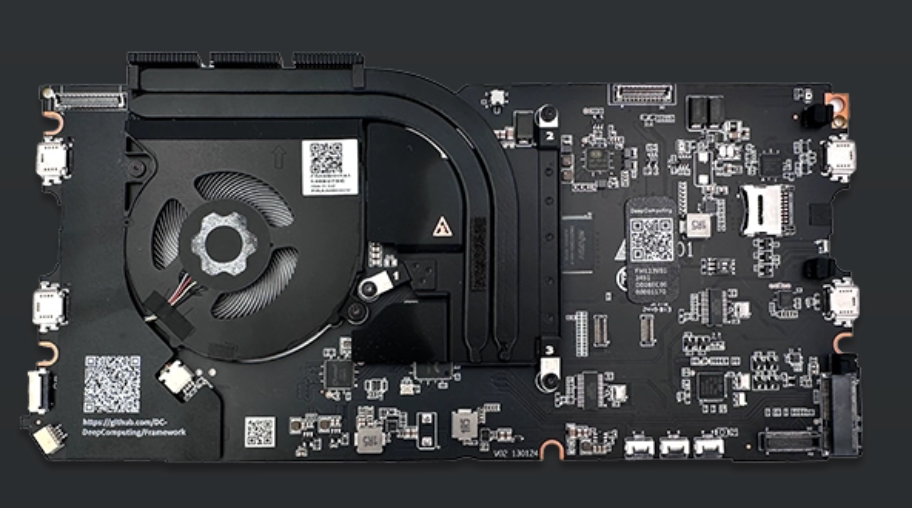
Connectivity wise, things are a little closer to the more established counterparts out there: the Type-C interface supports the USB-PD 3.0 protocol for charging at a maximum of 60 W, DisplayPort 1.4 video output allows you to use this motherboard together with an external 4k monitor with no issues, all with USB 3.2 or USB 2.0 speeds. As far as the Wi-Fi and Bluetooth, it relies on a standard PCIe m.2 2230 interface, and it ships with the Intel AX210 Wi-Fi 6e card, which is known to be one of the best-supported WLAN cards for Linux.
Aside from that, it has everything else a regular Framework mainboard has: a fingerprint reader for biometric authentication and a basic audio system with laptop speakers and a 3.5 mm headphone jack.
Software support is already pretty good: initial support for the riscv64 architecture is there since Linux kernel version 5.17, and this specific mainboard is completely supported by Ubuntu 24.04 and Fedora 41.
Additionally, as all Framework motherboards, this mainboard can be used either within a Framework Laptop 13, or using the Framework x Cooler Master case as a mini-PC, in desktop mode, without the need for owning an entire Framework Laptop to use it. This is especially useful for existing Framework 13 users, who might already have an AMD or an Intel motherboard installed, and may want to cycle between that and the RISC-V board inside their laptop, while still having the other, unused, motherboard available for use as a desktop PC. A particularly enthusiastic RISC-V users may decide that they do not need a ton of computer power on their laptop and use the RISC-V board inside of it full-time, leaving their existing Ryzen board at home as a "mini-PC" designated for heavier tasks,while most regular users will probably stabilize on keeping the Ryzen board inside their laptop for the long haul, mostly playing with the cool RISC-V development board in mini-PC mode.
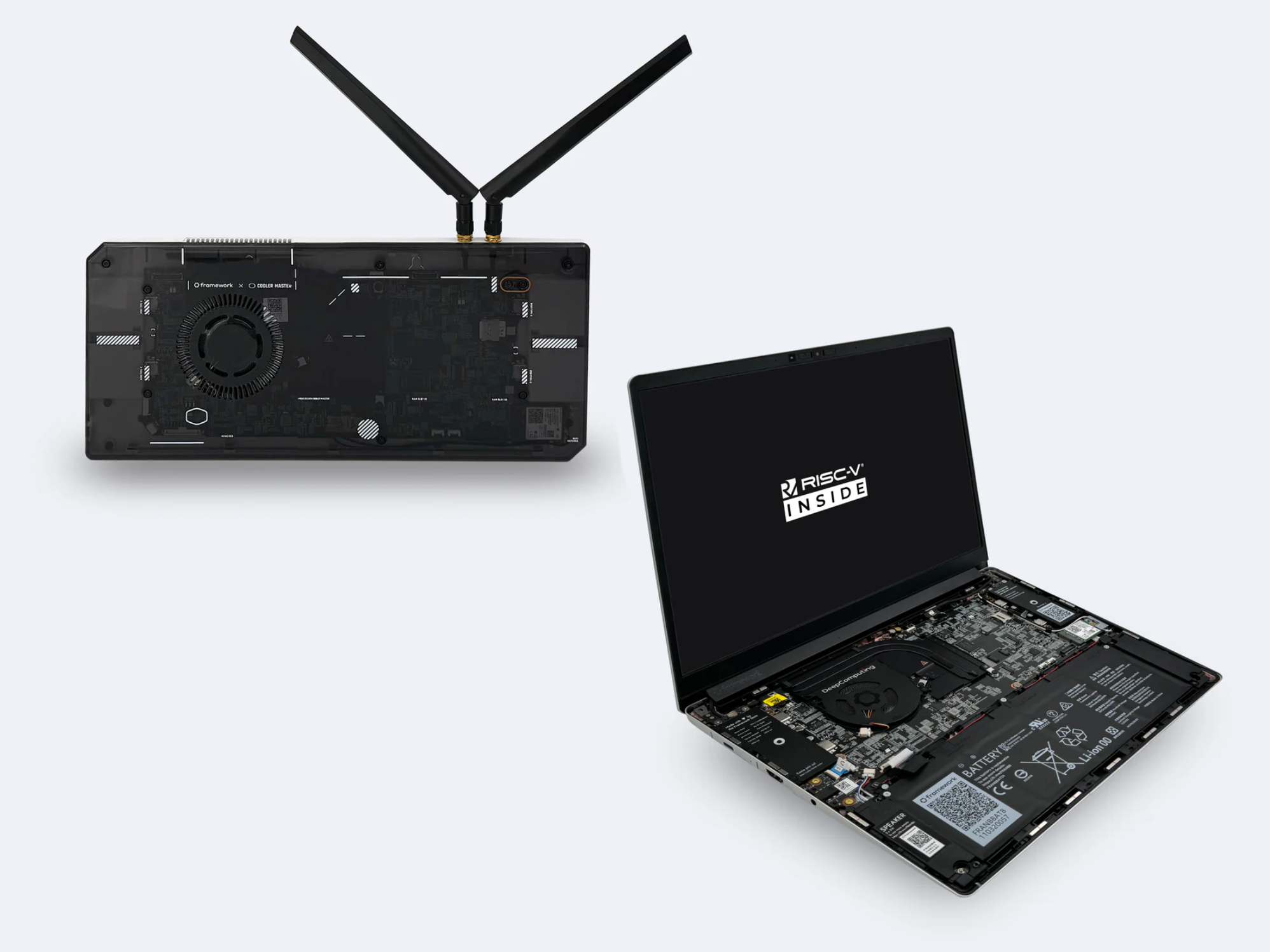
Conclusion
This is exciting stuff. I genuinely think what is happening with RISC-V is a very positive and thrilling development, certainly one of the things we should be happy and excited about, although we are living in increasingly troubled times. Personally, I hope I will be able to get my hands on this marvel of innovation sometimes soon - but what I hope the most is that we will see a day where this technology reaches a state that is at least comparable to something like the Pine64 sooner than later. Even if it would have limited support for proprietary executables due to it being a new architecture mostly focused around the free software ecosystem, I would definitely love, one day, to be able to get away with using a RISC-V laptop for at least the majority of my light daily tasks. Great work, Framework, DeepComputing and all the amazing people behind RISC-V.
GNOME 48: All About Digital Wellbeing!
It's finally that time again! The UI and Feature freeze for GNOME 48 is in effect, the Beta images are being prepared, and we're just in time to check out what's new.
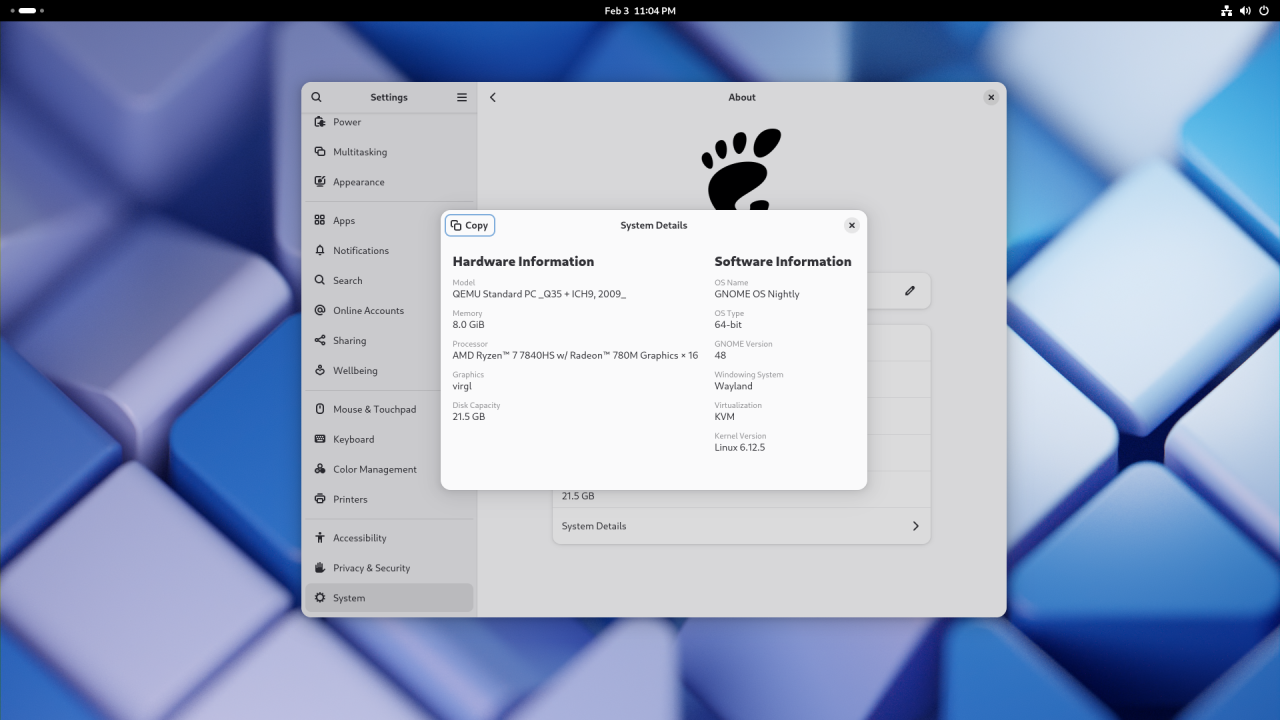
Subtle new features, invisible changes
Trying out GNOME 48 absolutely feels like your typical GNOME release, this time even more so than previous times: GNOME 47 finally brought us working fractional scaling, so it's pretty hard to compete with that. There are not many visual overhauls that stand out immediately but, as you use it, you will start to see and appreciate the subtle upgrades on offer. After you have used it for a while, you would never want to downgrade to the previous version - as small as they changes may be.
I like to think of GNOME upgrades as the bass line in a song: you're not going to be noticing it immediately while it's there, but you will instantly miss it when it's gone.
The Invisible Changes
Let's start with the stuff you won't directly see, but that goes to work on long-standing, important pain points.
On the compositor side of things now have support for the xdg-toplevel-drag-v1 Wayland protocol. This finally allows applications with multiple running windows, each with its own set of detachable tabs, to exchange tabs (or similar UI abstractions) easily, via drag and drop. Not everyone noticed, but this had been broken in Wayland for the longest time, but it should be a thing of the past now.
Work has also been done on frame synchronization, with support for the new Commit Timing Protocol and the FIFO protocol.
Finally, there is support for the Viewport protocol and some work on DRM leasing.
For what it's worth, support for the System Bell protocol has also been added, which means that any installed application - not just the terminal - will be able to use the system bell.
We are also seeing some promising efforts in improving the experience in GNOME Software. Loading updates is faster now, and the experience is better on Atomic distros with experimental support for systemd-sysupdate. That, and some improvements in the application pages: better support for review voting and more thorough reporting of permissions that applications truly get.
Speaking of Atomic or Immutable distros, GNOME now has support for systemd-sysext system extensions, which improves certain development workflows.
There are some improvements in color management, lower input latency for the cursor, and some performance improvements for hybrid GPU laptop setups where an external display is wired to the secondary GPU. Those setups used to suffer from very bad performance penalties, particularly in the form of stuttering and frame drops. A lot of work is being done upstream to improve the experience with NVidia drivers especially, so users with gaming laptops should begin to have some rest on GNOME 48. It's still not completely fixed, but it's better than it used to be.
Finally, the Orca screen reader is now more resilient and responsive when an application emits a large number of events, a use case that used to degrade performance on it.
In short, there's support for more protocols, a decent performance uplift, and better support for the Immutable distro experience, which is slowly going from niche to mainstream, partially thanks to the uBlue project and its high-quality purpose-built images, like Bazzite, Aurora and Bluefin. Users seem to love those - and that includes users who have never used Linux in the past. GNOME has embraced this advancement with open arms, and results are beginning to show.
Wellbeing: don't let your computer affect your health
The biggest, most visible change in GNOME 48 is the inclusion of a full-fledged Digital Wellbeing functionality.
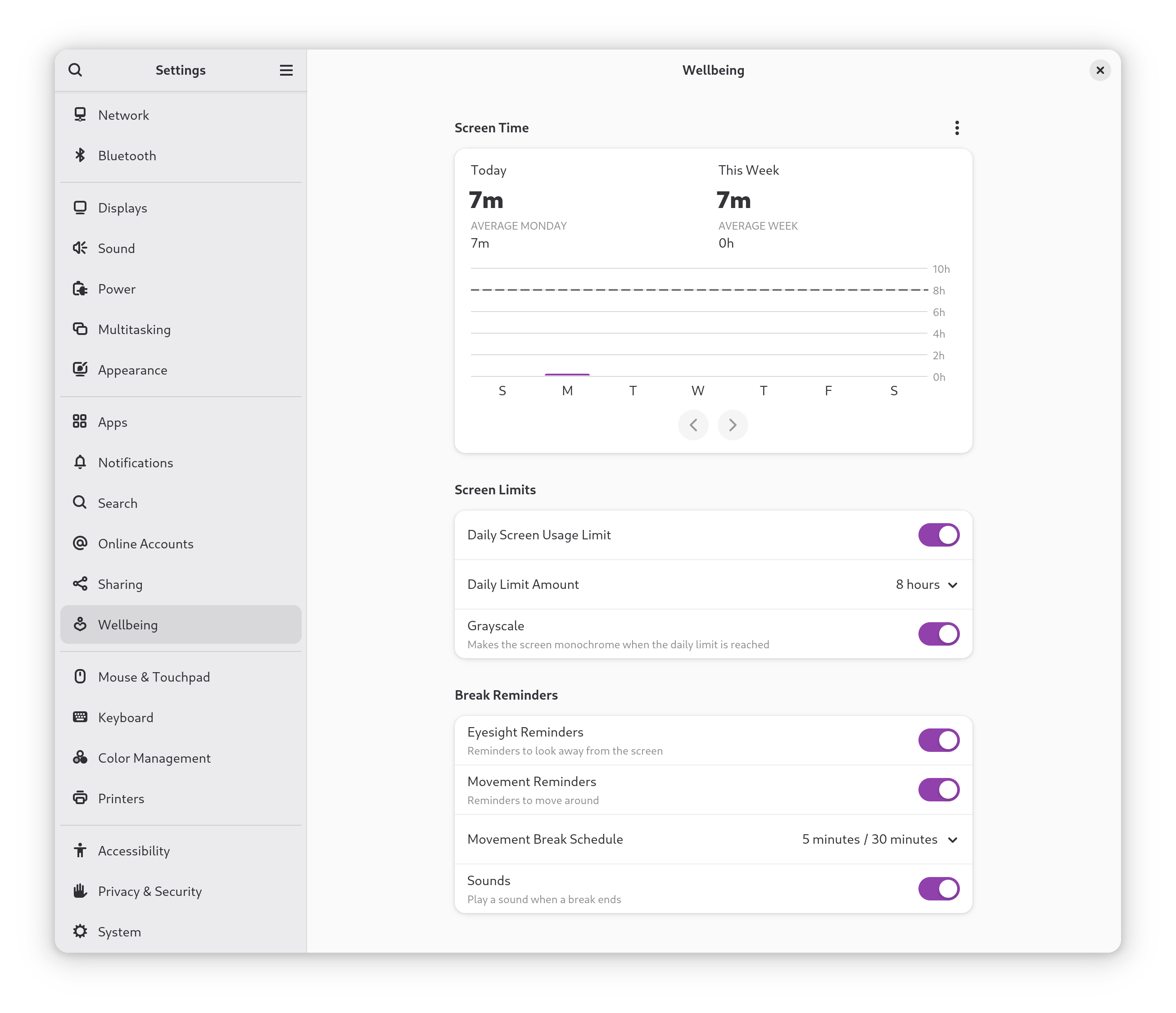
Digital health is one of the most discussed topics currently. As we are starting to realize there is a correlation between excessive screen times and adverse effects on our health - both mental and physical, more and more user-facing projects and operating systems are beginning to come up with practical ways to help us visualize just how much time we are spending on our screens and helping us set healthier boundaries. GNOME 48 brings its take on such a feature - and it's a joy to use. You can find it right in Settings - much like Android's Digital Wellbeing functionality, that this implementation seems to be pretty similar to.
A few basic configurations are enabled by default, but you can enable them all to gain the full benefits of this system. If you're not a fan, don't worry - all of this is completely optional.
Screen time control
By default, in fact, GNOME 48 will start tracking how much time you spend with your screen on. The first thing you see in Wellbeing is a graph, telling you very visually how much time you have spent on your screen today, comparing it to the rest of the week, as well as giving you insights on how that compares to a long-term average. If you care about your privacy, as you should, fear not: all of this tracking is fully local and it never gets sent over the network, there is not even an option to back it up. Of course, if you don't like it, you can still disable it pretty easily, which will also disable part of the Wellbeing functionality in general.
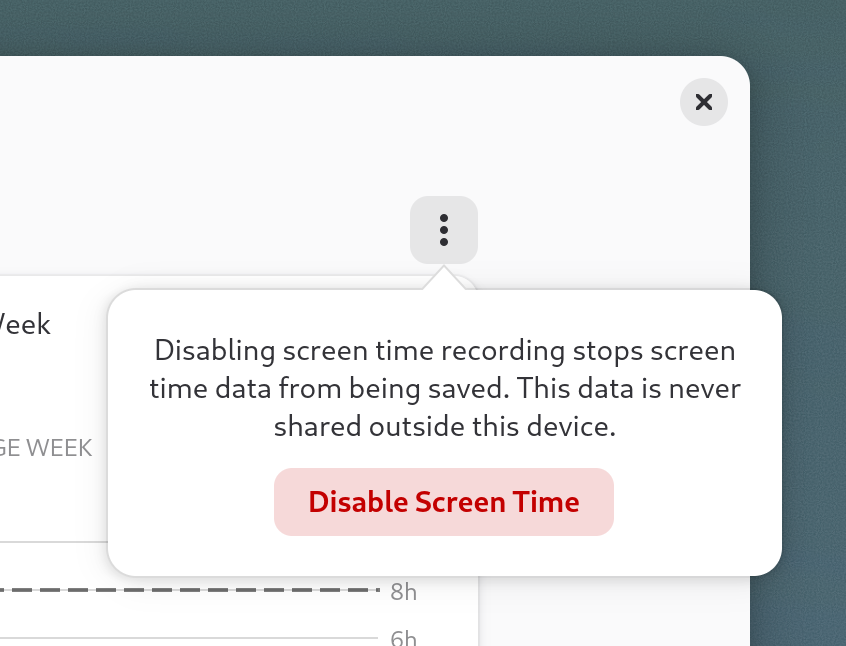
It doesn't end there, though. You can then go on to set a daily screen time limit - which will be 8 hours, by default - to get a reminder of when you have reached it, graph it as a horizontal line on the screen time graph, and optionally make it so your display will become monochrome upon reaching that, which is completely optional, but it is the most aggressive option available.
This is not too uncommon a sight. Digital Wellbeing, Android's implementation of the same feature, has also offered this option for years. The rationale is that it is believed that turning off the color in one's screen makes content consumption less desirable, making social media instantly less interesting, and removing a big part of one of the most popular techniques social media websites use to keep your attention and keep you hooked: a careful color choice. No, really. It has been known for a long time that color absolutely plays a role in marketing and influencing your decisions.
In particular, this is the reason why so many apps and websites use blue everywhere. For example, this option could help you maintain a more consistent sleep schedule if you tend to doom scroll on Reddit until it's far too late to get properly rested for the upcoming day or help you "switch off" after work when your work day is over. There is some data to show full-remote workers (and self-employed folks) in particular might benefit from this: in fact, according to the 2024 European Transparent IT Job Market Report, 37% of respondents who work remotely stated that unplugging after work is the biggest challenge associated with working from home.
Break reminders, work/break timers integration
Breaks are very important, both for your health and the quality of your work. It's easy to get so absorbed in your work to forget about it, however but for you that may be.
If you, like me, have been on the hunt for something a little bit simpler, more modern, and better integrated for workrave to manage your break reminders, there is now a great solution.
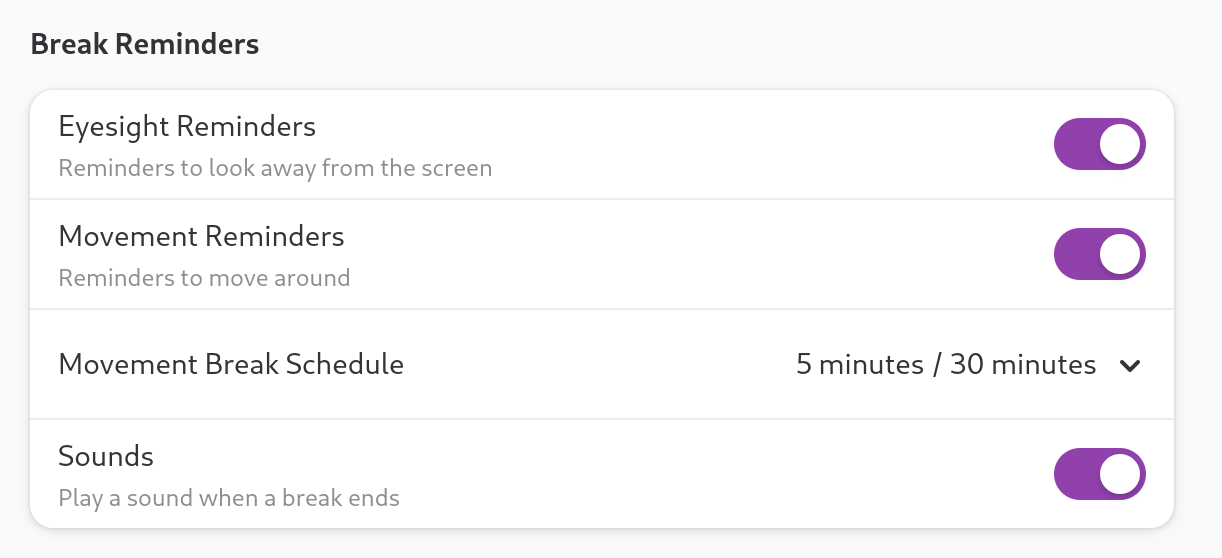
You can now choose to be reminded to take a break with a notification and a sound at every interval you choose, and even be notified when your break ends and it's time to get back to work. GNOME will also remind you to get moving and look away for the screen for a few minutes - two small gestures that have been scientifically proven to do wonders for your health if done consistently.
The Image Viewer just got a lot more useful!

Another welcome change in GNOME 48 is that the image editor just got a lot more buffed.
While - in GNOME fashion - the default image editor is still not the tool for making complex edits to a picture, we now finally have the option to crop, resize, rotate, and flip a picture right from the editor! It's also pretty well-implemented, too.
The UX is as clean as you'd expect, and there is support for cropping horizontally or vertically from one of the most popular standard aspect ratios. This can be very useful, for example, when you are trying to make a desktop background from a high-res image that is larger than your screen resolution, but that just won't get aligned how you want it to because it is of a different aspect ratio.
Loupe can also display XMP metadata for JPEG images now, which is a small but welcome improvement, too.
(Art Credits: https://x.com/USBFIG/status/1435790274886787072/photo/1)
GNOME Maps supports public transport
You know, the Maps app? It's probably you only opened it once to toy with it, maybe you even chucked it in a folder, away from sight, to leave the spot for some application you actually use. I don't blame you: for the longest time, whenever I needed to check something, I have always just used Google Maps. It's not perfect, it's proprietary software, and the map accuracy is not even close to being comparable to the OpenStreetMap backend GNOME Maps uses, but it gets the basics done well.
On GNOME 48, though, Maps has finally gained support for the Transitions API. You can now get directions from two different points and even look at possible public transport journeys to get there - with the ability to dig into as much detail as you want. Especially for being initial support, it looks pretty nice - and it also starts paving the way for the Linux Smartphone experience, for which it's crucial to have something comparable to Organic Maps available. GNOME Maps seems to be, slowly but surely, getting close.
An upcoming, major font overhaul!
While not completely finalized and present in the pre-release build that is being used at the time of writing, GNOME has been busy with fundamentally overhauling its font selection. The main reason for this decision was that Cantarell, the iconic GNOME font, has been unmaintained for a lot of time, making it inferior in features and text rendering to several more modern fonts. And yes, if you're wondering, this is a thing! Fonts are more complex than they seem. They are not regular images, but they contain code that needs to be executed to render them properly, and they may or may not support certain functionalities or manage some edge cases properly to improve font rendering.
The new font family is called Adwaita Fonts - and they look great.

Adwaita Sans, the main system interface font, is a slightly tweaked and improved version of Inter. This is a really solid choice: Inter has a solid and long track-record of being a stable in UI/UX design, offering high readability and low eye-strain, all while looking awesome. Cantarell is iconic and it will stay in our hearts for long, but seeing Adwaita Sans in action will leave you with no doubt this was the right call.
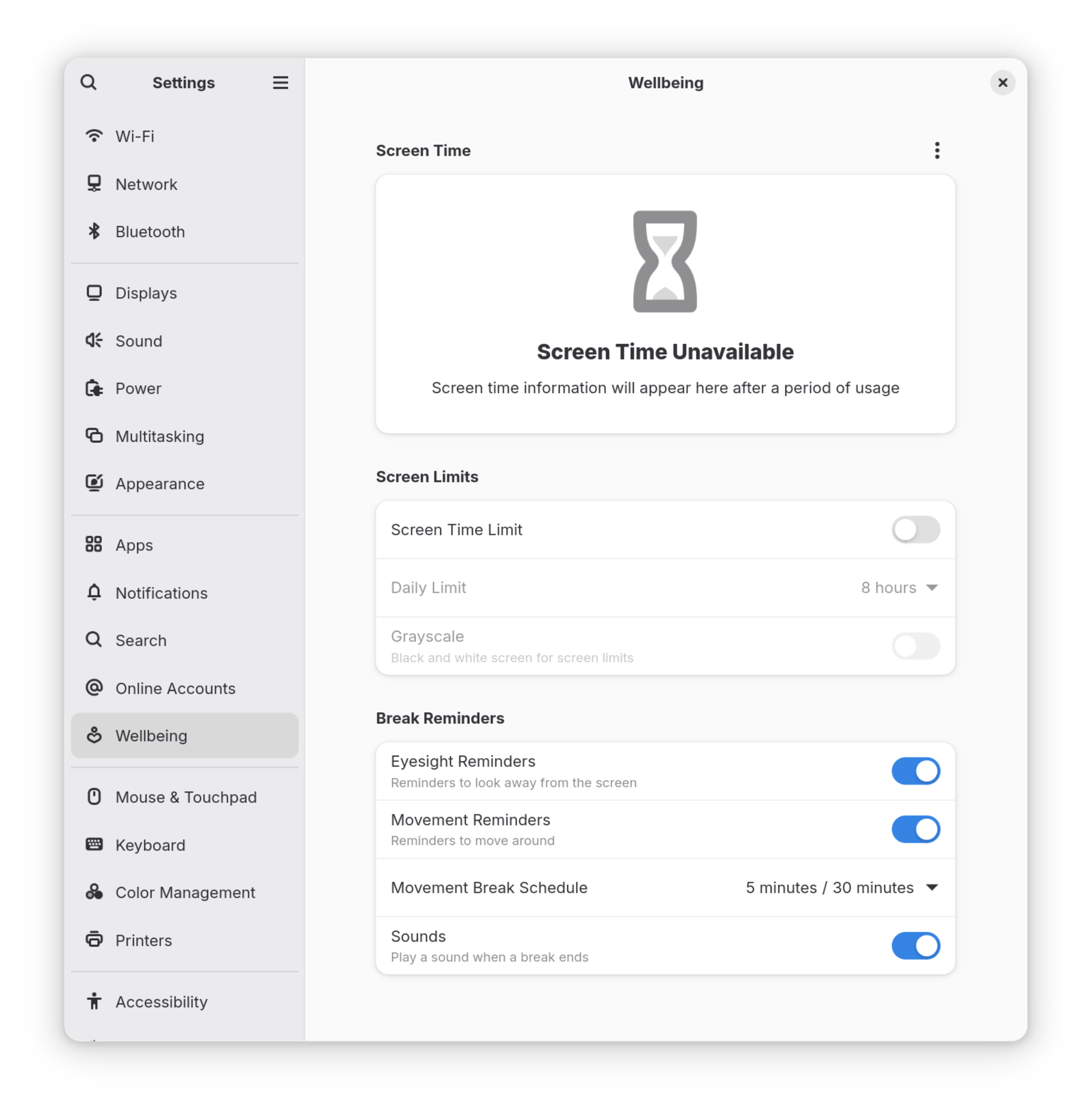
Adwaita Mono is what replaced Source Code Pro. It's a tweaked version of Iosevka, slightly modified to match Adwaita Sans. Once again, it relies on a solid foundation, being based on one of the best and most loved programming fonts on the street.
While these fonts may not be enabled by default right away, you can go ahead and test them out right away.
Battery charge limit support
GNOME 48 is all about health. You know what else can - and should - be kept healthy with just a few small precautions? Your laptop's battery! Lithium-ion batteries, in fact, are proven to last longer when they are not charged all the way.
If you are fortunate enough to offer one of those laptops that have upstreamed support for letting you change the battery charge limit from Linux, you can now do that right from the Power options of the Settings app.
It is generally considered useful to set the max charge limit to a value between 60% and 80% when your laptop is spending a lot of time plugged in to promote battery longevity, but it's also handy to be able to lift that limit on the fly, for those times when you are going to need a little bit more juice and would benefit from a full 100% charge.
Sadly, there is no guarantee your machine will support this functionality. This relies on a specific interface being exposed to the kernel, and only laptops that are meant to run on Linux officially tend to support the small details, like all these optional interfaces being exposed and ready. Still - there is no harm in trying. If the option is missing on your machine, it is not currently available. But who knows? Perhaps support for your hardware will be added to the tree sometime down the line, so you'll just have to wait patiently.
Decibels is now the default audio player!
Do you remember Decibels, the neat and minimal GTK4 music player? In GNOME 48 it has finally become the official audio player, earning the name of... well, "Audio Player", and replacing GNOME Music.
Not only that, but Decibels has also received its own fair share of buffs, with support for multiple windows and shortcuts to change your playback speed.
Well done, Decibels contributors!
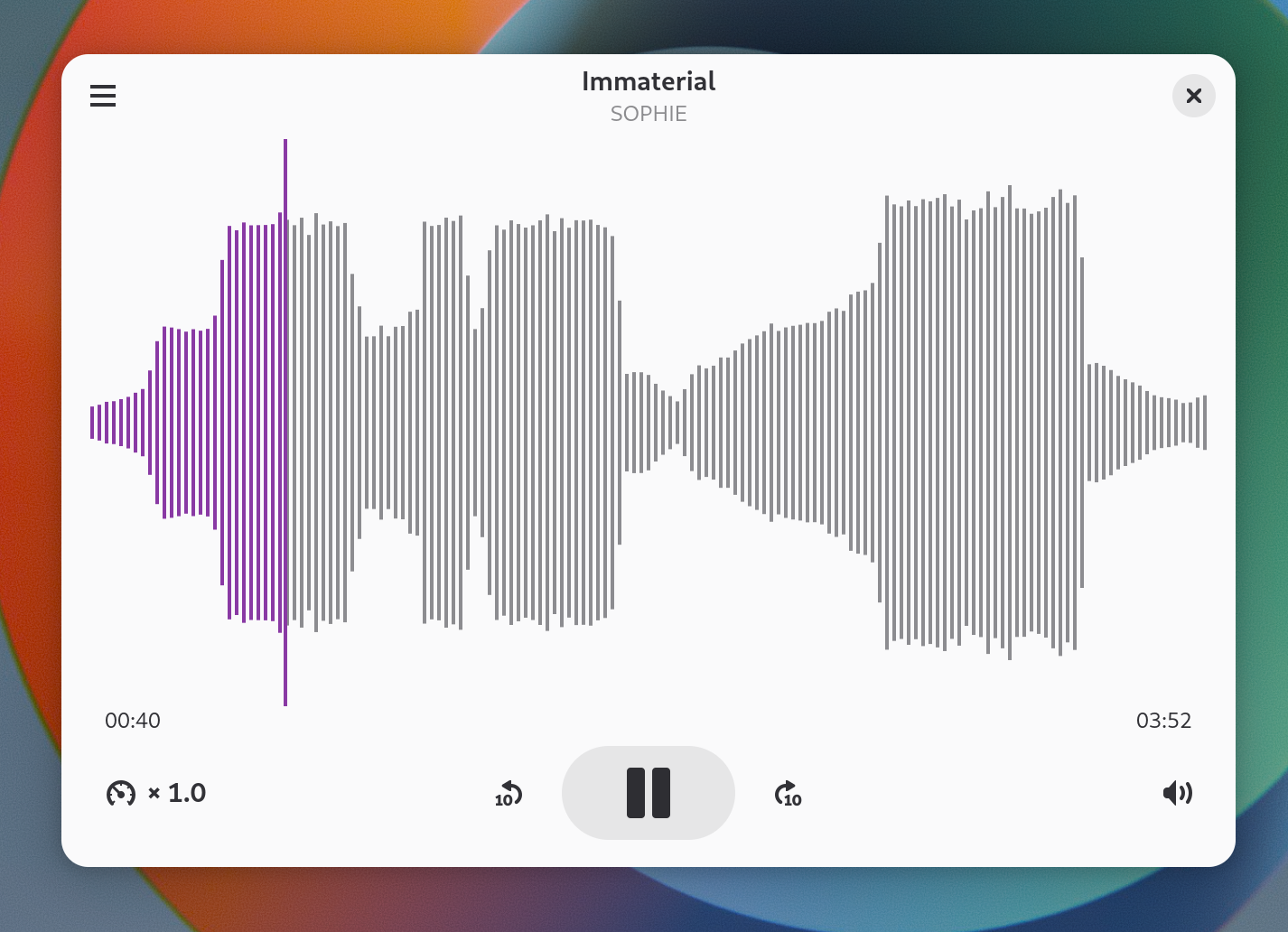
Headphones OSD is back!
Remember, many GNOME versions ago, when you would get a small configurations OSD when you plugged in your headphones, to let you correctly configure how you wanted to treat the audio output and microphone input? Apparently, that OSD is coming back to GNOME 48. Unfortunately, I was unable to test it due to virtualization not supporting this use case.
Slightly prettier little things
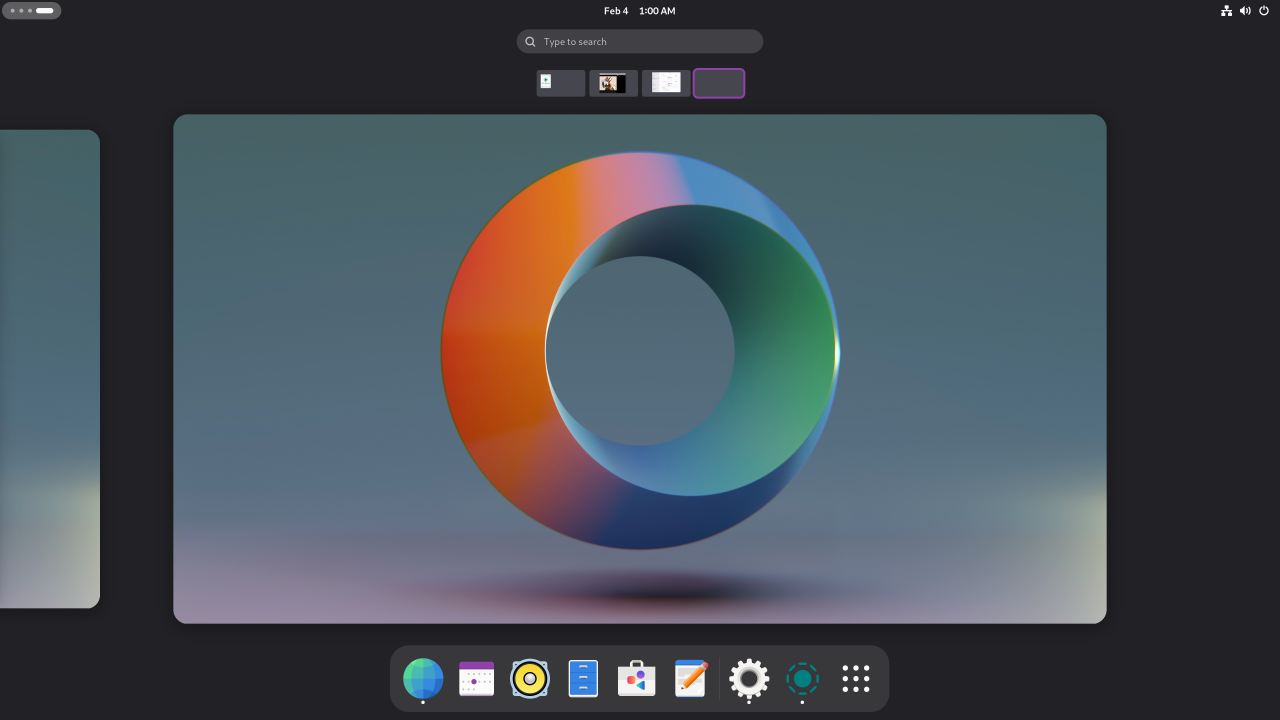

In this release, GNOME ships with a surprisingly pretty set of first-party, dynamic wallpapers. The various performance modes also got prettier icons, that are reminiscent of the KDE Plasma ones.
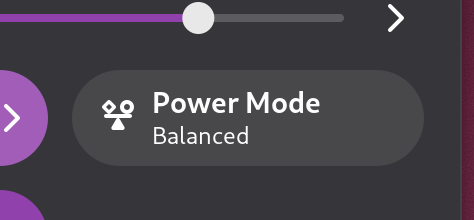
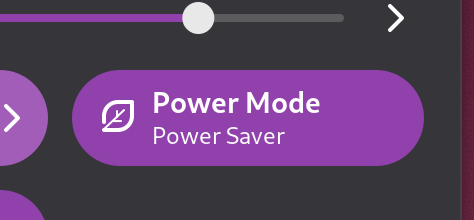
Snapdragon X Elite - Major ARM performance boost, but should you go out and buy it?
If you have been following the news as of late, you will have noticed there is an ongoing craze for ARM-based laptops: more of them are hitting the market, and several people seem to want one. But first, let's take a step back: what are they and why should you care?
What is ARM?
ARM indicates one of the most popular family of RISC processors, and it is much different from the processors we currently use on laptops - which are of the "x86" type.
There are some key differences between these two families of processors. The most obvious one is the Instruction Set Architecture. The Instruction Set Architecture, ISA in short, is a fundamental part of the CPU, and it is a model that defines what instructions, data types and registers the CPU supports. There are two main approaches: "CISC", which stands for "Complex Instruction Set Computer", and "RISC", which stands for "Reduced Instruction Set Computer".
Standard x86 processors made by Intel and AMD are of the latter type - CISC - while ARM processors are RISC. These two approaches have several pros and cons - but, to cut it short, the industry has realized that RISC is the way to go for a lot of workloads.
big.LITTLE Architecture
The main selling point of ARM processors is that they are able to work by consuming very little power, which makes them suitable for use in phones, tablets and other embedded devic
es. Many strategies are used to prioritize efficiency in ARM design - including the use of a mixed core architecture called "big.LITTLE". In fact, you will often come across some ARM chips that have a few "big" cores that are very powerful and fit for performing heavy tasks - albeit at the cost of consuming more power and producing more heat, accompanied by a series of "small" cores, which are better suited for lightweight or background tasks, since they aren't as fast, but they draw much less power and produce much less heat. This system works quite well: the foreground tasks, where performance is required, will be handled by the big cores, while more lightweight tasks, such as background services to check for notifications or e-mail, will typically be scheduled on the little cores. If this is done intelligently, the slower cores will be assigned tasks that are not time-sensitive, so the user will have the impression of using a system that is fast and responsive while being very efficient with battery consumption.
Apple Silicon
But why are these chips so desirable? Basically, because of Apple. Back in 2020, in fact, Apple announced a new line of MacBook laptops. They had a fundamental difference compared to the previous lineup: instead of using Intel CPUs and AMD dedicated graphics cards, they switched to using "Apple Silicon", Apple's own take at an ARM processor. The benefits were pretty clear: Apple SIlicon laptops delivered excellent performance while maintaining very long battery runtime also allowing the most portable and lightweight laptops of the bunch to run completely fanless, like phones and tablets already do. They were really that efficient.
That is not casual: before making it to laptops, ARM chips have been widely adopted by smartphones and tablets for a lot of time. They have been an excellent way to have a good level of performance with moderate battery consumption.
The results in Apple's implementation have been just excellent, but not everybody wants a MacBook. While they are good machines, there are valid reasons not to get them. Due to this, more and more people have been wishing they could have the same efficient and fast package on another non-Apple laptop - perhaps something more repairable, like Framework, or that runs Linux better.
For that reason, it was only a matter of time until other chip manufacturers would have tried following Apple's footsteps. Sadly, for years, those attempts have been fruitless, and ARM designs launched on the market to compete with Apple's MacBooks have been underwhelming on multiple fronts, failing to provide the level of performance people were looking for. Now, however, we might have some hope, as Qualcomm has finally launched a new ARM SoC, called the Snapdragon X Elite, which is finally supposed to be good competition for Apple, Intel and AMD. Amazing! But does that mean you should stop doing whatever you're doing right now and go pre-order a laptop with one of these? Short answer - hold your horses, not so fast. Let's go dig down a little, shall we?
The Snapdragon X Elite
The Snapragon X Elite and X Plus are Qualcomm's new laptop-grade ARM chips that have just been released. You might already be familiar with this branding, as Snapdragon is one of the most popular family of chips for Android phones. If you are using an Android device to watch this video, the chance you are using a Snapdragon processor is high!
Unlike previous attempts at bringing Snapdragons to full-blown laptop computers, though, this attempt seems to be different. First of all, these SoC's are using Qualcomm's brand-new "Oryon" cores, which Qualcomm claims are able to push out better performance while staying more efficient. If Qualcomm has played their cards rights, these new cores might start to rival Apple's own cores, which are so far a very good compromise between performance and power consumption.
The more powerful of the two is the Snapdragon X Elite, which boasts a whopping 12 cores that run at a constant clock speed of 3.8 GHz, and can boost up to a respectable 4.3 GHz on the "big cores". The X Core is the more modest sibling, with "just" 10 cores running at 3.4 GHz each.
On both, the GPU is an Adreno unit that does support connecting to 4k 120 Hz displays and up to three external 4k monitors - which is already a big advantage over several of Apple's own chips, that are way less decked out, as far as video outputs go.
There is also a NPU (which stands for Neural Processing Unitneural processin) - a dedicated processor for AI-related computations - that can reportedly process up to 4.6 TFLOPS - theoretically making it the fastest NPU on a laptop thus far.
Native upstream Linux support
Why are we even talking about this chip, on a Linux channel, though? Looking at what mainstream press coverage the X Elite has gotten thus far, it definitely appears to be a chip intended for the Windows ARM experience in the first place, with Microsoft adopting it in their newest Surface devices mostly to leverage the very fast on-board NPU to use with Copilot, the AI suite they have recently implemented in Windows.
In fact, I would go as far as to say that the use case of this processor on Windows is actually not that interesting. There have already been numerous attempts at commercializing Windows on ARM in the past, but it just was never meant to be: Microsoft's operating system is still way too deeply rooted in its own x86 origins, with the "Windows on ARM" translation layer being average at best at doing its job, and a similar amount of Windows applications being available for ARM processors without lousy, slow x86 emulation.
The situation is much better on Linux on ARM. Mainly, this is because Linux running on ARM chips has been a thing for a really long time (in fact, it has been running on most phones for over a decade now!). On top of that, we have to remember that the Linux ecosystem is built on free software, and free software is a big part of what most users install on their computers - which means it's far easier, as a community, to port the most popular software to native ARM.
However, that means nothing until an ARM SoC (System-on-Chip) does not have proper and mainlined support for Linux - as in, the real Linux kernel, rather than a patched version distributed by the vendor that will only enjoy a limited support window before being deprecated. In general, running Linux is no fun when your hardware does not properly support it: fighting with your hardware constantly is something you really don't want to have to do, if you are planning to do any work with your computer. So far, we have some great news: Qualcomm has laid down their plans to provide full, upstream Linux support for the X Elite. It's not all just talk either - the company has already promptly submitted the relevant patch sets to the Linux kernel within just a few days of announcing these processors.
How the Linux support works
The Snapdragon X Elite supports full UEFI boot - the same standard that you currently use to boot Linux on your Intel or AMD laptop right now. To boot into Linux, the SoC leverages the ARM DeviceTree - which is, fundamentally, ARM's way of enumerating the devices that need to be initialized and let the OS know. From there, a bootloader, like GNU GRUB or the much newer systemd-boot, gets executed, and can be used to boot into Linux. Interestingly, Qualcomm claims that dual boots with Windows are supported - which was unexpected, but it's great to see, for those people who just can't let Windows go completely just yet for whatever reason.
One question remains: what exactly will work? Will Linux just boot, or will everything work properly? This is something that needs to be seen when those devices are actually released. There is one good sign though: due to the integration ARM SoC's have, it is very likely that the delta between two Snapdragon X Elite systems will be much less, than, say, the delta between two Ryzen 7 7840U systems. In fact, x86 laptops, being much more modular, also have room for much more variegated OEM configurations - and that is what requires people to buy laptops that enjoy proper and full Linux support, like Framework or Tuxedo, to ensure they are running on a tested configuration.
Upgradability
Another question that remains is whether there will exist Snapdragon X Elite laptops with non-soldered RAM and storage. In fact, this chip only supports LPDDR memory - not classical, modular SODIMM DDR5 memory. LPDDR5 is most often found soldered directly to the motherboard - but it's not impossible we will see implementations using LPCAMM2, a new format that allows for swappable, upgradable LPDDR5 RAM. Whether this will happen or not is yet to be seen. At least, unlike on Apple's implementation, the memory is not on die, which means that it should theoretically be possible to have modular memory with a 256-bit bus with two LPCAMM2 slots.
Synthetic proprietary benchmarks should be taken with a grain of salt
In several of Qualcomm's own private tests, these new processors appear to outperform some of their most fierce competition in the laptops space - the Intel Core Ultra 7 155H and the AMD Ryzen 9 7940HS, two processors that absolutely hold their own as far as performance goes, and allow for fairly heavy computations on the go - which would make this processor worth considering, especially since past laptop-tier Qualcomm SoC's have really never been particularly worth calling home about, pulling average at best performance in most cases.
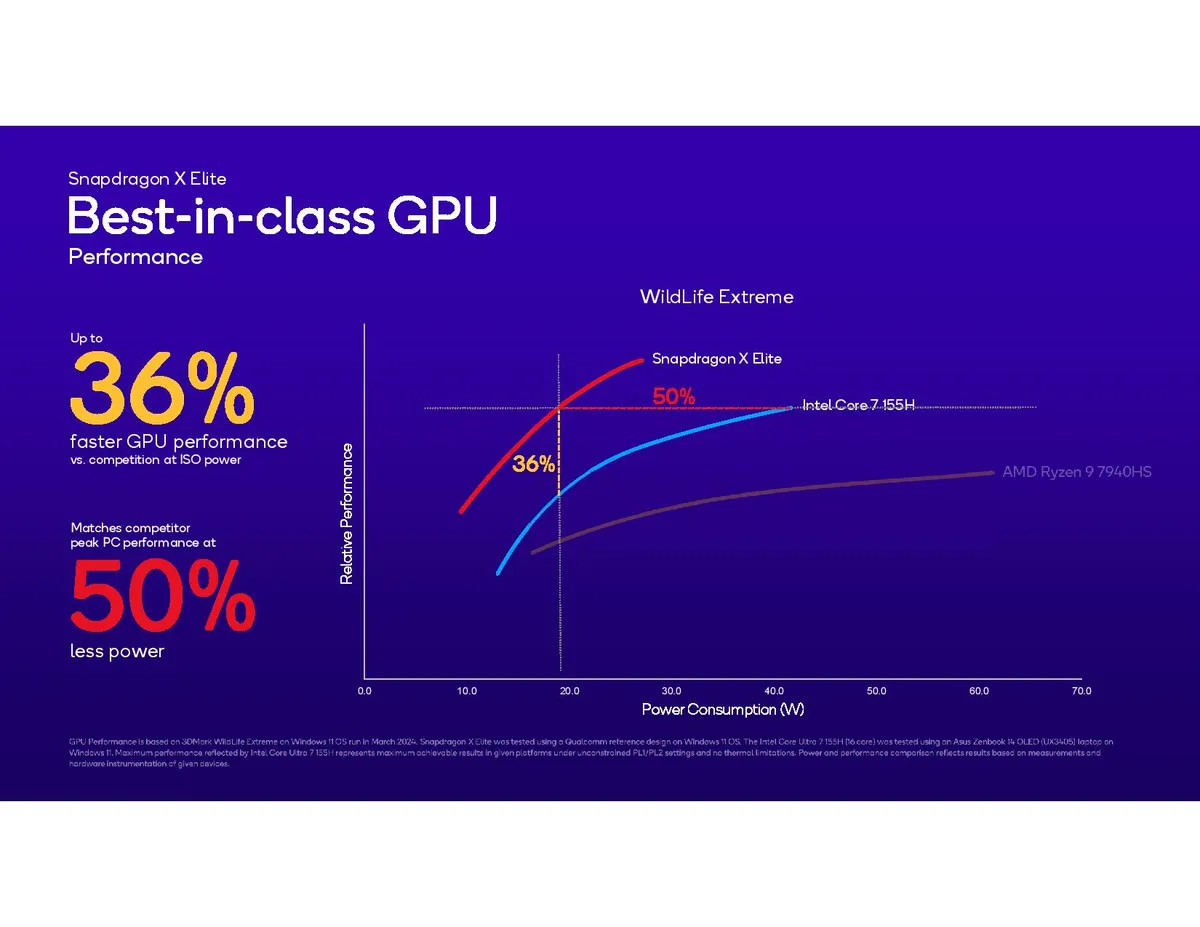
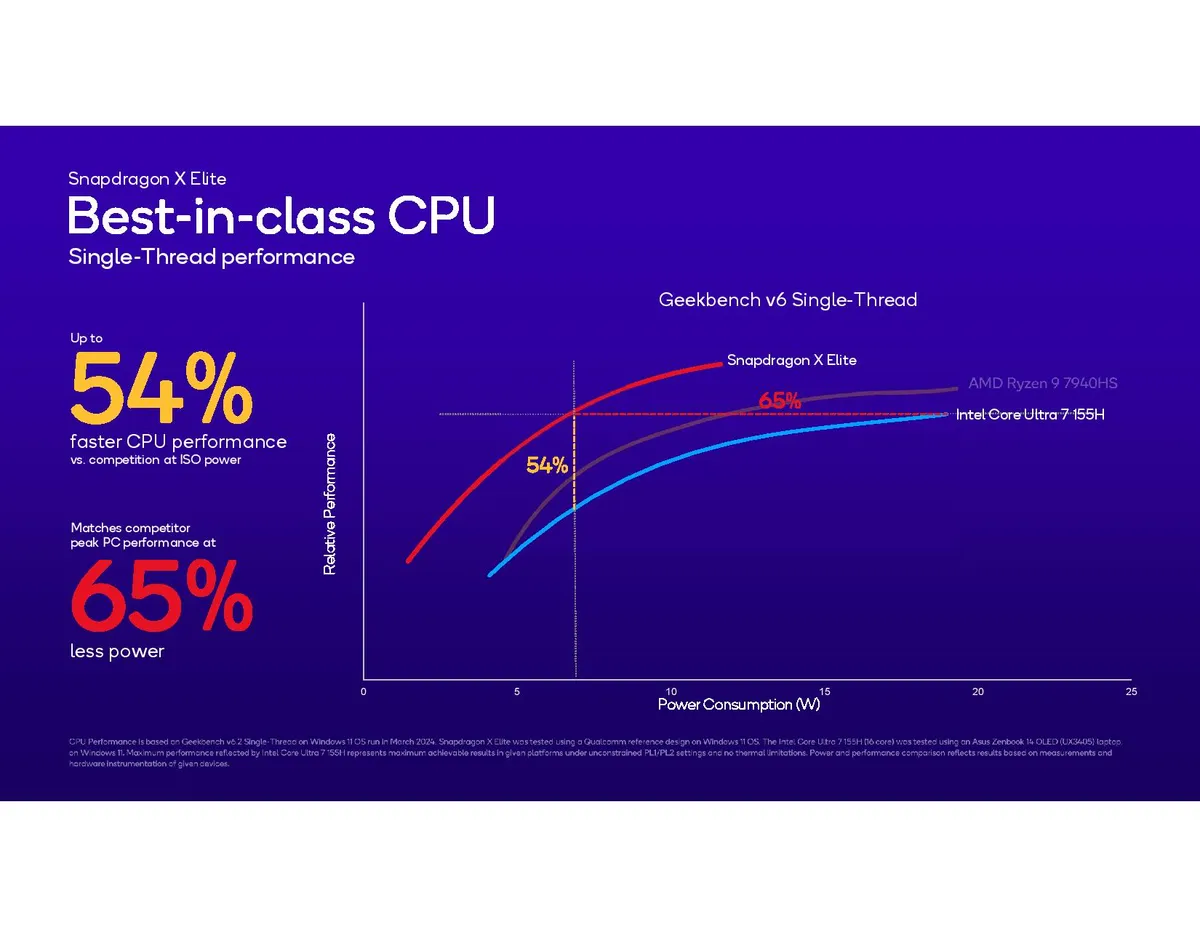
Microsoft has also announced similar numbers for their upcoming Surface devices with these processors. However, as with all first-party benchmarks, it's important to take them with a grain of salt, as real-world performance has not been yet tested by a reliable third party. We have seen that similar tests done by other companies have, in the past, relied on cherry-picked data to boost the numbers. Therefore, we should stay cautiously optimistic about the performance, but still knowing these numbers are not final.
I'll tell you more: we have only scratched the surface on how meaningless these first-party test results are. Let's go on.
AMD and suspicious testing methodologies
Something else to consider is the elephant in the room: AMD. Year after year, in fact, AMD's laptop chips have gotten better and better efficiency-wise, a phenomenon which has made the gap between AND U-series laptop chips and Apple Silicon chips on the same generation smaller and smaller. In fact, while Apple Silicon still leads in efficiency when performing lightweight tasks, there have been multiple instances where AMD's silicon has been carrying Apple's during more heavy-duty work.
The most apt of you will have already noticed that AMD's U-series processors are completely missing from Qualcomm's comparison tests on the graph. In fact, the two x86 chips the Elite was compared to were the Intel Core Ultra 155H and the AMD Ryzen 9 7940HS. The former is an Intel processor: it's Intel's first successful attempt at improving efficiency compared to previous generations, but it's not quite up there with AMD yet. On the other hand, the 7940HS is not a comparable chip. While the 155H has a TDP of 28W, in fact, the Ryzen 9 here is typically found at a TDP of 45W and 55W. HS-series Ryzen CPUs share a lot of the same silicon as the U series, but they are not tuned to be efficient, they are tuned to be fast. They run faster than their lower-power siblings, of course, because they are fed more power and are optimized at working in higher ranges of TDP. These are processors you will most often see in mobile workstation or gaming laptops, like the girthy Framework Laptop 16 - the kind of machine you get when you want pure performance on the go, with little consideration for things like all-day battery life or an ice-cool chassis. Considering it is also unclear what TDP the Ryzen 9 in question was set at, there is definitely something dubious in the methodology being used here, as there is a chance that the gap with existing AMD CPUs that you can already buy is actually not that great, and Qualcomm has used the most high-power iteration of that mobile single-package Ryzen silicon set at its highest TDP yet, in order to downplay the efficiency of AMD's excellent Phoenix Point platform enough to make the X Elite still look good.
Another curious choice is the use of last gen's 2023 Ryzen 9 7940HS instead of the more contemporary 8000-series refresh which, while being based on the same CPU and GPU silicon, has received further optimizations allowing it to be more efficient - especially at lower TDP ranges. But the most important difference we find in this year's refresh is the much improved NPU. Qualcomm is betting a lot on its NPU compute performance, as they have been working closely with Microsoft to launch a NPU that provides performance that meets Microsoft's specification of around 40 TOPS minimum to run Copilot AI tasks locally, so it is very interesting that they purposefully skipped the more current 2024 refresh where AMD has massively improved the NPU performance of their chips. What this means is that the gap in local AI performance between the X Elite and contemporary AMD Ryzen chips is certain to be much smaller than what these graphs show.
In short, to provide a fair and meaningful comparison, Qualcomm should have picked the Ryzen 7 8840U instead of the 7940HS. It is the latest generation, there are already several laptops sporting it available on the market, it runs at the same 28W TDP as the Intel chip they are comparing it to, it has the newest efficiency optimizations by AMD and, most importantly, it has the newer, much improved NPU. So far, this looks really bad and it begs the question: is Qualcomm cheating and desperately trying to hide the fact that their new highly-hyped ARM processors are actually not that far above current AMD offerings, that can be already bought and paid for today, at much lower prices, and with access to far more programs than ARM chips currently do? This is not something we can answer yet - but what we are seeing in the test methodology is certainly not a good sign.
Wrap up: promising processors, but don't buy into the hype immediately
To wrap up, the new Snapdragon platform is without a doubt very interesting, since it paves the way for ARM on laptops, bringing a glimmer of hope that we will have proper, efficient, Apple Silicon - like, fully supported Linux laptops available for purchase in the near future. At the same time, the fact that full Linux support is still an ongoing effort and the fact that the official test m
ethodologies are very flawed to say the least raises enough doubts that it's safe to say that Linux users should hold off for now and wait how things evolve.
In case you are looking for a laptop upgrade right now, though, you can already bring home a very capable and efficient Linux machine - one that might actually not be far behind these up and coming ARM laptops, while simultaneously avoiding all of the early adopter pains that ARM laptops come with, like limited support for many programs and having to run the kernel on largely untested hardware. There are several Linux laptops with the latest AMD U-series silicon you can buy today, like one of our favorites, the modular and repairable Framework Laptop 13 with a Ryzen 7 7840U, or Tuxedo's new Pulse Gen 4 laptop, with the refreshed Ryzen 7 8840U chip - the one Qualcomm should have tested their new SoC's against instead.
GNOME 46: What's Up?
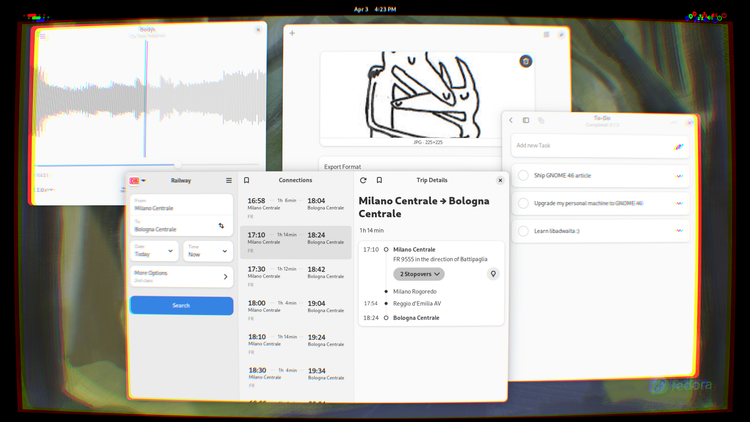
You might have heard that GNOME 46, code-named "Kathmandu", is now out. It brings several changes that may be subtle, but are very welcome nevertheless. On top of the usual upgrades to polish and performance, this time we even get some interesting features that make GNOME more fit for enterprise environments and remote access. But that's enough for the introductions: let's get going!
What is a better way to test out a brand new GNOME release than to try it in its natural habitat? For this review, I decided to test it out on a fresh install of Fedora 40 Beta, Workstation Edition. Fedora Workstation is widely considered to be one of the better distros to run the GNOME and Plasma desktops, and for good reasons: in its default ISOs, the level of polish and integration between the desktop environment and the system itself is very high.
Setting things up
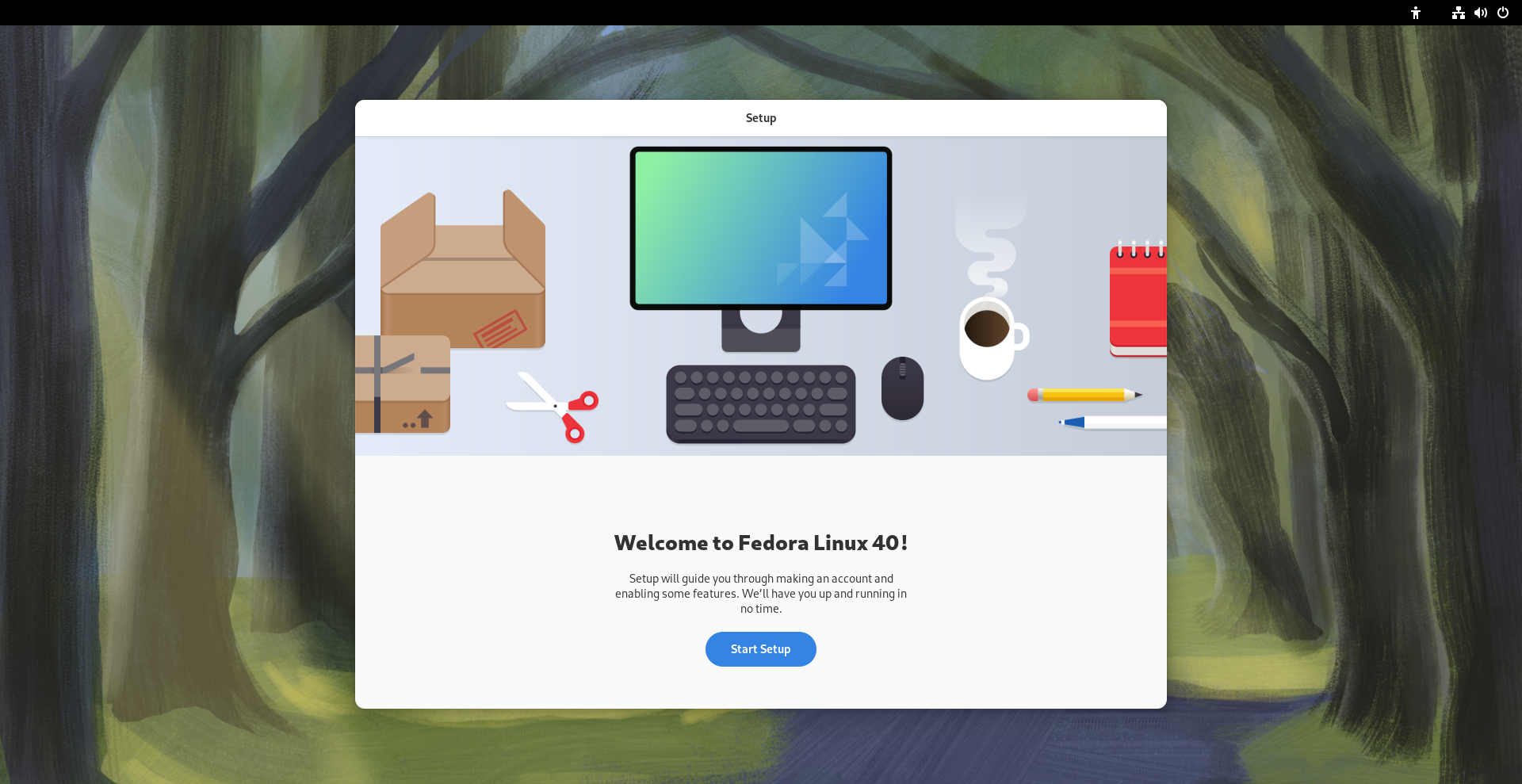
Upon starting up GNOME 46 for the first time, you are welcome by the usual first-start wizard that makes it easy for new users to get using GNOME. Only, this time, it's significantly shorter: in fact, we did not get asked to set up our online accounts! This is not a coincidence, but it's due to the fact that there has been a large rework of the GNOME Online Accounts feature.
GNOME Online Accounts
The first thing we notice is that, on top of the usual familiar faces in this session, we have tons more options for Microsoft log-in! In fact, Personal and Enterprise Microsoft services alike are now fully supported. This brings several nice benefits, one of which is the fact that OneDrive cloud access is now natively supported in Nautilus, GNOME's file manager. This is great news both for students and workers, who will be able to seamlessly tap into their organization's free OneDrive remote directory for cloud sync and seamless backups in a way that is much more comfortable than it ever was using existing solutions prior to this. The de-facto way to access OneDrive on Linux up to now has been the unofficial onedrive CLI tool from GitHub - a nice tool indeed, but one that is inaccessible to a lot of users due to lacking a GUI and an easy installation method, and one that does not integrate seamlessly with GNOME either.
Let's now move to the reason why the Online Accounts are no longer a step of the first-time set-up: on GNOME 46, the log-in process is now done through the default browser, a change that was necessary, as it solves long-standing issues with commercial service providers rejecting login attempts done from GNOME's WebView, as well as enabling other login methods, like YubiKeys, since the user's default browser can tap into more advanced features like WebUSB to allow communication between the login page and a physical authenticator. This is obviously great news for privacy-aware folks that wish to use a Yubikey as a secure authentication method!s
And for those of you with more arcane setups, a new generic "WebDav" option has been added, allowing you to hook GNOME into any WebDav provider your heart desires.
New search
This is already a major improvement for productivity, but it's not over yet. Nautilus, GNOME's file manager, has seen several nice improvements on its searching capabilities.
Search Everywhere
Traditionally, when you start typing something on Nautilus, the file manager begins recursively looking for files and folders that may exist from your current working directory downward. This feature is super nice, and it has already received a big speed-up in GNOME 45; but sometimes it's not enough.
Nowadays, we tend to store our files across several locations: you may have the SSD that your operating system is installed on, several hard drives connected for gaming, then a couple of cloud services on top. It can sometimes prove challenging to find that one file that you just don't remember where it may be. On GNOME 46, the new "Search Anywhere" feature solved this problem!
You can now begin looking for a file, no matter in what hard drive or NAS it might be, by either pressing the new looking glass icon on the top left corner, or with the Ctrl + Shift + F shortcut. Let's give this a quick demonstration:
Let's say you are in the Pictures folder, and you are looking for a file called loot - small file that you left deeply nested in an arcane folder hierarchy on some drive five years ago. Naturally, if you begin typing loot from there, the search will give you no results - after all, that location is not a sub-folder of your Pictures directory.
Let's give it a spin with the new Search:
Sure enough, Nautilus will have located your file in just a split second. You can even right-click it and navigate to the location where it was and continue your hunt from there - all in a single go!
You don't even need to be in the file manager for this to work, of course: you can just press the Meta key from anywhere and start typing, and GNOME will locate your file all the same.
Revamped Files app
Better progress bars
That is, of course, not all for the Files app. Let's move on to another common Linux problem: have you ever copied large amounts of files on Linux from the GNOME GUI? If you have, you will have grown to find it a pain point. This has also been addressed in the new Files app: the new progress indicators on the bottom are more accurate, easier to parse and more accurately show the status of several concurrent file transfers.
Easier path bar access!
And now, dulcis in fundo, the one improvement that will make a lot of people rejoice: it is now much easier to access the full folder path in Nautilus!
This is something people have been asking for a long time: while in other file managers, like Dolphin and the Windows Explorer, you could always click on the current path to bring up the full path bar to easily paste a path into, it has always been a bit more involved on GNOME. Clicking on one of the previous folders in the path would take you to that folder, but clicking on an empty space within the bar would just grab the entire Nautilus window. The only way to access the path bar was fairly hidden - it was the Ctrl + L shortcut! Well, it's finally time to say goodbye to that: in GNOME 46, clicking in an empty spot of the address bar in Nautilus finally brings up the file location text box.
Misc improvements
Lastly, we have some other touches: the date and time can be optionally be shown in a more thorough manner, starred files are more immediate to see in a grid view, and more network-attached storage devices get auto-detected from the Network view, making it more seamless to quickly set up your NAS.
Finally, some good Remote Access.
GNOME has had a working RDP (Remote Desktop Protocol) implementation for quite some time now. Users would be able to remotely access a GNOME box from wherever they were, but it was, in essence, quite useless. In fact, the RDP server would only run after a successful login to the GNOME desktop!
This is, finally, not the case anymore: you may now enable the "Remote Login" option, allowing you to log into a GNOME system that is not already in use.
This is so important, because it finally puts Linux on par with Windows as far as ease and convenience of Remote Access goes, finally offering a way for users to remote in to their user interfaces easily, with sensible defaults and a quick setup. This is a boon for several uses cases:
- Firstly, businesses and offices will really benefit from this feature. Finally, your organization will be able to set up a remote GNOME desktop on their servers, allowing you to access it from wherever. Another common use case that will benefit from this is hybrid remote work arrangements: here in Italy, for example, most software development jobs only require you to show up physically at the office part-time, allowing you to work from home several days a week. This feature could be useful to be used in combination with Wake-On-LAN to let you stream your office desktop from home, a 12-Oz coffee joint location, or from a cat café, all while having access to the same exact desktop you use on your office workstation, even if your employer did not supply you with a company laptop.
- Secondly, it's a well-known fact that building a desktop is much more cost-effective than buying a similarly powerful laptop, so much so that several people choose to use most of their budget to build a nice desktop to use at home to pair with a cheaper, used laptop bought online to use on the go; as well-argumented in No Boilerplate's video "The Unreasonable Effectiveness of Linux Workstations". On GNOME 46, you can now carry your cheaper, lighter and less powerful laptop with you anywhere, resting assured that, should you want to work on something that requires more powerful hardware, like working on a Blender project or opening up a large project in CLion, it's now easier than ever to remote into your GNOME workstation sitting under your desk at home. This is something that was absolutely not obvious before, and that required much more involved setups to reach a result that is, frankly, inferior than what you get with this simpler solution.
Better Settings.
Above: GNOME 46 (new)
Above: GNOME 45 (old)
The Settings app has been tidied up a fair bit. It is now polished and easier to navigate. Peculiarly, several settings that were in separate panes have been collapsed into the new "System" section. You will also notice that the confusingly named "Sharing" section is also gone, and its contents are in "System" now.
Touchpad
You also get better settings and defaults for the touchpad now. For starters, "Tap To Click" is now enabled by default; which is good, because this is one of the few small things that new users usually find weird: this is not the default behavior on Windows / Mac desktops, and most people prefer touching rather than doing a full click to act as a left click. It is the more sensible option to leave it enabled by default, and give people the power to turn it off if they don't like it.
There are also a couple of new settings that got added:
- Secondary Click provides more control over how the secondary click - meaning, either double tapping or pressing the lower-right area of the touchpad - works.
- Disable Touchpad While Typing allows users to decide whether the touchpad is disabled while the user is typing.
One for the gamers out there: Variable Refresh Rates!
Variabile Refresh Rates are a hardware feature that allows your monitor and your GPU to co-operate together to let your monitor's refresh rate switch dynamically within a certain interval (for example, from 40 Hz to 120 Hz) and handle the vertical sync in hardware. This can lead to much smoother performance in some scenarios, especially in games: using the VRR smooths out transitions from various refresh rates while eliminating tearing artifacts, which effectively makes it harder to notice if your frame rate drops slightly for a while, because the visual glitches that are usually a tell-tale sign you are dropping frames get smoothed out.
Without support for Variable Refresh Rates, the trick games use to hide those visual artifacts is called "Vertical Sync", or "VSync". Those of you who have put in more hours playing competitively already know what I am gong to say: there are many cases where players would want to turn VSync off, because it tends to degrade performance so much that the tearing artifacts are preferable to the lag it causes. Well, VRR allows you to have your cake and eat it, too: you can get the smoothness of having VSync turned on, along with the performance of having it turned off.
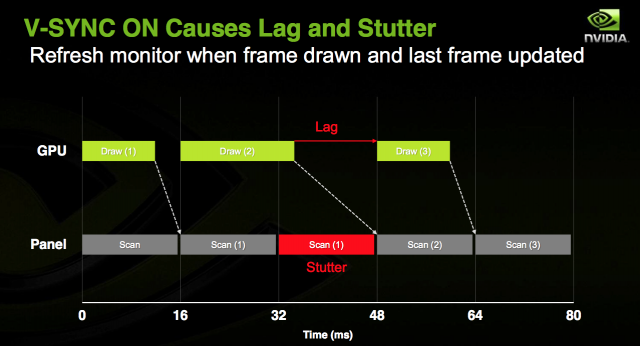
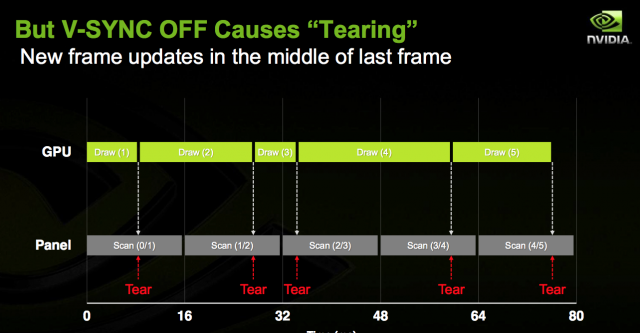
GNOME has finally added support for this feature, which is, of course, great news for gamers. As long as your monitor and GPU support some kind of VRR (for example, if you have an AMD GPU and a monitor that supports the "AMD FreeSync" technology), you will notice your games will run much smoother on GNOME 46 upon enabling this feature, and you will be much more immersed in those worlds - even when you enter heavy areas that are more taxing on your GPU, where your frame rate is not as stable.
If you have been keeping up with this channel, you will be pleased to know that some work on the AMD side is underway to enable VRR on the Framework Laptop 16; so you will be able to enjoy this feature on that laptop soon, if you eventually decide to buy one!
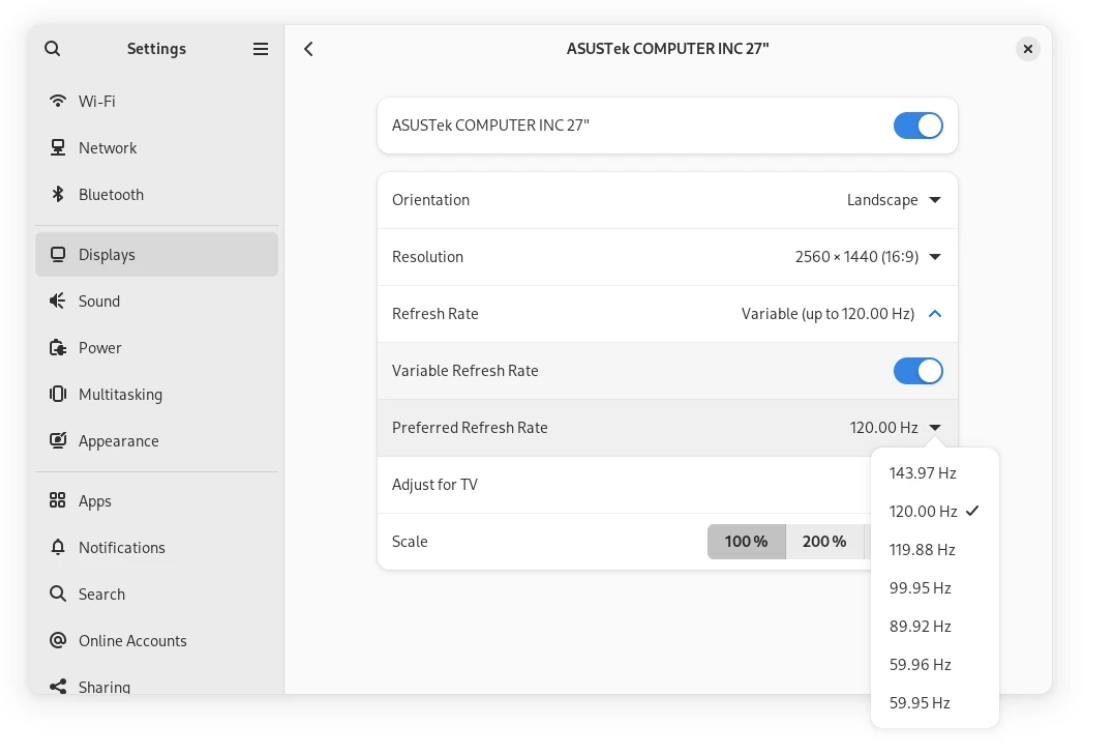
There is just a small quirk left: support for this feature is initial, and VRR support is still marked as experimental. You will need to run a quick command and log out and back in; and after you've done that, if your hardware is compatible, this toggle will show up in your Display settings.
gsettings set org.gnome.mutter experimental-features "['variable-refresh-rate']"
New stuff!
This update, of course, also brings some nice features in several areas.
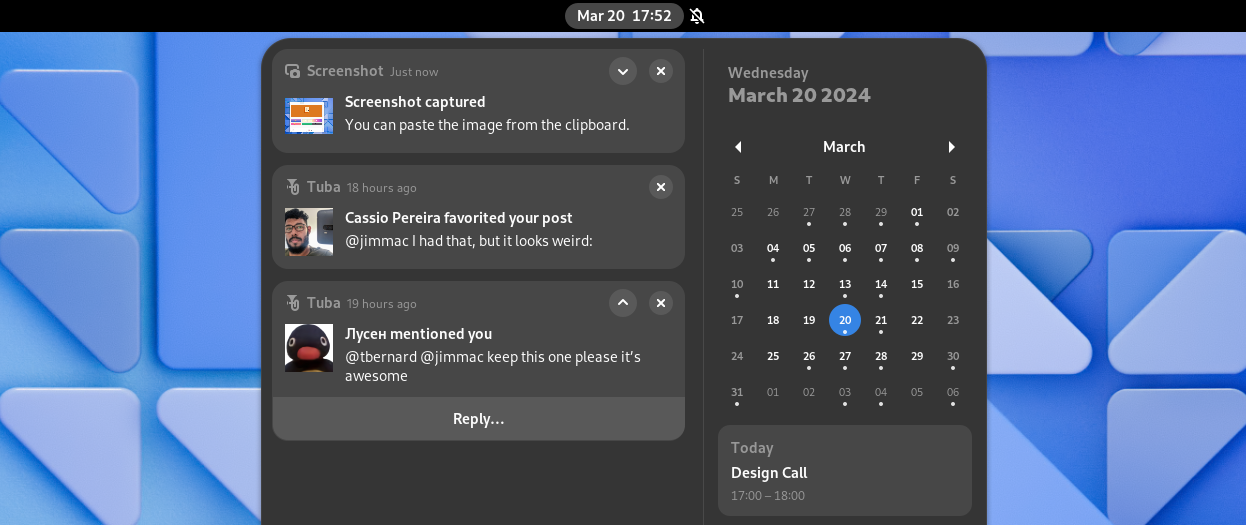
One of the nicer ones are the new, improved notifications. Notifications have been re-designed: they look better, they have richer content, they are easier to interact with with integrated actions, and they can be expanded or collapsed for easier organization.
Also, while this is not available yet in GNOME 46, there is some work going on to have notifications present users with suggested replies to a text on the fly, like the ones you see on your phone, in a privacy respecting manner: you might want to stay tuned for that, because it will be a reality, eventually.
The keyboard shortcuts to quickly launch applications have also been improved. On top of being able to select an application from your dash with Super + <Number>, You can now spawn a new instance of that application with Ctrl + Super + <Number>! This change is extremely useful for working on more complex projects: on GNOME 45, you had to either search for that program in the global search and use Ctrl + Enter to launch a new window of it, or you could go into the overview and drag-and-drop its icon to a virtual desktop; but now you also have this option. For example, I can finally retire the custom keyboard shortcuts I added for spawning a new Terminal or Files window instead of focusing the last-accessed one: I can just use this new shortcut now, with no need to add another configuration step to perform on every new install. To be fair, GNOME's defaults have been improving so much that, release after release, the number of post-installation steps that most people tend to perform is quickly decreasing down to zero, and it's refreshing to see both major Linux desktops listen to what their users want, and ship more sensible configurations by default. Bravo!
And lastly for the new features, phone and tablet users will like the new virtual keyboard, which improves the experience of typing on a touch screen. This has always been a bit of a pain point, so it's nice to see improvements on the touch experience being merged as well.
More polish!
Everything about GNOME 46 feels more polished than last time. The descriptions and tooltips have been refined, the keyboard shortucts now have better defaults, apps are more consistent with one another, and - finally, one improvement that was long overdue - finer control over pressure control when using Wacom drawing tablets!
Better performance.
I am going to go straight to the point here: this thing is fast. This update is so fast that even the mainstream tech press noticed. ZDNet's Jack Wallen said it first - " Fedora 40 beta (ndr: with the GNOME 46 desktop) is fastest operating system I've tested". I can't but back up his claims: the under-the-hood performance improvements that GNOME boasts for this release are definitely there, and noticeable with the naked eye. The biggest shock for me was this release being so smooth that, although it's living inside a VM running on top of a weak dual-core laptop processor, still feels much faster than GNOME 45 on my host system. I have never been a fan of running beta-quality software on my production machines, but I have never been this tempted to break my own rule and upgrade my own box to Fedora 40 Beta, because I could seriously use the performance boost right now. Frame rates are smoother, load times are faster, and even known pain points like the formerly dog-slow loading of the "Appearance" settings have seen a marked improvement.
Other improvements include better performance with screen recording, a more lightweight image-viewer app, and a healthy performance boost to VTE, GNOME's library for terminal applications, making both GNOME Terminal and GNOME console a little faster this release.
If you had moved off of GNOME because it was too heavy and slow on your hardware, it might be time to pull out your USB thumb drive and give it another spin!
Improved accessibility
One of the most exciting changes that are going to fly under the radar for most people is something you don't see often, these past... two decades or so, on Linux: more polish and work on Accessibility! Users with a disability will now have access to several quality-of-life improvements:
- Last year, GNOME began embarking on the significant undertaking of Significantly modernizing the Linux Accessibility stack, which has been, for the longest time, basically abandonware. About a year later, the effects of this re-work are already starting to pour in, as the shape of the GNOME accessibility stack is beginning to pick up some pace; and it will ultimately improve the situation with the modern desktop - Wayland sessions and sandboxed applications.
- The screen-reader Orca is extremely useful for blind and low-vision users, but God can it be annoying sometimes! Finally, you can temporarily tell it to shut up more easily, using the
Ctrl+Alt+Shift+Qshortcut. This can be especially useful when you are interacting with a program that has its own voicing capabilities, that tend to be a much superior experience than whatever an universal screen reader can provide, but does conflict with Orca. - You can now use Orca to report system status, and things like resource use and battery life.
- Orca is now much better at navigating tables - one of the longest-standing pain points
- There is now experimental support for Spiel, a modern voice synthesis API that allows choosing between multiple synthesizers
Nicer apps!
And, last but not least, the apps have gotten more, and better! This release of GNOME brings a slew of improvement to core GNOME apps, as well as extending GNOME Circle, GNOME's ecosystem of officially supported and recommended third-party apps, with several new additions.
First of all, the Software app now shows a Verified badge next to verified developers when downloading from Flathub, so that you can more easily recognize official packages, provided directly from a trustworthy source that you can install with full peace of mind, from third-party repackages which, although they are usually just fine, are worth exercising some caution with.
Several other default apps have also received improvements, though, The system monitor finally follows the new Libadwaita design, the Extensions app was completely redesigned, and there are some quality-of-life improvements to Clocks and Calendars as well.
And lastly, let's not forget to say hello to the new members of the GNOME Circle! The new Decibels app is a simple audio player that shows a live wave-form of the audio file being played, Switcheroo is an useful GUI for image conversion and manipulation, and you can use Fretboard to quickly look up guitar chords as you learn how to play a new song. You can also now use Railway to plan out even a fairly complex trip using public transportation, while you use Errands to prepare a quick packing list so you don't forget anything that is critical to your travel at home. Lastly, you can use Plots to plot functions on a Cartesian plane quickly, or Letterpress to create nice ASCII art of out of an existing picture!
Well, that just about wraps it up. All things considered, GNOME 46 is a fantastic release - one that you will enjoy on your machine. The changes are small, but they are several, and they make a big difference in the perceived polish and daily user experience of the desktop.
All in all, these are pretty exciting times to be a Linux user. While many of the latest trends in tech are, overall, not thrilling to say the least, between the enshittification of the Internet and the general decline in quality of many commercial and proprietary programs and operating systems, the Linux desktop ecosystem has been evolving at a tremendous rate, with both the major desktop environments finally picking up pace, and coming out with great releases that truly uplift the end-user experience in remarkable ways - something that we can definitely perceive in GNOME 46, "Kathmandou".
Manifest V3: How Google is killing ad-blocking on Chromium

Chromium has long been the most popular browser. Not only is it what powers Google Chrome, by far the most widespread web browser, but also most others: if you use Edge, Brave, Opera, Vivaldi, Samsung Browser and several others, you are indeed using Chromium.
Today, Chromium-based browsers make up most of the market share. But how has it become so popular?
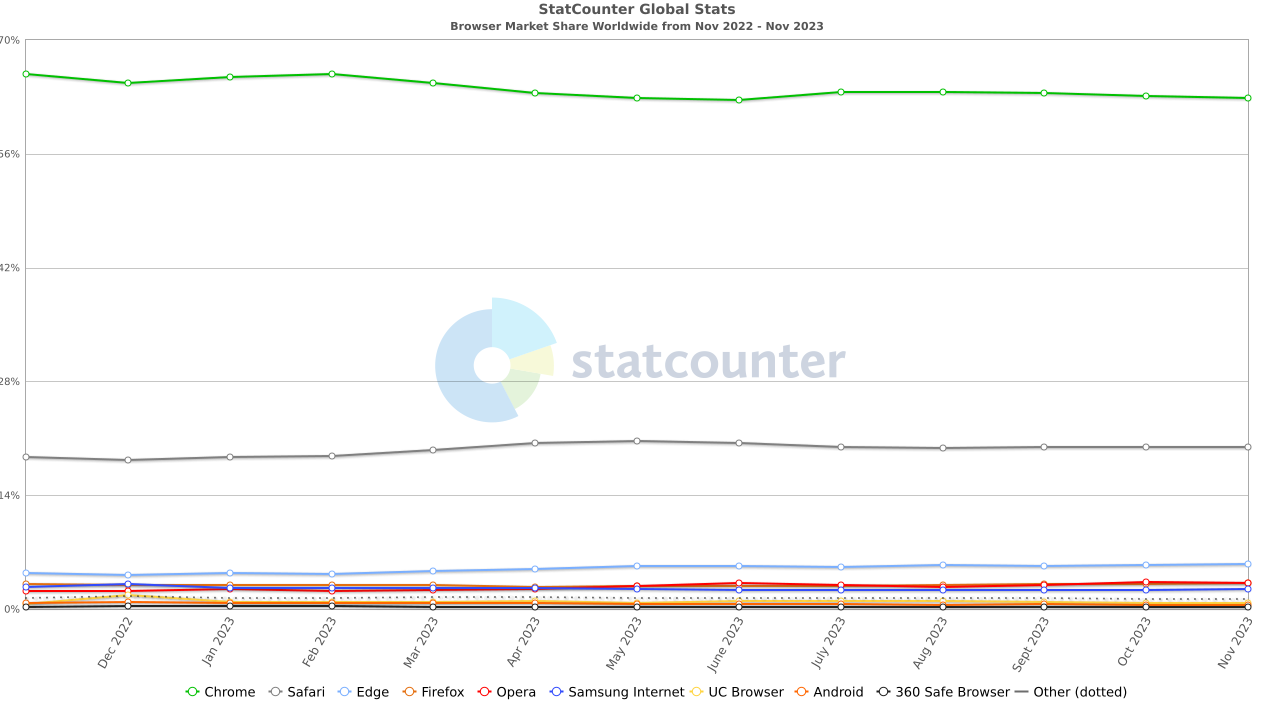
Some browser history
Back when Google released Google Chrome in 2008, everyone was using Firefox. It was Mozilla's open-source successor to Netscape, the browser that had not much long prior saved the web from the infamous monopoly of Microsoft's Internet Explorer 6, thus gaining a lot of market share for bringing a long-awaited breath of fresh air.
At first, as one would expect, there was nothing majorly wrong with the browser. It was based on open-source code, it was using modern, high-performance components like the v8 JavaScript interpreter, and it quickly gained a lot of popularity because it was fast. Just a few years after release, there seemed to be no reason to use anything else: the browser worked very well, it had support for extensions, it worked swimmingly on smartphones and it provided very handy sync capabilities that allowed users to freely switch between several devices without losing their open tabs, bookmarks or passwords. Firefox for Android had been around for a little longer, but it had never worked really well; hence, a lot of people decided to trust Google in the name of convenience. After all, this was around 2012, the enshittification of the Internet wasn't really a thing yet, and we still trusted Google on some level. I, too, switched to Chrome back then - it was just the logical choice - but, as I was setting up my new browser with the same ad-blocking and privacy extensions that I had on Firefox, I couldn't help but have a lingering thought in my mind:
If Google makes money by profiling my data and serving me ads, why do they allow me to just install AdBlock and use it?
I remember mentioning this to my other techie friends, but they didn't see anything off: "AdBlock users are a niche - there are so few of us who are using AdBlock that Google won't bother." And, at the time, it was true. 10 years ago.
2014 is when things started getting ugly. Google took away the possibility to install extensions out of the Chrome web store, citing security concerns. Nobody really cared, though: ad-blockers were still available on the Chrome Web Store, so nobody's workflow was disrupted.
In 2018, Google anticipated they were working on Manifest v.3, a new security-focused API for extensions. It already faced a lot of criticism at the time but, as usual, people didn't really care: the deployment wasn't imminent, and ad-blockers kept working. That was until, as of very recent, Google finally decided to start moving to Manifest v.3 for real, after all.
What is Manifest v.3?
Manifest v.3 is the newest platform that Chromium extensions will have to use. The name "Manifest" comes from the manifest.json file that must exist in the root directory of every browser extension and contains information about how the extension is structured and how it behaves (Doc link). This update is particularly interesting, because it completely overhauls the security model of browser extensions, implementing more default-denial policies and a stronger permission system as well, to the point of limiting them enough to make it very hard for an ad-blocker to effectively do its job.
In their documentation, Google claims:
Manifest V3 aims to be the first step in our platform vision to improve the privacy, security, and performance of extensions. Along with the platform changes, we are working to give users more understanding and control over what extensions are capable of. The changes will take several years to complete.
But how exactly does this new platform work? Let's dive in.
From permanent backgound pages to ephemeral service workers
Traditionally, browser extensions have always used a background page that ran on the same thread as the extension and could be used to run arbitrary scripts on the same thread. In order to ease the resource consumption caused by this solution, Google created an object called the service worker.
In practice, a Manifest V3 extension will not load a background page that will stay alive for the entire lifetime of the browser session, but it will run a script called service_worker.js on demand. This webpage is not resident in memory: in fact, it gets started when the extension is needed, and stopped when the script has been idling for over 30 seconds. This has major implications in how the code needs to be maintained:
- First off, for example, any listeners need to be registered immediately at the top of the script since they can no longer be a part of a
promiseor acallback. That is because, since the script gets started and stopped all the time, it is not guaranteed they will be able to be registered at all otherwise - Secondly, it is no longer acceptable to store data in global variables - global data now needs to be stored and accessed through the browser's Storage API, since the web page will get routinely destroyed and restarted.
- Other changes include the switch from
timerstoalarmsfor situations where waiting for a certain amount of time is needed.
Is there any way to get around this limitation and prevent our service worker from getting closed automatically, disrupting our workflow? Well, the answer is "sort of", and this is exactly where the waters get muddy, and political changes start to stack on top of technical changes.
A script is allowed to ask to not be killed for a limited amount of time, as long as that request is motivated by a long-running operation that must not be interrupted, such as a fetch() request that is taking longer than expected since the web server is being slow in providing the requested resource, or an intensive computation that blocks the execution for more than 30 seconds. Here's the code snippet that can be used to achieve this:
async function waitUntil(promise) = {
	const keepAlive = setInterval(chrome.runtime.getPlatformInfo, 25 * 1000);
	try {
		await promise;
	} finally {
		clearInterval(keepAlive);
	}
}

waitUntil(someExpensiveCalculation());org.freedesktop.Platform.GL.defaultWhere's the kicker? Google themselves said, on their documentation, that enterprise and education consumers are allowed to access a special API to keep the service worker active indefinitely, similar to a Manifest v.2 extension; but that this feature will not be allowed in general. In fact, the documentation reads:
In rare cases, it is necessary to extend the lifetime indefinitely. We have identified enterprise and education as the biggest use cases, and we specifically allow this there, but we do not support this in general. In these exceptional circumstances, keeping a service worker alive can be achieved by periodically calling a trivial extension API. It is important to note that this recommendation only applies to extensions running on managed devices for enterprise or education use cases. It is not allowed in other cases and the Chrome extension team reserves the right to take action against those extensions in the future.
If this rubs you the wrong way, you are not alone: this is not a technical requirement, but it is very much a political change where Google reserves to themselves the rights to decide who is allowed to poke holes at Manifest V3's restriction model, in a completely arbitrary manner.
There is another architectural change that comes with Manifest V3: the introduction of offscreen documents, and the move from single-threaded sequential operation to multi-threaded operation with message passing and multiple child scripts running in parallel to each other and to the service worker.
DOM operations need to run in offscreen documents
Service workers do not have DOM access, but some extensions still need access to some sort of DOM to be useful. In Manifest V3, this is accomplished through offscreen documents and their companion Offscreen API Google Documentation. In practice, extensions will be able to ship with special documents that are supposed to run "off-screen" (so, not on a visible tab or window). They do not share APIs with extension contexts - the only API they support is the chrome.runtime API Docs, an event handler that is used for bidirectional message passing between the service worker and the offscreen document. These documents can still be used as full pages that the extension can interact with - but they cannot be displayed to the user graphically.
The Offscreen API needs to be called from the service worker script, and it returns an object that refers to the offscreen document and has the same callable methods as the chrome.runtime API.
chrome.offscreen.createDocument({
	url: chrome.runtime.getURL('offscreen.html'),
	reasons: ['CLIPBOARD'],
	justification: 'testing the offscreen API',
});Remember how we talked about that the various documents and scripts that extensions need have been moved off the main thread? This change does have benefits in performance, but it also means that they need to use Message Passing APIs to communicate with the rest of the extension. Javascript does not natively support multi-threading, so it is necessary to resort to hacks like this in order to get multiple threads to work together with a caller execution stream. This API works exactly as you would expect: a common channel between the service worker and the document gets established first, then both the service worker and the document listen for messages from the other end and respond to them using that channel. This API can be used both for short, one-time messages (for example: the document must notify the service worker that some kind of processed content is ready for rendering, and should be rendered on the webpage that is visible from the user), and one for long-lived connections that allows for more messaged to be sent for more complex use cases. messages are JSON documents to serialize and de-serialize. Message passing is asynchronous and non-blocking, though, which makes this solution rather optimized.
Listeners must be registered immediately
While in Manifest V2 the background page is started once and never reinitialized, in Manifest V3 the service worker gets called only when it's needed. This means that any listeners that are registered inside of a promise or callback are not guaranteed to work - and they need to be moved to the top level of the script to work.
chrome.action.onClicked.addListener(handleActionClick);

chrome.storage.local.get(["badgeText"], ({ badgeText }) => {
	chrome.action.setBadgeText({ text: badgeText });
});Keeping a service worker alive indefinitely is only allowed in select use cases, like enterprise and education applications. This is the part that is most worrying so far: heavy limitations have been posed on how an extension can work in the name of performance, but some parties can escape a great deal of what makes this change so painful for ad-blockers, and Google is the only arbiter of who can and cannot get around one of the biggest limitations of Manifest V3, especially since it has not been possible to install extensions from external sources for years.
No more loading arbitrary code
One of the most fundamental changes to the new extension interface is the new security model. In the name of security, extensions now have to follow strict limits and have to run much of their code in a sandbox.
One of the crucial changes that extensions face in Manifest V3 is that they are no longer allowed to download and execute arbitrary code from external sources, but all of the JavaScript code they run needs to be bundled in the extension package, which needs to be distributed through the Chrome Web Store. This has advantages and disadvantages:
- Through the course of history, it has happened several times that browser extensions got hacked or bought out, and, as they became compromised, they began pushing and running malicious code to people's browsers without any sort of review. With this change, Google will be able to review all code that users run, which allows Google to stop malicious code from being automatically downloaded to users' computers.
- Extensions that needed to deliver hot-patches or just remotely download code for benign purposes can no longer do that, and this can be a major limitation. Many libraries assume remotely-hosted code, and Google makes no exceptions for those: not even for its own first-party Firebase library!
There are just a few exceptions to this rule: firstly, you can still inject remotely hosted CSS stylesheets into a web page using the InsertCSS() method; secondly, you can use the inspectWindow.eval() method inside chrome.devtools to allow executing JavaScript in the context of the inspected page; and lastly, extensions that act as debuggers are allowed to run JavaScript on a debug target. User script extensions like Tampermonkey and Violentmonkey will also get a pass for downloading remote user scripts.
From WebRequest to Declarative Web Request API
The change that impacts ad-blockers the most is how modification of web request works. Namely, the Web Request API was deprecated in favour of the Web Request API. But what does this mean for ad-blockers and privacy extensions?
Web Request API
In Manifest V2, extensions could access the Web Request API. The Web Request API is used to "observe and analyze traffic and to intercept, block or modify requests in-flight" (docs). This is an extremely powerful feature that allows to not only analyze traffic between the browser and a website, but it can also be used to block requests interesting certain domains. In its API, Google uses a code example about blocking traffic to a evil.com domain
chrome.webRequest.onBeforeRequest.addListener(
	function(details) { return {cancel: true}; },
	{urls: ["*://www.evil.com/*"]},
	["blocking"]
);(This is what the architecture of an extension using the Web Requests API looks like:)
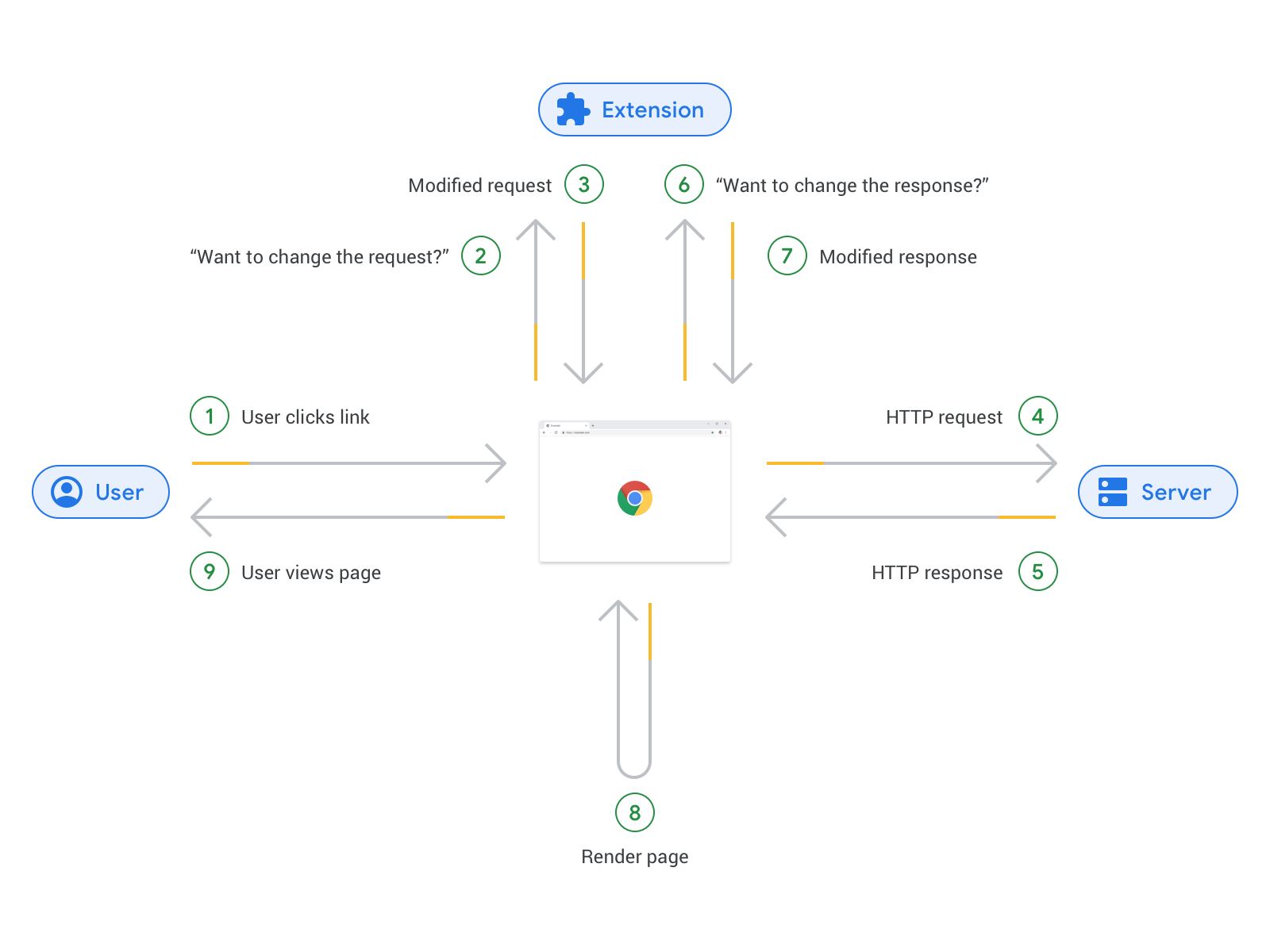
While this approach is very powerful and it gives benign extensions a lot of flexibility, Google claims there are two issues with it:
- It poses a security risk, because it has often been abused by bad actors. There have been, for example, instances of certain rogue extensions using this API to inject their own ads in web pages, or inject malicious code that tracks users and snoops on even their interaction with web pages. In the blog article where this change was proposed, Google claims that, "since January 2018, 42% of (reported) malicious extensions have used the Web Requests API".
- There are performance issues with this approach. The main one comes from the blocking nature of this API: in fact, several of its events are blocking - meaning, they pause execution of the caller thread until they are done with whatever job they were working on - and each of these events can be bound to an unlimited number of event workers. Finally, no locking mechanism has been implemented to prevent a Web Request event to perform a blocking operation to a page that is already been blocked by another extension, which can cause execution to hang, if not deadlock completely. In addition to that, using the Web Requests API requires a persistent process to run for the duration of the entire session, and it relies on several computationally expensive operations, like serialization of the request data, the IPC messaging required to send that data from the API over to extensions, and dealing with how the extension responds to receiving that data.
The solution Google proposes in this new version of Web Extensions is to use the Declarative Net Requests API.
To be completely honest, this new API absolutely solves the two outlined issues: it can no longer be used to inject malicious code into web pages for one, and its architecture is much more performance-friendly, meaning that a poorly programmed extension using this new API will not be able to completely halt your browser. The issue is that, to achieve this, a lot of functionality was axed, and this impacts even benign extensions that needed Web Requests to work. One of the affected extensions if uBlock Origin, the most reputable ad-blocker available. When we consider a case like uBlock Origin's, neither the problems outlined by Google are a real issue: the extension is free and open source software, developed completely in the open and subject to constant audits; and not only is its use of the API pretty efficient and lightweight, but it oftentimes leads to lower overall resource usage, since the overhead of using the Web Requests API is far, far less than the overhead of running heavy tracking scripts and displaying the invasive apps that a lot of modern web pages load.
But why cannot uBlock Origin just adapt to the new API? Well, it's pretty simple. If you remember what we said earlier about the move to Service Workers, you will have realized that a common theme in Manifest V3 is switching from persistent processes to event-driven approaches: it comes at no surprise that the Declarative Net Requests API follows the same philosophy.
As opposed to having the long-running resident process of old, an extension using the new API needs to register certain rules to instruct the browser on how to react to certain scenarios that are outlined in said rules. This shifts the processing duties of those web requests from the WebRequests process spawned by the MV2 extension over to the browser itself. Mostly, we are going from the extension itself being the central part of the web request handling process, to the browser taking its role, and receiving some guidelines from it on how to handle certain situations. This, of course, removes a lot of freedom from the extension, as the extent of what the extension is allowed to ask the browser to do is very limited.
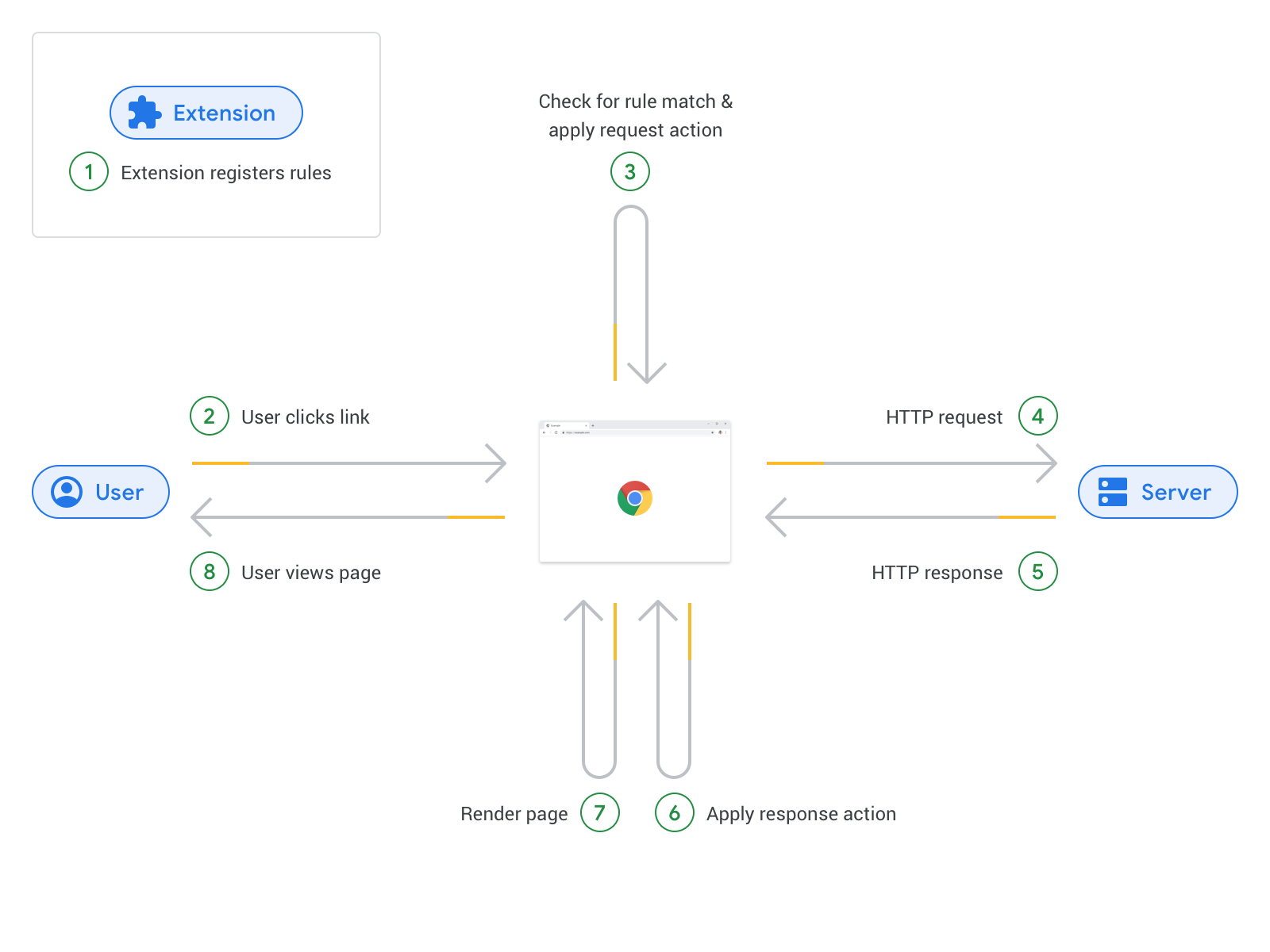
Of course, the flip side of the coin is that this absolutely solves the problems that Google saw with the previous approach: a malicious extension will no longer be allowed to view any sensitive data, as its handling is delegated to the browser; there is no more long-running process to keep in memory, and the cost of IPC and serialization is seriously cut down.
Most privacy-focused extension developers, such as uBlock Origin and Ghostery, are expressing criticism on this new approach, since it is simply not possible to block ads and arbitrary code to the extent than it was using the old Web Requests API. The only vendor that seemed to be enthusiastically on board with this change is Adblock Plus, an ad-blocking extension that has not been recommended for a long time, since they have a financial relationship with Google, and they allow a limited set of Google-controlled ads to slip through the cracks.
Is this the end of ad-blocking? Well, if you use Chromium-based browser, yes, kinda. However, not all hope is completely lost.
uBlock Origin Lite
In an attempt to retain basic ad-blocking functionality even after the deprecation of the Web Requests API, the uBlock Origin team has released uBlock Origin Lite, a re-implementation of their content blocker that is fully permission-less and Manifest V3-compliant.
This new implementation of the extension comes with everything you'd expect from what we just said: non-persistent service workers, no persistent Web Request processes, lower resource usage. The kicker is that, on top of not being as powerful and thorough as the regular uBlock Origin, it has to comply with the new default-denial permission system, so, you will have to grant the extension the permission to operate more advanced content blocking on a per-site basis.
We can see, upon installing the extension, that there are three different filtering modes: Basic, Optimal, and Complete.org.freedesktop.Platform.GL.default
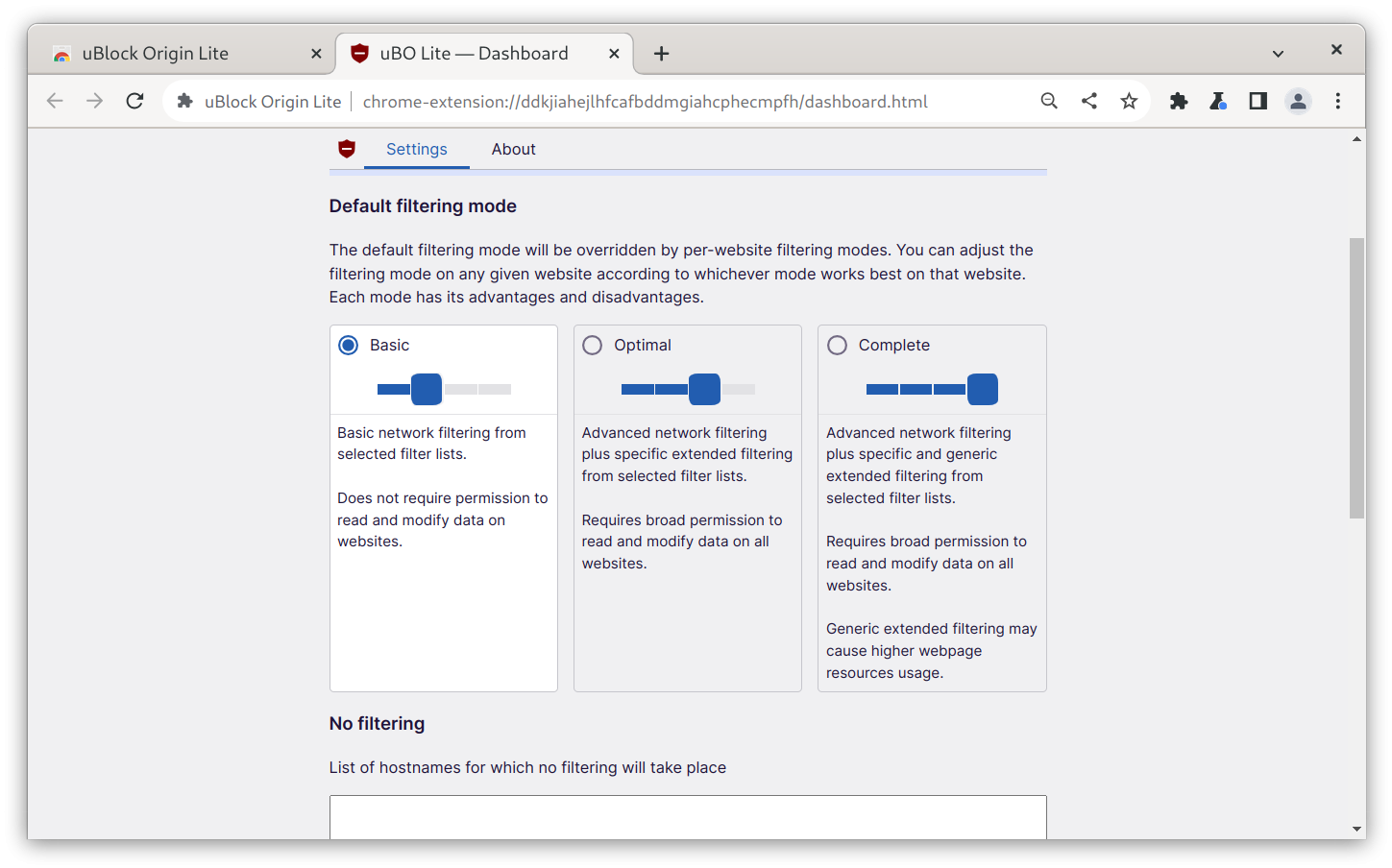
From the extension settings, an user can request to change the global blocking policy. When this is done, the extension will ask the user to deny or grant the new set of permissions it's asking for, through Chromium's permission manager.
It is also possible to grant per-domain permissions: if the global policy is left on "Basic", it is still possible to grant the required permission for Optimal or Complete blocking for a specific domain.
While this is a nice workaround, it absolutely cannot compete with the real deal, and the flexibility it grants. This cannot be considered a real solution. Enter Firefox.
It's time to switch to Firefox.
Fortunately, Chromium is not the only browser vendor that discusses on the next step for WebExtensions. Mozilla's Gecko-based Firefox browser, in fact, will take a more measured approach: while it will ultimately have to migrate to Manifest V3 as well in order to retain support for modern extensions, Mozilla have said that they will not deprecate the Web Requests API, and that their implementation of Manifest V3 will differ from Google's in key areas in order to allow uBlock Origin and other privacy extensions to retain full functionality on Firefox. Moreover, Mozilla does not seem particularly keen on dropping Manifest V2 support anytime soon, which means that uBlock Origin and other privacy-focused extensions will keep working on Firefox without changes for the foreseeable future.
For those of you who left Firefox due to bad experiences with it, fear not: using Firefox is actually a pretty good experience nowadays. It's a lot more lightweight than Chromium, performance is absolutely good enough, website incompatibilities are rare and Linux support is top-notch, with Firefox having much better touchscreen and touchpad scroll physics on Linux compared to Chromium, as well as having a more stable Wayland mode that is active by default, which also allows to use smooth touchpad gestures that follow your finger from the beginning to the end, like butter-smooth 1:1 zoom and pan and two-finger scrolling to quickly go back and forth in your browser history for the current tab. On top of that, Firefox is extensively customizable, allowing you to mostly work around any major quirks you might have with it: there is an entire community dedicated to customizing Firefox through very pretty themes that give the entire UI a full make-over, and, for everything else, you can use a user.js file - whether yours or one maintained by the community, like Arkenfox and Betterfox - to customize every single tiny thing you could possibly imagine, or tune Firefox to suit your specific needs. Let's also not forget that, if ad-blocking is important to you, even on Manifest V2, the developers claim that uBlock Origin works better and more reliably on Firefox and, on top of that, it is also available on the Android version of Firefox, so you don't have to pick between having your passwords and tabs synced across devices or ad-blocking on your phone, as you have to do with Chrome. If you use Linux, it's likely Firefox already comes pre-installed by your distro vendor. Otherwise, you can very easily install it from the repos and be good to go. Migrating to it is not hard either: inside the settings, you will find an "Import Browser Data" option that can be used to seamlessly import most data from your old Chromium-based browser over to Firefox, including the extensions you have installed!
This move might seem daunting, but moving over to Gecko browsers, as for the current state of affairs, looks like the only realistic way out of this unfortunate situation.
Help us break even
We only run on donations. We have a goal of reaching 300 subscriptions, which would allow us to hire staff.
If you subscribe, you'll gain access to a few members-only pieces, though we aim to keep most of our content free for all.
progress to 300 subs goal:no ads · no trackers · cancel whenever