
Table of Contents
My name is Niccolò Venerandi, and my job is to review 2-in-1 detachable screen devices. I've made a video about my currently favorite one, the Lenovo Duet 5, one on the FydeTab Duo, a couple on the old JingPad A1, I daily drive the Minisforum v3, and more.
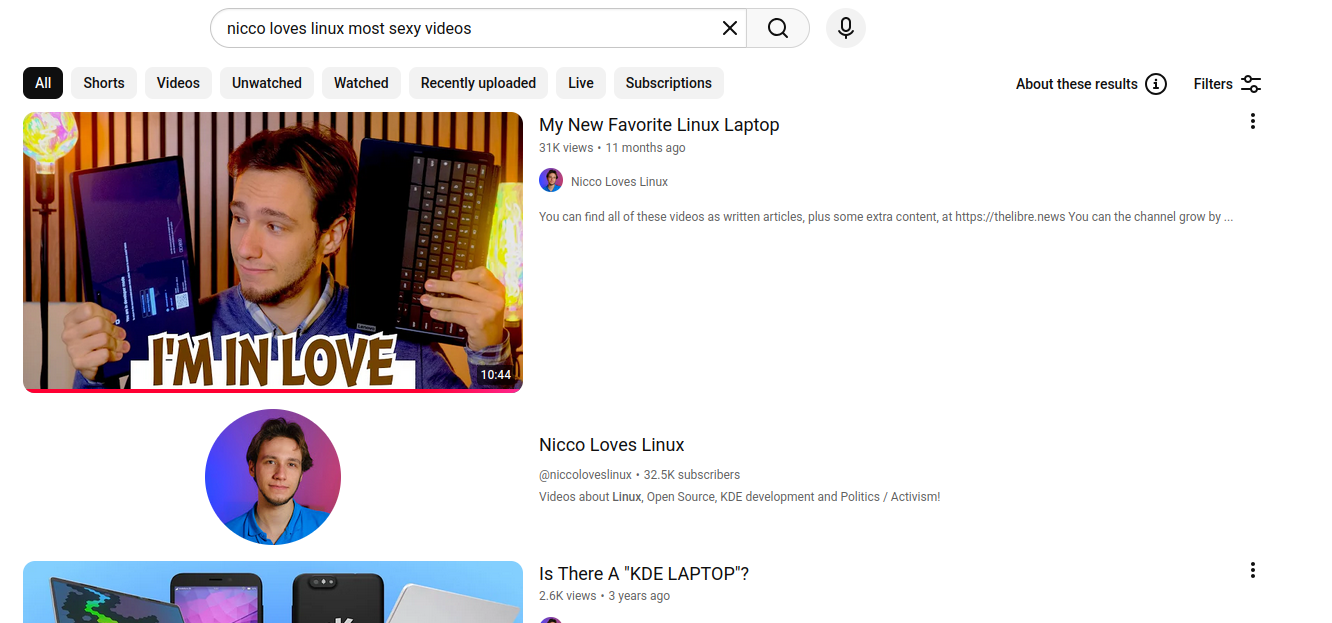
This simply is my form-factor. And thus, when StarLabs asked me which one of their devices I'd be happy to review, I went right away with their 2-in-1, detachable screen, StarLite. I've had it for a few months now; so, did I like it?
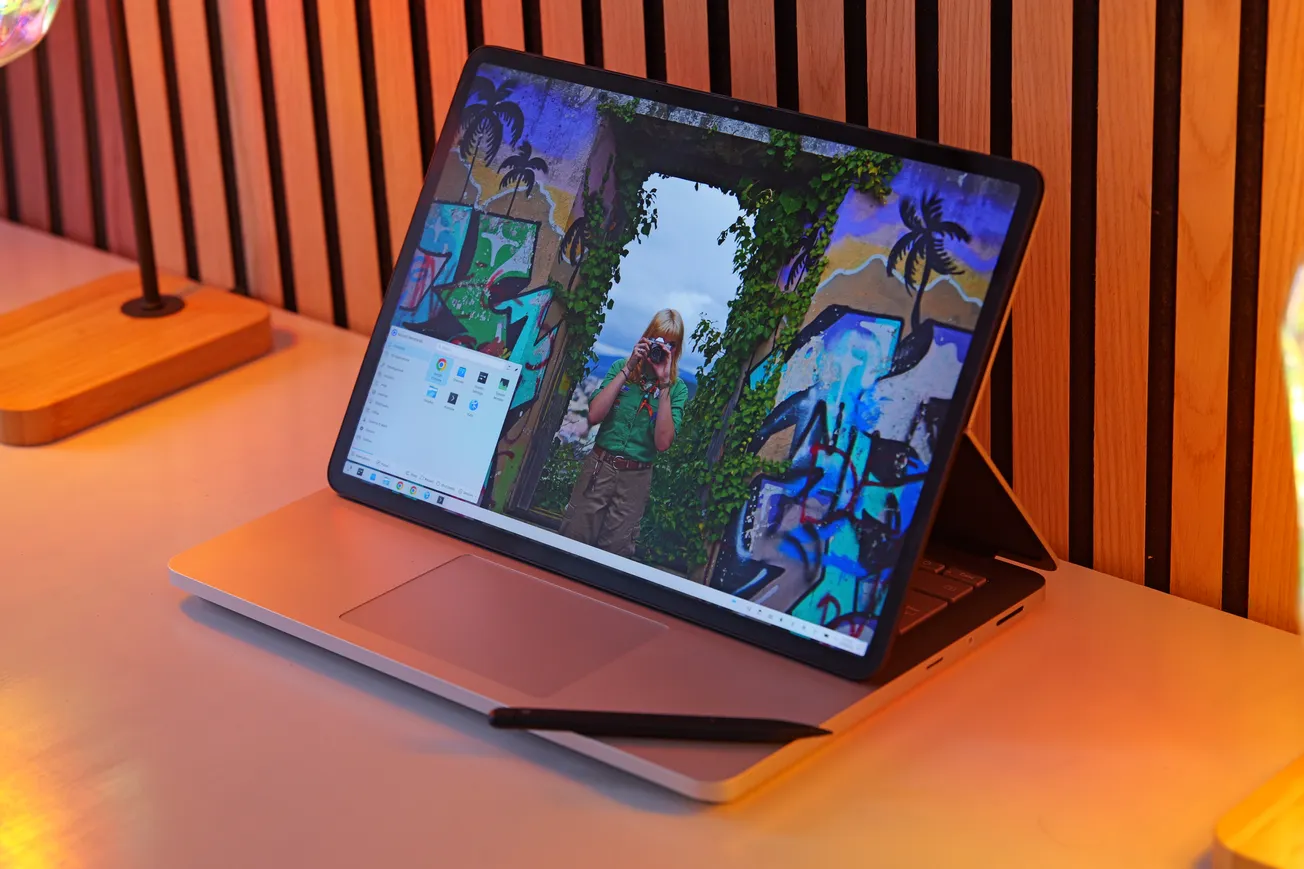
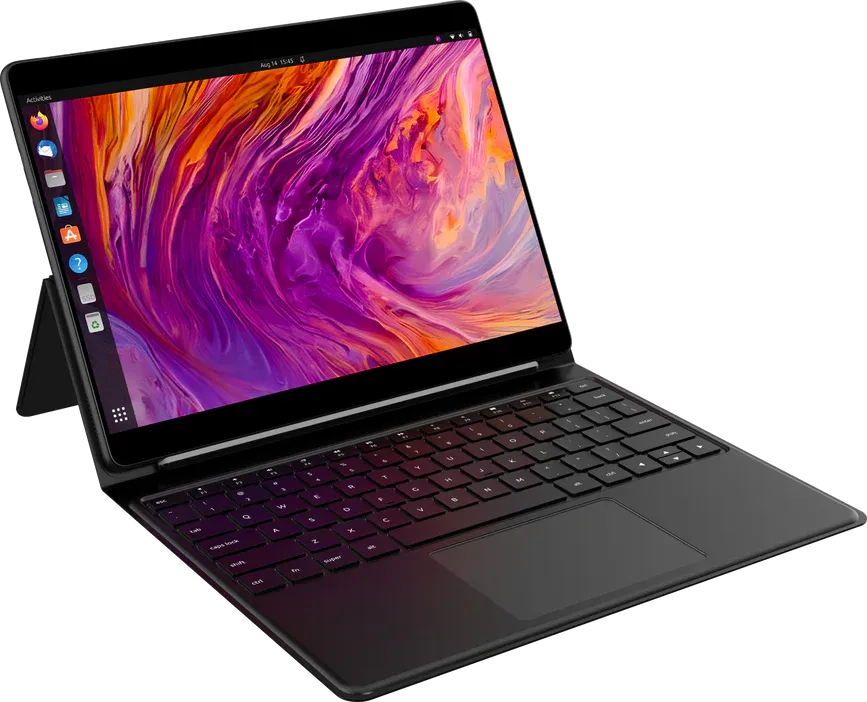
Let's start with the hardware quality and design, which budget 2-in-1s often get wrong. We have a unique (as far as my collection goes) type of keyboard cover, where the kickstand is attached to the keyboard. As a result, you are unable to use the kickstand when in tablet-only mode, which saddens me. Most other devices at this price range have a magnetic kickstand that's a component on its own, which works better on a day-to-day basis. Sadly, there's still no device that comes close to the Surface Pro, with an integrated kickstand; I often wonder whether that's due to some patents.
The material for the whole cover is a very rubbery plastic; in fact, this is the most rubbery device I've typed on. It feels very comfortable to hold and rest my palms on, though I've heard of people who consider this to be a dealbreaker, though I do not understand why myself.
The back of the device itself is also made with an aluminum alloy, and though it does not feel cheap to me, I do prefer the construction that I've found on the other devices I've reviewed, including one at a much lower price point (the Duet 5). That said, I do appreciate the StarLabs logo, which reflects light well and is very sleek.
My final point on the design is that the keyboard lies flat on the table. This is the behavior of most 2-in-1 devices (like the Duet 5 and the FydeTab). I still highly prefer when the keyboard attaches to the bottom of the screen, like on the Surface Pro and the Minisforum, but both of those have much higher price points, so it's understandable.
All in all, I don't feel like I can award any bonus points for the StarLite's design, which feels rather generic. On the other hand, there's nothing inherently wrong with it, and it's the same design shared by many other devices.
I can however award points for the port selection. Usually, these kinds of devices feature one USB-C, or two if we're lucky. Indeed, we are lucky here with two, but we also get a micro SD card reader, an audio jack, and micro-HDMI. This is a better port selection than some "premium" laptops such as my old Dell XPS, though it will still be beaten by most heavier devices.
There are a few annoyances here, too: the USB-C ports are both on the same side, and they're towards the top of the device, which makes charging a bit awkward.
Compare this ot the Duet 5, which also has two USB-C ports, but has them on both sides and towards the bottom: that's much better!
The micro SD reader is phone-like, which requires a pin to open. This might be done to protect the circuits inside, though I would've preferred a plug-and-play solution. The micro-HDMI is very admirable at this price point and device type, though!
(I hate micro-HDMI myself, as their connectors broke on me multiple times, but I still love having it as an option, and a full-size HDMI would not have fit here!)
We get a volume rocker that works out of the box; you'd think this is obvious, but a couple of devices did not support that in Linux without some significant tweaking. We also get a power button that's within a dent to make it easier to find, which I appreciate: it's good design! (Though, it also looks off-center (it isn't!), which is not good design.)
I also appreciate the screen being 2160x1440, which, in my opinion, looks great on a 12.5" device. Though anything else is, again, very standard: the refresh rate is 60Hz, it has some chunky bezels for the year 2026, and it's LCD. There's a slight yellow-ish tint compared to other devices, but you can adjust that. The brightness falls off rather quickly as the viewing angle increases; the coating doesn't fight reflections much, but they generate weird circular rainbow patterns on reflected light. Though none of this will be noticeable in most day-to-day work within your studio, it becomes more annoying when using the device outside, under the sun.
On top of the screen, there's the touch digitizer, which works great. Touch input is correctly registered, and we get touchscreen gestures out of the box (if implemented by the desktop, of course); I only have praise here.
And, like many 2-in-1s, this device also supports pen input; I love that! One great benefit of the StarLite is that, throughout my use, it has never given me any palm rejection issues. When the pen gets closer to the screen, the touchscreen is disabled as it should, and even if it's on, resting my palm on the screen will not trigger weird events. It's definitely the best implementation I've seen on a device I've reviewed so far.
However, the pen itself leaves me unsatisfied. For some reason, the tip slightly retracts when it touches a surface; that, on top of the standard glass thickness of the screen, leaves a weird feeling when writing notes. I'm assuming this is related to pressure levels (which we do have here!), but no other implementation felt this tacky to me. This might be different if you draw art instead of taking notes, but for the latter task, I did not feel like I could rely on this device.
The pen attaches to the keyboard, though not magnetically, which makes it difficult to carry around when in tablet mode. On a broader note, most 2-in-1 devices seem to have issues with handling the pen; the worst offender here is the Duet 5, where the pen holder is not included with the device and you have to purchase it separately, and it simply holds the pen at the back of the device in an awkward manner.
The keyboard I love. They nailed it here. The keys are big, easy to press, and very satisfying. I achieved 90 words per minute out of the box, even though the key sizes are different compared to my daily device. This entire review was typed on the StarLite, and it has been a pleasure. On top of that, we get retro illumination (yay!), there's no Windows key, and no Copilot key either. This is the best keyboard I've tried so far on a 2-in-1, and seeing it on the side of the Duet makes it particularly obvious.
The keyboard lays flat on the table normally, so the flex is not an issue.
The touchpad is big and also feels high-quality to the touch, but it's impossible to click at the top of the touchpad. This is the standard on more lower-end devices, but it makes it a bit more annoying to work with, and it does create a contrast with such a great keyboard. The acceleration curve also felt a bit slow out of the box on two different desktops I've tried, but increasing the speed in the settings seemed to fix that, which is great.
Next up: audio. I was pleasantly surprised at both the quality and the volume, knowing that this is an affordable 2-in-1, which usually compromises on the audio quality. You are not going to use the StarLite as a speaker at a party, but for personal use, it's fine, and the limited space within the tablet would not allow for more volume or bass.
And, talking about intrinsic hardware limitation, the webcam is a laptop camera as we have sadly expected them to become, with their tiny sensors: it's bad. Out of the box, it looks slightly better than the more expensive Minisforum, but it still has a lot of noise even in decently lit rooms and lacks contrast.

The same applies to the rear camera: it's going to be good enough to take a couple of pictures of documents, and that's all it's intended to be, really.
A small usability complaint I have here is that both cameras expose the same name to the user ("USB 2.0 Camera", at least on the desktop on which I tested the device), so it's impossible to distinguish them when, e.g., the browser asks you which camera to use for a website. Though I don't know how internal components are named in Linux, I'm not sure if this is something that can be blamed on StarLite. My unit did not have any pre-installed OS, so it might work out of the box if you use one of their tailored images.
I have kept the biggest praise and the biggest criticism for last. Let's start with the criticism.
Let's talk battery. The specs for the StarLite claim up to 12 hours of usage. However, this does not make any sense: even at idle usage, the CPU drains enough power to only reach around 8 hours of usage, and that's being optimistic. I'm not sure what settings were used to reach the claimed 12 hours, but they are not representative of daily usage.
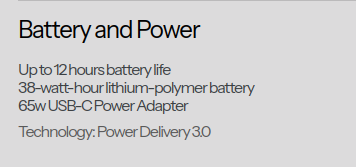
In my own testing, with a couple of tabs open on the browser and nothing else, 80% brightness, I got around 3 hours and a half hours of battery life, maybe slightly more. There's a Reddit poll on the StarLabs subreddit amongst owners of the devices, and the most selected option is 5 hours of battery life, and the average answer is even lower than that.
There seems to be some significant idle battery drain, too.
And, honestly, this is all to be expected: as great as Intel Alder Lake chips can be, powering a 1440p with a battery that fits inside a 12.5" chassis is only going to get you so far. The only way to get good battery life here would be to ditch Intel entirely – ditch x86 entirely, and go for some Snapdragon-like chip. As we will see later, this was not an option for the StarLite, and battery life was a worthy tradeoff; I'm fine with that. However, I'm not fine with them promoting a number that's more than double what most people report as their daily battery life, and almost four times as much as I'm getting in low-power tasks!
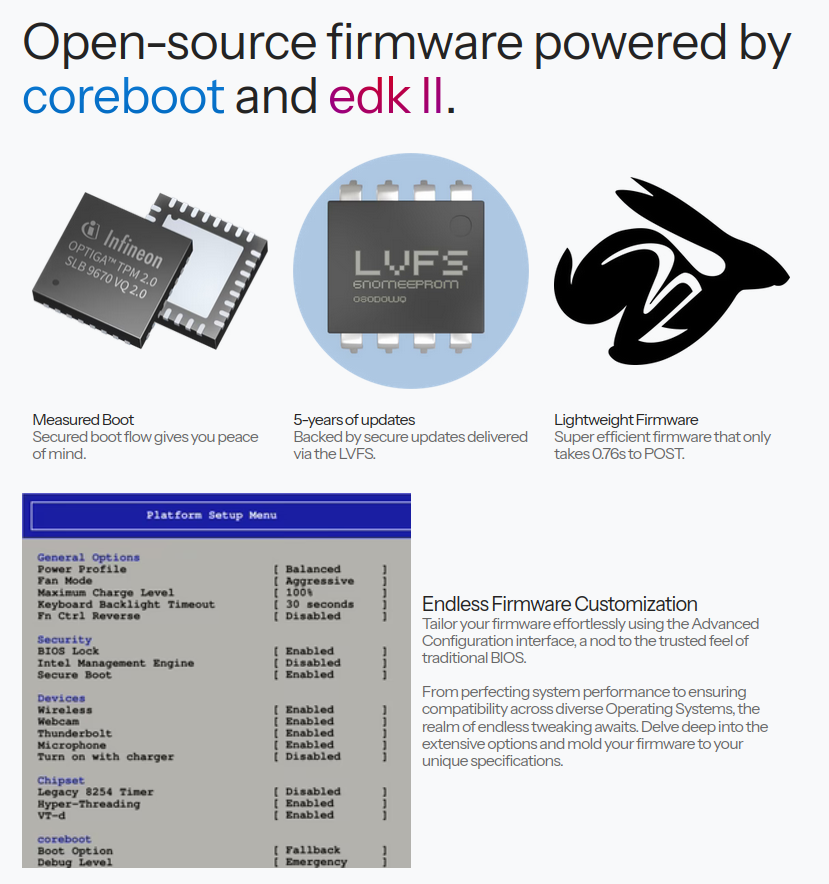
Speaking of the biggest advantage, that has to be the out-of-the-box FOSS software support. Not only can you get this shipped with Linux, but it features open-source firmware based on coreboot and EDK II. I've often compared the device with the Duet or the Minisforum, which are some of my favorite laptops/tablets, but neither of those comes with desktop Linux out of the box.
And, indeed, installing it is painful on both devices. The Duet is a Chromebook (and it's even out of production), and requires multiple steps to boot Linux; I would love to show you some b-roll of that, but sadly, it broke over time, and I don't have the time to fix it. The Minisforum has a broken volume system on Linux, which is constantly stuck on 100%, and the volume rocker requires a third-party script to work. It's not a great experience.
And, even if you put in the effort to make Linux run smoothly on them, as I tend to do, they're still going to run on top of proprietary firmware. Even worse, ARM devices like the Duet 5 require work on each device in order to boot Linux, and most of them won't run it, ever. As big a fan as I can be of the new Surface Pro devices, I've been waiting years for Linux support, and they might just never get it.
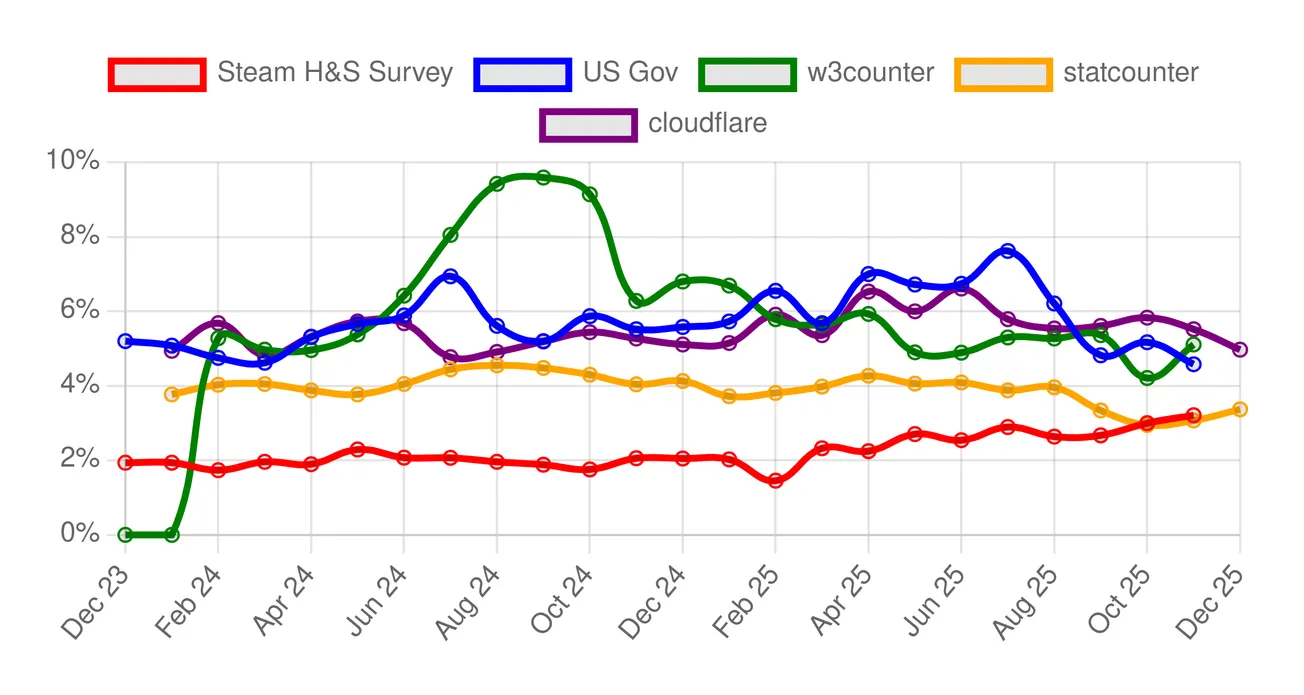
As laptop manufacturers slowly transition towards "Copilot+" devices, I'm getting increasingly anxious and paranoid that it's going to get harder and harder to boot Linux on devices that ship with Windows (or ChromeOS/Android) out of the box, and I fear that desktop Linux marketshare will take a hit as a consequence.
Thus, it's hard for me not to review the StarLite without thinking that these kind of devices, thought from the get-to with open-source support in mind, might just be what we will desperately need in a few years; and, in order to have great and affordable devices like this in the future, I believe that we need to make some compromises today. The StarLite certainly makes those compromises, and though - let's be honest - might be able to get an alternative with better specs at the same price, if you are a Linux fan, that might be enough to make the StarLite a good recommendation for you.
This review has entirely been written on the StarLite.