Open Source World
20 piecesIn this section
pages
Announcing Plasma Studio
Open Source World · 13 min · p. —
I Made the "Next-Level" Camera and I love it
Open Source World · 19 min · p. —
New Linux Hardware, France switches to Linux, and more!
Open Source World · 7 min · p. —
I made the ultimate productivity device for less than 50 bucks
Open Source World · 9 min · p. —The political use of operating systems

Politics is the science and art of organizing, constituting and managing a state and the direction of public life. Expressing these directions represents a power, a duty and an honour, and even though the common belief behind the political participation is that it is enough to vote during the elections, referendum and political initiatives to be part of the political participation niche, it is also possible to argue that there are multiple and diversified ways to make a political choice. One of the latter is the deliberate choice of the technology we use every day. And the everyday use of the technology starts from the personal computer and the operating system that runs on it. Operating systems not only shape and govern the way we interact with our material hardware but also the way we interact with institutions, private entities and peers.
Choosing an operating system means not only choosing the stack of our virtual life, but it also means adopting a particular perspective, prioritizing certain needs and choosing the way we interact with technology.
Making a political use of the technological power means choosing to change the direction of our computing life, gain consciousness on the alternatives and in a way that is equivalent to voting for a party or another, with the discussions, the drawbacks, and the advantages that come with it. This is the power of not letting others choose for us.
This power of choosing comes with the necessity of observing the alternatives, and if OS producers are like parties, each of these parties is bringing a priority or an issue to solve. Microsoft, Apple, RedHat and other vendors explicitly state the issue they are trying to solve: Productivity.
But other parties have other issues and other priorities, what if productivity wasn't the most important issue to solve for some? Are there any entities, producers, or institutions with other priorities that can drive the development of a distribution?
It is impossible to analyze the multiple implementations of the human perspective in this wide spectrum. Here, we tried to analyze the distributions based on the purpose that drives the development of the distributions. We hope it might entertain you and if we are lucky, even inspire you.
As of today, it is possible to clearly see a pattern and group OSes into four major families based on the purpose that drove the development of each of these software.
Military Purpose
Even if the productivity-oriented operating systems such as Microsoft's Windows and Apple MacOS are widely used in military organizations, most of them want to maintain a high grade of independence and control over the classified information, especially those who are not very supportive of the western world. A famous example is Astra Linux. Astra Linux was developed by the Russian Army and other intelligence forces. It provides data protection and mandatory access control, and as of now it is used by many educational, healthcare and state institutions as well as industries such as RZD and Gazprom.
Another focus of government institutions is information military defence where in a Cyber Warfare scenario having a robust and inaccessible OS creates a high advantage. This is the case of Kylin. it was created to make Chinese computers "impenetrable.", Kylin was developed by the National University of Defense and Technology in China. The first versions was based on FreeBSD with which it shared 99.45% of the similarities. It slowly proceeded to a more personalized grade with the newer versions, such as NeoKylin used by the government offices, national defense, energy and other sectors, as well as the 42% of Dell's personal computers in 2015.
In 2013 Canonical reached an agreement with the Ministry of Industry and Information of China to create the first Ubuntu-based OS, called Ubuntu Kylin OS.
But the OS distribution could not only focus on defending national security from the outside. Some institutional entities, having established a dense network of military alliances and defense mechanisms, consider it vital to have strict control over the population in order to avoid people's self-organization and free circulation of ideas.
Perhaps one of the most famous (or infamous) OS in this domain is Red Star Os. This OS was developed by the Korea Computer Center in North Korea. It has multiple controlling mechanism over the user, including a watermarking tool for tracing the spreading of a file from one computer to another, "antivirus" capable of removing censored files, a strange group called "administrator" which is the only one to have root privileges, and a mechanism able to detect the system's integrity and that checks that "certain files" have not been touched.

Software Independence
The military purpose is not the only need for a government; many other entities invest in software independence to cut costs and gain advantages over closed systems.
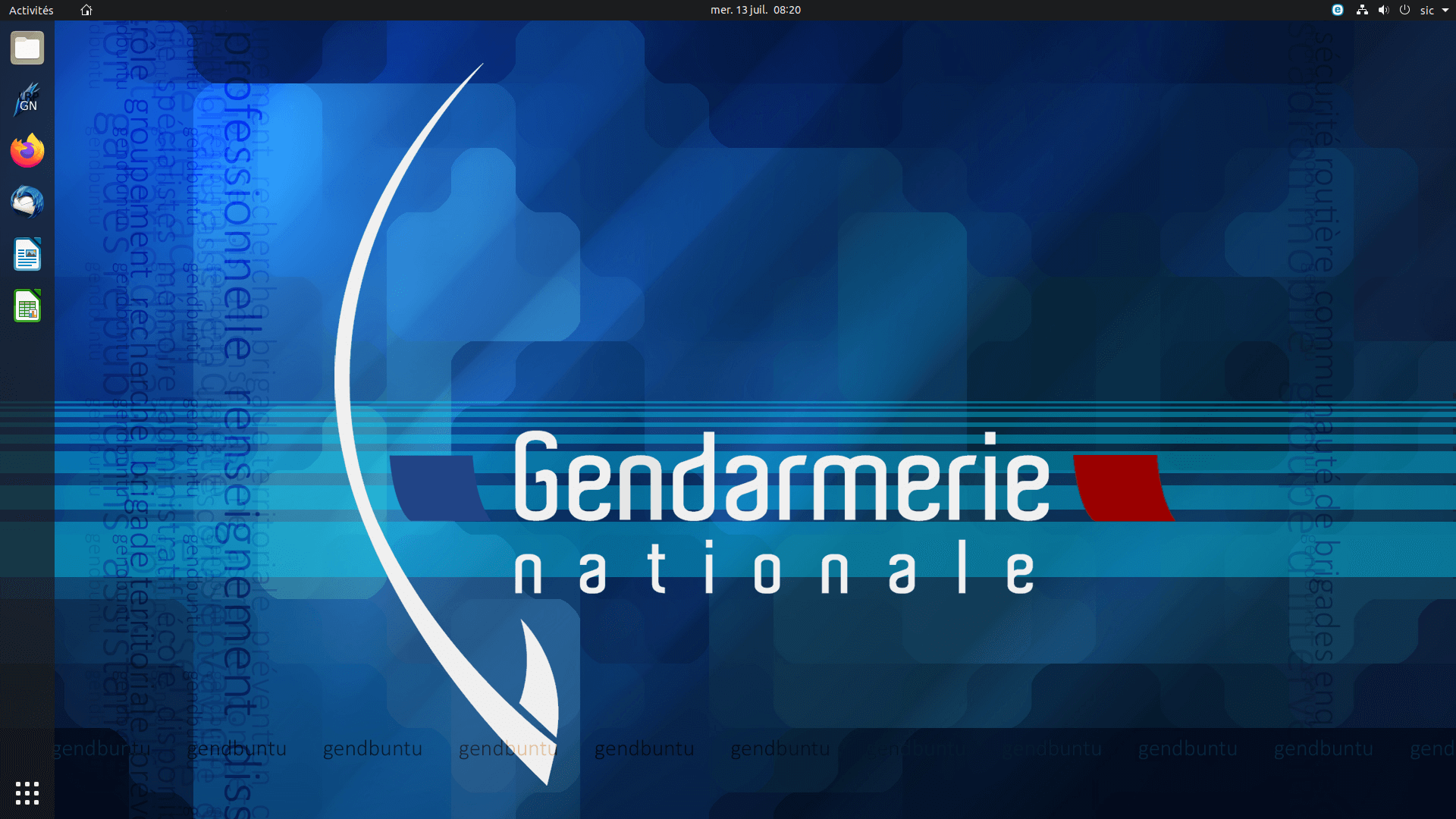
The advantages of having an independent Operating System are mainly related to the capability of the user not to rely on software governed by a third party, the possibility to autonomously develop the parts of the software that are needed and to better adapt to the necessity the software itself. This is the case of GendUbuntu. This operating system was developed by the French National Gendarmerie to become independent from US proprietary software after the end of the development of Windows XP and Vista by Microsoft. This solution cut the costs of staff training and licenses, and still saves the French Government the costs of buying computers with a proprietary OS. Most of the computers bought by the Gendarmerie do not have an OS and GendBuntu is installed by the Gendarmerie Technical Department.
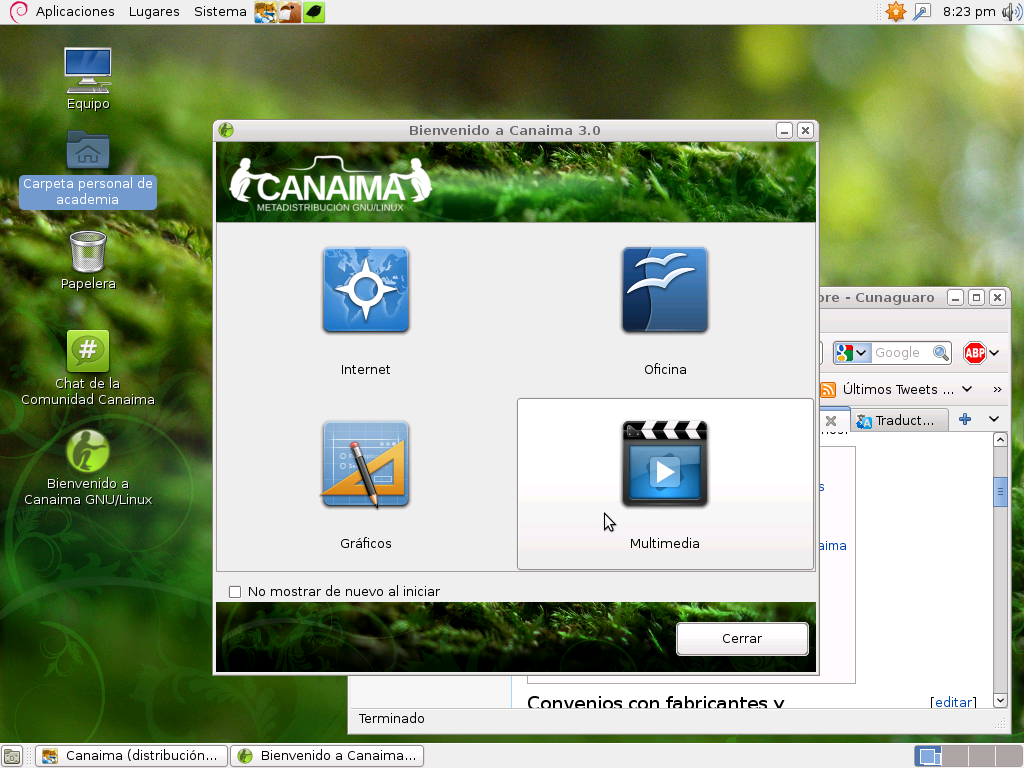
Some argue that another purpose of the free software could be the IT education and this is the proposal that brought the Venezuelan government to build Canaima Linux. Canaima Linux was created in accordance with the presidential decree 3390 of the Venezuelan Government. This OS is one of the most used in Venezuela, in particular, after the efforts done during the "Canaima Educativo" project were the goal was to provide school children with a basic laptop computer and with the basics educational skills in software utilization.
Canaima is now the default operating system for the Venezuelan public administration, and it is also the most used Linux distribution in Venezuela, thanks to the widespread adoption of the distribution by the public schools.
But the adoption of FOSS software in public entities wasn't always successful. An example of this is LiMux. LiMux was developed by the city of Munich in order to replace the software on its desktop computers and abandon Microsoft Windows. During the development of LiMux another software called Wollmux was developed to extend OpenOffice capabilities in areas required by the Munich Council, including managing letterheads, templates, and saved blocks of standard text. Unfortunately, OpenOffice received much criticism for its productivity shortage, so the administration considered returning to Windows software. The spokesman of the Munich city council argued that those productivity problems could have been solved by switching from OpenOffice to LibreOffice, but the city council had already decided.
Another purpose of the Independent Operating systems if often fight back against embargoes and limitations from producing countries. The Cuban government began the development of Nova Linux just after the beginning of the US embargo and it was developed in Havana by the University of Information Science by students and professors. The emphasis was particularly drawn to the FOSS aspects of the project with the Director of the University stating: "The free software movement is closer to the ideology of the Cuban People".
Research
The creation of a research-oriented OS always drew a keen interest among the Open Source community. Usually, research-oriented distributions contain necessary software and optimization specifically designed for a particular area of research.
Some examples are Scientific Linux, which focuses on High Energy Physics (its firt name was HEPL or High Energy Physics Linux), which was developed starting from FermiLinux, a Linux distribution developed at FermiLab, Chicago and then enhanced by CERN, DESY and the ETHZ of Zurich.
Another OS developed by the Chinese Academy of Sciences in 1999 was Red Flag OS, built with the aim of serving the Chinese research community with a research-focused OS that could substitute Microsoft's distribution.
Unfortunately, it never reached a wide computer population.
Other distributions started as research platform and quickly gained popularity among wider communities, an honorable example is Kali Linux, which was designed as a Cybersecurity Research platform and it quickly gained popularity as a penetration testing and digital forensics tool.
Hardware and Software Ownership
These are only some of the purposes that drove the development of some distributions, but possibly the most widely and recognized reason not to use proprietary software is the possibility of having more control over the hardware and software of the computer. For this reason many user centric distribution were developed. Some are easier for the user to be managed, like Ubuntu, Fedora, Manjaro and Debian and some less, like Arch and Endeavor. The idea behind the complete ownership of the computer is that once a product is bought, the producer should not have any right over what it is executed on it, whether it is the data or the software. Computers are almost always shipped with a predetermined operating system, limiting the choices of the user and proposing a boring and standardized use of technology. Some argue that the choice of the operating system by every user would make the management of computers more difficult and problems more complex to solve, we argue instead that giving the user the right to choose the operating systems would make people more capable of comprehending their power, gain consciousness over technology and being self sufficient in the reparation of it, creating a less dependent society and a democratization of the knowledge on the technology.

The wide variety of human needs and ideals brought to the creation of a colored spectrum of Operating Systems and distributions, and even though the adoption of many of them could not be wide enough to call them "popular" it is still possible to say that each of them deserves a certain attention, whether to escape from a boring afternoon on a virtual "testing" machine or to escape the monotonous use of the computer, relegated to just being objects with the sole and only purpose of the productivity instead of seeing each program as a projection of the human need.
In a way we can say that if art is the proof of human existence on this earth, then computer programs, operating systems, languages and compilers are little forms of art.
Is Linux market share going stonks or not stonks?
Every couple of years, I see multiple articles about Linux market share suddenly dropping or rising within a few months, reaching new all-time highs or all-time lows. This might raise the question: Is the Linux market share growing or shrinking overall?
Well, it's difficult to say, because we don't have a good metric for it. However, we do have a few data sources, all of which could be taken into consideration.
Sometimes, articles refer to the Steam Hardware & Software survey, which asks a random sample of Steam users for their current platform, including the Operating System. Of course, that data is bound to be highly biased towards gamers, but it's nonetheless one indicator we could listen to.
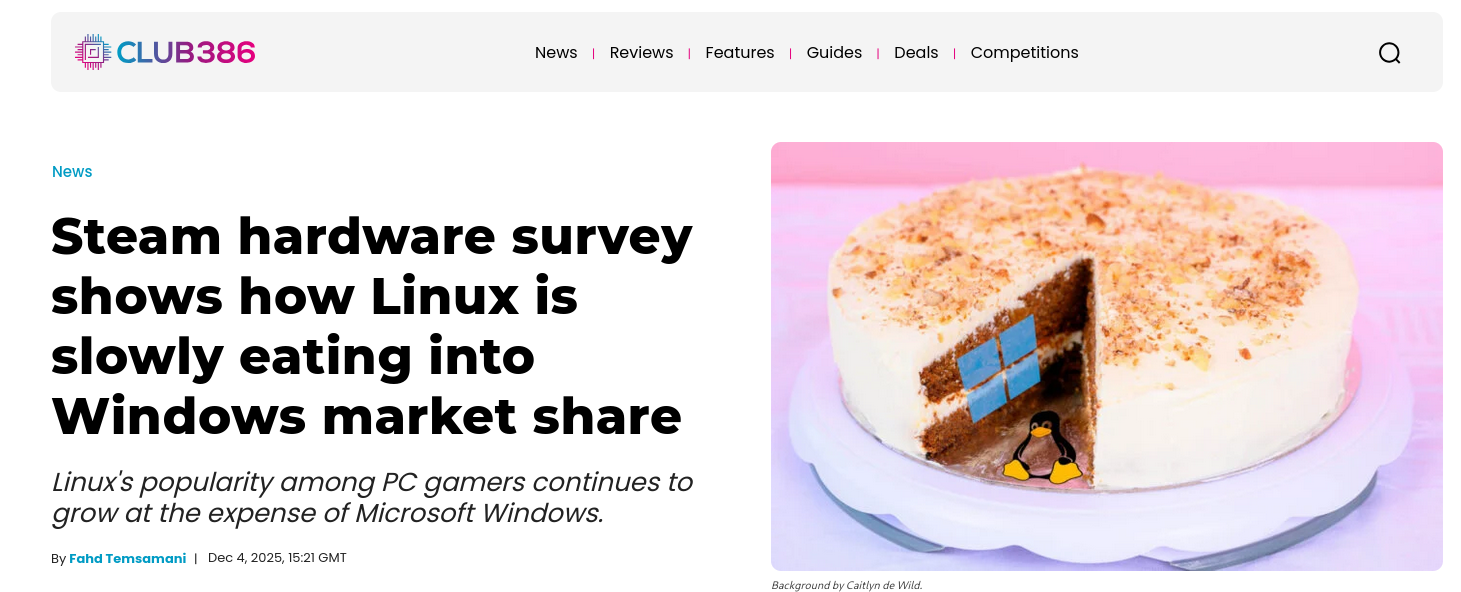
Alternatively, some articles use StatCounter's data, which tracks pageviews from supported websites and tells us which percentage claims to be coming from which Operating System. This is meant to be a bit more reliable, as it samples from billions of page views, but it still might introduce some biases.
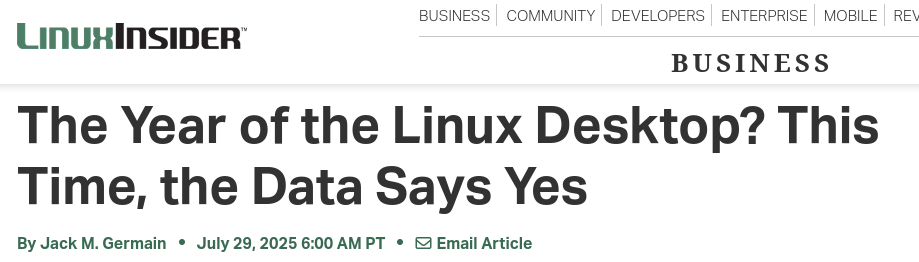
ZDNet even ran an article claiming that Linux had 6% market share according to US government records, which might surprise some of you. Though obviously biased in favor of the US, we do have the analytics from the government's AdSense account, which is yet another data point.
And there's even more: W3Counter has its own Operating System tracker, and then there's one from CloudFlare, and we could even go looking at the StackOverflow yearly survey of developers, and so on…
It might be hard to keep track of every single thing. However, after looking at the data, I can tell you that Linux market share is, sadly, not stonks. (Or at least, it's not growing noticeably in the last couple of years.)

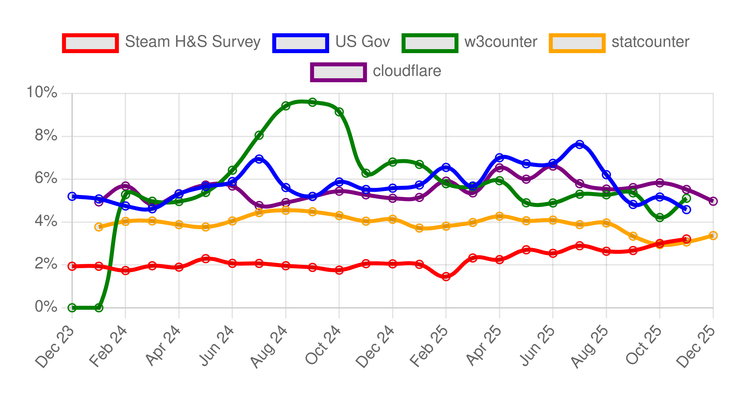
Here's the aggregated data of all of these data sources over the last two years:
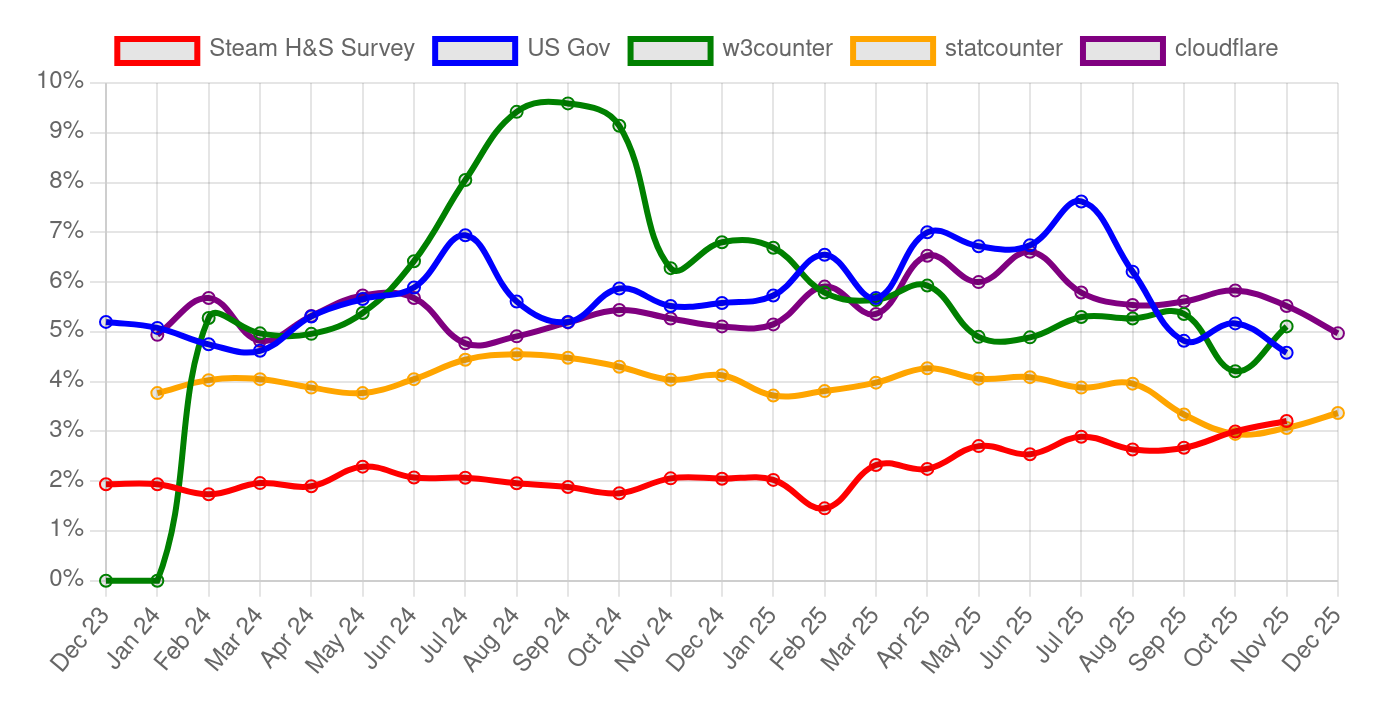
There are a few weird things about this graph, but I'll get through it.
Before that, I want to mention that this graph (and many more) can be found on the page thelibre.news/linux-marketshare, continuously updated for everyone to see. It took quite a while to automate grabbing data from all of the different sources and building the graphs automatically, so go give it some love!
Now, overall, I believe that we can safely say that there's no visible upward trend in Linux market share. The only datapoint showing a stable increase is the Steam H&S Survey, which is probably driven by Steamdeck sales (thanks, Valve!).
It's also worth noting that W3Counter data is unusually high and unusually low on different time frames. That's because that website only provides the top 10 most used Operating Systems, including both desktop and mobile ones. When Linux doesn't make the top 10, I get no data, and I have to mark it as zero. However, I don't have a good explanation for why it was giving such high numbers around Sept '24!
On the webpage itself, you will find an in-depth explanation of every data source, and a graph for each one, too. I'm also working to bring more data than just the last two years, and to show geographical data, filtering by country.
Check it out:
 Niccolò Venerandi
YouTube is Awful. Please use YouTube, though.
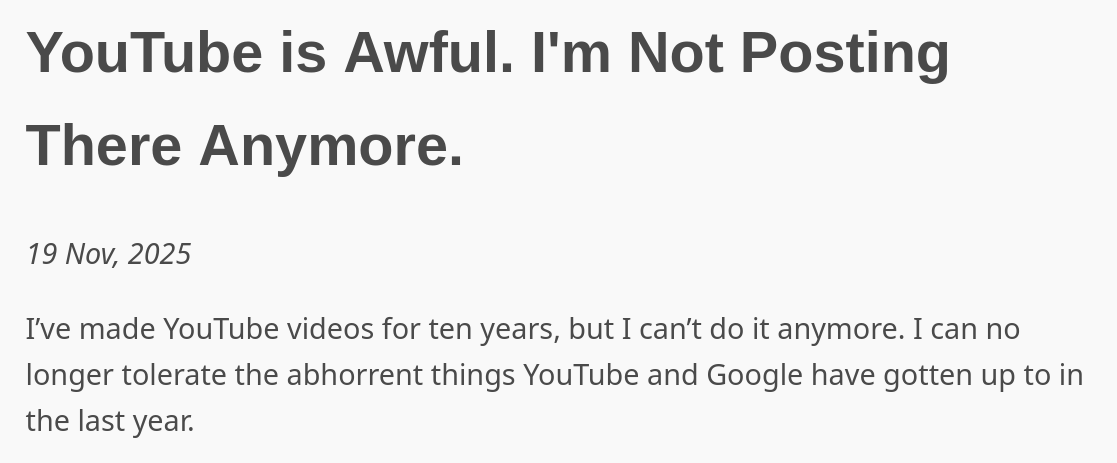
Today, someone shared with me an article by Josh Griffiths titled "YouTube is Awful. I'm Not Posting There Anymore". This made me instinctively roll my eyes, but I had no good reason to be skeptical, and Josh does have some solid arguments to make.
As we will see now, YouTube can easily be seen as awful. And yet, I have decided to make this video, and many more; even worse, I still feel a strong gratitude and affection for this platform: why?
YouTube indeed is awful
Let's start with the strongest argument against YouTube presented by Josh. He says,
In August 2025, two creators discovered YouTube was using AI to alter their videos without their consent, and without telling them.
He's referring to Rick Beato and Rhett Shull, who each have channels with millions of subscribers. Beato compared short-form content that he shared on YouTube as a Short and on Instagram as a Reel, and found out that the former had the classic look of AI-generated content, even though it was real.

Rene Ritchie, creator liaison for YouTube, confirmed on Twitter that YouTube was running "a small experiment on select Shorts, using traditional machine learning to clarify, reduce noise and improve overall video clarity – similar to what modern smartphones do when shooting video".
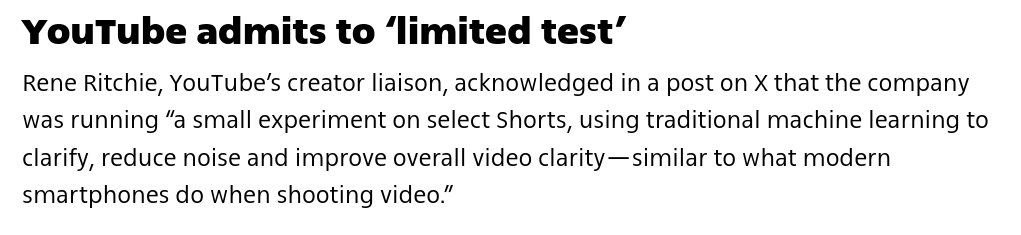
On one hand, he's unfortunately correct: I have a habit of using the "pro" mode on my Honor smartphone, as that's the only way to avoid AI-based upscaling to be visible in busy parts of the image. It is similar to what modern smartphones do when shooting video.
However, this is something that can easily damage the brands of the people whose content you are modifying. I do not you any AI tools to do these videos, and I'm certain that - if I did - I'd receive a fair amount of pushback from my audience. The idea of YouTube replacing the look of my videos to add AI-generated artifacts, without telling me, is truly awful.
As Josh says,
They’ve opened Pandora’s box; they’ve told the world that they can and will edit videos after they’ve been uploaded, and will not tell creators or viewers. You can’t trust anything you see anymore, even from creators who adamantly do not use AI. Sure, it’s “just” an AI smoother today, but tomorrow they could put an ad straight in the video, or remove something they don’t like.
Furthermore, YouTube is taking part in the general swing to right-wing politics made by most major tech companies after the re-election of Donald Trump.
They (unnecessarily) agreed to a settlement of $24.5 million, and $22 million of that will directly go towards the construction of the famous Ballroom. The remaining will be paid to the American Conservative Union and other parties involved in the case, such as conservative writer Naomi Wolf.
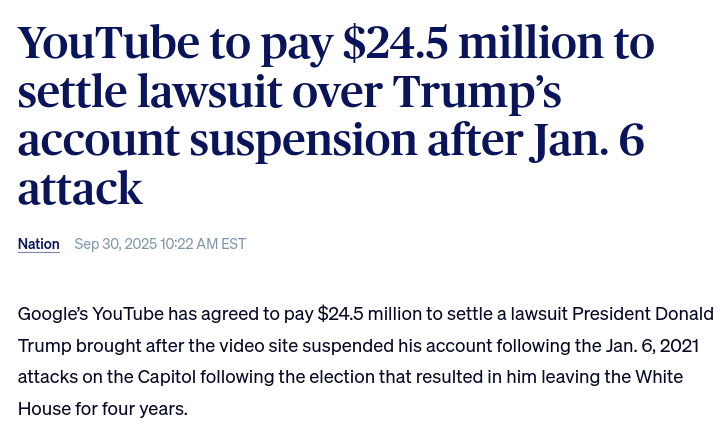
And, of course, they chose to reinstate Donald Trump's YouTube account (which was banned in January 2021); they also rolled out a program to allow previously banned channels to "rebuild their presence on YouTube", and this move was also seen as a way to align with the Trump administration: the fear is to see brought back many of the channels that were banned for spreading misinformation.

At the same time, YouTube is taking a hard stance against videos attacking Israel for the genocide it is committing in Gaza. As an example, journalists Nikita Mazurov and Jonah Valdez reported that YouTube removed over 700 videos documenting Israeli war crimes and human rights violations in Palestine.

At the same time, YouTube is running great amounts of Israel propaganda, which contains many factual inaccuracies that are being ignored by the company. It's easy to see a double standard being applied here.

These are, in my opinion, the worst behaviors that YouTube is currently showing to the general public. There are a few more points that Josh is making, though I don't agree as much with them. Nonetheless, for intellectual honesty, let me go through them.
Firstly, YouTube is very aggressively cracking down on ad blockers. According to Josh,
YouTube chose not to take prisoners, and they didn’t care about innocents caught in the crossfire. Not only did they disable videos for anyone using any ad blocking program, they also disabled videos for a lot of people who didn’t use any.
YouTube more recently shut down one remaining loophole in Firefox to maintain ad blocking, and they decided to enable "Automatic Ad Place" on all videos, retroactively.
Creators have two ways of putting ads in videos – they can place them manually or automatically. If you choose the automatic option, YouTube will place about two or three ads every minute. Placing them manually meant I could put one or two in the whole video, depending on how long it was. But starting in March 2025, they automatically placed ads on all my videos, newly uploaded ones AND old ones. You are able to turn these ads off, but only individually by editing the videos one by one. I spent hours going through my backlog of videos disabling ads I didn’t place.
Furthermore, YouTube is integrating AI tools within the Creator Studio. You are now suggested AI-generated video titles you should work on, and it even proposes to generate the entire script, a voice-over, and a thumbnail.
Here's what YouTube is proposing for me! If I click one of these cards, I'm given a button "develop this idea", which generates a hook, a structure, and thumbnails. All of this is fully AI-generated.
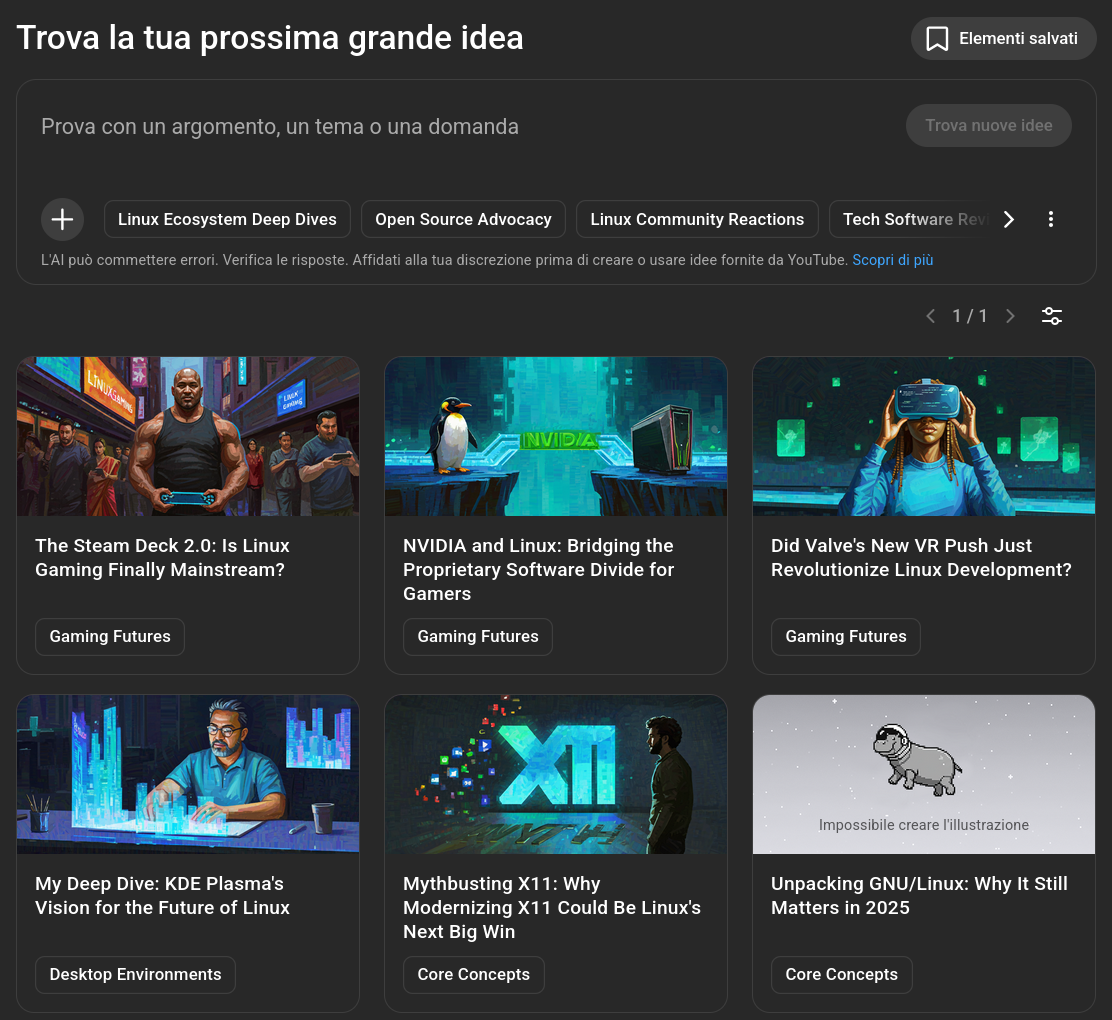
And they're bad. I'm happy to report that I only discovered this feature whilst researching for this article, and I'll probably never make use of it again.
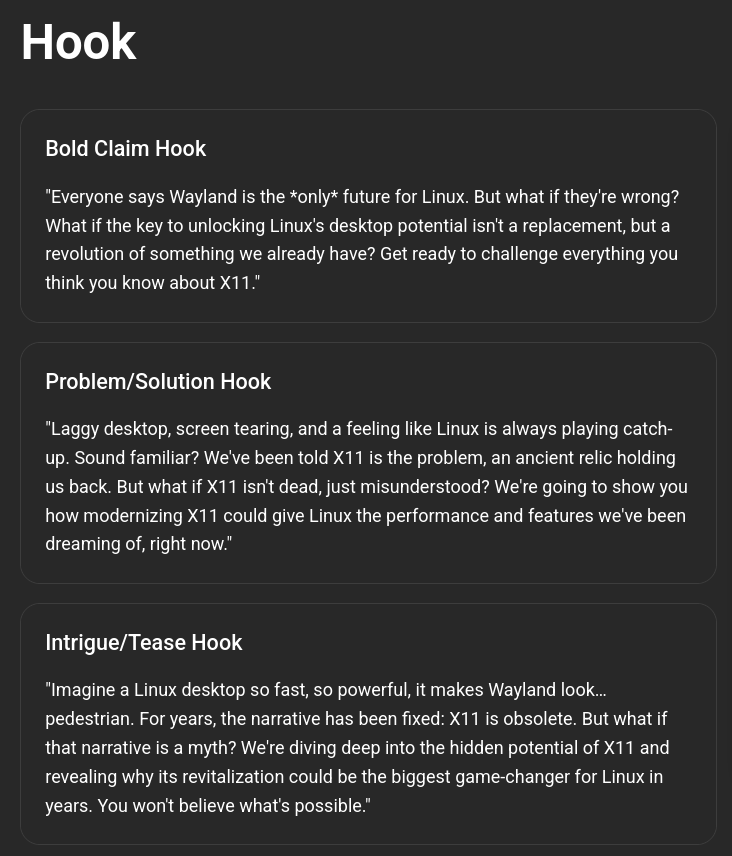
Of course, this is entirely opt-in for creators. However, Josh claims that this is still part of the general enshittification of YouTube, as it will make it easier to generate low-effort AI slop that will slowly take over the platform.
Note that Josh says:
[This means that] YouTube is absolutely taking all of my videos and using them to train their AI without my consent.
And, err, we already knew that large language models are trained on YouTube videos, years ago. I wish we could stop looking so surprised when we "rediscover" widely known facts! But of course, his point still stands.
Due to all of these reasons, which you can read more extensively on his blogpost, he has decided to quit YouTube and start uploading his videos exclusively to Peertube instead.
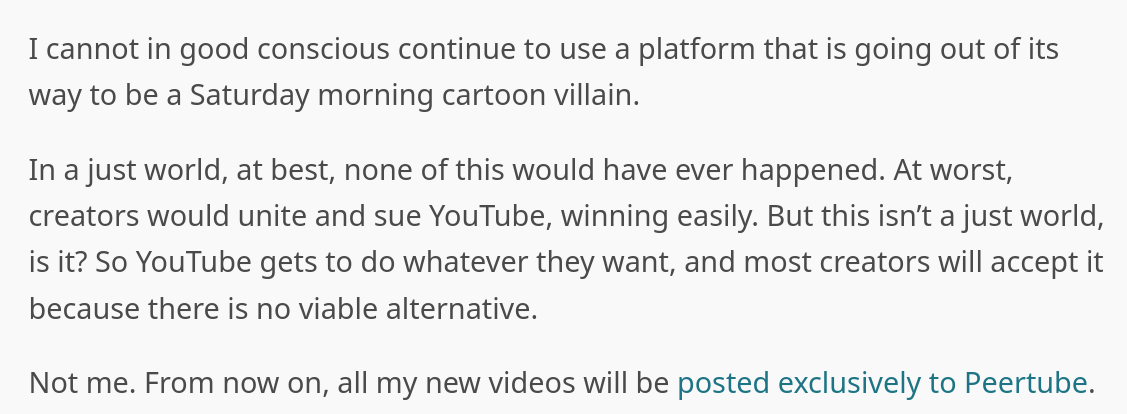
This is a completely reasonable choice, and I will not criticize him for it. However, there are a few things he said to justify this transition that I would like to criticize.
YouTube and monetization
Firstly, let's talk about ad blockers. I'm not going to come here and tell you that you shouldn't be using ad blockers, but their usage on YouTube has some significant drawbacks.
Let me tell you, doing videos takes a shitton of work. Which is why half of all the earnings that YouTube makes through advertisements is shared with the creators. There's a misconception that we only get a small portion of that ad money, but we get half; so, by using an ad blocker, you are damaging us creators, as much as you are damaging YouTube.
Even worse, since I make videos about Open Source, and Open Source fans are more likely to use ad blockers, it means that making videos about Open Source is inherently less profitable. If I spent my time covering proprietary software, or doing book reviews, or talking to any other audience, I'd be making more money out of it.
Think of the incentives this creates: if you're part of a community that uses ad blockers more often and frequently, then content that will be interesting to you is inherently less profitable to make, and we're not talking about profit margins, but it makes the difference between being able to make videos about a certain topic and not being able to.
This is why I push so hard for paid subscriptions and donations: I have very low revenue numbers compared to the amount of views and watchtime I get, and making videos is not free, so I have to seek money elsewhere. And, honestly, it's barely working!
And, by the way, I'm not telling you not to use ad blockers. Even worse, I publish all of my videos, without advertisement, on both PeerTube and Odysee for everyone to watch, so that you don't have to compromise your privacy. I'm just saying: using an ad blocker has its benefits, but it also has its drawbacks, which are often ignored.
When asked whether he will continue watching YouTube videos, Josh says the following:
YouTube, unfortunately, still has a tight stranglehold on the online video community. There are dozens of video creators I watch that upload only to YouTube, Nebula, and Patreon. I’d love to support them all on Patreon, but I’m a writer and grocery store worker, I don’t have that kind of money. So I myself use adblockers, in fact I started using FreeTube and PipePipe recently, which gets rid of all ads and sponsorship segments. This cuts YouTube out of the equation completely and I still get to watch my favorite creators.
You're not cutting YouTube out of the equation completely. You are cutting YouTube and the creator out of the equation. Again, by doing this, you are making it harder to make a living by making the kind of videos that you like.
He goes on to say:
When I was still posting videos on YouTube, I was okay with my audience using ad blockers. I recommended it, even. If I had to chose between making a thousand dollars and only five people watching my video, or making five dollars and a thousand people watching, I’d take the latter. And if a creator has the mindset of the former, well, I don’t mind them not getting my pennies since they’re clearly happy without them.
I feel like this is a flawed worldview when talking about YouTube creators. Again, making videos takes a lot of work and money. I spent a lot to have the equipment to do it, and I still spend a lot to make sure my collaborators (and, honestly, myself!) are paid properly. It would be great to have a thousand people watching my videos instead of five, but if that means being unprofitable, there's not much I can do about it: I can't lose money on videos regularly.
It's not greed! I love making videos, but they take such an amount of resources that I have to have some sort of business plan when making them, and the same applies to most YouTube creators my size or bigger.
This is particularly clear when Josh brings up the difference between YouTube and PeerTube monetization:
There are no ads, so I don’t make any money from these videos. I make videos because I like doing it, not because I want to be rich and famous.
I don't want to be rich and famous. I want to make a living out of this. I want to pay my bills, and my collaborators, and have good equipment to do more videos. I wouldn't be able to afford that if I only made PeerTube videos. I wouldn't be able to afford that if everyone used ad blockers. And, again, it's not just me: this is a very common experience among creators with my amount of subscribers.
Please, please stop portraying advertisements as a way to "get rich and famous" or YouTube videos as something you just make for fun. It's a product that requires work, and it either gets compensated for it or it won't exist.
Which gets me to my final point:
YouTube is a monopoly
Think of a YouTube competitor. (You can't.)
YouTube is often thought of as a video hosting service, akin to PeerTube. In reality, they are very different products. PeerTube allows you to upload videos (for free!) and share them. YouTube allows you to make a living by uploading videos (for free!), and no other platform has managed to achieve that.
YouTube, as a product, has two almost unique core features: its ability to match the audience to videos they might want to watch, and its ability to match video creators with advertisers.
PeerTube, and similar platforms such as Odysee, already have significant issues to do the former. As Josh himself writes,
Peertube has major issues – there aren’t many creators worth watching, the search system doesn’t work very well, the mobile app is atrocious, many instances prohibit how many videos you can upload, and creating your own instance is difficult.
When I say that I wouldn't be able to do videos if I only uploaded to PeerTube, this is a big part of it: even if I made a living entirely out of donations, I would nonetheless have to thank YouTube for managing to get myself known to a new audience. PeerTube and other open-source YouTube alternatives severely lack in this department.
But even within the commercial world, the ability to pay creators for their work is hard to find.
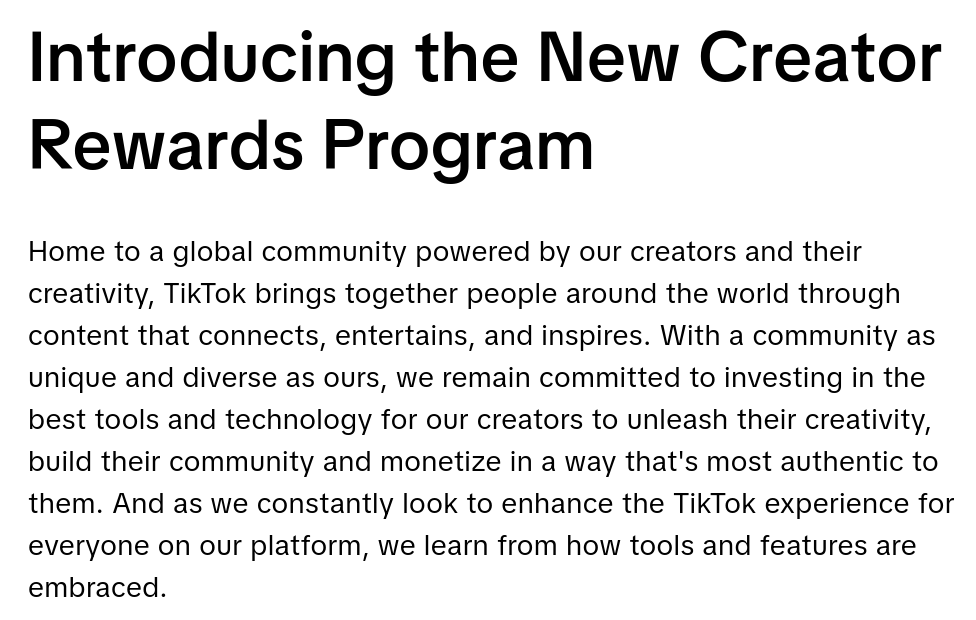
You might think of TikTok or Instagram Reels as a short-form competitor to the long-form YouTube; however, short-form content requires much higher effort to make (per minute of video), and is much harder to monetize (users can scroll away from advertisements). As a result, monetization often comes in the form of Rewards Programs, which are highly unprofitable for the creators.
Other platforms have tried to make long-form content sustainable by putting it behind a paywall; I'm thinking of approaches such as Patreon's. Even if that works, we're back to the discoverability problem: it's really hard to stumble upon somebody's Patreon page by chance. As a result, these platforms are often used as a secondary channel, whilst keeping YouTube as the primary way to get discovered.
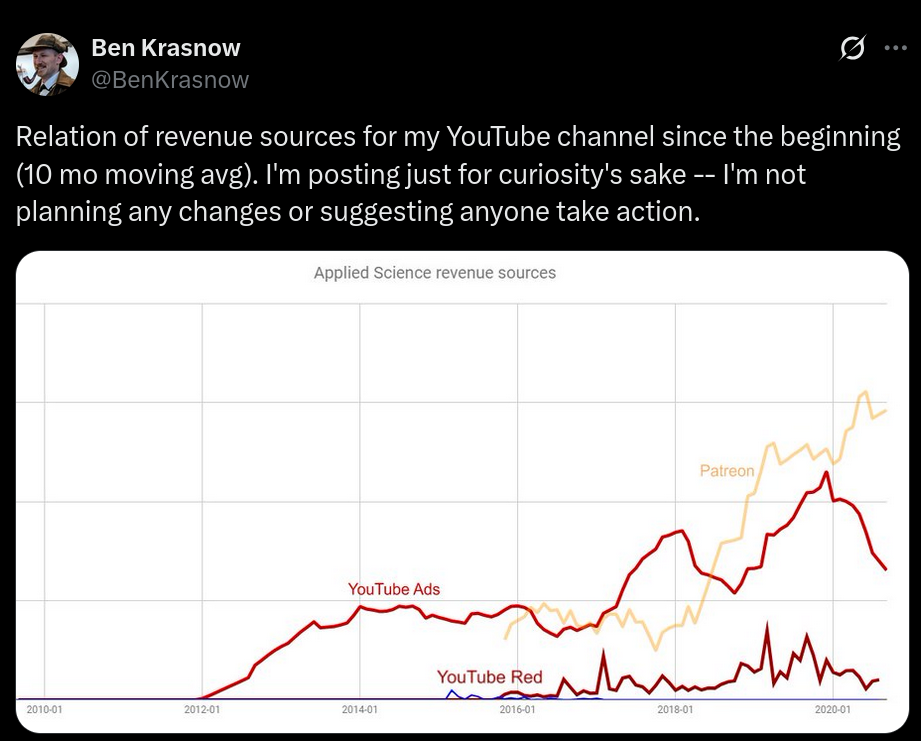
All of this is to say: if you suggest that content creators should not use YouTube, you're effectively saying that their videos should not exist, because there is no YouTube competitor to switch to. It's a monopoly.
And, honestly, it's something that worries me deeply. Monopolies are bad, and it only takes one bad decision by a YouTube executive to leave millions of people across the globe without a job.
How's Linux dealing with AI?
A while ago, I published an article explaining how AI scrapers were placing a heavy burden on Open Source projects; though that is still true, some tools have been developed to address that (such as Anubis).
Even earlier, we talked about whether Open Source projects should allow AI code contributions or AI-generated bug reports. Many projects, such as Servo, decided not to allow them at all.
However, things are moving, and these discussions are taking place increasingly more often. Thus, I'd like to briefly address the question: how are Linux and the FOSS ecosystem dealing with AI?
Let's start with this article by ZDNET. They claim that AI is "creeping into the Linux kernel - and official policy is needed ASAP".
An example of that is AUTOSEL, which is a "Modern AI-powered Linux Kernel Stable Backport Classifier".
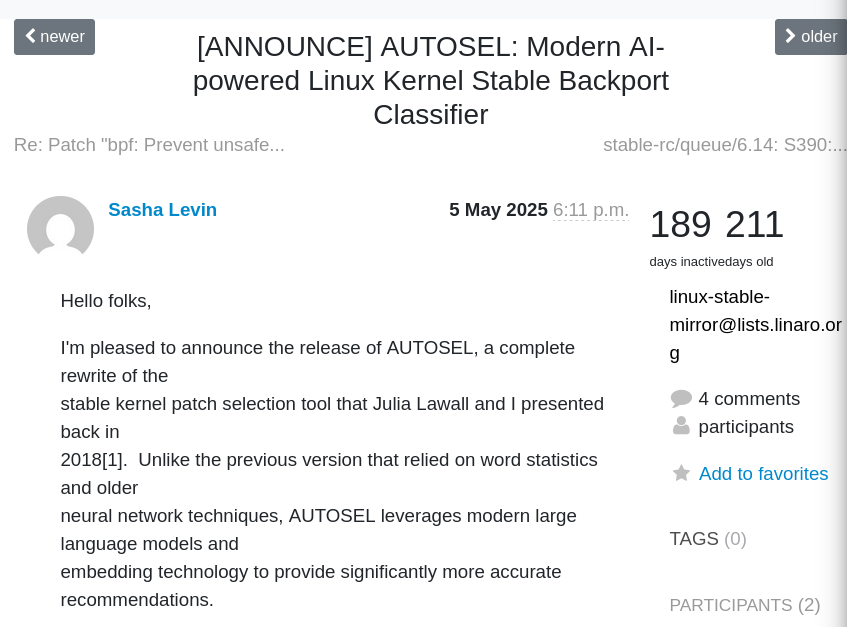
According to the announcement,
AUTOSEL automatically analyzes Linux kernel commits to determine whether they should be backported to stable kernel trees. It examines commit messages, code changes, and historical backporting patterns to make intelligent recommendations.
This has been praised as a positive example of modern LLM usage, as it's meant to support a developer without replacing one; and it does not perform any action, as it only presents advice with a reasoning for it, and it's up to the developer whether to take it or not.
However, AI usage in the kernel goes beyond the use of such tools.
During the 2025 Open Source Summit, NVIDIA Developer Sasha Levin shared that a patch that was credited to him was entirely AI-generated, though he did review and test it himself.
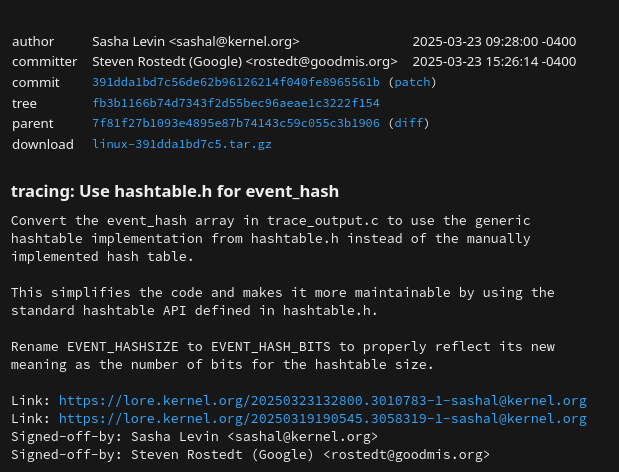
Note that this was not disclosed when the patch was submitted for review, at least to my knowledge.
Please note that AI agents are used here, meaning that the LLM is allowed to run git commands to learn about the repositories; though, I'm assuming that the access is read-only for them.
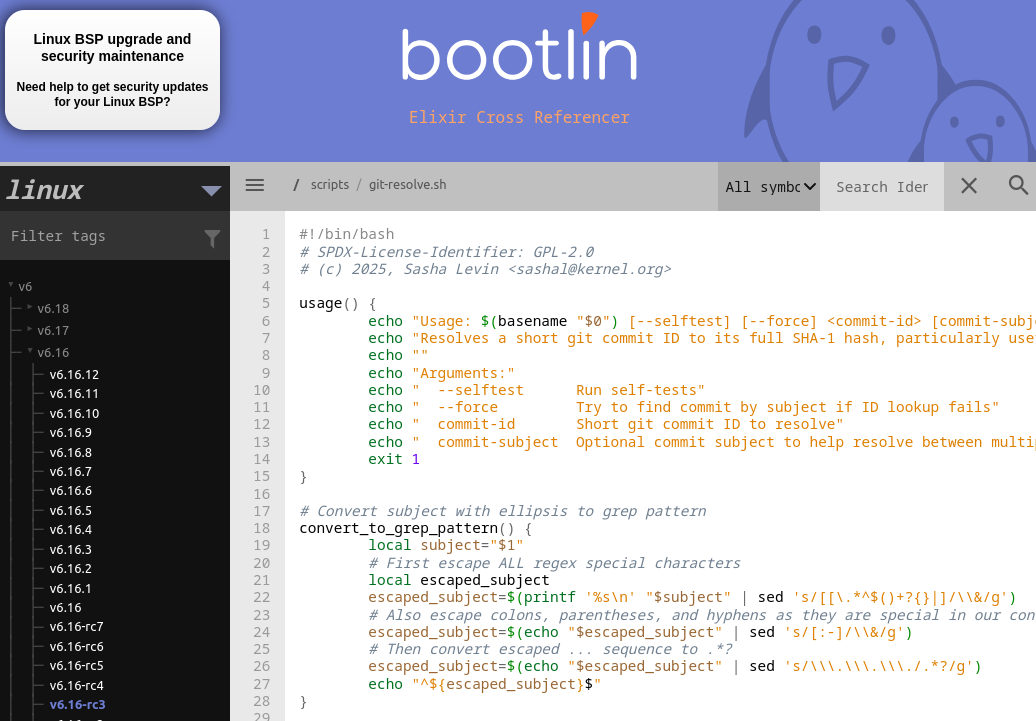
Another example is the git-resolve script that will "resolve an ambiguous ID into a full commit"; this was also fully generated, and it included a set of testcases, which is unusual for kernel scripts.
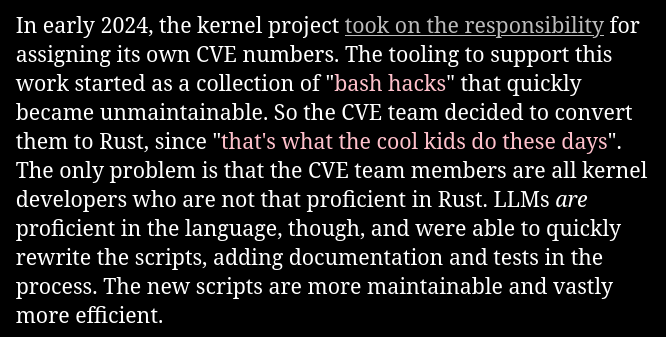
AI code in the kernel includes some particularly sensitive work. In early 2024, the kernel took on the responsibility of assigning Common Vulnerabilities and Exposures numbers. This began as a collection of bash scripts, but it quickly grew unmaintainable; the team decided to use an LLM to translate those scripts to Rust, making CVE assignment code entirely AI-generated.
This raised many questions, even just during Levin's presentation: isn't there a risk of trusting LLM outputs too much? What's the licensing of AI-generated content?
Levin believes that if an LLM produces code, he is free to make use of it. This is somewhat debatable, as some complex legal issues depend on the country you live in, but this could be the topic of an entire other article.
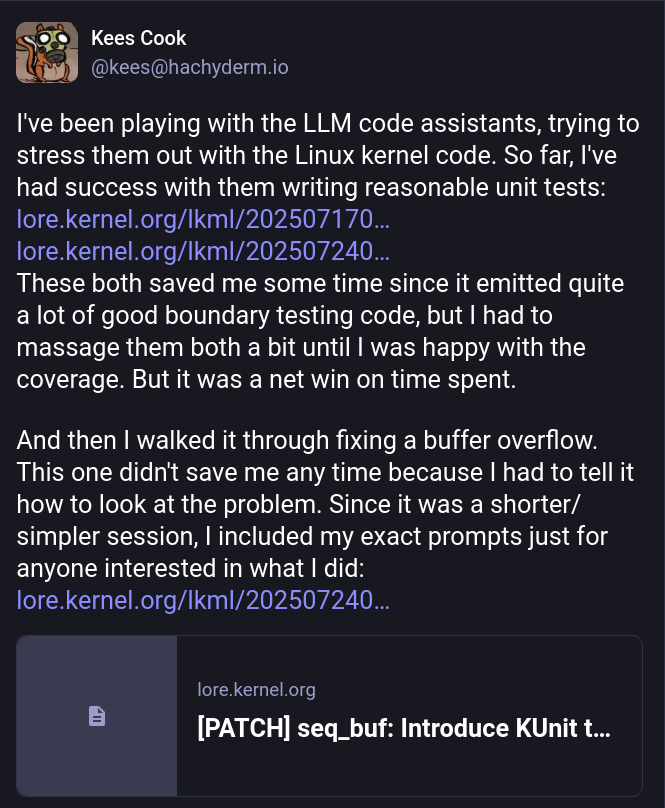
He's not the only one experimenting with this. Another example are these patches by Kees Cook, who was experimenting to see how much code he could reasonably generate.
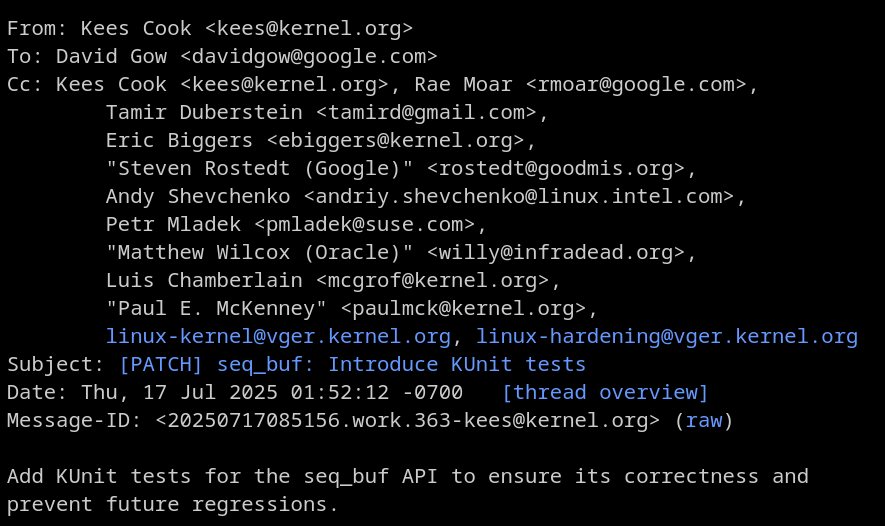
Turns out, he had success with some reasonable unit tests, which - he claims - saved him some time, though some prompting was required to nail it. However, he did not manage to save any time on non-testcase patches.
Shortly after his talk, Levin sent a Request For Comments set of patches to introduce AI coding assistant configuration files to the Linux kernel documentation.
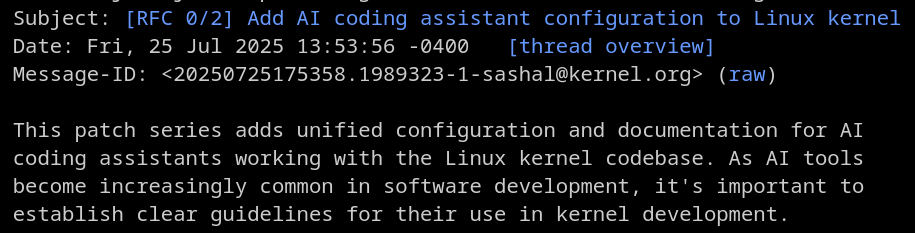
Specifically, this consisted of two different patches.
The first patch adds unified configuration files for various AI coding assistants (Claude, GitHub Copilot, Cursor, Codeium, Continue, Windsurf, and Aider). These are all symlinked to a central documentation file to ensure consistency across tools.
The second patch adds the actual rules and documentation that guide AI assistants on Linux kernel development practices, including:
- Following kernel coding standards
- Respecting the development process
- Properly attributing AI-generated contributions
- Understanding licensing requirements
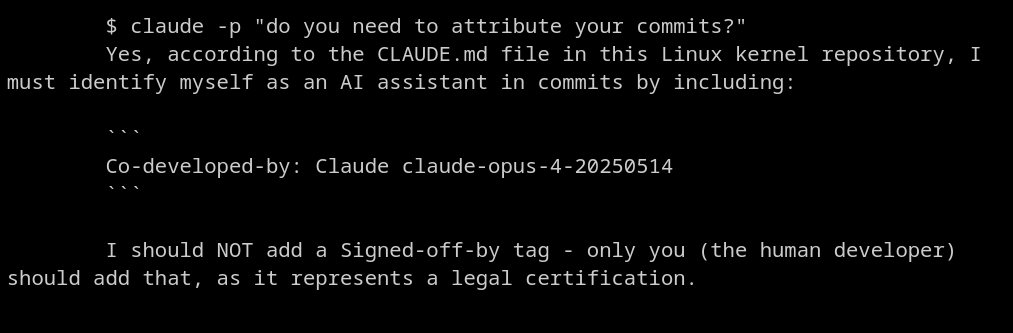
Interestingly enough, the AI is instructed to add itself as the co-author of all patches, but to only let a human sign off the commit, as that "represents a legal certification".
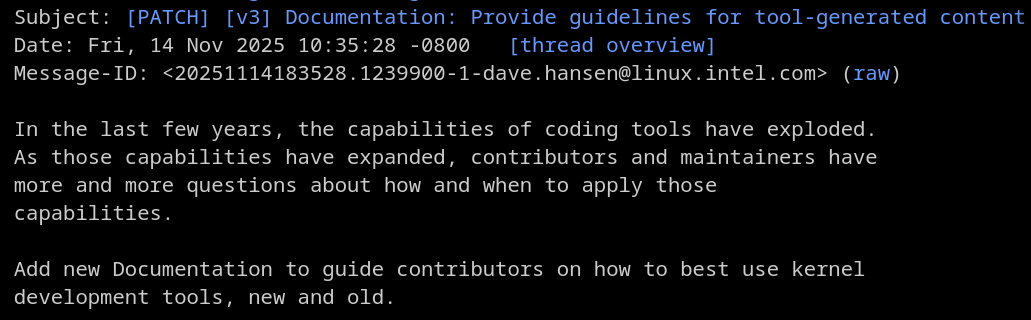
Along with this documentation for AI agents, there is a patch being reviewed to introduce guidelines for human developers using AI.
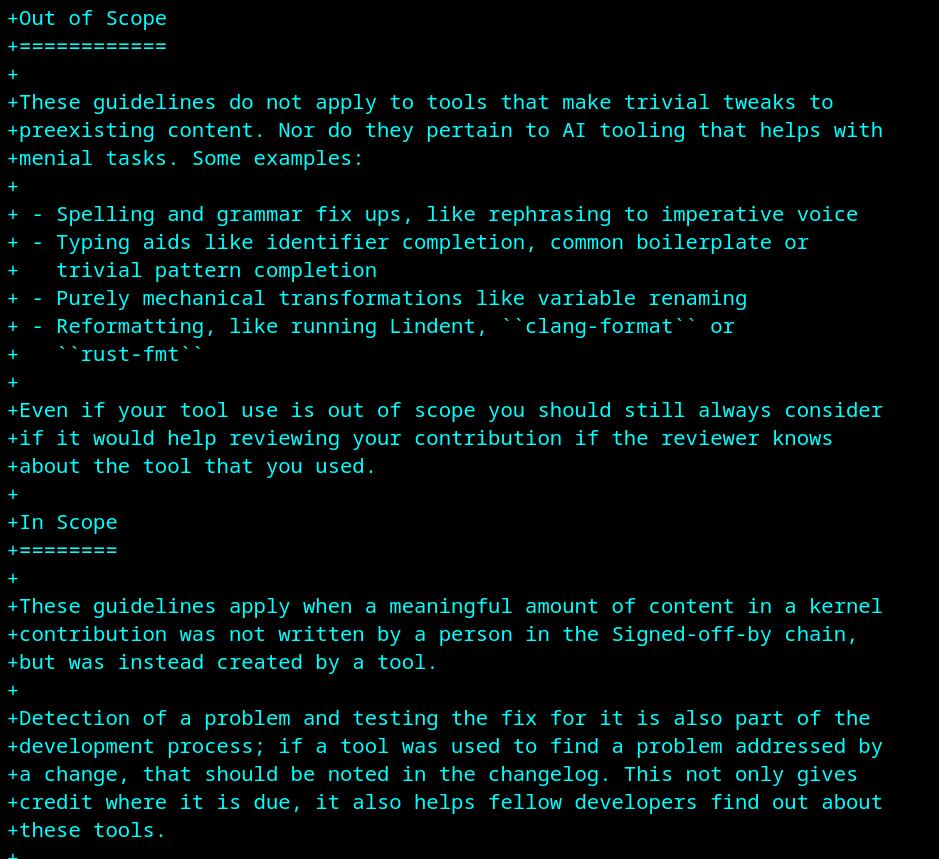
Please note that these guidelines only apply when a significant portion of the patch content is generated; smaller tweaks, such as spelling and grammar fixes, variable renamings, reformattings, etc. are out of scope.
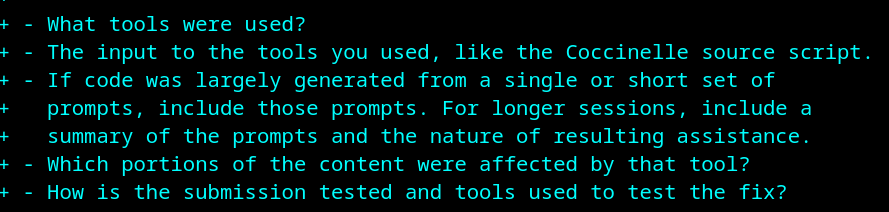
The guidelines ask to disclose which tools were used, the input of those tools (such as the prompts you chose), and which content exactly was AI-generated.
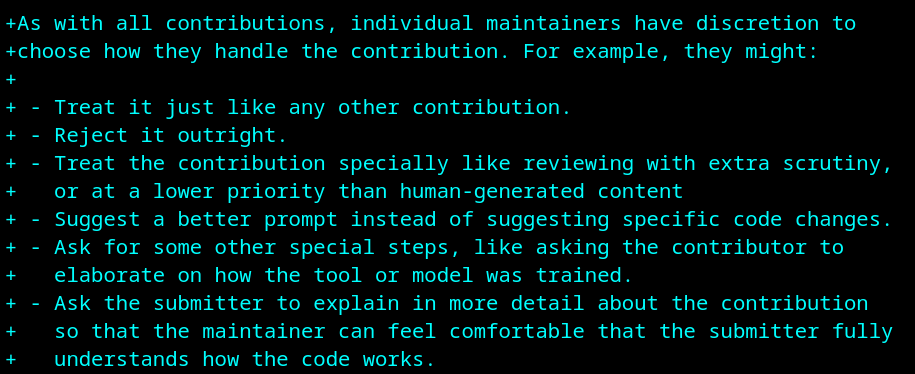
It's then up to the maintainers to choose what to do with that information. They might want to reject the patch outright, review it more carefully, suggest a better prompt, or just ask for more details. (Though I'm a bit worried about this creating very different policies within the kernel.)
The Great™ Linus Torvalds has, of course, commented on this proposal as well; here's what he had to say:
Honestly, I think the documented rule should not aim to treat AI as anything special at all, and literally just talk about tooling. [...] IOW, this should all be about "tool-assisted patches should be described as such, and should explain how the tool was used". [...] people should mention the tool it was done with, and the script (ok, the "scripts" are called "prompts", because AI is so "special") used.
I would like to quickly mention that the Linux Foundation also has its own rules for the usage of generative AI tools. As a quick reminder, the work of the Linux Foundation goes well beyond Linux kernel development, as it also sponsors and works on hundreds of open-source projects.
The Linux Foundation only puts two rules on AI-generated content. Firstly,
Contributors should ensure that the terms and conditions of the generative AI tool do not place any contractual restrictions on how the tool’s output can be used that are inconsistent with the project’s open source software license, the project’s intellectual property policies, or the Open Source Definition.
These seem to be in line with the question we asked earlier: what's the exact license of content generated by AI? Since, again, the answer is not easy to obtain, the Linux Foundation seems to have this policy to, well, blame the developer if anything goes wrong.
The second term is the following:
If any pre-existing copyrighted materials (including pre-existing open source code) authored or owned by third parties are included in the AI tool’s output, prior to contributing such output to the project, the Contributor should confirm that they have have permission from the third party owners–such as the form of an open source license or public domain declaration that complies with the project’s licensing policies–to use and modify such pre-existing materials and contribute them to the project.
This rule exists because LLM models have been found to generate exact excerpts of their training data in a small number of cases. This means that the developer should always check that the generated code does not contain any copyrighted material (though it's unclear how they would do that).
Well, these were the Linux Kernel and the Linux Foundation, both of which are very big institutions within the FOSS world, and they are worked on by companies such as NVIDIA itself; I'm not surprised to see active work on how to use AI tools here.
But of course, the rest of the FOSS world is often a bit more hostile.
I already mentioned how Servo, the web engine currently developed by the Linux Foundation, entirely bans AI contributions. This is due to claims of maintainer burden, (lack of) correctness of these patches, and the above-mentioned copyright issues.
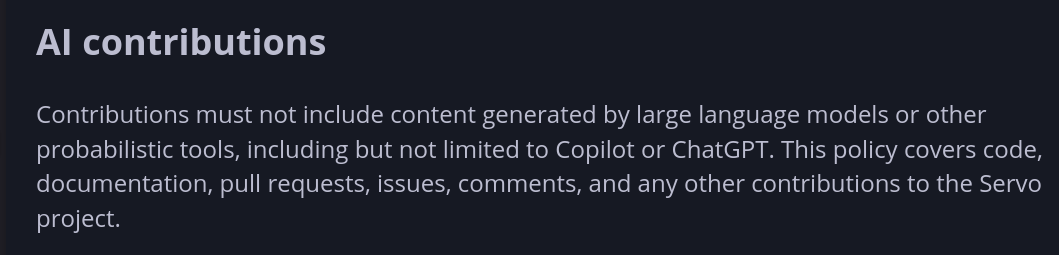
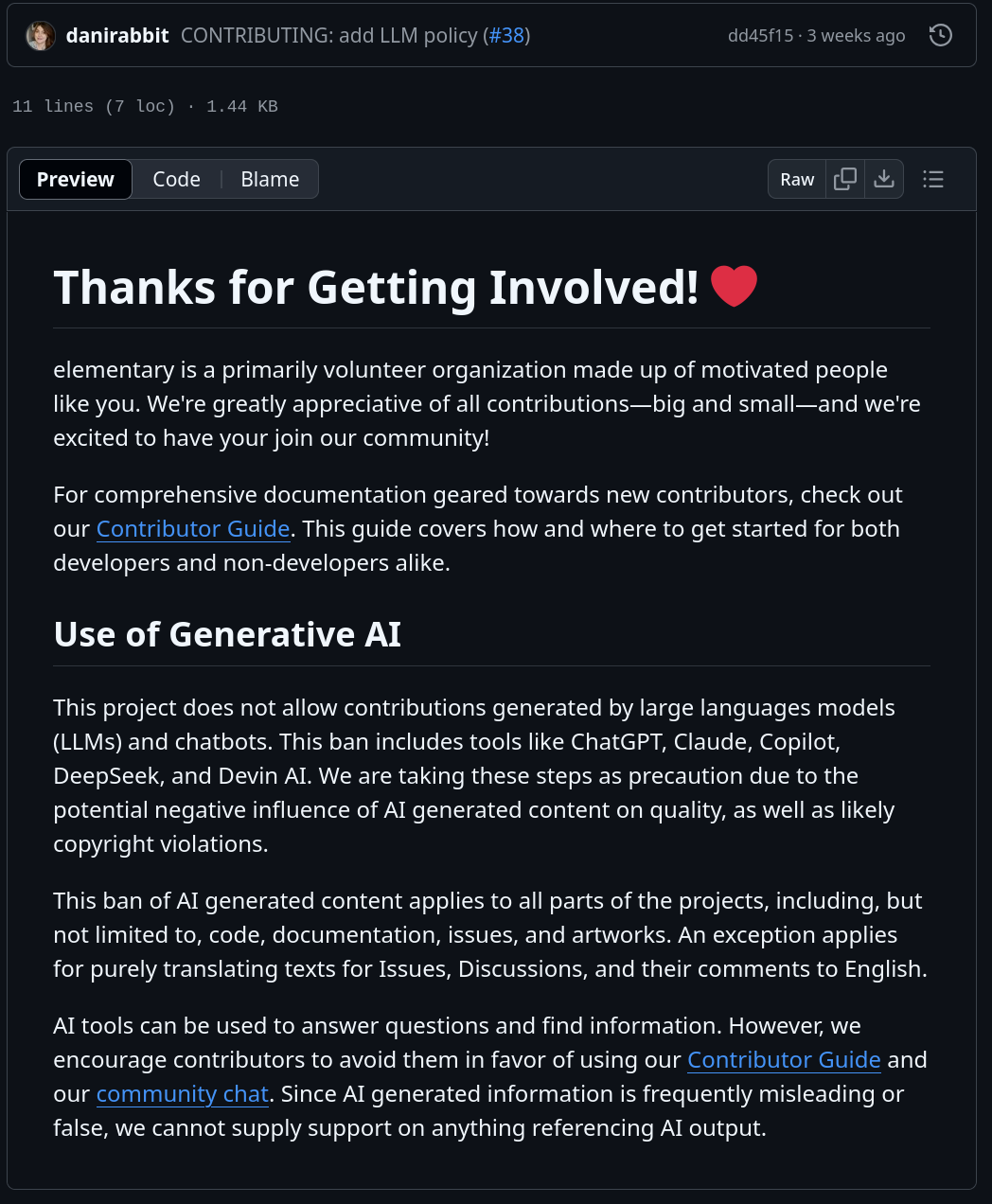
Multiple GNOME projects also have such a guideline, though I'm currently not aware of a project-wide stance on this. ElementaryOS does have one (which is directly inspired by GNOME's). Some goes for FreeBSD and Gentoo.
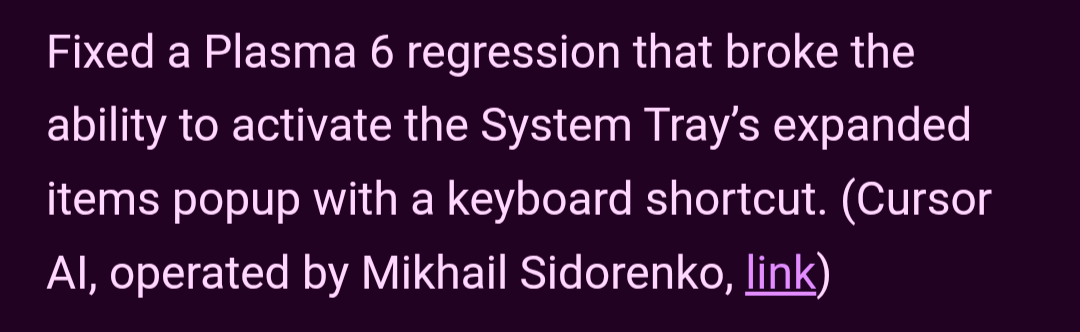
I can also share that there has been some internal discussion within KDE on what a policy on AI contributions should look like. This was started by one patch that was submitted by developer Mikhail Sidorenko, which was generated by Cursor.
Other projects have a more "moderate" policy, which is more akin to the Kernel one.
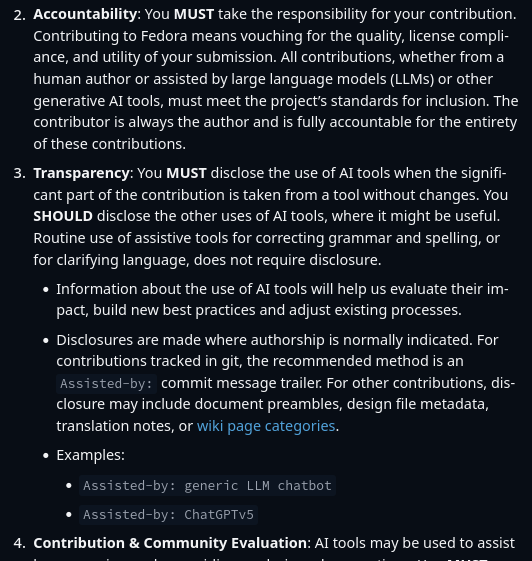
One such example is Fedora, which does allow for AI assistance, but requires the developer to follow some principles.
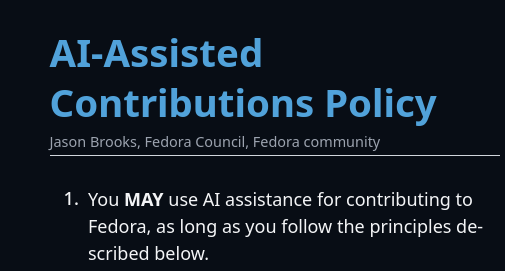
Namely, you (1) take responsibility for your contribution, regardless of how you made the patch. (2) You must disclose the usage of AI tools; the recommended method is to use the Assisted-by commit message trailer. (3) You must use AI as a tool to assist you; it should not be "the sole or final arbiter in making judgment on a contribution".
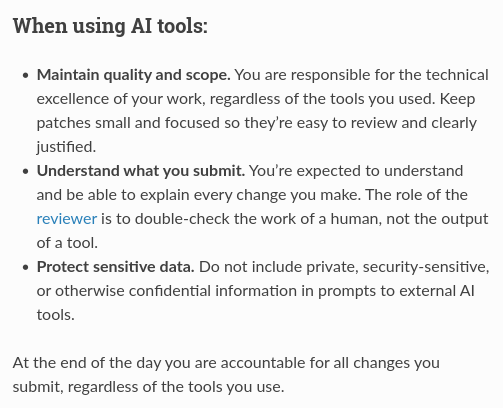
This brings me to Mozilla, which has recently been under fire for reportedly "pivoting to AI" (I'll make an example later).
They have guidelines that seem to be even more permissive of AI usage than the Linux kernel's, as they only place one real constraint on these contributions: you are accountable for all changes you submit, regardless of the tools you use.
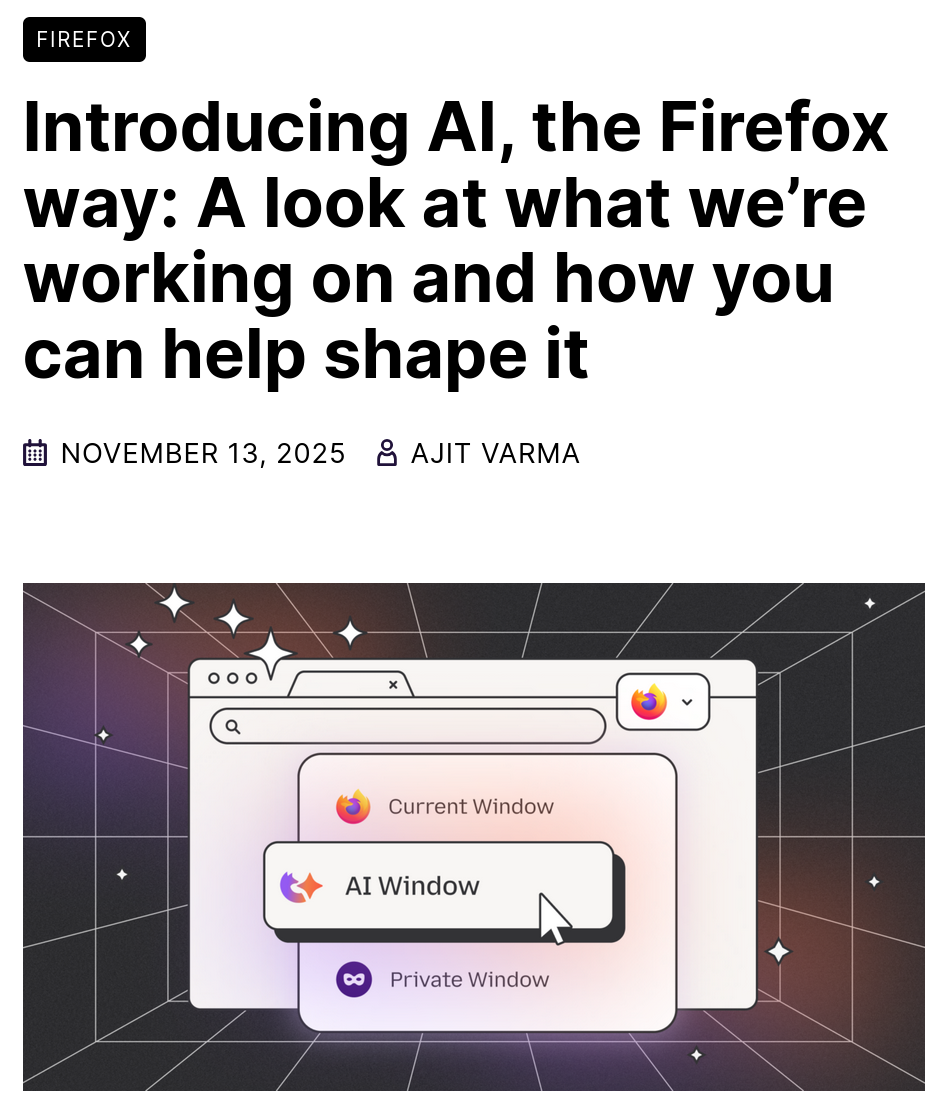
Now, a few weeks ago, Firefox published a blogpost titled "Introducing AI, the Firefox way: A look at what we're working on and how you can help shape it".
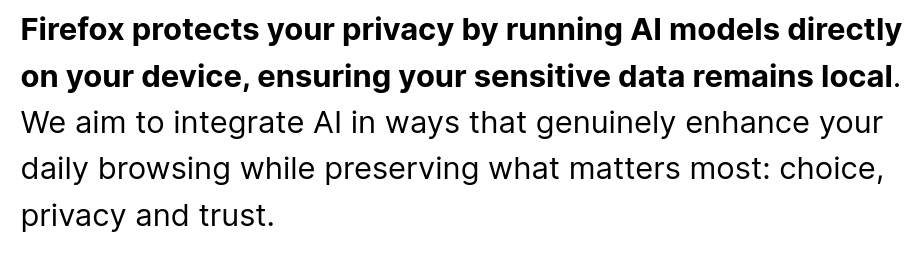
According to them, they are making sure to protect your privacy by only running local models on your device, which means that no data leaves your machine. (More on this soon.)
They integrate Generative AI in many different places:
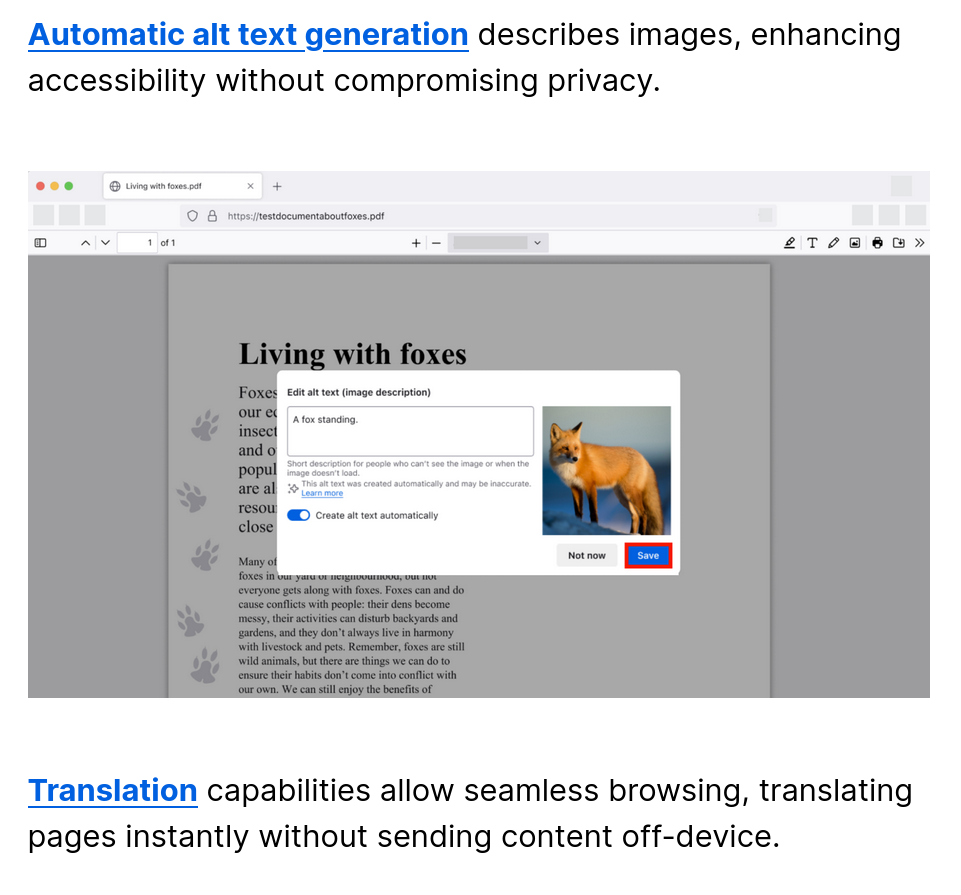
There's automatic alt text generation for images, which helps out with accessibility, and automatic translation of webpages.
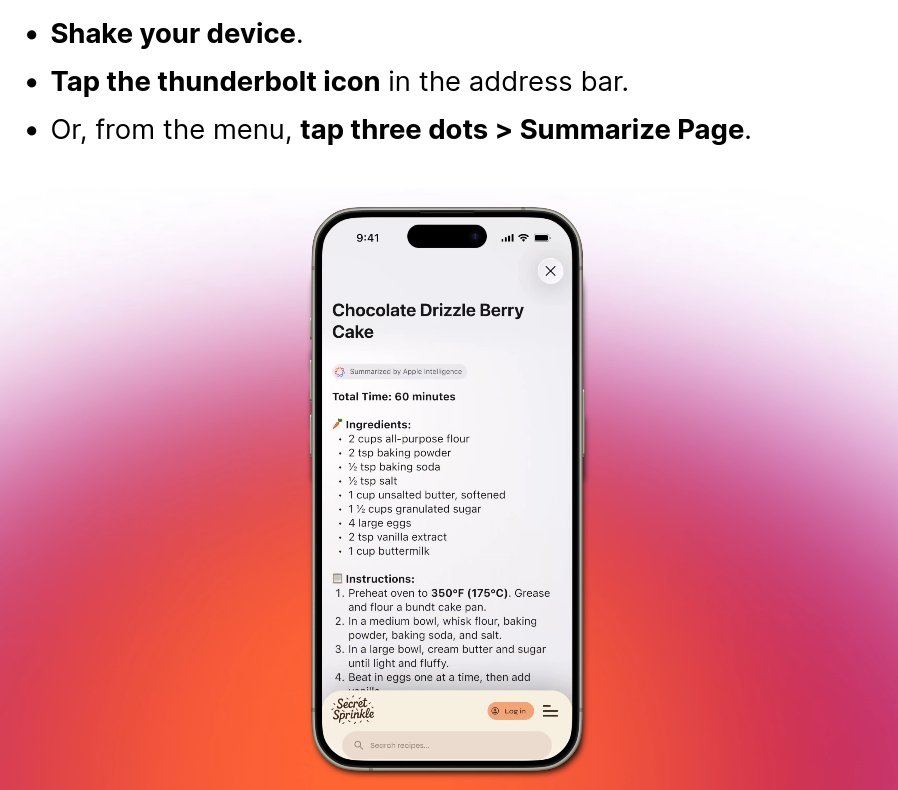
On iOS, you can even shake your device to summarize the page you're viewing (this feature is also supported on the desktop, obviously).
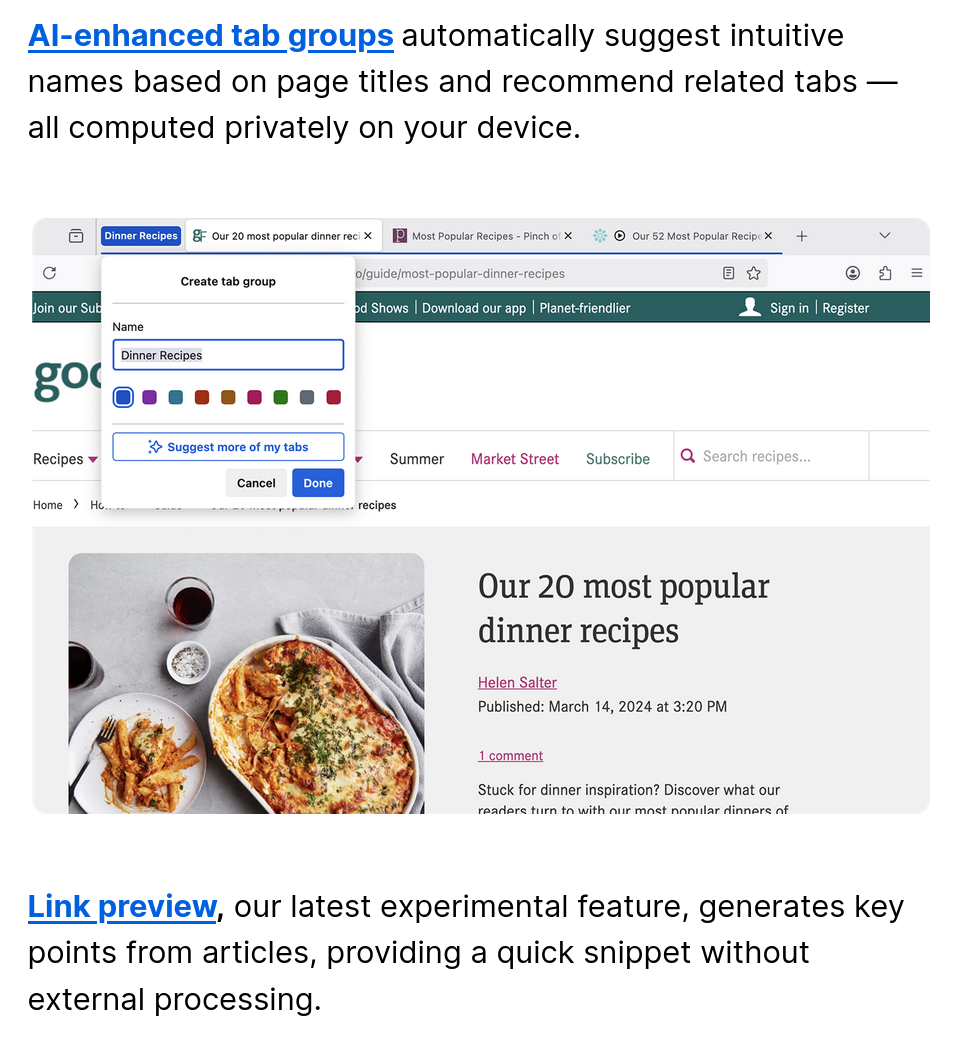
They're also experimenting with AI suggestions for tab groups: if you have a lot of tabs of a similar topic and try to create a tab group, Firefox will suggest a proper name automatically. There's also Link preview, which will show you a snippet from a link you're hovering over.
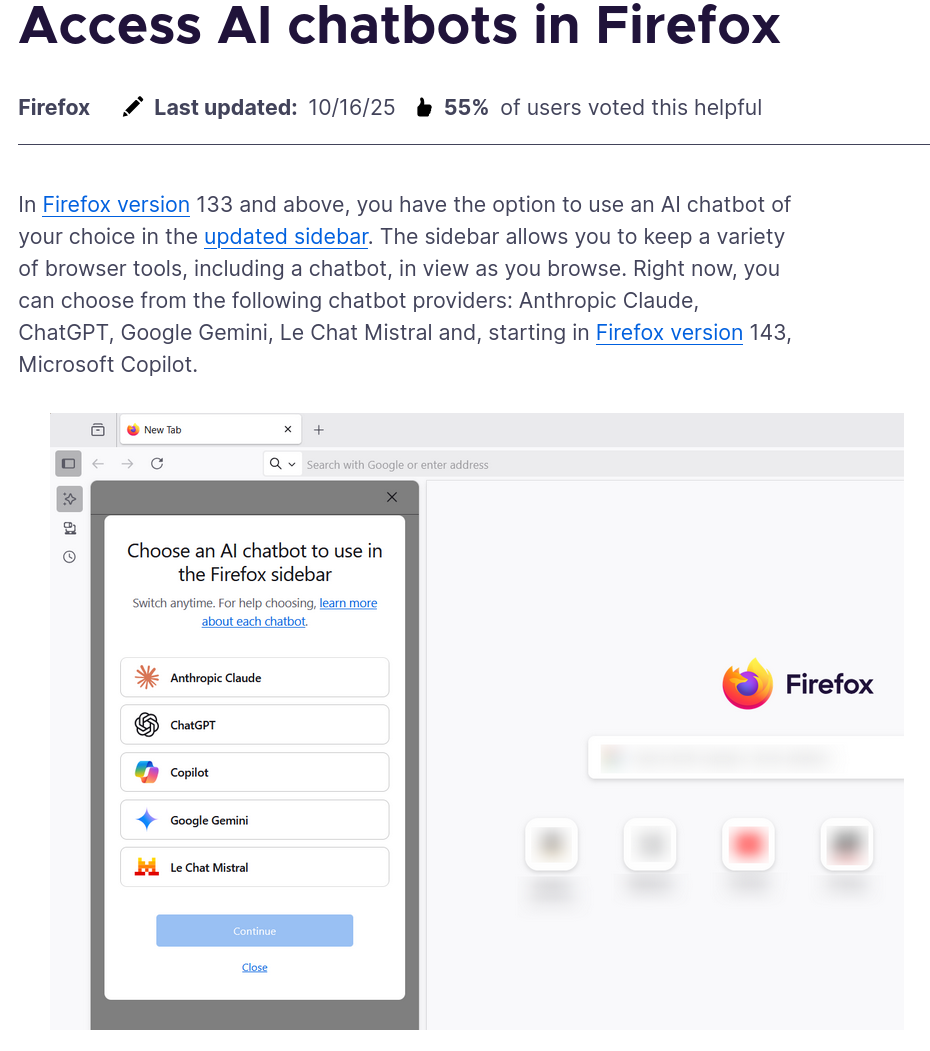
You are also given the option to have a sidebar with a direct link to a chatbot (which could be any, from Claude to Gemini, and even Mistral). For obvious reasons, however, this feature can not run locally and requires you to accept the privacy policy of the selected chatbot. Effectively, it's a bit like a pinned webpage with that chatbot.
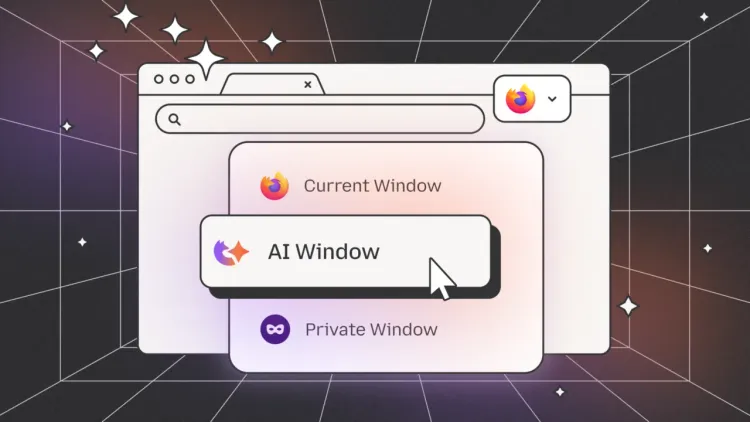
Finally, they want to take this a step further by creating "AI windows", where the AI assistant that you select will be able to interact with the webpage that you're seeing; though, this feature isn't publicly available yet.
It's interesting to see Mozilla try to strike a balance between being "modern and appealing" (to techbros!), but also not alienate their existing userbase. On one hand, I appreciate that most (if not everything) they are doing is opt-in and runs locally whenever possible. On the other hand, they'll still alienate a chunk of their users.
Since there was misinformation being spread around on this topic, I'd still like to stress that Mozilla in no way is collecting your data for anything related to AI training or selling it to AI companies. So at least there's that!
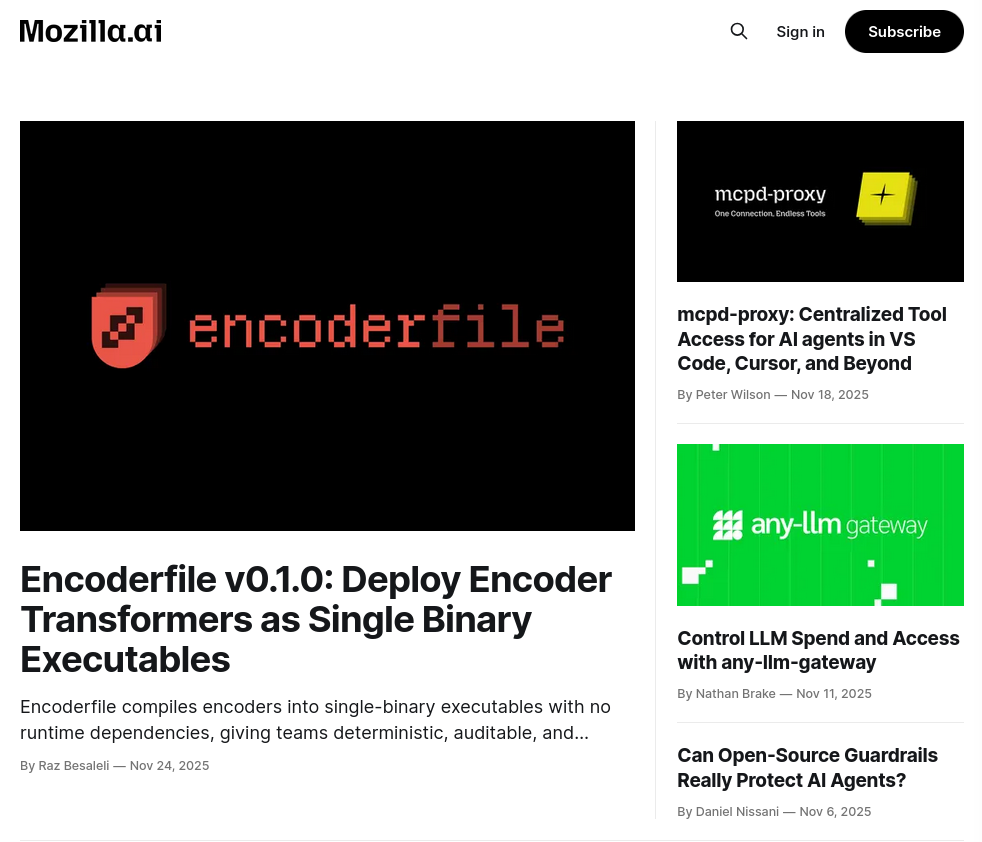
And, of course, Mozilla also has a dedicated subsidiary for AI.
All in all, with this article I tried to give a very brief overview of different approaches and reactions to AI-generated content within the FOSS world. As you can see, some projects are actively endorsing this change, some are being more cautious, and some are rejecting it outright.
Here's why Linux market share isn't going to skyrocket anytime soon
You've heard the "prophecy": next year is going to be the year of the Linux desktop, right? Linux is no longer the niche hobby of bearded sysadmins and free software evangelists that it was a decade ago! Modern distributions like Ubuntu, Pop!_OS, and Linux Mint are sleek, accessible, and — dare I say it — mainstream-adjacent.
Linux is ready for professional work, including video editing, and it even manages to maintain a slight market share advantage over macOS among gamers, according to the Steam Hardware & Software Survey.
However, it's not ready to dethrone Windows. At least, not yet!
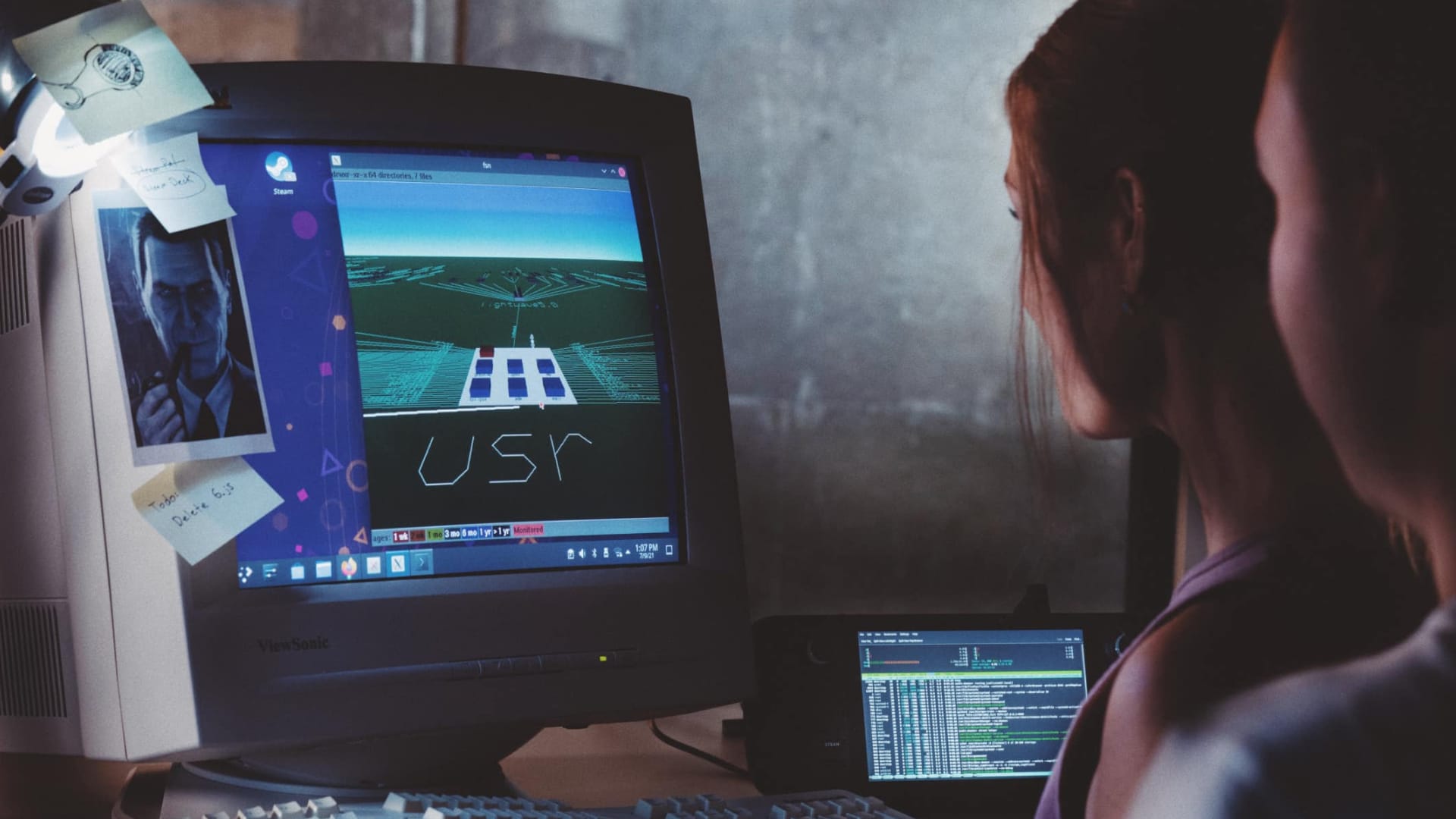
Three years ago, Valve made a promise to ship a general installer for SteamOS, enabling any PC to take advantage of all of its features. But that didn't happen. And, let's be real, it's not going to happen in the next couple of years either.
Hardware Support
Easily one of the most significant hurdles for Linux right now is hardware compatibility. Although Linux thrives on servers and embedded systems, it often lags behind Windows when it comes to supporting newly released hardware on desktops.
Manufacturers often prioritise Windows when it comes to driver releases due to its dominant market share. As a result, high-end graphics cards, printers, and specialised peripherals often lack proper Linux support. And even if drivers do exist, they may not include the extra software that comes bundled with drivers on Windows. The most obvious example is NVIDIA GeForce Experience suite.

According to Pierre-Loup Griffais, a developer of SteamOS, the widespread release of SteamOS is also being held back by NVIDIA and Intel drivers.
One issue is that support is still basic on some platforms. We've made progress with Intel, and our teams are working together to improve it. However, NVIDIA's open-source driver integration is still in its early stages, and there's still a lot of work to be done on that side.
- Pierre-Loup Griffais at CES 2025 via Frandroid
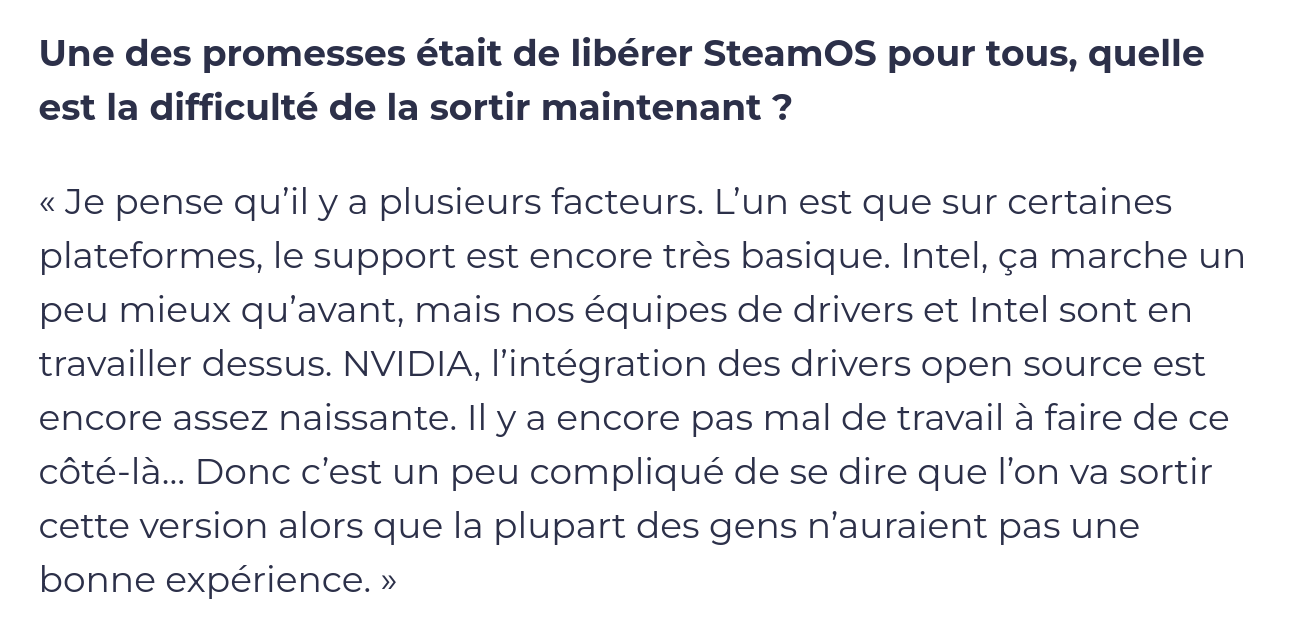
Let's not forget about Wi-Fi cards and custom accessories, which often require users to dig into forums to get them working on Linux. This can significantly raise the perceived cost of switching for a regular user.
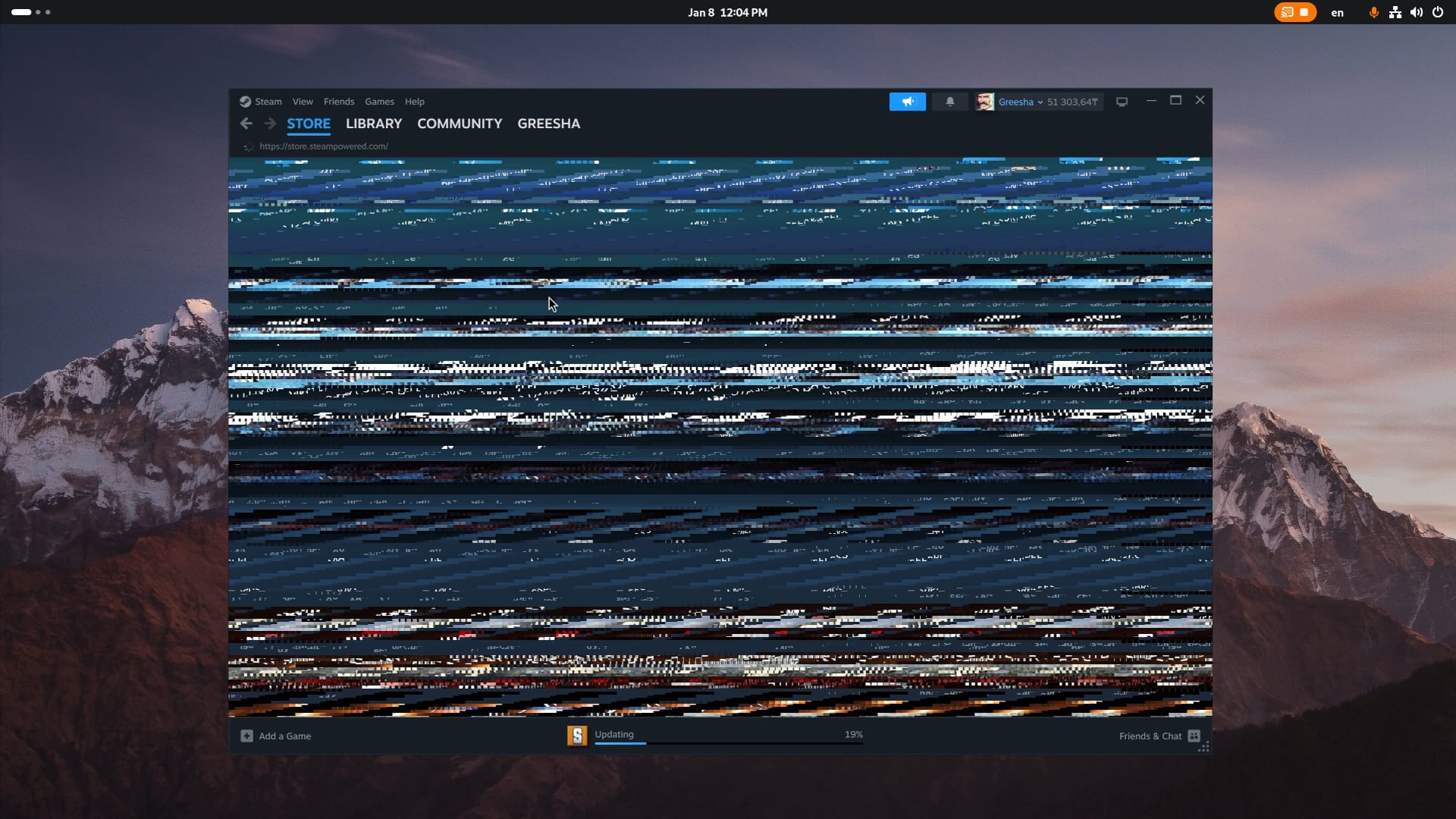
Another problem is the current state of display protocols. X11 is already showing its age: it's bloated, inefficient, and basically a walking security vulnerability. Modern PC standards, such as HDR support, high refresh rates, and scaling, are also not properly supported on X11.
Wayland, on the other hand, still lacks some functionalities crucial for power users and niche applications. Graphics drivers, especially proprietary ones (I'm looking at you, NVIDIA) have more mature support for X11. Which brings us to the software compatibility.

Software Compatibility
Software support is also far from being perfect. Crucial tools for professionals like Adobe Creative Suite, Microsoft Office and specialised industry software like CAD applications are not available on Linux either. You can technically use open-source alternatives, but they can't compete feature-to-feature with popular commercial applications, often required by industry pros.
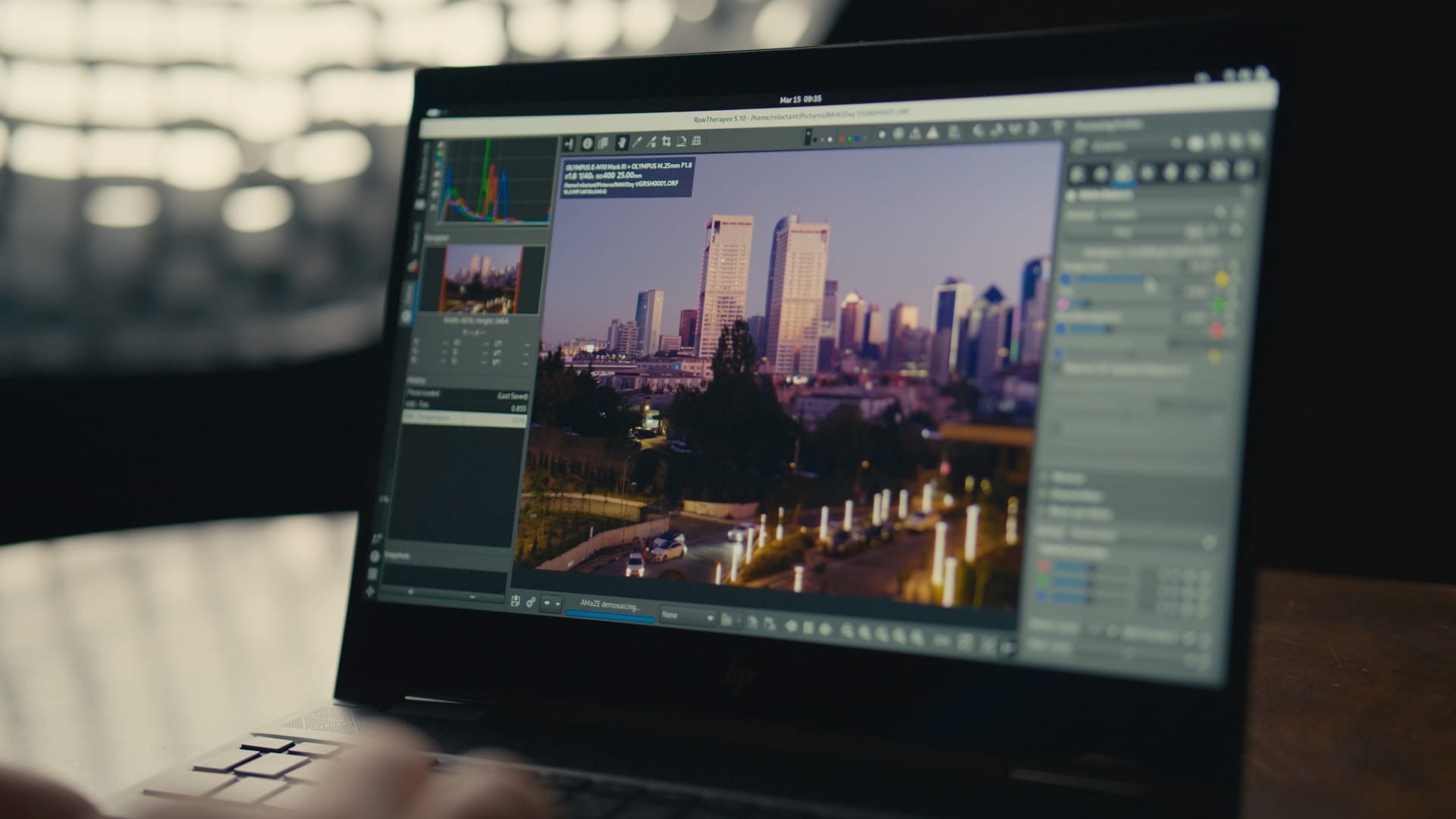
Yes, compatibility tools like Bottles exist, but they don't guarantee full functionality across all software, and switching from Adobe Lightroom to RawTherapee may require you to rethink and reinvent your entire photo editing pipeline.
The same applies to gaming. Over the past decade, Linux has become a viable alternative to Windows for PC gamers, thanks to the Proton compatibility layer, developed and maintained by Valve. According to ProtonDB, the number of Steam Deck-verified and playable titles is getting close to 19,500!

Valve has also announced new SteamOS compatibility rating system. It is designed to cover any device running SteamOS that is not a Steam Deck. The game will be marked as compatible only if all of its middleware, including launchers and anti-cheat engines, are supported on SteamOS.
These ratings do not include testing results for performance, though, and, according to Valve, a number of SteamOS Compatible games will have results that are the same as or slightly higher than Steam Deck Verified results.
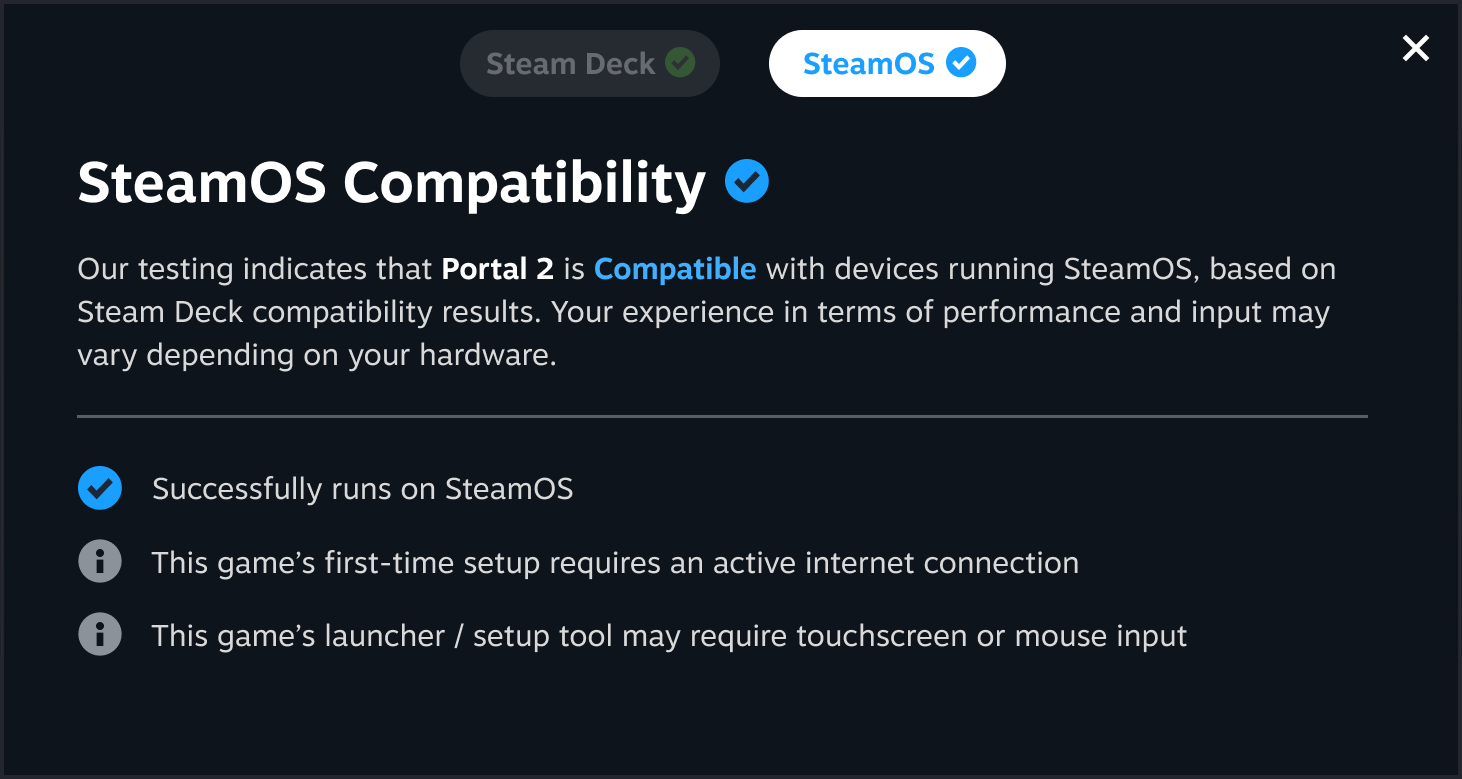
However, despite Proton's success, it doesn't guarantee perfect compatibility. Some games suffer from visual and audio glitches, while others may not even launch. And of course, anti-cheat support remains one of the most prominent problems.

These issues also raise the perceived cost of switching for a regular consumer. If you can't play a game you bought just a week ago, you're likely to decide not to switch, at least until you've finished it. And if you have a multiplayer game that you play every week with your friend, you're likely won't switch at all.

The anti-cheat situation is pretty serious: if we were to take a look at the top ten most popular video games on PS 5, which generate more than 50% of all PlayStation Store revenue, you'd notice that most of them are deployed on PC with anti-cheat engines that are not configured to support Linux.
Biggest franchises from Call of Duty to Battlefield, battle royale games from Fornite to PUBG, live-service titles from Destiny to Rainbow Six Siege are not available on Linux today and probably won't be available in the next few years.

What we can learn from Steam Deck
As you've may already noticed, the main cost of switching for a regular user isn't about software licenses, as the prospective costs of switching to Linux are almost zero. Instead, it's about the irretrievable, sunken costs associated with a loss of incompatible software and hardware that the person would no longer be able to use after switching to Linux.
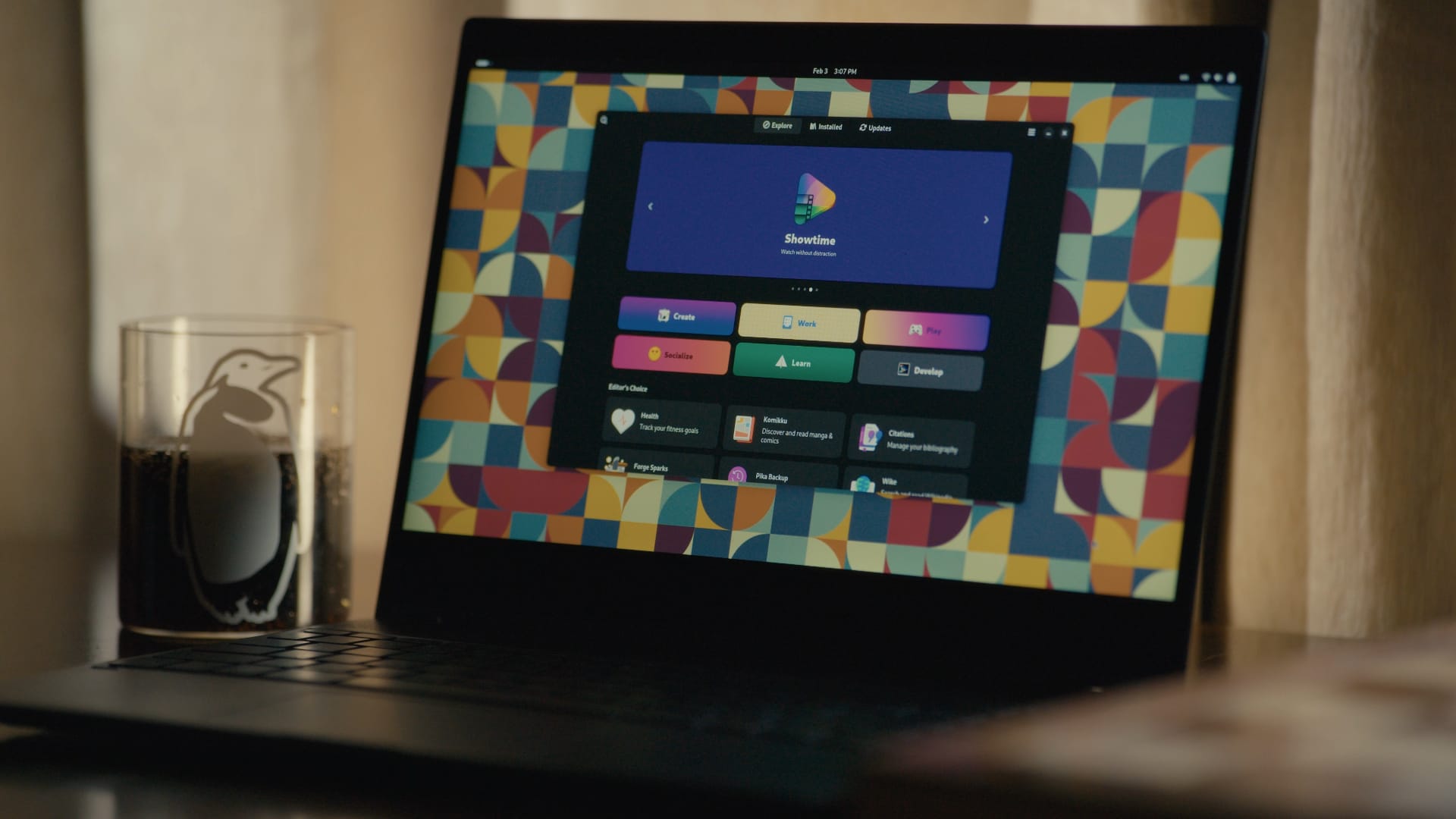
It might not be such a big deal particularly for you. If you're reading this article, the chances are high that you are already a Linux enthusiast. You are probably using Linux as your primary operating system and know your way around obstacles that you face every day.
But the idea of winning market share from Windows will not materialise wthout regular consumers – the mainstream audience, normies, average users, regular folks, or whatever people prefer to call them. After all, without them, Linux will never be able to reach even 10% market share on desktops.
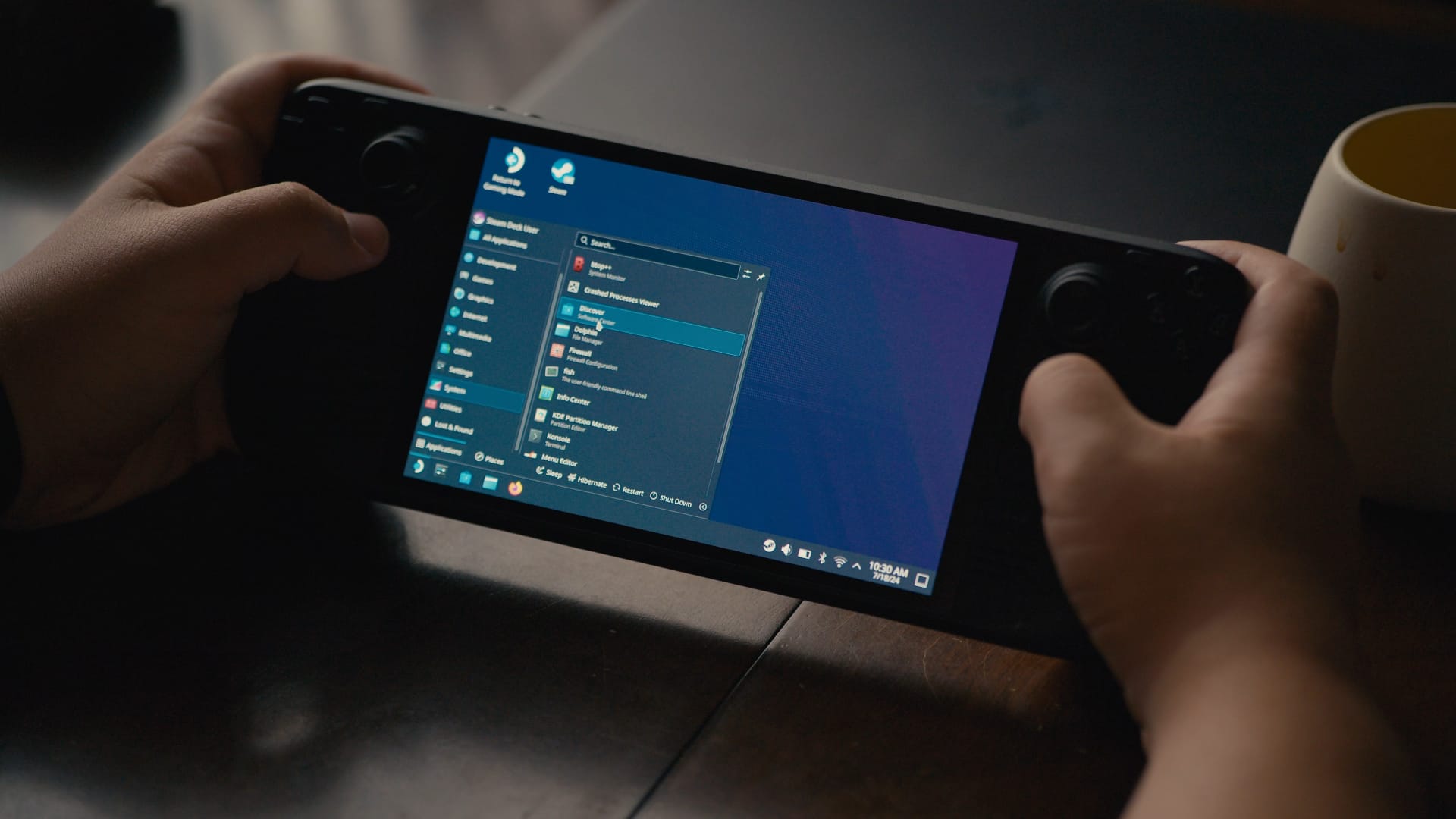
Imagine yourself as a company that has invested a significant amount of money in developing a product, only to realise later that the product is not viable in the market. The expenses related to research, development, and marketing will be considered "sunk costs".
Of course, rational decision-making implies that the company must not allow these irreversible expenditures to dictate whether it should discontinue the product or not. But real people are not fully rational beings: we are driven by our emotions and habits.
People have already spent their money on hardware and poured hundreds, if not thousands, of hours into getting used to the software they use every day. Until we can balance the costs of switching to Linux with its future benefits, the Linux market share will remain the same.

This is exactly what Valve did with the Steam Deck, by providing users with an enormous amount of value. They gave people the groundbreaking, cutting-edge portable gaming device running Linux.
Steam Deck provides PC-like performance at affordable price point. And SteamOS provides a better framerate and battery life then Windows. The fact that this thing is portable and allows users to access almost their entire Steam library on the go, makes switch to Linux so effortless. And is the lesson that we all need to learn.
People are going to make a switch only if the benefits of using Linux outweigh the costs. So Valve also did their best to minimise the switching costs by improving software compatibility and releasing Proton compatibility layer.

The success story of Steam Deck also helped to raise awareness about Linux. Windows benefits heavily from pre-installation deals with OEMs, whereas Linux, often promoted only by tech enthusiasts, and therefore lacks mainstream visibility. Most people don't even know what Linux is because they've never seen it pre-installed on a laptop in a store. But I digress.
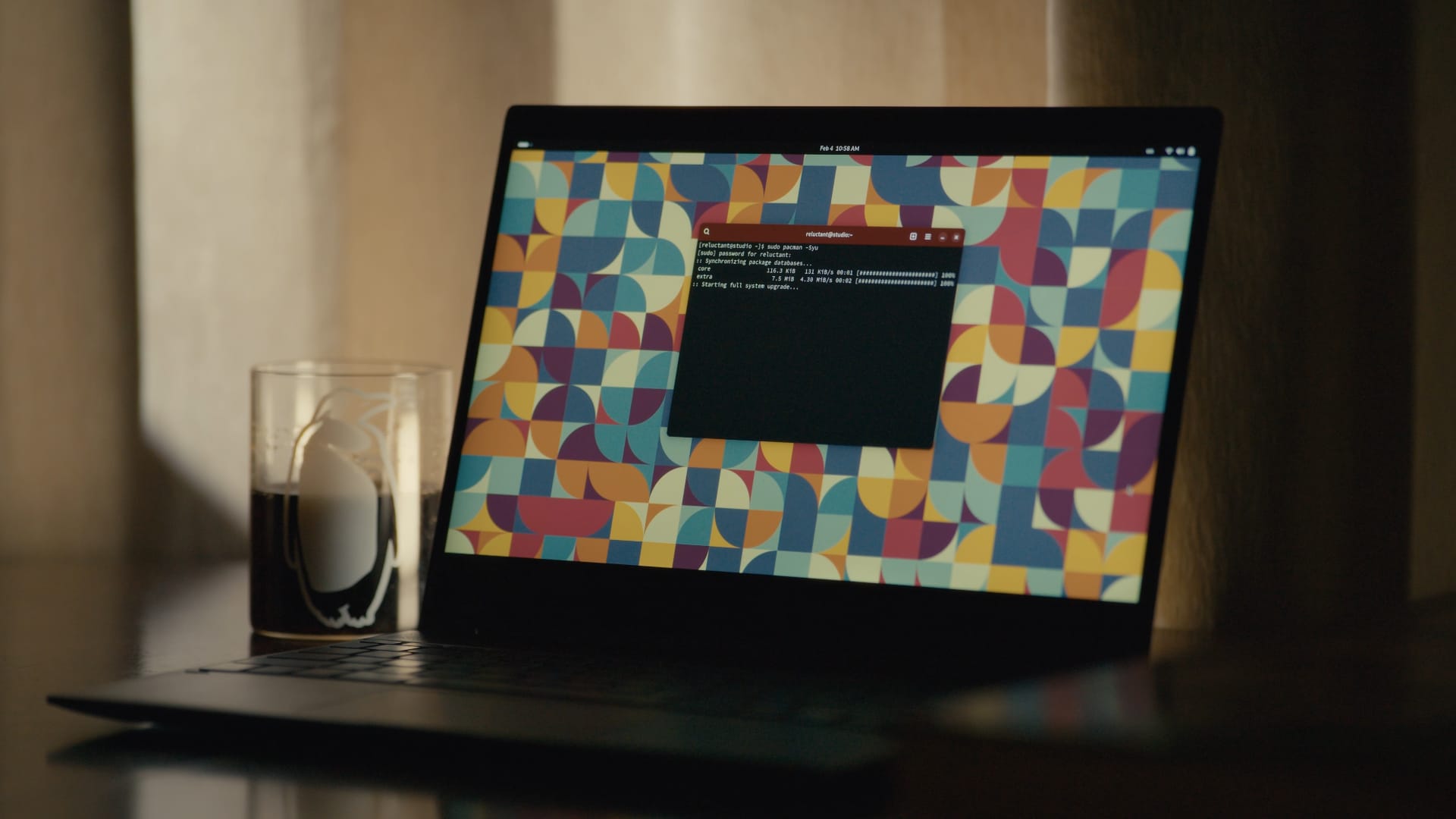
The Upshot
The upshot is fairly simple: Linux is going to keep its current market share on desktops for quite a long time until big companies like Valve finally hit the PC market with their user-focused distros made for regular consumers.
Valve is not ready to relaease SteamOS publicly and probably won't be ready in a few years until they figure out hardware support. Other user-friendly Linux distros are also not ready to go big due to unpolished state of FOSS software including display protocols.
The year of the Linux desktop won't come until we, the Linux community, find a way to balance the cost of switching with the future benefits of daily driving Linux from the perspective of an average user. Until then, Linux will remain more like a niche thing, made by enthusiasts for enthusiasts.
Opinion: Is the Linux community really elitist?
The Linux community is an interesting place. There is really no single way to define it, really: everybody has a different opinion on how things work.
Foremost, the Linux community is awesome. It has its faults but, among all the communities I have participated in, the Linux community has consistently been the best one, with the most occasions to learn, and some of the most committed people. The Linux community feels like home at this point, and I interact with it almost every day.
However, the reputation the Linux community gets is mixed. Specifically, a lot of folks find the Linux community too elitist, too prone to turn away or exclude beginners from joining their ranks, and practicing toxic gatekeeping. But are these claims really substantiated in 2025?
Learning how to learn
A famous quote with a fairly contested origin says:
Give a man a fish, and you feed him for a day. Teach a man to fish, and you feed him for a lifetime.
If I had to describe what I love about the Linux community in a single sentence, this would be it.
The Linux community has the rather rare attribute of being filled with passionate people who really care. This is why, when you ask for help on anything, you will likely find people who are invested in really helping you.
The best way to help someone out with a technical problem is never to feed them the solution as it is but, way more often, it is to teach them how to solve it themselves. This happens a lot in the Linux community, too. While your issue can probably be solved with a single command to run be done with, you are going to find a lot of people who are going to try to help you reach that solution yourself. They are going to give you practical tips, they are going to give you leads. You will be pointed in the right direction, linked to documentation to read, but you will typically not be given the readily baked solution immediately.
For a beginner, this might be seen as annoying, or paternalistic. I am not going to lie: when I was a new leaf in the community, this behavior really annoyed me as well! As time went on, though, I realized just how important it is, for several reasons.
Firstly, contrarily to what a lot of people argue, helping a person this way is not as cop out, or a way to avoid making effort. Quite the opposite, in fact: providing the solution outright with no context or explanation is trivially easy to do, and it only takes a few seconds of your life. Helping you learn takes way more effort. A person whom you gave some leads to solve a problem is not going to stop there: they are going to go back to double-check their progress with you, and expect more guidance and pointers. Helping a person like this is a way higher commitment of time and energy than just giving them a command to paste and run.
The same happens when someone asks for help on something really specific and, rather than just being given the solution, they get asked for broader context. A lot of people usually get irritated at this step, because they feel as though their needs are not being listened to. Frankly, it is easy to empathize. People often leave these conversations being told what they are trying to do doesn't make sense, and that they should do something completely different. Initially, this behavior could make you feel unheard, or treated poorly. I certainly felt like this at the beginning. However, once you get more mileage with Linux, you will eventually start to get it. For any given problem, there is such a thing as a good or a bad solution. Frequently, the hard part is not the execution — say, coding a simple bash script that solves your problem — rather, it is the idea. The hard part is taking a broader problem and successfully narrowing it down to a solution that makes sense given a certain context. At the beginning, you will not have this skill, and you will chase a lot of dead-ends. While it can feel frustrating to be treated this way, your fellow community members are merely trying to pull you out of a rut, suggest you a cleaner solution, and giving you pointers in how to go about it. Those who do not let the irk and the annoyance get the best of them tend to learn a lot from these troubleshooting sessions.
Helping people learn properly is a lot of work, but it ultimately pays off. The open source community has been surviving through several generations thanks to a principle known as transfer of knowledge.
A community, like the Linux community, should not be perceived as a product of some sort. It is not a company that provides consultancy and professional services for a fee, it is not a vendor whom you contact to get support on a product you bought. It is a community of people who are united by the love for Linux and the ethical principles that stand behind it, and have a culture of helping each other. Every person is, simultaneously, expected to help and be helped. It is natural that, as you go on with your life, you might shift more towards one specific area of expertise: you can never know everything about everything. It is just not feasible.
Simply put, what often ends up happening is that, among all the people you transfer some of your knowledge to, some of them will stick around in the community long-term and keep interacting. Well — before they even know it, one day, they will spontaneously find themselves on the other side, transferring their knowledge by mentoring beginners, and helping them get past the same hurdles that once plagued them, too.
When you truly, intimately learn about Linux and related FOSS technologies, you will typically contribute back. Not only to fellow community members, but to the world in general. You will feel compelled to teach your friends about Linux, you will solve problems in your organization, you will use those skills in positive ways.
In a lot of other communities, this simply does not exist: when you ask for help, you will get spoon-fed a solution, but you will know nothing about how, or why, that works. Have you ever tried to diagnose a problem on a Windows computer? If you did, you will get what I mean. You will be given an extremely operative and to the point solution, but you will not know why it works. You might be given a .reg file to import to your Windows Registry, but you will not be told what it touched, why, and why it works. Likewise, you might be given a cmd command, or a series of clicks you must do in a graphical interface, but it will not teach you anything.
The best definition of what gatekeeping is, and when it is good or bad, is soatok's article “No Gates, No Keepers”, which I highly recommend you give a read. I have been unable to find any resource that explains it better. Going by soatok's definition, I can confidently say what the community is doing here does not count as toxic gatekeeping, because they are not trying to limit a newcomer's access to information, knowledge, or even acceptance in the community. If anything, they might be trying to gatekeep poor solutions that you should not attempt due to them being terrible ideas. But is that wrong? A good mentor should not only be teaching you what to do, they should be clearly teaching you what to avoid, as well. When you are a beginner in any skillset — programming, Linux, DevOps, writing, making music, whatever you want — the best thing you can do for yourself is to swallow your pride and learn from people who have already honed that craft for a while.
What about distro tribalism?
While what I have said above is still true, the old saying is still true.
“The truth is rarely pure and never simple.”
- Oscar Wilde
Along your journey in the Linux community, there is a non-zero chance that you will encounter folks who have really strong opinions on certain pieces of software. These opinions can be very absolute, rather than relative: you are not going to be recommended against a specific tool that might be unfit for the specific job you are trying to achieve; rather, you might be told that tool is bad, and you shouldn't use it.
The typical targets are Linux distributions and desktop environments that are really mainstream, easy to get going with, and widely used, like the Ubuntu Linux distribution, or the GNOME desktop environment. As a beginner, these statements might be disorientating to hear: imagine you have just began trying out Linux for yourself, by installing a copy of Ubuntu alongside your existing copy of Windows, and you are still learning to get the hang of Ubuntu. Everything is going well enough, until you meet that guy who tells you that you made a horrible choice, and everything you use sucks. Reacting with annoyance or frustration is not only understandable, it is the humanly natural response. It might even halt your progress there: I know that, for some people, it did. If every single distro and DE is hated for different reasons, it is surprisingly easy to enter “analysis paralysis” and choose none.
This is a complex phenomenon. Hatred towards certain components of the Linux desktop usually derives from frustration, or disagreement with the project direction. Even when it can be partially justified and understood, though, this behavior is not only not cool, but it is often perpetrated by people who do not have a lot of experience. With only a broad understanding of a topic, especially when the Internet exists and acts as an influence, people who do not have a ton of experience on it tend to have an overly simplified view of the world. In turn, this can lead them to think that something must be part of a binary category — it must be either good or bad. Right or wrong.
You should probably not listen to people who engage in this behavior: it is a telltale sign they really do not know much more than you do, after all, and you are better off learning from more experienced people.
Thankfully, though, every year that passes, I see less and less of this behavior. While this kind of tribalism used to be acceptable, engaging in it is mostly frowned upon nowadays. Yes, there are still spaces where this behavior is condoned or encouraged, but you should probably not hang around there too much.
While this problem will not concern you in the more popular and vetted Linux spaces, the community is big and varied. You should be cautioned that there are indeed spaces inside the community that are problematic, for several reasons, but you do not have to hang out there. On the contrary, you should probably leave those spaces as soon as you notice the red flags.
Speaking of spaces in the community that you should hang around, you are currently in one. Welcome! If you haven't done so already, you should really join our newsletter. It's completely free, and you will get the most important stories on Linux and FOSS right in your inbox, made with love, with no clickbait titles or sensationalized content, and informative excerpts that tell you exactly what you will find inside. If you are reading from Libre News, you will find the form just below!
The Linux community is waiting for you!
If you have not been interacting with the community out of fear of being mistreated, fear not. A lot of the concerns and stereotypes you have heard about the community come from years past. At this point, so long as you stick to the most popular spaces, you should be fine: most relevant projects enforce a Code of Conduct, and being accepted as a person is really not a problem. The Linux community absolutely thrives on diversity, and there is a spot for you, no matter who you are. This diversity is one of this community's greatest assets, too: people from different backgrounds and walk of life often have different approaches and perspective to bring, and that is key to a good, productive community.
All you need to do is be mindful where you hang out. While there are some fringe groups in the community who are elitist, practice toxic gatekeeping or are not really inclusive, basing their politics from reactionary and conservatice politics, those communities are typically small and few and far between. It is highly unlikely you will ever encounter one. If you do, stop hanging out there, and keep looking. Believe me — the community is diverse and it is made up of many little pieces. No matter who you are, your identity or your proficiency with Linux, this community is ready to accept you, and help you get comfortable. Hopefully, one day, you will be on the other side, teaching the next generation of Linux users everything you know.
I think that's fascinating, and, quite frankly, the direct opposite of gatekeeping.
Should FOSS allow AI contributions?
A few weeks ago, a proposal was made for the Servo project to allow for AI contributions, which are currently prohibited. The proposal comes with strict guidelines: only allow for code completion like Copilot, tag all AI contributions as so, and more.
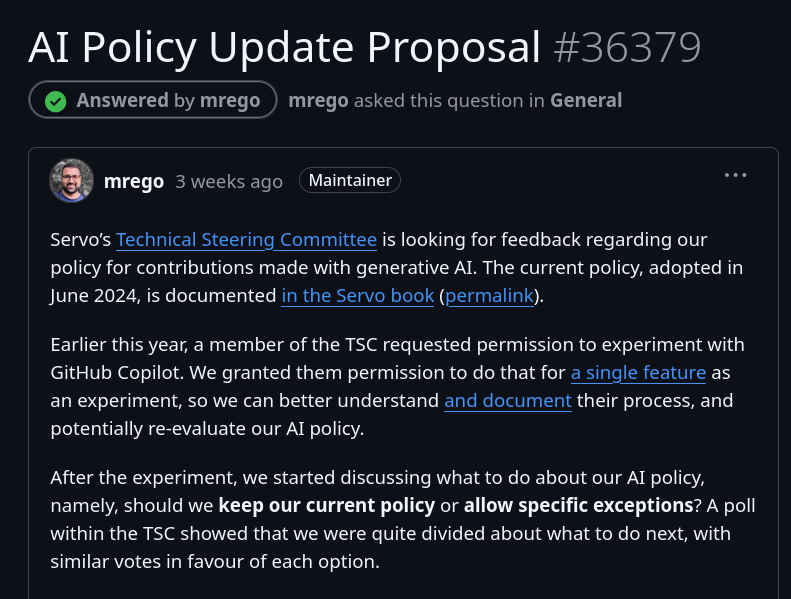
After a few weeks of intense discussion, the Servo Technical Steering Committee decided not to go forward with the proposal and keep their AI policy as it is now.
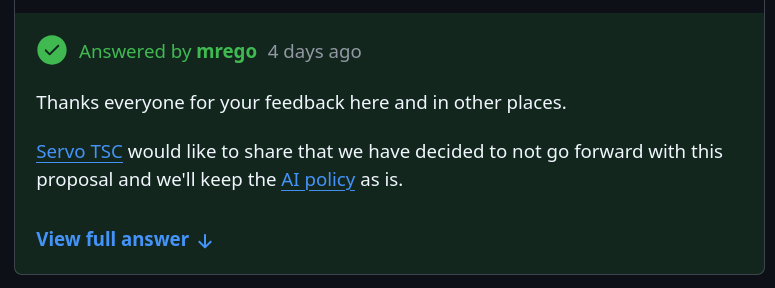
Namely, this policy states that all contributions "must not include content generated by LLM or other probabilistic tools, including but not limited to Copilot or ChatGPT". This cover both code and documentation.
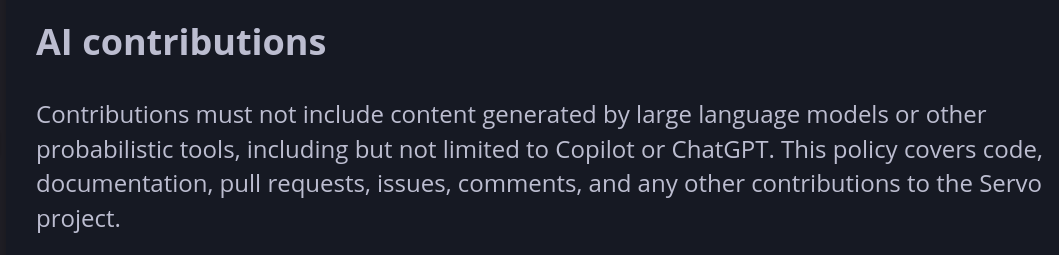
You might be wondering why they have decided to take this path. It comes down to four reasons.
Firstly, AI makes it easy to generate lengthy but incorrect diffs, which the contributor might not check or test. It becomes then the maintainers' responsibility to go through them and realize they are incorrect.

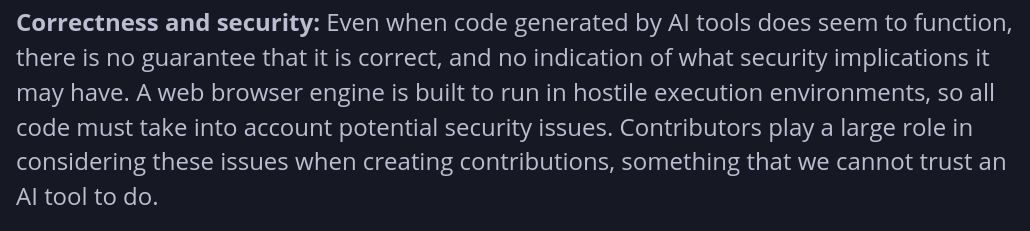
Secondly, code generated by AI has no guarantee of being correct, and it might have security issues. Again, contributors using AI tools might not be able (or want) to catch those manually.
Thirdly, copyright. We know that these large models are trained on copyrighted content, and Servo claims that their output often includes that content verbatim, which would expose Servo to potential legal headaches.

Finally, there are ethical issues. According to Servo, AI models require an "unreasonable amount of energy and water to build and operate, their models are built with heavily exploited workers in unacceptable working conditions, and they are being used to undermine labor and justify layoffs". The project does not want to perpetuate that, even indirectly.

What's interesting is that Servo is not the only project that takes this stance, but an increasing amount of repositories are now off-limits for AI generated code.
As an example, Loupe, GNOME's image viewer application, also recently added a section about Generative AI on their contribution guidelines.
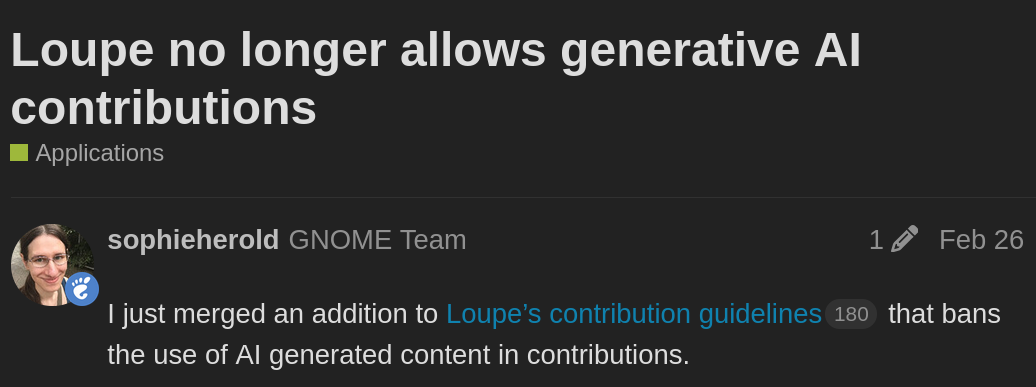
This policy states, and I quote,
This project does not allow contributions generated by large language models and chatbots. [..] We are taking these steps as precaution due to the potential negative influence of AI generated content on quality, as well as likely copyright violations. This ban of AI generated content applies to all parts of the projects, including, but not limited to, code, documentation, issues, and artworks.
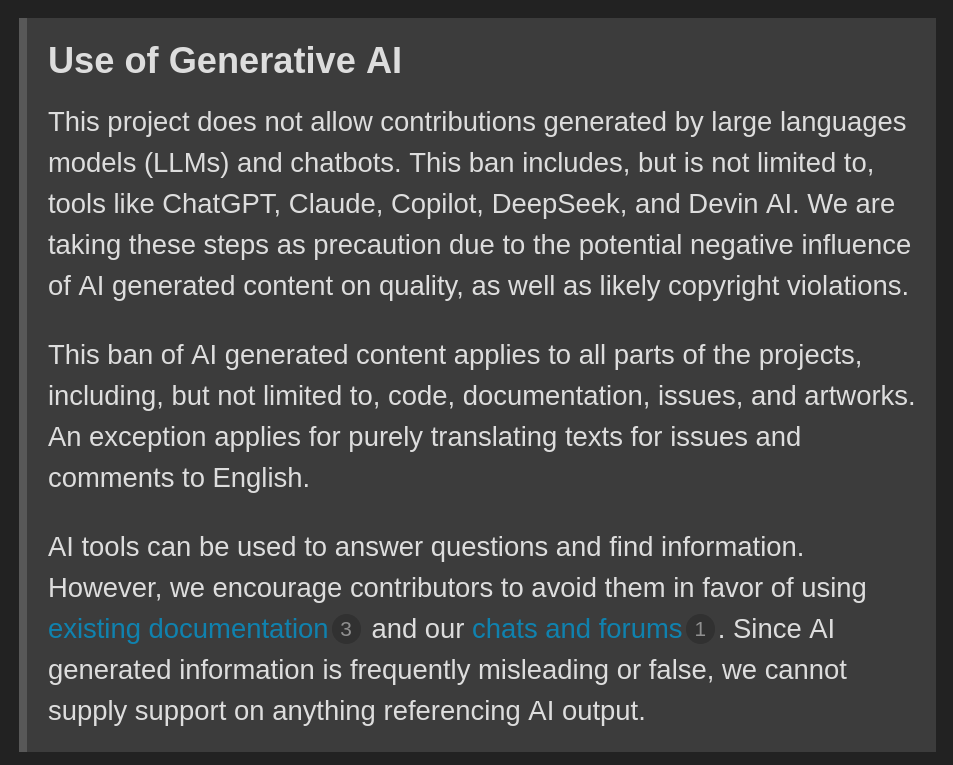
A month later, this guideline was added by Alice to: GNOME's app Elastic, libadwaita, libmanette, libhighscore, and the Highscore application. I wouldn't be surprised to see this list grow over time.
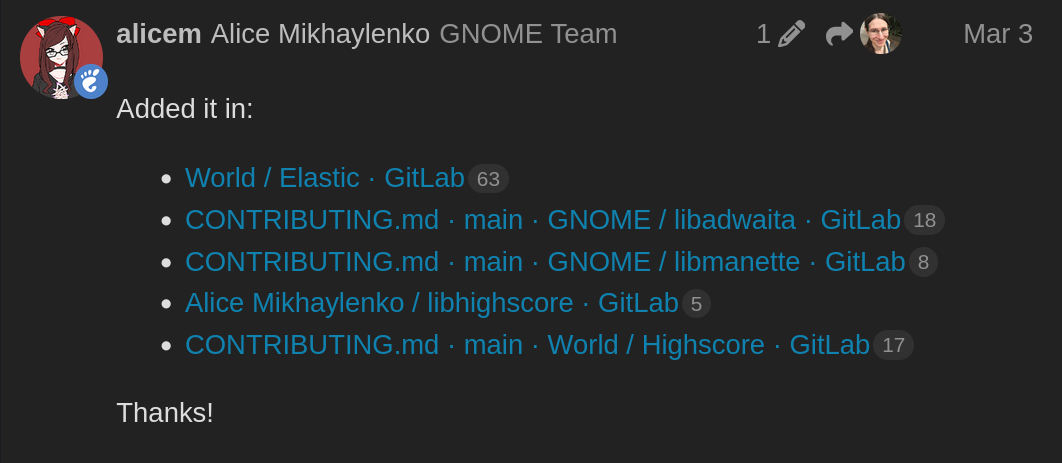
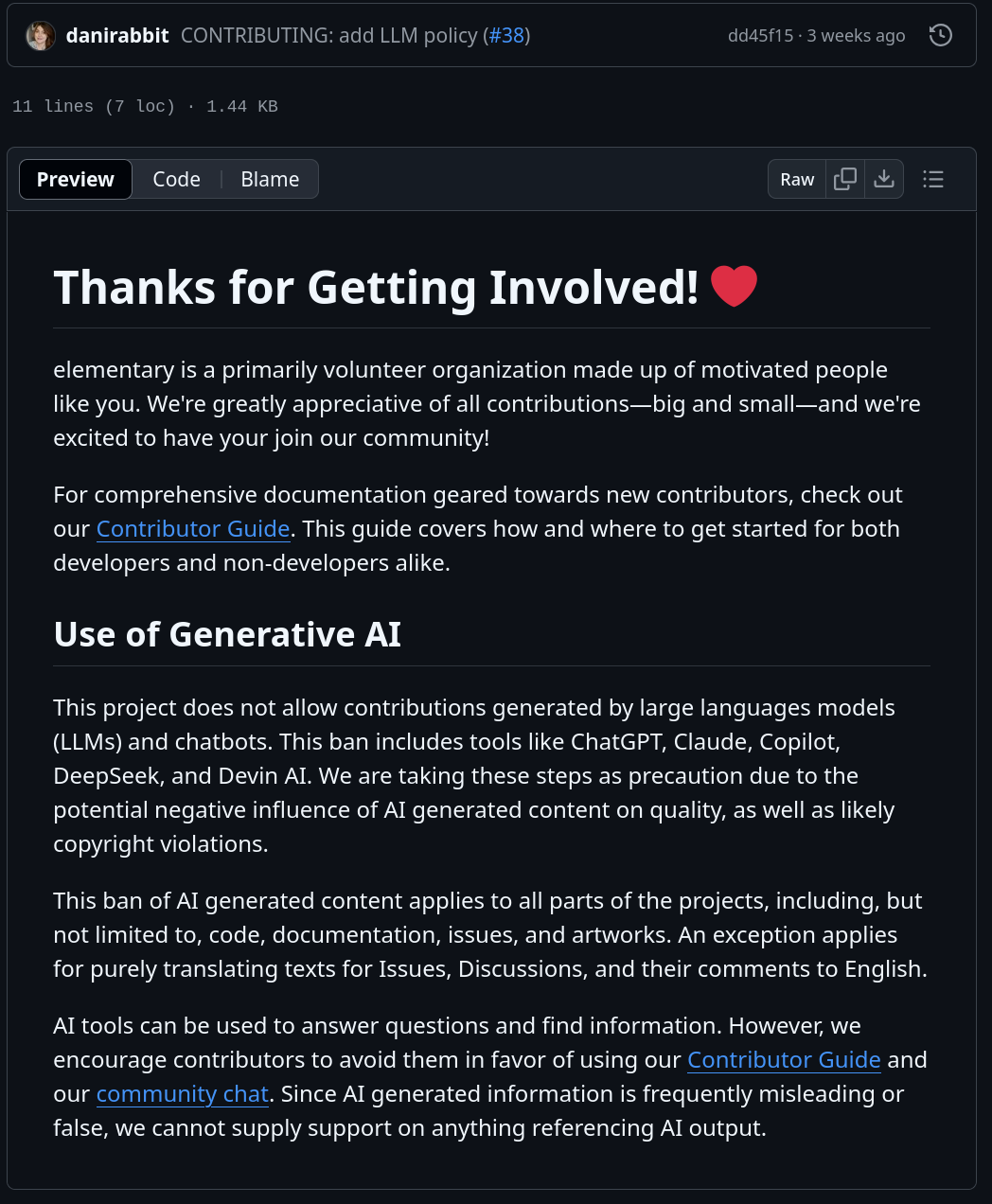
Three weeks ago, ElementaryOS also added the same policy, directly taken from Loupe's. AI code is a no-go there, too.
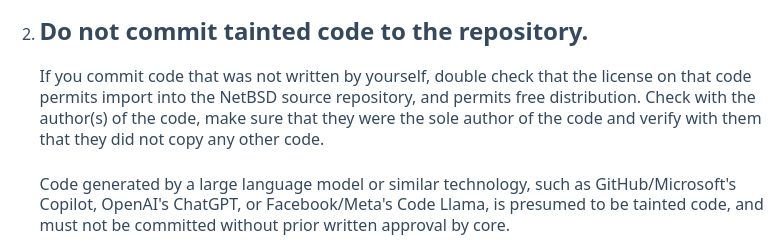
Other older examples of this are NetBSD, which explicitly states that code generated by LLMs "is presumed to be tainted code and must not be committed without prior written approval by core."
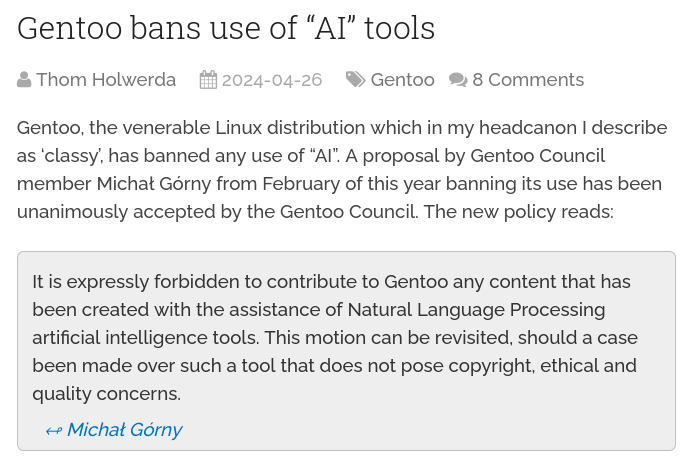
Finally, there's Gentoo: "It is expressly forbidden to contribute to Gentoo any content that has been created with the assistance of Natural Language Processing artificial intelligence tools".
Let's discuss this decision on its merits. I want to firstly point out the obvious, and address the very first question that was raised on each of these discussions: how will they know what code is AI-generated?
The answer is that there's no way to know for certain: all of these guidelines above are entirely unenforceable. A few people claimed that they "can tell" whether a large contribution is made by AI, and I do believe that we can mark some contributions as most likely written with those tools, but I also believe that we cannot ban people on "most likely" considerations or personal intuitions. Either the author admits to AI usage, or this request is entirely based on trust between the contributor and the project.
Though, as Sophie points out, the same applies to people owning the code they are submitting: there's no way for a certain project to check whether the submitted code isn't just stolen by the contributor from elsewhere.
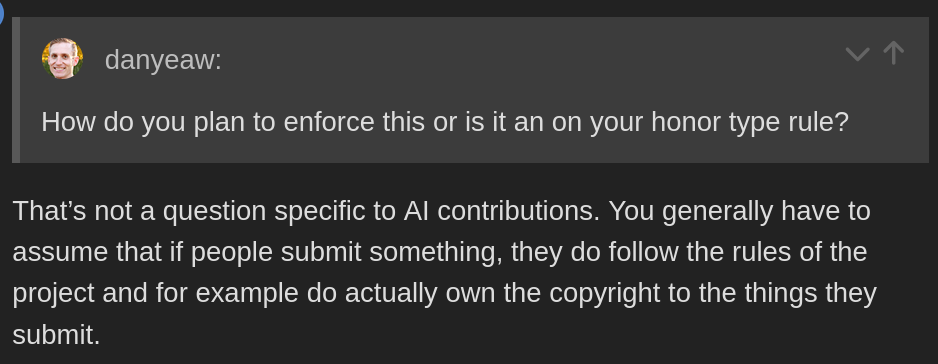
Personally, I'm not completely sold on this equivalence. When I submit code to an open-source project, I'm taking (legal!) responsibility for it, and if it's stolen, I'll get in trouble; it does not, however, limit how I can write that code. Instead, the AI section is trying to limit the kind of tools I can use to write my code, such as whether I can use autocompletion, and this is a much stronger request.
I'm not even convinced that a project has the right to make this request to the contributor. To make an example, if there were a text editor that was sponsored by fascists and whose owner said some disgraceful things, would the project be justified in prohibiting contributors from using that text editor to write the code? I believe not, as it should instead be a choice of the contributors themself (though, they can ask).
As another user points out in the Loupe discussion, the kind of person who will contribute large patches entirely generated by AI is most likely also the kind of inexperienced contributor that's willing to ignore Contributor guidelines. And, if they do ignore the guideline, there won't be any way to punish them, as there's no way to know for sure that the code is AI-generated (and you certainly don't want to ban people by mistake).
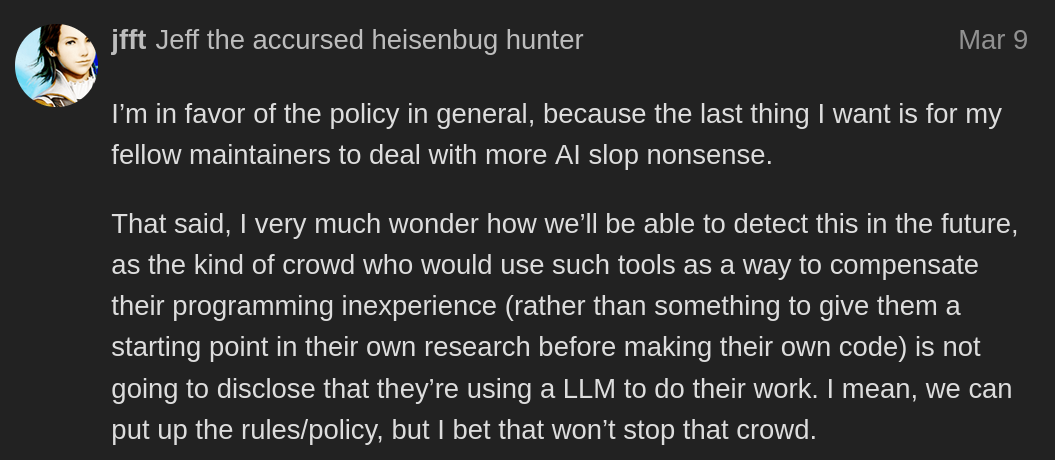
From the same thread, Emmanuele Bassi adds that "the only people that end up using LLMs are people that are not learning to code but want to submit something anyway".
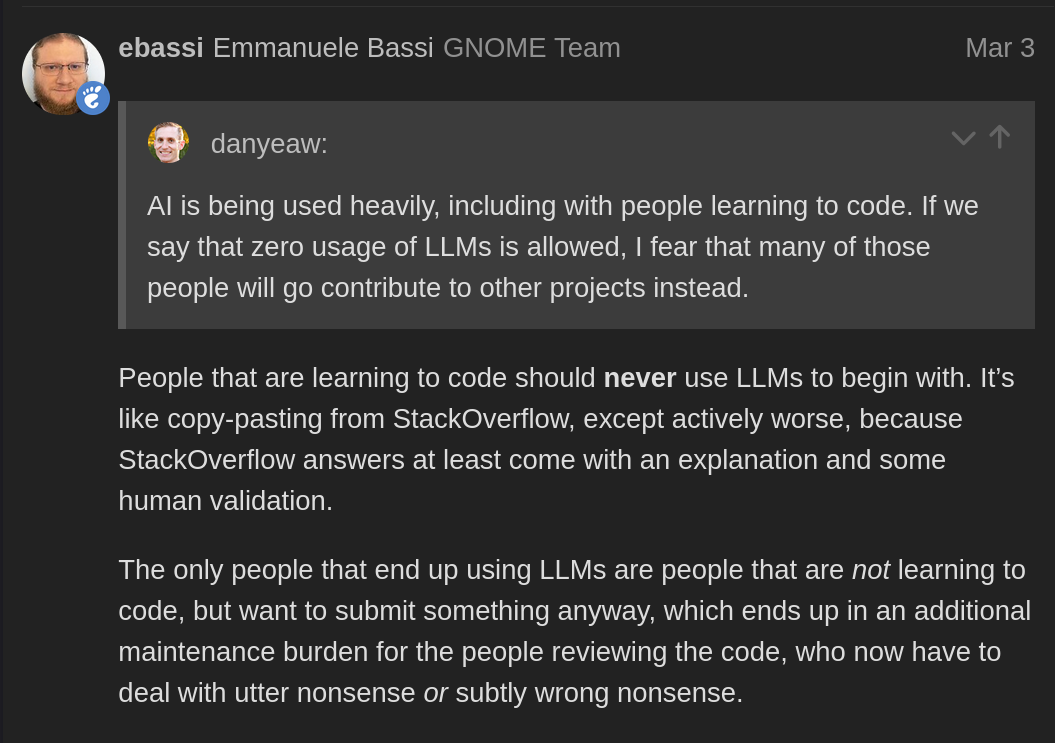
I also take issue with this claim. Though I won't deny that there are plenty of people who do use AI tools to avoid learning a certain language, I also see plenty of already-skilled people use it to speed up their workflow, myself included.
As an example, I've used Python throughout my whole life, and I have given multiple talks at PyCon about the language and some of its more obscure aspects. I'm not a great Python developer, but I can quickly get things done using it. That said, I often use AI to generate parts of some Python scripts, because it's easier and it gets it right most of the time; it's significantly faster for me to check that something is written correctly than to write it myself from scratch, and I can always make my changes to the code where I think it's needed.
Of course, since I do know Python, I make sure that the generated code makes sense and works properly. All code that I submit to any project is code that I would've written like that, and I take full responsibility for it. I won't deny the existence of people who just copy-paste code from ChatGPT without having a clue what it means, of course.
But what about all the other claims? Legal issues, the impact on climate change, and more?
Legally speaking, unless there are other contributor agreements in place (or employment situation), all contributors preserve the ownership of their contributions to open source projects. If it turns out that a certain piece of code was stolen by the contributor, they will be the ones who will get in trouble for it. To the best of my knowledge (I'm not a lawyer!), the same would happen if the code submitted by the contributor turned out to be taken as-is from another project. This means that the decision of whether to take this legal risk or not falls on the shoulders of the contributors, and not of the project, which would be unaffected.
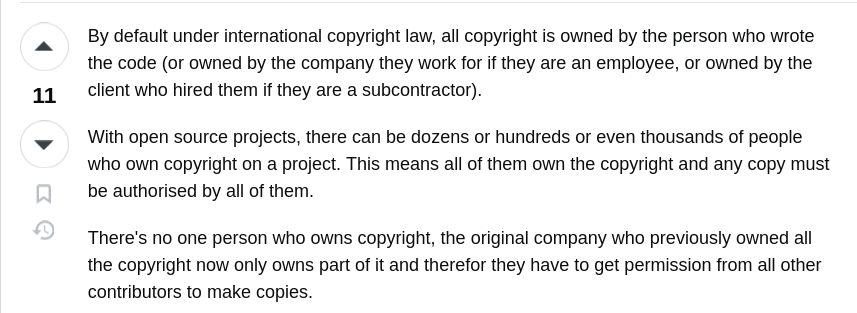
I believe that the same applies to the ethical and climate issues of AI tools; though it's important to raise awareness of their problems, I believe it's ultimately the contributors' choice on whether to use these tools despite that. Again, I decide to use AI tools because I'm currently convinced that the claims about climate impact are overblown, and I believe that using copyrighted material for training is fair use, though I do take issue with the usage of underpaid third-world workers for alignment (and, of course, I'm willing to change my mind if presented with more evidence). I think that this should be ultimately my choice (or, at worst, my employer's choice) instead of the project I'm contributing to.
Really, since I believe they don't have legal responsibilities of it, I believe the only impact that the project has to deal with is the additional maintainer's burden of reviewing completely bogus AI merge requests, which do exist. However, I also believe that this policy will be entirely ineffective at stopping this, for the reasons explained above.

Going further, I'm a bit shocked by some of the replies that the Servo proposal of allowing for just AI autocompletion in code received.
As an example, user "multiplealiases" wrote that "A good chunk of people [...] are going to see this and consider servo tainted. Merely entertaining AI these days is a statement, and that statement is "we don't care about quality, we don't care about contributors, all hail the slop machine".
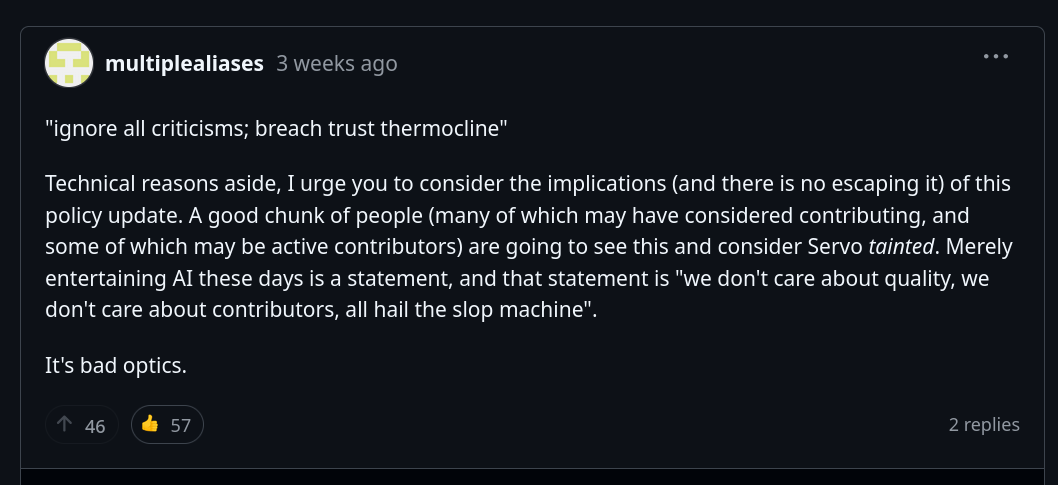
If you think about it, this statement is pretty shocking: almost all of the open source projects currently have no guidelines for AI, only a few ones do. By this logic, the entire open source world, with only a handful of exceptions, is tainted.
The same applies to developer mcclure, who would've stopped donating and contributing to the project if the proposal had been approved, as they "will not contribute code on a project where you don't know if code you are interacting with [..] was written by a human or randomly generated".
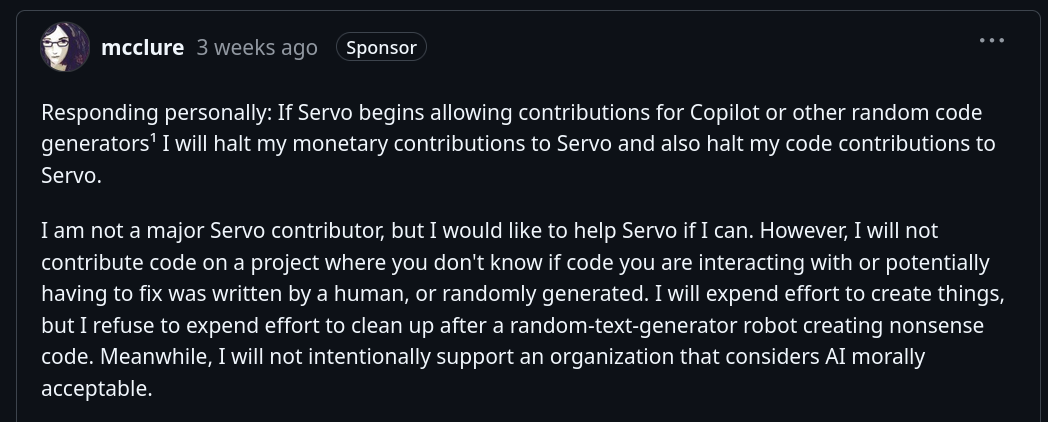
Again, this means not donating nor contributing to the entirety of open-source, with only a few exceptions. It seems to me like these comments completely fail to take in account the broader context of the open-source world, where AI contributions are currently accepted almost everywhere.
This is to be found throughout the thread. Even though the proposed AI policy would still be significantly more strict than almost every other open-source project, since it only allows for code completion and requires tagging of AI-generated code, people would be considering Servo as actively "embracing AI".
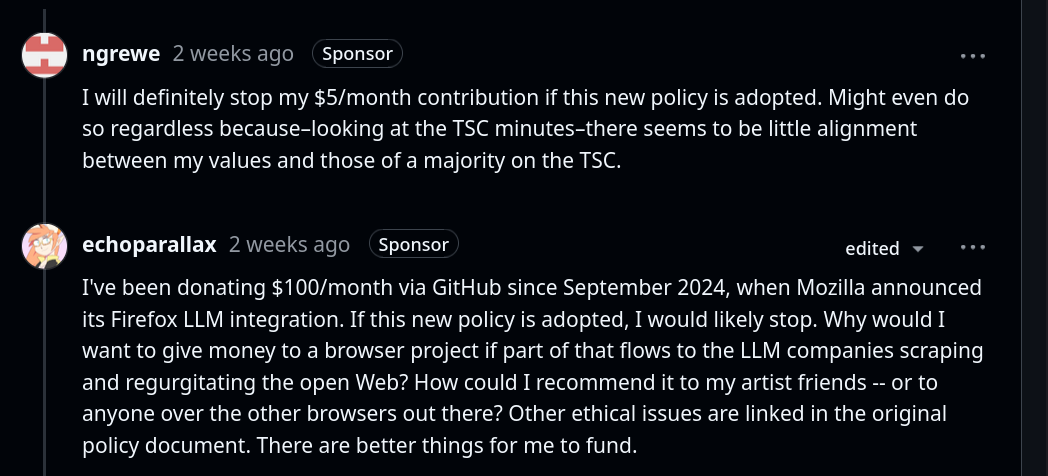
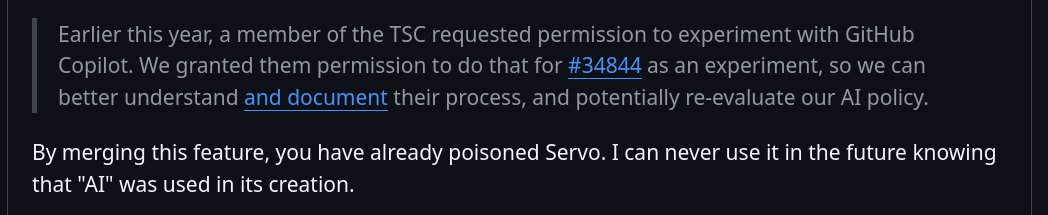
There's even someone who says that they will never use Servo because it contains AI-generated code; which, again, forgets how the vast majority of open-source projects, even open-source ones, contain AI-generated code by now.
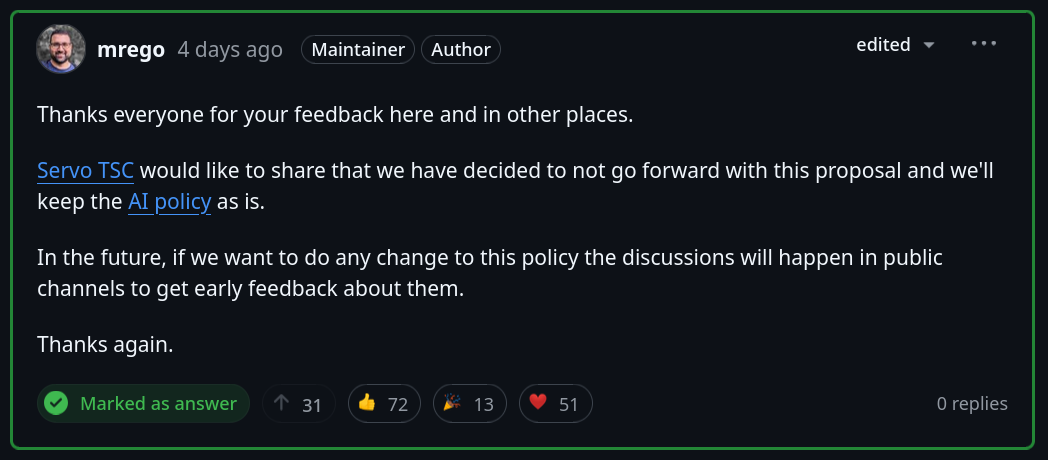
Of course, the overwhelmingly negative feedback on the proposal eventually prompted the Technical Steering Committee to change their minds and not go forward with it.
Though I can understand hostility towards AI tools, and I'm frustrated myself by the over-promises and the hype bubble, I nonetheless think there's a lot of irrationality when discussing it. A good example, in my opinion, is the video by The Linux Experiment where he says he'd ditch Firefox. Though the fundamental issue was a lack of understanding of the actual policy changes, he started saying that he did not trust Mozilla anymore, as he believed they'd start selling data to AI companies, though there was no evidence of that whatsoever. It was completely irrational.
I also believe it is a bit irrational to try to force contributors to avoid specific tools when there's no way to enforce that or ever ban a bad actor who would lie about using them, and I think it would be more useful to continue to advocate against AI through other means.
Let's talk about this "EU OS"
A few months ago, I discovered a project called "EU OS." It seemed interesting, so I added it to the list of article ideas and quickly forgot about it. A month later, it somehow reached every news and YouTube homepage. And yet, I believe most of them completely missed the point; let's discuss that.
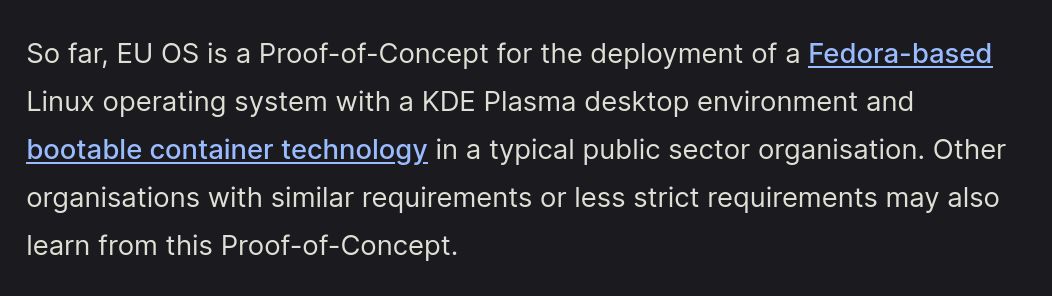
EU OS is a proof-of-concept operating system based on Fedora and built by developer Robert Riemann, head of the Digital Transformation sector in the Technology & Privacy Unit at the European Data Protection Supervisor.

To be clear, EU OS is the free-time project of Robert, and it's not embraced by EU institutions in any way; currently, it's a one-man project, though it's quite a skilled "one-man".
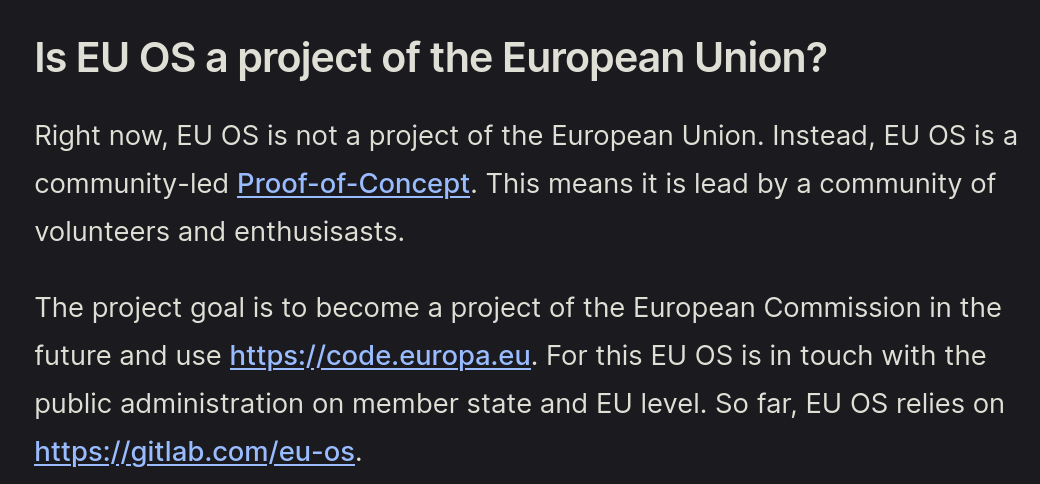
The end goal is to transition the public European infrastructure towards an open-source, Linux operating system. This brings some extra deployment requirements which EU OS has to address, such as the ability to provide an easy way to adapt to different regions and sectors, and ease of management for system administrators on a large scale.
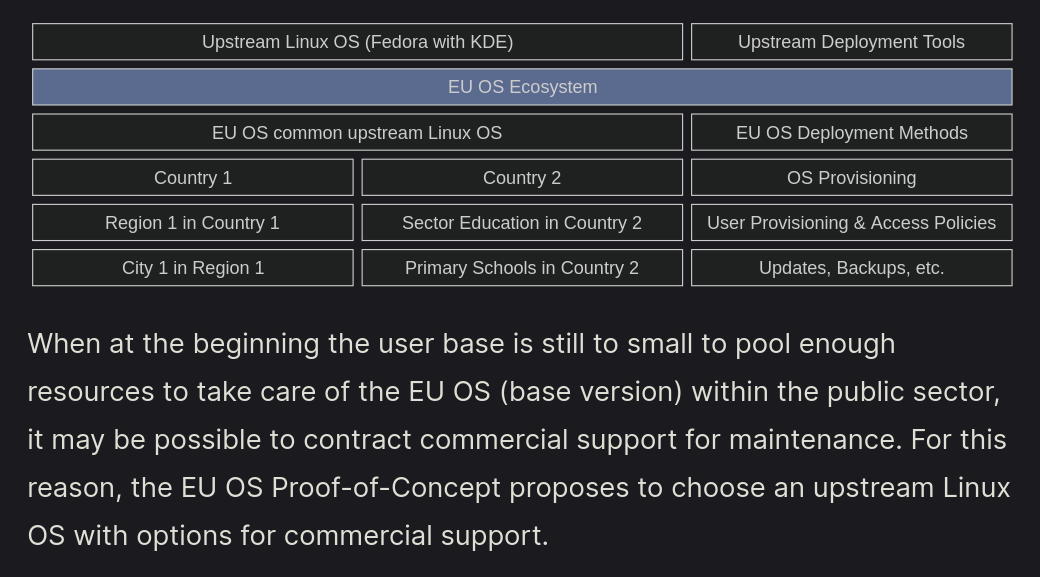
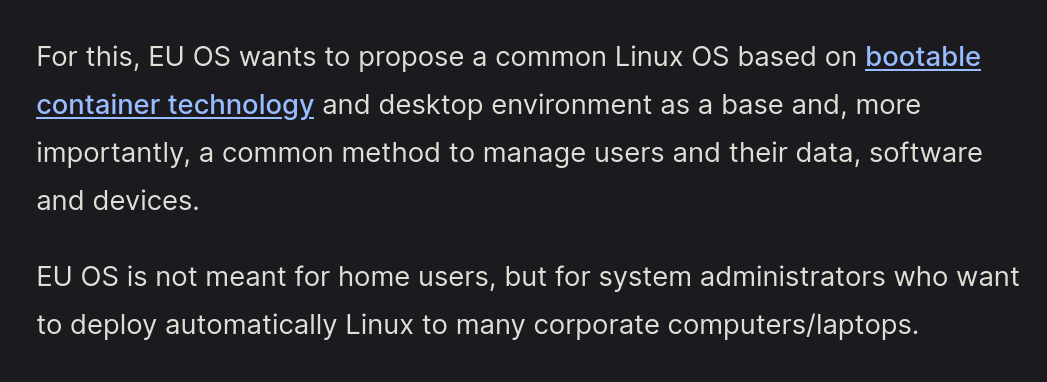
As such, EU OS is described as "not meant for home users, but for system administrators who want to deploy automatically Linux to many corporate computers/laptops". EU OS wants to "propose a common Linux OS based on bootable container technology [...] and a common method to manage users and their data".
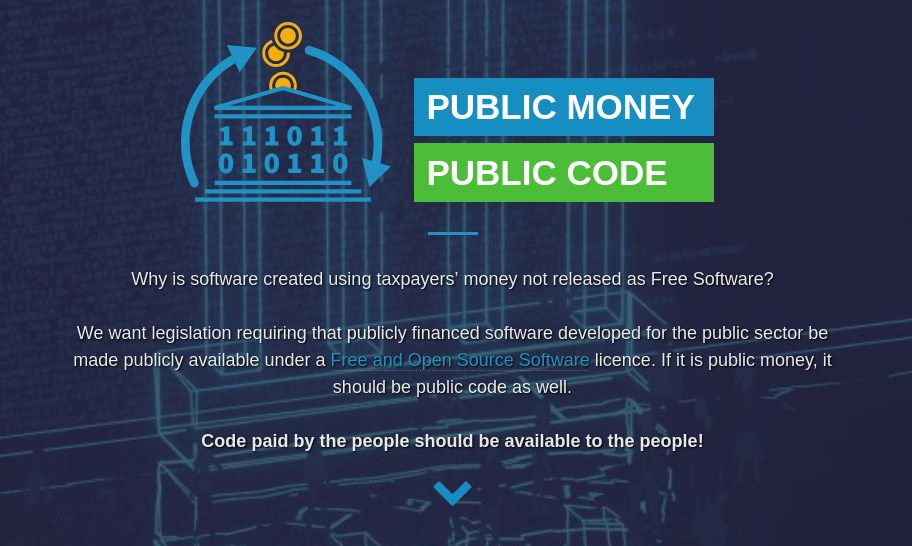
Let's immediately place EU OS within a larger context. The broader initiative is "Public money, public code", which aims to make all software created through taxpayers' money as released as Free Software (and, more generally, to push for the usage of open-source within public institutions).
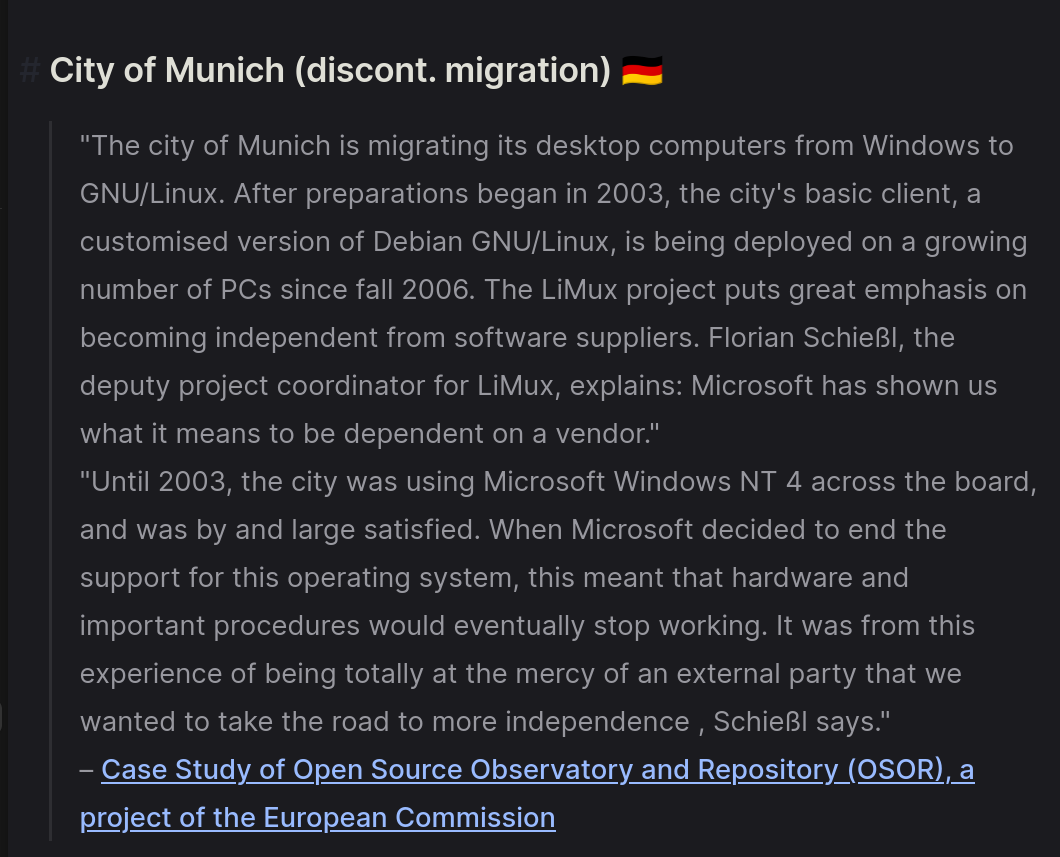
There have been a few local successes of this initiative. The most notable example was the city of Munich, which had migrated more than 80% of all of its desktops to a Linux derivative called LiMux. However, the move has been reverted, and the city has returned to using Microsoft Windows. Nonetheless, LiMux has been the first Linux desktop certified for industry use by the German Technical Inspection Association, and had managed to save more than 10 million euros.
On an international level, we have three examples: Astra Linux, widely deployed in the Russian Federation, Kylin and Neokylin, with a 90% market share in the Chinese government sector, and Nova Linux, used within the Cuban public sector. You might notice some connection between these, though we will get back to it later on.
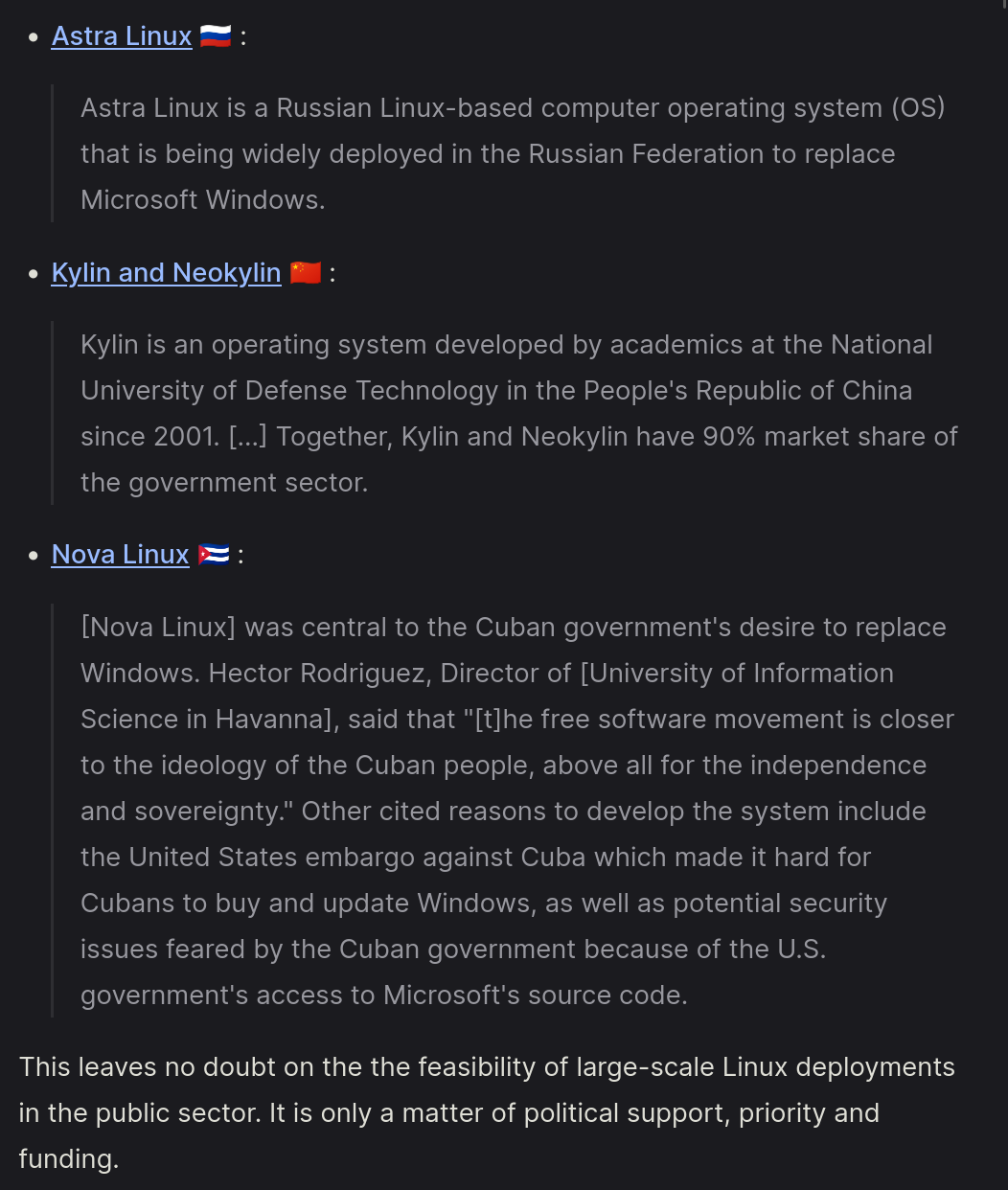
Nonetheless, Robert points out that these examples leave "no doubt on the feasibility of large-scale Linux deployments in the public sector. It is only a matter of political support, priority, and funding".
So, why isn't there political support for this? Especially considering the clear benefits that this migration would bring; we're talking about tax savings, since you wouldn't have to pay for licences of commercial products. You'd also avoid software suppliers and vendor lock-in: with Windows, you're entirely in Microsoft's hands regarding support of a certain operating system, and - even worse - the type of hardware you need to run the supported versions of Windows. And, of course, open standards foster innovation, they take fewer IT administrator resources, and benefit from the worldwide free software community.
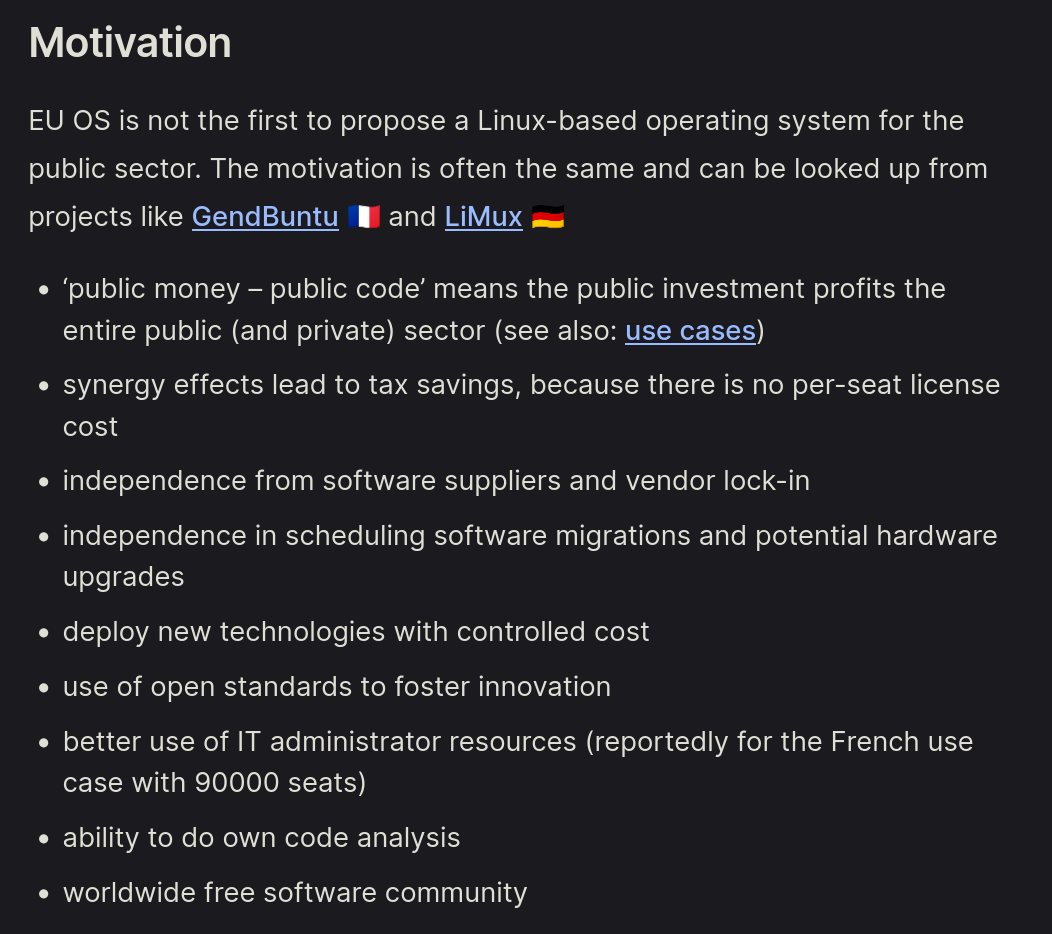
Is all of this what brought China and Russia to ditch Windows in favor of Linux? If I had to bet, there's some other reason that is better explained through our favorite topic ever, politics.
Obviously, China/Russia and the US are not what I'd call friendly allies. Thus, these countries probably started internal efforts to make their governmental sections independent from closed-source US-based software, such as Windows. By pivoting to Linux, they're able to check for backdoors in the operating system and develop their own flavor, which they control entirely.
On the other hand, the EU has been considered an ally to the US for years now; however, thanks to the latest US administration, this statement is beginning to be a bit more doubtful. Thus, the timing of this EU OS initiative is most likely not as random. Indeed, I also agree that the current political climate makes the usage of locked-down proprietary software from the US somewhat risky, and it might be time to consider sovereign options.
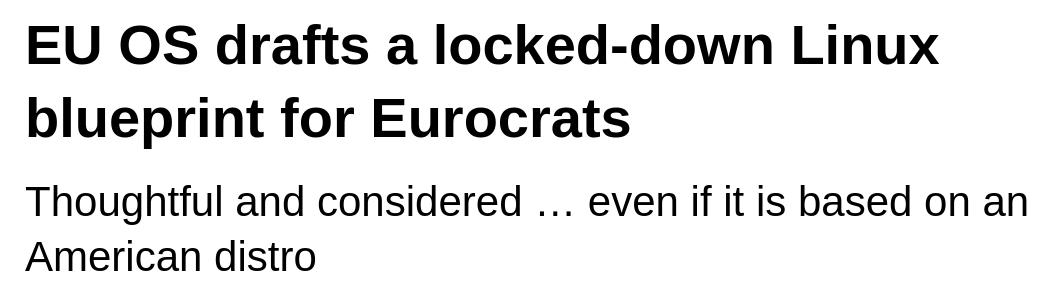
However, a lot of discussion has been raised on exactly what we should mean by "sovereign options". Many, such as Brodie Robertson, have criticised EU OS for their usage of Fedora, which is an international project but has ties with the US company RedHat.
The Register even decides to call Fedora an "American distro", which – is not something I would say, like, ever. Again, Fedora is not developed by or in any specific country, and the team is international; it is however true that many core (code, legal, …) contributors are also RedHat employees.
However, applying this sort of thinking gets complex quickly. As an example, Brodie also mentions that EU OS uses the KDE Plasma desktop, and he says he's fine with that since the KDE e.V. is based in Germany (and, thus, it's "fair to say that KDE is German").
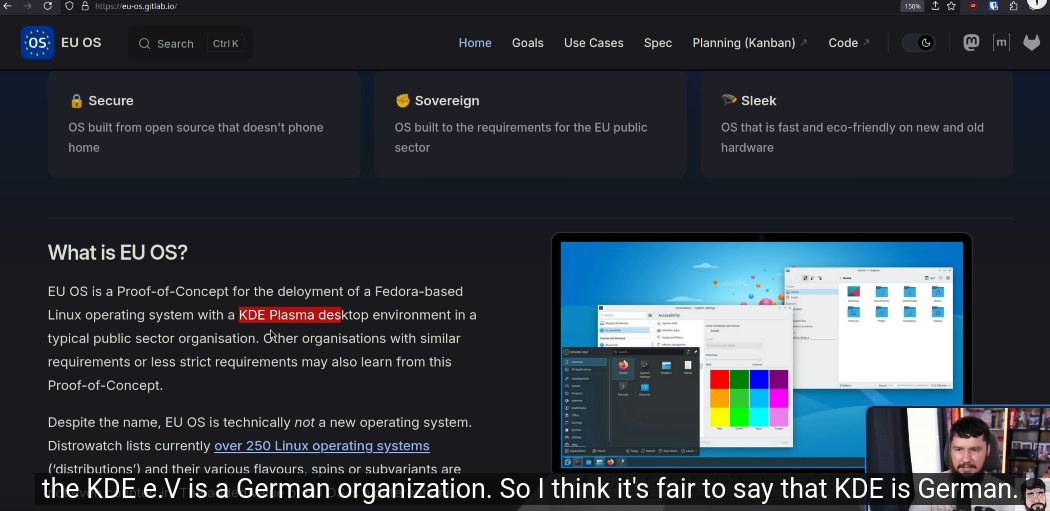
First of all: no, it's not fair to say that. KDE is an international project that's not developed by or in any specific country. The KDE e.V. non-profit is, yes, German, but it's a different entity compared to KDE and products such as Plasma are not products made by the KDE e.V.. This might seem stupid to say, but it's relevant both legally (as in, KDE products are not legally developed in Germany), and practically (as in, the most common country of origin of KDE developers is not Germany).
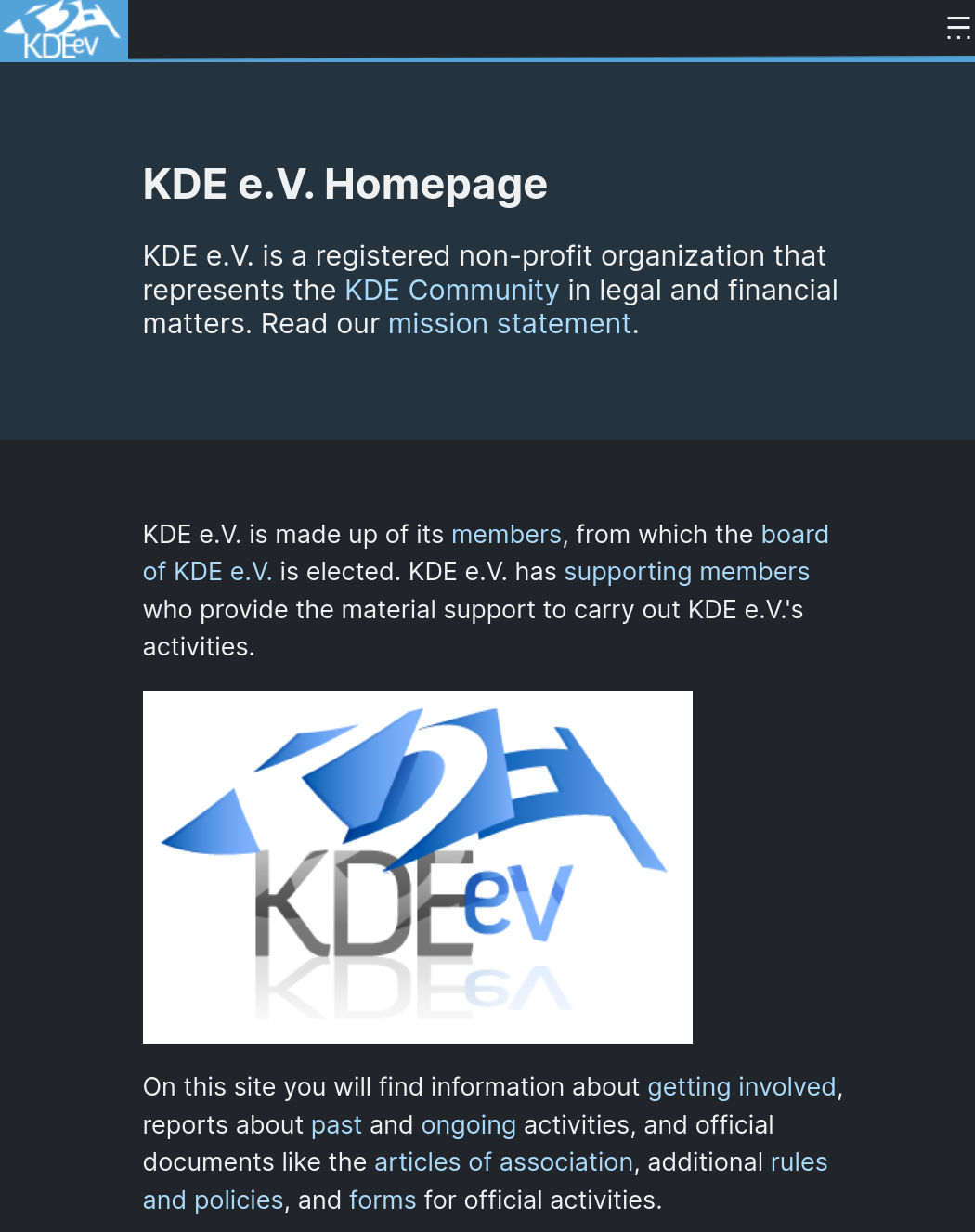
And, if you want to go further, I want to point out that many core KDE contributors, such as myself, are employed by Tech Paladin, which is a US country yet again. Even worse, the primary owner of Tech Paladin, Nate Graham, is also on the board of the KDE e.V.. Thus, by the same logic as Fedora, KDE also has direct and strong ties with an American company. Brodie should be well aware of this, since he has just interviewed Nate – I haven't watched the video yet, I'm really sorry, I promise I will.
And we could go on: sure, Linux is an international project, but it has direct ties and gets funding from the Linux Foundation, which is US-based. Mozilla Firefox is developed by a for-profit American company. Even OS components like PipeWire have direct ties to, again, RedHat. Thus, if our criteria for sovereign software is "has direct ties with US companies" then let's just give up, there's nothing we can do.
However, I believe that to be flawed logic. Let's instead talk more practically: the issues with using American software is security (as in, they might contain government backdoors) and independence (as in, future decisions by American companies might have a direct negative impact on EU institutions using their software). These are the main risks we want to mitigate.
Evidently, by using FOSS software, we're safe on the security part of this. Since development happens publicly, the US government cannot go to, e.g. RedHad and kindly ask them to add a backdoor in – they wouldn't be able to, or it would at least be orders of magnitude harder compared to Windows, since you'd have to do it publicly (thus, fooling the entire world).
Let's talk indpendence. FOSS software also provides a good layer of protection here: if RedHat decides to try to kill Fedora tomorrow, they wouldn't be able to; the project would get forked and the existing community would continue development, though certainly at a slower pace. If necessary, the EU could also create its forks of the software it relies on, and fund their development. This means that open-source here provides an exit strategy in case something goes wrong, which is all we need.
I think that the strength of my arguments here is proven by the fact that both AstraLinux and Kylin are entirely based on Linux distributions and FOSS software that's developed around the world, US included. They have strong reasons to want independence, and yet they're fine with using FOSS software even when it has ties to other countries.
Robert also agrees with me, because he's smart. He says,
EU OS shall not confound sovereignty and protectionism. There is no problem per se in relying on international FOSS components and often times it is in practice unavoidable.

However, EU OS promotes to maintain strict control on business data and telemetry data. This includes the free choice where to store such data (on-premise or cloud of choice). Furthermore, the availability of know-how for a given FOSS component within the EU shall be considered.
Also, I feel like we're getting sidetracked on this sovereignty part of the discussion, whereas the point of EU OS was to be a proof-of-concept that you can deploy Linux desktops at a large scale within the EU, which is a different goal entirely.
That said, do allow me to briefly make fun of a couple of news articles about this.
I've already criticized The Register's "American distro", but I believe that the Linux Journal also seriously missed the point by publishing "EU OS: A Bold Step Toward Digital Soverignty for Europe".

A… bold step? Are we really calling an unofficial one-man project… a bold step towards digital sovereignty? It would be a bold step if the EU embraced this, but they did not so far.
The article by It's FOSS is good, but I love the very first comment: There won't be privacy and such if an American is corporate behind it, in America you are forced to let the government have access to your software security or you go under. Which not only is just straight-up false, but also misses the point entirely that RedHat doesn't own Fedora nor can they hide backdoors in it.

Let's move on, though.
The EU OS project has gained the attention of OpenSUSE too; they recently released an article offering some criticism of the project.
They say,
The current Fedora+KDE direction is mature, but relying on one distro and one desktop environment introduces avoidable risks. Instead, it would be wise for all governmnets to embrace alternatives like Aeon with GNOME, alongside another immutable Plasma-based choice of Kalpa. Why? Security. Different distributions and desktops reduce the risk of a single point of failure. If vulnerabilities emerge, they won’t simultaneously impact every system.
This is an understandable position: by only offering one distribution and one desktop, you are more exposed to events related to those projects specifically.
However, I believe that EU OS mostly picked Fedora and KDE as placeholders, as the real proof-of-concept is about the deployment of the systems.
I do want to bring forward one criticism of my own, though, and I accept that I might be incorrect. Are we sure that we're not just talking about a name, here?
If we go check the project itself, the only repository is almost devoid of any code. Almost all of the folders that I'm currently showing on screen are empty.
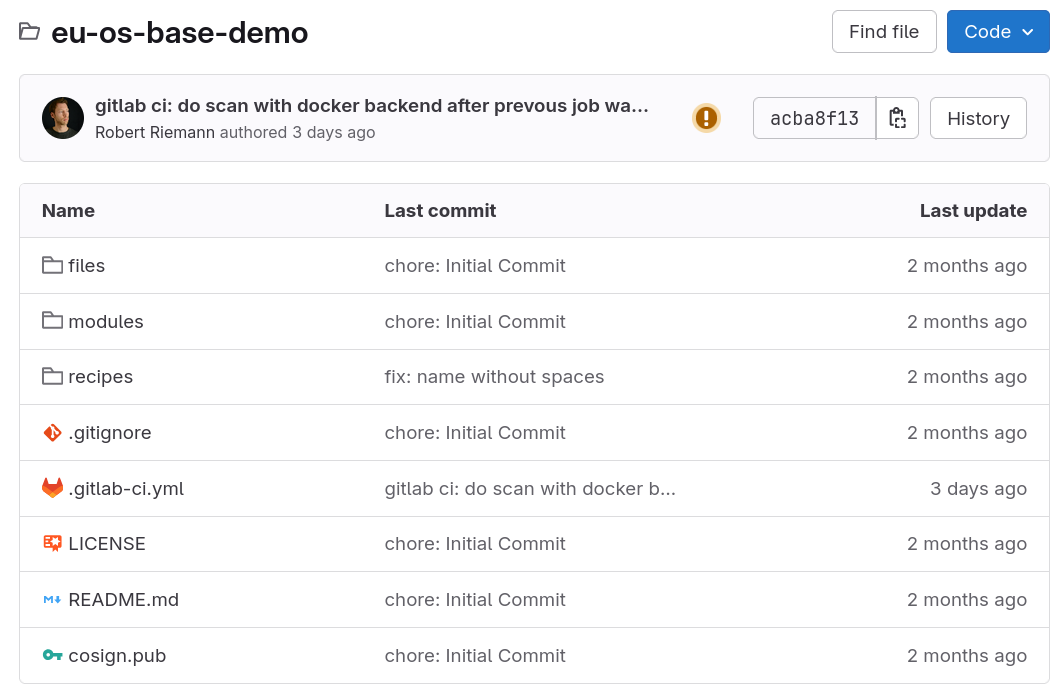
If we go ahead and see future planned tasks, we have things like: document use cases for EU OS, document requirements for EU OS, document the goals and the scope of the proof-of-concept, list required applications, publish manifest to call for EU OS support by governments, add EU OS branding, and more.
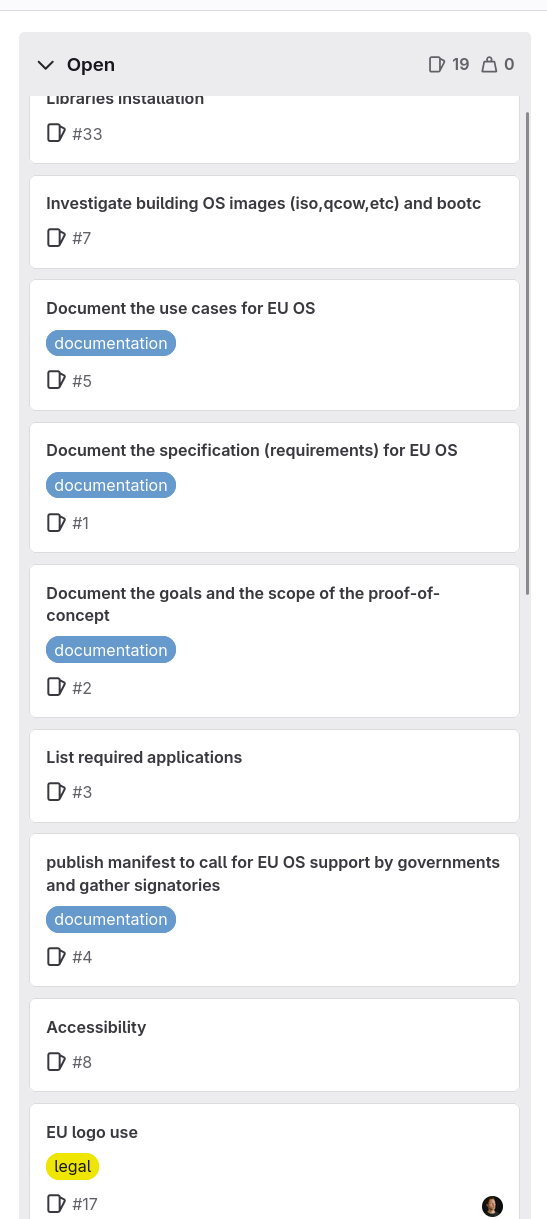
All of this is necessary work, but it makes me think that this project is well within the concept phase where it's not even sure what it wants to be, or how. There's nothing concrete about this.
And, again, this is a one-man project, and none of this is backed by any EU institution. I might be wrong, but to the best of my knowledge, right now EU OS is an idea of one person, and I do not understand why are we talking about it.
Or, I think I do: it's not about the project itself. Rather, EU OS is an excuse to discuss an abstract concept that does not yet exist, but that applies to the current times: the idea of an EU independent operating system. I think this is why everyone seems interested in the sovereignty part of EU OS (even though the large scale public sector distribution is the key part): right now, we want to discuss EU sovereignty, we need to discuss EU sovereignty; and, to do so, we've taken what would've otherwise been a negligible topic, and all started talking about it.
Robert, by the way, feel free to reach out to tell me that I'm wrong about this, and that EU OS is much more important than I think it is; I'm ready to admit that I may be missing something.
Nonetheless, let's try to go further. What is the Eurepean Union doing to embrace open-source and digital sovereignty? This video is long already, but let's try to provide a rough overview.
We can do so thanks to a petition that has been presented to the European Commission. This petition asked the EU to develop and implement a Linux-based operating system called "EU Linux" across public administrations in all EU member states. Again, benefits are listed: independence from Microsoft, compliance with GDPR, transparency, and so on.
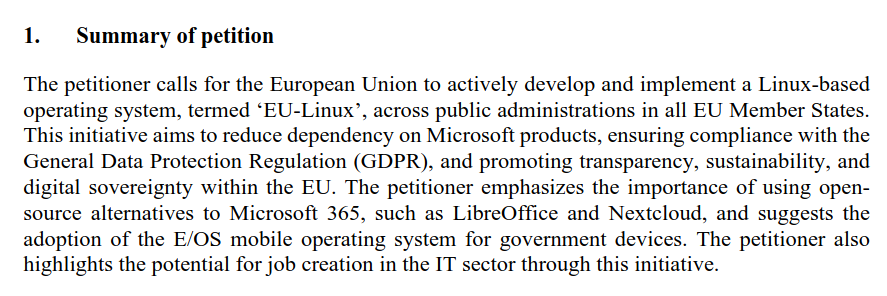
Before you get excited, the response by the Commission is "there is currently no formal project to establish an EU Linux", understandably so (these are not the type of things that are achieved through Commission petitions; they're more similar to information requests).

Nonetheless, the response also highlights all of the current efforts by the EU in regard to open-source software in the public administration.
Firstly, there's legislation. I've covered many of them, such as the Digital Markets Act, but more recently we've seen the Interoperable Europe Act "foster seamless cooperation between digital systems, prioritizing the use of open source and open standards".

There are also programs such as the Digital Europe Programme, CEF Telecom, and the ISA2 interoperability programmes, to "support the EU's digital transformation through open source solutions". Horizon Europe also funds a "wide range of projects that involve development and use of open source software and hardware", with its Next Generation Internet having invested "more than EUR 140M in over 1000 community-led open source projects".
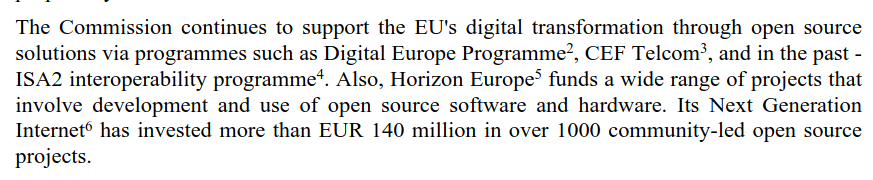
There's also a body called the Open Source Observatory who has been tracking "news, reports, and case studies, demonstrating the growing adoption of open source across the EU. This includes recent national governments' efforts to develop and implement open source alternatives to proprietary office collaboration suites, closely aligned with the petitioner’s intention".
The Commission also uses open-source software internally; as an example, the majority of their websites are built and Drupal, and they mostly use Linux in data centers.

There's also a Commission Open Source Strategy which "encourages the use of open source within the organization, promotes collaboration through code.europa.eu, and paves the way for more sustainable and transparent digital infrastructures. The Commission organizes bug bounties and hackatons on open source solutions that are of interest, such as Nextcloud, and supports open source adoption in critical areas".

Now, all of this is still miles away from Linux being the standard operating system in the government sector; and, honestly, Linux itself needs to improve for corporate usage before we get there. This is why I absolutely embrace projects like EU OS, don't get me wrong! However, I feel like this round of news got a bit too excited and misunderstood the current goal and size of the project.
On the history of Valve and Linux
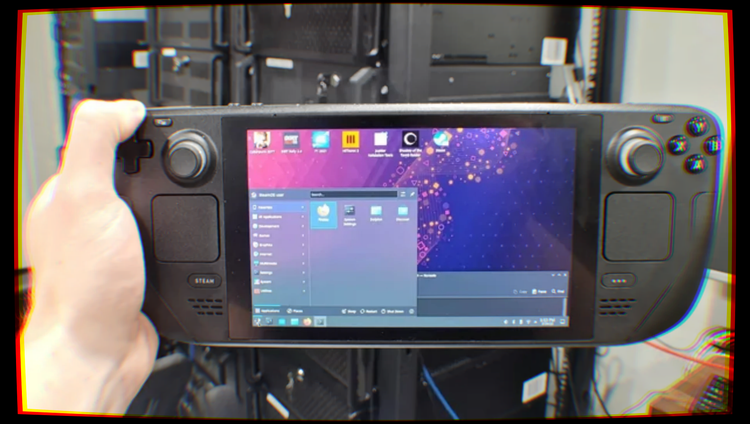
Valve, the company behind Steam and iconic franchises like Portal, Half-Life and Team Fortress, is undoubtedly one of the most important companies for the Linux desktop. They are known for the Steam Deck, a best-selling handheld game console based on Linux, and they have put in a tremendous amount of work to bring AAA gaming to Linux over the years. However, just like Rome was not built in a day, so wasn't this relationship.

So, how did Valve become so acquainted with the Linux ecosystem?
90s and 2000s — Microsoft dominates PC gaming
Released in September 2003, Steam has been the leading online store for PC gaming for quite a long time. However, for the longest time, its main support target has been the Windows operating system. It is not hard to believe why: PC gaming has, historically, been closely tied to the Windows ecosystem.

Apple's Mac platform has never been too interested in supporting gaming as a first-class citizen, focusing primarily on other audiences, but gaming on Microsoft computers was big since the olden days of MS-DOS, Windows's ancestor. It would not be inaccurate to claim that a huge part of PC gaming as a concept took birth on DOS.
Indeed, many of the most iconic PC games and franchises were born as DOS games. Just think about DOOM: it was released in 1993 for MS-DOS systems, and it has been a true icon ever since. Not only has it shaped the genre of first-person shooters, but it was also the game that gave birth to the speedrunning community, a community of gamers who take it as a personal challenge to beat a video game in the shortest possible amount of time.

It was a commercial hit, and it quickly became so iconic and widespread that it is widely known even today. The internet is doing plenty to keep it alive: for example, it is now a standard that, if a platform that can possibly run code exists, then Doom must be ported onto it. Doom has been ported to embedded devices like industrial machines and medical devices; it has been made to run in Word and PDF documents, and it was even made to run in other video games through mods! Because yes, you absolutely need to have a Doom cabinet in the Stardrop Saloon in Stardew Valley to play after draining whatever was left of your soul with yet another unsuccessful run at Junimo Kart.
However, writing games for DOS was painful. Having to write handwritten Assembly code to get anything resembling smooth gameplay was an absolute necessity, and having to deal with high-resolution displays (for the time) or outputting any kind of sound would make developers want to tear their hair out all the time. As hardware capabilities eventually grew from what most DOS machines were capable of, the new standard became Windows 3.1. However, game developers were not happy: the new operating system didn't run in Real Mode anymore, as it had made the switch to the more modern Protected Mode. This meant DOS game developers were no longer able to abuse BIOS runtimes and direct hardware access for the incredibly hacky implementations DOS games required. Windows 3.1's libraries did not work quite well with game development, leaving game developers in the dark. Microsoft decided it was time to do something after employee Alex St. John had been in contact with various MS-DOS game developers, reporting how, due to these reasons, they were mostly uninterested in porting their DOS games to Windows.
tmap.s — the logic behind texture mapping in DOOM. It was written directly in Assembly for optimization reasons.So, the Manhattan Project started. Manhattan Project was Microsoft's attempt at creating a set of APIs that would make the task of writing games for their platform significantly less painful. The questionable naming decision was, sadly, fully intentional: while Microsoft had most of the PC gaming on its side, the gaming industry as a whole was mostly dominated by game consoles from Japan. Microsoft wanted to directly attack that market with Windows, finally providing a platform that would make it easier to write games for PCs. These efforts materialized in 1995 with the release of DirectX, a set of APIs that abstracted various aspects of what was needed to write games — from presentation to GPU acceleration to audio, to handling inputs, and more — at the Game Developers Conference. In 1996, DirectX became a built-in component of the second service pack of Windows 95 and the business-focused Windows NT 4.0.

Despite the questionable taste in the choice of naming and logo, Microsoft's idea was correct: DirectX was well-received by game developers, and it kickstarted a very healthy ecosystem of great games for Windows, that did, indeed, rival the quality of the games you could find on dedicated game consoles at the time. The use of DirectX libraries was also further commodified with the integration with the .NET Framework, the closed-source predecessor of the now FOSS .NET runtime — which allowed developers to access DirectX APIs from C#, an object-oriented programming language that is very similar to Java and that is easier to use than C and C++. C# has been used as the base for a lot of successful PC games, including the more recent success Stardew Valley, playing a vital role in lowering the barrier of access to writing PC games.
2003 — Steam revolutionizes how PC games are distributed
In September 2003, Valve launched the Steam platform, after teasing it back in the 2002 Game Developer Conference. Initially, Steam was meant to be a software frontend to help users keep Valve games up to date, but it eventually evolved into the PC games store that it is today in 2005.
Steam was simply revolutionary: it offered a solid set of quality-of-life features and APIs to game developers and, overall, it made it very convenient to buy and sell computer games from a standardized place. Steam was pretty well-received, gaining endorsement from both major GPU vendors at the time — ATI and NVIDIA — that promoted it with special bundle offers: for example, in 2007, Steam was included in the ATI GPU driver, and free copies of Half-Life 2: Lost Coast and Half-Life 2: Deathmatch were given to owners of their GPUs. NVIDIA did the same in 2008, offering a copy of Portal: The First Slice to owners of their GPU hardware.
The success of Steam was unprecedented, and it showed how important offering a good user experience is for the sale of anything. Steam made legally acquiring games so easy, that overall sales of video games went up, as fewer people felt the need to resort to piracy. The President and Co-Founder of Valve had something to say about this phenomenon:
“We think there is a fundamental misconception about piracy. Piracy is almost always a service problem and not a pricing problem. If a pirate offers a product anywhere in the world, 24 x 7, purchasable from the convenience of your personal computer, and the legal provider says the product is region-locked, will come to your country 3 months after the US release, and can only be purchased at a brick and mortar store, then the pirate’s service is more valuable.”
― Gabe Newell
Of course, Windows has been Steam's main and only target for a very long time, mostly because most computer games only run on Windows. A Mac version of Steam eventually launched in 2010, allowing Apple Mac users to access the Steam storefront as well but, truth be told, it never quite caught on: only a subset of games were available for the Mac, and Apple didn't particularly help its case. Mac hardware was, on average, quite underpowered on the graphical side compared to equivalently priced Windows machines, and Apple just did not seem to care about the gaming experience on Mac. Even today, macOS ships outdated versions of the main graphical APIs — OpenGL and DirectX — primarily supporting their own Metal API, which is not really being adopted by the gaming industry. Still, it was something: even today, Steam is the best way to game on Mac machines, as it runs… whatever games still work after Apple dropped support for 32-bit libraries completely.
There was something revolutionary about this launch, though. Rather than forcing users to buy separate licenses for Windows and macOS copies of the game, Valve introduced the concept of Steam Play: games that had the “Steam Play” logo supported both Windows and Mac platforms, and the same license was valid across operating systems. This meant that, for example, a Mac user should not be afraid of buying a game for their Mac computer, because the license would have carried over, should they have decided to also purchase a Windows machine for more serious gaming.
Up to this point, things were nice and stable. Valve mostly targeted Windows users, and Windows was a solid platform for their store. Business was good, and the platform was growing.
Until…
2012 — Windows 8 launches, Valve fears for their future and invests in Linux
In 2012, Microsoft launched its most controversial operating system, even to this date: Windows 8. Windows 8 was far from being just an iterative, quality-of-life upgrade over Windows 7, it conceptually reimagined how people would use computers, in a way that was quite disruptive.
There are a few controversial things about this launch. Starting off, the UI was starkly different from that of Windows 7: it seemed like it was meant more for tablet computers than anything. On the same note, Windows 8 introduced a new type of applications — Universal Windows Platform (UWP) apps — that were meant to slowly replace “legacy” Win32 applications. UWP apps would run in a confined mode very similar to that of desktop apps, and they would be available over a diverse set of devices: full computers based on x86, ARM tablets based on Windows RT, and mobile phones running Windows Phone 8. The part that worried several people was Windows RT, a build of Windows 8 that was meant to run on ARM devices like the Surface RT. What was striking about it was that it was really locked down: users could no longer run standard Win32 applications as .exe files, but they were limited to UWP applications downloaded from the Microsoft Store. This meant that Microsoft was the one and only source of truth, and unapproved applications would not run on it!
On top of Windows RT and the Windows Store, an “App Store” for Windows applications, Microsoft had also launched the Xbox app on Windows 8, preparing the first steps of what has become, today, the full integration between the Windows and the Xbox ecosystems.
Clearly, Valve was not happy. With this move, Microsoft had all but disturbed the equilibrium that made Steam and Windows coexist happily, as it was not only working on a direct competitor to Steam that was built directly in the operating system — creating a situation where Microsoft could easily use anti-competitive tactics from a position of advantage down the line — but they were also playing around with the idea of completely locking down Windows, using the Surface RT as a test-bed, potentially leaving Steam either unable to distribute to Windows anymore or being forced to operate under restrictions.
This is the situation that made Valve begin to work on a way out, a backup plan to ensure they would remain in business, should Microsoft eventually decide to go forth with the vision they were toying around with, and lock Windows down completely. The first instance of this interest comes from something Gabe Newell said at a sponsored dinner with other industry members:
“We want to make it as easy as possible for the 2,500 games on Steam to run on Linux as well. It’s a hedging strategy. I think Windows 8 is a catastrophe for everyone in the PC space. I think we’ll lose some of the top-tier PC/OEMs, who will exit the market. I think margins will be destroyed for a bunch of people. If that’s true, then it will be good to have alternatives to hedge against that eventuality.”
Reading these words today is... surely something. While Microsoft did not end up closing Windows down eventually — especially after sunsetting Windows S, yet another failed attempt at the same thing Windows RT was trying to do — Newell's vision was spot-on, and he proceeded to do exactly what he had promised.
In retrospect, though, this is not surprising. Before co-founding Valve, Gabe Newell had spent 13 years working at Microsoft on the Windows operating system, being effectively one of the people who helped develop the Windows gaming ecosystem. If a person with that particular background was worried about the steps Microsoft was taking, their intuition was probably good.
The initial version of the Steam client for Linux was launched in a public beta test in late 2012, to be released to the public in February 2013. Much like the macOS version, the client did not support running Windows games — before quite recently people would attempt that, with very low degrees of success, by trying to run the Windows version of Steam on Wine — but, rather, it allowed Linux users to play Linux builds of the games that supported them, without having to buy the license again thanks to Steam Play. The first game to launch on Steam for Linux was Valve's own Left For Dead 2, and the experience was acceptable: it ran at a reasonable frame rate, and its multiplayer mode was compatible across clients. This meant that people could play Left 4 Dead 2 together across all three operating systems easily.
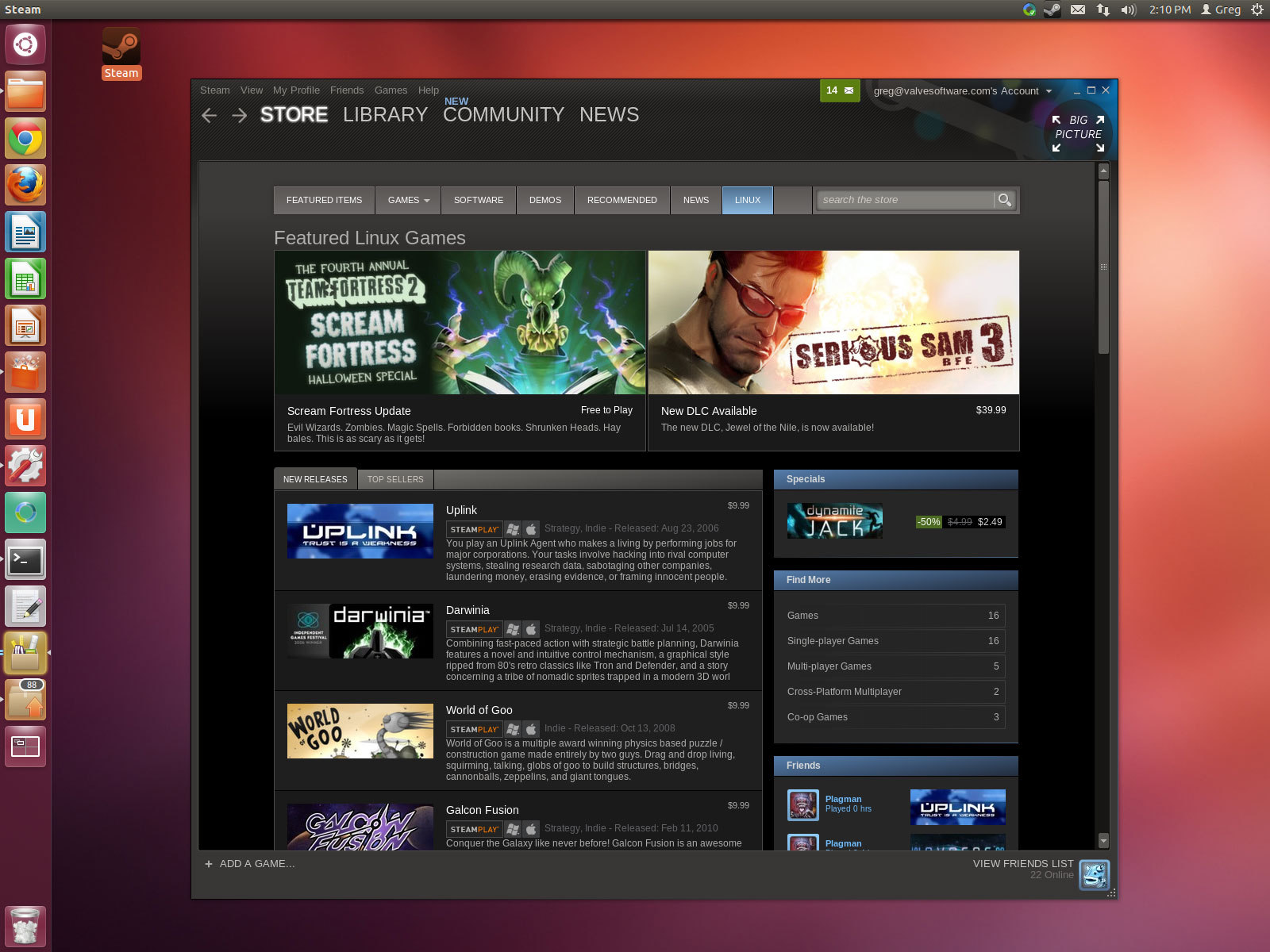
At roughly the same time, Valve introduced a new feature in the Steam client: the Big Picture Mode. This alternative view was designed to be used entirely through a controller, providing an interface that could be comfortable to use from the sofa, similar to that of game consoles like the PlayStation and Xbox.
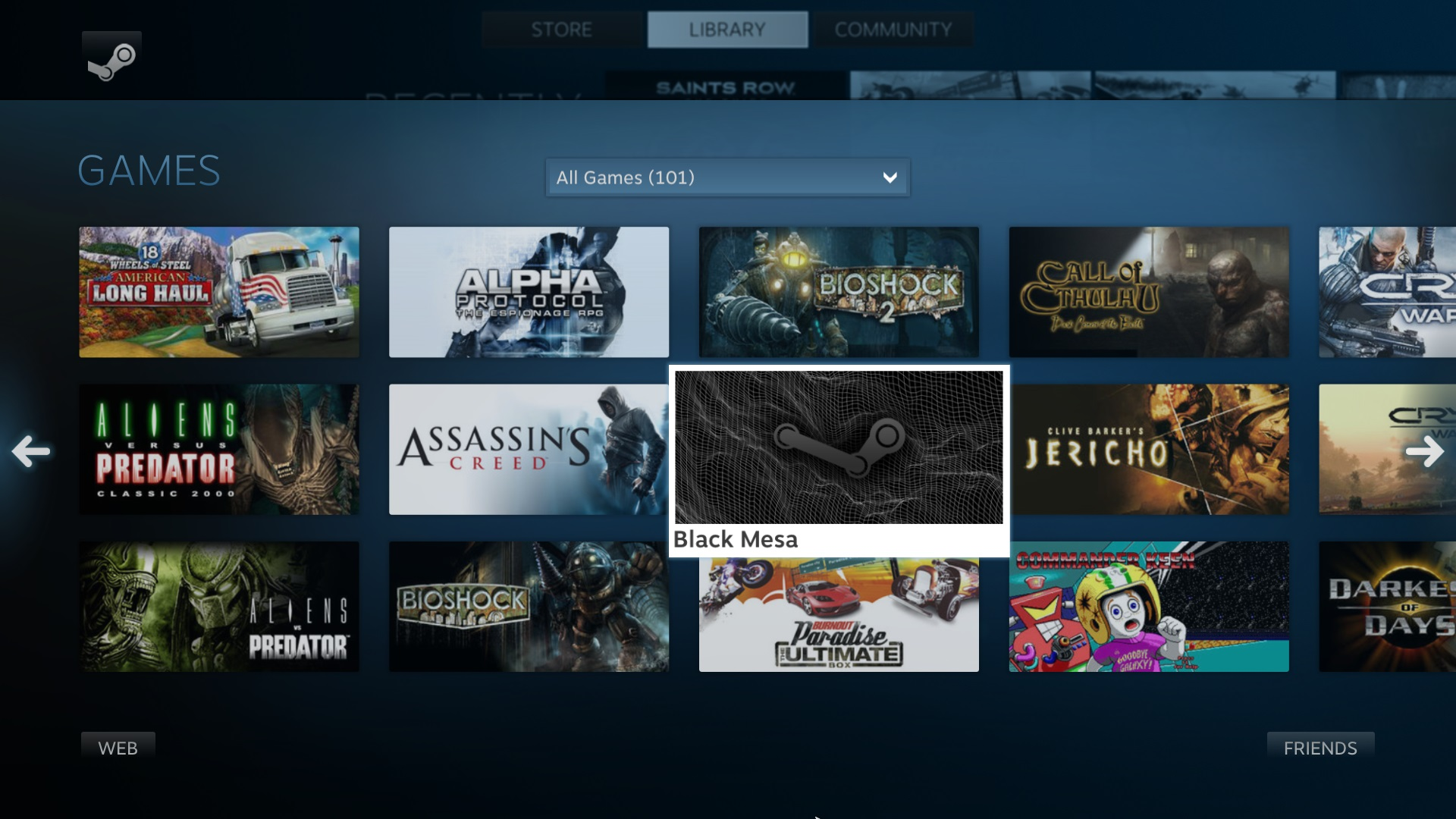
The reason behind this new feature was revealed at the same time by Valve themselves when they announced they were working on a new console, that people began tentatively called the "Steam Box".
2013 — The Rise of the Steam Machine, Valve's first Linux console
Newell was very excited about this new piece of hardware. He stated that the new Steam console, called the Steam Machine, was in the works. The idea was to release a reference model themselves and work with existing hardware manufacturers to release third-party models with different specifications and focuses. The console was set to run a Debian-based Linux distro called SteamOS with the Big Picture Mode enabled by default, to make it comfortable to operate as a living room TV. To go with it, the console would have had its complementary official controllers released alongside it. Valve had big plans and big expectations for the console: not only did they want to merely release a Linux box, but they wanted to use it as a test bed for new and exciting technologies, like kinetic input, or the ability to wirelessly screencast gameplay to any monitor or TV in the house.
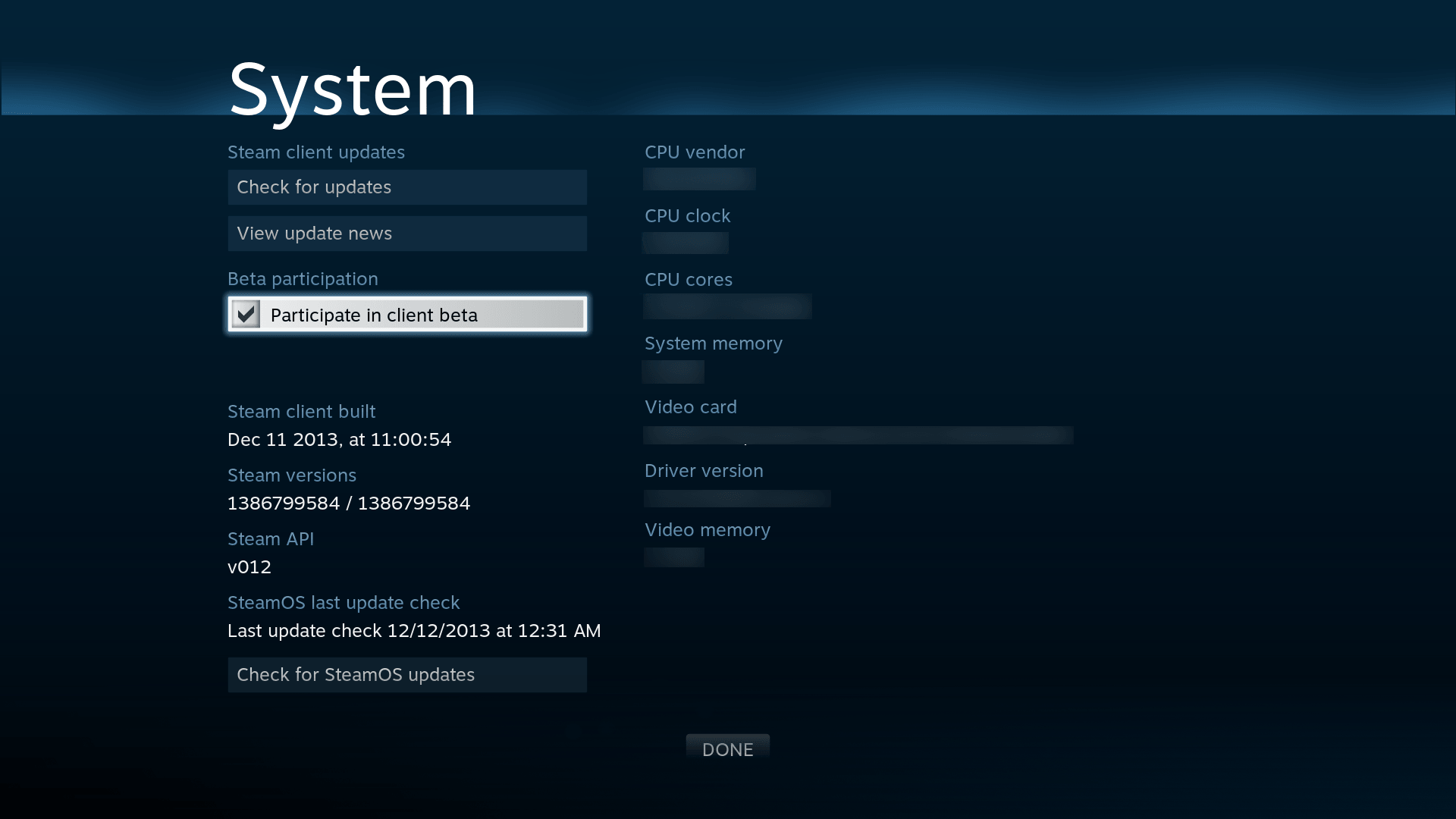
The Steam console was already set to be special. Unlike all existing consoles thus far, the direction Valve was taking is that of openness, the same culture as Steam itself, which has remained an open ecosystem since it initially opened sales for third-party games. Not only were third-party hardware manufacturers actively encouraged to release hardware competitors to Valve's reference implementation and rest assured they would receive full endorsement and support, but they also clearly stated there would be no exclusive titles for SteamOS, actively discouraging third-party developers from releasing any:
“Whenever we talk to third-party partners, we encourage them to put their games in as many places as possible, including not on our platforms," (...) "Because we think that customers are everywhere, and they want to put their games wherever customers are. That would go against our whole philosophy, to launch something that’s exclusive to SteamOS or Steam machines."
- Anna Sweet, Valve
Valve finally released the Steam console and its companion Steam Controller during the last week of 2013, with a release planned for mid 2014, while still shipping out some beta test units in the coming months. They had also released an early image of the SteamOS ISO to the public, mostly to appease Linux aficionados who wanted to beta test.
It was thanks to the testing of those Linux enthusiasts that more bugs were uncovered, forcing Valve to push the release of the Steam machines to November 2015.
It is interesting to take a look at the Piston Xi3, an experimental modular mini-PC that was set to be a prototype for the Steam Box. While the project was unsuccessful, there is now more information out on it, thanks to a Dingus Studios video where he played with this little thing 10 years later. The device was very interesting in its own right, and it even had a peculiar HDMI + DisplayPort combo port that would accept both output standards, which worked very well. It is unclear to me why this particular concept hasn't survived and it is not the current industry standard, it feels like such a missed opportunity. How has nobody even attempted a Framework expansion card that brings this concept back?

2015 — the Steam Machine releases
Anyway, let's get back to our story. In November of 2025, the first set of Steam devices — Steam machines, controllers and Links — were released to the general public. The Steam Machine was a SteamOS-powered mini-PC, manufactured by gaming PC manufacturer Alienware, and the Steam Controller was an original gamepad to go with it. Frankly, it was a great gamepad. Whoever has managed to snag one before it got discontinued is a lucky person: I am still impatiently waiting for a second iteration of this marvel.

The third device that was released in that event was the Steam Link, a tiny little box that could connect to any monitor or TV. The Steam Link was used to stream games from a computer or a Steam Machine and play them in a different room, with no issue.
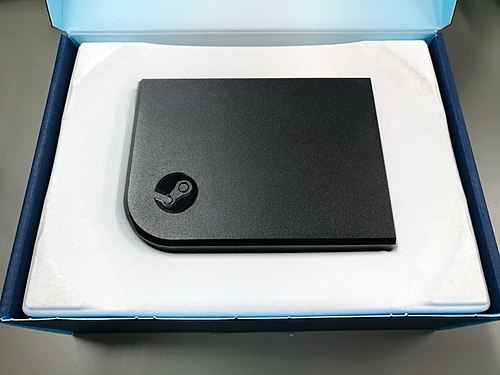
Sadly, Valve's first attempt at a console soon turned out not to be as smooth as expected. Shortly after its launch, Linus Sebastian made a video outlining all the usability issues that were there with the first iteration, and they were not trivial.

Time wasn't prime yet for something like this. The Steam Machine had several drawbacks: not a lot of games were compatible, but the checkout process allowed users to buy incompatible games from the machine itself without warning. Controller support was iffy by default, often requiring users to manually download community presets to get several games working on the sofa. And, lastly, the technology wasn't there yet: the AMD APUs that were used in this machine just weren't powerful enough, even though they were the best bet Valve had.
By April 2018, Valve had completely discontinued the Steam Machine. It was a failed experiment.
But that didn't mean they had given up. Far from it. Shortly after, Valve would go on to double, triple down on their plans for Linux, while reassuring users that their commitment to Linux had not vanished, and development on SteamOS and related technologies would continue.
2018 — The Rise of Proton
On 21 August 2018, Valve unleashed the ultimate weapon, Proton, releasing it as a feature called "Steam Play", mirroring the original concept of "Steam Play" that was introduced back in 2018, with the release of the macOS client, conceptually. Proton is a compatibility layer that allows users to run Steam games that target the Windows platform on Linux.
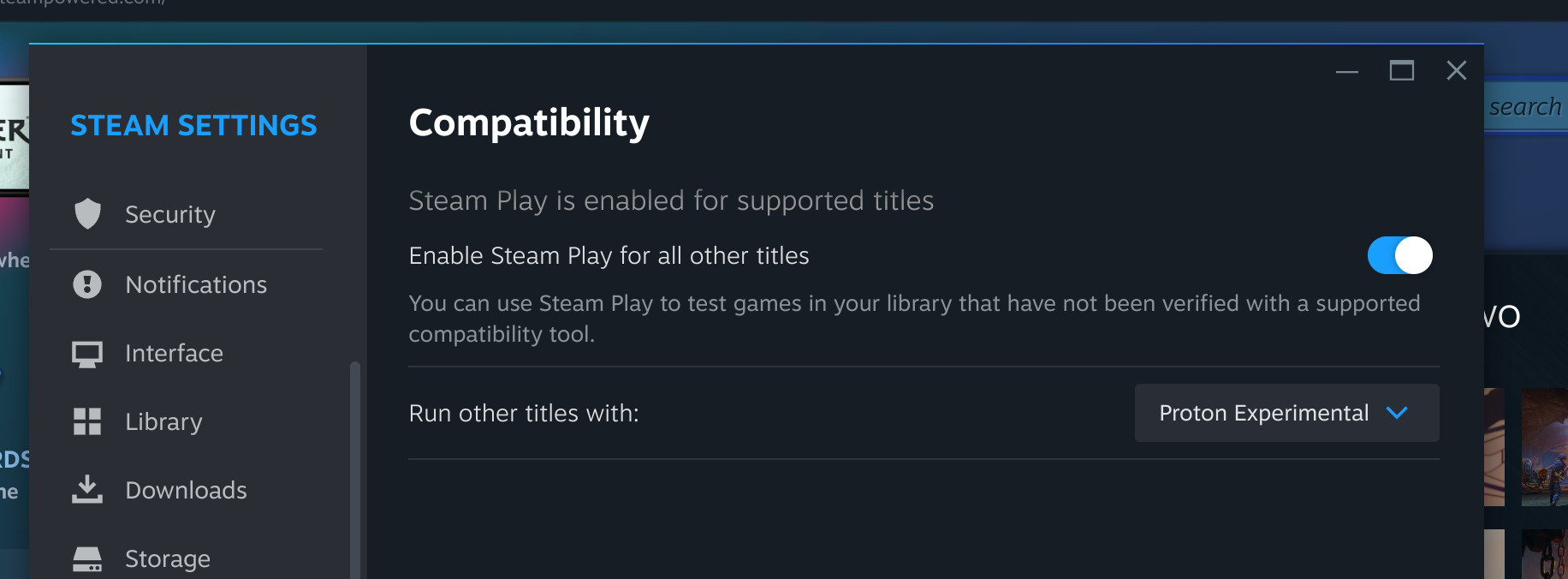
Proton was born as a fork from Wine (WINE Is Not an Emulator), a compatibility layer that allows running applications that target Microsoft Windows on Linux and other POSIX-compliant operating systems, by translating WinAPI calls to POSIX system calls at runtime. What this means is that Wine is not a Windows virtual machine: it is not emulating the hardware or the kernel, it is running Windows applications directly as if they were native Linux applications, by providing a FOSS Win32 implementation that is designed to run on Linux. What it means is that, unlike with a virtual machine, there is close to no performance penalty when a Windows application is executed through Wine.
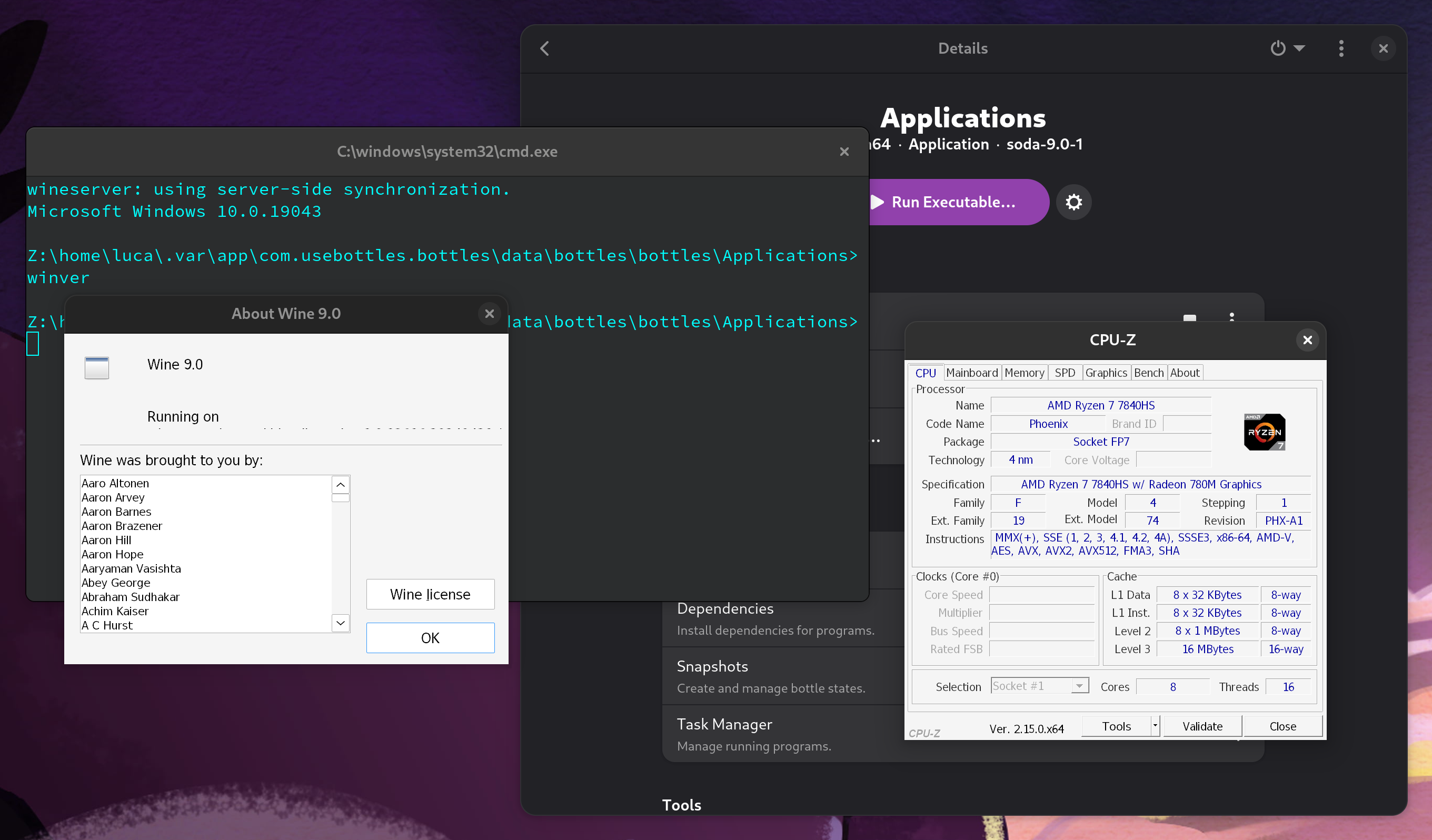
cmd.exe, winver.exe and CPU-Z, noting all details about the CPU, device manufacturer and BIOS are passed over correctly.Of course, Wine is not perfect. It is a "clean room" implementation of the Win32 API, which means that all Wine contributors must never have even so much as taken a glance at Windows's private source code: anyone who has ever worked on Windows at Microsoft, or who has read and studied parts of leaked Windows source code, may not contribute any code to the project, to ensure Microsoft's intellectual property is not violated.
In Proton, the base Wine project was tuned and improved for better video game support (of course, Valve contributes to upstream Wine development a great deal, too), but it was also bundled with other libraries that handle near-native translation of newer DirectX standards. While base Wine can translate old DirectX standards into OpenGL, one of the standardized video APIs that run on Linux, using an extension known as wined3d, it is not able to run even moderately modern versions of the API to satisfaction by itself: either performance is poor, or the graphical context simply does not start. To address this, the community has come up with two very exciting projects, dxvk and vkd3d.
dxvk, which stands for "DirectX to Vulkan", is a library that acts as a translation layer from DirectX calls to Vulkan API calls at runtime. This yields a substantial performance improvement over standard wine3d: as a matter of fact, some games even run smoother on Linux with this translation layer active than directly on Windows! It is distributed as a Windows library (.dll), and it is loaded along with any games on the Wine side. It also works as a Windows library: though they are not the main target, even some Windows users occasionally load dxvk on some of the games they play, because the fact that Vulkan is much more efficient than DirectX 11 at plenty of tasks often offsets the cost of the live translation, providing a free performance boost to many DirectX games.
dxvkvkd3d-proton does a similar thing: it gets loaded as a Win3D DLL library as well, and it implements the newest DirectX 12 API on top of Vulkan. Just like DXVK, this library provides a very fast way of running modern DirectX games on Linux.
With this stack, and several other pieces like winetricks, a set of scripts that are useful to work around common problems encountered while running Win32 applications on top of Wine, Valve has been able to get more and more games to run flawlessly on Linux. By default, Steam only allows you to run a limited set of Windows games that have been vetted and tested by Valve, but you can — and should — enable a simple compatibility setting to allow you to use Proton on any game. Most of the time, the experience is smooth, even if Valve does not approve of a specific game. You are not alone, either: protondb is a very nice database that includes almost every Windows game on Steam, along with a compatibility report for Proton, and a community section for people to talk about their findings, or workarounds that they found.
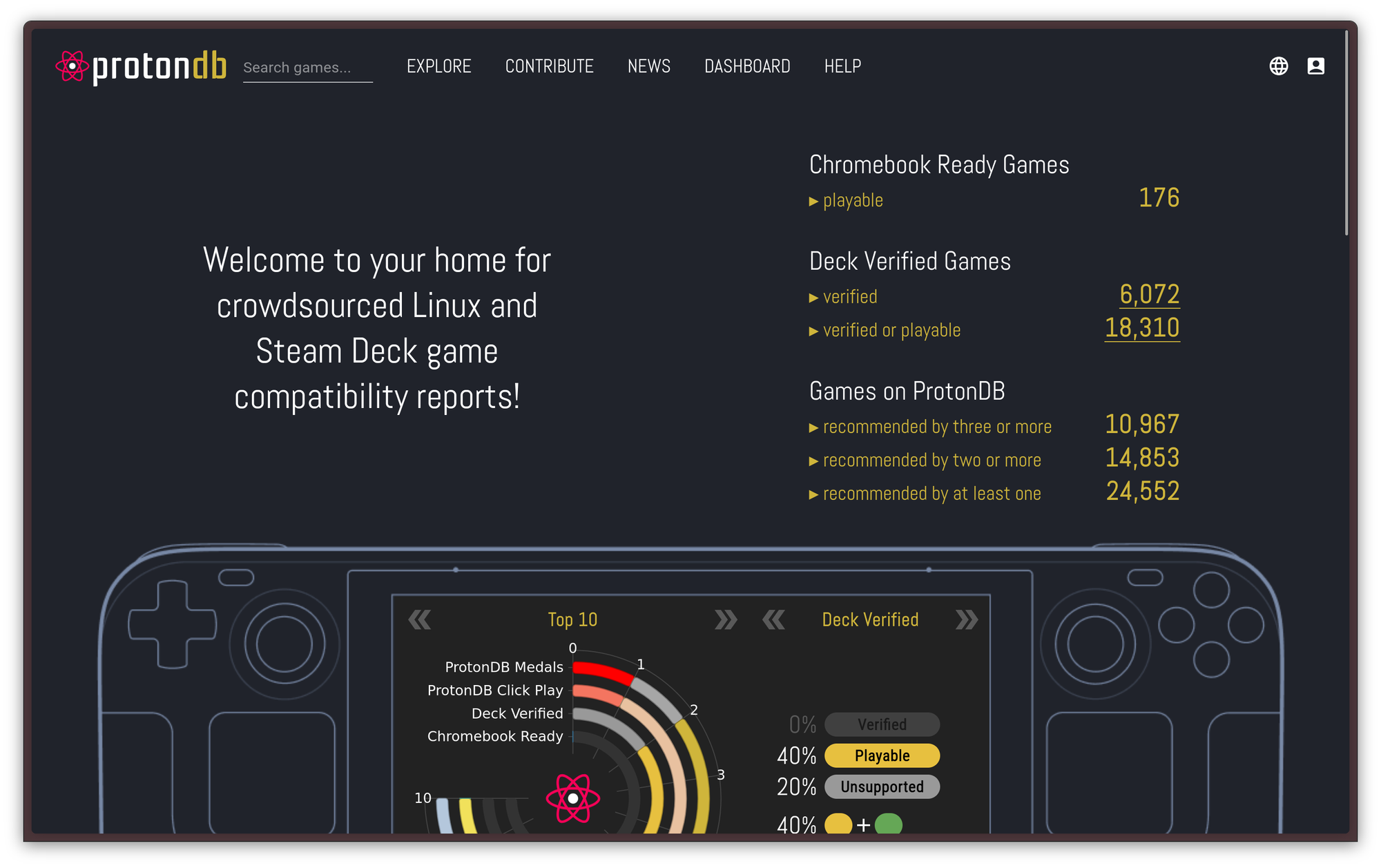
Proton works so well that, in some cases, Proton games even outperform native Linux builds: The DirectX 11 to Vulkan translation is often better than the OpenGL backend that is offered to Linux users unless the game also offers Vulkan natively, and, in general, Proton eliminates all the problems that stem from poor Linux ports, such as not being properly compiled against the Steam Linux Runtime, which causes the game to run worse or not at all on some systems. Personally, configuring Steam to run the Windows version through Proton instead of the native Linux port helped me solve some pretty bad graphical artifacts in Firewatch, and it completely fixed an obscure problem I had with Hollow Knight, that caused some keys of my 8bitdo controller not to be properly registered in the game while the controller was connected through Bluetooth. All the other usual troubleshooting steps before that didn't help!
This was pivotal for gaming on the Linux desktop. Thanks to Proton, almost every computer game under the run works on Linux now. Almost. The only exceptions are games that use kernel-level anti-cheat, very invasive software that runs as a Windows driver to detect any game manipulation from the lowest level. However, several security experts warn against running this kind of software at all — even on Windows! — because it is commonly considered to be a huge security flaw, so, perhaps, we should not be too sad about the terrible loss of not getting to run borderline malware on our computers just to be able to play League of Legends.
2021 — The Rise of the Deck
In 2021, Valve finally announced their second attempt at a Linux-based console: the Steam Deck.
Unlike its predecessor, the Steam Deck is a handheld console. It's designed to be used wherever a person wishes, without being tied to the living room. It was finally released to the public in February of 2022.
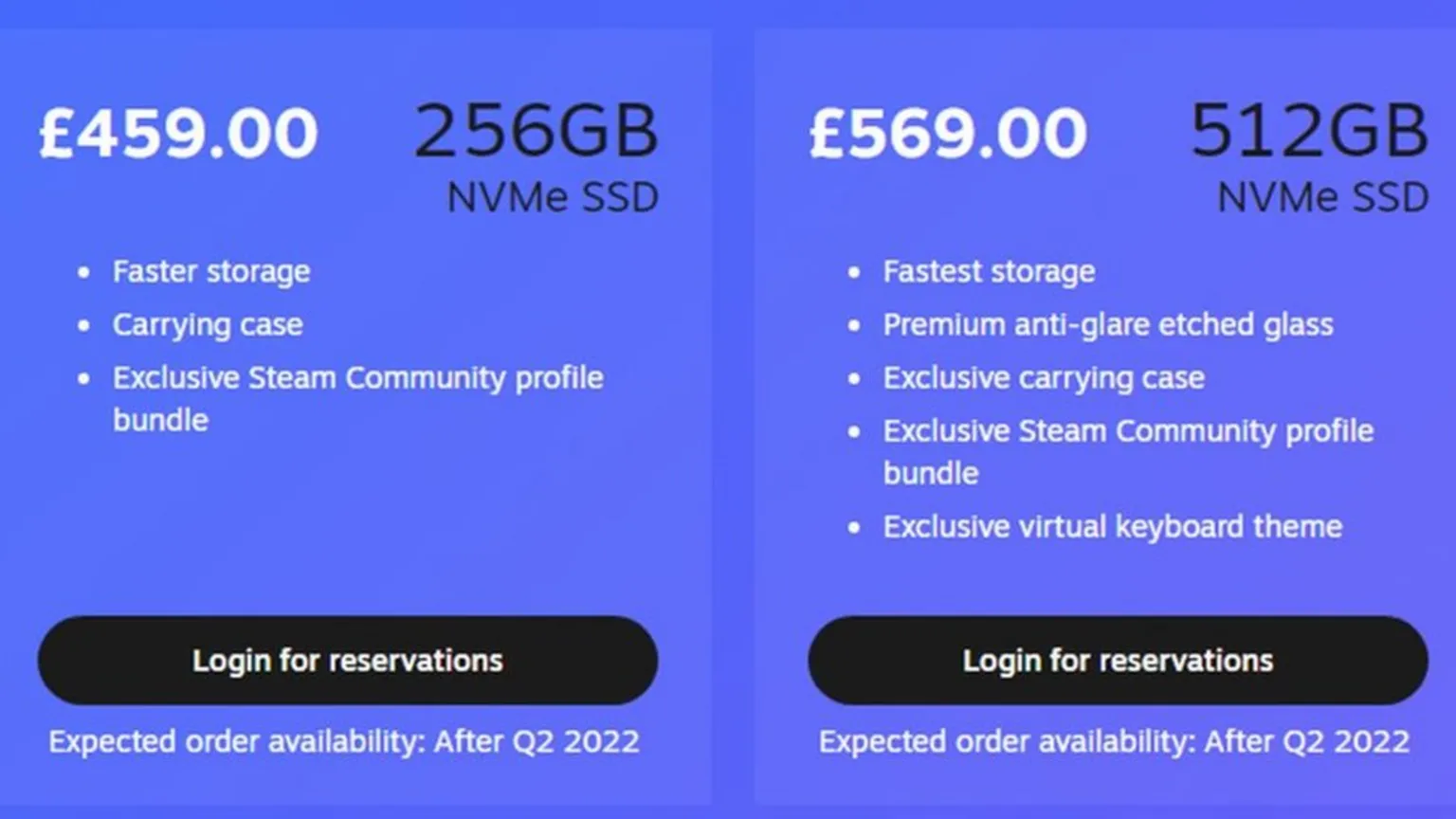
The value on offer for this newer console was more convincing than the original Steam Machine right from the get-go. For starters, it comes with a completely new version of the SteamOS operating system: the newer version is no longer based on Debian but, rather, on a modified version of Arch Linux. The new OS now leverages Proton to support almost every Windows game in the store, rather than just Linux ports, and it works much better than it used to on the old Steam Machines.
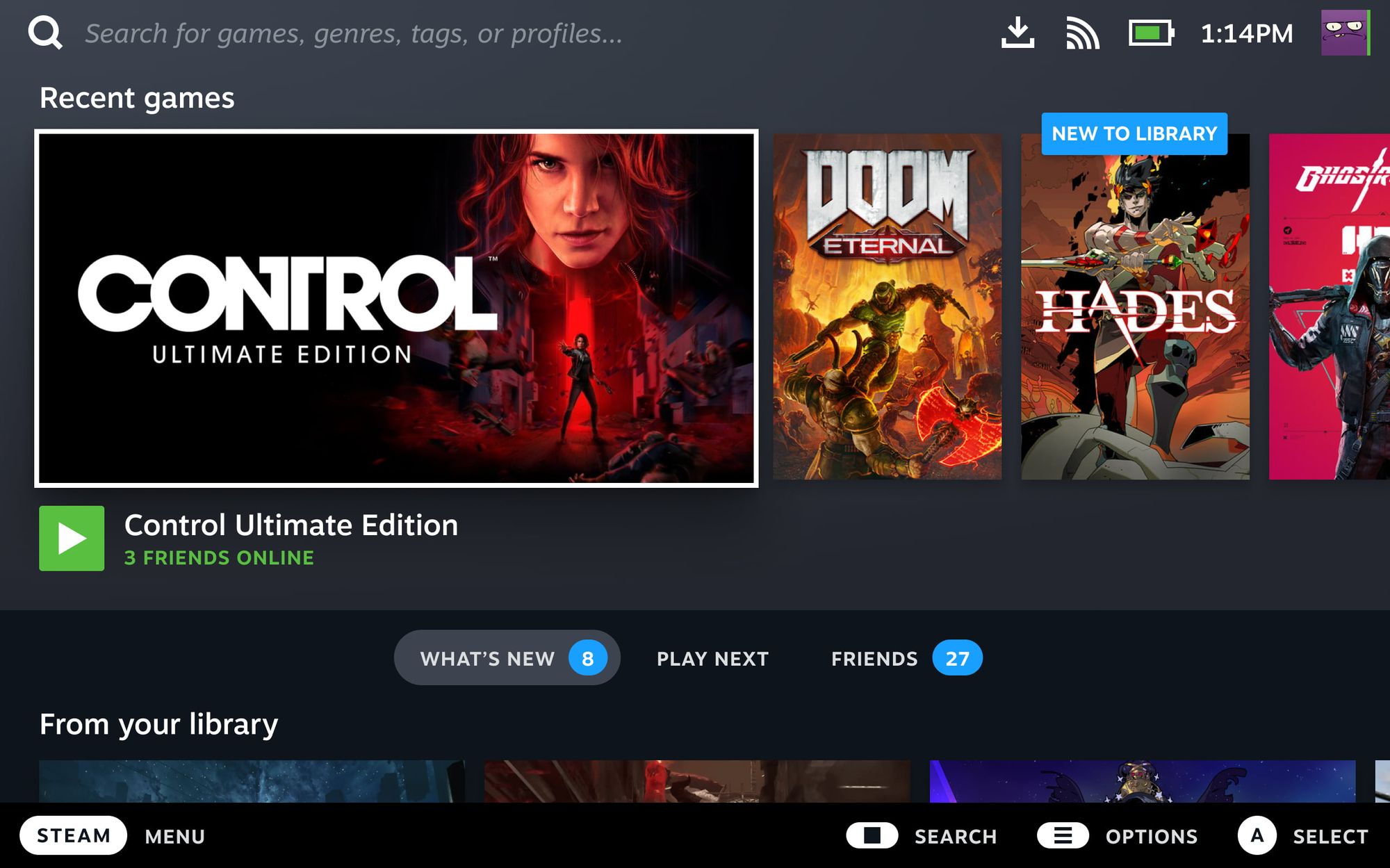
The technology stack used by the modern SteamOS is quite interesting. The system is based on Arch Linux, but it is handled like an image-based distro would be: the root is mounted as read-only, and updates are not delivered by the pacman package manager, but as full image updates where Valve occasionally upgrades various components, preferring stability over staying on the bleeding edge. The system also provides a desktop mode that allows the Steam Deck to be used like a computer, either standalone or docker to external peripherals. The desktop mode uses the KDE Plasma desktop you know and love: you know the deal, it needs no presentations.
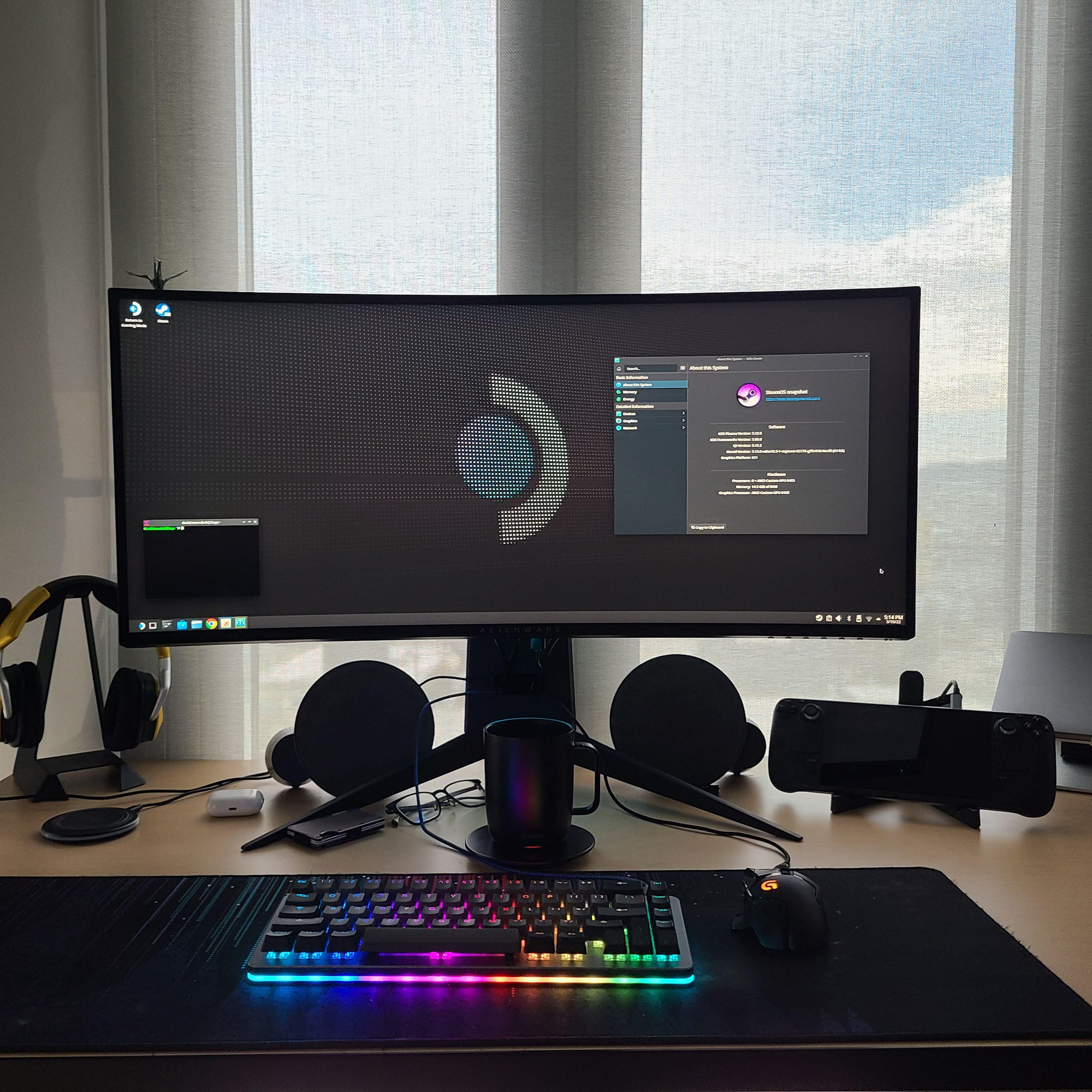

When desktop mode is launched, you are effectively using a Linux computer, and you can do whatever you want with it. It is actually incredibly easy to install third-party software on the Deck: you can use the preloaded Discover app to install any application you may desire, so long as it's available as a Flatpak through Flathub, the central repository for Flatpaks. Failing that, you can even run full containers through distrobox, which is handily preloaded by Valve. This allows you to run containers based on any Linux distro under the sun, effectively making even software development tasks possible on the Deck. Should that not be enough, advanced users can even use the steamos-readonly utility to disable the read-only root mount SteamOS uses to use pacman and install native packages on the host. Be warned, though, as this method does have its drawbacks: namely, every SteamOS software update will overwrite anything you installed this way, so it's better to avoid it.
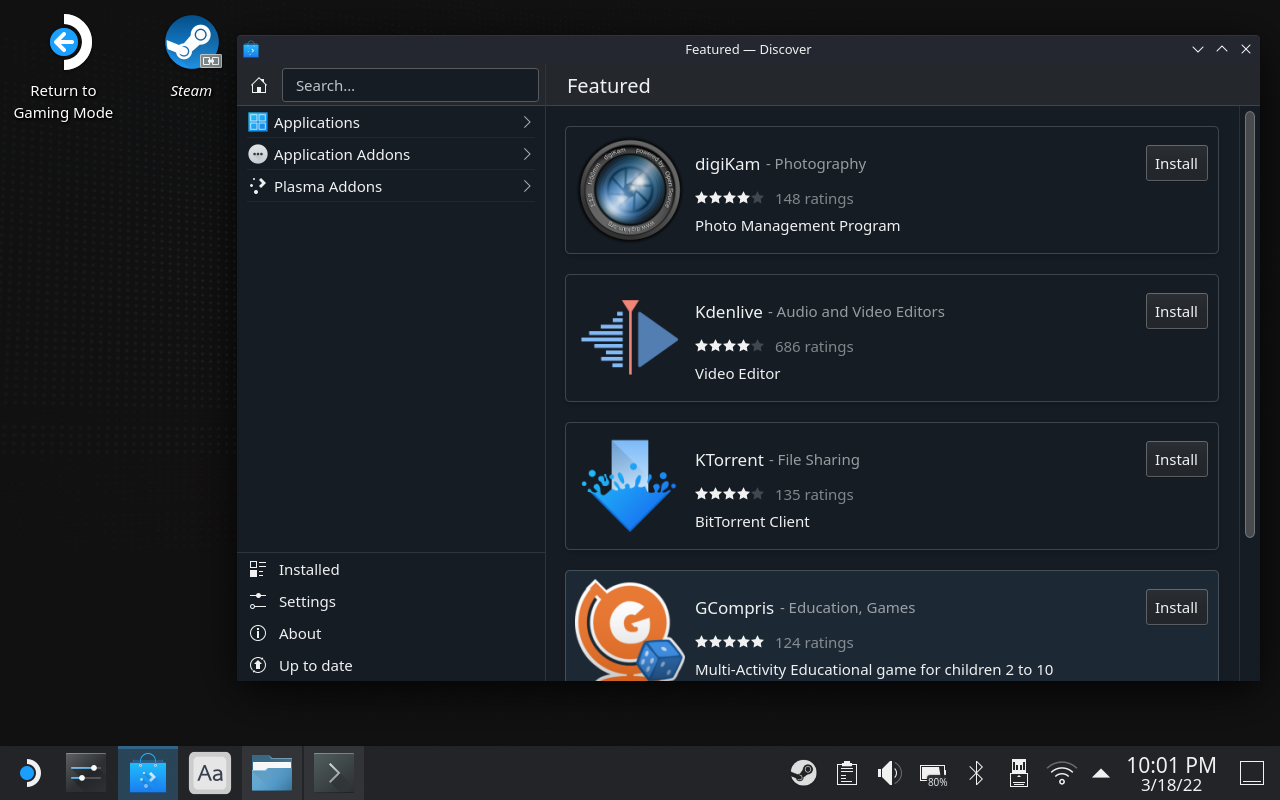
Performance was also much improved compared to the former Steam machines. Through the years, innovation has done its thing, and AMD has been able to come up with some surprisingly strong and power-efficient APUs. Nowadays, you no longer even need a gaming laptop to play: any modern laptop with AMD integrated graphics works well enough for the task. As a matter of fact, I run my laptop without having purchased the dedicated GPU expansion bay for it, and games work fine on the iGPU.
Well, the Steam Deck uses a custom APU produced by AMD just for Valve, which is very similar to their modern laptop APUs, with some differences. This APU uses an interesting blend of 4 hyperthreaded Zen 2 CPU cores paired with 8 RDNA 2 compute units, all with a dynamic TDP between 4 and 15 Watts. It is paired with "just" 16 GB of soldered LPDDR5 memory, initially running at 5500 MT/s on the original model, in a quad-channel configuration. As for storage, an m.2 2230 NVMe interface is used: though it requires some handiwork, it is possible to upgrade the internal storage with an aftermarket NVMe that is larger than the maximum 512 GB storage cut and image it with SteamOS.
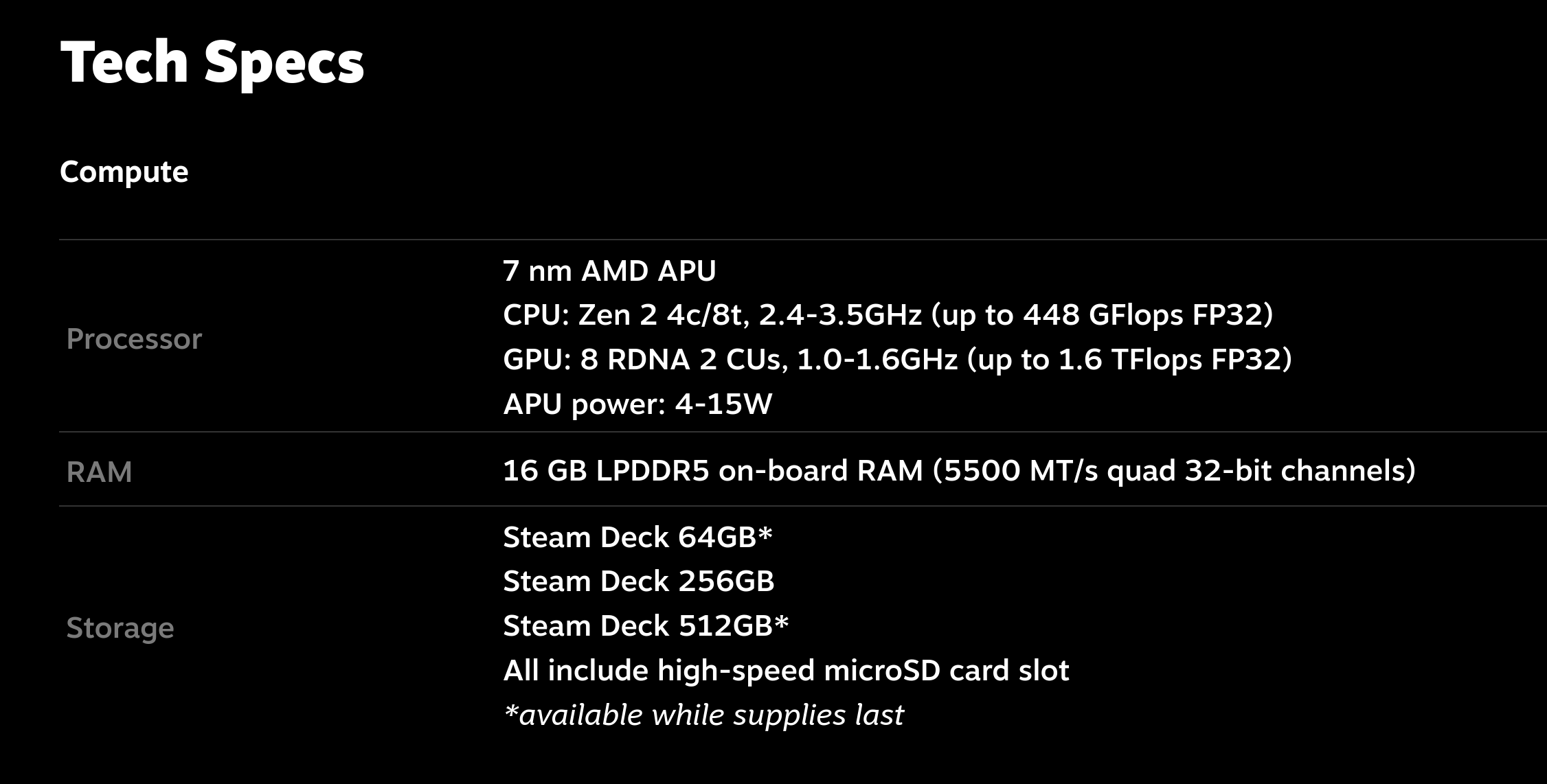
The rest is history. I don't even need to tell you: the Steam Deck sold like hotcakes. People adored it, and it is still selling very well.
It has done wonders for the Linux ecosystem, too: more and more developers have become interested in entering the ecosystem, with all that entails. After so much success, even two very popular anti-cheat solutions, Easy Anti Cheat and BattleEye, suddenly extended support for Linux and Proton to support the Steam Deck. Hooray!
2023 — OLED revision iterates upon greatness
About two years later, in November 2023. the original Steam Deck was still selling very well, and people were still loving it. However, Valve came out with a new, improved version of the console, the Steam Deck OLED.

The Steam Deck OLED does not replace the original Steam Deck, and it does not provide a significant speedup over it: only the RAM throughput has increased, going from 5500 MT/s to 6400 MT/s. However, the design was updated, and the screen was replaced with a larger OLED version with punchier colors and a 90 Hz refresh rate, with battery life improvements coming from the slightly larger battery, and the same APU being switched from a 7 nm to a 6 nm production node. The Wi-Fi card was also bumped from Wi-Fi 5 to Wi-Fi 6e, delivering much better transfer rates compared to the original Deck, for which the soldered-down, on-board WLAN was a weak point.
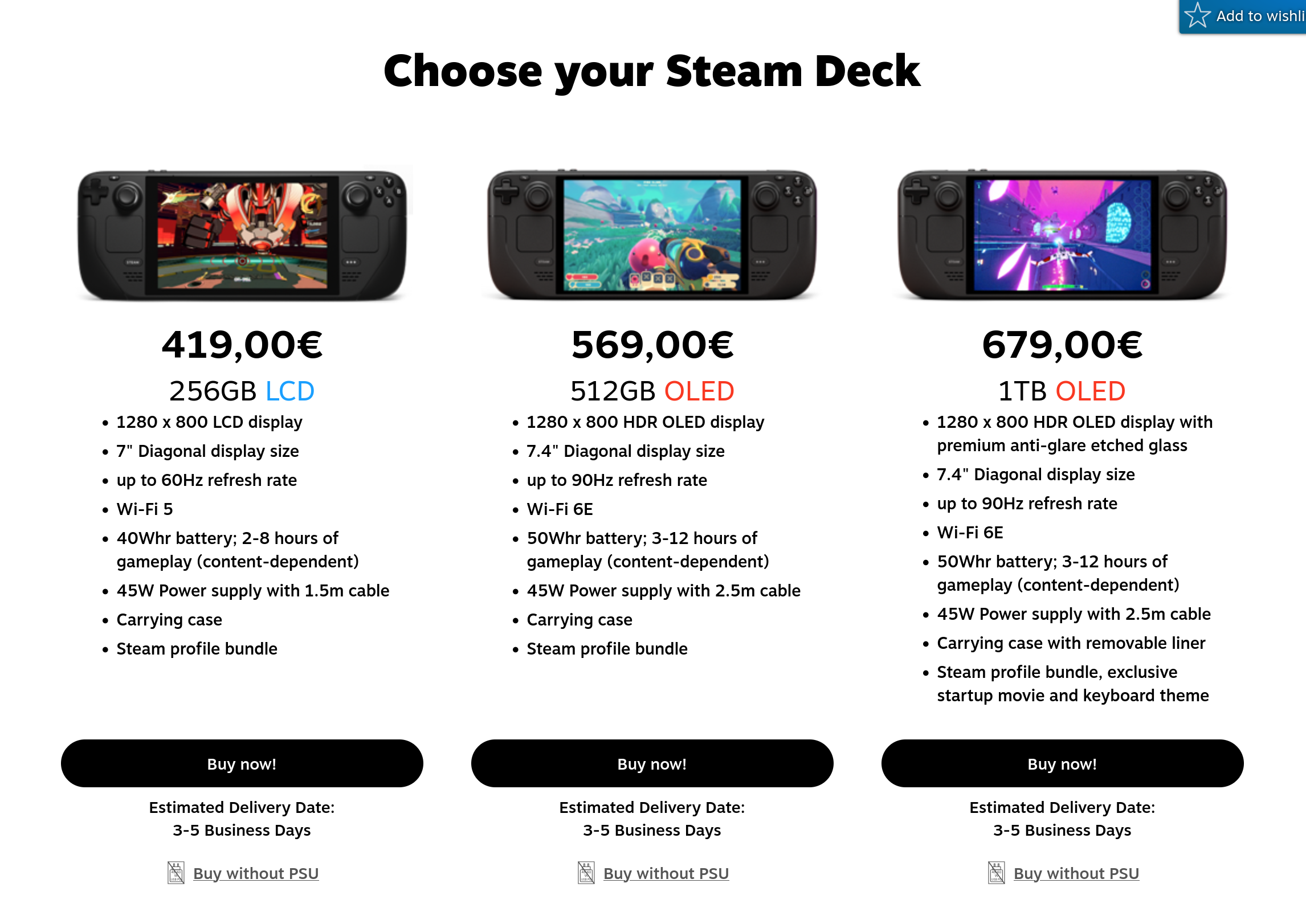
Just like the original version, the OLED version was a success: however, it did not phase out the original model. People are still buying the original version for several reasons: it's much cheaper, and some people genuinely prefer LCD screens for reasons related to eye fatigue caused by the PWM backlighting on most OLED panels.
2025 — SteamOS meets third-party hardware, again.
Although the Deck has been a roaring success, Valve is still a strong believer in open ecosystems. This is demonstrated by the fact that there is a roadmap for the expansion of SteamOS: first, the company intends to support other handheld devices and, at last, the plan is to eventually expand SteamOS support to general hardware and PCs, allowing regular Linux users to install it on their boxes, as they would with a regular distro. The only reason why that hasn't happened yet is more technical than political: Valve claims that, while you can technically install the Steam Deck's recovery image on any hardware, it is still pretty vertically optimized for the Steam Deck and its AMD APU in particular, so, it is not guaranteed to work on other hardware.
The first step of SteamOS's expansion seems to be happening right now. Valve encouraged third-party device manufacturers to adopt SteamOS support on their devices, and it seems like it is beginning to catch up. Lenovo is now collaborating with Valve on a new SteamOS-based handheld, the Lenovo Legion Go S.
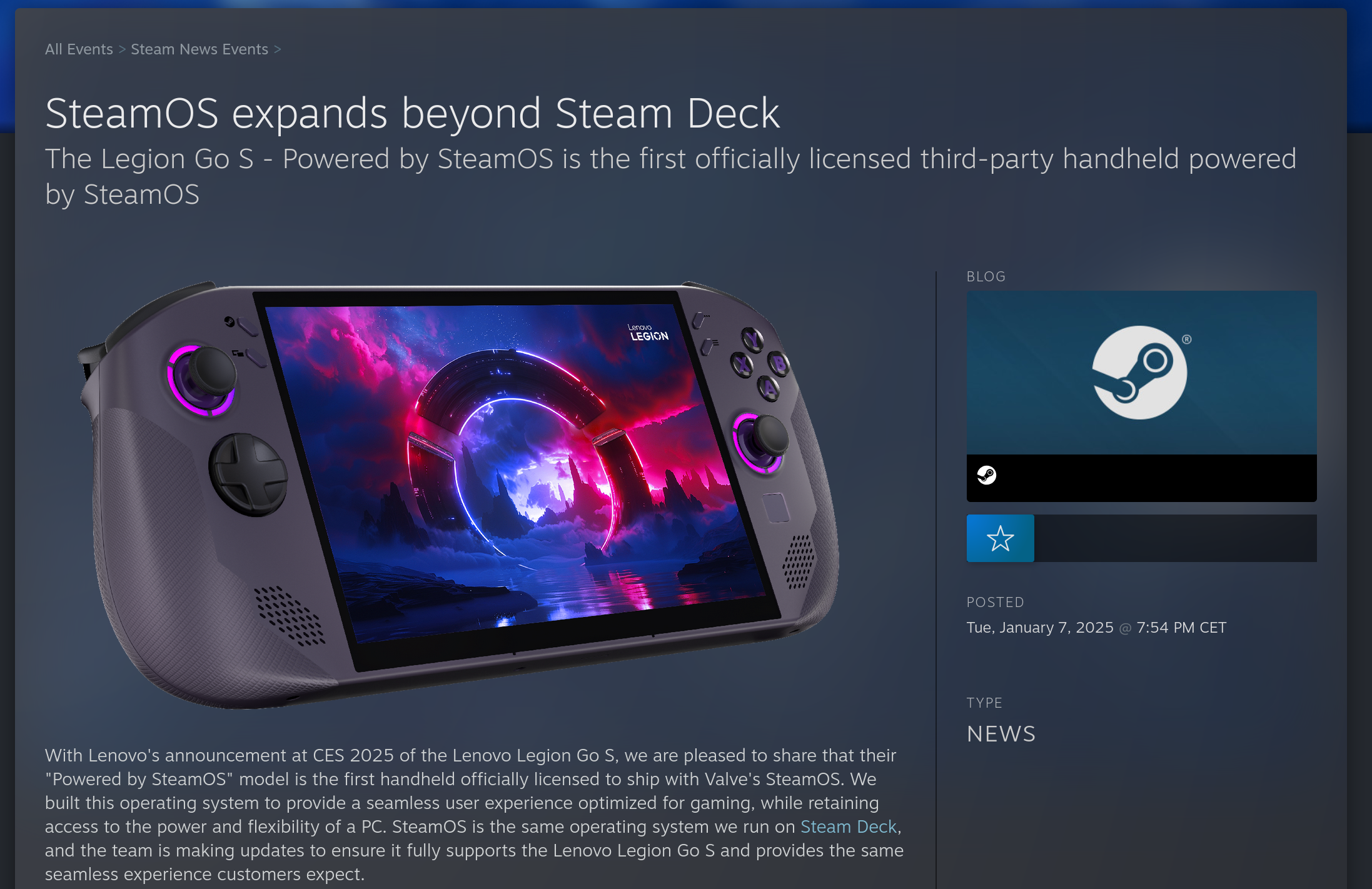
The console looks good. It should be more powerful than the Steam Deck, since it ships more recent AMD silicon, but real-world performance remains to be seen. This is part of why this is exciting, though: Valve has no interest in locking you into their hardware, and they seem thrilled for Steam users to have choice. Their reference implementation is likely still going to sell very well, but the real value for Valve is getting more users into their ecosystem thanks to SteamOS. This might just be the first thing that really challenges Windows in the gaming market: if people love SteamOS, and a full ecosystem is emerging around it, why should anyone want to deal with the bulk of Windows 11?

We can, surprisingly, not count HP among those Windows 11 fans. Ever since Valve has opened up its SteamOS ecosystem to third-party handhelds, HP has praised the experience it brings, expressing interest in creating a SteamOS handheld themselves, calling the experience of Windows on a handheld gaming device "a struggle". Yes, it's starting.
The Future — What's Next for Valve and Linux?
Officially, we do not yet know what the future holds for Valve and Linux. We do know there won't be a "Steam Deck 2" for a while, and we know Valve intends to release a generic SteamOS installer for most devices eventually. However, a leak shows that SteamOS seems to be expanding its architectural support to ARM and RISC-V CPUs. What does this mean? We just don't know yet, but it's exciting to see.
After all, Valve is the company that has never stopped experimenting. It's one of the companies that I am genuinely happy exists. I can't wait to see what the future holds for them.
The most communist FOSS company
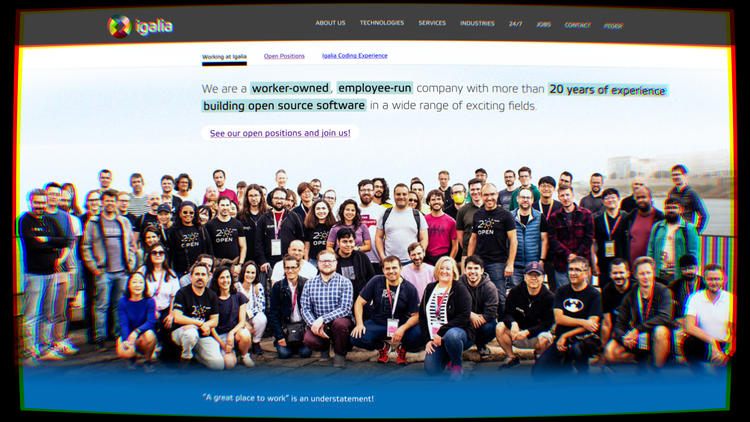
Let's immediately acknowledge that the title is lighthearted, and that "communist company" is an oxymoron. The better choice would've been, "which is the most worker-owned, egalitarian, power-structures-free cooperative?", which SEO experts told me was too long of a title. With that said, let me tell you about Igalia and other tech cooperatives.
Igalia is an open-source consultancy with Spain headquarters focusing on browsers, "client-side web technologies, " and much more. They're the company contracted to work on Servo, the open-source independent browser engine after Mozilla dropped it. So far so good. The company was founded in 2001, and now employs 140 people in 25 countries; they are a pretty big player in the open-source space.
They've also been the second largest contributor to both Chromium (after Google) and WebKit (after Apple), have a partnership with Valve to work on the SteamDeck, and much more. So, what's different about them?
Well, in Igalia there's no CEO, no managers, no bosses, they all make the same amount of money, and they all have equal decision-making power. It's also fully worker-owned. This is a pretty interesting pitch, isn't it? But how does it work?
Now, very quickly: I'm not paid by Igalia to talk about them, I don't have any ties to them at all. I just learned about how they do things and thought it was worth highlighting.
Stages
When you are hired to work at Igalia, you enter the "Staff" stage, which lasts a year. It's similar to an onboarding year. Then, you become a pre-partner for two years, which renders you a full decision-maker. After the third year, you become a partner, which is a full co-owner of the company.
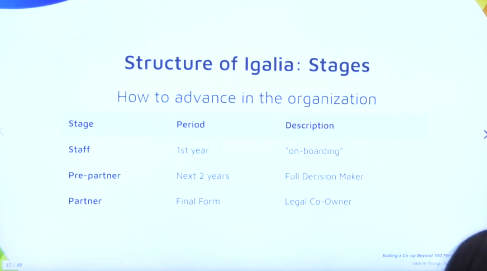
The goal is for everyone to eventually become a partner; most people are partners, which contrasts with "normal" companies, where only a few people have full decision-making powers.
The partners and pre-partners compose the Assembly of Igalia, where choices are taken; I will talk more later about this. Igalia makes a point that waiting for a year before giving new hires access to the Assembly gives time for everyone to fully trust the new hire, yes, but also for them to trust that the Assembly is indeed operating in their best interest.
Partners are also paid "slightly more to account for their additional legal responsibilities", which is reasonable.
Before we talk about the Assembly, I do want to mention that they also provide some solid benefits to those working at Igalia. Not only they are very remote-friendly (again, 140 people from 25 countries!), but all parents (of any gender) receive 8 weeks of paid parental leave, you can design your own work schedule, they cover work-related hardware costs, and more.
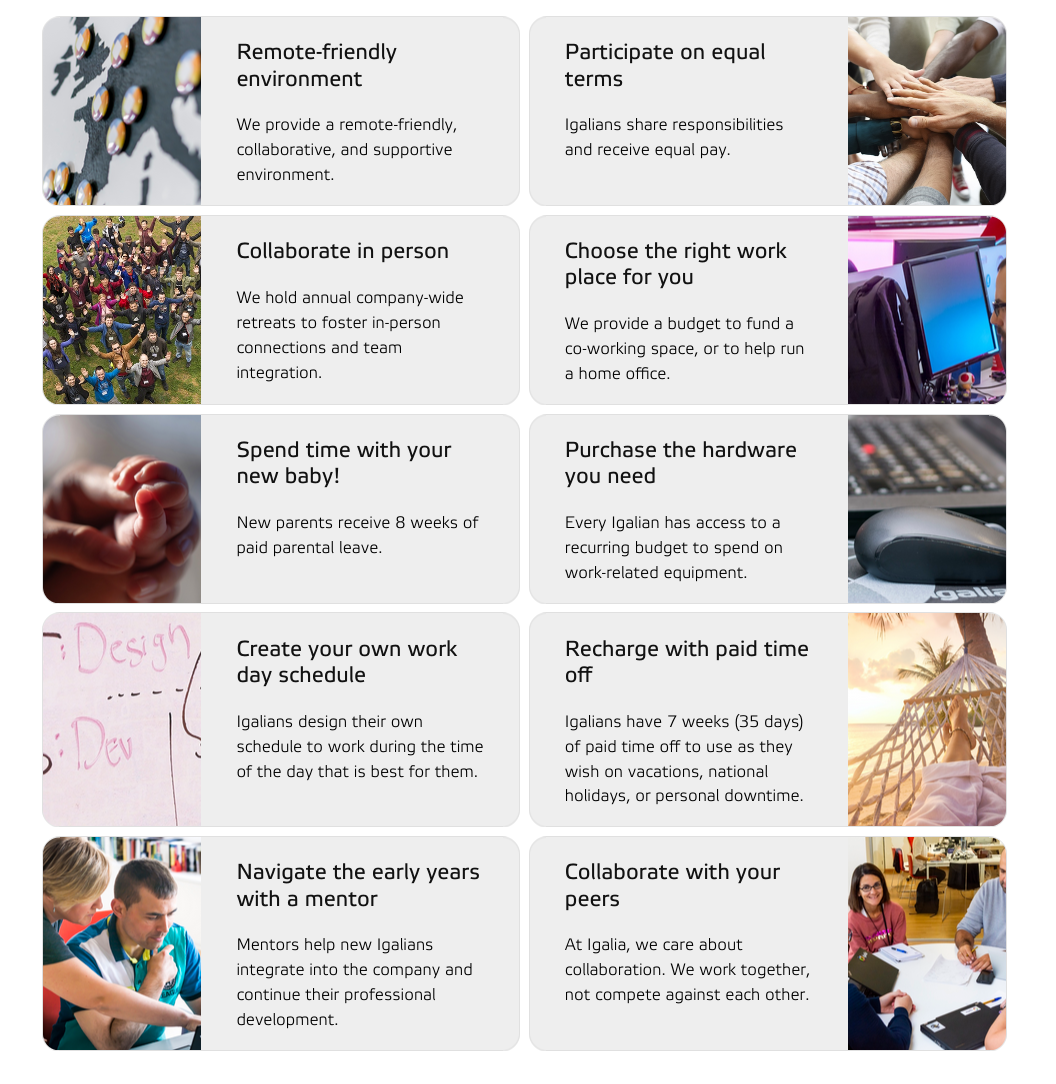
The Assembly
Every two months, the Assembly gets together and holds two half-days of meetings to discuss anything and everything about the company. Otherwise, all topics are discussed in an email list.
This is pretty crazy when you think about it: it means that the entire management of the whole company is done through, (a) a mailing list, and (b) half a day of meetings per month.
The scope of the Assembly is to keep Igalians informed about the status of the company, discuss problems that need to be solved, get feedback on company-wide proposals, and eventually approve them. This includes whether to accept new clients or contracts, whether to hire new people, whether to change salaries, make donations, change the working conditions, and so on: it's all done through the Assembly.
There's also rarely a "voting" moment for these Assembly proposals; instead, they work on a consensus-building model where a small group of Igalians creates a proposal, gets feedback on it, maybe run some non-binding polls to gather the opinion of the colleagues, and eventually the adjusted proposal becomes part of the Agreements. Oh, let's talk about those.
The Agreements
The Agreements are the documents that contain the values of the company, their bylaws, terms of employment (such as salary and vacation days), benefits, and so on. They are written down and version-controlled.
It contains information about how to progress through the stages of Igalia, as mentioned earlier on; but it also contains information on how to handle difficult financial times, how to amend the agreements, which decisions need consensus from the assembly, and so on.
Amongst the values in the Agreements, there's Free Software: it specifically states that Igalia will give higher priority to the projects (both internal and external) where the outcome of our work is licensed and published in an open and free way, and it prefers the usage of free and open source software (when possible).
The Agreements can be changed, but some parts require full consensus; the fact that everyone is paid the same is an example. Imagine the Assembly unanimously voting that some people should be paid less!
Teams and Commissions
If there are no bosses and managers, there's still an open question about how work is managed and distributed between people. The answers are teams and commissions.
Firstly, there are technology teams that are consultants for a specific kind of technology; currently, the teams are: web platforms, compilers, graphics, chromium, webkit, core, multimedia, and systems. Each team both has "consultant" people (such as programmers), and "support" people (who manage sales, contract negotiation, running team meetings, and so on). Some people also do both, because why not?
Then, there's an entire support team (which includes some people from the technology teams, and more), which does some more company-wide work. These maintain the finances and payroll systems, do system administration and work on internal tools, run assembly meetings and polls, do communication and marketing, and more.
Igalians are also assigned roles within their teams; these are things such as "work on sales", "work on strategy", "recruiting and interviewing", "communication", and so on. It's work that should only take a few hours a month, and that's shared by both consultants and support people.
Then, Assembly members can create a commission throughout teams. These work on company-wide coordination tasks; examples are the DEI commission, the strategy commissions, the Corporate social responsibility commission, and so on.
As an example, the Corporate social responsibility commission, or CSR, donates 0.7% of their income to NGOs and non-profits decided by Igalians. As an example, they donated to native re-forestation efforts in Spain!
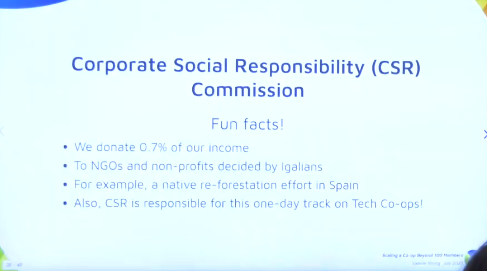
The roles, commissions, and teams are "voluntary and dynamic", meaning that they change based on the interest of each person, the need, and encouragement. Some commissions rotate through members, which have a limited-time mandate in them.
I love this quote: at Igalia, you're not hired to a specific job description to fit like a gear to a machine, whether or not you like the parts of it or you're even good at the parts of it (that are listed in that job description), you don't have a boss that's micromanaging you or interested in offloading specific kinds of work to you.
Is this working?
Well, there are a few issues that they are dealing with. Firstly, on-boarding and training new members is difficult, especially brining in junior developers; you "kind-of have to be pretty good at learning by yourself". There's an effort to address this, but it's an ongoing problem.
Overall, though, it does work. Igalia has an employee turnover rate of 5%, i.e. the number of people who leave divided by the average number of employees that year. The industry average is 13%, almost three times as high. And, Igalia does keep growing and has been alive and well for more than 20 years, never experiencing a single year of contraction, where they had less employees than the previous.
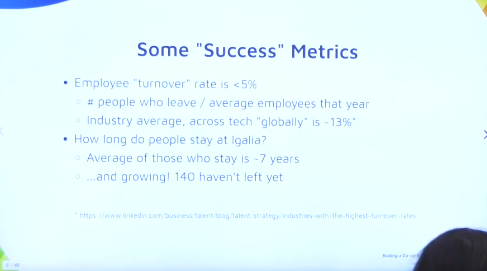
There have been issues in the past; as an example, there's a mention of one time when they lost a big client that, back then, was a good chunk of the revenue of the company. No one was fired, but they had to "adjust" salaries until everyone was fully booked again, and that money was eventually paid back. So, it worked out in the end.
Is it legal?
Spanish law does provide for cooperatives, similarly to most countries. However, that comes with some extra requirements, such as having 85% of the partners be from Spain, a limitation that Igalia did not want. Thus, they are not registered as a cooperative, but rather as a limited-liability corporation.
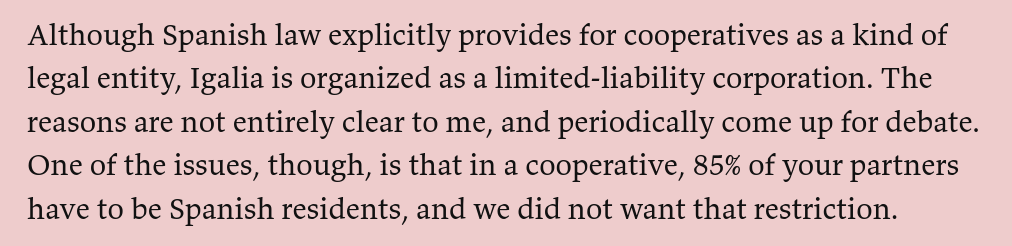
If you are from Spain, you can be a direct employee of Igalia; if you are outside of it, you'll be a freelancer. After three years, you have the option to become a legal partner in the business, purchasing an equal share of it at a fixed price. It's not mandatory, but it's expected.
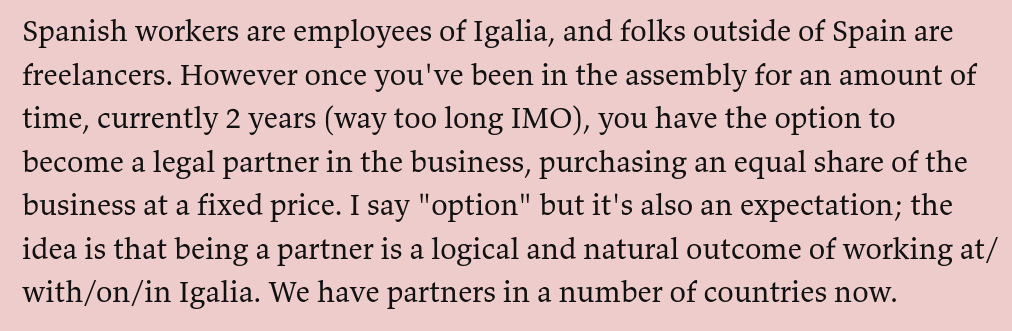
Technically speaking they do have some legal administrator, since that's required by law; however, the position rotates every three years.
Finally, I want to mention that there are a lot of tech cooperatives, all working in different ways. You can even endless lists around the web! However, I believe that Igalia is the biggest cooperative that has had such a direct impact on the FOSS world, and I love how they work!
FOSS infrastructure is under attack by AI companies
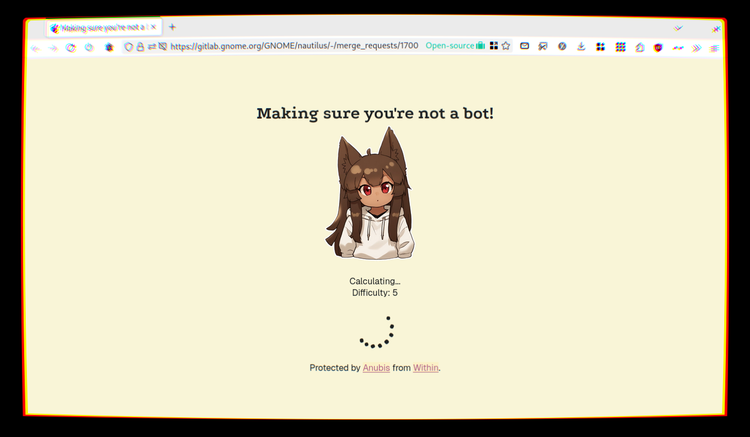
Three days ago, Drew DeVault - founder and CEO of SourceHut - published a blogpost called, "Please stop externalizing your costs directly into my face", where he complained that LLM companies were crawling data without respecting robosts.txt and causing severe outages to SourceHut.
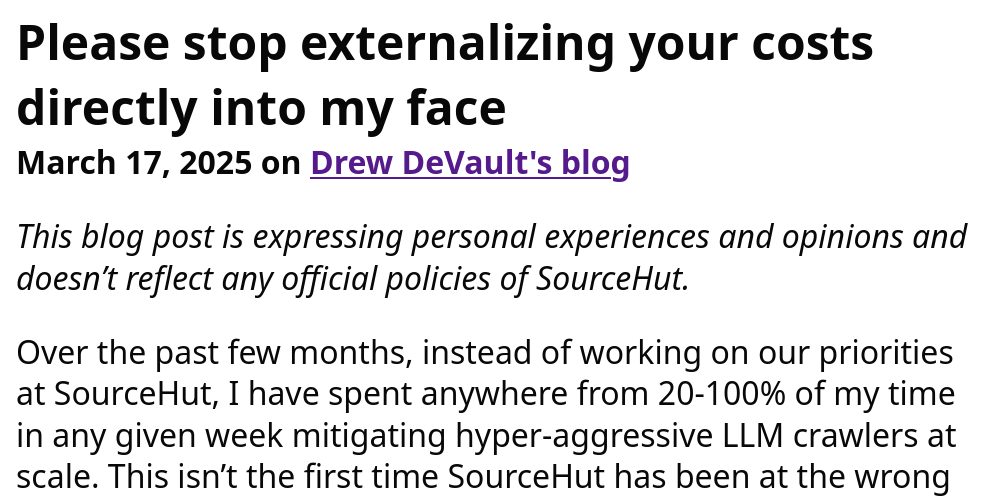
I went, "Interesting!", and moved on.
Then, yesterday morning, KDE GitLab infrastructure was overwhelmed by another AI crawler, with IPs from an Alibaba range; this caused GitLab to be temporarily inaccessible by KDE developers.
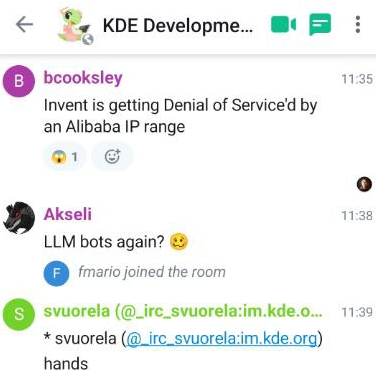
I then discovered that, one week ago, an Anime girl started appearing on the GNOME GitLab instance, as the page was loaded. It turns out that it's the default loading page for Anubis, a proof-of-work challenger that blocks AI scrapers that are causing outages.
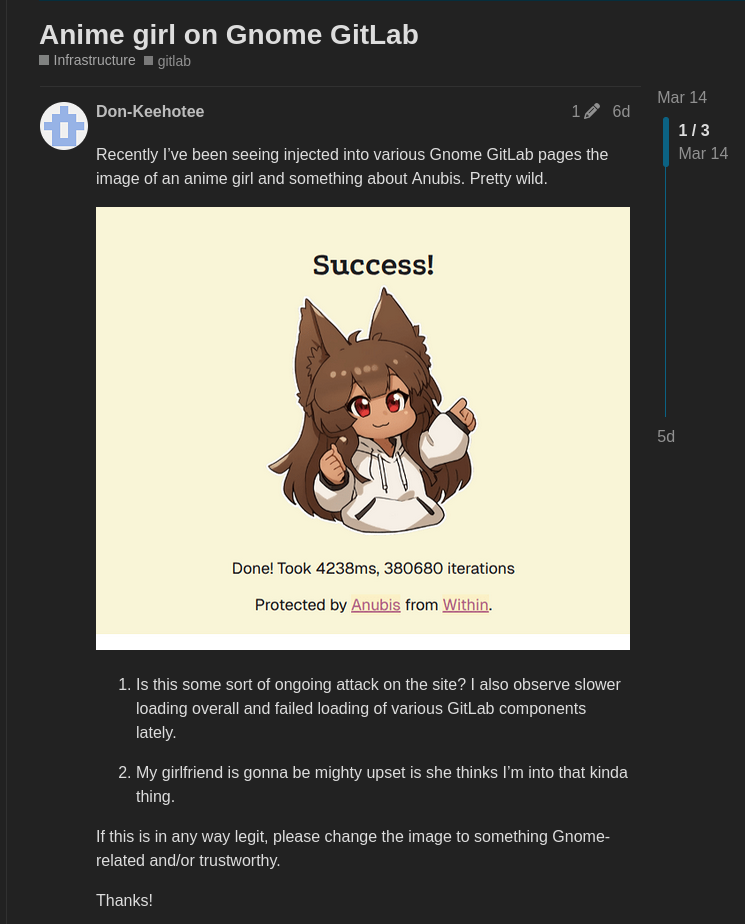
By now, it should be pretty clear that this is no coincidence. AI scrapers are getting more and more aggressive, and - since FOSS software relies on public collaboration, whereas private companies don't have that requirement - this is putting some extra burden on Open Source communities.
So let's try to get more details – going back to Drew's blogpost. According to Drew, LLM crawlers don't respect robots.txt requirements and include expensive endpoints like git blame, every page of every git log, and every commit in your repository. They do so using random User-Agents from tens of thousands of IP addresses, each one making no more than one HTTP request, trying to blend in with user traffic.
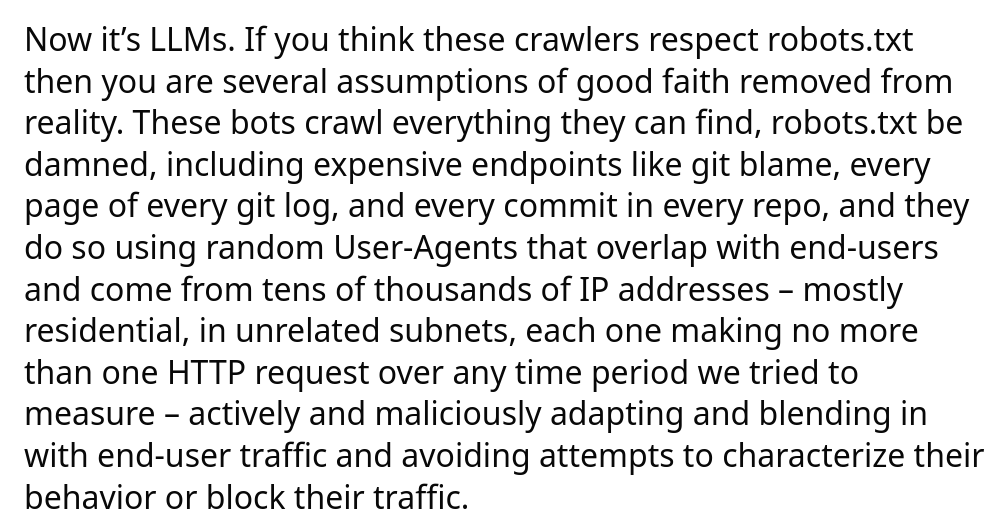
Due to this, it's hard to come off with a good set of mitigations. Drew says that several high-priority tasks have been delayed for weeks or months due to these interruptions, users have been occasionally affected (because it's hard to distinguish bots and humans), and - of course - this causes occasional outages of SourceHut.
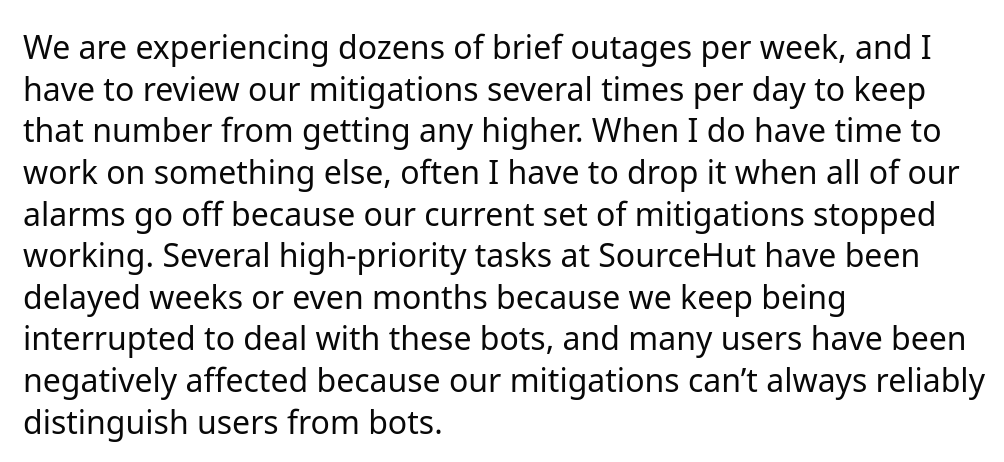
Drew here does not distinguish between which AI companies are more or less respectful of robots.txt files, or more accurate in their user agent reporting; we'll be able to look more into that later.
Finally, Drew points out that this is not some isolated issue. He says,
All of my sysadmin friends are dealing with the same problems, [and] every time I sit down for beers or dinner to socialize with sysadmin friends it's not long before we're complaining about the bots. [...] The desperation in these conversations is palpable.
Which brings me back to yesterday's KDE GitLab issues. According to Ben, part of the KDE sysadmin team, all of the IPs that were performing this DDoS were claiming to be MS Edge, and were due to Chinese AI companies; he mentions that Western LLM operators, such as OpenAI and Anthropic, were at least setting a proper UA - again, more on this later.
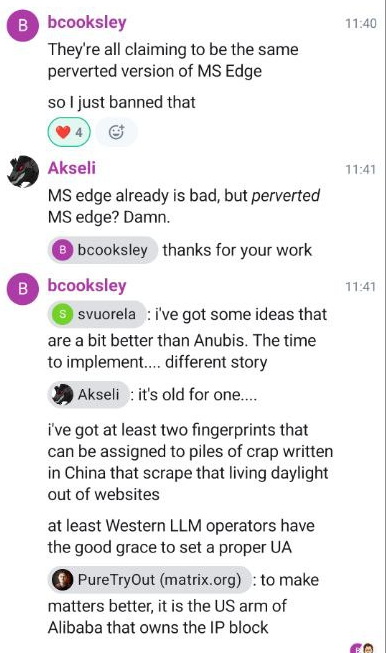
The solution - for now - was to ban the version of Edge that the bots were claiming to be, though it's hard to believe that this will be a definitive solution; these bots do seem keen on changing user agents to try to blend in as much as possible.
Indeed, GNOME has been experiencing issues since a last November; as a temporary solution they had rate-limited non-logged in users from seeing merge requests and commits, which obviously also caused issues for real human guests.
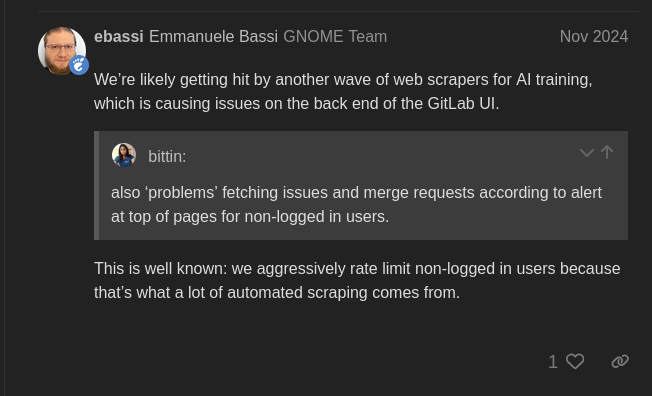
The solution the eventually settled to was switching to Anubis. This is a page that presents a challenge to the browser, which then has to spend time doing some math and presenting the solution back to the server. If it's right, you get access to the website.
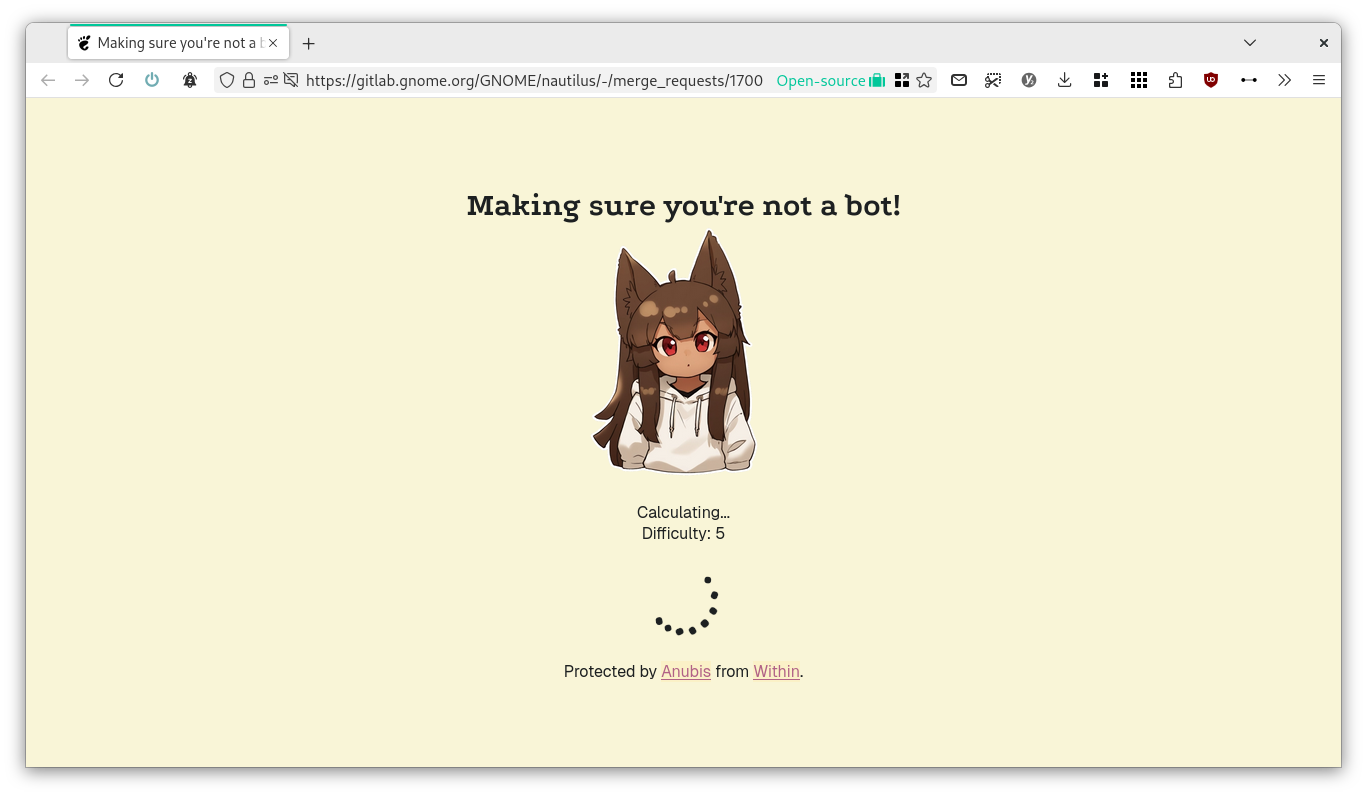
According to the developer, this project is "a bit of a nuclear response, but AI scraper bots scraping so aggressively have forced my hand. I hate that I have to do this, but this is what we get for the modern Internet because bots don't conform to standards like robots.txt, even when they claim to".
However, this is also causing user issues. When a lot of people open the link from the same place, it might happen that they get served some higher-difficulty exercise that will take some time to complete; there's one user reporting one minute delay, and another - from his phone - having to wait around two minutes.
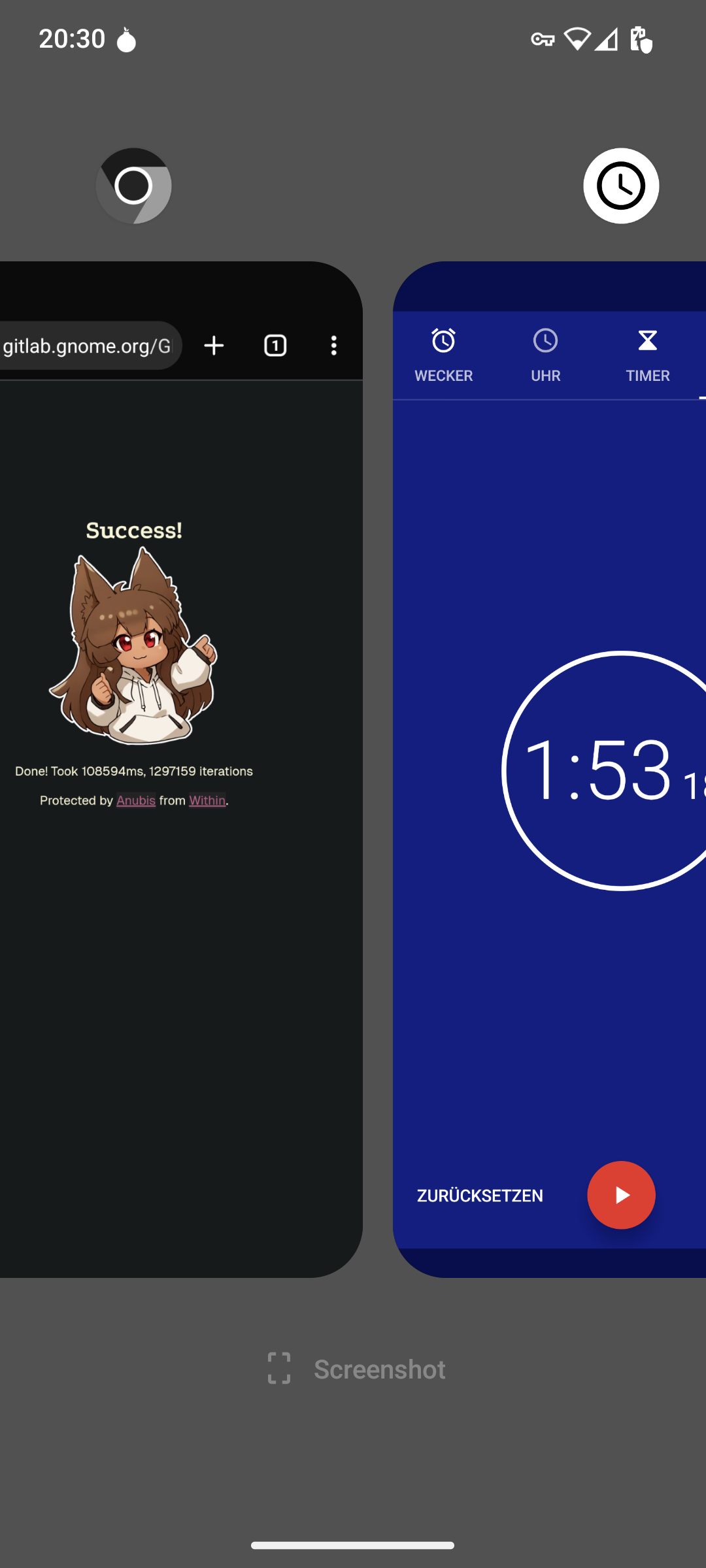
Why? Well, a GitLab link was pasted in a chatroom! Similarly, the same happened when the Triple Buffering GNOME merge request was posted to Hacker News, and thus received a lot of attention over there. As the developer said, it's a nuclear option for crawlers, but it also has human consequences.
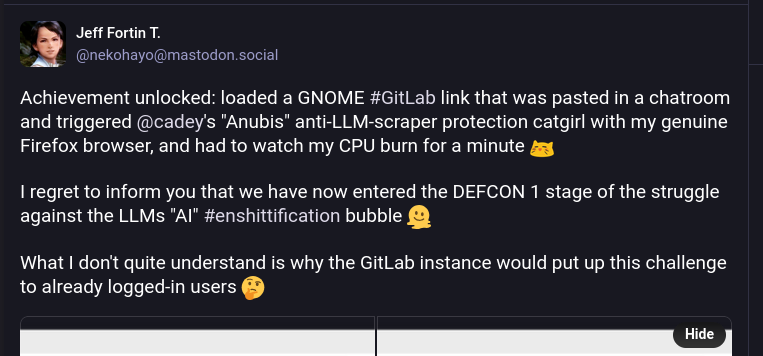
Over Mastodon, one GNOME sysadmin, Bart Piotrowski, kindly shared some numbers to let people fully understand the scope of the problem. According to him, in around two hours and a half they received 81k total requests, and out of those only 3% passed Anubi's proof of work, hinting at 97% of the traffic being bots – an insane number!
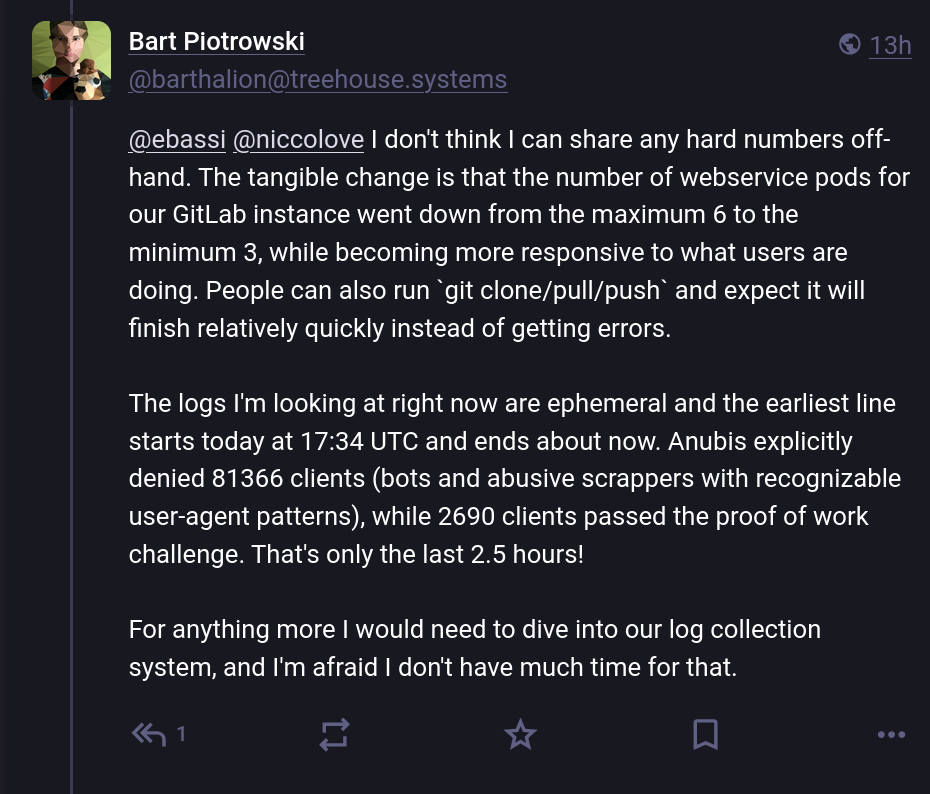
That said, at least that worked. Other organizations are having a harder time dealing with these scrapers.
As an example, here's Jonathan Corbet, who runs the FOSS news source LWN, warns users that the website might be "occasionally sluggish"… due to DDoS from AI scraper bots. He claims that "only a small fraction of our traffic is serving actual human readers", and at some point, the bots "decides to hit us from hundreds of IP addresses at once. [..] They don't identify themselves as bots, and robots.txt is the only thing they don't read off the site".
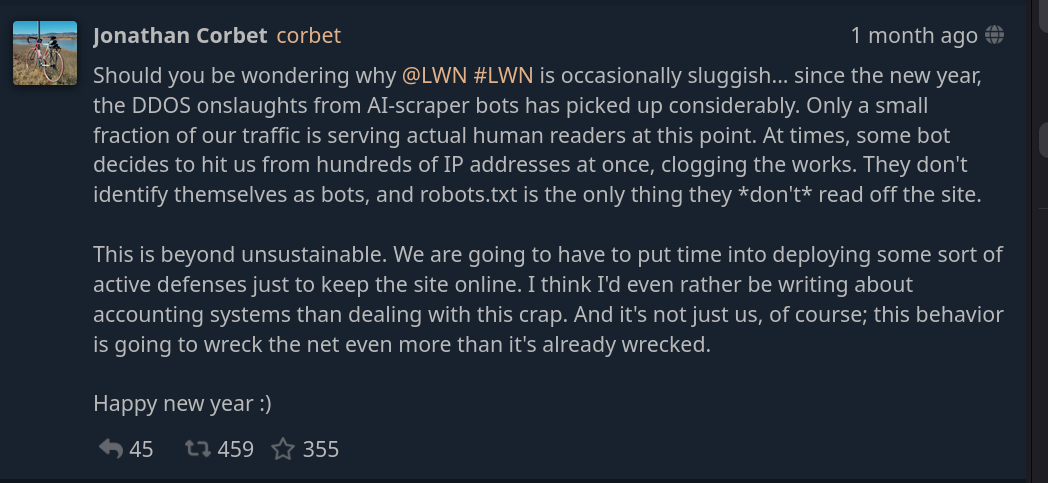
Many expressed solidarity, including Kevin Fenzi, sysadmin for the Fedora project. They've also been having issues with AI scrapers: firstly, one month ago they had to fight to get pagure.io to stay alive:

However, things got worse over time, so they had to block a bunch of subnets, which has also impacted many real users. Out of desperation, at one point Kevin decided to ban the entire country of Brazil to get things to work again; to my understanding, this ban is still in effect, and it's not so clear where a longer-term solution might be found.
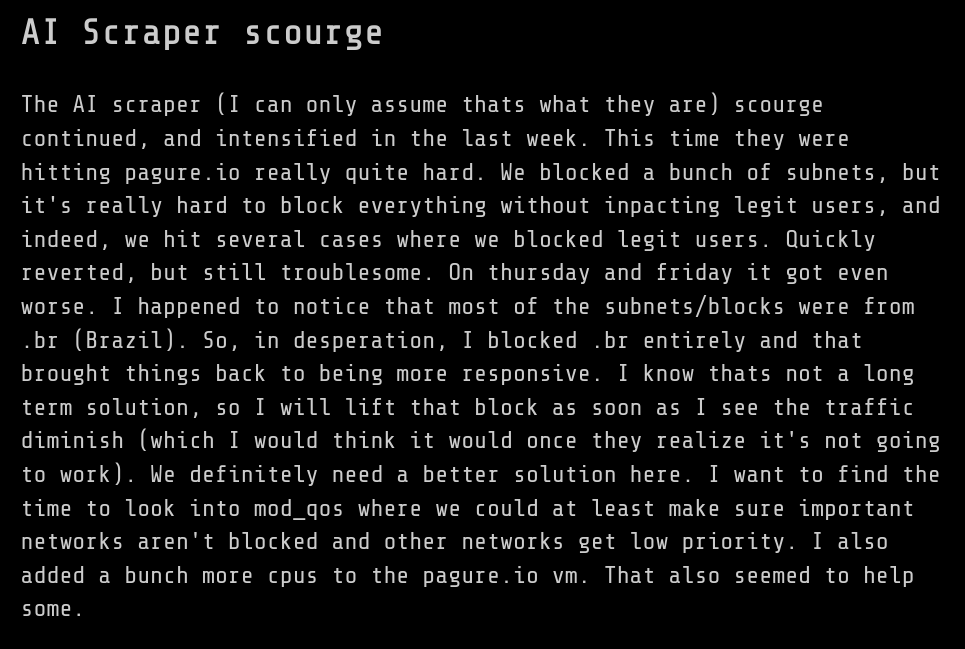
And, as Neal Gompa points out, even this blocking an entire country only gets you so far, and apparently the Fedora infrastructure has been "regularly down for weeks" because of AI scrapers.
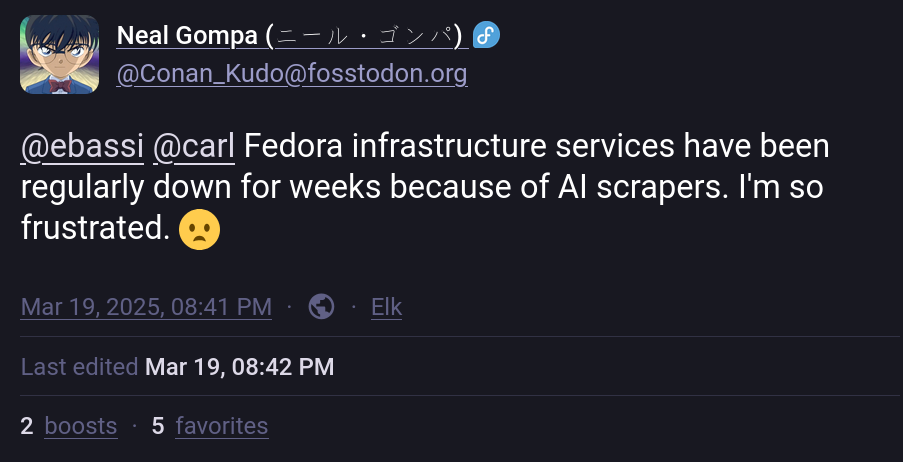
Another project that's been hit by this issue in the last week is Inkscape. According to Martin Owens, it's not "the usual Chinese DDoS from last year, but from a pile of companies that started ignoring our spider conf and started spoofing their browser info. I now have a Prodigius block list. If you happen to work for a big company doing AI, you may not get our website anymore".
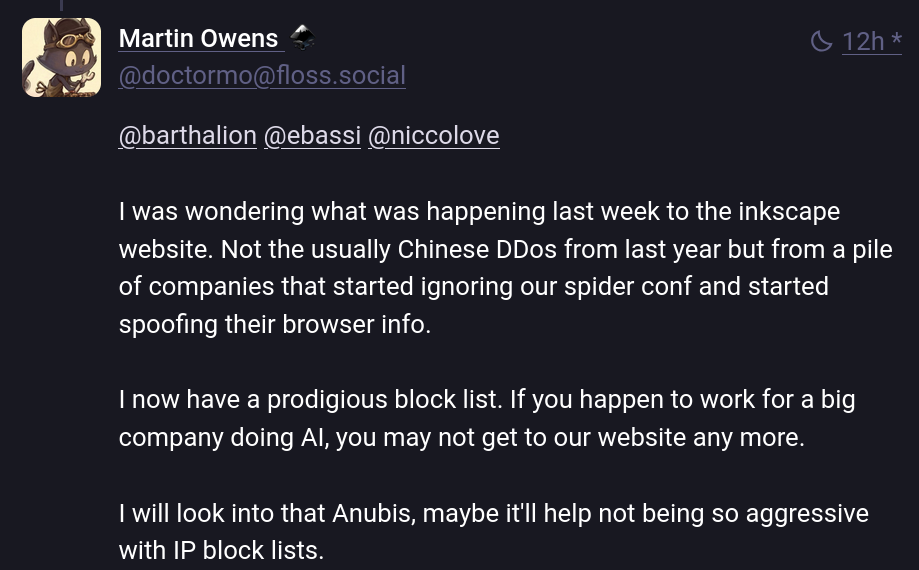
And, well, Martin is not the only developer who has built a "prodigious block list". Even BigGrizzly from Frama software was flooded by a bad LLM crawler, and built a list of 460K IPs with spoofed user agents to ban; he's offering to share the list around.
One more comprehensive attempt at this is the "ai.robots.txt" project, an open list of web crawlers associated with AI companies. They offer a robots.txt that implements the Robots Exclusion Protocol and a .htaccess file that will return an error page when getting a request from any AI crawler in their list.
We can get some more numbers about the crawlers if we go a few months back. Here's a post by Dennis Schubert about the Diaspora (an Open Source decentralized social network) infrastructure, where he says that "looking at the traffic logs made him impressively angry".
In the blogpost, he claims that one fourth of his entire web traffic is due to bots with an OpenAI user agent, 15% is due to Amazon, 4.3% is due to Anthropic, and so on. Overall, we're talking about 70% of the entire requests being from AI companies.
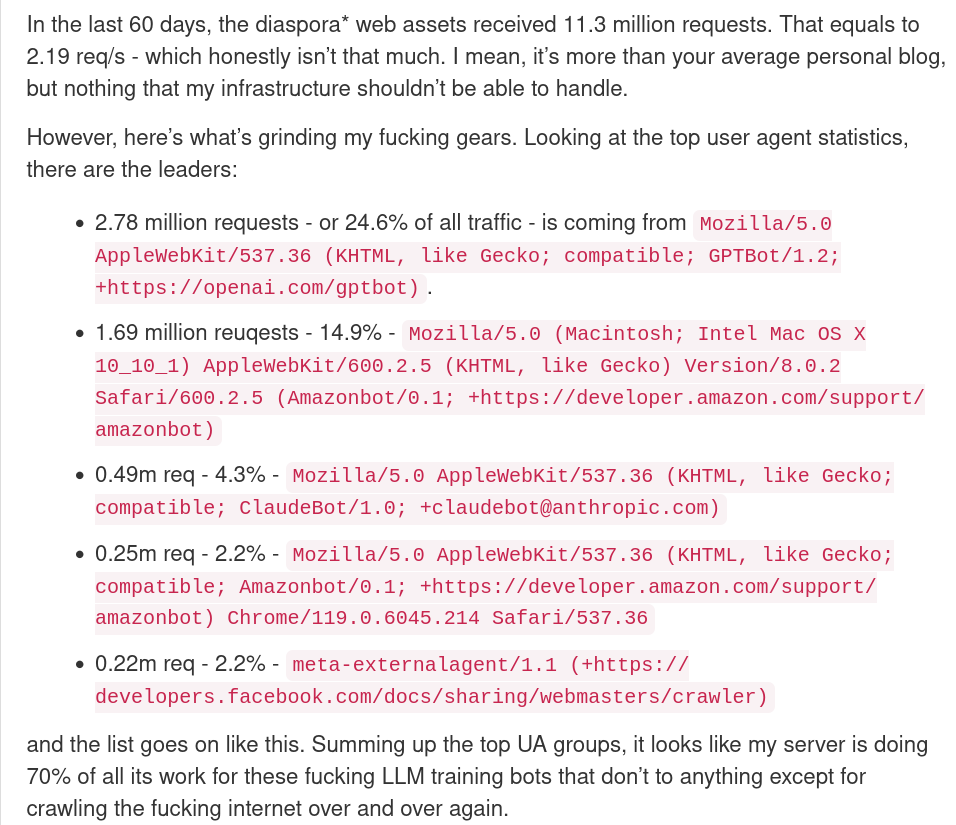
According to him,
they don’t just crawl a page once and then move on. Oh, no, they come back every 6 hours because lol why not. They also don’t give a single flying fuck about robots.txt, because why should they. [...] If you try to rate-limit them, they’ll just switch to other IPs all the time. If you try to block them by User Agent string, they’ll just switch to a non-bot UA string (no, really). This is literally a DDoS on the entire internet.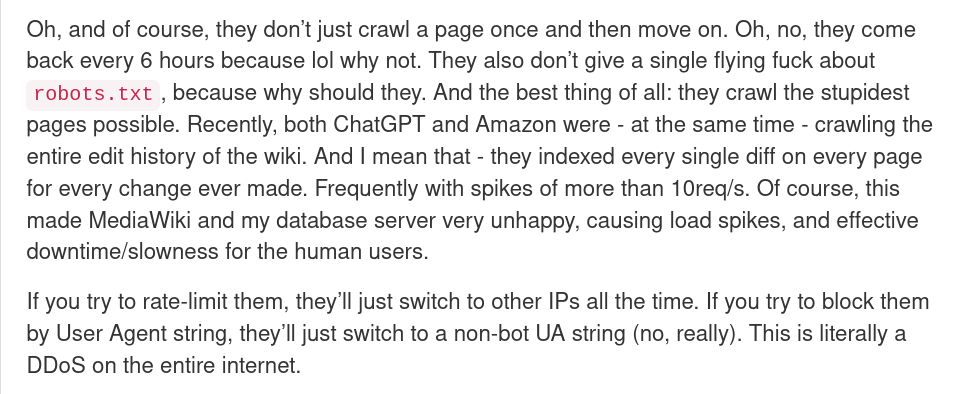
A similar number is given by the Read the Docs project. In a blogpost called, "AI crawlers need to be more respectful", they claim that blocking all AI crawlers immediately decreased their traffic by 75%, going from 800GB/day to 200GB/day. This made the project save up around $1500 a month.
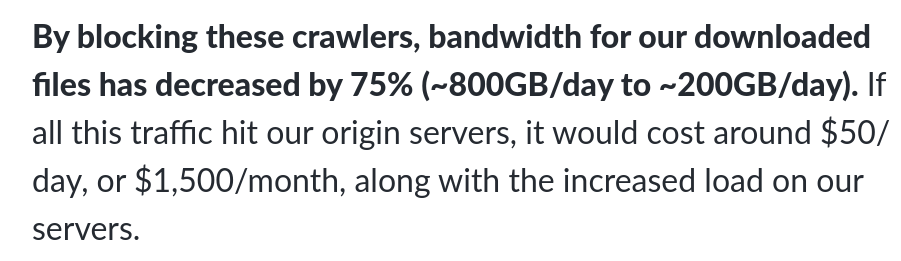
The rest of the article is pretty impressive too; they talk about crawlers downloading tens of terabytes of data within a few days, or more. It's hard to block them entirely, since they use various different IPs.
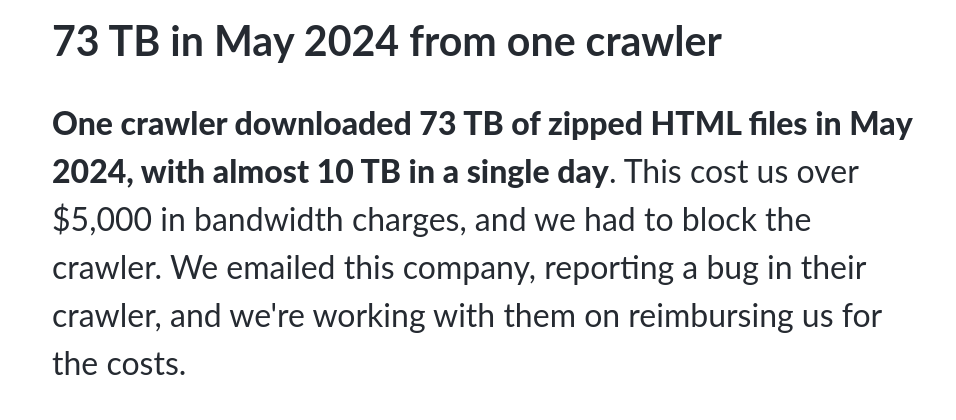
I do wonder how much of this is scraping for training data, and how much instead is the "search" function that most LLMs provide; nonetheless, according to Schubert, "normal" crawlers such as Google's and Bing's only add up to a fraction of a single percentage point, which hints at the fact that other companies are indeed abusing their web powers.
But it's not just scrapers, or I would've titled this "AI scrapers", not "AI companies". Another issue that Open Source community have been fighting with is AI-generated bug reports, as an example.
This was first reported by Daniel Stenberg of the Curl project, in a blogpost titled "The I in LLM stands for Intelligence". Curl offers a bug bounty project, but lately, they've noticed that many bug reports are generated by AI. These look credible and take up a lot of developer time to check, but they also contain the typical hallucinations you'd expect from AIs.
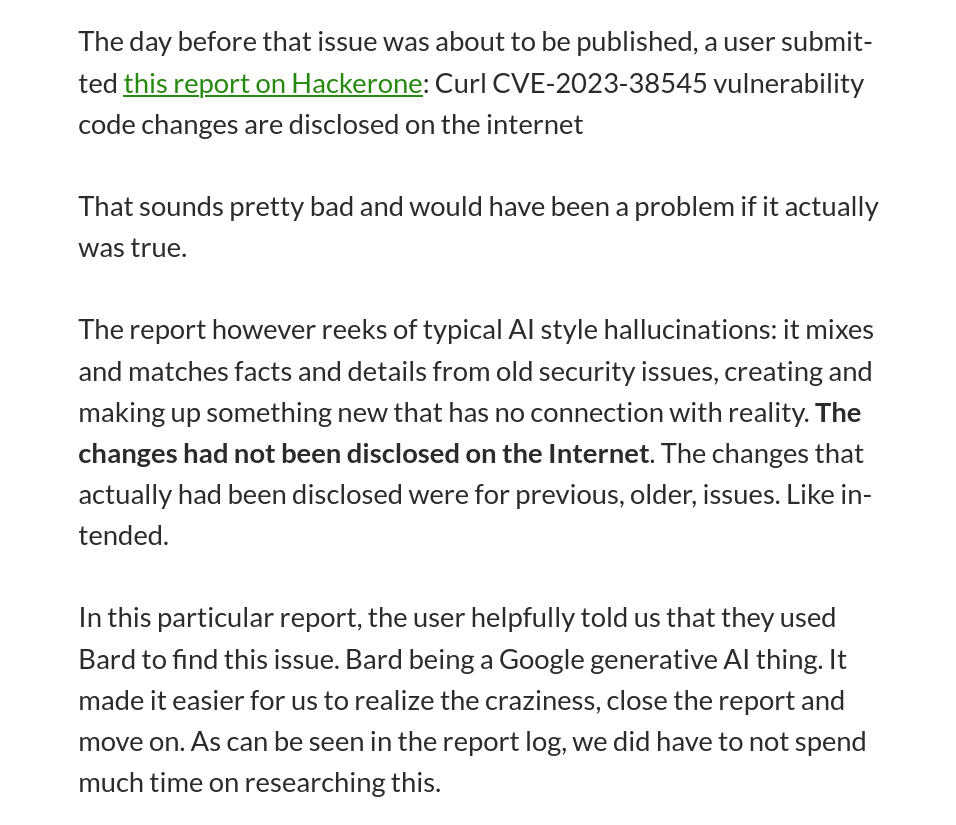
It's pretty crazy to have to go through your own code because a bug report confidently tells you there's some critical security issue to fix, and … not finding it, because the whole issue is just AI hallucination.
A similar issue was reported by Seth Larson, who's on the security report triage team for CPython, pip, urllib3, Requests, and more. He says,
Recently I've noticed an uptick in extremely low-quality, spammy, and LLM-hallucinated security reports to open source projects. The issue is in the age of LLMs, these reports appear at first-glance to be potentially legitimate and thus require time to refute.
This is a pretty big issue. As he points out, responding to security reports is expensive, and responding to invented but credible bug reports causes some significant additional burden on maintainers, which might drive them out of the Open Source world.
The article ends with a request: please, do not use AI or LLM systems for detecting vulnerabilities. He says, "These systems today cannot understand code, finding security vulnerabilities requires understanding code AND understanding human-level concepts like intent, common usage, and context.".
Again, I want to point out that these issues impact disproportionately on the FOSS world; not only do Open Source projects often have less resources compared to commercial products, but - being community-driven projects - much more of their infrastructure is public and thus susceptible to both crawlers and AI-generated bug reports or issues.
Why I recommend against Bluesky

I've often been asked whether people could follow me on Bluesky, and the answer is no. I don't have that platform, and though I might join it in the future, I'd like to explain what makes me skeptical about it.
Bluesky as a company was born between 2022 and 2023, with a goal that shifted from building a protocol that Twitter could eventually use, to becoming its alternative and competitor to X.
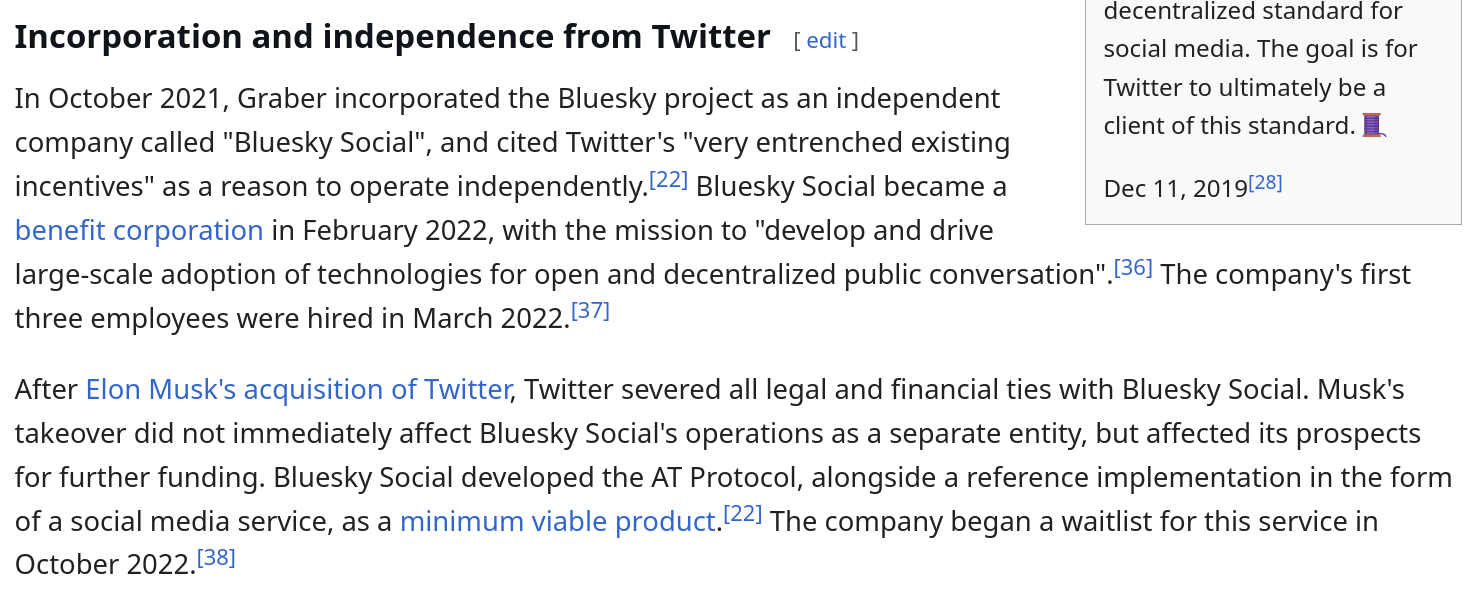
Back then, ActivityPub - the protocol that powers the Fediverse, such as Mastodon - was already developed (obviously!) and had somewhat widespread usage amongst fans of decentralized systems.
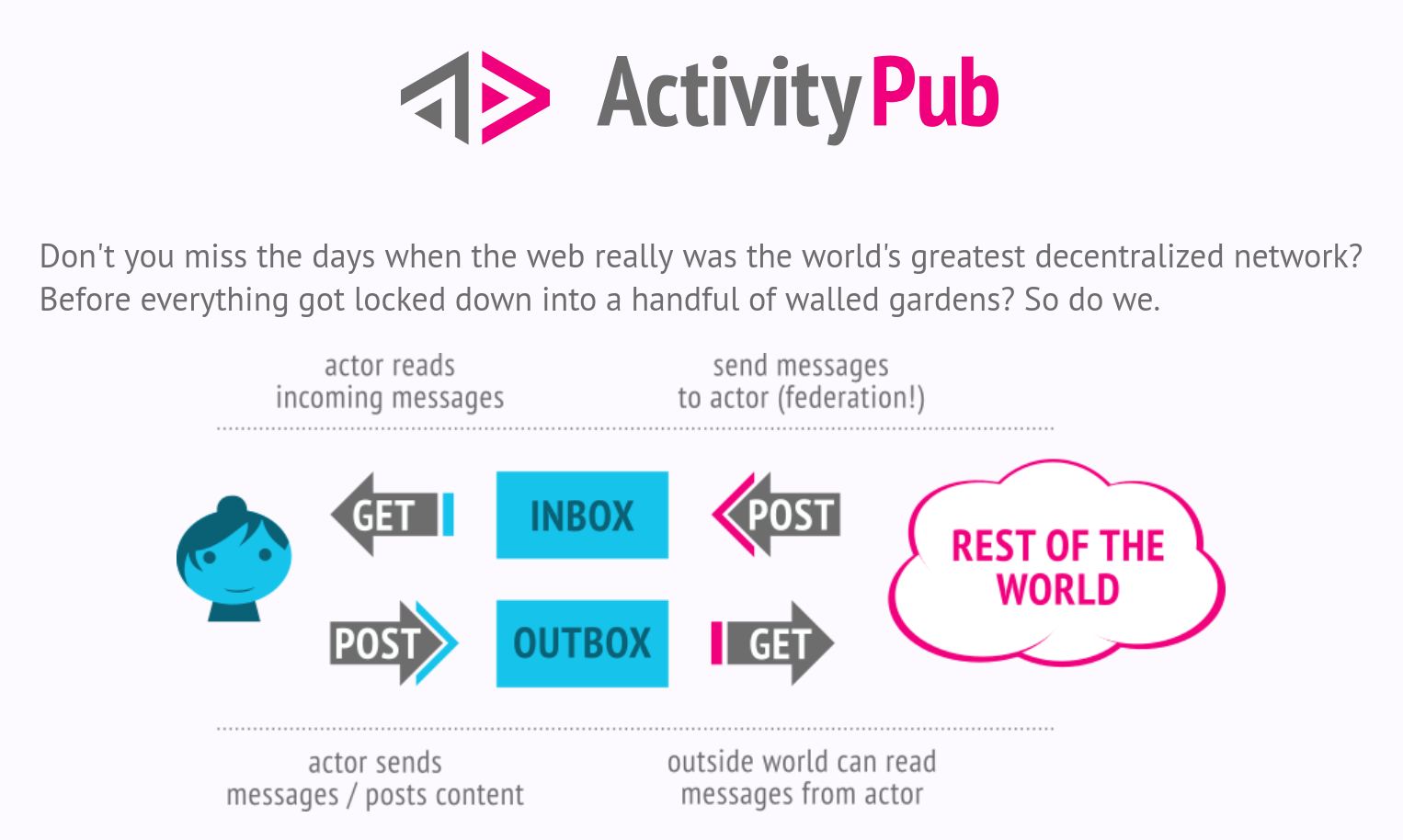
However, Bluesky rejected the idea of using it (or bridging to it) and instead decided to build their own protocol, called AT proto. Why? Well, according to their documentation (we'll get back to this):
Account portability is a major reason why we chose to build a separate protocol. We consider portability to be crucial because it protects users from sudden bans, server shutdowns, and policy disagreements. Our solution for portability requires both signed data repositories and DIDs, neither of which are easy to retrofit into ActivityPub. The migration tools for ActivityPub are comparatively limited; they require the original server to provide a redirect and cannot migrate the user's previous data.
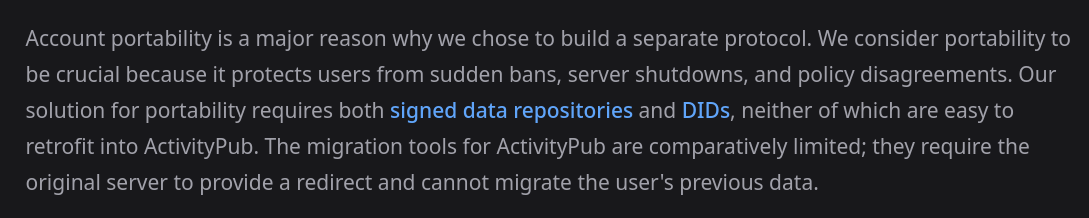
Now, I've never been particularly sold on this argument. When talking about social networks, having an interconnected web of users is a priority to be successful, and building your protocol is a great risk. Is it worth refusing to connect with an already-existing community because switching one account to another server is not a great experience? Still, we'll come back to this point.
Another major reason is scalability. ActivityPub depends heavily on delivering messages between a wide network of small-to-medium sized nodes, which can cause individual nodes to be flooded with traffic and generally struggles to provide global views of activity.
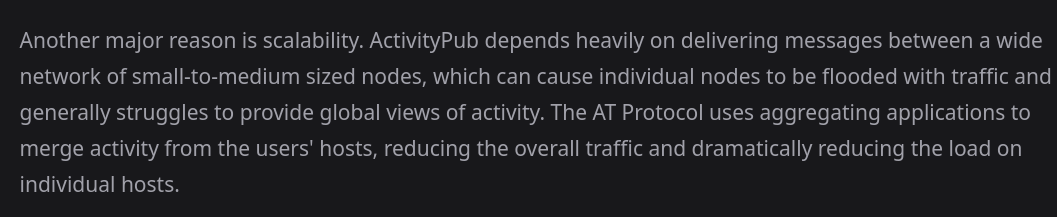
This sounds more reasonable, though I don't have the skills to know whether this is a satisfying explanation or not. Let's assume it is.
Thus, Bluesky started accepting users through an invite-only system in early 2023 and soon offered an Android application as well. It's worth noting that, back then, the social network was fully centralized and run by the Bluesky company, which promised federation and decentralization to come soon.
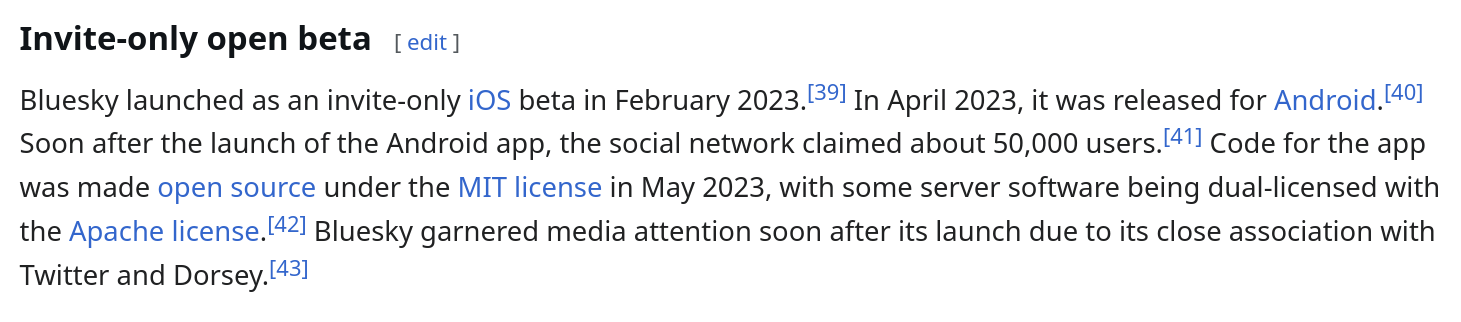
It did: in February 2024, they published a blogpost announcing that they were allowing users to federate. However, the federation system that the AT protocol proposes is quite different from ActivityPub's, and it's worth getting a bit technical about it to understand the differences.
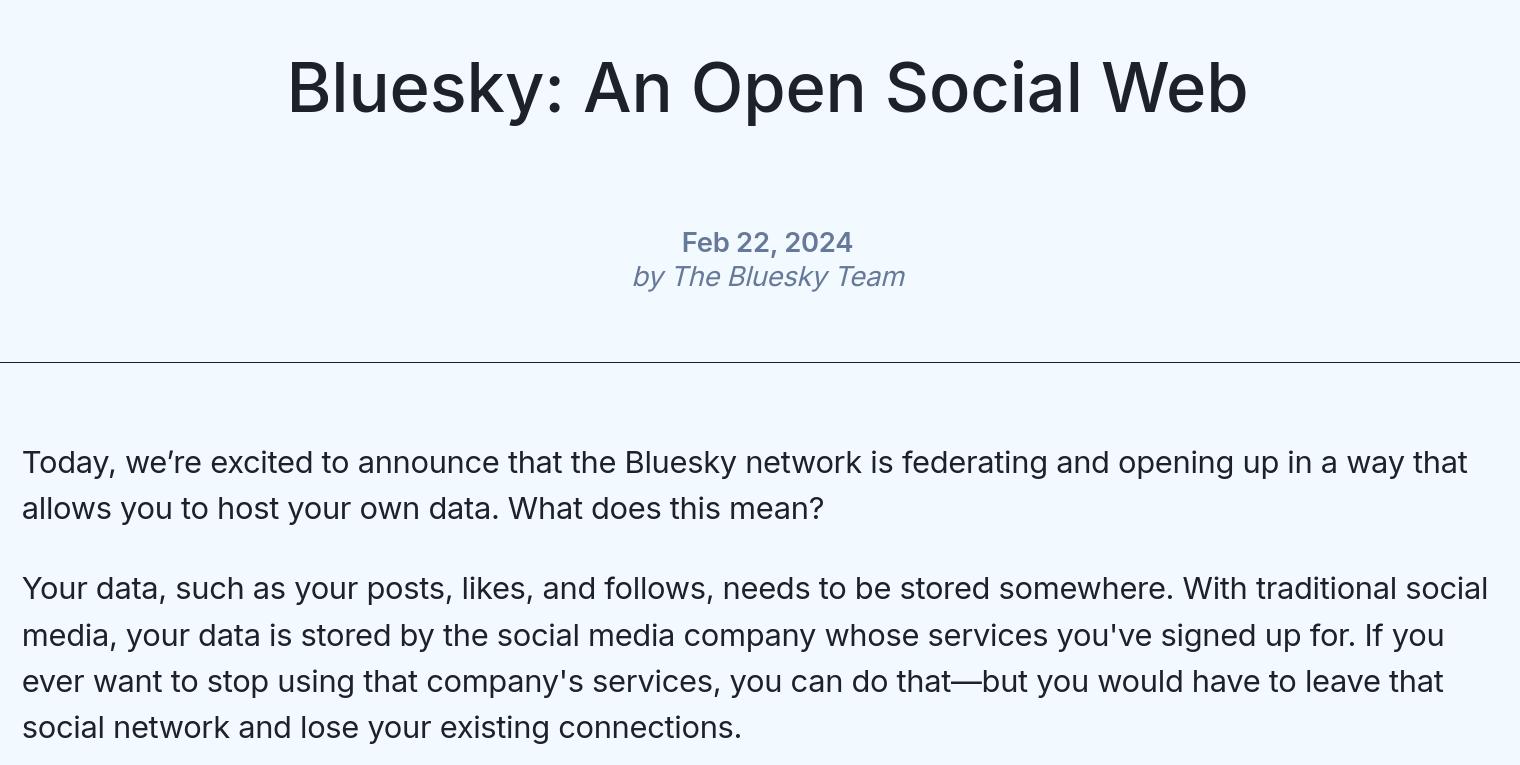
On the Fediverse, everyone can run their own ActivityPub instance. This could be Mastodon, which looks like a Twitter competitor, but it could also be Pixelfed (more picture-oriented), or Peertube (video-oriented). If you sign up at one instance, you can still follow and interact with people on other instances; thus, the Fediveres is an interconnected web of decentralized ActivityPub instances, which you can sign up for.
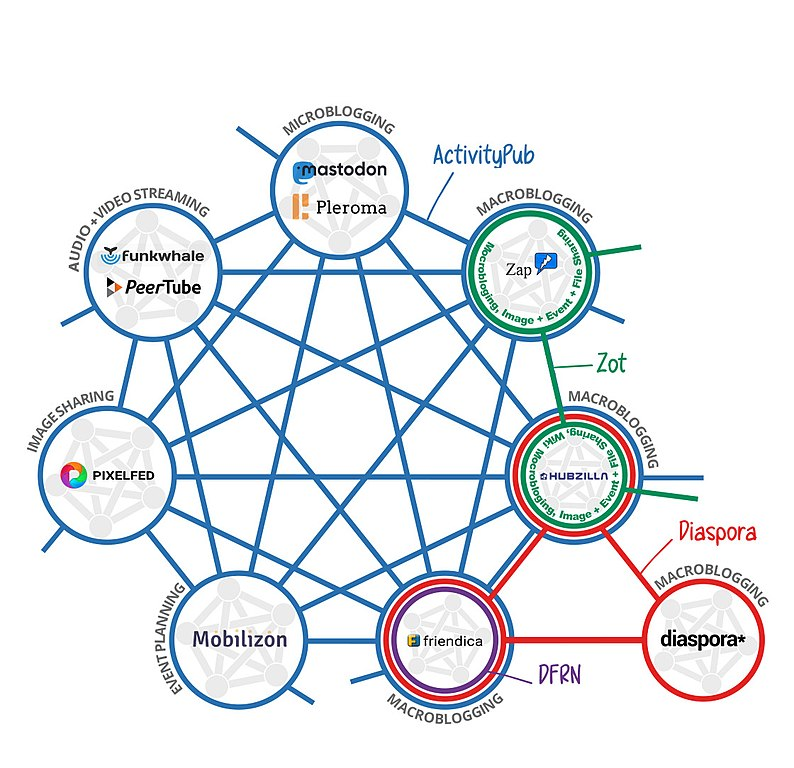
Bluesky works differently. Each user has its data, which is hosted in a Personal Data Server, or PDS. That data is gathered by Relays, which then "output it in one big stream for other services to use". The data goes through labelers, which handle the moderation (more on that later), and is given to the AppView (which might be any third party application), which can use various Feed Generation algorithms to decide the order to show them it.
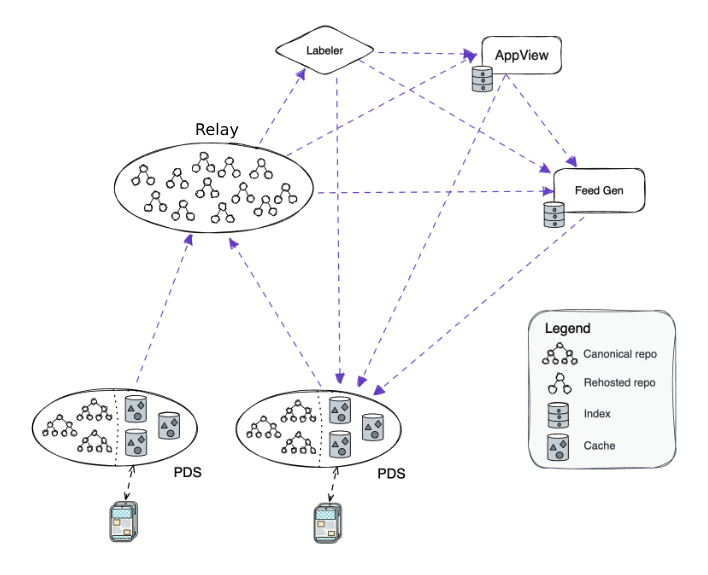
This is a very different architecture compared to the Fediverse. There's no such thing as single instances talking to each other (a "message passing" system), but instead, there's a "shared heap" where all content gets thrown together into Relays.
By default, all of these services are offered by the Bluesky company themselves. However, you can go ahead and host yourself pretty much any of these components that I've mentioned, which renders the system decentralized.
Or does it? Let's start with PDSs. Yes, this makes it much easier to self-host your data: you'd be able to do it even on a very cheap or potato server. However, this only allows you to self-host your data, whereas all social network aspects are handled elsewhere. If we want a federated network, we're more interested in the other components.
Which brings us to Relays. Quoting Christine Lemmer-Webber, a co-author of ActivityPub,
The physical world equivalent for a fully decentralized fediverse then is that every user sends mail to every other user's house, as needed, similar to how sending letters works in the physical world. This is decidedly not the case with a fully decentralized ATProto. The physical world equivalent would be that every user had their own house at which they stored a copy of every piece of mail delivered to every other user at their house.

Effectively, this means that each Relay is required to bring at least 5 terabytes of storage and a significant amount of system and network resources; and it would still only have part of the data that's in the public heap. This means that you might end up missing messages in a thread unless you also fetch data from a bigger Relay.
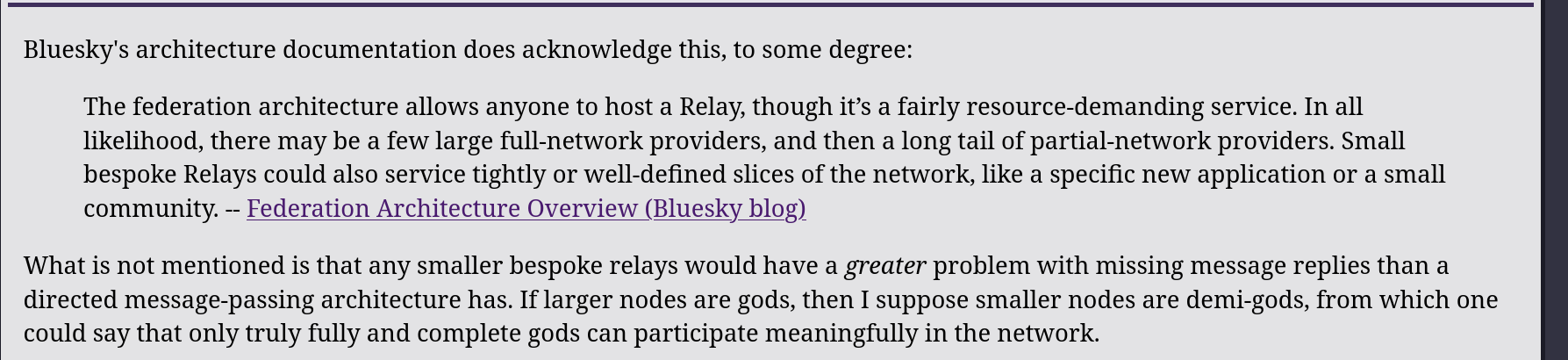
On top of that, Relays are going to host any kind of content that's posted in Bluesky, and it's their responsibility to filter off illegal material. This also gives them a high legal burden to uphold.

Thus, one year after announcing that Bluesky is federated, how many third-party Relays are there? According to SoftwareMill, the answer is none:
Currently, there's only one relay operated by Bluesky (the company); however, in theory, there might be multiple ones.
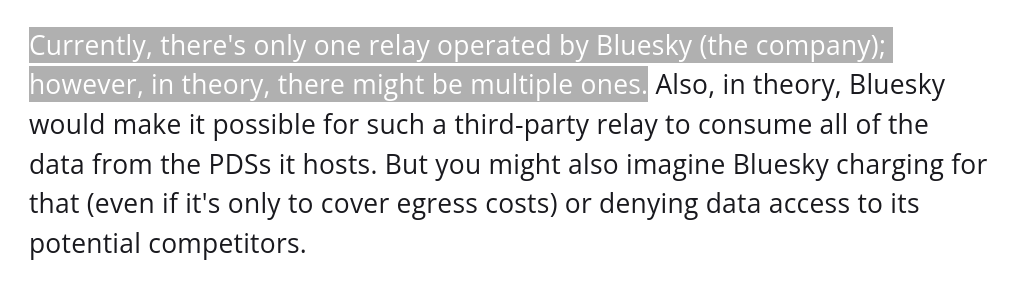
The required storage is also growing very quickly, and it will keep growing as more users join the network. This means that, in the long term, it will get harder and harder to create an independent Relay, to the point where only companies might be able to. And, until then, Bluesky will still be run de facto in a centralized way.

Even worse, I have not found any figure about the number of Personal Data Servers running independently, but the general idea is that almost all of them (probably more than 99%) are run by the Bluesky company. This gives them even more (again, de facto) power over its user base.
Now, I've mentioned that labeling (which includes moderation for content that should not be displayed) is also decentralized, as in, everyone can run their labeler. Of course, Bluesky also runs its central labeler.
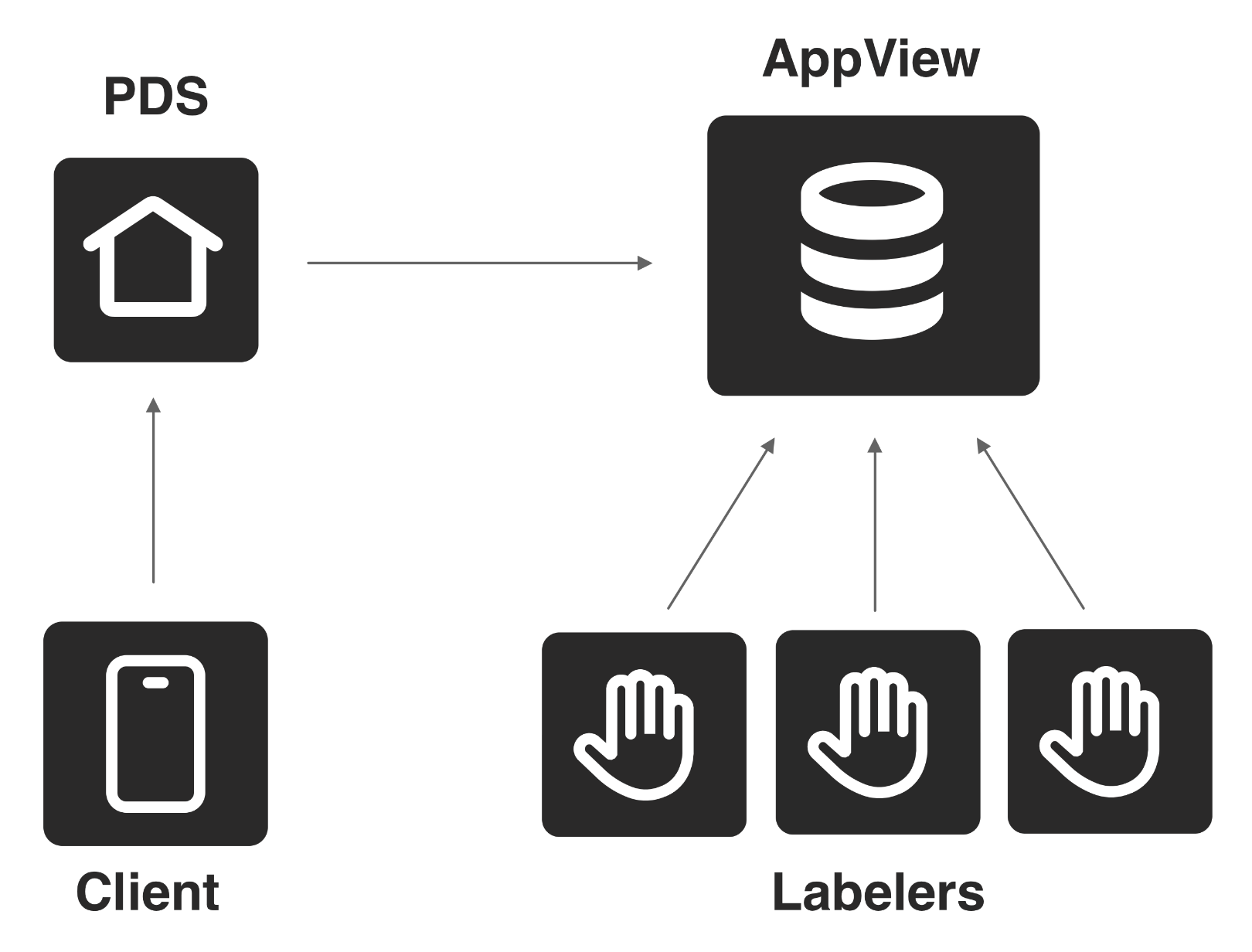
I can see the appeal of this system; as an example, there's an "AI images detection" labeler that will, well, label AI images. You can opt-in to use that, which is cool.
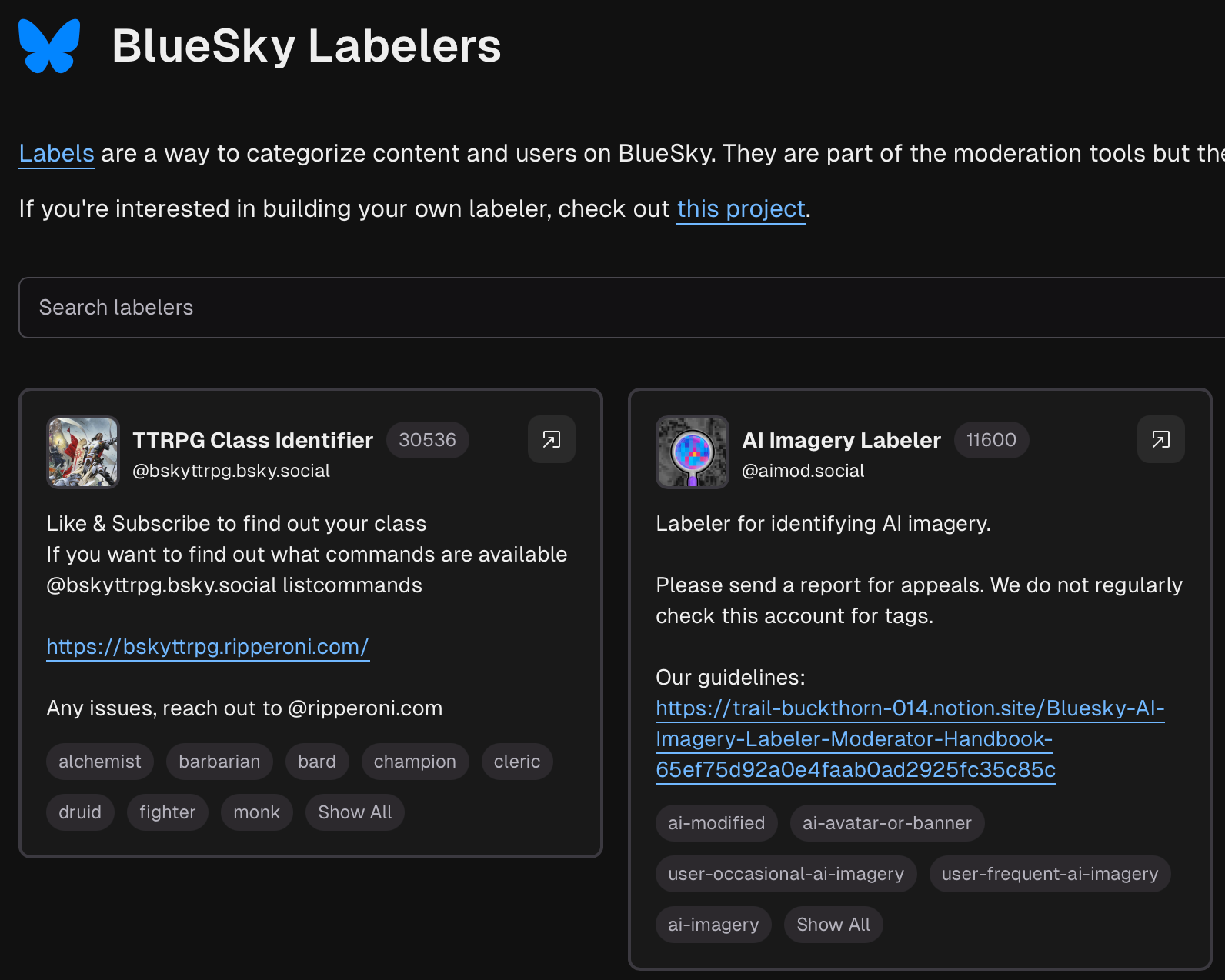
What's less cool is that the Bluesky application hardcodes its labeling system; this means that, if you want to opt out of the Bluesky company moderation system, you have to build your independent application to do so.
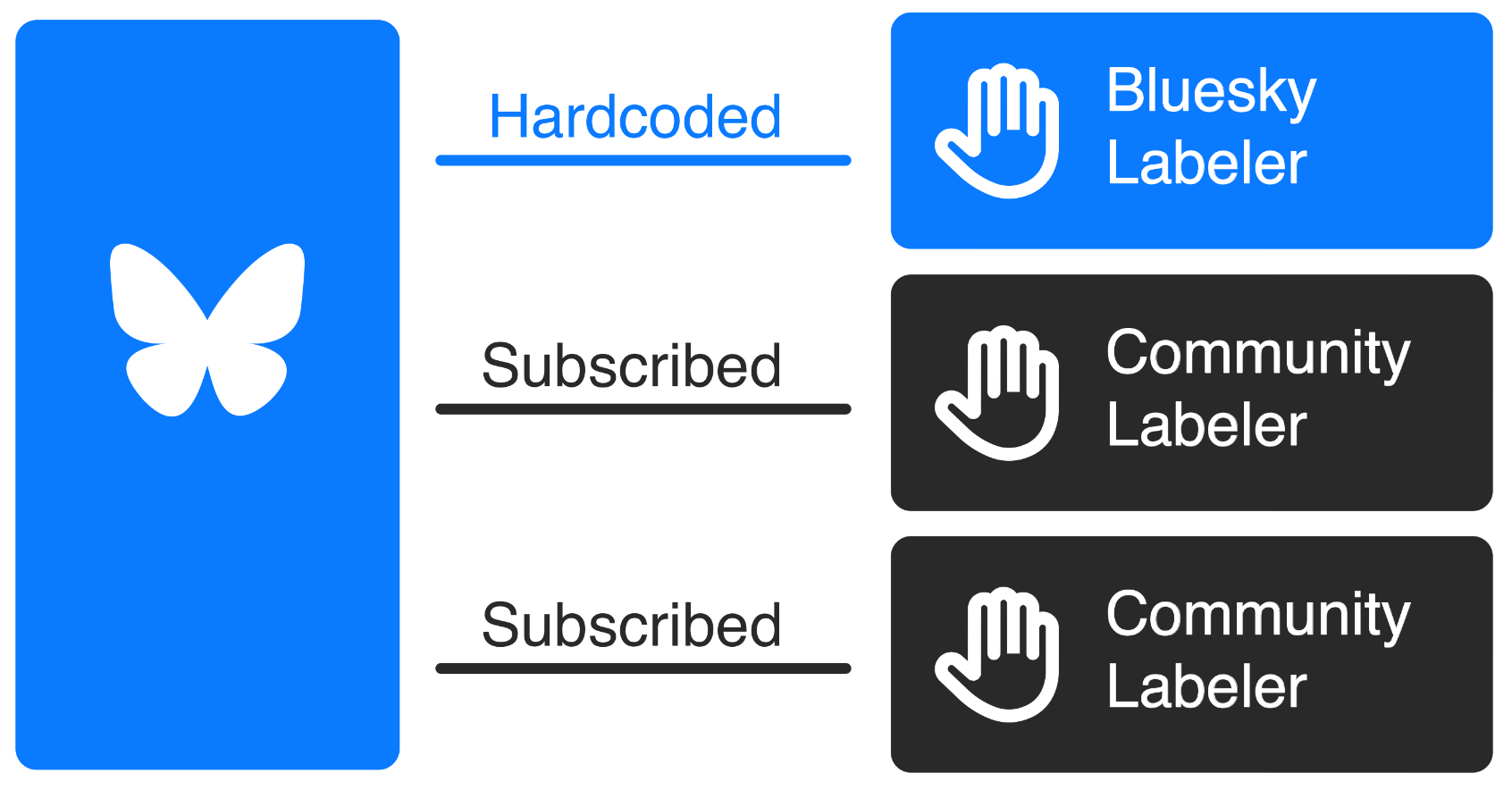
This effectively means that, if you get banned by the Bluesky company, you're out. Sure, you could still host your own Personal Data Server, wait for a non-existent independent Relay to fetch your data and interact with users of third-party Bluesky applications. But you won't: you're effectively at the mercy of the Bluesky company.

You might argue that it's Bluesky's right to ban someone entirely from their servers if they want to, but that becomes a problem if (a) 99% of the infrastructure is run by them, and (b) it's hard to provide an independent alternative. Then, you're effectively a centralized system.
There are a few other problems as well. Firstly, all private messages between users are centralized; they go through the Bluesky servers, and there's no way to self-host that service. They don't even claim the DMs to be federated, they only hope that they'll be able to change that in the future.

Secondly, the ID mechanism, which assigns each user with a unique key to keep track of them, is also centralized. This is already too technical for me, but Bluesky currently offers two "Distributed ID" mechanisms, called did:web and did:plc, both of which are centralized and controlled by Bluesky.
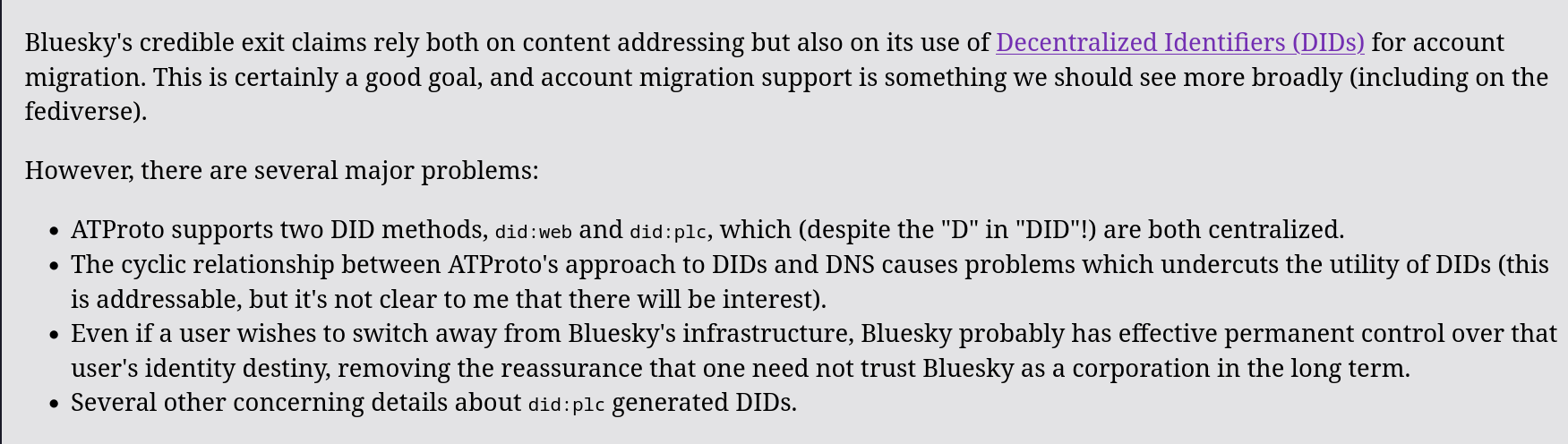
I think this is particularly incriminating since the reason they wanted to provide an alternative to ActivityPub was to make it easier to transfer your data to "a different instance". I guess that's true since it's easy to self-host a PDS, but the ID that's associated to your data, and by which you're indexed by, is still centralized and controlled by them. In my opinion, that's worse than "it's hard to move data between instances".
Thirdly, Bluesky is unable to handle private information; everything is public on the giant heap. This does not include private messages, because - again - those go through a different centralized system, but it does include other information you'd prefer not to have public, such as who you blocked.
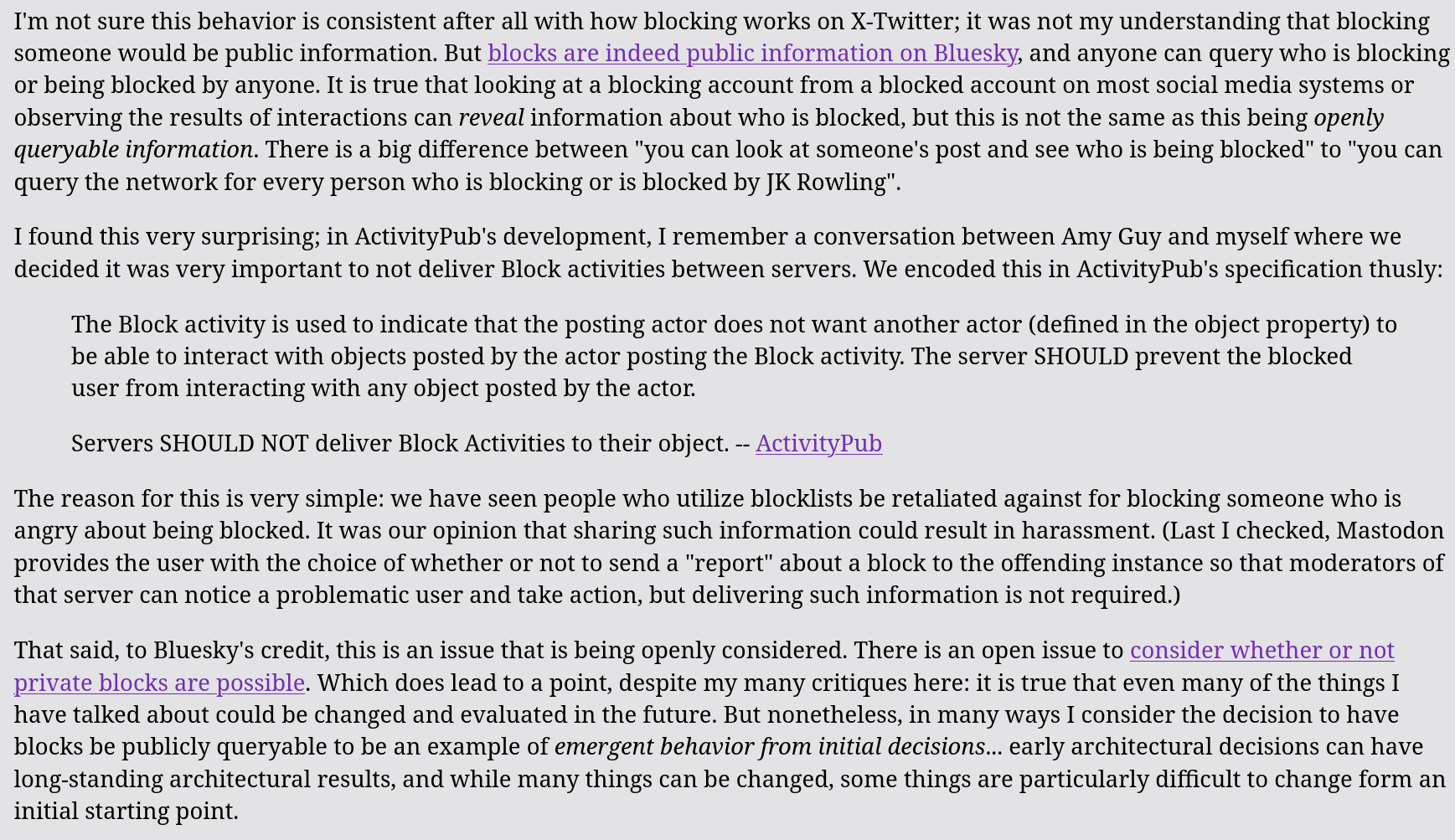
Overall, the Bluesky "federation" promise relies on two main points.
Point one: it's going to be decentralized later. When creating Bluesky, the most important thing was to provide a viable alternative to Twitter as soon as possible, and that meant moving quickly; yes, some parts of the network are still centralized, but they won't be in the future.
Fine; I therefore think it's fair for me to wait until then before starting to use Bluesky. I don't need a Twitter alternative now. Nonetheless, I'm still not sold on the fact that it was necessary to build a whole new protocol at all, instead of assuming ActivityPub could not scale enough to be a viable alternative.
Point two, and more importantly: this approach provides an "exit strategy" in the event that Bluesky "goes evil". Right now, that's false: parts of the social network are still centralized and it's impossible to avoid that. But even if we limit ourselves to PDSs and Relay, the current situation is that federation is only achievable in theory and no one has done it in practice yet.
On top of the (IMO!) flaws of the AT proto approach, I think it's important to highlight some benefits of ActivityPub that are not translated well over Bluesky.
Let's start with a personal story. A few months ago, I was running an activity to explain to some boys and girls how to use social networks safely. As part of that, I decided I wanted to run a "private" social network, that would only allow sign-ups from people I selected; I looked into self-hosting some sort of social network, and turns out it's a mess.
However, since Mastodon is quite known software, it's easy to find a service that will set up the server for you, at a very low price; you can also lock down a Mastodon instance to make sure it cannot interact with other instances, if necessary.
But if I wanted to go on, I could've made more instances for other groups of my organization, and all of these instances could've interacted between them. Even better, the younger generations aren't really that into Twitter-like socials anymore, but I could've just set up some Pixelfed instances to give them an Instagram-like experience.
And there still would've been room to grow; some activities require videos, so there could've been a Peertube instance as well to host those, and it still would've been completely interconnected with the others. All of this would still be run entirely by me, which is a requirement since I (legally) need to keep an eye on what these teens are doing and be able to step in immediately.
This is something that I could've done today, not potentially in the future. And honestly, it would not even have taken that much effort: I'm just a bit lazy.
And, if we talk about "potentially in the future", there's even more cool stuff that might happen over time. I'm a big fan of existing social networks federating with ActivityPub; I'm really happy that Threads made this choice, but there's WordPress as well, and even Ghost - the blog system that I use - is working towards that.
I'm also really happy that all of my videos are automatically uploaded to Peertube, and that people on Mastodon can follow my channel there and automatically get the videos on their feeds.
Ultimately, the Fediverse feels to me like a better alternative all-around. I think user onboarding should be improved somewhat; but, if you were to ask me which social network I'd recommend, I'm not going to pick Bluesky. Quite the opposite: I view it as a centralized social network that jeopardizes the future of the (IMO) better alternative, the Fediverse.
How I do articles and videos
This is the fifth week of me being back at recording videos, and I think it's time for me to tell you how I do these articles and videos. I have a few things I'm particularly proud of showing off, by the way.
Let's start with scriptwriting.
I write all scripts using Ghost, the open-source blogging platform, and all of them are also published as their own standalone articles on the website thelibre [dot] news. Some people prefer reading them instead of watching videos, so this makes sure everyone is happy.
As soon as I'm done writing a script I'll publish it, which means you can read the videos before they're published on the website.
You can also check the author of a particular script on the website; lots of them are written by my (really good) collaborator, Luca. He has a formal education in computer science, whereas I'm missing two exams before getting a Maths bachelor, so he's the one that knows more about technical stuff.
As soon as the article is done, I need to transform it to a markdown. I wrote a python script that fetches this webpage and uses a custom MarkdownConverter to, well, convert the article to a markdown-ish thing.
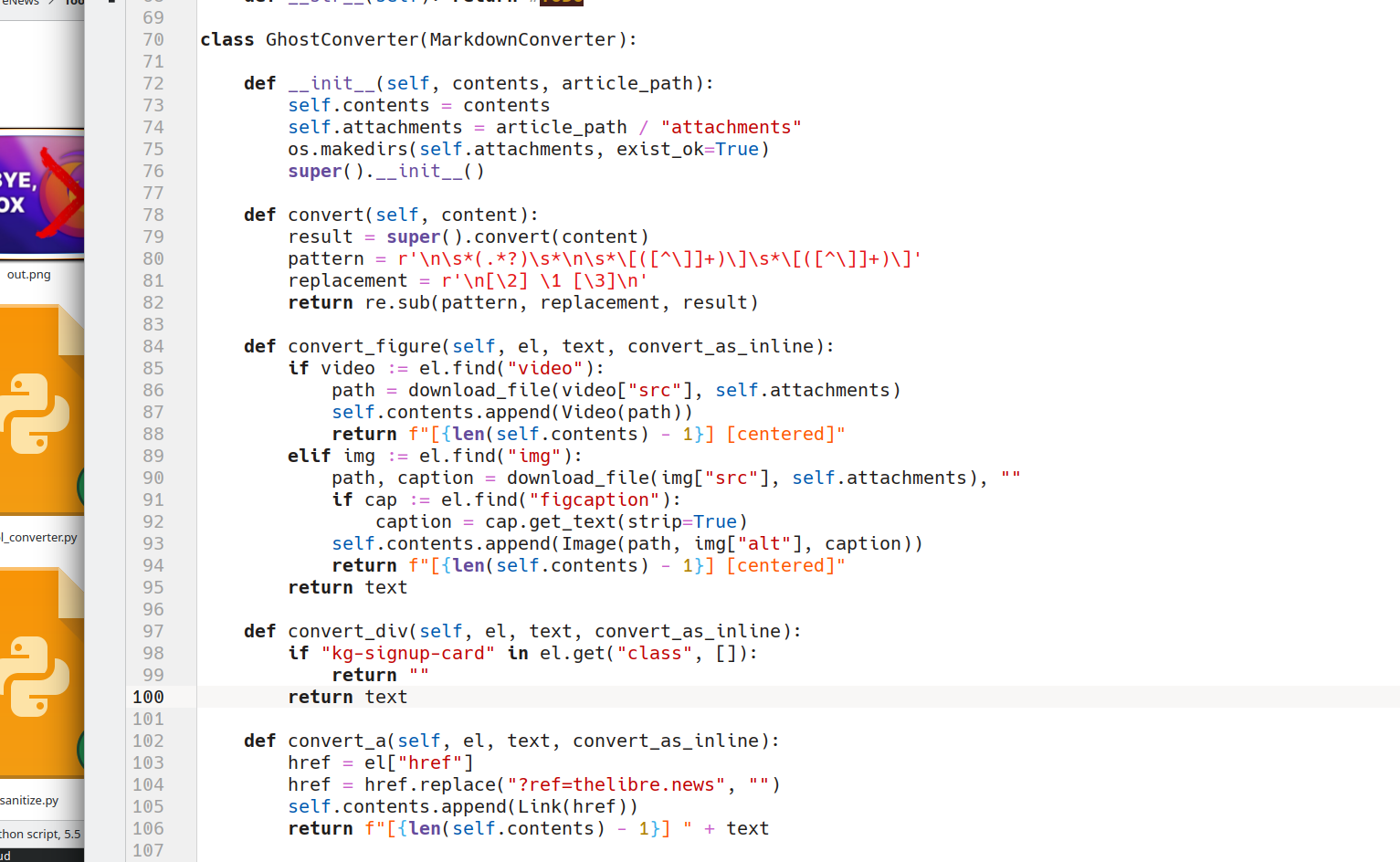
I say markdown-ish because the script actually builds various Python classes, each representing a possible content of the script, and inserts in the text of the script some blocks that specify which Python class goes where. Of course, it also downloads everything locally.
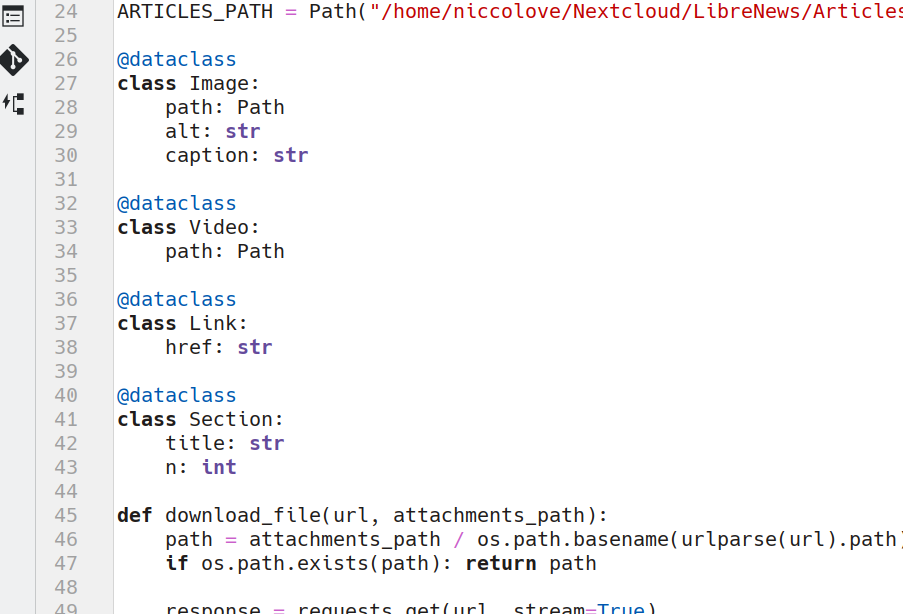
Now, for the recording part, I use OBS. (I'll get to hardware later). It has various scenes for the various looks that are needed during the video: just my face, or the sidebar with the content, or the fullscreen content, and so on.
The above-mentioned script is exposed as an OBS script, meaning that I can execute it through OBS directly, providing a link to the script.
The script will also open a Chromium instance, controlled via Selenium, to the voice-activated teleprompter built by Julien Lecomte. It follows my voice as I speak, it simply runs in the browser, and the script can control it fully.
Now, the script automatically loads the script on this teleprompter page, along with the image and video markers in square brackets (which are ignored by the teleprompter app). The cool thing is, the script will track the word I'm currently reading, and as soon as I hit a image/video marker, it will switch to the corresponding scene and show the linked image or video.
It will also automatically switch back to me talking when the paragraph ends, or the video ends. This way, the video will already be fully edited as soon as I stop recording, as the entire graphical part is handled directly by OBS and this script.
Now, this has a few flaws. Firstly, the teleprompter application sometimes just stops. It does this every five minutes or so. I don't have any clue why. This means I have to stop reading, re-set the teleprompter (which takes around 30 seconds), and then start again. This isn't very pleasant, but whatever.
I also can't really repeat sentences too much. I could probably try repeating the last sentence I said, and maybe the teleprompter would pick that up and go back, but if it doesn't, I'm sort of lost in the script, and I don't even have a way to know which parts I have repeated to cut out later. This is why I usually keep mispronounced words in the video: I don't yet have a workflow to edit them out.
That said, there is a brief editing step. Firstly, I cut out the thirty seconds of silence when the teleprompter stops, and I have to reset it, obviously. I also add some background music. This editing part is done in Kdenlive, and I personally consider it to be the best Linux editing application.
Though, I have to admit that one time - one time - I also edited the recording on the go via capcut. I had to run, and it's really easy to get the final file from just the raw recording, so I just did it on my phone. And yes, I'm listening to Chappell Roan.

In the future, I'll be able to improve the script to provide better graphics, more animations, whooshing sounds when switching scenes, and more.
As an example, I'd like to make sure that the caption of images appear on screen, so that - if I screenshot an article - I can put the source in the description and it will appear automatically.
Or, I would also like the script to recognize when I reach a certain sub-title in the original script and output the chapters to copy and paste in the video description, along with links to sources. There's a lot of room for improvement, which is what I like the most about this.
Now, I haven't talked at all about the hardware I use. Firstly, I'm a proud owner of a Fujifilm XT3 which I use both for YouTube videos, but also personal photograpy. It's a great camera, with some limitation - such as, no stabilization - but very versatile.

I own various lenses for it, but the one I use for recording in the kit lens is a 18-55 millimeters, usually set at 35mm, which is the APS-C equivalent of 52mm full frame. I absolutely hate this lens for photography, but it's also my only lens with autofocus, so that's what I use for videos.

I don't record in-camera, because - again - I don't have the time to edit gigabytes of videos, I have to be quick. I instead capture the 4k output from the camera, using the amazing capture card that I was sent from Slimbook. I can't recommend this capture card enough – it has never failed me, and it's 4k!
Now, I don't actually record 4k videos, as that would kill my CPU and slow the editing and uploading steps too much right now. Instead, I decided to settle on the more reasonable 1440p – still a lot of pixels, but much easier to handle. This means that I can zoom in on my camera input without losing too much quality.

The microphone that you see here is a Samson Q2U. You can find it for less than a hundred bucks, and it's dynamic, so it does not pick up much background noise. It has both XLR output and a USB cable, and I use the latter; sure, I could go with XLR, but again, I like to keep things reasonably simple.

I picked up the boom arm on Facebook Marketplace. The same goes for the teleprompter mirror. Fun fact: I used to have a monitor attached with duct tape on the bottom of the teleprompter, but I managed to break it during transportation. So, now I just position my laptop itself under the mirror, with the keyboard folded flat. It works; don't judge me.

If you want to hear something even weirder, I don't actually use my laptop for recording or editing; I instead use my KFocus NX computer. However, I don't want to have a monitor and keyboard on my desk either.

The solution? Well, my laptop supports display inputs. Not outputs, inputs. If I turn it off and connect it to my desktop, it acts as a monitor and keyboard. So when I'm done writing, I turn off my laptop, connect the desktop, and turn it on. It's weird, but it works.

If you were wondering, my laptop runs Arch Linux and contains my KDE development session, whereas the desktop runs Ubuntu and is stuck back at KDE Plasma 5, simply because I'm too scared to touch it and break something. I'll probably update it, one day. One day.
Right, lights. I currently use four of them.
The main one is an Elgato Key Light Air (what a terrible name!). It's supposed to be customizable in both brightness and temperature, but the application sucks so I just keep it to whatever I set it to, years ago. It's bright-ish.

On the other side, there's a rather diffused LED light. My brother broke it (he claims it broke by itself, but of course I have to blame him), so it emanates a very blue light. It's also customizable, but the application also sucks. Maybe the problem is me?

Finally, there's the light behind me. It's a plasticky thing that I found in a house construction store near me, called "Briccoman". By the way, thank god that this is some strong plastic instead of glass, because I managed to knock them down multiple times – and they don't have a single scratch.
I really like them because they also reflect on my hair and act as a fill light. It wasn't intended, but it's nice that it works.
Every illustration or graphic in my channel is done using Inkscape. I love it.
The font is some open-source alternative to Montara Gothic, which - funnily enough - I discovered about since it was used for the subtitles of my favorite anime. I would like to move away from it, though I have yet to pick a new one.
Finally, the graphics on the LibreNews website. You can see that all pictures have chromic aberration and barrel distortion effects applied. These are provided by a Python script that uses some numpy math. The only issue is that they only work on dark backgrounds, which makes it a bit harder to provide a light version of the website.
Now, let's talk about what's next for the channel.
Firstly, I'd like to buy the Elgato Teleprompter or some alternative. I just like the idea of having the monitor built-in to the teleprompter, instead of having to figure it out myself.
Secondly, I have to finish the script to provide the new transitions and graphical things. I would also like to figure out why the teleprompter dies down every five minutes and fix that, so that I can put the background musing in OBS and not even have to use Kdenlive at all. Or - why not? - make the script automatically upload the video on YouTube on my behalf.
Thirdly, I want to improve the recording background somewhat. I find it a bit boring, and it only works with a rather small view, which means you don't get to see much of me. Most other YouTubers use a wider view.
So, what is open source, really?
Open source is ubiquitous, and it's a fundamental part of our lives. We may use it every single day, but how often do we ask ourselves exactly what it means, and it entails for a piece of software to be open source? I bet, quite rarely. Indeed, defining what open source software is and tracking down where it all comes from is quite tricky, and it may get confusing — especially since we frequently hear about software that we can read the source code of in several terms, like “open source”, “free software” or “source available”. Fear not, though, we are going to clear up some of that confusion right away.
When did "open source" originate?
To make things very simple, the licenses we currently consider to be open source have to respect standards decided by an organization called the OSI, which stands for “Open Source Initiative”. The OSI is a California non-profit, public-benefit corporation, which has a Board of Directors, and which fundamentally holds the soft power and authority on getting to decide what “open source” is or is not.
As far as whether they hold a legal patent or any other exclusivity on the word “open source”, and whether it was deserved, there is a lot of discussion going around. Officially, the “open source” campaign was launched in 1998 by a group of people, including Eric S. Raymond, a name that will sound familiar to many when talking about open source. ESR is the author of the popular essay “The Cathedral and the Bazaar”, a book that, to this day, is considered one of the most influential and defining pieces of literature that has ever been written about open-source software development. Its main topic is comparing the main software development models open source projects might have.
Anyway, this group of people managed to write a document, called “The Open Source Definition” — OSD for short — which serves as a basic standard for what open source should be considered to be. The document was based on the Debian Free Software Guidelines, which existed prior to the OSD. However, they were unable to secure a trademark for the word “open source”, and there is an open debate on whether the concept of open source was already defined prior to 1998.
From then on, though, things were anything but smooth, and the OSI as an institution has faced quite a bit of controversy. The main point of criticism that the OSI has faced, time and time again, is a lack of real commitment to freedom. A recent example of this happened in 2020, when OSI Co-founder Bruce Perens left the organization over their acceptance of a new license, called the Cryptographic Autonomy License, that many believed to violate basic principles of freedom. About at the same time, founding member Eric S. Raymond was completely banished from the organization as a whole — to the point where he was no longer allowed to subscribe to its mailing list.
From time to time, other pieces of drama about the OSI still surface. A very recent example happened just a few days ago, when OSI Board candidate Luke Faraone was denied running for the OSI BoD on the basis of a deadline that had not been revealed prior. This episode generated quite a bit of discussion on the fairness of the election process.
Anyway, aside from the drama - which is likely too complex to cover in one video - let's get back to the original point. Remember the “Open Source Definition” I have talked about just a few paragraphs above? To understand what we are talking about, it would be a good idea to take a look at what's inside. This is the specification upon which a software license has to agree to be considered open-source software, after all — it's quite a big deal.
So, what exactly is open source?
The Open Source Definition deals with defining, in practical and objective terms, what criteria a piece of software needs to satisfy to be called “open source” in the first place. This document consists of ten points, which we will go over:
- Free redistribution — To be considered open source, no restrictions may be put on how or whether the software is distributed. For example, even though you provide a server from which to obtain a copy of the software and its source code, you may not deny users of your software from making copies of it and sharing it through alternative channels.
- Source code — Perhaps the most important part of the definition itself — for software to be open source, the code files from which it was compiled must be available freely and without limitation on the redistribution. Also, the code must be predisposed to being understandable and modifiable — hence, obfuscated code is not allowed. It must also consist of the original source files, before going through any compilation phase.
- Derived works — It must be possible for anybody to take the source code and create something else on top of it. The way that derived word is redistributed respects the terms of the license the original work was under. For example, the GPL license has quite a strict set of rules that a licensed software needs to comply to. When you are making a derived work from one such software — often called a fork, too — you must ensure you are not breaking the boundaries of those rules.
- Integrity of the Author's Source Code — It is also necessary that credit is given to the original author of the source code. There are cases where derived works must change their name and branding, while still giving proper credit to the original authors.
- No Discrimination Against Persons or Groups, which is pretty self-explanatory, actually,
- No Discrimination Against Fields of Endeavor — Perhaps the most important point of the entire document — the software may be allowed to be usable for any and all purposes, with no restrictions. This is a point that has been quite controversial, and that a lot of people wouldn't expect. For example, if you add a non-commercial clause to your project — which means, you dictate that nobody is allowed to make a financial profit from your software. Then technically, your software is not published under an OSI-compliant license, and it must not be considered open source. The same would happen if you added a clause as simple as “this software must be used for good, and not for evil”. While apparently innocuous, a clause like this seeks to limit and dictate what this software can be used for and what not, which can turn into a huge problem when the definition is lax and easily malleable. Technically, a piece of open-source software explicitly needs to be usable for any purpose, whether that purpose is making money using the software, or creating nuclear weapons.
- Distribution of License — The software needs to be distributed with a copy of the license, which people who receive the software need to comply with.
- License Must Not Be Specific to a Product — The software that is licensed must be not forced to be part of any software distribution
- -License Must Not Restrict Other Software — The license has no say on other software that the program interacts with or is distributed with
- License Must Be Technology-Neutral — The license must not depend on any individual technology.
As you can see, this definition is quite strict, and it does a good job of ensuring a license that follows it has pretty much no way of escaping adhering to the overall spirit of open source.
Relationship between open source and free software
At this point, it would be perfectly understandable to ask oneself: “I have heard at length about free software, is it the same thing”? Well, the answer to that question is... yes and no. While all free software licenses are also OSI-compliant, “free software” is not quite the same thing as open-source software, though some differences tend to be a bit more philosophical.
The “Free Software movement” is another take on public-domain software. It was not invented and led by the OSI, though — it has the Free Software Foundation behind it, and it was founded by former MIT professor Richard Stallman.
Contrarily to open-source software, free software as a concept was very much born in Academia. Much before the late 90s, public domain software was a thing, though it was more popular in academic circles. Software that fits the definition of being “open source” and more has been existing since the 50s.
At the beginning of computing, sharing the source code behind distributed products was quite the norm. It was only in the 1970s and 1980s that companies such as Microsoft and IBM started to buck this trend, begin distributing software without the attached source code, and even be openly hostile towards hobbyists who wanted to study their software. This standard quickly took place, naturally, because it allowed software houses to turn in more and more profits.
Things continued to go this way until something that is admittedly quite funny happened in a lab at MIT. Richard Matthew Stallman, a programmer at the Artificial Intelligence Laboratory at MIT, was growing quite frustrated with the new laser printer that had been recently installed in the lab - a Xerox 9700. The older printer that was in use in the lab came with a copy of the source code behind its software, which Stallman had modified to notify users when their jobs were complete and avoid jams. This was very important back in the day: laser printers weren't quite the relatively small Brother desktop units we use today, but they were giant beasts that would stay on another floor in the lab and that were not personal but, rather, shared between several people. The new printer, however, did not come with a copy of the source code, which did not allow Stallman to enhance it with the same modification, hence compromising productivity in the lab. That was the point at which Stallman contacted the manufacturer, explained the issue, and asked for a copy of the source code, which he was denied, because the source code was covered by an NDA and the company was not open to releasing it to its customers.
This was an eye-opening moment for Richard Stallman, who — becoming rightfully very frustrated — began to see what was wrong with the new trend of distributing software, and he wanted to do something about it. Shortly after, he founded the non-profit organization that we still refer to today — the Free Software Foundation.
What initially came out of that organization were two things: first off, the concept of copyleft, a legal mechanism to make sure a piece of software that was released as free software would have to remain free software through all of its iterations and could never turn proprietary, and an initial license to implement this mechanism, called the General Public License — "GPL” for short. Although it has gone through several revisions and the version we use nowadays — the GPL v.3+ License — is not the same as the original iteration, the core concept behind it, and what sets it apart from other licenses is the same: not only do the ten points about open source software that we talked about above hold for it, but it is also a viral license. A regular open source license can — and usually does — allow for anyone to create a derivative work from that project, give credits to the original owners, but release the result without also releasing the source code. The GPL fundamentally changes that: if you make a derivative work from a piece of software that is covered by the GPL, and you decide to release it, not only do you have to credit the original authors, but you are obligated to disclose to them what improvements you applied to their program — which translates into distributing the software along with a copy of the source code. This ensures projects that start on a copyleft license will never turn into copyrighted proprietary programs, because the license simply does not allow that.

As you might have guessed, this is already one of the main things that make free software special. A piece of software that is under a copyleft license, in fact, not only respects all the 10 points that any OSI-compliant license is forced to comply with, but more. Free software is, fundamentally, Open Source software, but even stronger. The FSF, in particular, feels strongly about it, and they strongly maintain that the open-source movement is off-track, and free software should be considered the way to go.
The main difference is that — oversimplifying it a lot for the sake of brevity — while the Open Source movement only tries to focus on a practical and objective point of view, the Free Software movement deeply cares for user freedom, and thought about safeguards to ensure a software that starts off free, stays free.
The Free Software Definition
Much like the OSI has its own document — the Open Source Definition — so the FSF has its own Free Software Definition. Written by Richard Stallman, the Free Software Definition, at first glance, already looks much shorter and more direct than the Open Source Definition. Rather than defining 10 different points it only defines 4, which are thought to be the “Four Freedoms of Free Software" — which were enumerated from 0 to 3, in a way that is reminiscent of how computers actually denote ordinals in memory.
To be considered free software, a piece of software needs to comply with the following four freedoms, which I will cite verbatim below:
The freedom to run the program as you wish, for any purpose (freedom 0).The freedom to study how the program works, and change it so it does your computing as you wish (freedom 1). Access to the source code is a precondition for this.The freedom to redistribute copies so you can help your neighbor (freedom 2).The freedom to distribute copies of your modified versions to others (freedom 3). By doing this you can give the whole community a chance to benefit from your changes. Access to the source code is a precondition for this.
Another thing that is made clear in the document is how the word “free” should be denoted. The community has come out with two ways to define the possible different meanings of it, “free as in beer” and “free as in freedom”.
- A piece of software that is “free as in free beer” is available for free, and it does not require a payment to run, but it is not necessarily free software per se;
- A piece of software that is “free as in freedom”, or “free as in free speech”, respects the freedom defined by the Free Software Definition. No implication is made on the price.
A program may be either, or both, of these things, but it is not necessary. The FSF explicitly says that it is not necessary that a piece of free software must also be gratis — it is very much possible to require money to use it. Moreover, it is not strictly necessary for the developers to share the source code publicly on some online platform like GitHub or Codeberg — according to the GPL, the important thing is that the source code gets distributed together with the software, and those who obtain the software also receive a copy of the source code. In practice, this rarely happens, and most Free Software has its source code available publicly and freely, even in cases where the precompiled binaries are paid for: the benefits of collaboration and contributions that stem from having the code available publicly are too good to pass up.
To summarize — no, free software and open-source software are not quite the same thing, and those movements are driven by different levels of idealism and different political ideals. While their definitions share a significant amount of overlap, they are very much not the same, and a license that is compliant with the OSI definition is not necessarily also compliant with the FSF's. It's a subtle difference, but an important one. The devil is in the details here. Usually, we say that a piece of software is licensed under a license that respects both specifications by calling that piece of software “FOSS”, which stands for “Free and Open Source Software”. That's it, that's what this ubiquitous acronym that you keep hearing about really means!
Those insignificant-looking details are, indeed, more critical than they seem. Not-so-pretty things happen when they are not observed.
What happens when software does not respect the OSD or the FSD?
As of late, there has been a trend of releasing software where the source code is distributed along with the binaries, but that is licensed under a custom license that does not respect either the OSI's or the FSF's specification. Those custom licenses are usually more restrictive, and they give the user hard limits on what can and cannot be done with the software. For example, something that often happens with these is that the user is not allowed to make derivative works from that project, effectively making it proprietary software; putting limits on whether and how the software can be distributed, or making distinctions between personal and professional use.

There are many names for this new trend. The more objective name is “source available software” — a definition that is less strong than “open source”, and simply implies that the source code is readable — and the more opinionated “fauxpen source”. A derogatory name that was given to this kind of software because it is typically believed to disguise itself as free and open-source code.
While there is a worrying trend of companies trying to move from open source to source available software to increase profits, so far, those companies who have tried it have seen some negative repercussions from it. What ends up happening is that, if the software is relevant enough, the community creates a derivative work (a “fork”) from the latest version of the software that is not encumbered by the new effectively closed-source license and continues development there. A lot of people end up migrating to that new open-source fork, especially since major cloud providers, like AWS, will migrate to that.
Leaving open source behind backfires!
For example, DevOps giant Terraform has recently turned their leading IaC software platform “Terraform” into source-available, non-free software; but a lot of its original users have since migrated to OpenTofu, a free software alternative managed by the Linux Foundation that is already adopted by a lot of important companies. Their move has essentially backfired on them: in the attempt to increase profits, HashiCorp ended up losing a lot of users and relevance, especially because OpenTofu is maintained by a committee that has the financial resources and the technical capability to keep it running.
Something similar has happened to Redis, a very popular ORM software — an intermediary software that puts itself between the database and the backend code, allowing the latter to interact with the database through a layer of abstraction that simplifies a lot of queries and operations, while decoupling the backend code from database-specific assumptions, thus allowing easier migrations. It was not a problem though: most companies and people who originally relied on Redis moved on to Valkey, a FOSS fork maintained by the Linux Foundation.

The same thing happened to the ELK stack by Elastic, a very useful software suite that implements an entire logging, visualization, vector database, and semantic search engine solution: after gaining enough adoption it abandoned its original Apache License to pursue its custom license — but everyone, including AWS, quickly migrated their products to FOSS fork OpenSearch, an Apache-licensed fork of the ELK stack. Just a few months ago, Elastic admitted defeat and re-licensed a portion of its code to the free AGPLv3 license. Sadly, that was a case of “too little, too late”. The damage is done, and most people did not move back to Elastic, since the derived fork is as healthy as ever, and it's undergoing active development.
Where this model has been more successful has been in smaller programs that launch with it from the start. An example is GitButler, a popular frontend for Git, which started off with a source-available license and has not been replaced by anything yet.
Conclusion
The world of public domain software can be quite complicated. I hope you have a more complete picture of what is out there now — and you truly understand what Free and Open Source software is, and why it is so important.
Would you pay for Free Software?
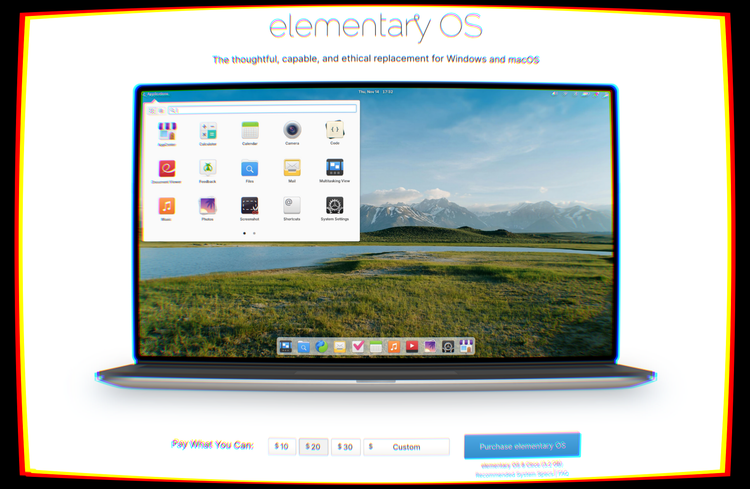
For most of us who used smartphones for any length of time before switching to Linux, learning how to download a lot of graphical applications on a Linux distro was quite a smooth process: just open the app icon that looks like an App Store, and what you see is an "App Store" where everything is free to download. Not only that, but none of the applications had advertisements or in-app purchases in them. It felt refreshing.
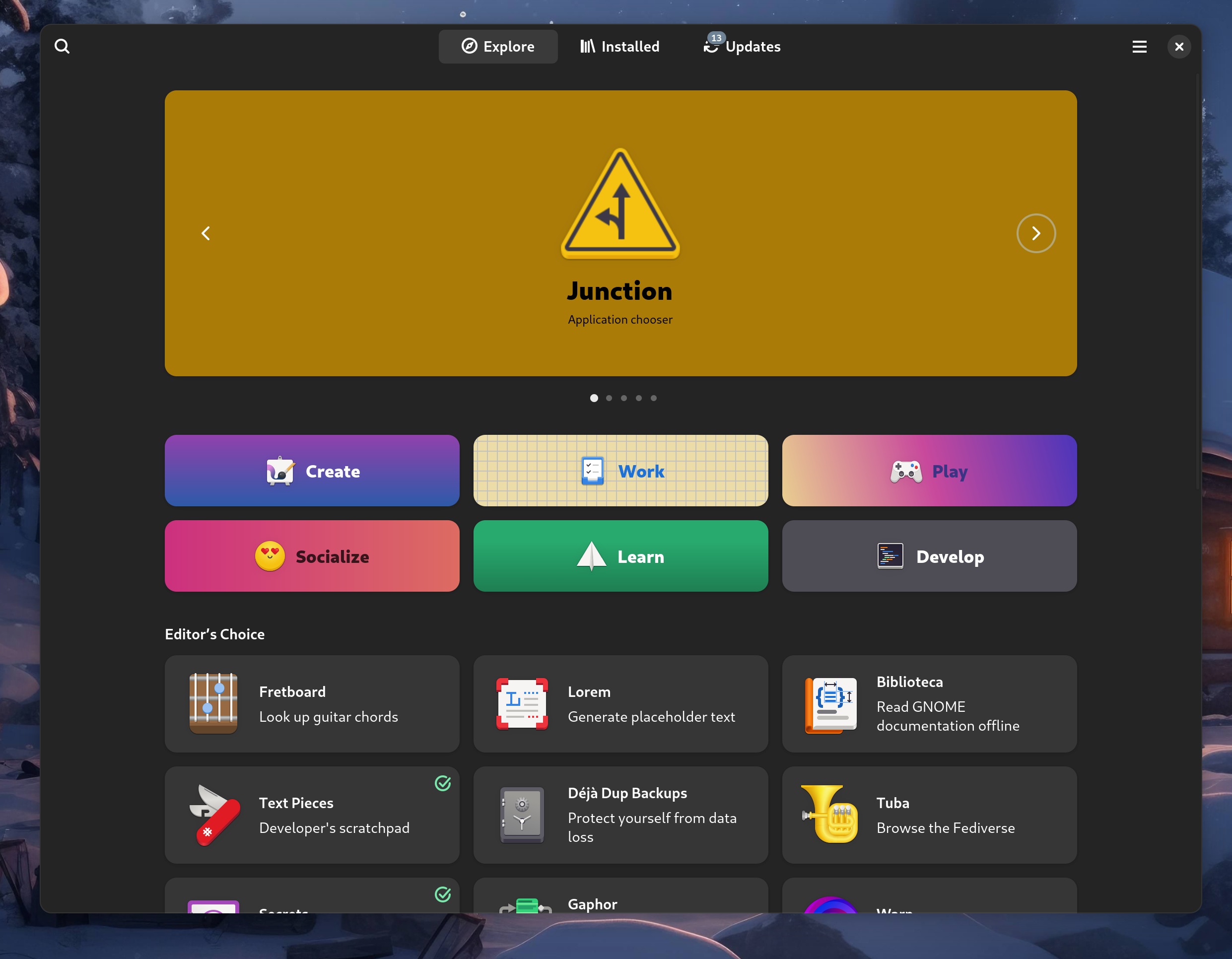
This has been the situation up to now.
However, things are seldom meant to stay the same. In fact, through these years, a topic that has been discussed more and more is the sustainability of most free software projects. It's easy to forget that maintaining FOSS projects has a cost: computing resources, time and energy are only a few of the resources consumed while maintaining a free software product. A lot of the open source applications you love are not developed as a job and they are not meant to make a profit; they are side projects that are mostly maintained by students and by developers who work a regular, corporate software development job as their 9-to-5, but also manage to find the time and energy to spend on the project in the limited amount of free time they have.
So, how do you maintain a FOSS project?
With traditional proprietary applications, a very common way people get motivated to build and maintain those projects is the profit motive - not only do they have fun building something they love, but they also turn it into a revenue stream. Many use the extra money derived by the sale of some software as a side hustle, many more dream of escaping the 9-to-5 schedule to gain more flexibility and work on projects they like better, and launching a successful application is often seen as the way to go. It's still the same dream born in the early 2010's as smartphones began spreading, and the mobile market was seen as a great opportunity to launch a successful product and make a lot of money.
On the other hand, looking at free software projects, things are not quite the same. People typically do not make much money from an open-source application, where donations are the main revenue stream. The motivation to maintain the project even through the most annoying chores and most stressful periods has to come from somewhere else than the profit motive. It is no surprise that most FOSS developers are very passionate about what they do - they do not merely tolerate or not mind the act of building software, they are passionate about something and they want to bring it to light. But passion only gets you so far, and it is often not enough to motivate people past an initial sprint where an initial working version of the project gets released... and then it gets abandoned.
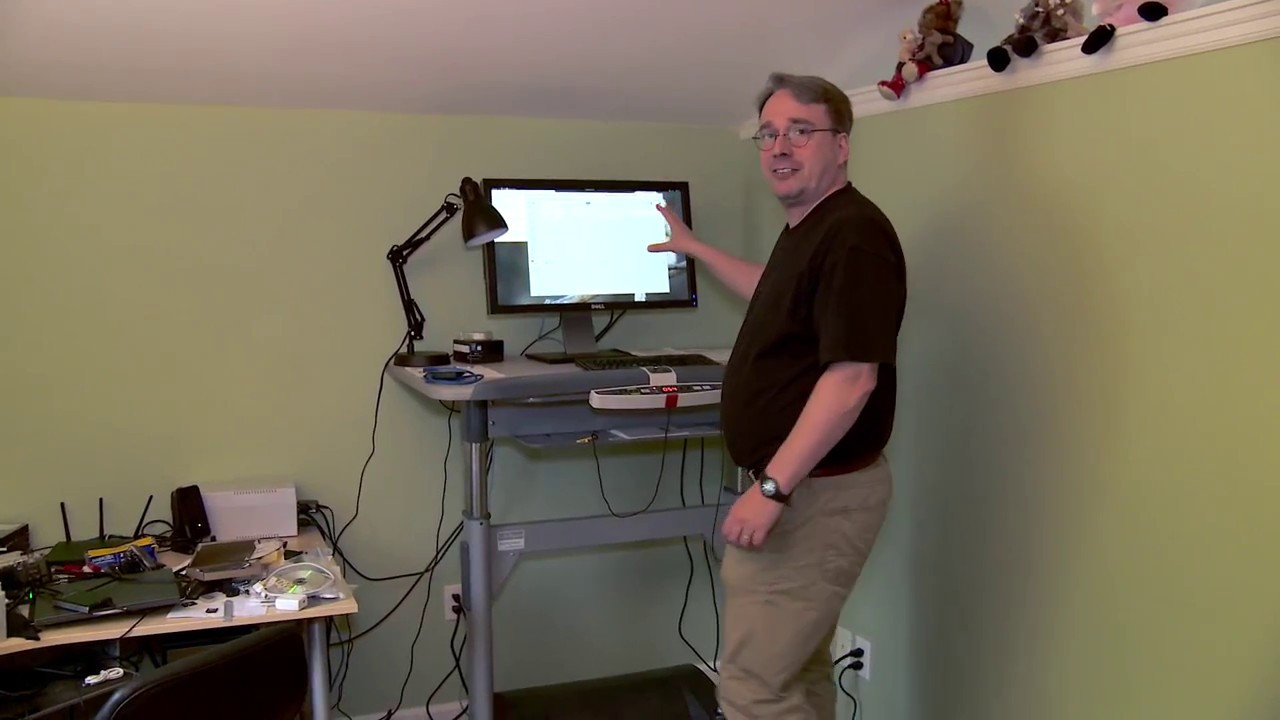
It is very common for free software maintainers to reach a psychological condition called burnout. Burnout is what happens when you overload yourself - either by overworking or by having too much pressure put on yourself in general - to the point where you start losing efficiency and your mental and physical well-being quickly decreases: you start to feel more and more tired, then you start to dread your work, then you start to lose motivation to even pursue hobbies you like, then you begin struggling even to get your basic daily tasks done. When left unchecked for a long time, there is a very real possibility that it could lead to depression. Burnout is a sneaky beast that is sadly infamous in the software community.
Burnout is often the real death of open-source projects. How often have you used an application that had something like -ng or -next in its name? That would be a strong indicator that the application was not being maintained by the people who originally wrote it, but was picked up by someone else. Sadly, lots of smaller projects die this way: the lone maintainer who works on them gets tired and quits. This is made more and more aggravating as a piece of free software starts getting popular, so users begin complaining about bugs / missed features, and some companies who use the software freely without contributing anything back begin pushing for changes and fixes the same way they would for a commercial product they are paying. It's also not only small projects that get affected - people leave big projects due to burnout all the time. In fact, without delving too much into Linux kernel drama, during the past few months, a bunch of Linux kernel maintainers have left their positions, partially or mostly due to burnout.
So, how do you solve burnout?
There are several approaches one can take. However, the most effective remedy is to reduce the amount of time you work. This is why contributing to an open-source project is such a good idea and a fundamental practice: not only you will learn a lot - by working on technologies that your company doesn't use and that you would otherwise never even discover - but you are also helping out the maintainers. Any contribution you make is some load taken off of the maintainers' shoulders, and it will be appreciated.

However, code donations are not the end-all-be-all. Financial donations are also equally important. Money can be a good motivator to keep building the software, and it can even be put back into development in many ways. Maybe a maintainer owns an old, slow computer, and putting some donation money into something more powerful can do wonders to help the development progress. Maybe some bills need to be paid to host APIs somewhere, or - one of the most obvious options - money allows a maintainer to put more hours into their project: when you do have a second income source it's much simpler to reduce your job from a full-time to a part-time, get paid less for it, and use the remainder of the time to maintain your project.
The question is: do donations work? How do you even integrate money into free software?
Donations might not be enough
Donations are nice, for all the reasons we have just stated. They are a great help to a project, and they also allow anybody to make important contributions to a piece of software, even if coding skills, writing skills for documentation or even energy and time are not assets they can contribute. In a lot of cases, it might be easier to contribute to software you know and love, like KDE Plasma, by periodically donating the financial equivalent of one hour of your day job to the project.
The problem with donations is that few people make them. Altruistic folks do exist but, for one reason or another, most people never donate to a free software project.
Some projects have reacted to this in various ways, all of them mostly geared to finding a middle way between the donation-supported model and the proprietary sale-based support models.
So how do you even sell Free Software?
Which raises the question: selling an application? In my "Free Software" community? It's more likely than you think!
While it might seem contradictory, the FSF's official definition of free software explicitly allows selling a piece of FOSS for a price. Even Richard Stallman, founder of GNU, has repeated many times that copyleft software can absolutely be sold.
Several free software projects try to sell their applications in order to gather more donation money to aid development, and they don't have an easy job to do: it's a road full of roadblocks, and it's a hard balance to strike.
There are two approaches here that are being explored: either strongly encourage a donation through a free offer, or sell binaries.
"Pay what you want"
The former approach is taken by elementaryOS, a really pretty Linux distro that focuses on design and providing users with a highly refined UX. If you look at their landing page, at first glance, you will think that it is a paid-for operating system - but it is only when you look closer that you realize you can choose the amount you pay. If you want, you can go to the length of defining a "Custom" amount of €0.00, and still being able to obtain the OS without a payment. They call it the "Pay What You Can" model, and it has its pros. People who can pay for the software are strongly encouraged to do it, while people who might not have the money to spare are not obligated to donate much if anything at all.
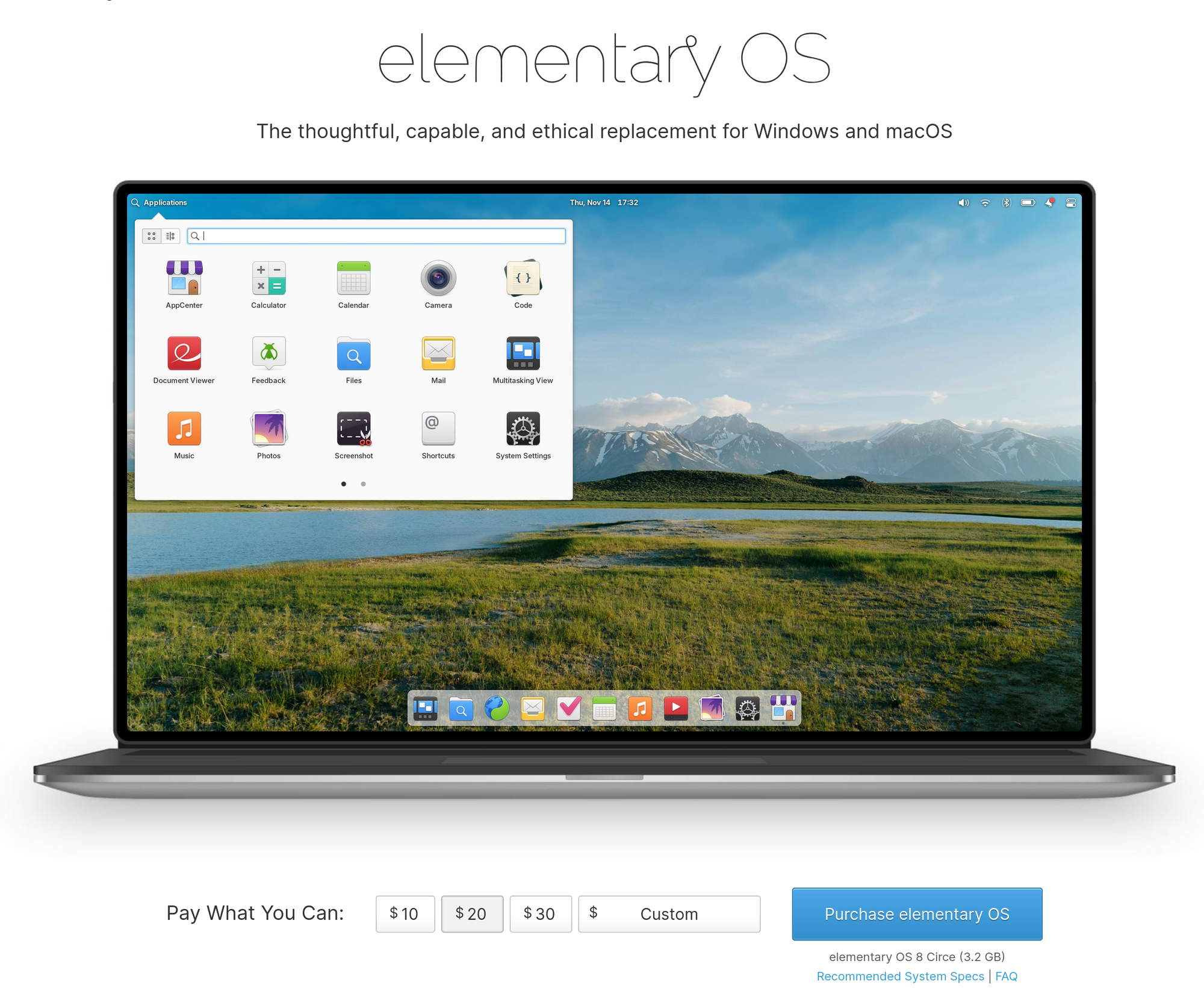
Free code, paid binary!
Another very interesting approach is charging for convenience. Some projects decide to leave the code completely free, but charge for pre-built binaries. This means that, officially, while you are free to clone and compile the software for yourself - which is a longer and more tedious process for a regular user - you will be asked to pay a fee to download a regular binary that you can install and run on your computer. This is the approach taken by Ardour, a free and open-source Digital Audio Workstation software.
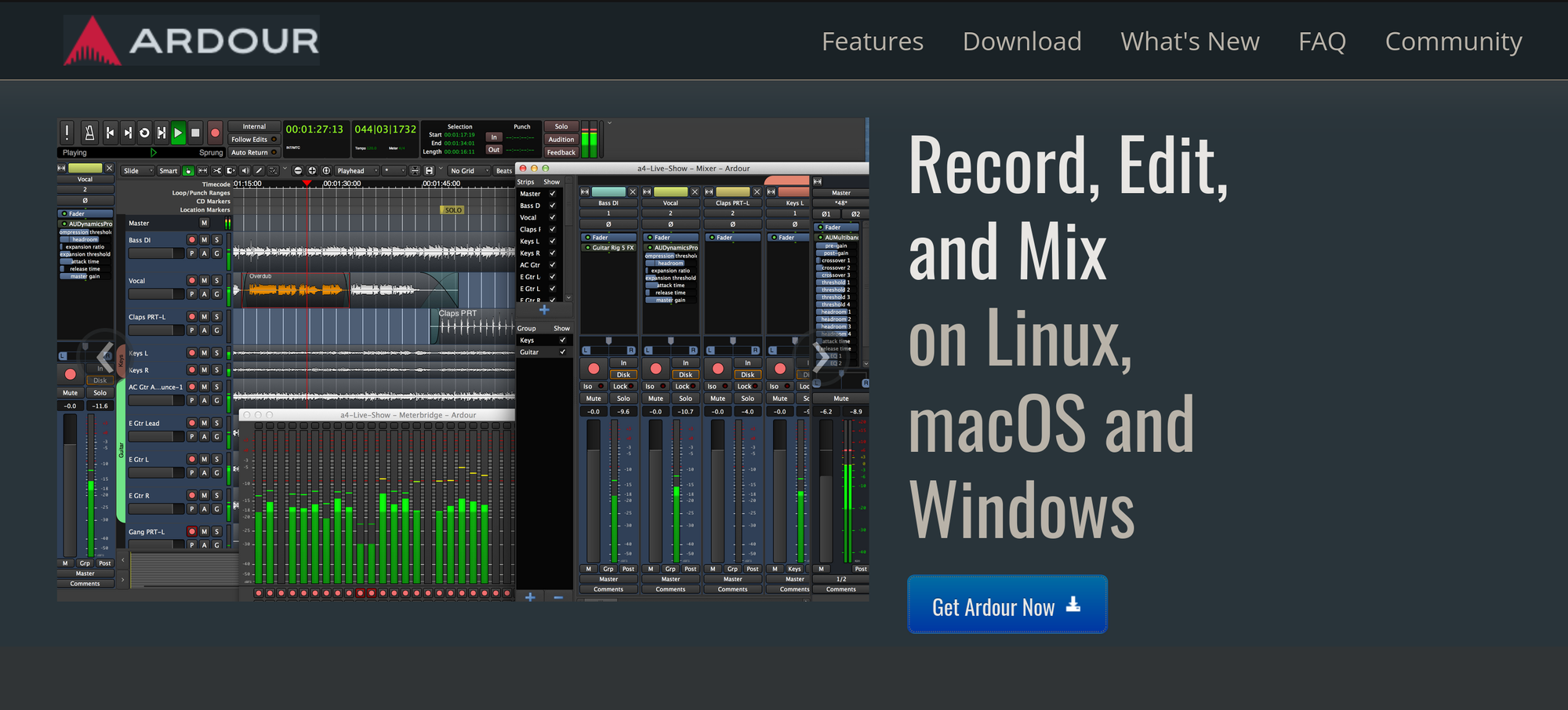
You will see it hinted on the initial download page, where you are asked if you want a ready-to-run program or the source code, explaining why the source code might be technically challenging.
From there, it only takes a couple more clicks to be taken to the purchase page. You will be asked to make a payment. You can choose between a subscription model, buying a single version, or also being eligible for updates, depending on the amount of money you pay.
But is this effective?
The answer is - well, it depends.
On Windows and Mac this model might work. On Linux, though, it doesn't. Just as a test, let's see what happens when we look for Ardour through the available distro packages on my machine:
As you might imagine, you will have no trouble finding a free download there. Clearly - this is allowed. It's still free and open-source software, so while the developers themselves might not want to give you a free binary, external maintainers are still allowed to repackage any kind of free software and make it available for free download.
This makes it, sadly, the no-brainer option for Linux users. Not only for the price but because there are several advantages to installing a piece of software from your distro's repositories - among which I am, of course, counting Flathub.
The first and most obvious one is ease of access. It's just a much faster process to install something through your package manager than to go on a website, download the binary, put it in your PATH, or figure out how to manually install the package, cross your fingers and hope it works on your exact setup. You will even get software updates more easily, and you will even get all the cool features of Flatpak, like sandboxing and the permission model!
So, it naturally follows: wouldn't it be cool if, as a developer, you could maintain your own Flatpak package on Flathub, and handle donations or payments through a centralized way, like App Stores, which would allow users to pay for your binary or quickly send you a donation with just a click and a quick scan on their fingerprint reader?
Payments on Flathub
Enter payments on Flathub.
While it is not possible to pay for applications on Flathub yet, the problem has had the idea to eventually implement support for something like this for a long time. However, things are finally beginning to take shape: the GNOME Foundation, in conjunction, with the KDE e.V, has posted a job offer looking for someone who would be qualified to lead the management of a program that would allow payments on Flathub, and finish off the already started work on the payment backend.
So far, one of the people who have replied to this thread is none other than Cassidy James himself, one of the core maintainers of the Elementary project. Paying for Linux applications is already a reality on the Elementary AppCenter, where developers who make Vala apps targeting elementaryOS specifically can decide to make them paid-to-download.
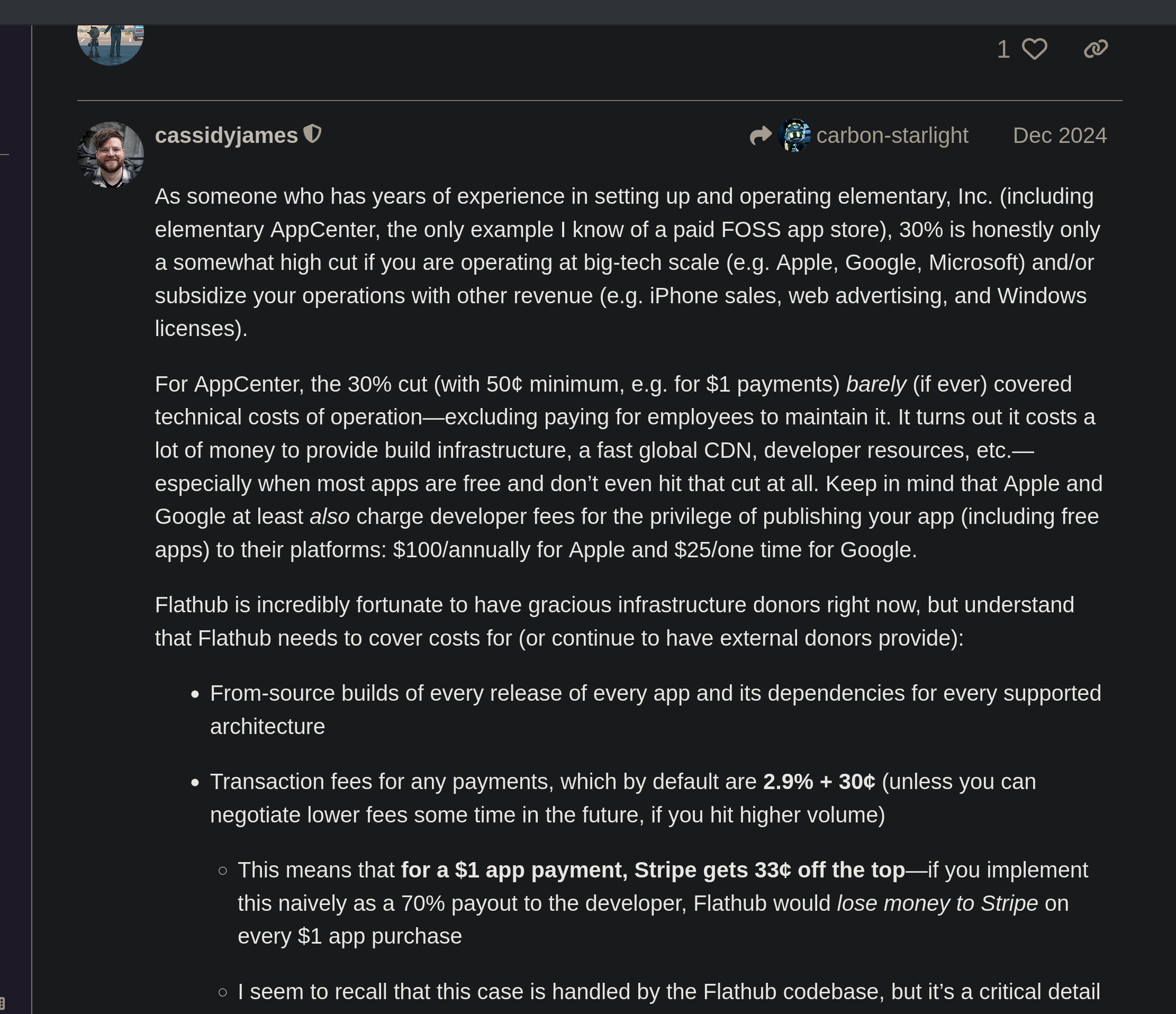
As you can see, the details are still yet to be decided, but things are moving, job positions for this project are opening up, and some of the most competent people in this area of expertise across the Linux community are beginning to show interest.
If it all goes well, what this means is that Flathub will support paid applications as well, like a regular App Store, providing a solid financing option for projects that decide to rely on it.
It is yet to be seen what would happen to third-party packages that are available for free, should the developers take over. But there is little room for speculation when the figure that is being hired is supposed to take care of all these bits and details.
It will be an interesting change of paradigm for sure, where paying for the convenience of having a Flathub package for some of the FOSS you use will be a reality. Whether this will finally help projects ease some financial pressure, or whether this not help, is yet to be seen. We also do not know yet how this will be used: on top of paid apps, direct payments through the store could also serve the goal of making donations easier. Reducing the barrier to donations is often a great way to obtain more, so that would be great progress. Going back to elementary again, their AppCenter has supported donations for a very long time already!
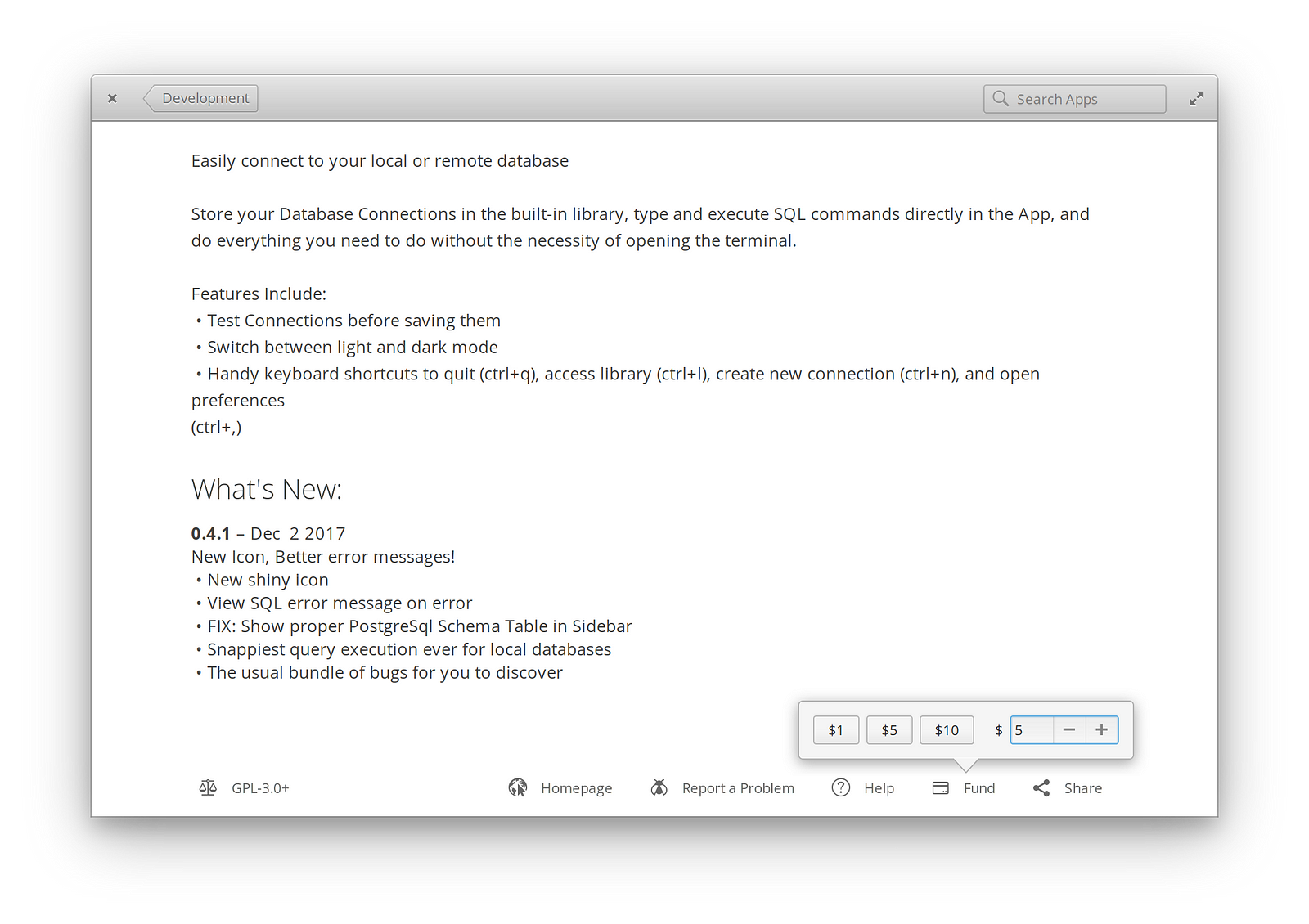
This is also a similar concept to what the success of Steam is built on. While this is talking about piracy, which is a completely different can of worms, the words of Gabe Newell on how comfortable accessibility of a paid-for service helps with its success have been proven right time and time again, so I don't see why applying the same concept to funding free software projects would not work:
“One thing that we have learned is that piracy is not a pricing issue. It’s a service issue (...) The easiest way to stop piracy is not by putting anti-piracy technology to work. It’s by giving those people a service that’s better than what they’re receiving from the pirates.”
For a lot of people, it really is not about the price. It's about how encouraged and accessible a payment is, and what you get in return for going that route. It seems like Flathub is trying to go in the same direction here.
Whatever happens, what I personally hope is that it will be a good step forward in finally addressing FOSS maintainer burnout once and for all.
The Kdenlive Fundraiser
Just a few years ago, Kdenlive - KDE's video editing program - launched a fundraiser.
It wasn't just any fundraiser – but rather, one where the explained it detail exactly why they needed the money, and what they were going to do with them.
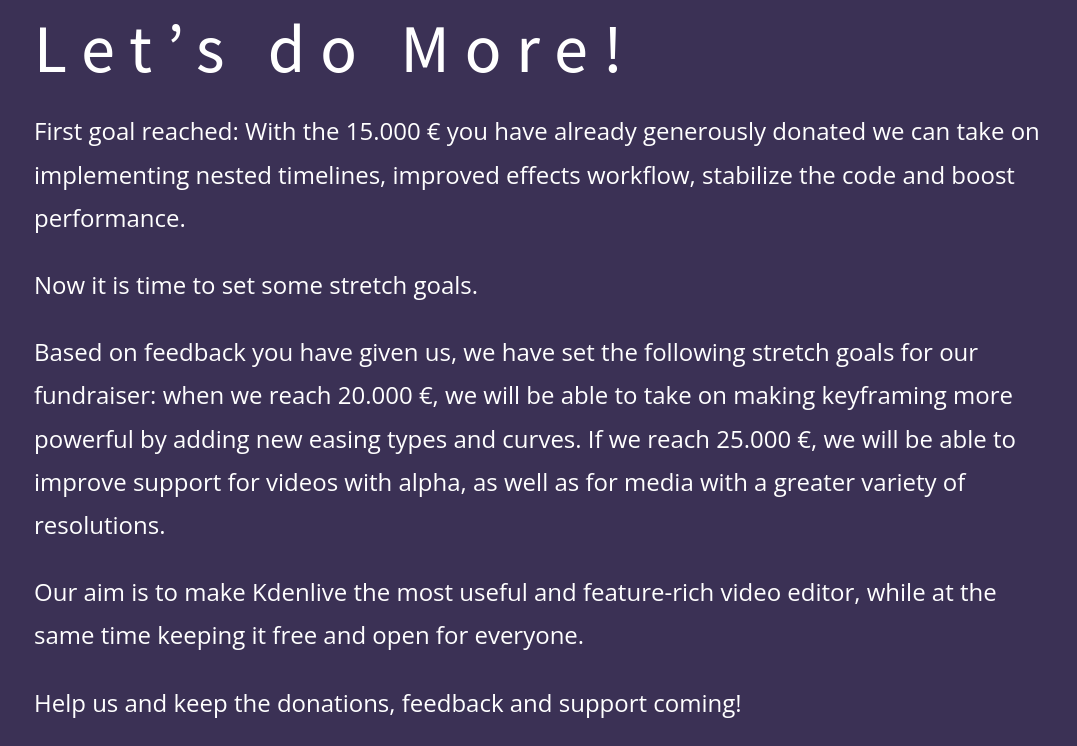
Very quickly, they promised to bring nested timelines, better effects workflow, performance boosts, and much more. The community clearly reacted well to this announcement, and the project has managed to achieve its goal of 15 thousand euros.
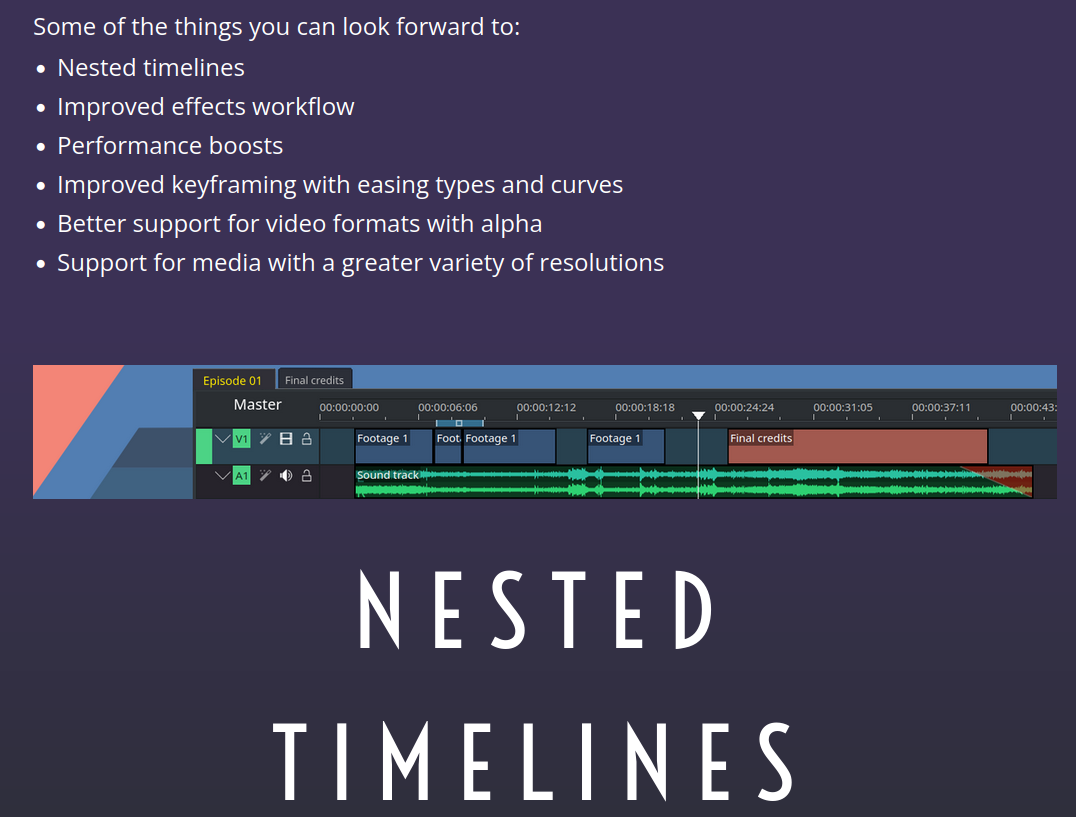
They had also set some stretch goals for 20k and 25k targets; In total, the managed to raise 23 thousand euros from 677 donations; of those, around a grand had to go to platform and processing fees, whereas 20% was given to the KDE eV to cover infrastructure; this leaves the grand sum of 17 thousands euros just for Kdenlive.
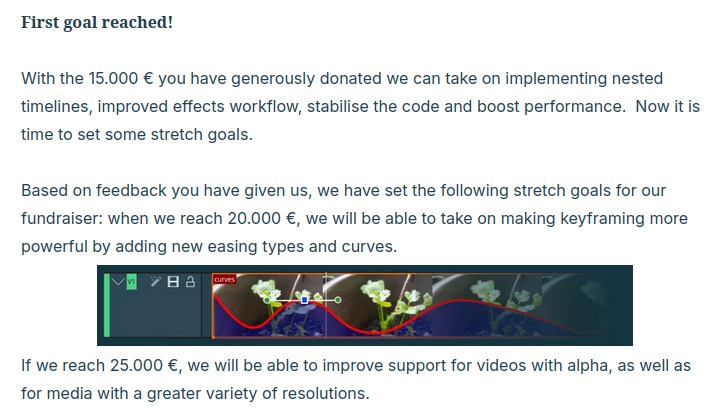
When trusting a project with such a large(-ish) sum of donations, it's fair to expect that project to have some level of transparency over what exactly is happening, and how that money is being spent.
Indeed, we've seen frequent blog posts about the latest developments, spring recaps, and even in-depth articles on certain bug fixes from the websites of the developers themselves.
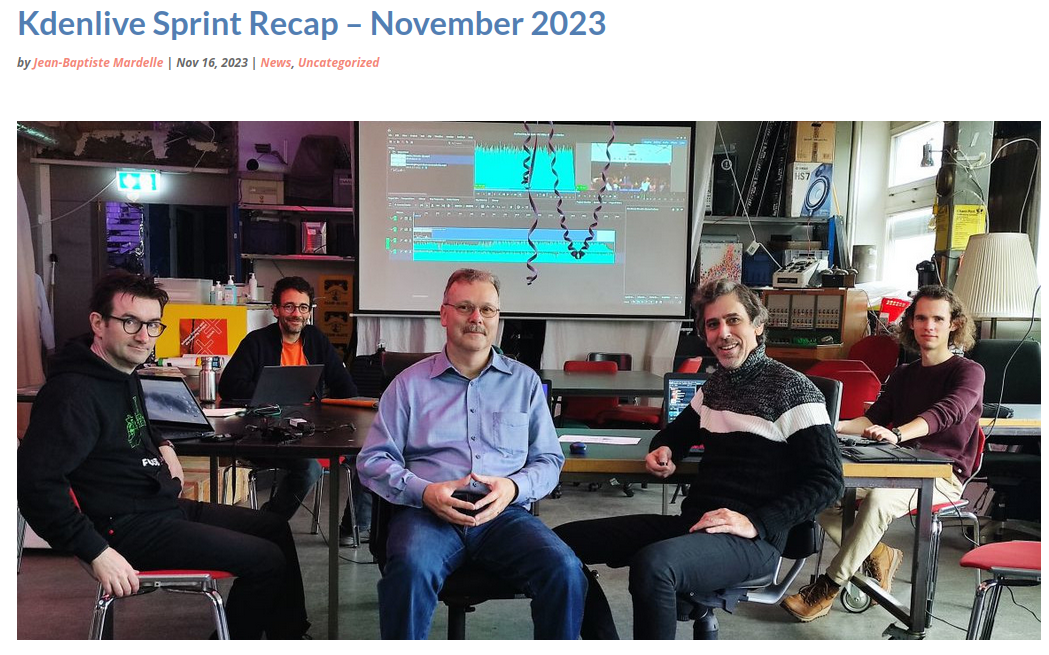
Now, the Kdenlive project is sharing its final fundraising report, covering everything that was done purely thanks to that donation boost. I would really love to tell you about it since it's a great example of how we can effectively "monetize" a free and open-source project with the ultimate goal of helping it grow over time.
Firstly, timeline nesting. In the documentation of Kdenlive they're actually called "sequences", and they are timelines that can be rendered independently, but they're all part of the same project and they share the same settings.
Sequences act like clips, too: you can open a sequence and play it in the clip monitor, or drag and drop it into a difference sequence. This way, if you edit Sequence 2 - in its own timeline, and rendering it independently - those changes will update live in Sequence 1 as well.
You can create a new sequence from the menu, and once you do that, a tabbed view will appear just above the timeline. This will also unveil a new button to create even more timeline sequences.
There are various goodies here and there; as an example, if you double click a Sequence clip in a specific point, Kdenlive will display the timeline of that sequence, exactly in the point that you've double-clicked.
And, you can even duplicate them, just like that!
Even better, you can have some sort of re-usable sequence, where you copypaste just that sequence between projects instead of having to each time copy all the elements that you want to re-use.
You could also create multiple versions of the same video by editing one time, and duplicating that sequence, and working on the duplicated one; then, you can independently render each. Previously, this was only possible by creating multiple Kdenlive projects for each variation.
New, the Kdenlive developers do admit that this feature was rushed a bit on release and that it caused "annoying instabilities that are now solved"; they recommend to only use it from the just-released 24.12.2 version.

Next up we have various goodies in effects management, just like promised.
We now can edit multiple effects at the same time. If add an effect to a group of clips, you will see the number of clips it affects, and you will be able to edit the parameters for all clips at the same time.
We also now have various different easing modes. If you've ever tried to do some basic animation work in Kdenlive, you know that it only used to support discrete, linear, and "smooth" easing curves, none of which was particularly pleasing to the eye, in my opinion. We can now select a whole lot of them: Cubic, Exponential, Circular, Elastic, and Bounce – all available in both In and Out versions. I love to see that.

The Transform effect now has a monitor grid that you can enable/disable, and if you do have it on, then the clip will automatically snap to it. This allows you to very quickly align different clips down to the pixel.
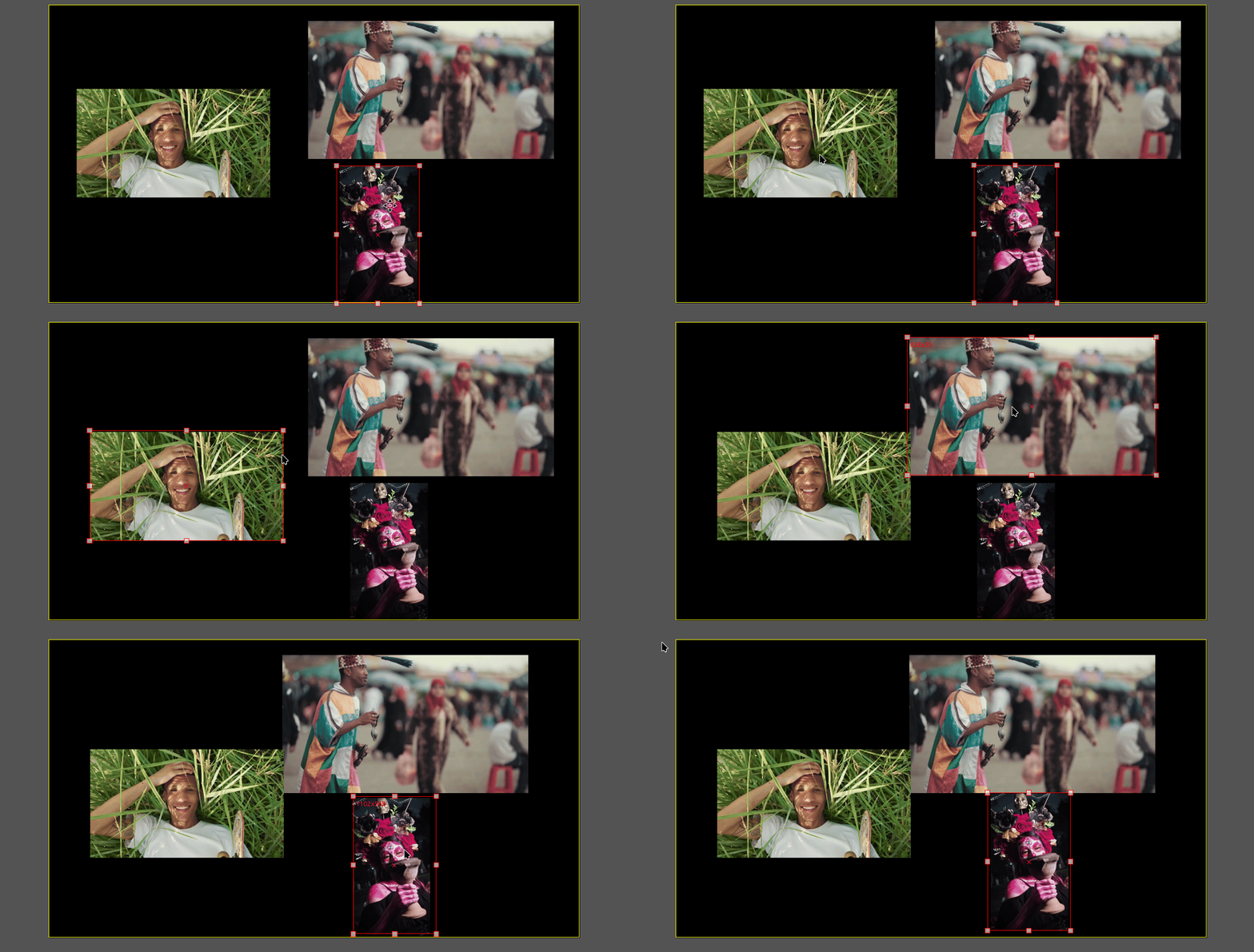
On top of that, if you wanted to move a clip around, you used to have to select it from the timeline first, and only then you could drag and drop it in the monitor overlay. Now, you can just click the clip you want to move on the monitor, and the handles will appear!
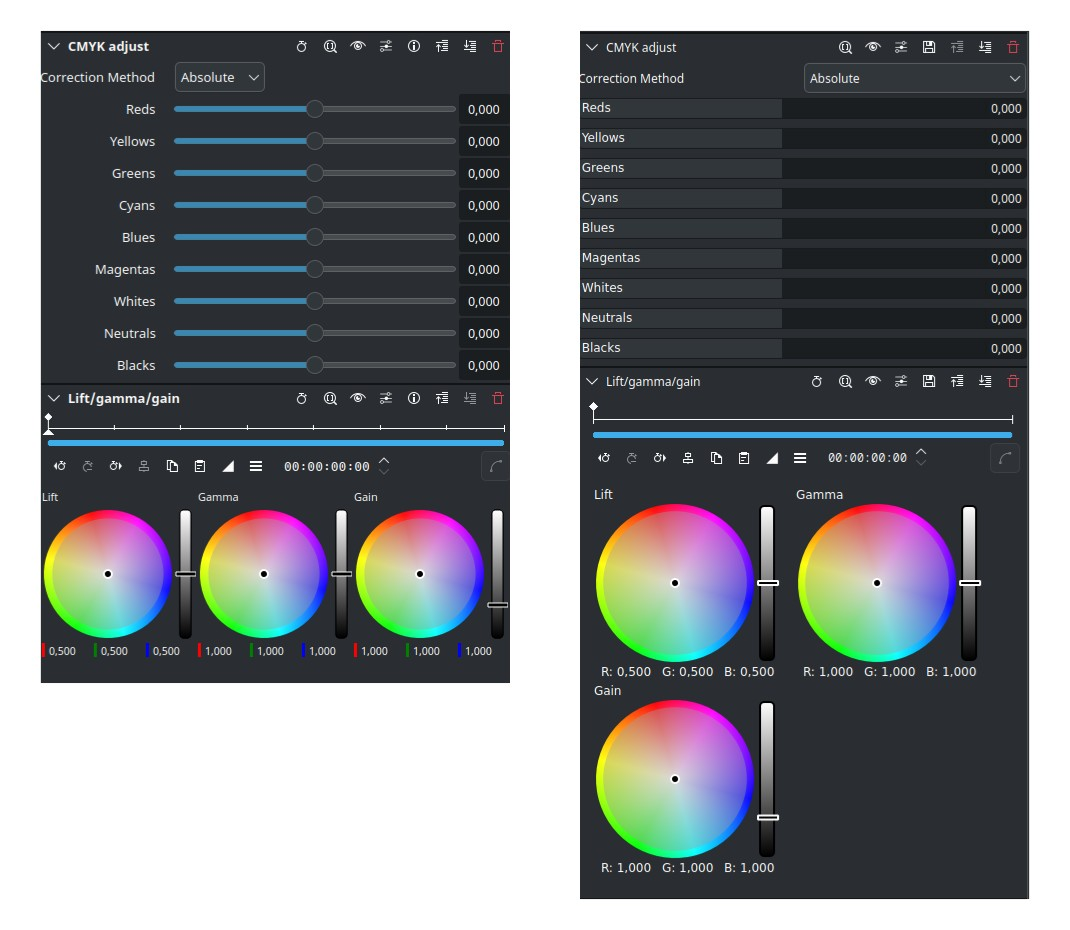
The interface itself was redesigned too with - and I quote - "clearer organization of keyframeable and non-keyframeable parameters, improved layout consistency, more compact and clean".
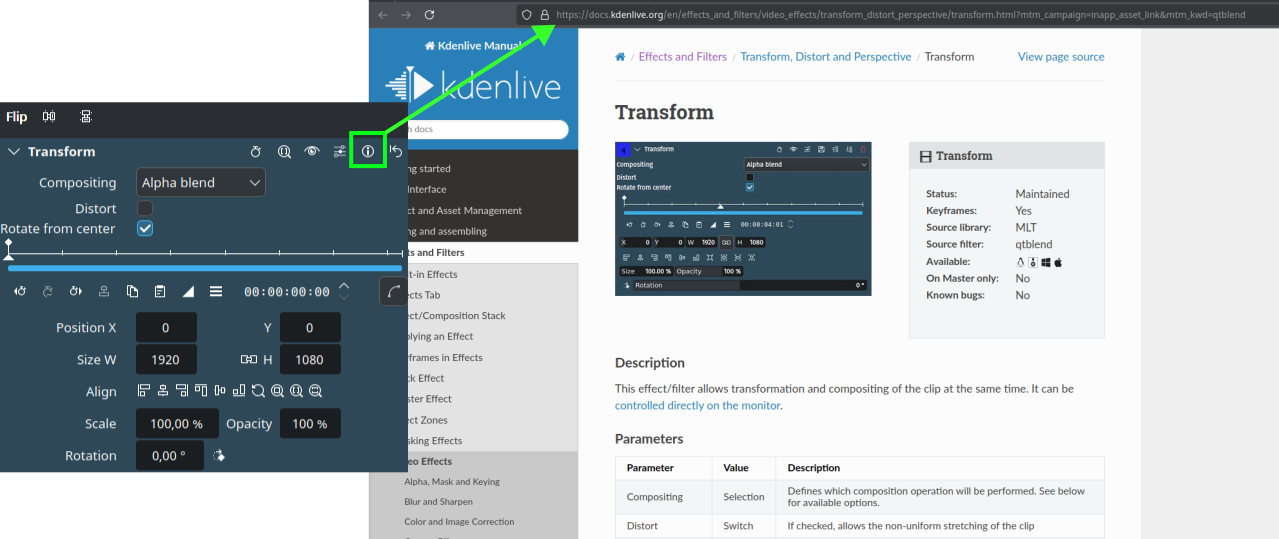
Each effect also now has a help button that will open the documentation regarding that effect specifically. This one is a small change, but I love too see it.
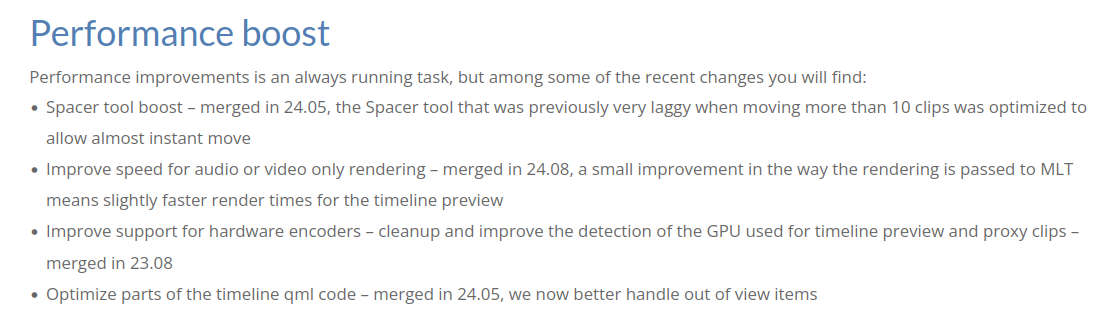
That was all for effects. However, there are still a few goodies here and there, before I start talking a bit more about fundraising.
Firstly, performance boosts. The Spacer tool is now pretty much instantaneous (I can confirm that this option was previously quite slow). Audio and video rendering is slightly faster, though no numbers there. Better hardware encoders support, and optimized some parts of the timeline qml code to handle out-of-view items.
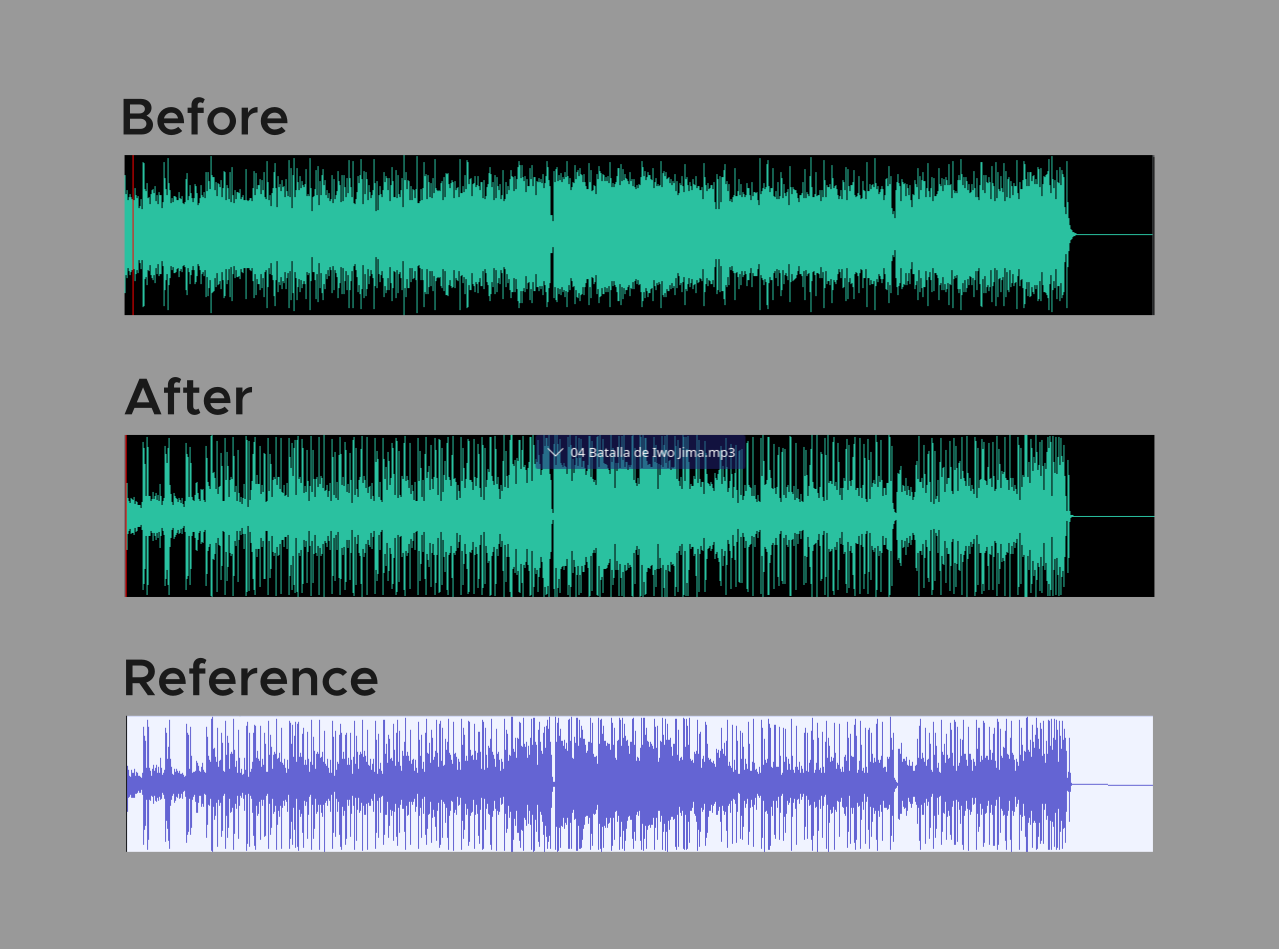
On top of that, there's been a complete re-work of how Audio Waveforms work. The new system is three times faster - which is amazing - and much more reliable. The resulting waveform is also much more accurate. The reference that you see comes from Audacity, which is a bit of a reference implementation in these kinds of things; the improvement of the new visualization is pretty clear, and this does help editing a lot: I often find myself looking for specific bumps in waveforms to know where to cut a clip.
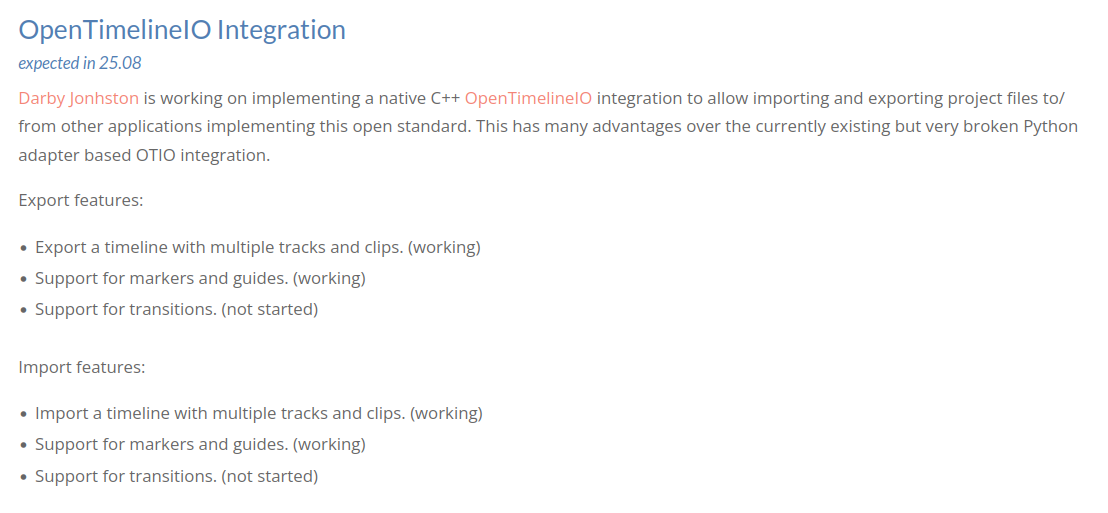
The new waveform generation was merged for the next major release of Kdenlive, which is 25.04.
If you're also willing to stick with this project until later this year, when 25.08 will be out, then you'll also get the OpenTimelineIO integration that Darby Jonhston is working on. This will allow importing and exporting of project files to this open standard. He's managed to already implement the export/import of a timeline with multiple tracks and clips and support for markers and guides; we're now only waiting for support for transitions.

The team is also working on improving their QA efforts; they have implemented a way to automatically check for rendering regression, and now this should run automatically to make sure that each release is, I quote, "more stable". Yay!
Finally, the Kdenlive project gives us a roadmap of features that they plan to support soon. In the short term, they want to implement a "graph editor for easing modes", which will be part of the Summer of Kode initiative. Then, there are advanced trimming tools, keyframes per parameters, markers with a time span, and link sequences from multiple project files together. All of these sound like great features to have.
Glancing very quickly at the further future, we see the above-mentioned OpenTimelineIO integration, but also "AI effect integration", 10/12bit color support, project templates, remote collaboration editing (which I would love, by the way, I share kdenlive files over Nextcloud to have a similar experience). And, one day - hopefully - we'll also get RAw footage support, OpenColorIO, OpenFX, a Python AYI, Node-based compositing and effects, and so on. These last features understandably would take a lot of time and effort.
We now get to the you part of the video.
Sure, the Kdenlive fundraiser concluded two years ago, but you can still donate to the Kdenlive project and your money will be used to continue these efforts; in my humble opinion, Kdenlive already is the best open source video editing software, and with your help, we can push it to be a viable option in more and more commercial contexts as well.
Now, if you're not that interesting into video editors -- did you just watch me talk about them for, like, ten minutes? And you don't care about them?
But still, even if, the whole KDE organization is currently looking for donations to keep all the projects running and growing. As one way to try to raise more donations, the team has launched a very noteworthy campaign just last December:
they have decided to simply … ask for donations in a Plasma notification exactly one for a year. And, if you press "No thanks", the notification will never appear again, ever. We thought this was a pretty reasonable way to ask for money for a project that you're enjoying.
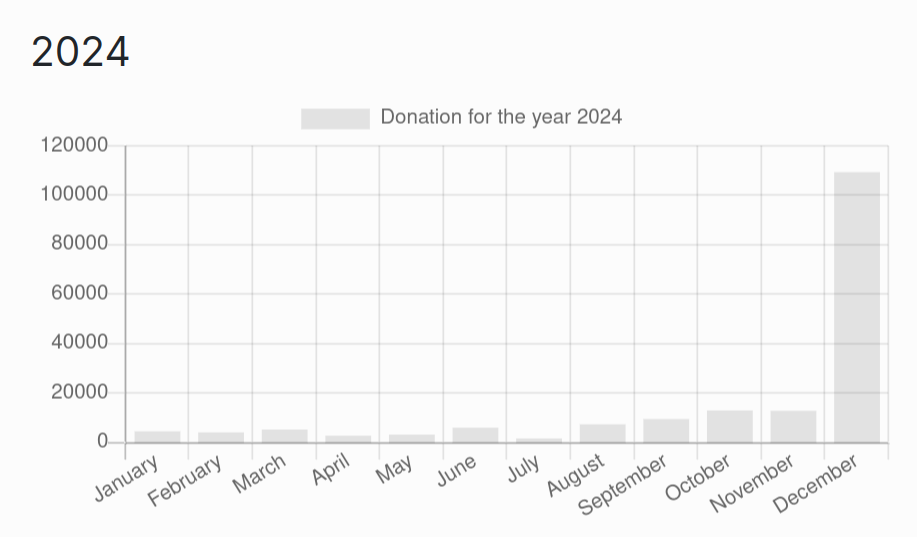
This worked out incredibly well.
If we only go look at the donations for the year 2024, you can see that this simple notification has increased donations from an average of 5k€/month to 110 thousand euros in just December. And these are just PayPal donations – even more were done through other means, such as Donorbox.
The KDE eV does have contractors working on improving KDE software, and this end-of-the-year boost is a great help to make sure it's able to both pay all of them and still offer to cover travel expenses to developers when attending sprints and conferences.
Help us break even
We only run on donations. We have a goal of reaching 300 subscriptions, which would allow us to hire staff.
If you subscribe, you'll gain access to a few members-only pieces, though we aim to keep most of our content free for all.
no ads · no trackers · cancel whenever