
Table of Contents
In my limited adult(-ish) life, I've only ever been genuinely excited for an hardware lineup once, and it was - surprisingly - Microsoft's Surface, between 2016 and 2022. However, I never had the luck to own any of their devices – until now; and yet, it's too late: Surfaces now only represent only a fraction of my childhood excitement around them, having discontinued and walked back on everything that made them unique.
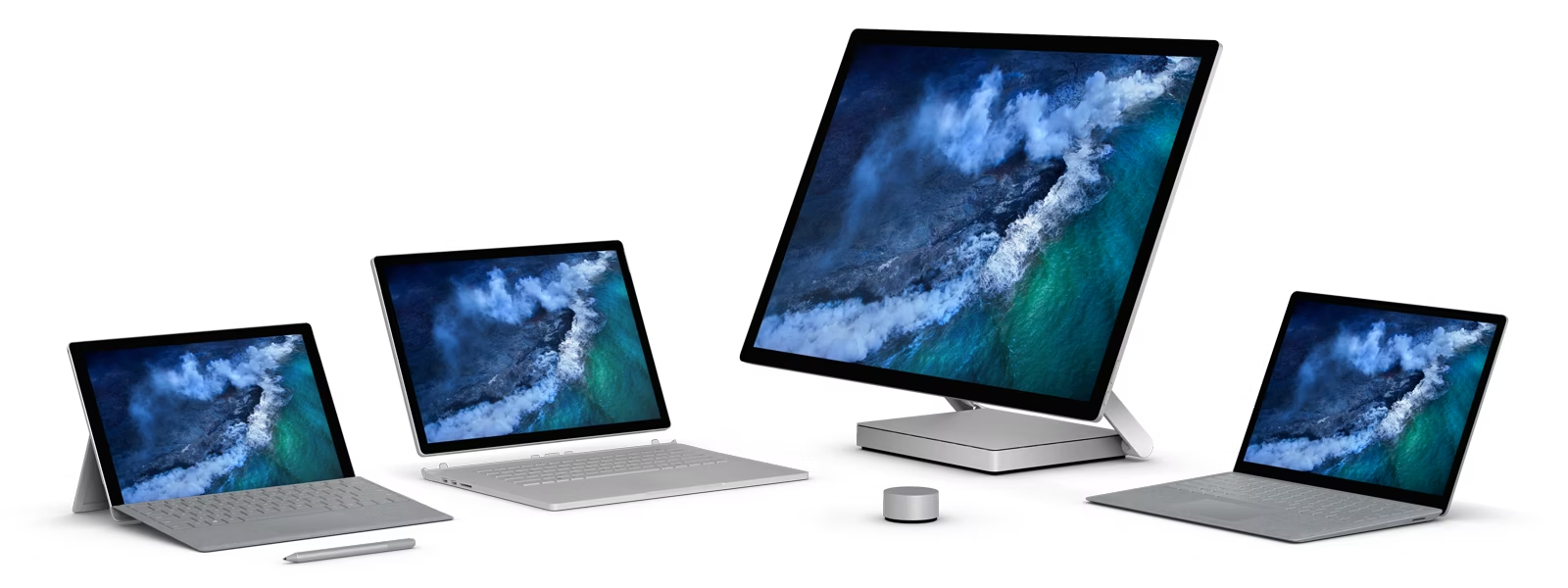
This article contains three important sections: firstly, I'll review the Surface laptop I have just bought - the Surface Studio 2 -, then I will tell you how Linux runs on it, and - finally - I'll tell the tale of the lost soul of the Surface laptops. (I'm an old man screaming at clouds at 24 years old already, ouch).
The Surface Laptop Studio 2
The Surface Laptop Studio 2 nails it. I love it.
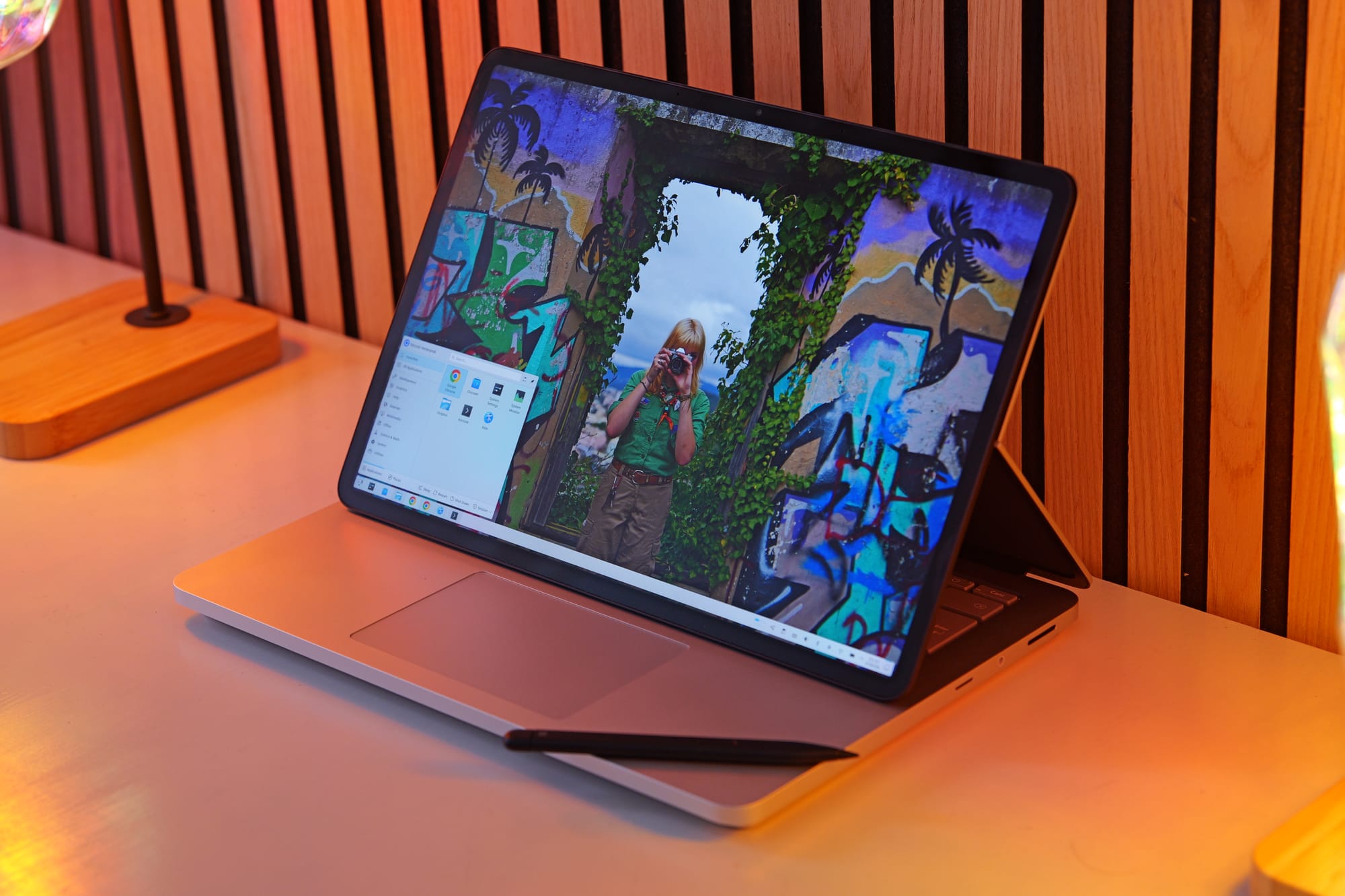
Let's start by its defining feature: the screen. By now, I have daily-driven both 360 degrees hinges and multiple detachable keyboard laptops.
Though I still love the form factor, they both have significant drawbacks: 360 degrees hinges require a full rotation to enter tablet mode, an action that's annoying enough that you'll hardly reach for it.
Detachable keyboards are easier to get into tablet mode (though, you'll still be left with an hanging keyboard) but are much worse as laptops, in the sense that they need a flat table to rest the kickstand on.
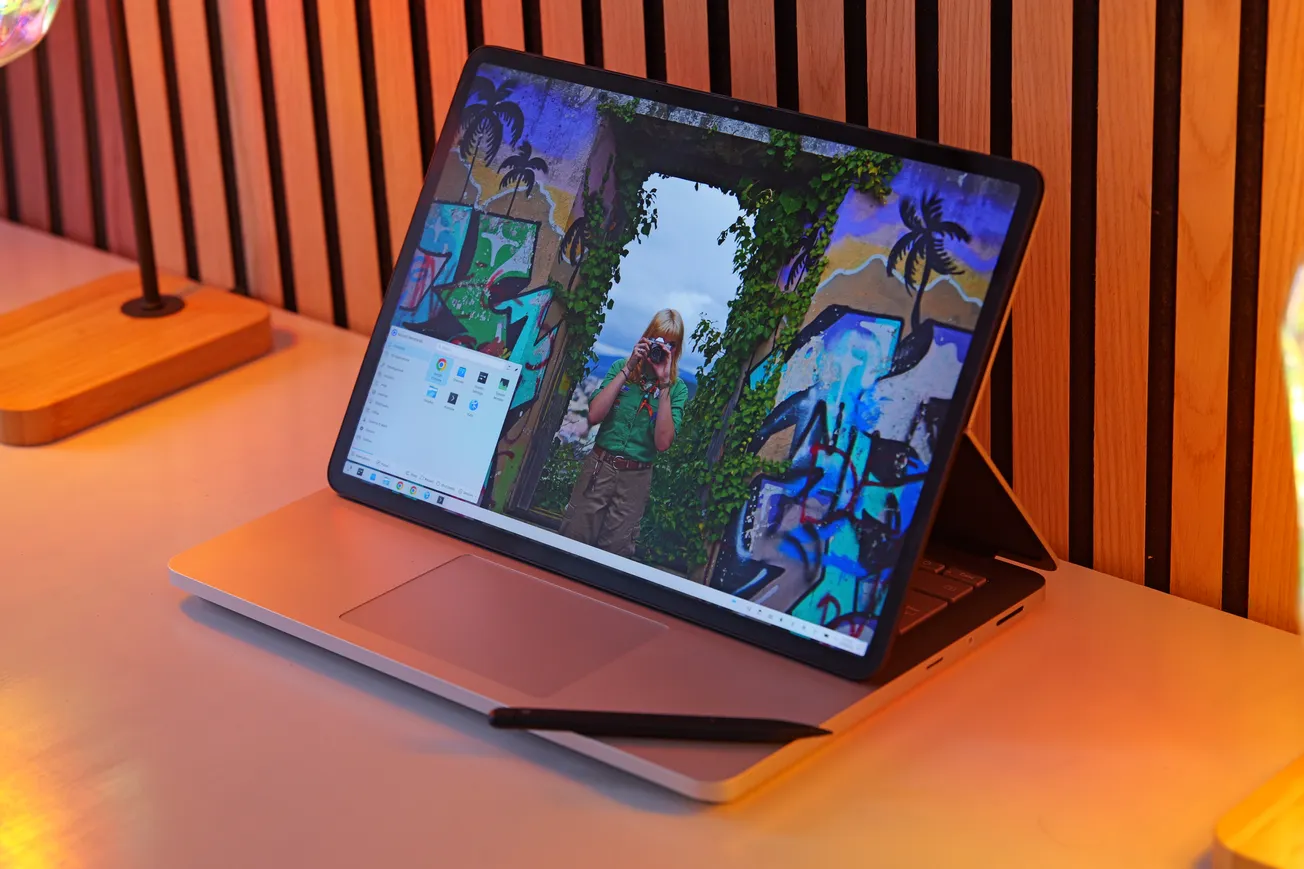
The Laptop Studio avoids both these issues by allowing you to "fold" the back of screen in half, letting the screen slide over the keyboard until it either rests above the touchpad, or lies down in a full tablet mode. This action is easy enough that it feels natural to do it whenever you want to be closer to the content you're watching and want to interact with it through the touchscreen, but it preserves the look and feel of a traditional laptop whenever your workflow doesn't require that.
Even better, you can even flip the screen entirely to lie on the back of the laptop lid. If you then rotate the laptop you enter a different tablet mode, where you get even closer to the screen (with no keyboard in-between). Or, you can use this to show the content of your screen to someone sitting across you.
This last example might sound stupid, but I actually had the chance to do exactly this: I was working with a colleague in a pub, and they had to verify that I had the correct video files to work on; instead of rotating the laptop so that they could see, it felt natural to me to just flip it.
The following day I was in the airport, doing some finishing touches on the project, when my gate was called for boarding. I did not want to close the laptop as the video was rendering, but all I had to do was to fold the screen on top of the keyboard, and grab it as if it was a tablet (with no detached keyboard to handle).
And even now, as I'm typing this review on a nightly transfer on a pullman with very little leg space, whenever I need to scroll some content to read through, it feels natural to me to just fold the screen enough to make it fit the available space.
None of this is groundbreaking: however, they keyword indeed is "natural", as if this laptop allow you to fold and open it as you need.
The screen is 120Hz and decently bright (it's meant to be HDR, but god knows if Linux handles that correctly). It's 3:2, which is the correct aspect ratio for a laptop. It's an LCD instead of an OLED, which saddens me, but considering that this laptop was released 4 years ago, I'll take it. We weren't ready.
It's a laptop that's built for productivity. It features two USB-C ports, a USB-A, headphone jack and micro-SD, which is all in all a great combo. In the few days I've used this as my work machine, I've used all of these ports plenty - except the headphone jack, and that's only because I forgot my wired headphones home and had to fallback to the higher-latency Bluetooth ones. My current work requires traveling, videomaking and video editing and the go, and this is the right hardware to do it with.
I've also had the chance to do some notetaking with it, and - through the Slim Pen 2- this laptop is up to it. I still don't think the feel of the pen is as good as it is on a e-ink device, but it was still an okay experience. The Slim Pen docks magnetically underneath the touchpad in a lovely way, and I have no complaints about it.
The keyboard is great. The touchpad is great, and haptic. I'll never be able to go back to a mechanical one. The whole build could be ever-so-slightly thinner (the bezels are quite big, the touchpad has empty space around it, …) but it's a nitpick.
This laptop has a Nvidia 4050 dedicated graphics card. How is it? Err, well, more on this later. Spoiler alert: it's probably one of my biggest regrets of this laptop.
Finally, battery life. This laptop is not good on battery life, but through some tweaking (including disabling the Nvidia card, hey, more on this later) I managed to get a decent battery life out of it. Browsing and light workloads will yield between 7 and 9 hours of battery life, and during intensive work - such as rendering videos - I'll get something like two, two and a half. It's half the battery life I'd be hoping for in a device like this, but ultimetly I need to surrender to the fact that the old power-hungry Intel chips are not it. I bought a 25000mAh powerbank that outputs at 100W and called it a (sad) day. More on this later, though.
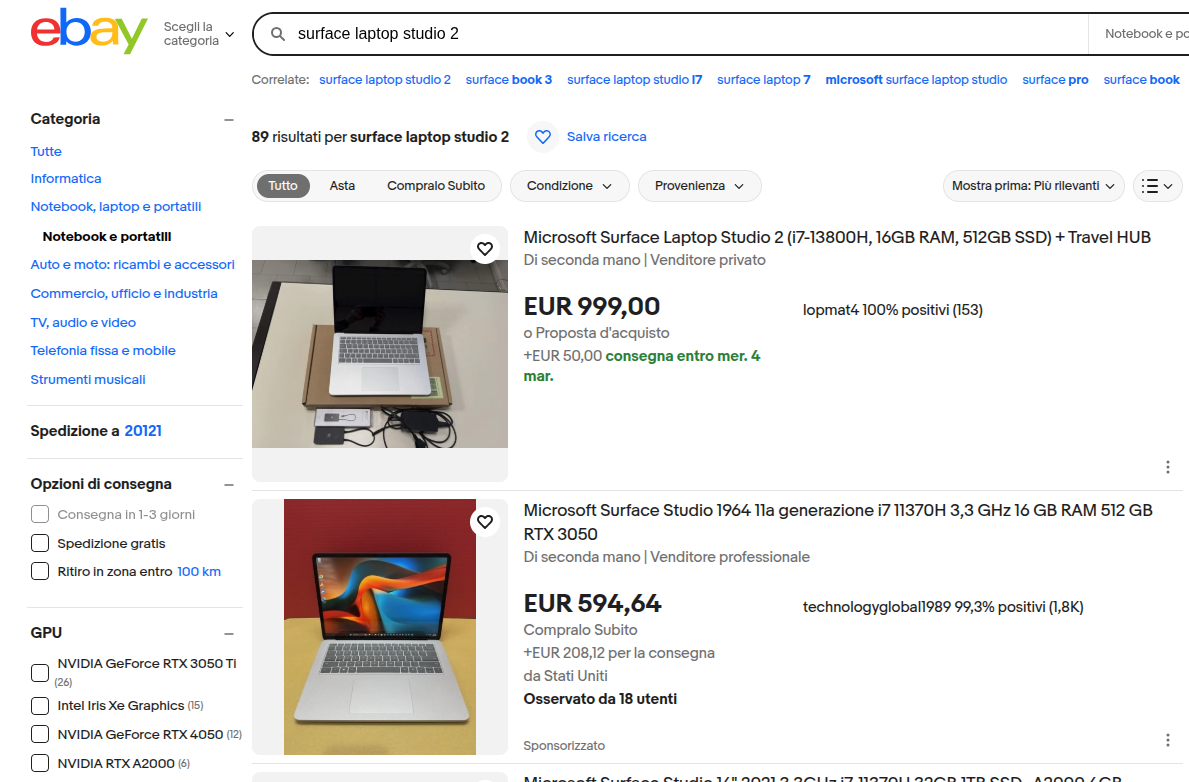
Considering that I love its design and feel, I really think this is a great portable workstation. Which is probably why Microsoft decided to kill it two years ago, stopping its production without any successor. You're therefore able to find this laptop at a decent price on eBay, even though it was prohibitely expensive when it was first released.
Now, before I move on: yes, there are multiple improvement areas for a laptop like this. The latest Phanter Lake chips would yield better or comparable performance at a much better battery life, the screen should have a tandem OLED option and smaller bezels, and the build should be overall thinner and lighter (this machine is thick!). Sadly, we'll probably never see any improved versions of comparable hardware: I'm not sure if there's any patent on the screen design, but no other company currently has this folding mechanism in any of their products, and nothing tells us that this will change anytime soon.
I'll have to move to a better laptop within a year (these new chips seem to be truly a step forward), but I'll probably keep this hardware on display to remind myself of what has been. More on this later.
Linux on the Studio 2
Making Linux work on Surface devices is as painful as you imagine it to be.
Firstly: I'm not running the standard Linux kernel, but rather the surface-linux fork that has some fixes for these machines. Switching over to this kernel allowed me to have touchpad and touchscreen working out of the box.
A surprising amount of components worked out of the box too: I had no issues with the webcam ((in)famously a pain points for Surface devices), or speakers, or ports. Wi-Fi and Bluetooth gave me no issues either, and (yay!) tablet mode was also detected. That's where the good news end.
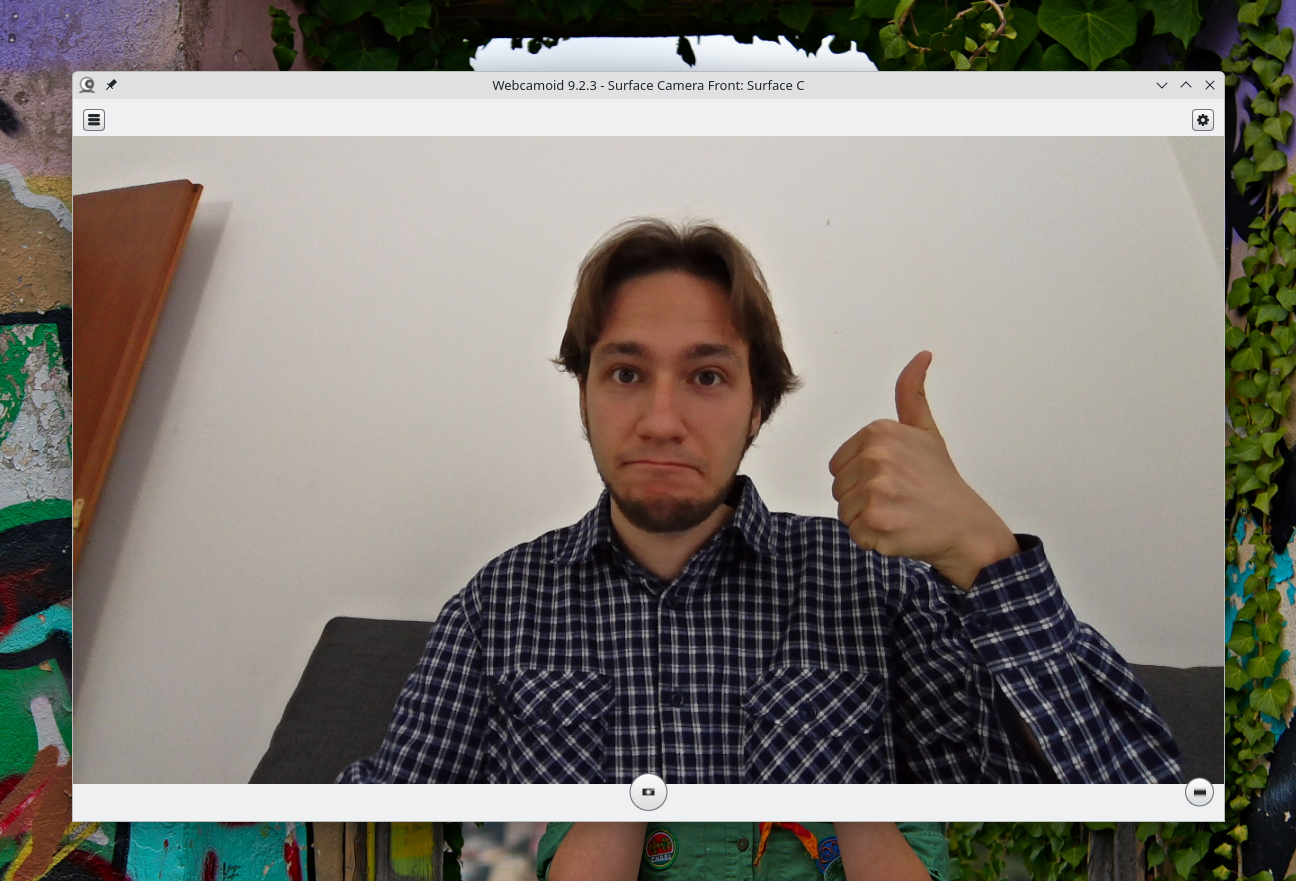
Screen autorotation was missing out of the box; apparently, some sensor packages were missing. When I installed them, Ubuntu stopped booting. I had to remove the packages in a live boot. After some testing, I managed to get autorotation to work through the git versions of those packages. No idea what's up with that.
The touchpad randomly died during usage. This was particularly annoying, as I found no online references to this issue. Google Gemini suggested it might be due to the touchpad going to sleep and never waking up again; as a solution, it proposed a kernel flag to disallow components to sleep at all. That worked, and with some tweaking, I managed to make sure that battery life didn't take a hit.
Except it didn't fully work. Most of the times, the touchpad will not work when I boot the device for the first time in a long time; I'll always have to reboot the first time around. It's not a dealbreaker, but it's annoying.
Even worse, sleeping is currently all wrong. Letting aside the whole mess that Microsoft made by removing deep sleep (sigh), trying to close the lid will make the machine fire error messages non-stop to journald, keeping the CPU at 100% and draining the battery as fast as it can. Again, the Internet did not help me out, and Gemini was not able to handle this one either. So: I currently shutdown the device everytime I want to close its lid, which is obviously not ideal. Actually, it's a pain in the fucking ass.
There's also little issues here and there. Waking up from the little sleep that this machine gets with its lid closed takes a weirdly long amount of time. I also once got 15/20 seconds delays when booting for no reason, though I was mostly able to fix that (don't ask me how, though, I have no clue).
I'm confident that I'll be able to address most of these issues over time, but it's obvious that it will take effort and time; effort and time that would probably be better spent, as an example, by doing videos for you, and not by debugging this weird adolescence that this laptop is going through. Sigh.
One final issue is that, when the screen is detached and sitting on top of the touchpad… the touchpad should still working! I'm not sure if this is KWin disabling all input hardware when tablet mode is enabled or what, but I've found to way to override this behavior, and thus I'm left with a touchpad that's again useless even though it's right in front of me. Again: Sigh.
It's also time to talk about the GPU. Even though it's a Nvidia, it thankfully gave me no big issues on that side. However! This is my first time having a dedicated GPU, and I thought it would be nice to have one, given that my work is now all around video editing, raw images editing, OBS recording and such.
However, it turns out that my preferred video editor, kdenlive, does not support hardware accelerated rendering; the only task that can be handled by the GPU is the encoding part, which is not the bottleneck on my machine and yields no extra performance. It turns out that very few video editors are able to really take advantage of the GPU, the most famous of which is Premiere (which is proprietary! Not a big fan). A possible alternative is Shotcut, which allows for GPU accelerated effects through the movit package; I haven't had the time to test that out, but I'm also not exactly excited to switch to a new video editor (especially Shotcut, as I really don't like its interface - sorry!).
However, as great as Kdenlive is to edit program (it's feature-packed and easy to use, in my humble opinion), I'm having issues dealing with its performances. Even ignoring its speed (it sometimes lags when editing over proxy clips…), it uses an incredible amount of RAM, which is often higher than all of its project files disk size combined. Sadly I only managed to get the 16Gb version of this device (yep, that's on me) and it's soldered (that's on Microsoft, though). In order to edit a video without crashes, I had to set up 64Gb of SWAP on my SSD. It seems to work, but I fear that will create an additional burden on performances. Given that speed is a big constraint of this work I'm doing, I'm getting anxious enough that I'm now rendering projects by calling melt on the command line instead of using kdenlive's built-in render button. And, hey, it uses less RAM, I think!
And, of course, my raw image editors don't seem to benefit from running on the GPU either. Which makes me ask: as somebody who has a dedicated device to play games on, why on earth did I just buy a dedicated GPU!? The only task I seem to hardware-accelerate is OBS recording, which is the one thing that my CPU was handling just fine. I've even been wondering if I could open the device, remove the GPU and replace it with additional battery (obviously, I can't!).
Overall, I am left wondering how should I change my workflow to best address my quick turnaround on video project needs. I'm open to suggestions, and please do explain to me how I did not waste money on a dedicated GPU. Right now, I've just disabled it, and that has gave me some extra battery life. Maybe I should sell it for a quick buck. (Just kidding – I'm well aware it's soldered).
The Lost Tale of Surfaces
Now, I'm not going to keep using this laptop for too much time, I'm afraid. The latest Intel chip is such a generational leap forward that I'll probably switch to it as soon as some company I like (read: Framework) will ship with it.
However, I actually bought this device for a different reason: a (somewhat expensive) form of collecting. A few years ago, the Surface line was genuinely exciting, with many innovative ideas throughout their line of devices. Now, all of that excitement has been killed of and replaced with empty Copilot+ stickers.
I've spent a lot of time talking about the unique form factor of the Laptop Studio, but let me introduce you to the Studio itself.
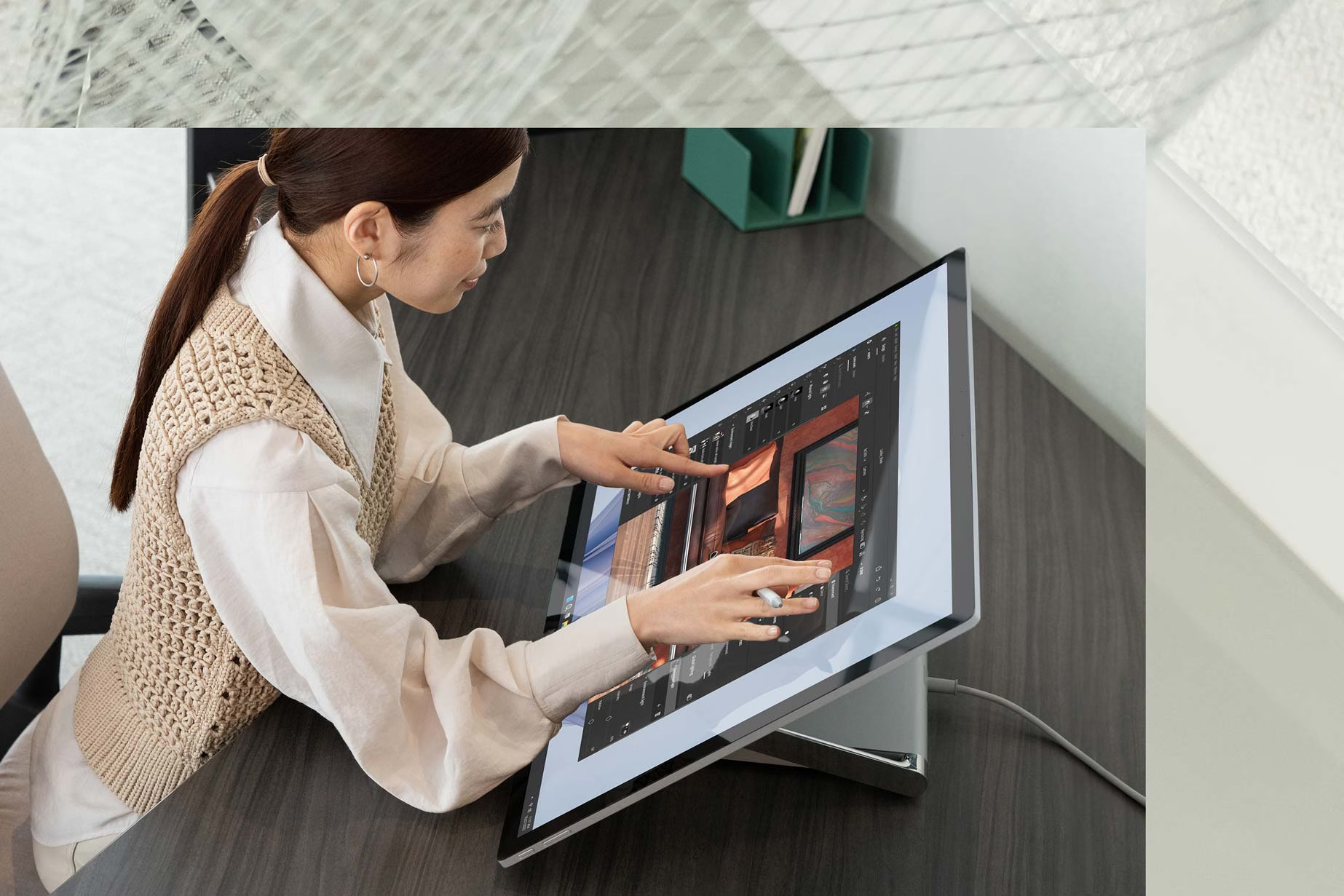
It's an all-in-one computer featuring a 28" touchscreen display that folds towards the user. This means directly interacting with the content, and as it supports the pen too, potentially drawing or taking notes directly on the giant screen. The design is sleek and the latest version was quite powerful, featuring 11th-gen Intel and dedicated NVIDIA cards. As someone who works on photos and graphics, this feels so exciting! (It was discontinued a year and a half ago).
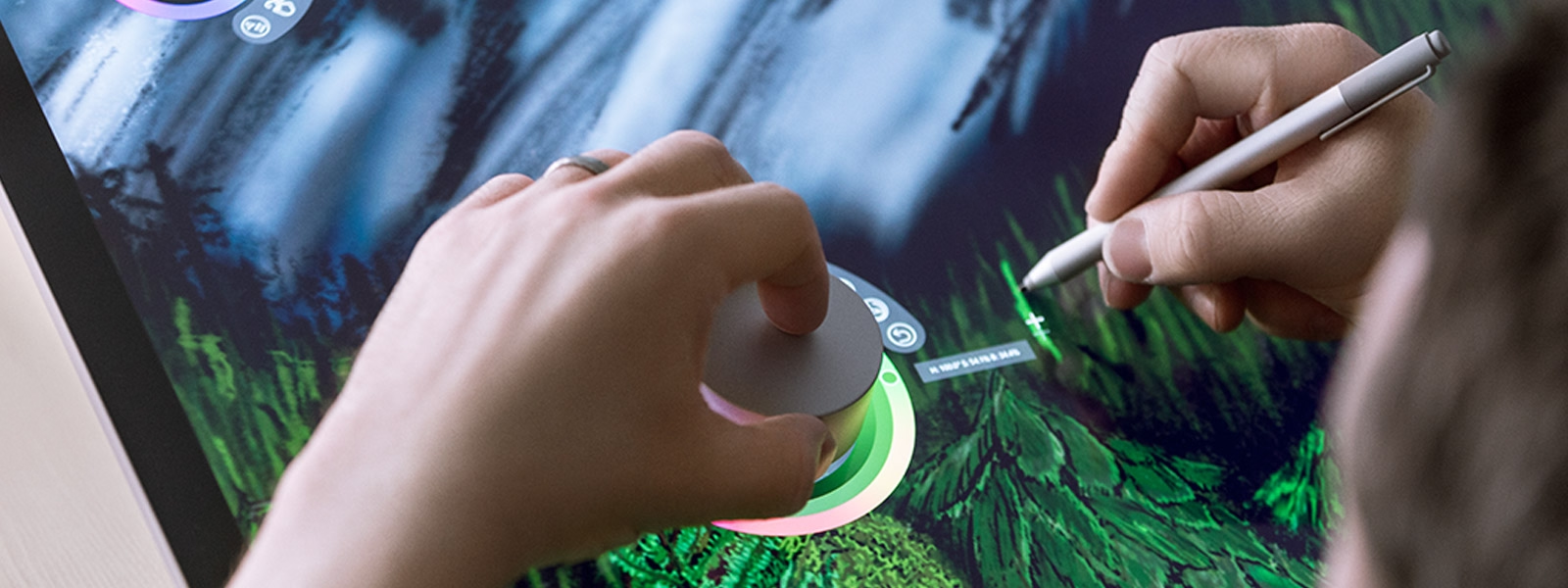
As an additional way to interact with the screen, Microsoft also offered a "Dial" that would rest on the screen, and allow for extra input. It could be used to change the color of the pen, rotate the canvas, and more. Also discontinued a couple of years ago.
Before the Laptop Studio, we even had the Surface Book, which was yet another attempt at a new 2-in-1 form factor for high-powered machines. This was a detachable device, but the keyboard featured additional battery and a dedicated NVIDIA graphics card, plus a hinge that would fold flat on the table to make sure that you could use this as a traditional laptop without any use of stands.
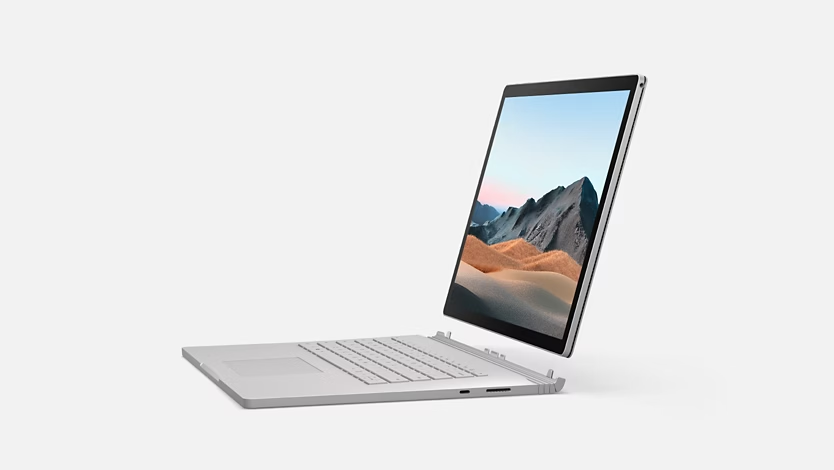
You could even rotate the screen around and re-attach it, using the keyboard base as a stand for the tablet part of the device. And, of course, it was again touchscreen and supported both pen and dial inputs. It wasn't necessarily a good idea - again, I think the folding display on the Laptop Studio was just a better idea - but at least it was an unseen one.
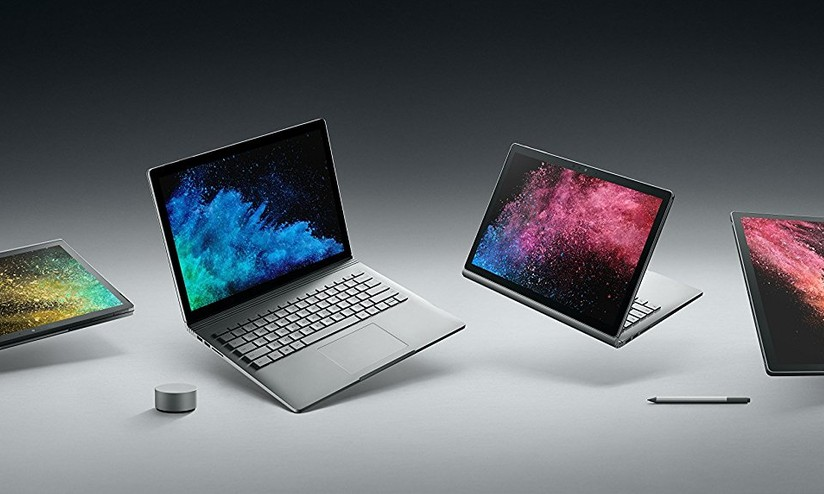
And, even when the traditional Surface Laptop was announced in 2017 (I watched the stream live, I still remember it!), it featured some vibrant colors, a sleek design and —

The infamous Alcantara texture on the keyboard! This had some durability issues over time, but it still feels miles ahead compared to the metal plates that we are handed nowadays; the design made the laptop feel super-thin when on a surface, and the same material was used for the Surface Pro line as well. Ah, of course, this was still all touchscreen and pen-enabled, which is sometimes useful for quick annotations.
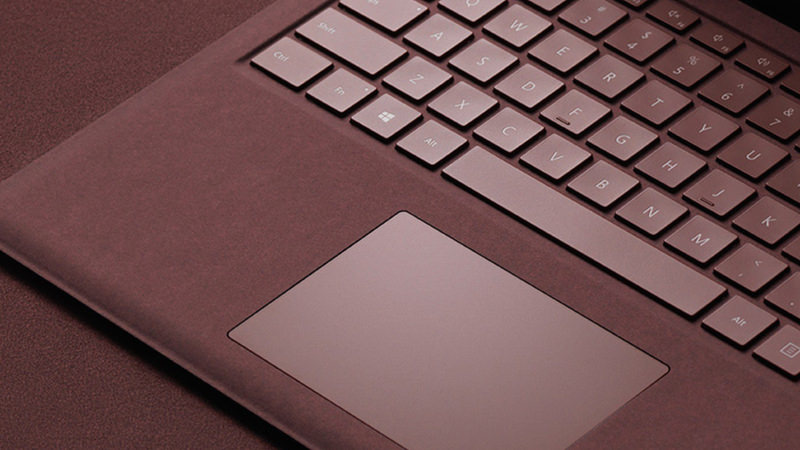
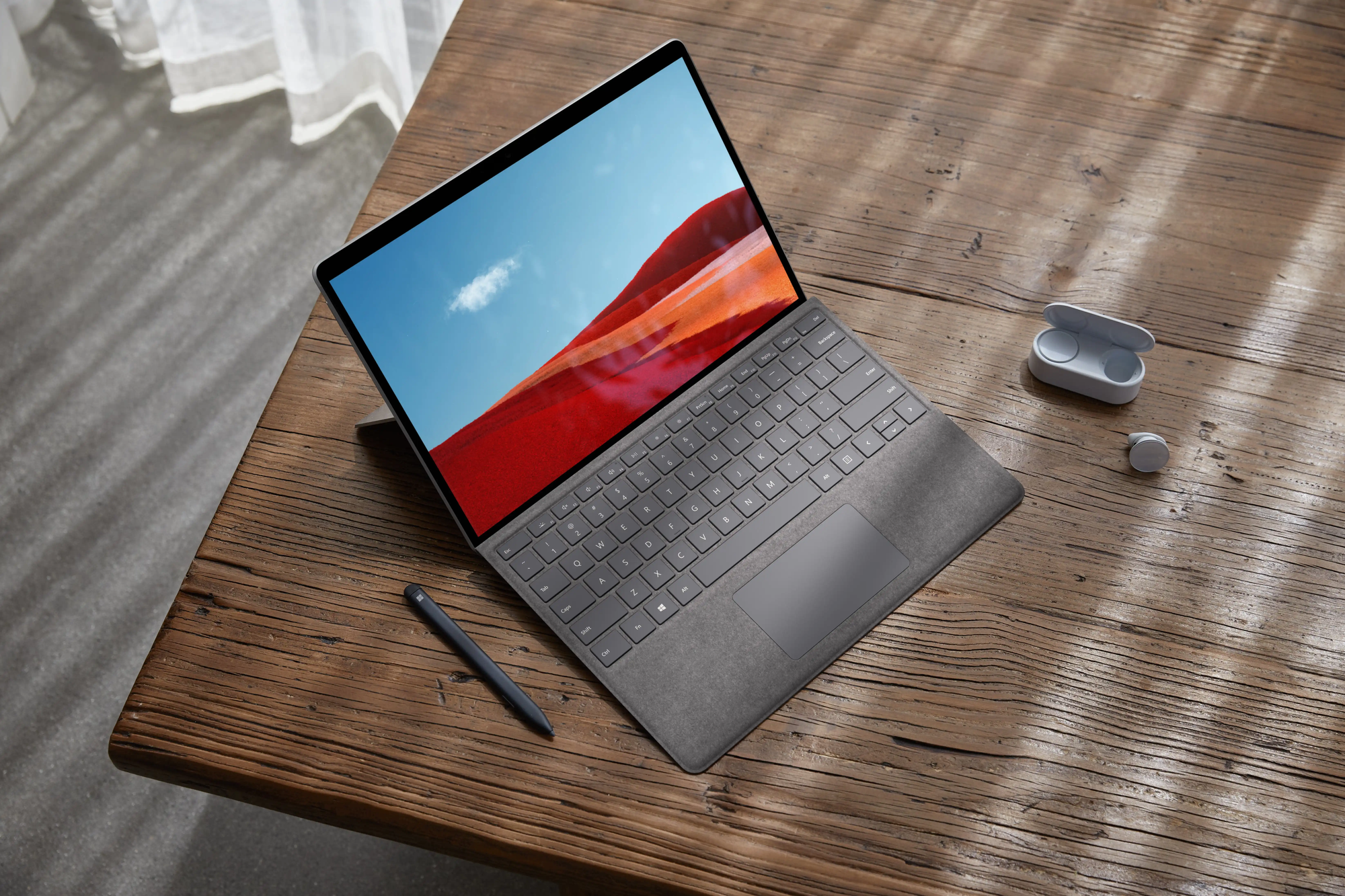
Finally, of course, the Surface Pro line was (and still is) the reference implementation on how to do a detachable keyboard device! It features an integrated kickstand (instead of a bulky magnetic one), a pen that hides within the keyboard, a keyboard that does not lay flat on the table, great screen-to-body ratio, slim and light design, the Alcantara texture instead of rubber…
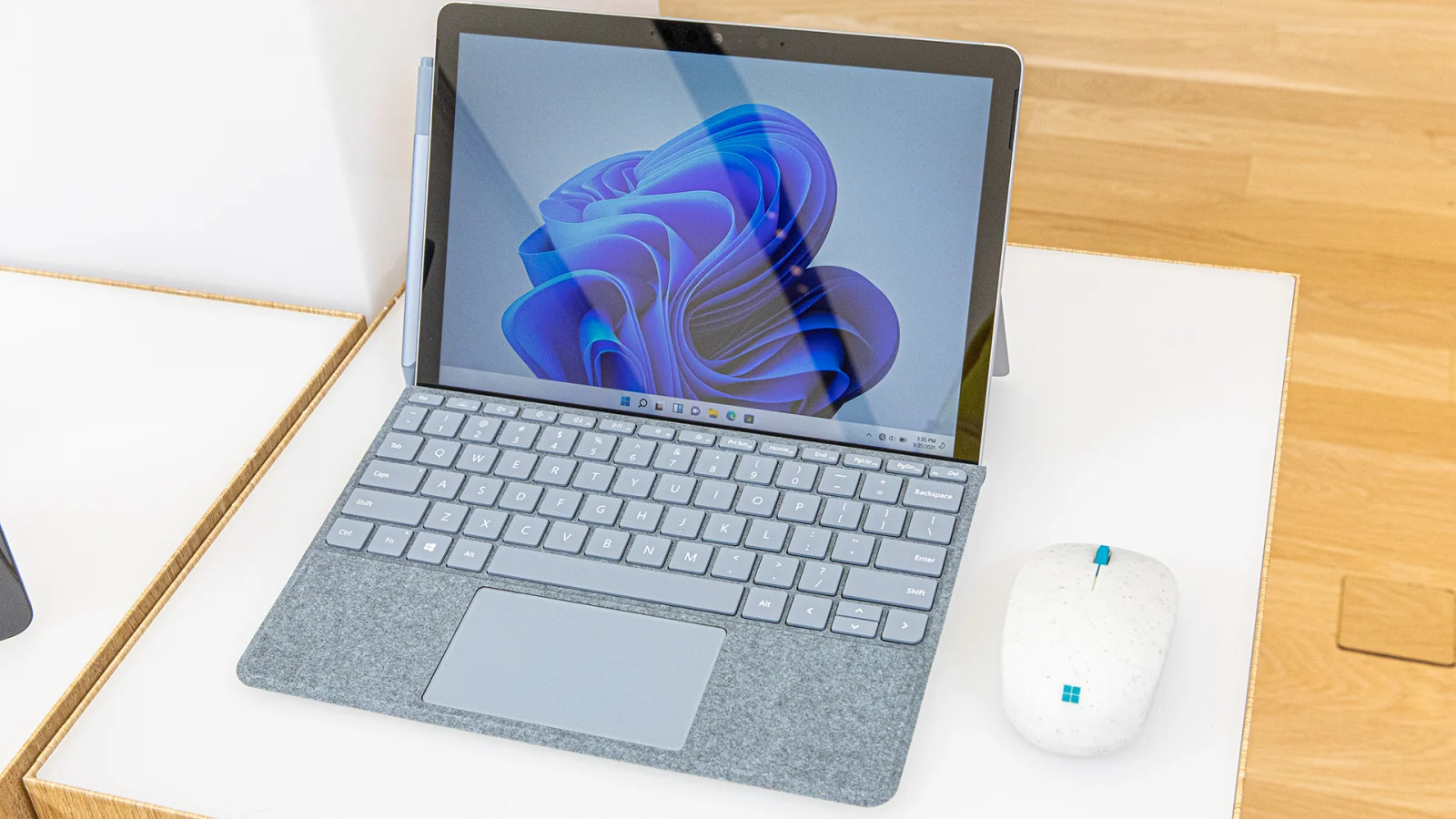
Even its little brother, the Surface Go, shared most of these good features, and was objectively a little cute thing! (Now discontinued).
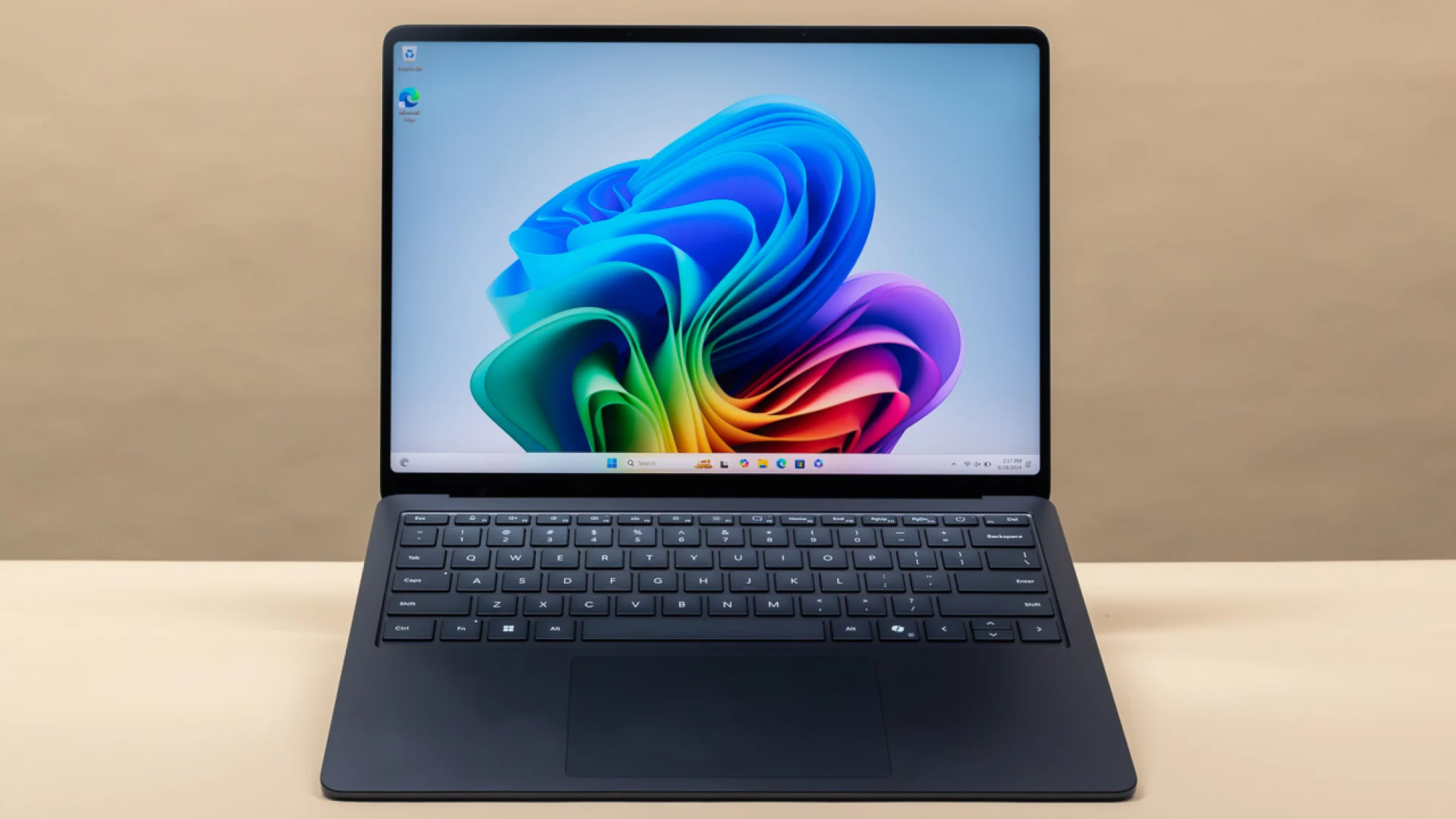
Compare all of this to the current lineup. We've got a rather boring-looking, all-metallic Laptop 7 (which ships with an ARM chip that still pales in comparison to Apple Silicon):
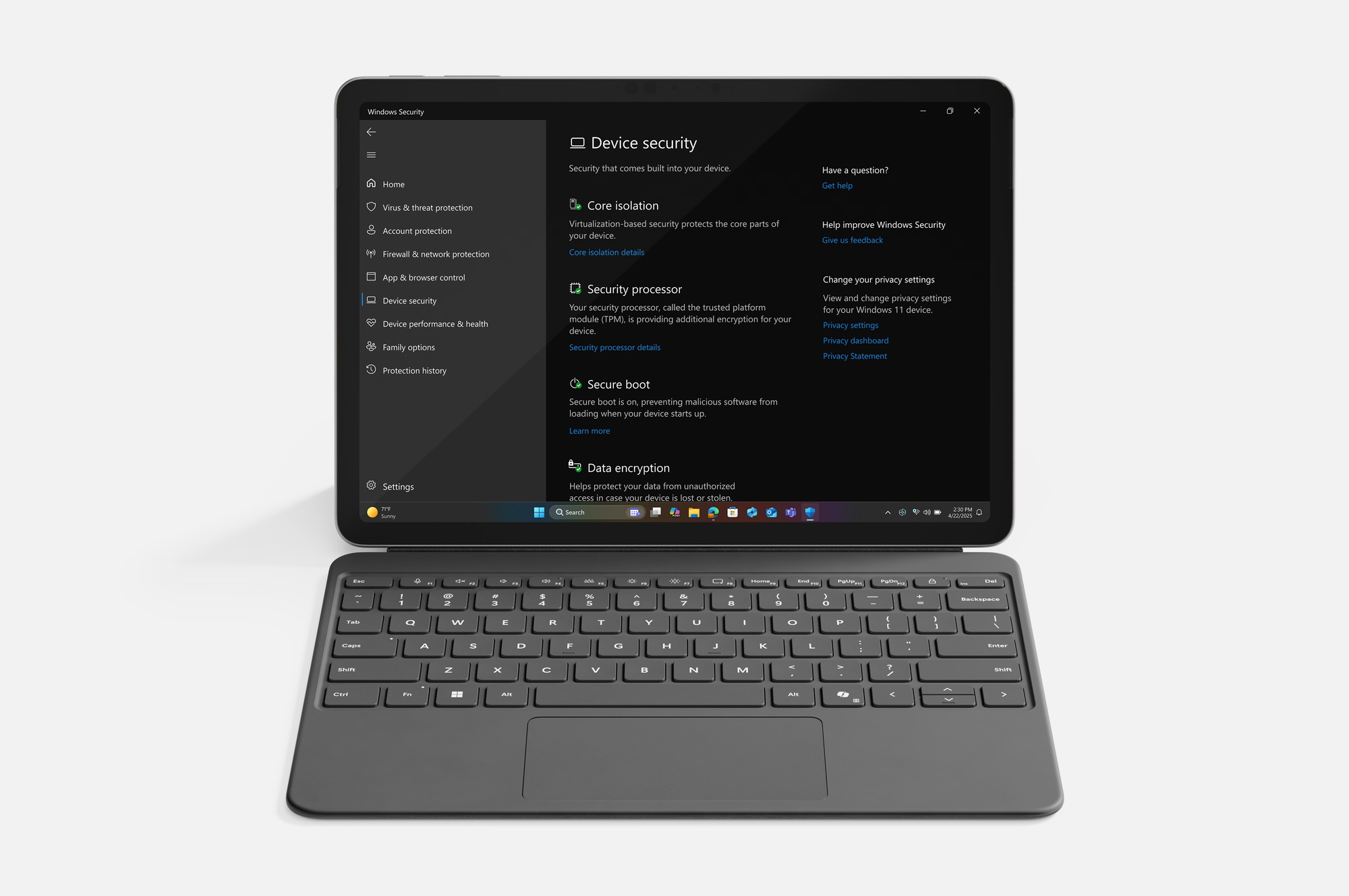
And, the Surface Go was replaced with a lil' Surface Pro 12, which features a keyboard laying flat on the table and a rubbery keyboard, both design decisions that feel to me like clear step backs:
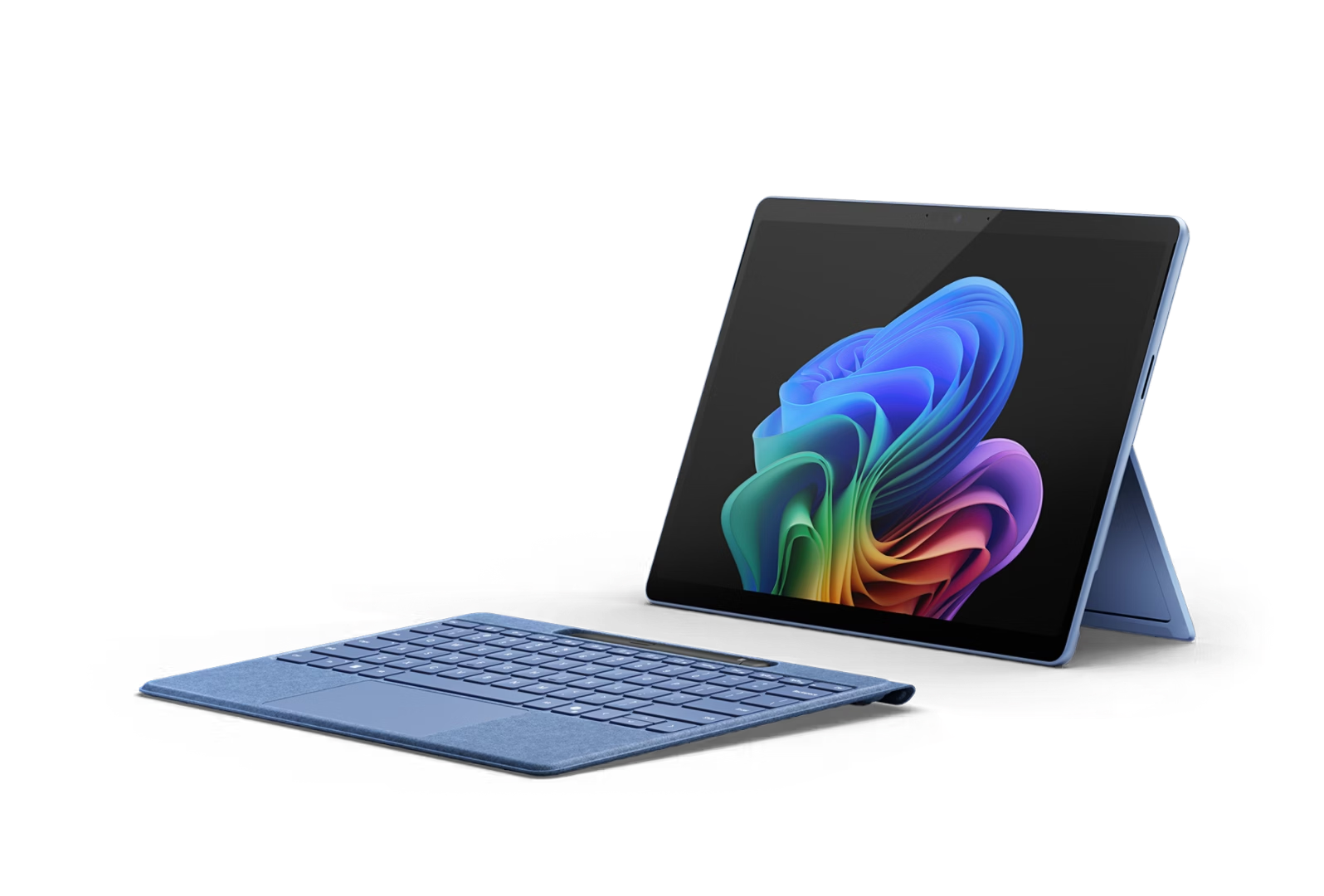
Everything else has been discontinued, except for the Surface Pro, which stands as the only still-exciting device of the lineup.
Overall, it's impressive how quickly Microsoft turned its hardware department from a place to push for the limits of Windows devices into a good but rather boring set of laptops. My hope is now to go ahead and try to collect as many of these little machines as possible, picking up defective units on eBay to display in some display window somewhere in my house. And why not start with the Laptop Studio?